here!
here!
I’m your shopping assistant for PC builds, upgrades, and everything tech.
Got questions? Ask away!
Start a conversation
here!
I’m your shopping assistant for PC builds, upgrades, and everything tech.
Got questions? Ask away!
Start a conversation






Combo Up Savings Up To $300+
The more you add, the more you'll save!
Any questions? Ask CelesteSM will help you find out quickly.


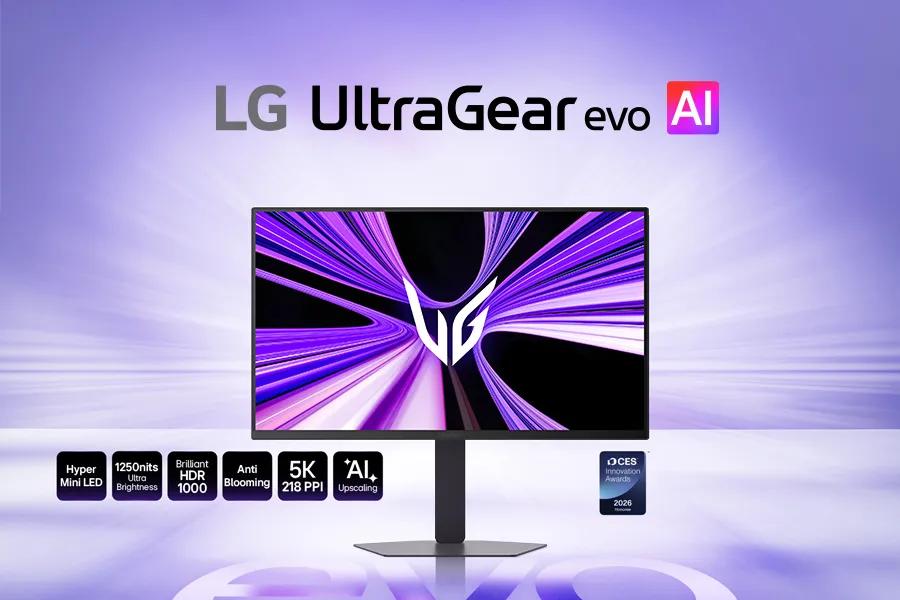
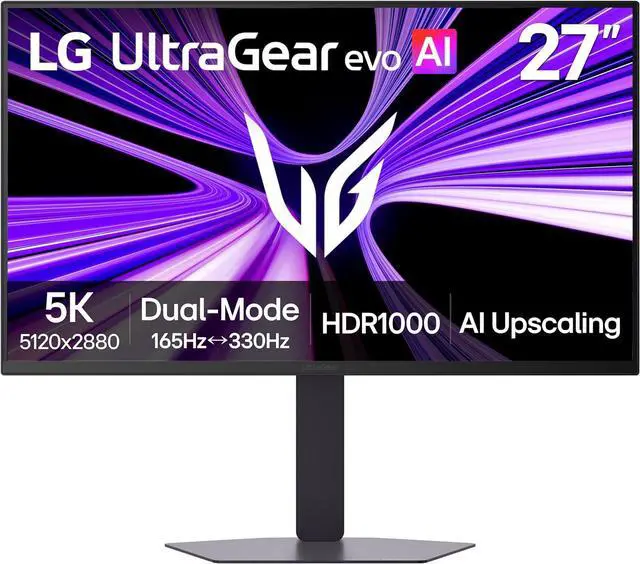
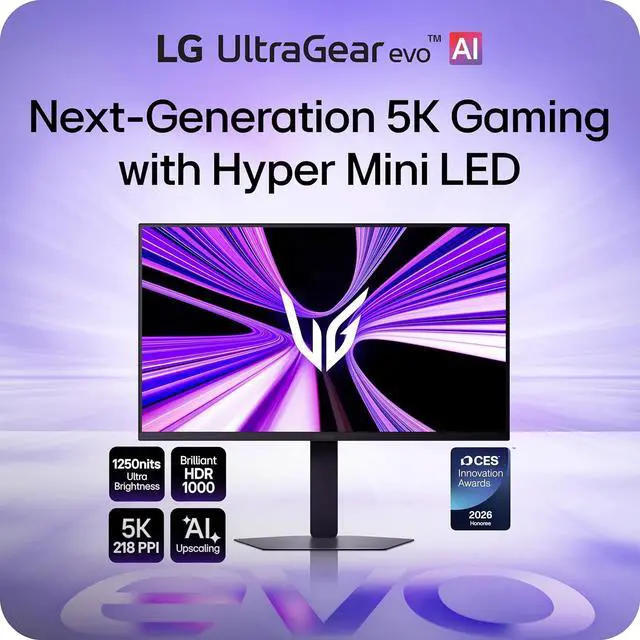
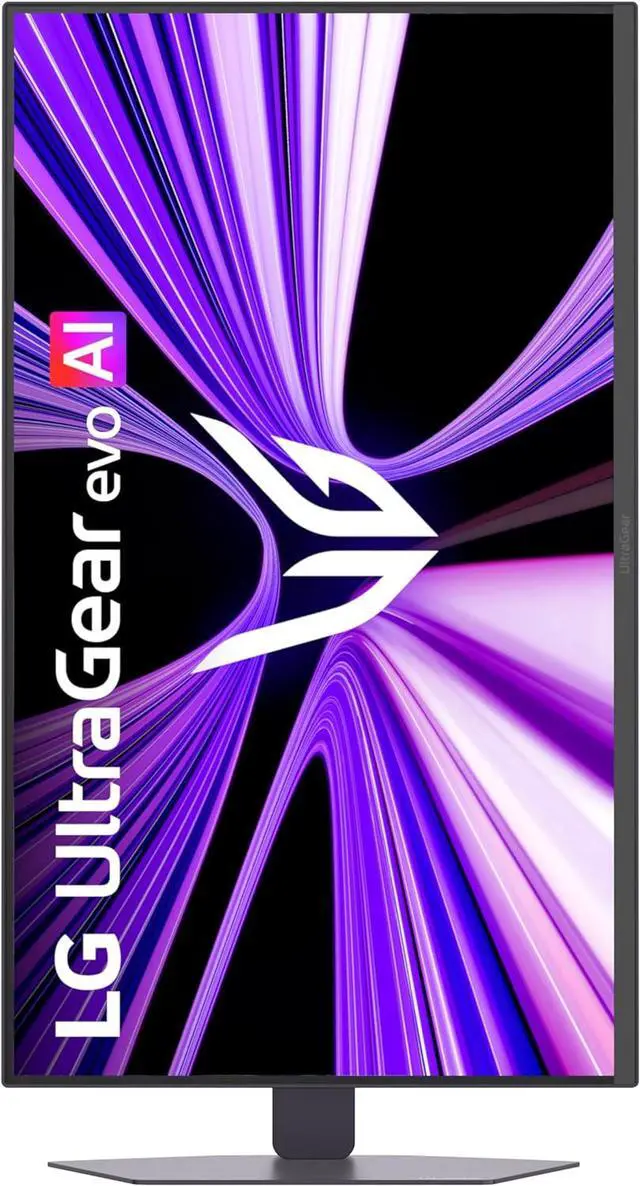
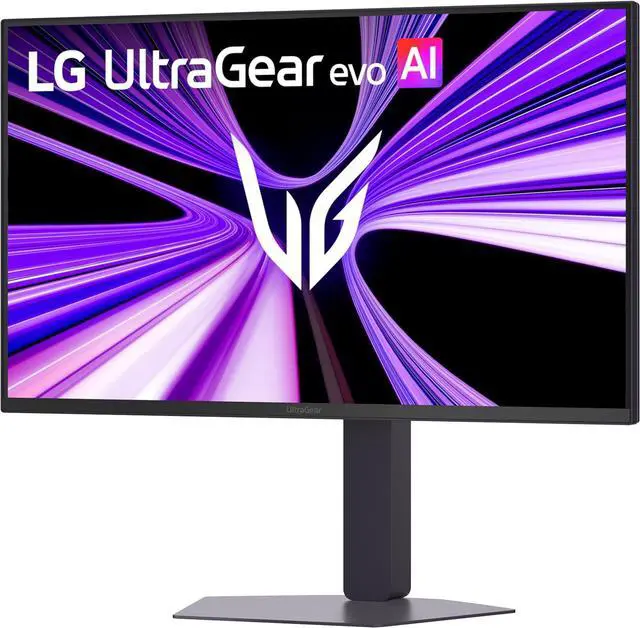
LG UltraGear™ evo AI GM9 introduces Hyper Mini LED, a breakthrough display technology built to power ultra-bright visuals and stunning 5K gaming detail.

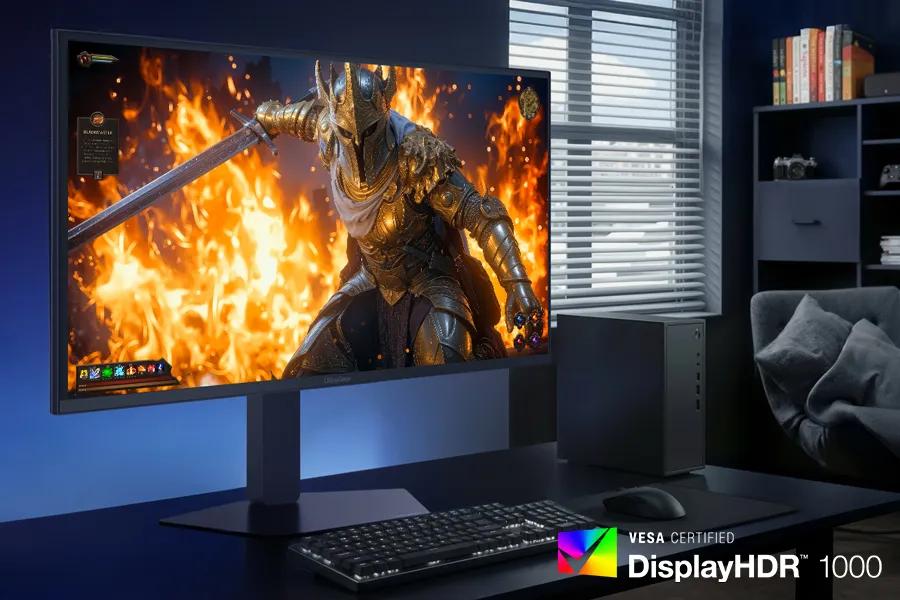
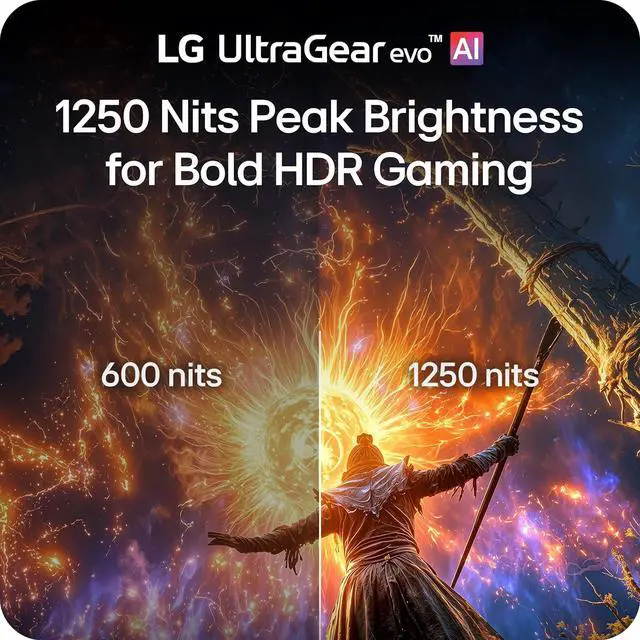
Powered by UltraGear™ evo's next-generation Hyper Mini LED technology, the display reaches up to 1250 nits peak brightness and meets VESA DisplayHDR™ 1000 standards. Bright highlights and strong contrast keep gaming visuals clear and impactful—even in bright indoor environments.

VESA Certified DisplayHDR™ 1000 brings games to life with brilliant highlights and deeper shadow detail. Explosions, energy effects, and bright environments appear vivid and sharply defined, while darker scenes maintain texture and clarity. With up to 99% DCI-P3 color, every scene displays rich, impeccable color.

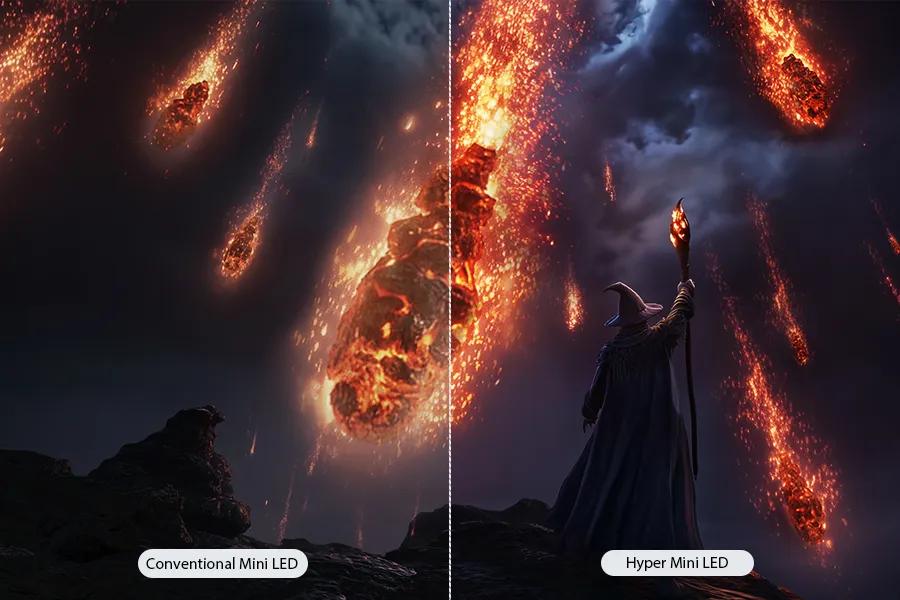
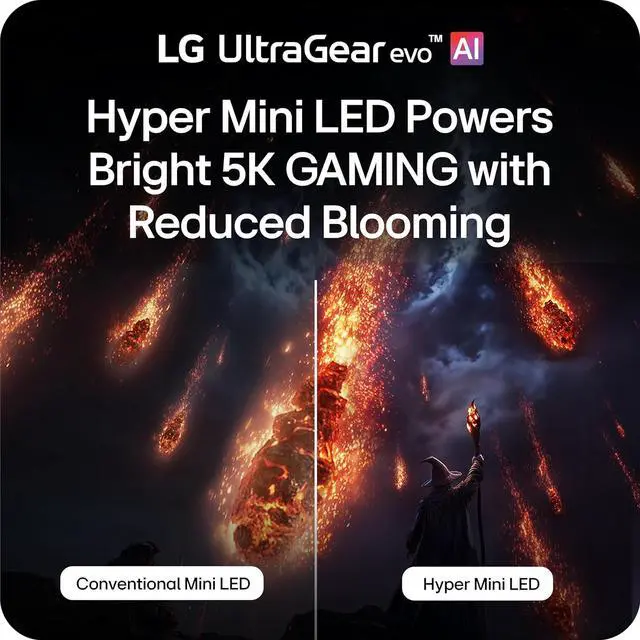
UltraGear™ evo’s Hyper Mini LED powers ultra-bright 5K gaming. With 9,216 LEDs and 1.5× more local dimming zones1, GM9 delivers brighter highlights, deeper contrast, and sharper detail. Zero optical distance engineering brings the backlight closer to the panel to reduce light bleed and help minimize blooming.

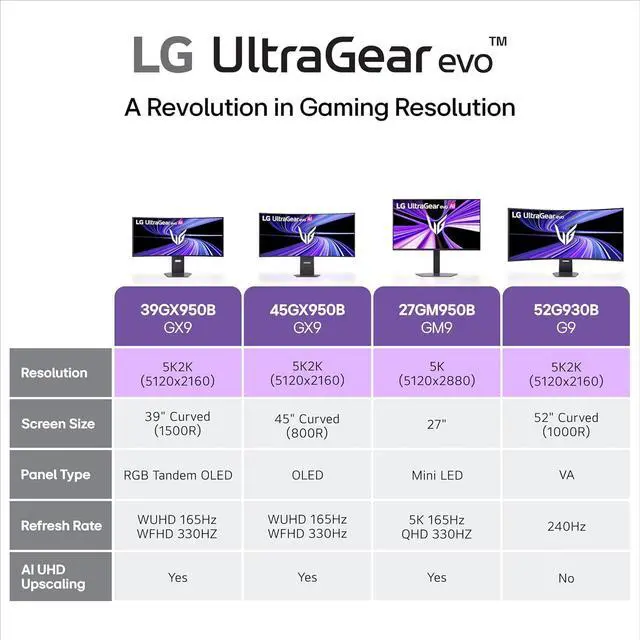
Experience incredible detail on a 27-inch 5K (5120×2880) display packed with over 14 million pixels. The ultra-high resolution reveals sharper textures, clearer UI elements, and richer environments—bringing every world, character, and visual effect into stunning focus.

UltraGear™ evo's built-in processor powers AI Upscaling2 that enhances content toward 5K resolution. Without requiring a GPU upgrade, AI Upscaling analyzes the source signal to improve detail and clarity—helping games and video look sharper from virtually any connected device.

With a high 218 PPI pixel density, in-game text, HUD elements, and fine visual details appear sharper and easier to read. This UltraGear™ evo also improves clarity for text-heavy tasks like document editing, web browsing, and coding.
FIRMWARE UPDATE AVAILABLE: Install the latest firmware update for enhanced picture quality, improved visual performance, and overall system optimization.

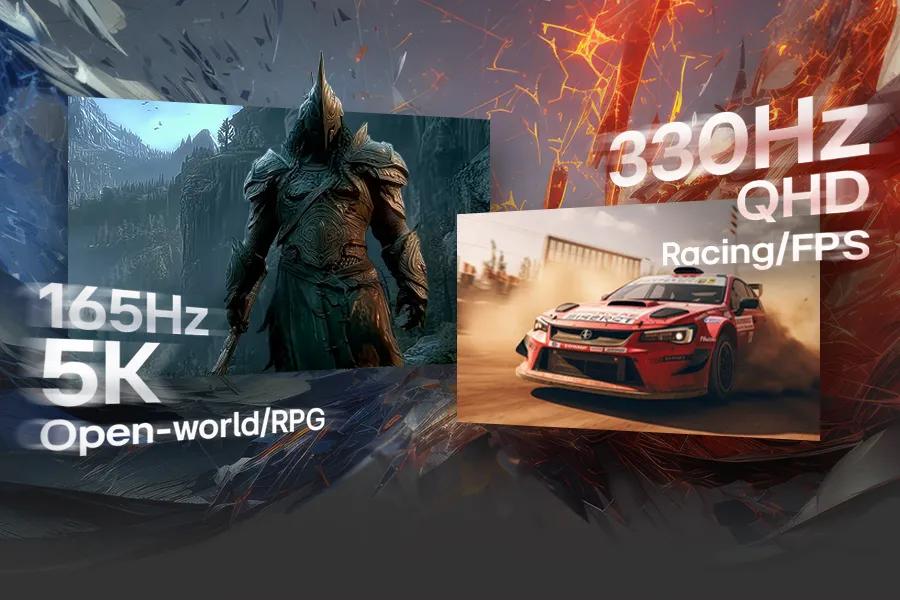
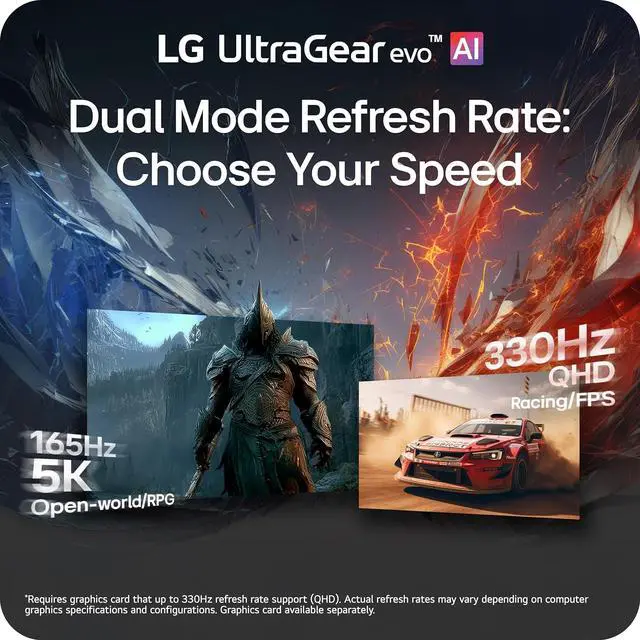
Switch between 5K resolution at 165Hz for cinematic AAA titles and QHD at 330Hz3 for ultra-responsive competitive gaming. VESA Certified Dual-Mode lets you optimize resolution and refresh rate to match the way you play.

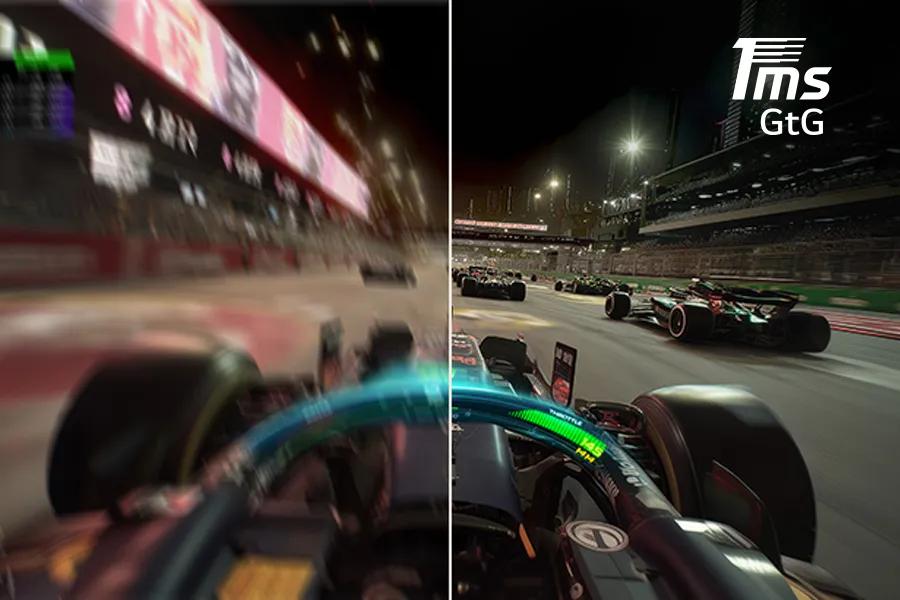
Play with a lighning quick 1ms (GtG) response time, which minimizes ghosting for gaming visuals that are sharp, clear and buttery smooth.

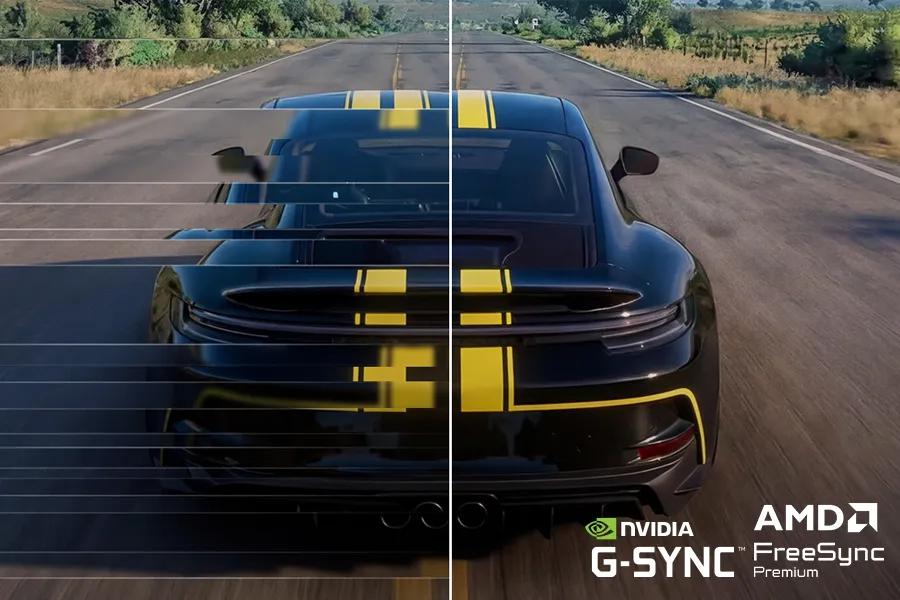
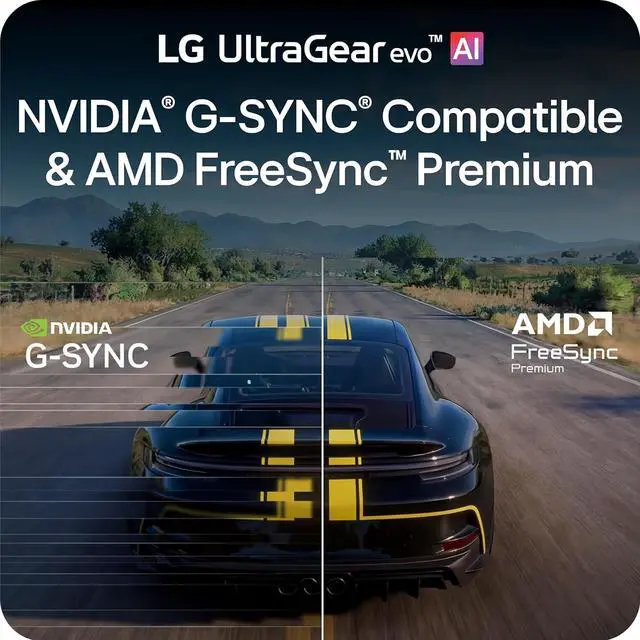
Minimize screen tearing and stuttering with NVIDIA® G-SYNC® compatibility7 and AMD FreeSync™ Premium. These adaptive sync technologies help keep gameplay smooth and responsive by matching the monitor’s refresh rate to your GPU—so fast action stays clear with reduced blur and ghosting.

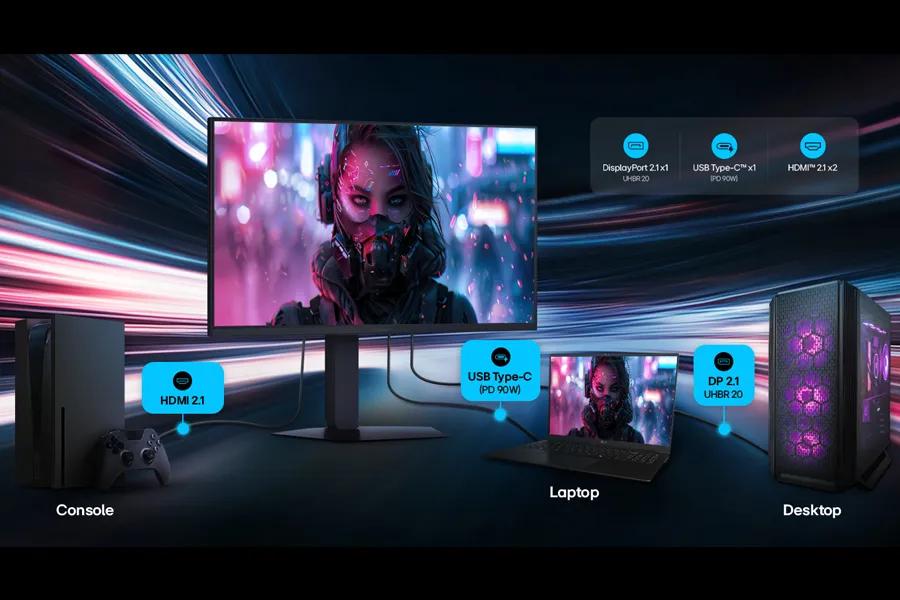
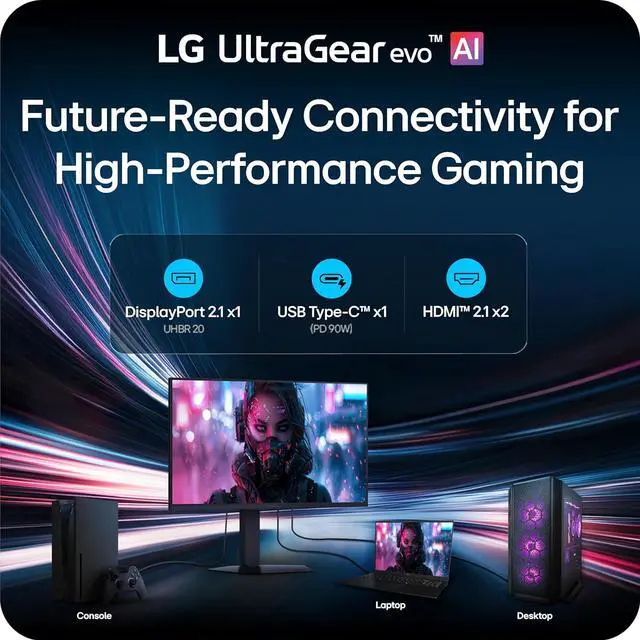
DisplayPort 2.15 (UHBR20), USB Type-C with 90W power delivery, and HDMI 2.1 provide the connectivity modern gaming setups demand. DP 2.1 delivers the ultra-high bandwidth needed for high-resolution, high-refresh-rate gameplay, while USB-C supports display, data, and charging through a single cable. HDMI 2.1 ensures stable connections with consoles and other devices.

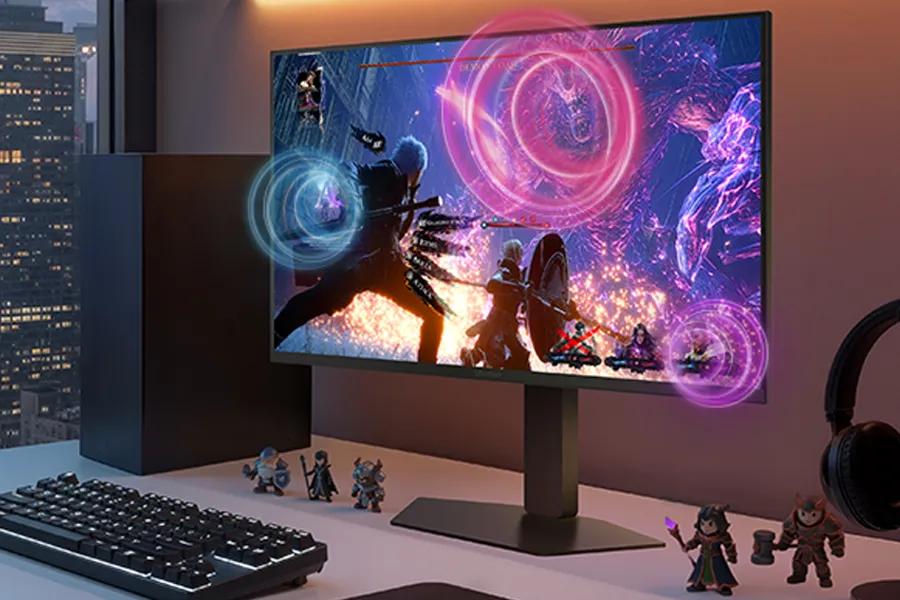
The AI Sound setting analyzes on-screen action and separates voices, sound effects, and background audio. AI Sound helps keep team comms clear while highlighting important gameplay cues—like approaching footsteps or nearby action—through speakers or connected headphones.

The AI Scene Optimization setting detects what’s on screen and automatically adjusts picture settings like color temperature and sharpness. It helps optimize the display across preset modes such as Office, Animation, Movie, Game, and Sports.
LG UltraGear™ evo AI GM9 introduces Hyper Mini LED, a breakthrough display technology built to power ultra-bright visuals and stunning 5K gaming detail.
Powered by UltraGear™ evo's next-generation Hyper Mini LED technology, the display reaches up to 1250 nits peak brightness and meets VESA DisplayHDR™ 1000 standards. Bright highlights and strong contrast keep gaming visuals clear and impactful—even in bright indoor environments.
VESA Certified DisplayHDR™ 1000 brings games to life with brilliant highlights and deeper shadow detail. Explosions, energy effects, and bright environments appear vivid and sharply defined, while darker scenes maintain texture and clarity. With up to 99% DCI-P3 color, every scene displays rich, impeccable color.
UltraGear™ evo’s Hyper Mini LED powers ultra-bright 5K gaming. With 9,216 LEDs and 1.5× more local dimming zones1, GM9 delivers brighter highlights, deeper contrast, and sharper detail. Zero optical distance engineering brings the backlight closer to the panel to reduce light bleed and help minimize blooming.
Experience incredible detail on a 27-inch 5K (5120×2880) display packed with over 14 million pixels. The ultra-high resolution reveals sharper textures, clearer UI elements, and richer environments—bringing every world, character, and visual effect into stunning focus.
UltraGear™ evo's built-in processor powers AI Upscaling2 that enhances content toward 5K resolution. Without requiring a GPU upgrade, AI Upscaling analyzes the source signal to improve detail and clarity—helping games and video look sharper from virtually any connected device.
With a high 218 PPI pixel density, in-game text, HUD elements, and fine visual details appear sharper and easier to read. This UltraGear™ evo also improves clarity for text-heavy tasks like document editing, web browsing, and coding.
{FIRMWARE UPDATE AVAILABLE}: Install the latest firmware update for enhanced picture quality, improved visual performance, and overall system optimization. UPDATE HERE
Switch between 5K resolution at 165Hz for cinematic AAA titles and QHD at 330Hz3 for ultra-responsive competitive gaming. VESA Certified Dual-Mode lets you optimize resolution and refresh rate to match the way you play.
Play with a lighning quick 1ms (GtG) response time, which minimizes ghosting for gaming visuals that are sharp, clear and buttery smooth.
Minimize screen tearing and stuttering with NVIDIA® G-SYNC® compatibility7 and AMD FreeSync™ Premium. These adaptive sync technologies help keep gameplay smooth and responsive by matching the monitor’s refresh rate to your GPU—so fast action stays clear with reduced blur and ghosting.
DisplayPort 2.15 (UHBR20), USB Type-C with 90W power delivery, and HDMI 2.1 provide the connectivity modern gaming setups demand. DP 2.1 delivers the ultra-high bandwidth needed for high-resolution, high-refresh-rate gameplay, while USB-C supports display, data, and charging through a single cable. HDMI 2.1 ensures stable connections with consoles and other devices.
The AI Sound setting analyzes on-screen action and separates voices, sound effects, and background audio. AI Sound helps keep team comms clear while highlighting important gameplay cues—like approaching footsteps or nearby action—through speakers or connected headphones.
The AI Scene Optimization setting detects what’s on screen and automatically adjusts picture settings like color temperature and sharpness. It helps optimize the display across preset modes such as Office, Animation, Movie, Game, and Sports.
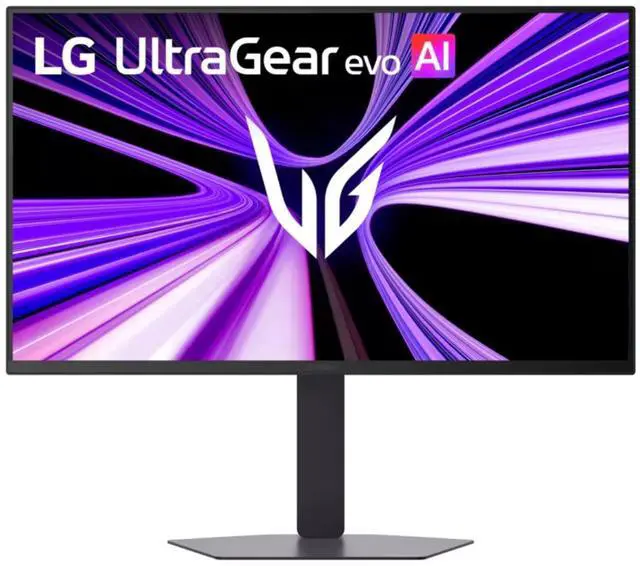
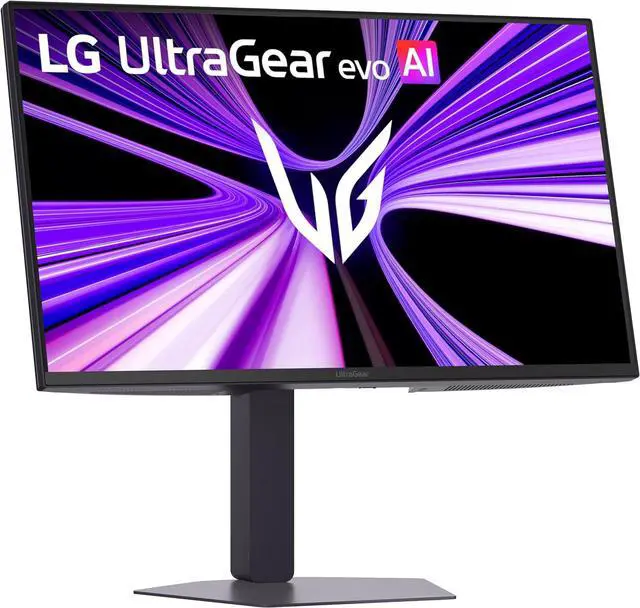
The LG UltraGear evo AI 27GM950B-B is a 27-inch 5K Mini LED IPS gaming monitor with Dual Mode: 165Hz at 5K for detailed play or 330Hz at QHD for speed, making it suited to gamers who switch between immersive and competitive titles.
| Attribute | Value |
|---|---|
| Best For | Gaming, desktop use, and entertainment on a 27-inch 5K display with adaptive sync and a high refresh rate |
| Panel And Resolution | 27-inch flat MINI LED IPS panel with 5120 × 2880 resolution, 16:9 aspect ratio, 178° horizontal and vertical viewing angles, and matte screen finish |
| Refresh Rate And Response | 165Hz refresh rate, 1ms response time, and FreeSync Premium and G-Sync Compatible adaptive sync |
| Picture Quality | 750 cd/m² brightness, 1,000:1 contrast ratio, 99% DCI-P3 color gamut, 1.06 billion display colors, HDR10, and VESA DisplayHDR 1000 |
| Ports And Connectivity | 2 HDMI 2.1 ports, 1 DisplayPort 2.1, USB-C with DisplayPort alternate mode, 2 USB 3.2 Gen 1 Type-A ports, and a 4-pole headphone jack with sound and microphone |
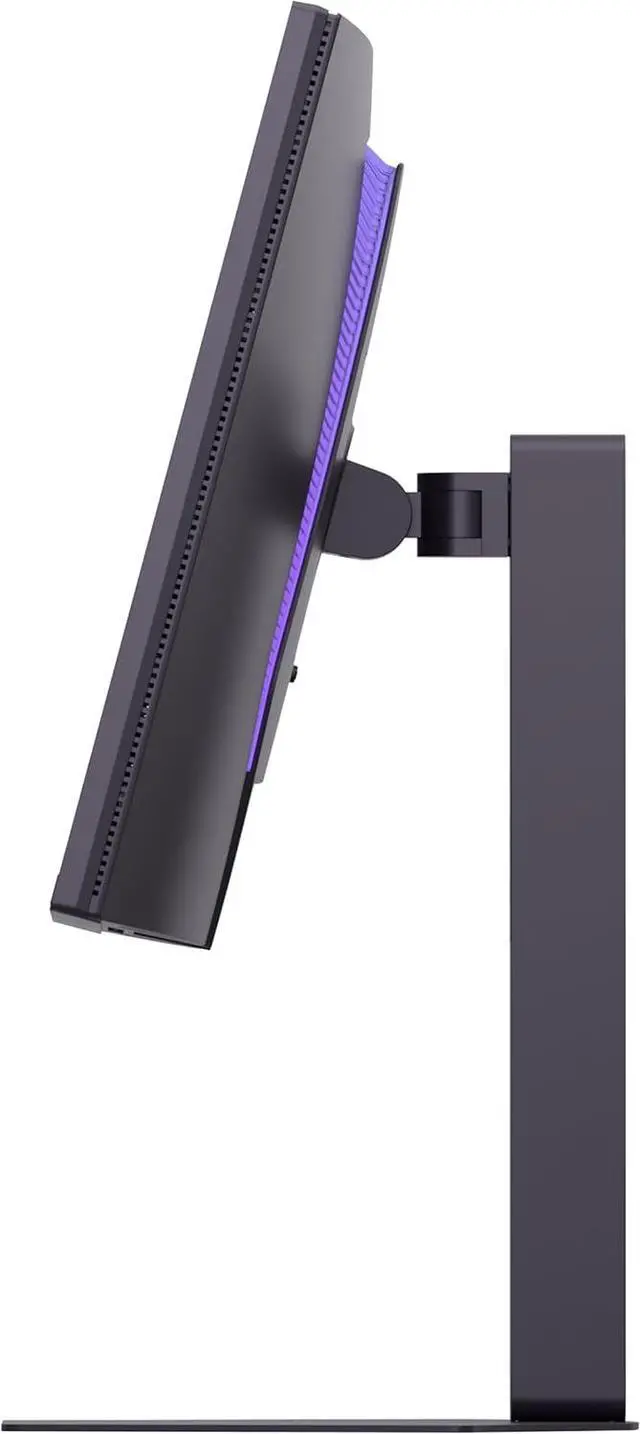
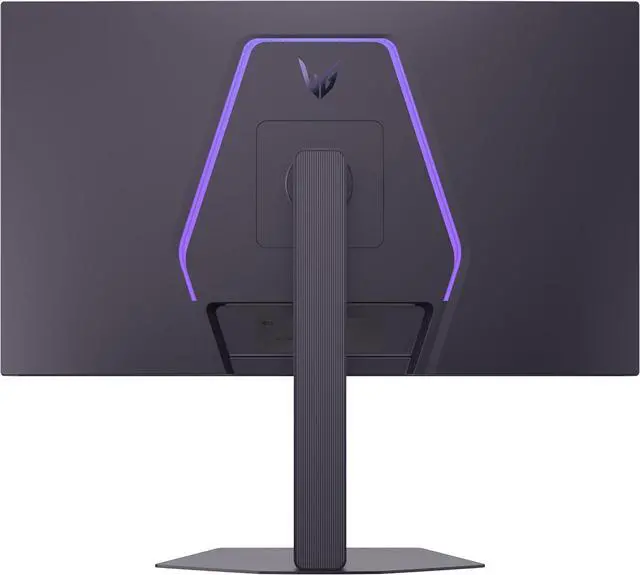
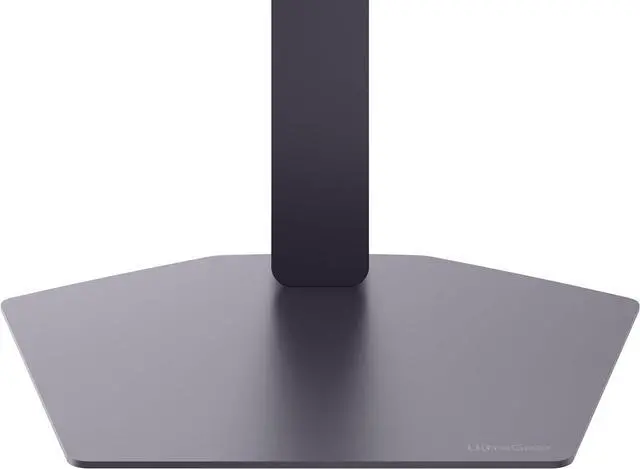
| Stand And Ergonomics | Stand adjusts for height, pivot, swivel, and tilt; supports 100 × 100 mm VESA mounting |
| Audio And Webcam | Built-in speakers; no built-in webcam |
| Power | 100–240 VAC, 50/60Hz power supply; sleep and DC-off power consumption are each less than 0.5W |
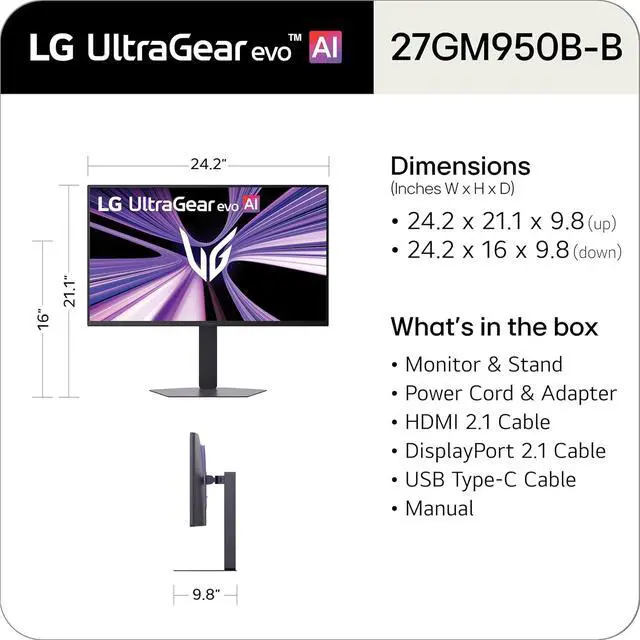
| Dimensions And Weight | With stand: 21.1 × 24.2 × 9.8 inches and 18.7 lb; without stand: 14.2 × 24.2 × 2.8 inches and 12.6 lb |
| Included Accessories | DisplayPort cable, HDMI cable, USB-C cable, and power cable |
| Model Identifiers | LG UltraGear evo AI, GM9 series, model 27GM950B-B; external model number 27GM950B-B.AUS |
Q: LG 27GM950B-B vs Apple Studio Display XDR: which should I choose for gaming?
A: Choose the LG 27GM950B-B if gaming speed and flexibility matter most: it supports 5K at 165Hz or QHD at 330Hz. Choose the Apple Studio Display XDR if you prioritize productivity features and stronger sustained HDR brightness; RTINGS reports that it gets brighter and maintains high brightness longer.
Q: Should I upgrade from the LG 27GR95UM-B to the LG 27GM950B-B?
A: The 27GM950B-B is a meaningful upgrade if you want 5K detail, a 330Hz QHD mode, and more effective Mini LED local dimming. The 27GR95UM-B remains a 4K gaming option; consider keeping it if its resolution and refresh rate meet your needs and you do not need the newer model’s added modes.
Q: LG 27GM950B-B vs ASUS ROG Strix 5K XG27JCG: which is better for HDR gaming?
A: Choose the LG 27GM950B-B if HDR performance is a priority: its Mini LED backlight provides local dimming for deeper blacks and brighter highlights. The two monitors both offer 5K and a 330Hz dual mode, so the ASUS is worth considering if you want those core resolution and refresh-rate options without prioritizing Mini LED HDR performance.
Q: Can I connect a laptop to this monitor with USB-C, and will it charge the laptop?
A: The USB-C port supports DisplayPort Alt Mode for video, so it can connect to a laptop whose USB-C port supports video output. The supplied specifications do not state USB-C power delivery, so do not assume it will charge the laptop; use a separate charger unless charging support is confirmed.
Q: Is this monitor suitable for video calls and office work?
A: It can serve as a large desktop display for office work and video calls, with a height-adjustable stand, USB-C video input, and built-in speakers. It has no built-in webcam, so video calls require a separate camera. The 27-inch size and 18.7-pound weight with stand make it a desktop monitor rather than a portable work display.
Q: What refresh rate can I expect for gaming?
A: The product information lists 165Hz at 5K and describes a QHD mode up to 330Hz. The available refresh rate depends on the selected display mode and whether the connected computer, graphics hardware, and cable support it.
Q: Can I mount it on a monitor arm or wall mount?
A: Yes. It supports standard 100 × 100 mm VESA mounting. It also includes a stand with height, tilt, swivel, and pivot adjustments.
Q: Is the LG 27GM950B-B suitable for both work and gaming?
A: It may suit people who want one display for high-resolution desktop work and gaming: the monitor offers 5K at up to 165Hz and a 1440p high-refresh mode. One owner reported using it mainly for work and switching to the lower-resolution mode for games. That owner also reported a text-rendering issue, later described as improved by a firmware update, so check current firmware and text appearance before relying on it for detailed work.
Q: Can a typical gaming PC run games at 5K, or is the dual mode useful?
A: 5K gaming can be demanding. In one owner discussion, a user chose the lower-resolution mode because their GPU could not drive modern games at 5K. The monitor’s 1440p mode, listed at up to 330Hz, offers a lower-resolution option for games where frame rate matters more than maximum detail.
Q: Is Mini LED a good fit for long work sessions with static windows?
A: It may appeal to people who keep desktop windows or taskbars visible for long periods and prefer Mini LED over OLED. A Reddit user specifically cited static productivity content as a reason for considering this monitor. However, community reports also mention local-dimming behavior that can be distracting in some dark desktop scenes, so consider how often you work with dark backgrounds and bright text or highlights.
Q: What should I check before buying it for sharp text or detailed desktop work?
A: Check the display’s text rendering in your own setup and confirm that the monitor has current firmware. One owner reported uneven-looking text on the right side, while a follow-up owner post said a firmware update substantially improved that issue. These are individual user reports, not a guarantee that every unit will show the problem.