




 here!
here!
I’m your shopping assistant for PC builds, upgrades, and everything tech.
Got questions? Ask away!
Start a conversation
here!
I’m your shopping assistant for PC builds, upgrades, and everything tech.
Got questions? Ask away!
Start a conversationShipped by Newegg





Any questions? Ask CelesteSM will help you find out quickly.

* Source: Circana, Retail Tracking Service Monthly Total Channel, U.S., dollar sales, Annual 2022 and 2023.
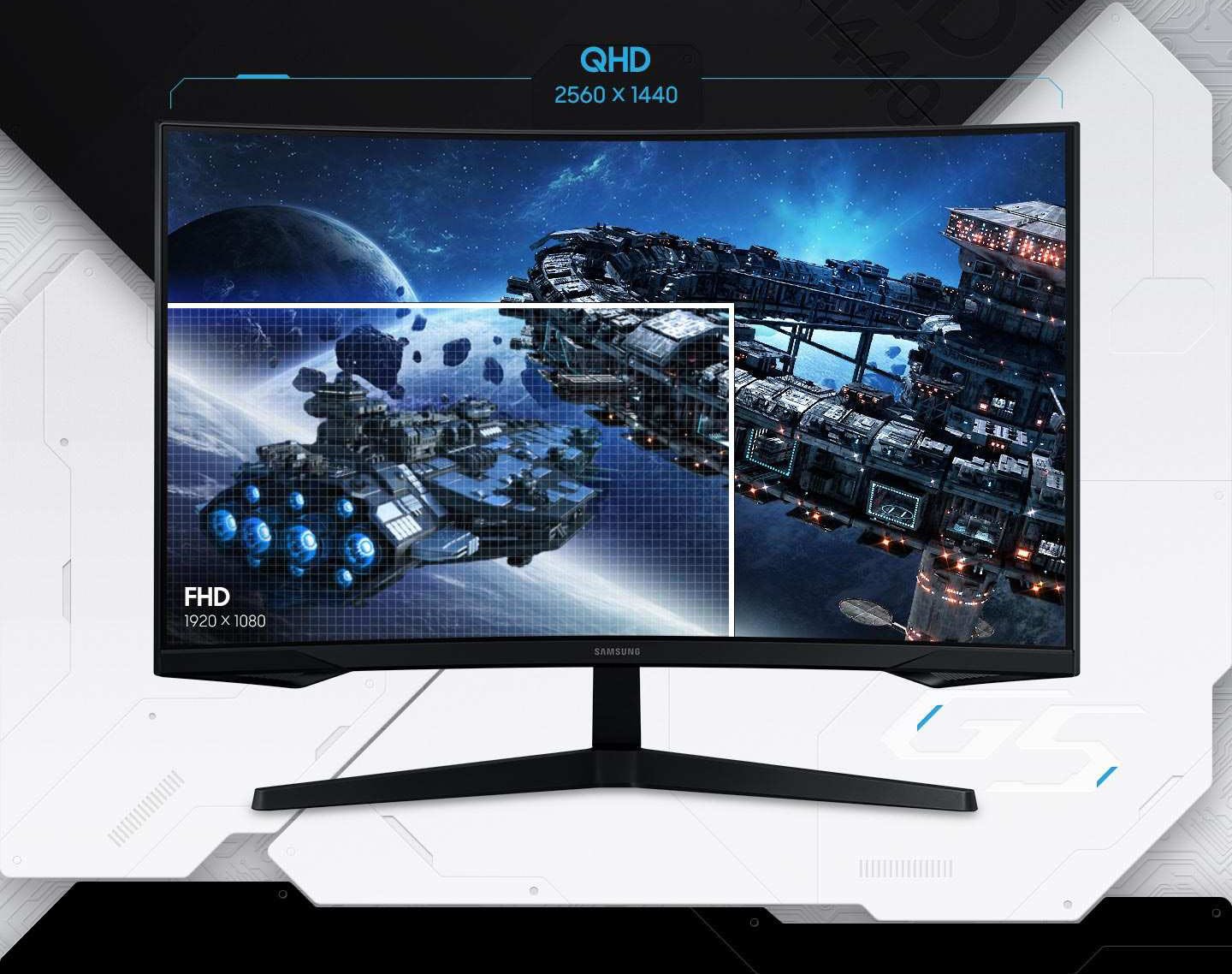
Your gaming world, more life like than ever before. Packing in 1.7x the pixel density of Full HD, QHD resolution boasts incredibly detailed, pin-sharp images. Experience a fuller view with more space to take in all the action.*
* Image simulated for illustrative purposes.
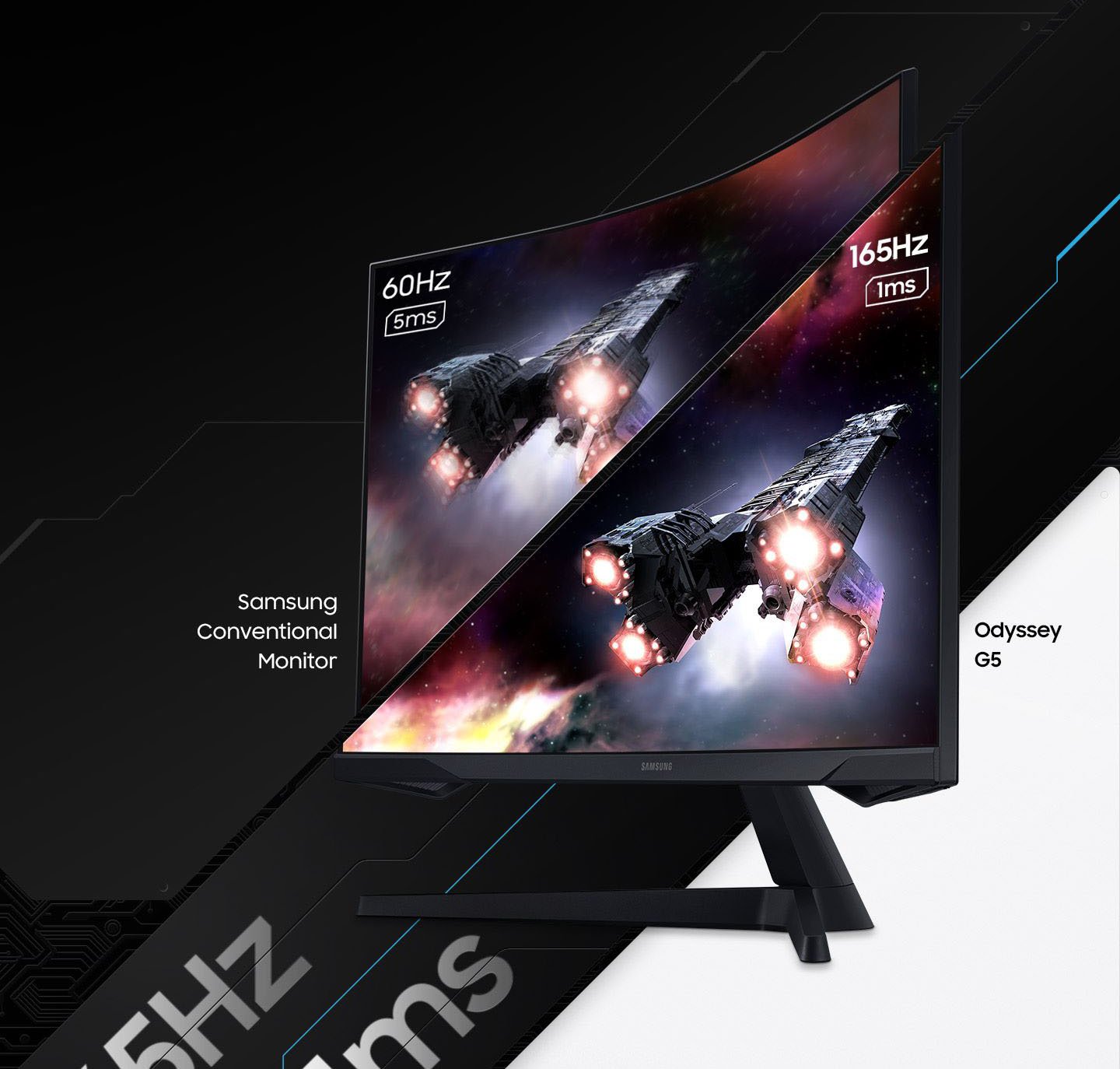
Experience the exhilaration of game play as you speed through scenes with a 165Hz refresh rate that eliminates lag for ultra-smooth action. Jump on enemies immediately with a 1ms response time (MPRT) for frames with minimal blur.
* Image simulated for illustrative purposes. "1ms" means one millisecond which is the range of avg. response time between 1.00ms to 1.99ms truncated to whole number. Based on MPRT measured under internal test conditions. Results may vary by content and monitor settings (requires ‘Extreme mode' setting). MPRT(Moving Picture Response Time) measures the time taken for a pixel to transition from one image frame to another (motion blur measurement).
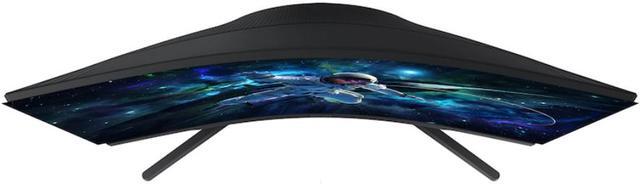
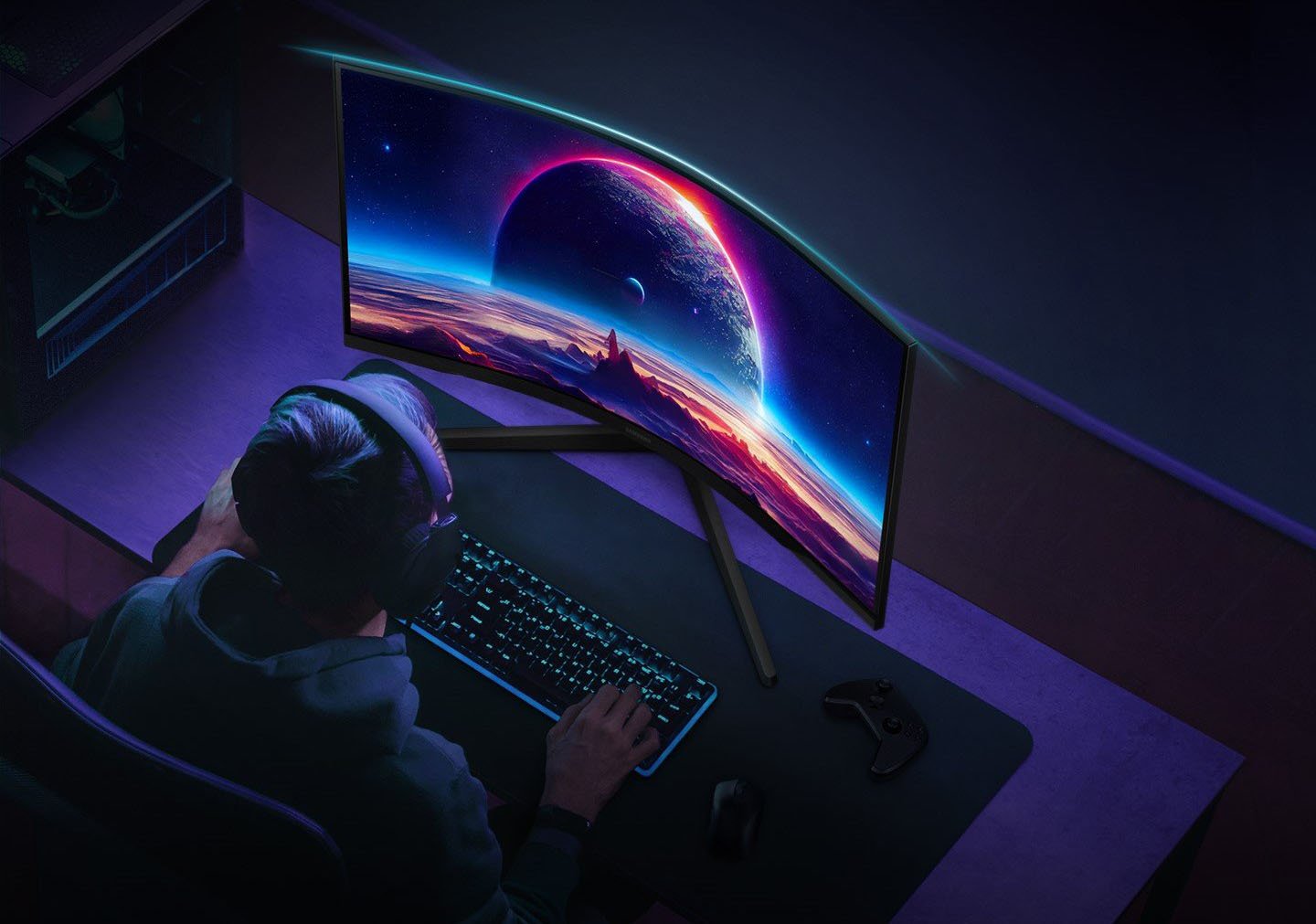
Experience the next level of heart-pounding gaming. Vivid scenes wrap even more tightly around you with the 1000R curved display, filling your peripheral vision and drawing you right into the character's shoes.
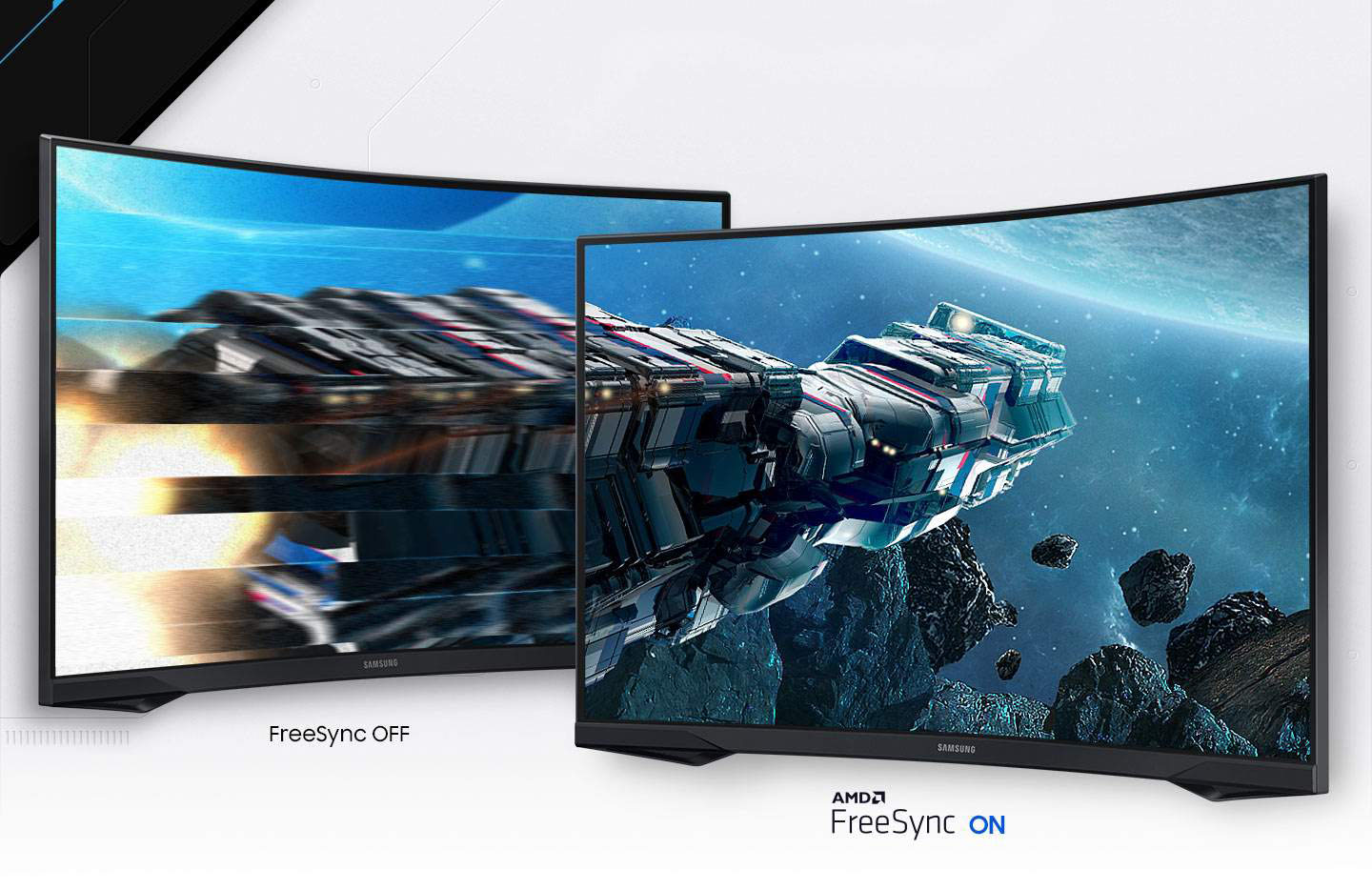
AMD Radeon FreeSync™ keeps your monitor and graphics card refresh rate in sync to reduce image tearing, providing a superfluid entertainment experience. Watch movies and play games without interruptions. Even the fastest scenes look seamless and smooth.*
* Image simulated for illustrative purposes.
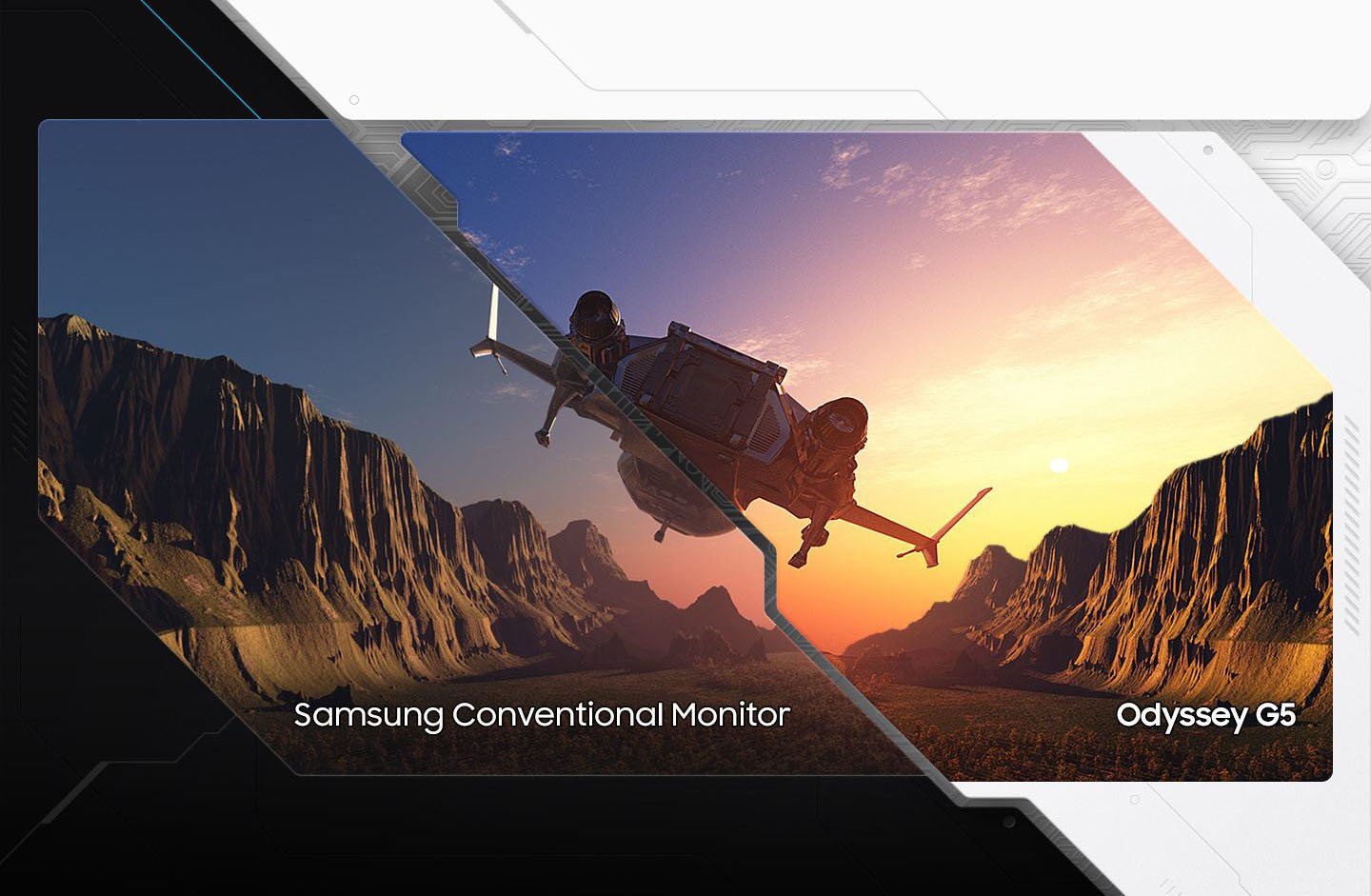
Awe-inspiring graphics with HDR10. A kaleidoscope of shades brings game scenes to life with incredible vibrancy. Uncover the secrets hiding in the shadows with deep dark blacks, luminous whites, and exceptionally detailed resolution.*
* Image simulated for illustrative purposes.
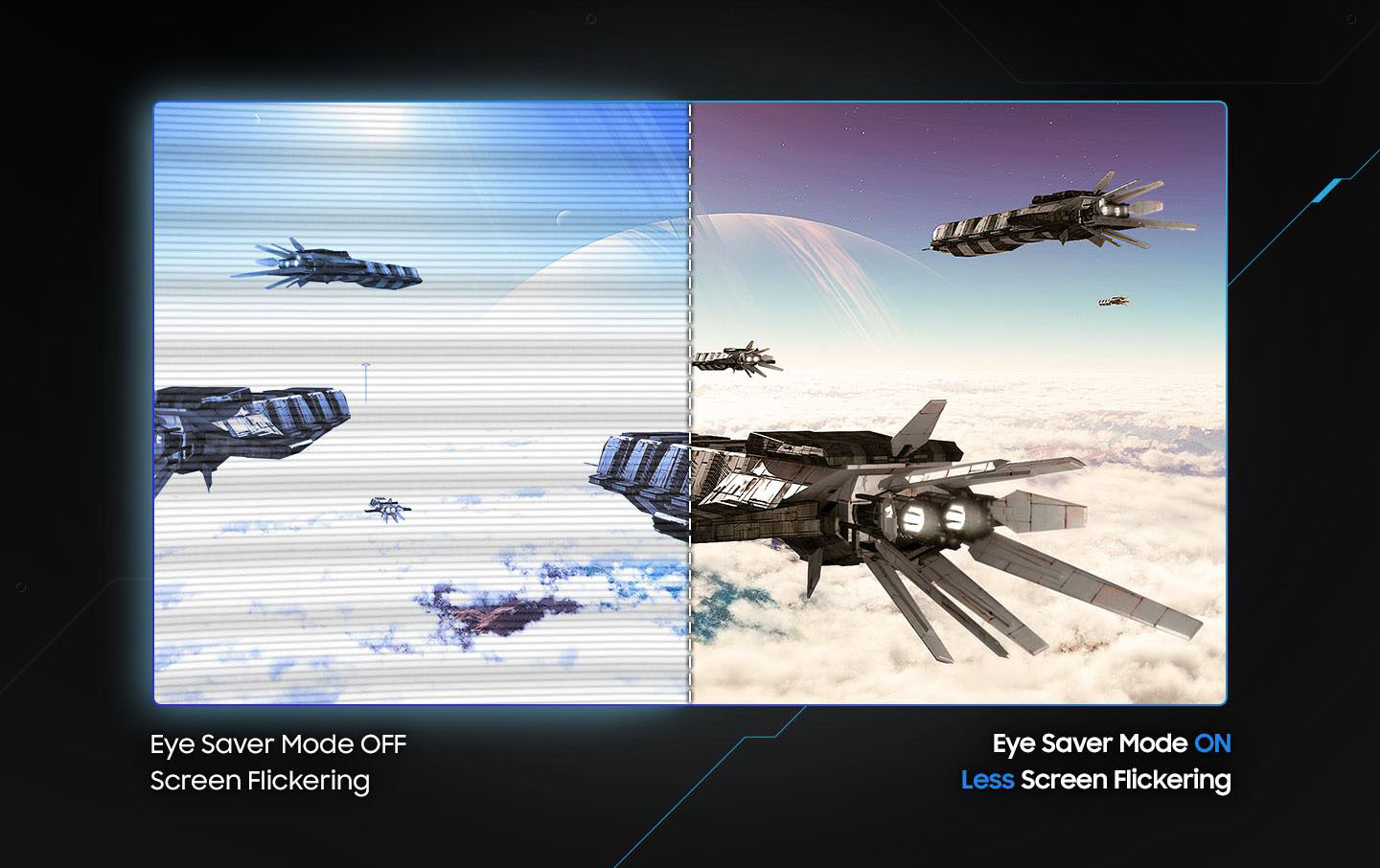
Play for even longer. Eye Saver Mode minimizes blue light to help keep your eyes relaxed and comfortable when gaming for extended periods. The Odyssey G5 also reduces irritating and tiring screen flicker, so you can focus longer with minimal distraction and less eye strain.*
* Image simulated for illustrative purposes.
Recommended and preferred by gamers as the #1 Monitor Brand in the U.S., we deliver premium gaming experiences with cutting-edge technology.
Eliminate screen lag and choppiness with AMD FreeSync™ Premium Pro and NVIDIA® G-SYNC®, alongside blistering refresh rates up to 360Hz and lightning-fast 0.03ms (GtG) response times.

Watch free live and on-demand content with Smart TV Apps and get instant access to streaming platforms and gaming consoles with Gaming Hub. Plus, SmartThings Hub connects to all of your smart home devices.
Odyssey boasts many world’s 1st. Hardcore and casual gamers can find their monitor match with a wide range of 24” to 57”, FHD to Dual UHD resolutions, and curved or flat screens.
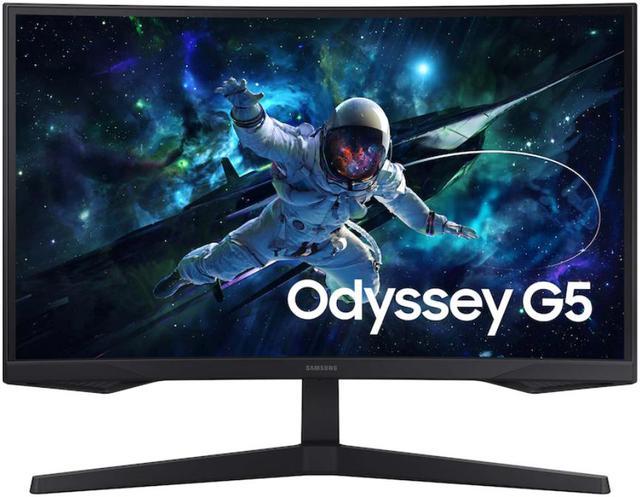
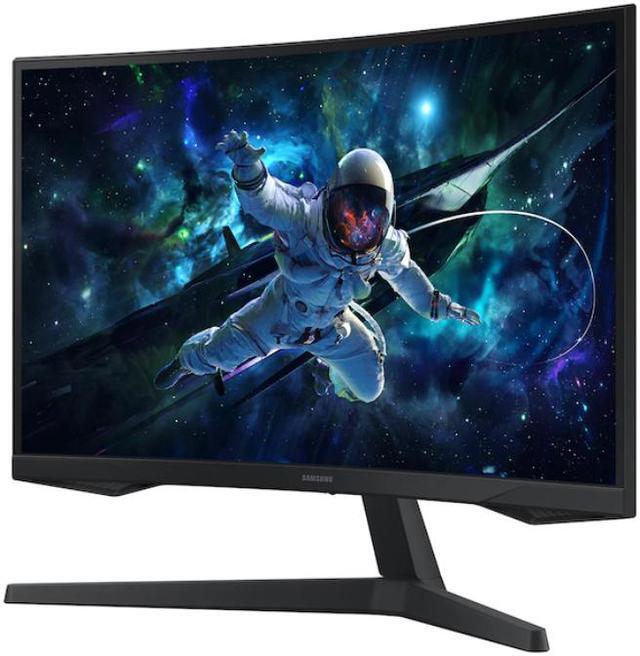
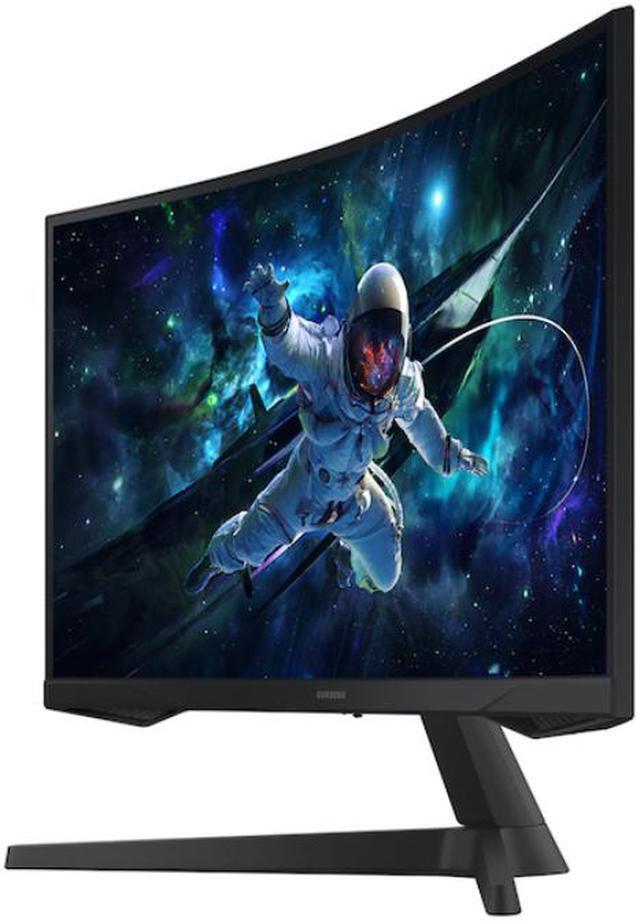
The Samsung Odyssey G5 LS32CG552ENXZA is a 32-inch curved QHD gaming monitor with a 165Hz refresh rate, 1ms MPRT response time, and FreeSync Premium, suited to PC gamers seeking smooth motion and an immersive 1000R screen.
| Attribute | Value |
|---|---|
| Best For | PC gaming and immersive play on a large curved QHD display, with high refresh rate and FreeSync Premium |
| Panel And Resolution | 32-inch VA panel with 2560 × 1440 QHD resolution, 16:9 aspect ratio, 178° horizontal and vertical viewing angles, 300 cd/m² brightness, 2500:1 contrast ratio, 16.7 million colors, HDR10, and 1000R curvature |
| Refresh Rate And Response | 165Hz refresh rate, 1ms response time, and AMD FreeSync Premium for synchronized gameplay |
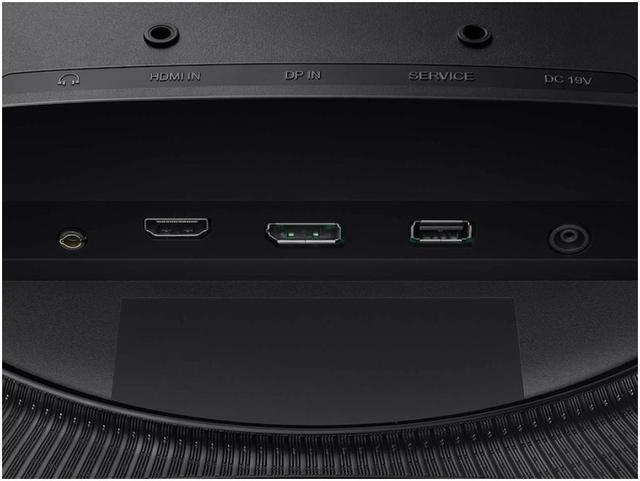
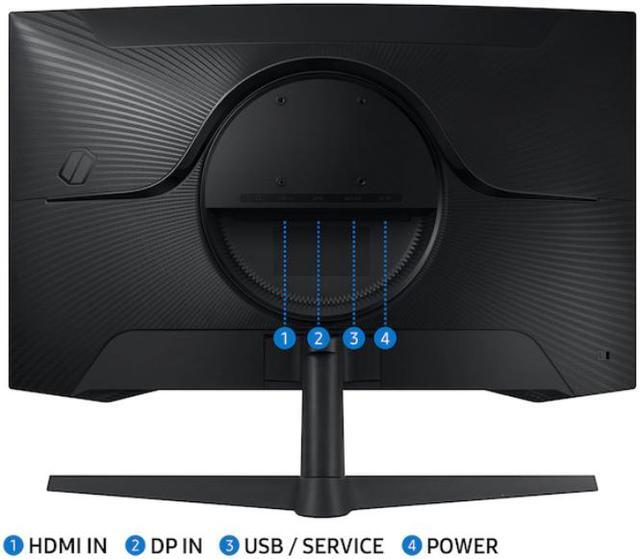
| Ports And Connectivity | 1 × HDMI 2.0, 1 × DisplayPort 1.2, and a headphone output |
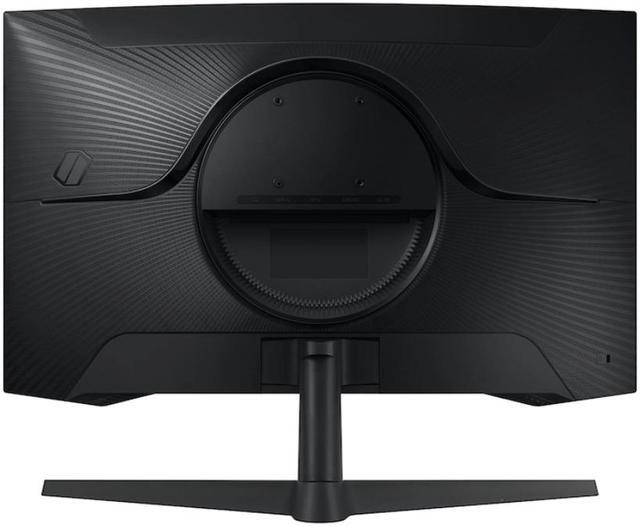
| Stand And Ergonomics | Tilt adjustment and 75 × 75mm VESA mounting compatibility |
| Gaming And Display Features | Eye Saver Mode, Flicker Free, Image Size, Off Timer Plus, Black Equalizer, Low Input Lag Mode, Virtual AIM Point, Refresh Rate Optimizor, Super Arena Gaming UX, and Auto Source Switch+ |
| Audio And Webcam | No built-in speakers or webcam |
| Power | 100–240 VAC power supply; maximum power consumption 59W with external adapter |
| Physical Design And Dimensions | Black cabinet with a three-sided thin frame; 21.00 × 28.00 × 10.70 inches with stand and 17.30 × 28.00 × 5.40 inches without stand; 11.50 lb with stand and 10.60 lb without stand |
| Included Accessories | 1.5m power cable, HDMI cable, and DisplayPort cable |
| Model Identifiers | Samsung Odyssey G5, model and part number LS32CG552ENXZA |
Q: Samsung Odyssey G55C vs. the older Odyssey G5 G55T: is the G55C worth choosing?
A: Choose the G55C if you want the newer 32-inch QHD G5 with a 165Hz refresh rate. The older 32-inch G55T has the same QHD resolution and 1000R curve but is rated for 144Hz, so it may suit buyers who find it at a meaningfully lower price. Both are curved VA gaming monitors; the refresh-rate difference is the clearest specification upgrade.
Q: Should I get the Odyssey G5 G55C or the cheaper 32-inch Odyssey G3?
A: Choose the Odyssey G5 G55C for sharper QHD detail: it has 2560 × 1440 resolution at 165Hz. The 32-inch Odyssey G3 G30D uses 1920 × 1080 resolution and reaches 180Hz, so it may fit a tighter budget or a setup prioritizing refresh rate over image detail. Both are 32-inch gaming monitors; the G5 is the higher-resolution choice.
Q: Odyssey G5 G55C or Gigabyte G32QC: which 32-inch QHD monitor should I choose?
A: Both offer a 32-inch QHD VA panel and a 165Hz refresh rate. Choose the Samsung G55C if its 1000R curve is your preference. RTINGS notes that the Gigabyte G32QC offers a USB hub, a more adjustable stand, and higher brightness in its comparison with the 27-inch G55C variant; those features may make the Gigabyte a better fit if they matter more than the Samsung’s curve. Check the exact model size and specifications before buying.
Q: Is the Odyssey G5 G55C enough, or should I step up to an Odyssey G7?
A: Choose the G55C for QHD gaming up to 165Hz. A 32-inch Odyssey G7 such as the C32G75T raises the refresh-rate ceiling to 240Hz, which is useful if your PC can deliver very high frame rates and you prioritize faster-refresh gaming. The G55C is the more fitting choice if 165Hz meets your needs; compare the exact G7 model, since Samsung has used the G7 name for different monitors.
Q: Is this monitor suitable for gaming?
A: It is designed for gaming, with a 2560 × 1440 resolution, 165Hz refresh rate, 1ms MPRT response time, AMD FreeSync Premium, and a 1000R curved VA panel. To reach its maximum refresh rate, the connected device and game must support it.
Q: Does it have built-in speakers?
A: No. The monitor has no built-in speakers, so plan to use separate speakers or headphones for audio.
Q: Can I connect a game console to it?
A: Yes. It has an HDMI 2.0 input for a console with HDMI output. The monitor supports up to 165Hz, but the refresh rate and resolution you get depend on the console and the game; this monitor is QHD, not 4K.
Q: Can I mount it on a monitor arm or wall mount?
A: Yes. It supports VESA 75 × 75mm mounting. Check that the mount supports this pattern and the monitor’s weight; the included stand adjusts by tilt only.
Q: Is the 32-inch Odyssey G5 a good choice for PC gaming and everyday work?
A: It can suit someone who wants one large display for both: it combines QHD resolution, 165Hz refresh rate, and a 1000R curve. A YouTube review describes it as a value-oriented option for gaming and work, while noting its limitations: tilt-only stand adjustment, no built-in speakers, and modest HDR. The 32-inch size may also be less comfortable if you sit very close.
Q: Is this Odyssey G5 suitable for PS5 gaming?
A: It offers a 1440p display and HDMI 2.0, but it does not have HDMI 2.1. A YouTube review cautions that PS5 VRR should not be assumed to work with this model. Consider it if 1440p gaming is your priority, but verify the console features you need before buying.
Q: Should I worry about ghosting or smearing when considering this monitor?
A: It is a concern raised in discussion about the 32-inch Odyssey G5, but the available comments do not establish how noticeable it will be for every user. If motion clarity is a priority, compare it in person or check testing of the exact model before deciding; the listed 1 ms MPRT specification alone does not settle that question.
Q: Is the 1000R curve a good fit for a triple-monitor sim-racing setup?
A: The strong curve may add immersion for a single centered display, but matching and aligning curved monitors can take extra setup in a triple-screen rig. A Reddit discussion highlights alignment as a practical consideration, so a flat or less-curved option may be easier if simple multi-monitor alignment matters most.


