




 here!
here!
I’m your shopping assistant for PC builds, upgrades, and everything tech.
Got questions? Ask away!
Start a conversation
here!
I’m your shopping assistant for PC builds, upgrades, and everything tech.
Got questions? Ask away!
Start a conversation

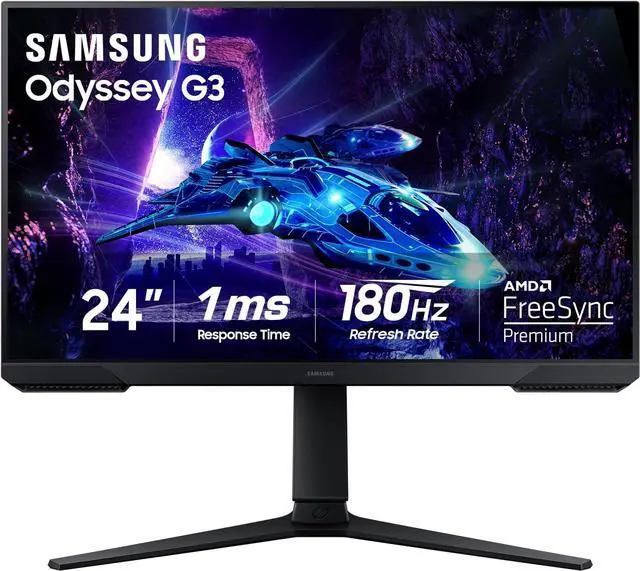
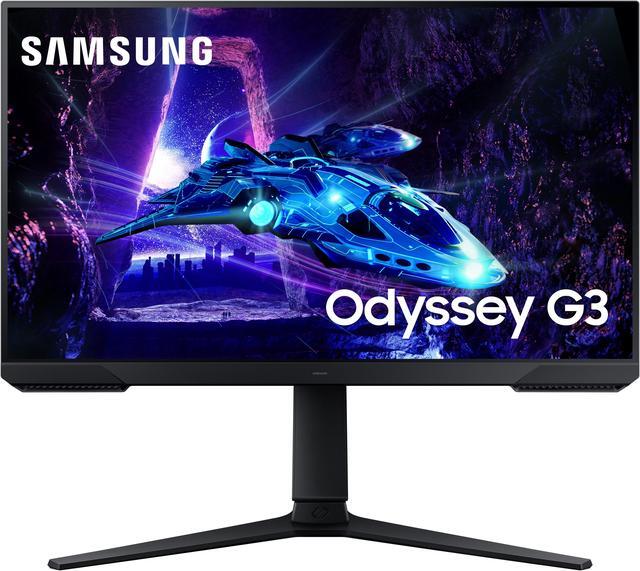
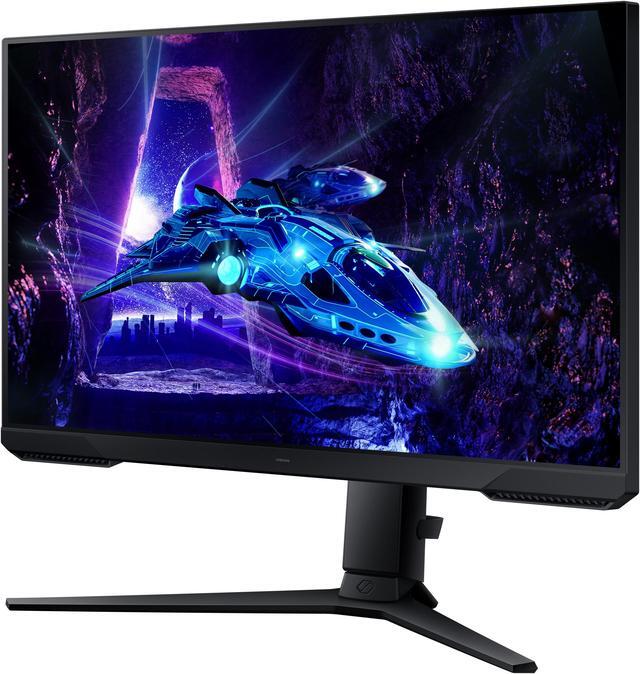
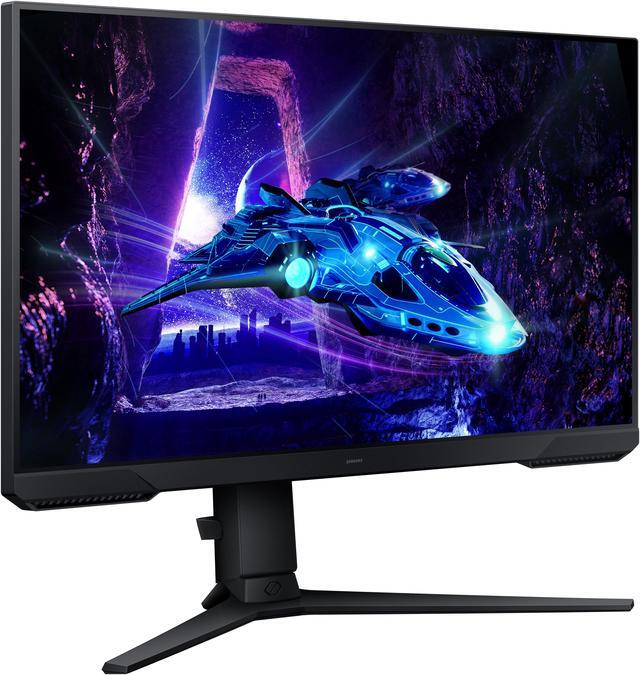
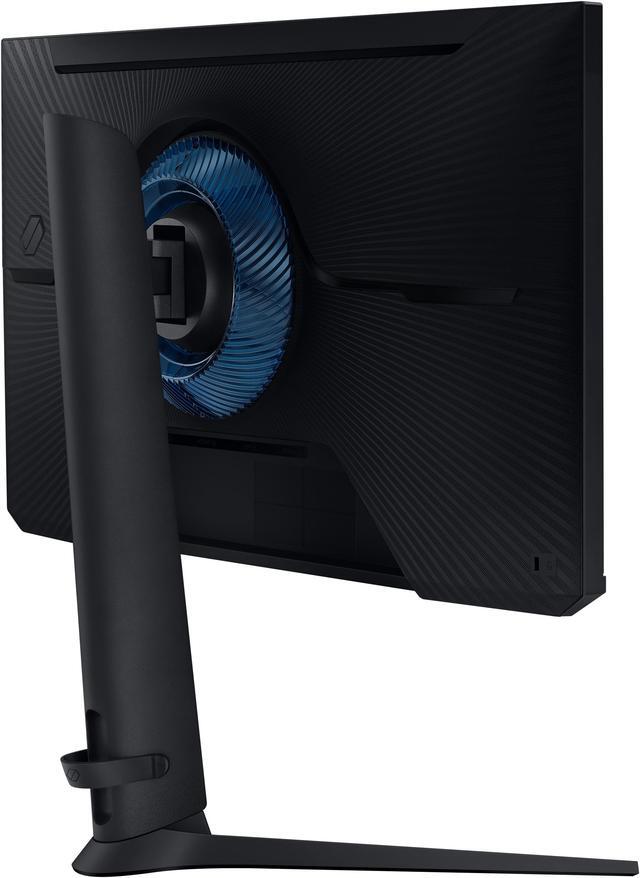
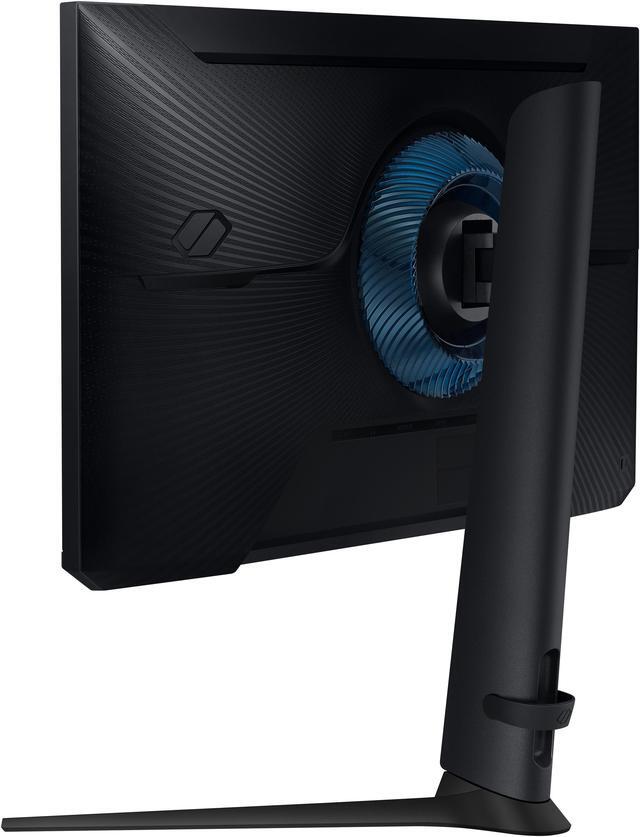
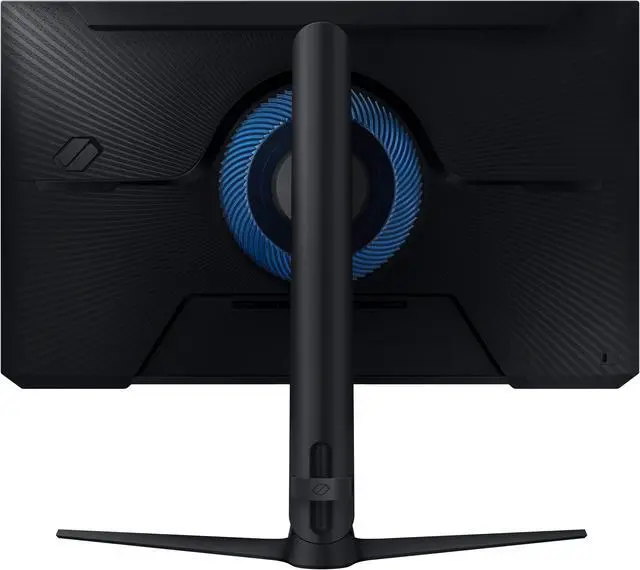
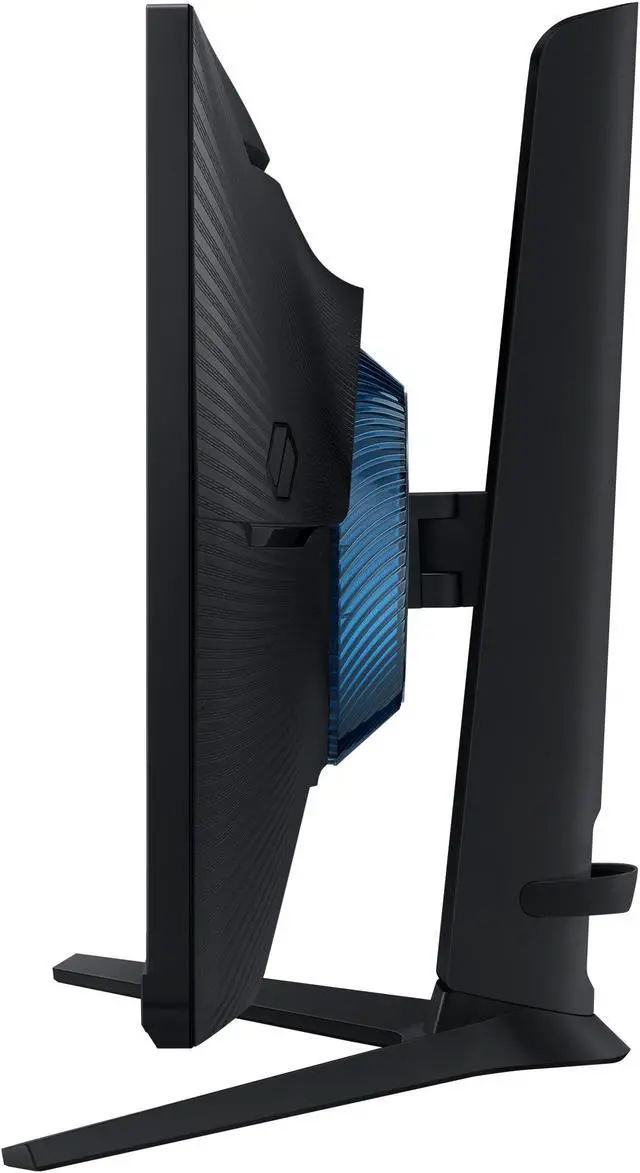



Any questions? Ask CelesteSM will help you find out quickly.


Speed through scenes. 180Hz refresh rate eliminates lag for exhilarating gameplay with ultrasmooth action. 1ms response time (MPRT) provides frames with minimal blur, allowing you to jump on enemies right when you see them.*
* "1 ms" means one millisecond which is the range of avg. response time between 1.00ms to 1.99ms truncated to a whole number. Based on MPRT measured under internal test conditions. Results may vary by content and monitor settings (requires 'Extreme mode' setting). MPRT (Moving Picture Response Time) measures the time taken for a pixel to transition from one image frame to another (motion blur measurement). Refresh rate may vary by content and input source.
Superfluid entertainment experience. AMD Radeon FreeSync keeps your monitor and graphics card refresh rate in sync to reduce image tearing. Watch movies and play games without interruptions. Even the fastest scenes look seamless and smooth.*
* Images simulated for illustrative purposes.


Black Equalizer allows you to adjust dark areas in games, letting you spot your enemies in even the darkest hiding nooks.*
* Images simulated for illustrative purposes.
Line up more accurate shots with Virtual Aim Point. Crosshairs on the screen give you a new level of accuracy in any game, when precision can mean the difference between life and death.*
* Images simulated for illustrative purposes.


Play for even longer. Eye Saver Mode minimizes blue light to help keep your eyes relaxed and comfortable when gaming for extended periods. The Odyssey G3 also reduces irritating and frustrating screen flicker, so you can focus longer with less distraction and eye strain.*
* Images simulated for illustrative purposes.

* Source: Circana, Retail Tracking Service Monthly Total Channel, U.S., dollar sales, Annual 2022 and 2023.


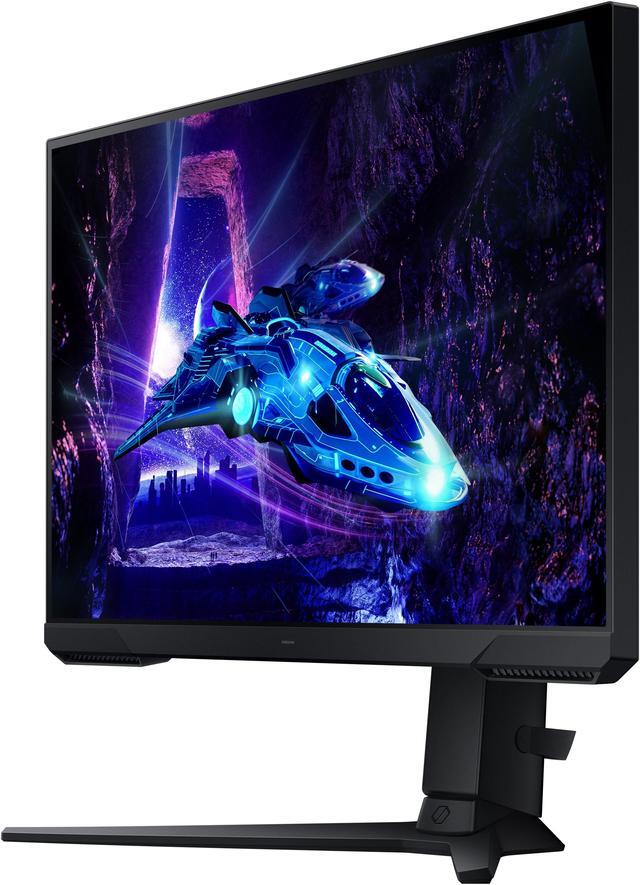
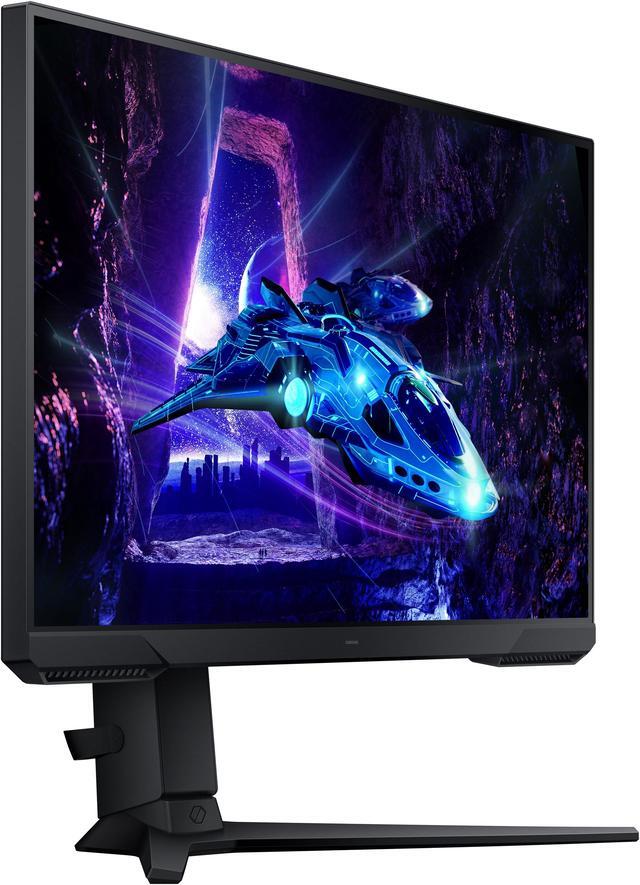
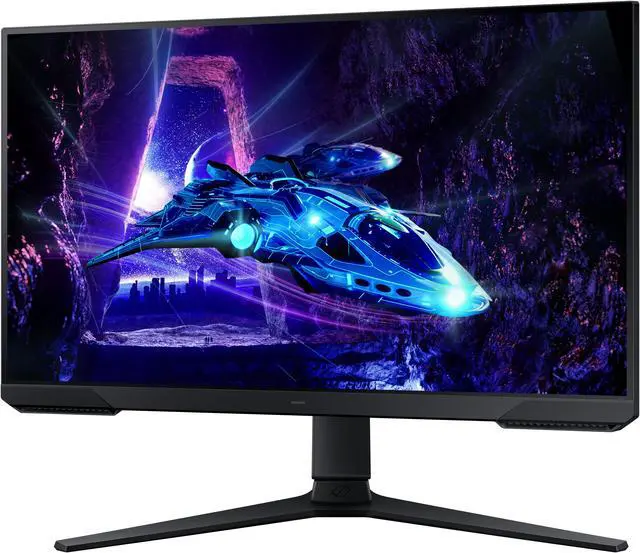
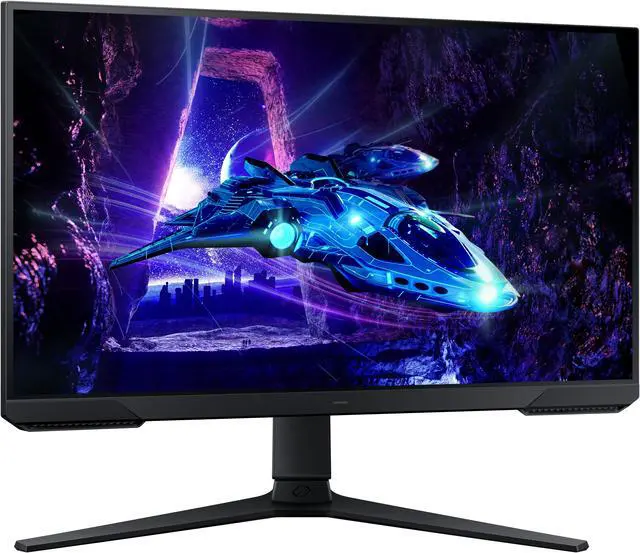
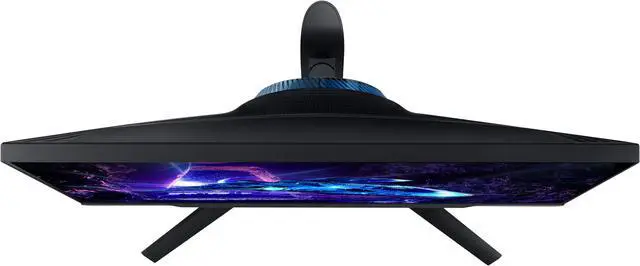
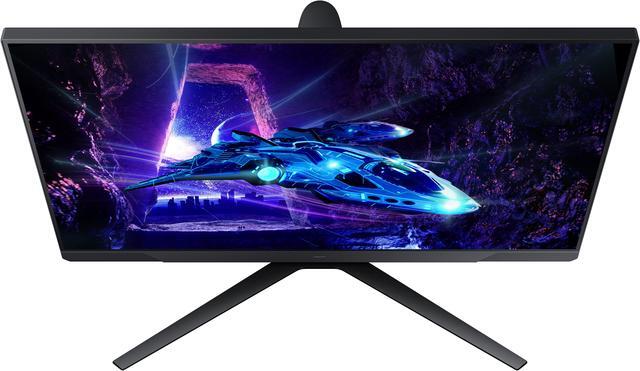
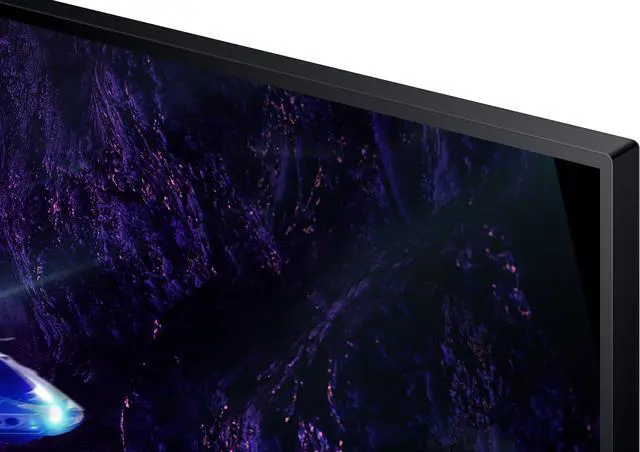
Your legacy has no boundaries. The 3-sided borderless design unveils maximum space for bigger, bolder gameplay. Line up two displays precisely in a dual-monitor setup, making it impossible for enemies to slip through the cracks.
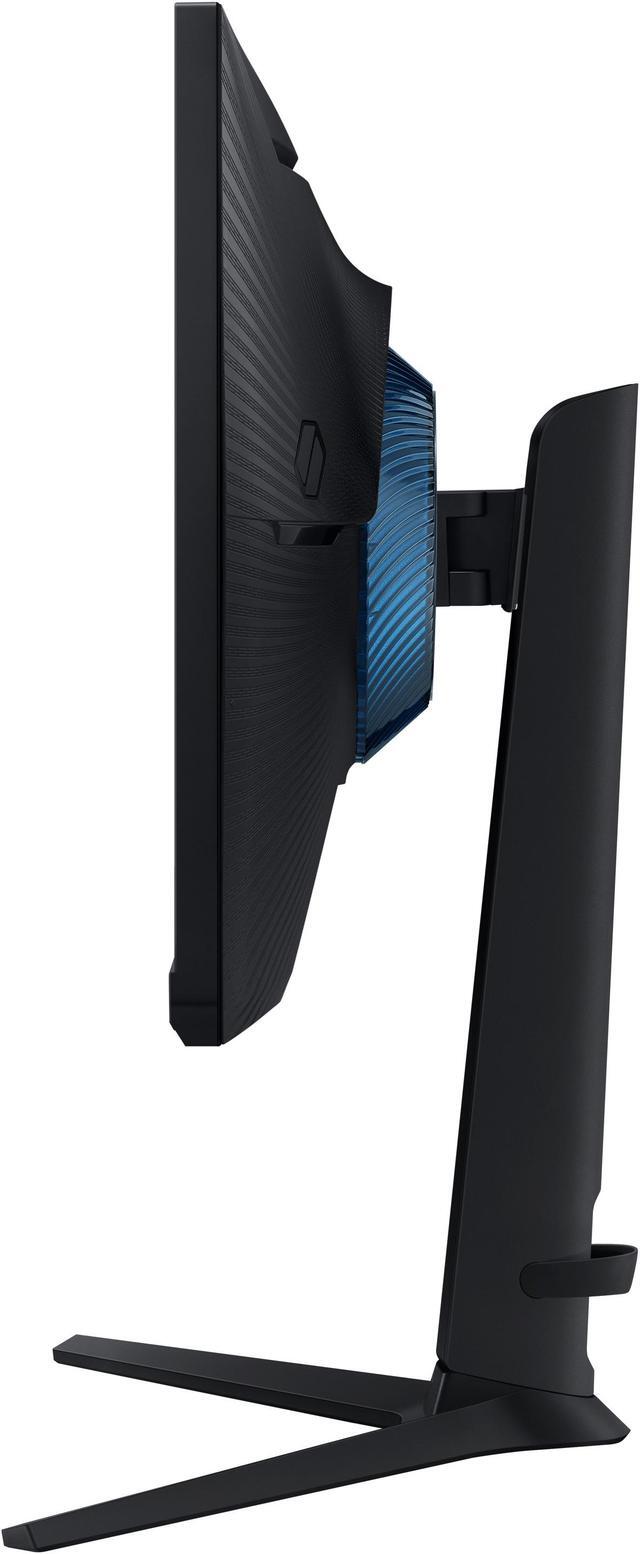
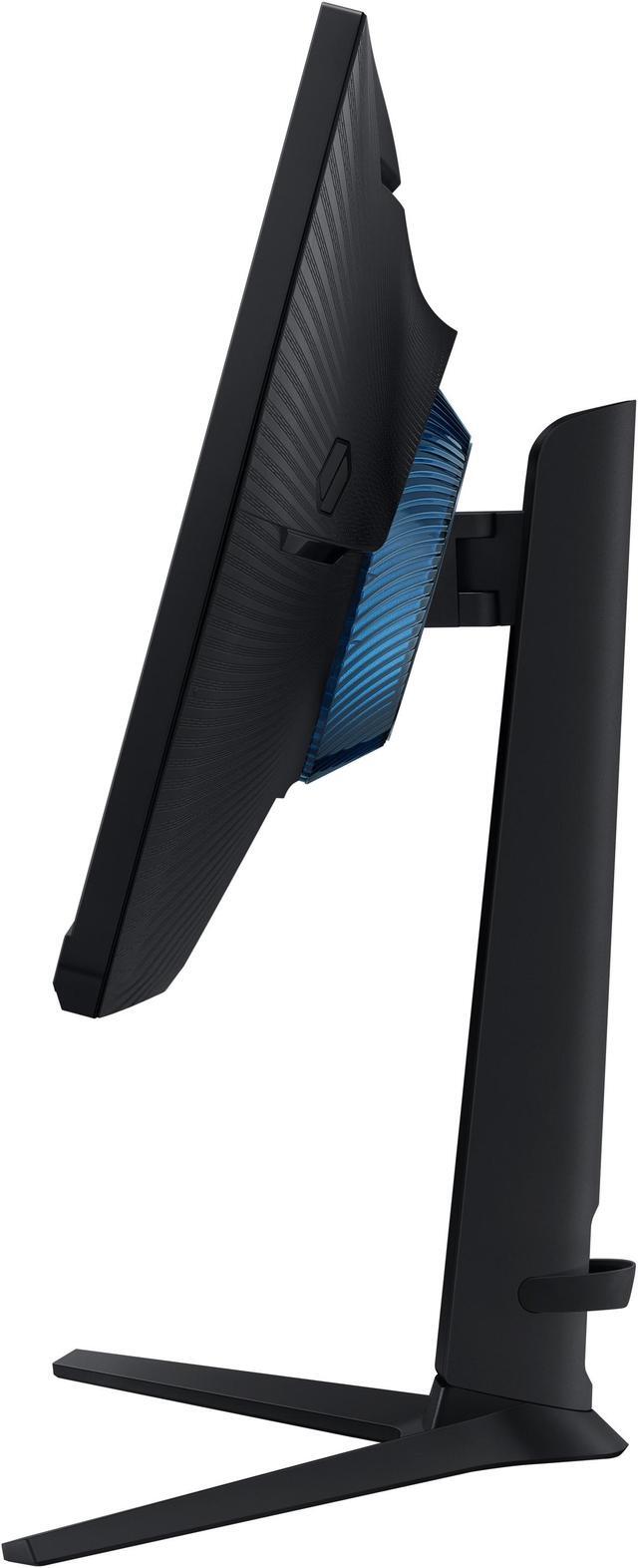
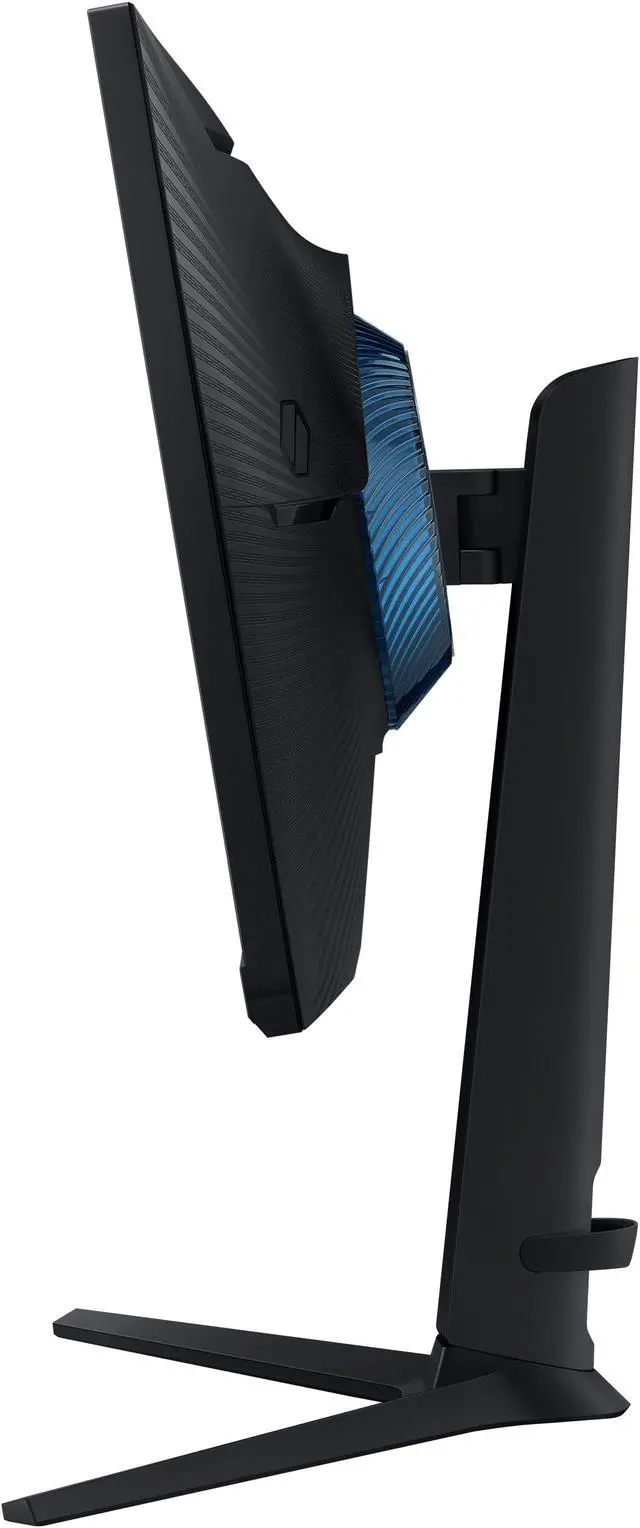
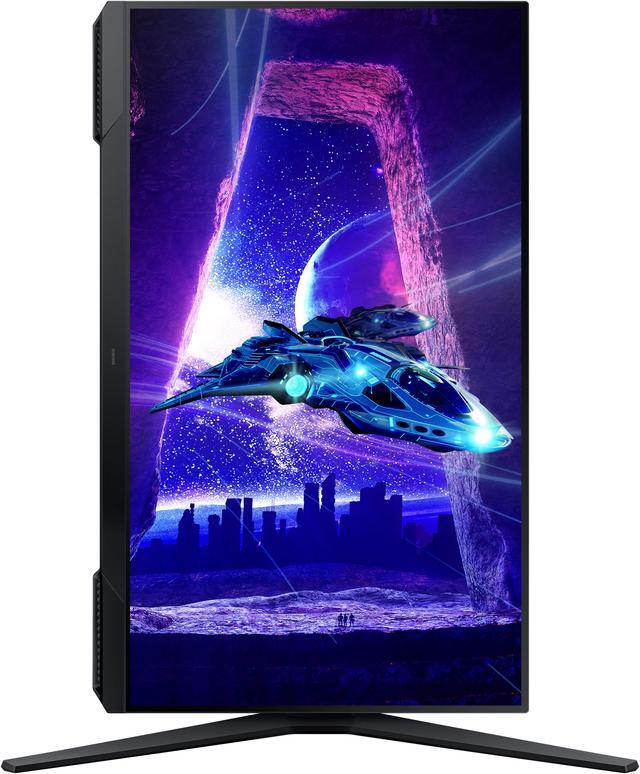
Reach the height of winning. Swivel, tilt, pivot and adjust your monitor height until all enemies are in perfect view. Your display can be moved freely so you can find total gaming comfort.

The Samsung Odyssey G3 LS24DG302ENXZA is a 24-inch Full HD gaming monitor with a 180Hz refresh rate, 1ms MPRT response time and FreeSync Premium, suited to gamers seeking smooth, responsive play in a compact desktop setup.
| Attribute | Value |
|---|---|
| Best For | Gaming with a desktop, laptop, or gaming console on a 24-inch Full HD display with FreeSync support |
| Panel And Resolution | 24-inch flat LED display with 1920 × 1080 resolution, 16:9 aspect ratio, 178° horizontal and vertical viewing angles, 250 cd/m² brightness, 3000:1 contrast ratio, 95% sRGB color gamut, 16.7 million colors, and a glossy screen finish |
| Refresh Rate And Response | 180Hz refresh rate, 1ms response time, HDR10, and AMD FreeSync Premium adaptive sync |
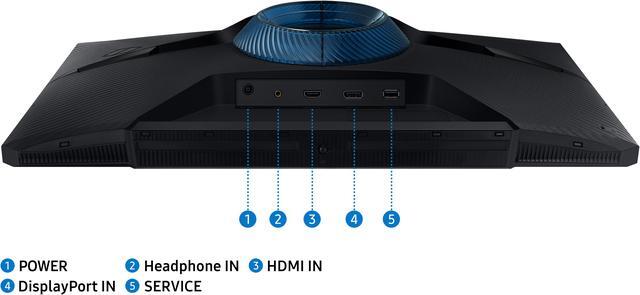
| Ports And Connectivity | 1 × HDMI 2.0, 1 × DisplayPort 1.4, and a headphone connection; no USB ports |
| Gaming And Eye Comfort Features | Black Equalizer picture enhancement and flicker-free display feature |
| Stand And Ergonomics | Stand adjusts for height, pivot, swivel, and tilt; supports 100 × 100 mm VESA mounting |
| Audio And Webcam | No built-in speakers or webcam |
| Controls And Included Cables | Button controls; includes DisplayPort, HDMI, and power cables |
| Power | Maximum power consumption of 35W; listed voltage is 240V |
| Dimensions And Weight | 21.4 × 19.3 × 9.2 inches with stand; 21.4 × 13.1 × 3.6 inches without stand; item weight is 8.6 pounds |
| Model Identifiers | Samsung Odyssey G3 / G30D (2024 refresh), model LS24DG302ENXZA |
Q: Samsung Odyssey G3 G30D vs AOC 24G4: which should I get for 1080p gaming?
A: Choose the Odyssey G3 G30D if you prefer its VA panel’s higher specified contrast and its height-, pivot-, swivel-, and tilt-adjustable stand. Choose the AOC 24G4 if you prefer an IPS panel and prioritize viewing angles and fast-moving gameplay. Both are 24-inch-class, 1080p monitors with a 180Hz refresh rate, so the main decision is panel type and features rather than resolution or refresh rate.
Q: Should I buy the Odyssey G3 G30D or pay more for the Samsung Odyssey G4 G40B?
A: The G3 G30D is a sensible choice if 180Hz is enough for your games and you want a 24-inch Full HD display with a VA panel and an ergonomic stand. Consider the Odyssey G4 G40B if you want a 240Hz IPS display and your PC can produce frame rates high enough to benefit from the added refresh rate. The G4 is the more performance-focused option; the G3 keeps the purchase focused on 180Hz Full HD gaming.
Q: Is the Odyssey G3 G30D a worthwhile upgrade from the older 144Hz Odyssey G3?
A: The G30D raises the listed refresh rate from 144Hz on the older Odyssey G3 S24AG30 to 180Hz, while retaining Full HD resolution. It makes more sense as an upgrade if you want the extra refresh headroom or are replacing your monitor anyway; if your current 144Hz display meets your needs, the change in refresh rate alone may not justify replacing it. The newer model’s panel and other features can differ, so compare the exact model numbers before buying.
Q: Can I connect a gaming PC and a console to this monitor?
A: Yes. The monitor has one HDMI 2.0 input and one DisplayPort 1.4 input, so you can connect a console and a PC at the same time using different ports. It has no built-in speakers, so plan to use headphones or external audio for sound.
Q: Does this monitor have built-in speakers?
A: No. It has no built-in speakers. Use headphones or connect external speakers through the monitor’s headphone output or another audio device.
Q: Is the stand adjustable, and can the monitor be mounted vertically?
A: Yes. The stand supports height, tilt, swivel, and pivot adjustments, so the screen can be turned to portrait orientation. The monitor also supports 100 × 100 mm VESA mounting.
Q: Is it suitable for office work as well as gaming?
A: Yes. Its 24-inch Full HD screen, adjustable stand, and Eye Saver Mode suit general office tasks such as documents, browsing, and video meetings. It has no built-in speakers, and its 1920 × 1080 resolution may feel limiting for detailed creative work or users who want more workspace.
Q: Is the Odyssey G3 a good choice for 1080p high-refresh gaming?
A: It may suit buyers who prioritize a 24-inch, 1080p display with a refresh rate up to 180Hz over higher resolution. Reddit discussions compare it with other budget high-refresh monitors, and a YouTube review specifically assesses whether this model is worth buying. Those discussions do not establish that it is the best choice at every price.
Q: Does the Odyssey G3 show ghosting or blur in games?
A: Experiences in Reddit discussions vary: one G30D owner reported no noticeable ghosting in most games but noticed some motion blur in a game running at 60 fps. The listed 1ms MPRT specification does not guarantee that every game or setting will look blur-free.
Q: Can this monitor run at 180Hz when connected to a laptop or PC?
A: The monitor is specified for up to 180Hz, but Reddit posts describe setups initially limited to lower refresh rates. The source discussions point to checking the computer’s video output, cable, and refresh-rate settings; one also reports needing to select the rate in the monitor’s on-screen menu. Actual support depends on the connected device and setup.


