




 here!
here!
I’m your shopping assistant for PC builds, upgrades, and everything tech.
Got questions? Ask away!
Start a conversation
here!
I’m your shopping assistant for PC builds, upgrades, and everything tech.
Got questions? Ask away!
Start a conversation

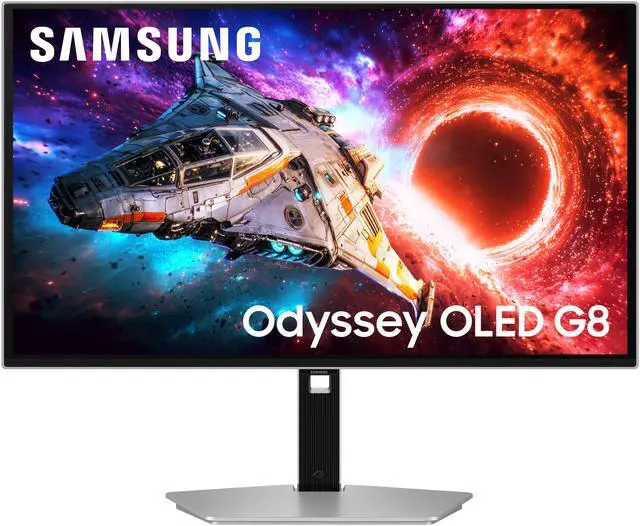
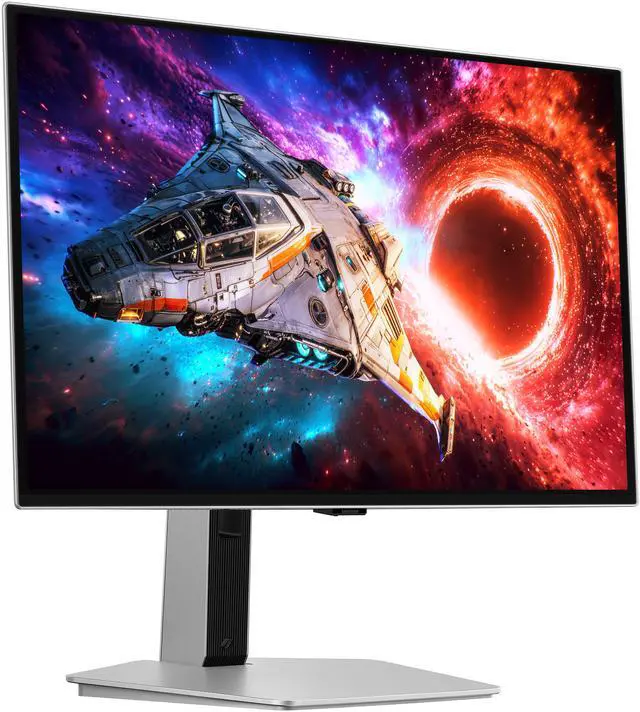
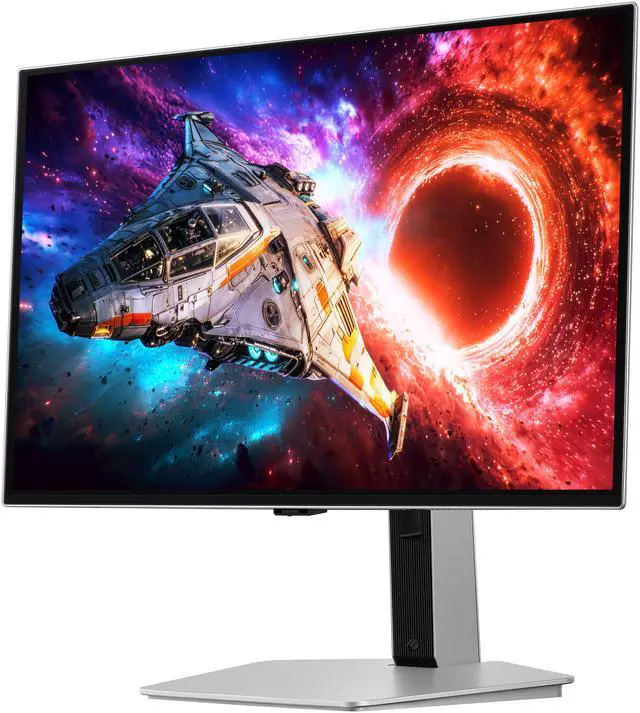
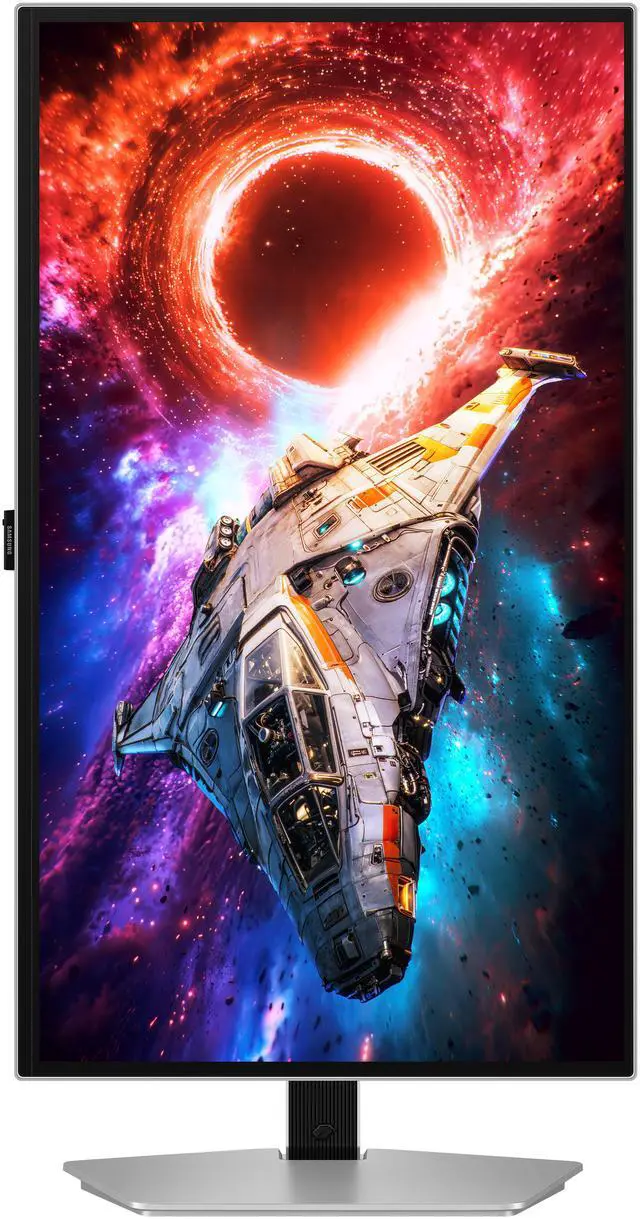



Combo Up Savings Up To $250+
The more you add, the more you'll save!
Any questions? Ask CelesteSM will help you find out quickly.
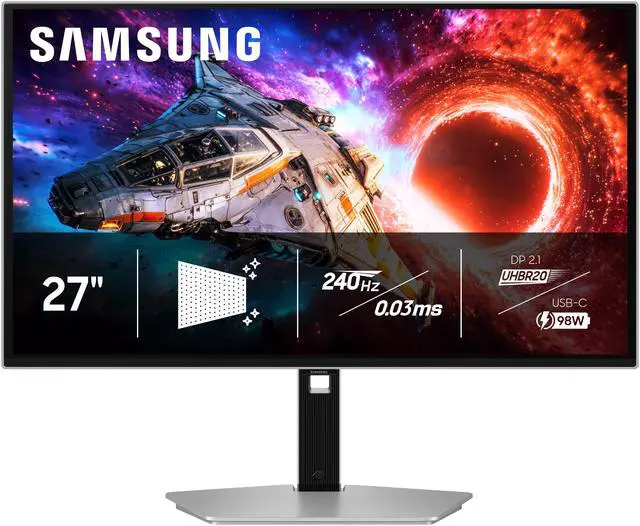
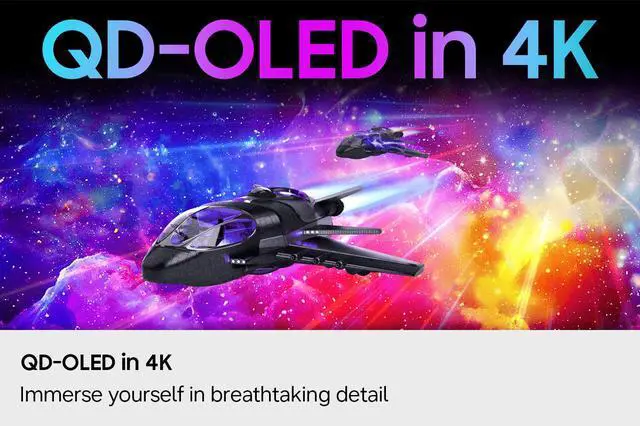
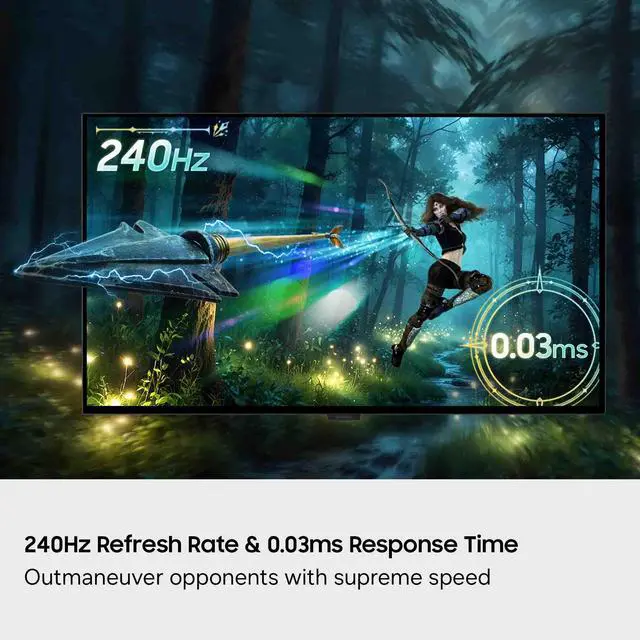
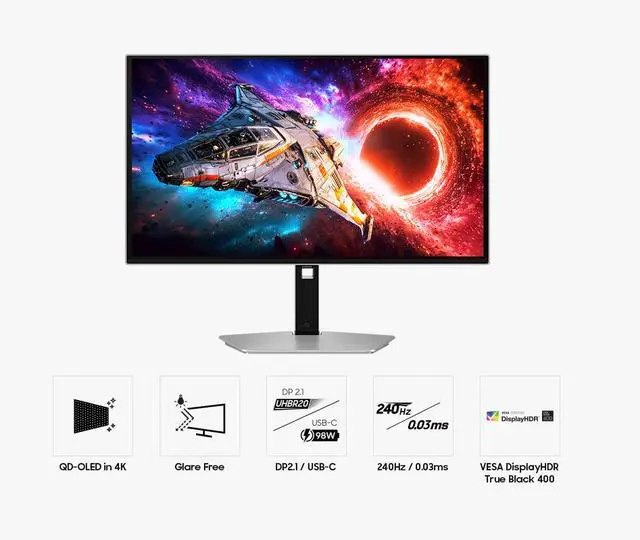
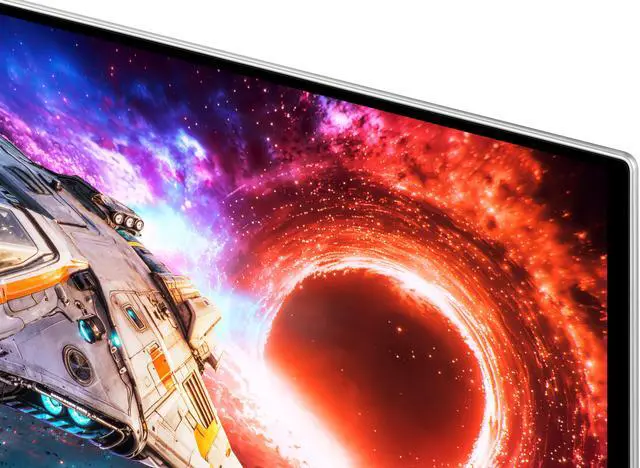
The Samsung Odyssey LS27HG802SNXZA is a 27-inch 4K OLED gaming monitor with a 240Hz refresh rate, 0.03ms response time, and AMD FreeSync Premium Pro, suited to gamers who want sharp detail and smooth, responsive play.
| Attribute | Value |
|---|---|
| Best For | Gaming on a 27-inch 4K OLED display with a 240Hz refresh rate and FreeSync Premium Pro |
| Panel And Resolution | 27-inch flat OLED display with a matte finish, 3840 × 2160 (4K UHD) resolution, 16:9 aspect ratio, and 178° horizontal and vertical viewing angles |
| Refresh Rate And Response | 240Hz refresh rate, 0.03ms response time, and FreeSync Premium Pro adaptive sync |
| Image Quality And HDR | 1,500,000:1 contrast ratio, 250 cd/m² brightness, 99% DCI-P3 color gamut, 1 billion display colors, HDR10+, and VESA DisplayHDR True Black 400 |
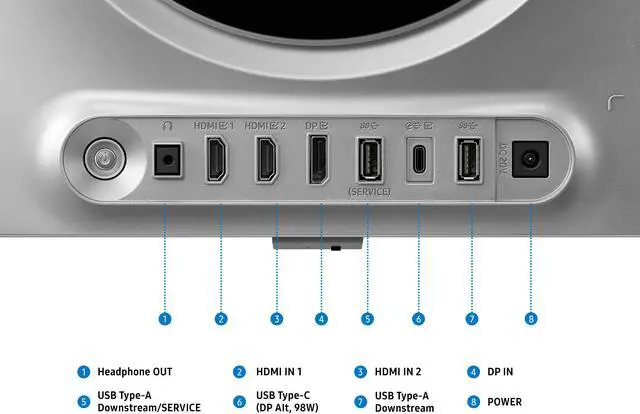
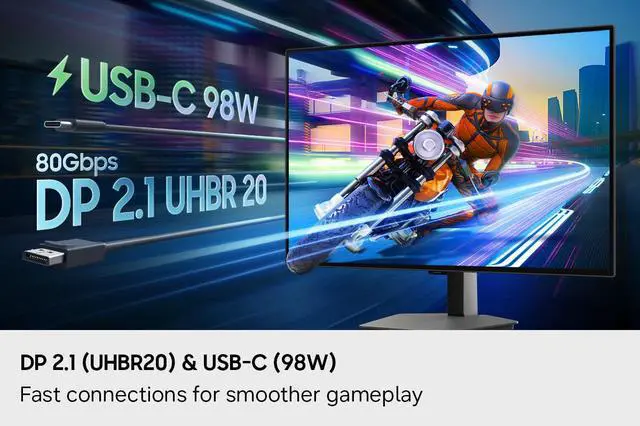
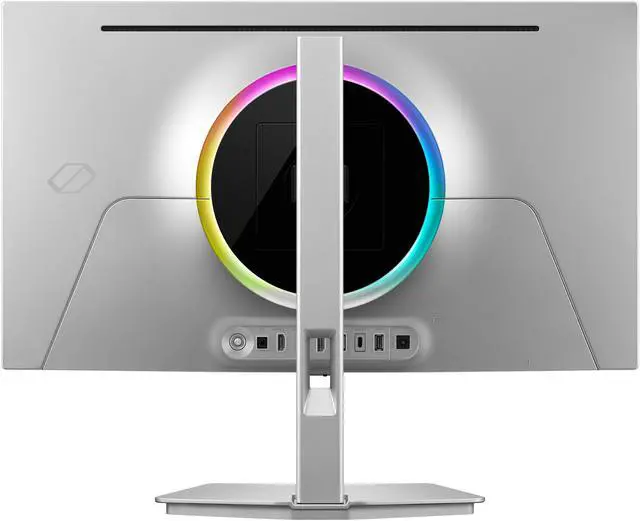
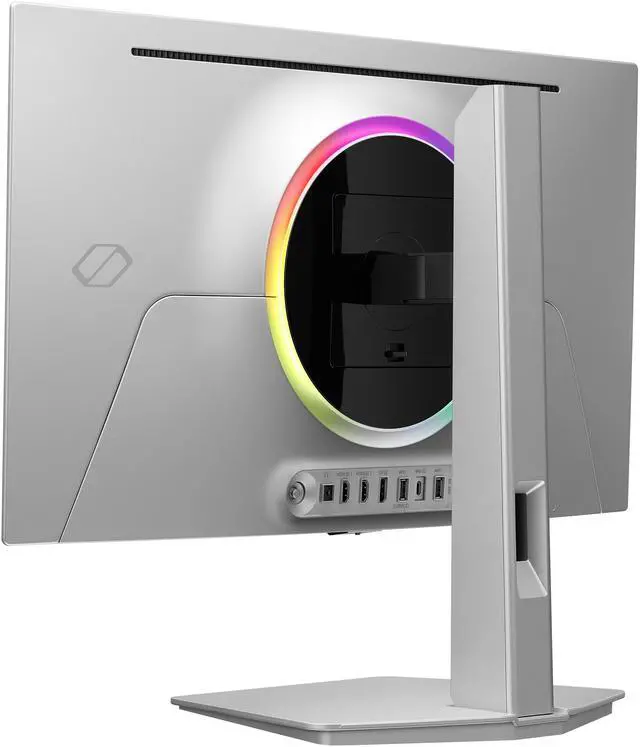
| Ports And Connectivity | Two HDMI 2.1 ports, one DisplayPort 2.1, one USB-C with DisplayPort Alternate Mode, two USB 3.2 Gen 1 Type-A ports, one USB Type-C port, and a headphone jack |
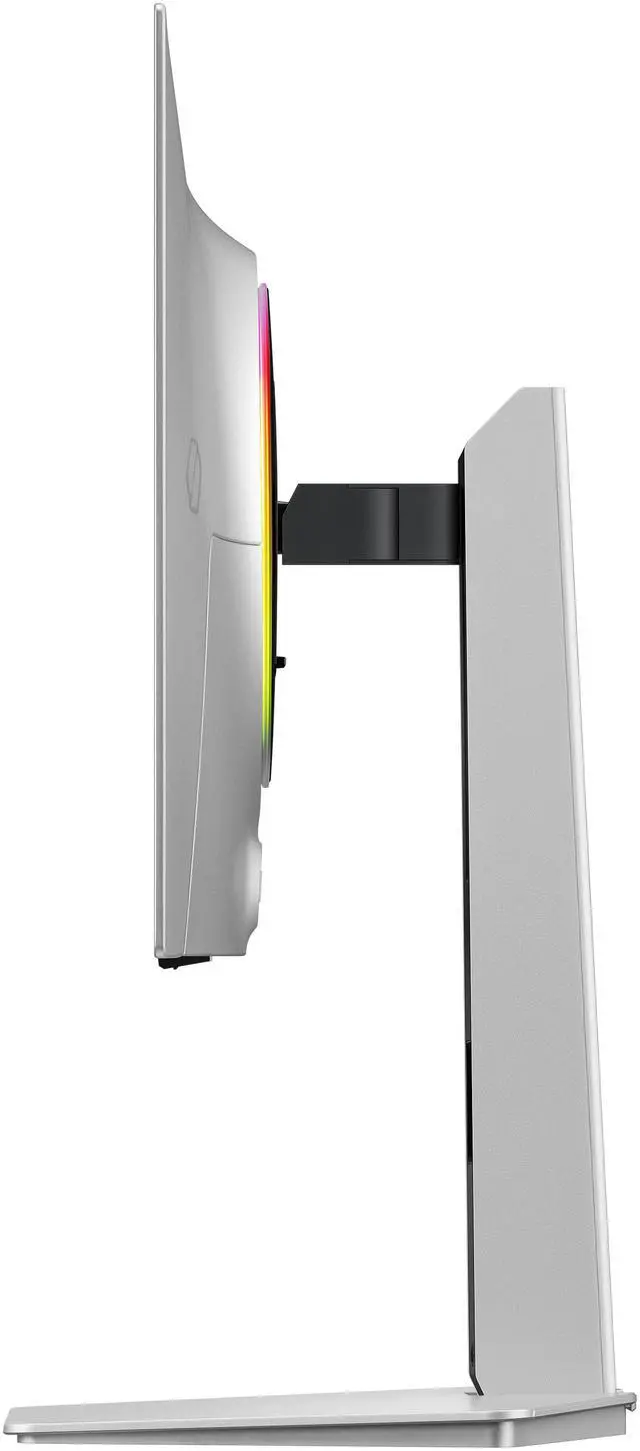
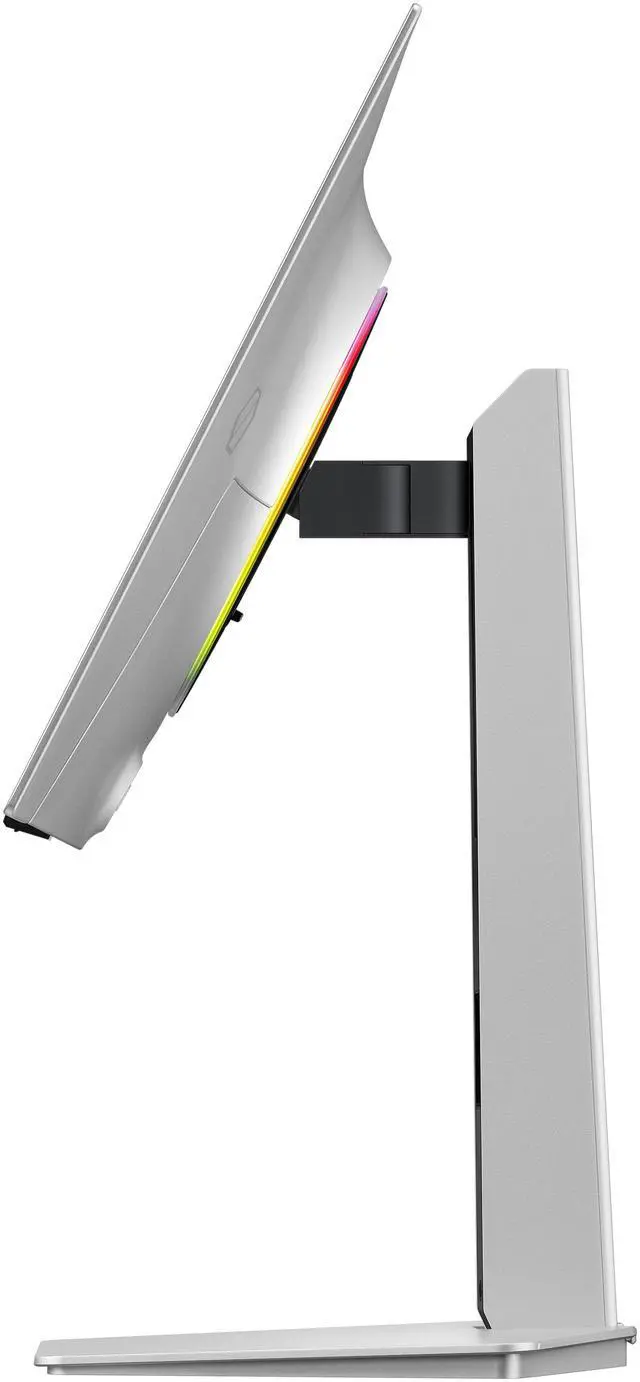
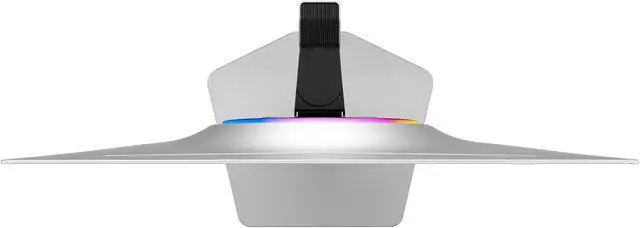
| Stand And Mounting | Stand adjusts for height, pivot, swivel, and tilt; supports 100 × 100mm VESA mounting |
| Audio And Webcam | No built-in speakers or webcam |
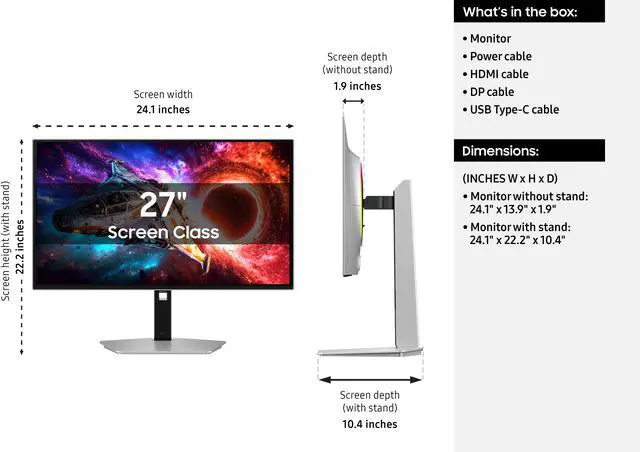
| Dimensions And Weight | With stand: 22.19 × 24.08 × 1.94 inches and 14.33 lb; without stand: 13.93 × 24.08 × 17.76 inches and 8.38 lb |
| Power And Operating Conditions | 100–240 VAC, 50/60Hz; operating temperature 10–40°C and humidity 10–80% non-condensing |
| Model Identifiers | Samsung Odyssey; model and part number LS27HG802SNXZA, also identified as G80SH |
Q: Samsung Odyssey OLED G8 G80SH vs ASUS PG27UCDM: which should I choose?
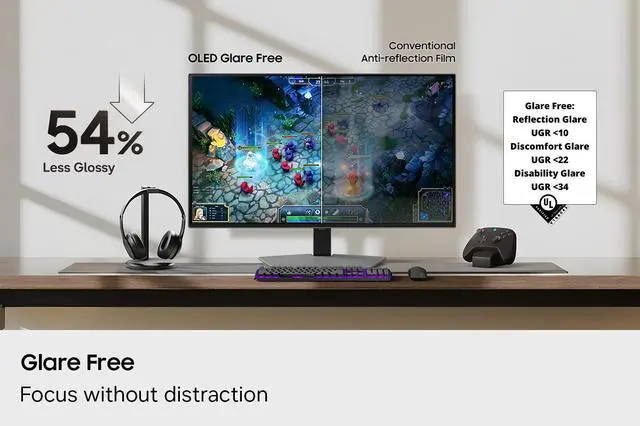
A: Choose the Samsung Odyssey OLED G8 G80SH if its Glare Free screen, DisplayPort 2.1, USB-C with up to 98W power delivery, or adjustable stand fit your setup. Choose the ASUS PG27UCDM if Dolby Vision support is a priority. Both are 27-inch 4K, 240Hz QD-OLED monitors, so the decision is mainly about features and setup rather than resolution or refresh rate.
Q: Samsung Odyssey OLED G8 G80SH vs MSI MPG 272URX: which 27-inch 4K OLED should I buy?
A: Both are 27-inch 4K, 240Hz QD-OLED gaming monitors, so either suits buyers prioritizing high-resolution OLED gaming. The Samsung is a clear fit if you want its Glare Free screen and USB-C connectivity with up to 98W charging; compare current pricing and the specific features you need before choosing between them.
Q: Should I get this 4K 240Hz G8 or the Samsung Odyssey OLED G6 QHD 360Hz?
A: Choose the G80SH for sharper 4K detail and higher resolution at 240Hz. Choose the Odyssey OLED G6 G60SD if you prefer QHD resolution and a 360Hz refresh rate. In practical terms, the G80SH prioritizes image detail, while the G6 prioritizes a higher maximum refresh rate.
Q: Is the 27-inch Odyssey OLED G8 or the 32-inch G8 better for gaming?
A: Choose this 27-inch G8 if you want a more compact screen with higher pixel density; Samsung lists 166 PPI for the 27-inch model versus 140 PPI for the 32-inch. Choose the 32-inch version if you prefer a physically larger image. Both are listed as 4K, 240Hz G80SH monitors, while Samsung specifies DisplayHDR True Black 400 for the 27-inch and True Black 500 for the 32-inch.
Q: Is this monitor suitable for both gaming and office work?
A: It can serve both: its 4K resolution and adjustable stand suit desktop use, while its 240Hz refresh rate, OLED panel, and FreeSync Premium Pro target gaming. Because it is an OLED, consider whether long sessions with fixed desktop elements are a concern; retail Q&A for comparable OLED monitors commonly raises burn-in questions.
Q: Can the USB-C port charge a laptop?
A: The listed USB-C connection supports DisplayPort Alt Mode, but the provided specifications do not state USB-C Power Delivery or a charging wattage. Treat it as a video connection, not a confirmed laptop charger; plan to use the laptop’s power adapter unless Samsung confirms otherwise.
Q: Does it have built-in speakers?
A: No. The product specifications state that it has no built-in speakers. Use headphones through the headphone jack or connect separate speakers.
Q: Can it be mounted on a monitor arm or wall mount?
A: Yes. It supports a 100 × 100 mm VESA mount, so it can be attached to a compatible arm or mount. Check that the mount supports the monitor’s weight of 8.38 lb without its stand.


