




 here!
here!
I’m your shopping assistant for PC builds, upgrades, and everything tech.
Got questions? Ask away!
Start a conversation
here!
I’m your shopping assistant for PC builds, upgrades, and everything tech.
Got questions? Ask away!
Start a conversationShipped by Newegg


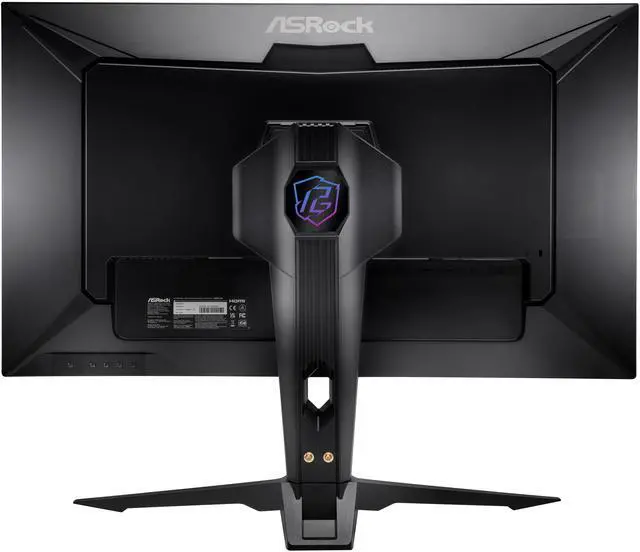
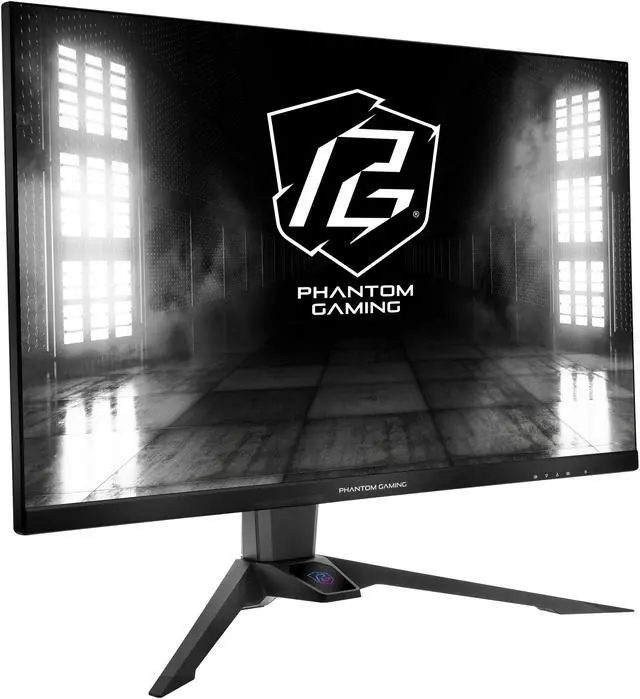
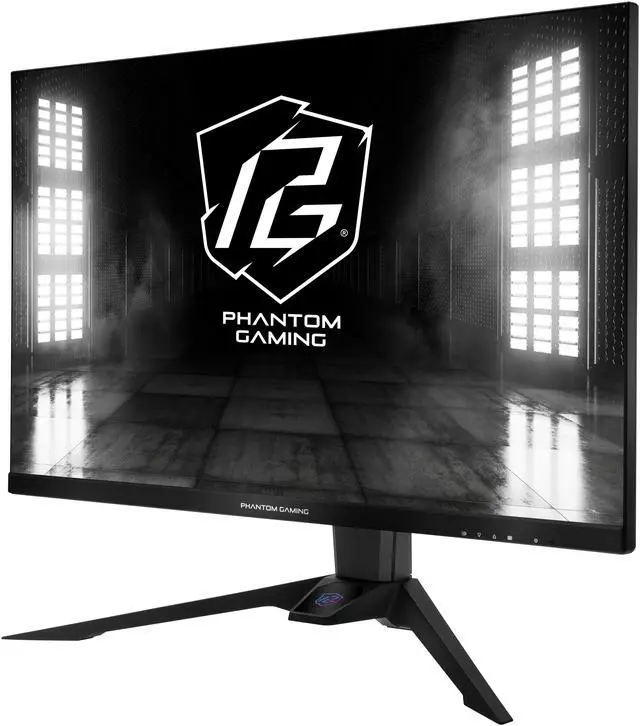
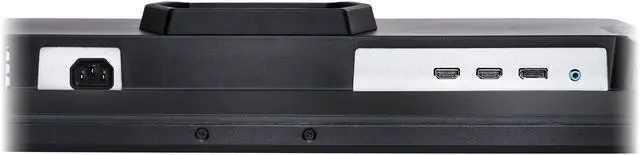



Any questions? Ask CelesteSM will help you find out quickly.
| Brand | ASRock Phantom Gaming |
|---|---|
| Model | PG32QFT |
| Cabinet Color | Black |
| Bezel Design | 3 Sided Thin Frame |
| Screen Size | 32" |
|---|---|
| Widescreen | Yes |
| Glare Screen | Anti-glare |
| Panel | IPS |
| Display Type | QHD |
| Adaptive Sync Technology | FreeSync (AMD Adaptive Sync) |
| Resolution | 2560 x 1440 (2K) |
| Viewing Angle | 178° (H) / 178° (V) |
| Aspect Ratio | 16:9 |
| Brightness | 400 cd/m2 |
| Contrast Ratio | 1,000:1 |
| Response Time | 1 ms |
| Color Gamut | 97% DCI-P3 / 151% sRGB |
| Display Colors | 16.7 Million |
| Monitor Pixel Density | 0.2727mm |
| Refresh Rate | 180Hz |
| VESA Certified DisplayHDR | DisplayHDR 400 |
| Curved Surface Screen | Flat Panel |
| HDMI | 2 x HDMI 2.0 |
|---|---|
| DisplayPort | 1 x DisplayPort 1.4 |
| Video Ports | 1 x DisplayPort 1.4 / 2 x HDMI 2.0 |
| USB Ports | 1 x USB 3.2 Gen 1 Type-B / 2 x USB 3.2 Gen 1 Type-A |
| Headphone | 1 |
| Power Supply | 100 - 240 VAC, 50/60Hz |
|---|---|
| Power Consumption | Power Consumption (Max): <=70W Power Consumption (Typ.): <=31W Power Saving Mode: <=0.5 W Power Off Mode: <=0.3 W |
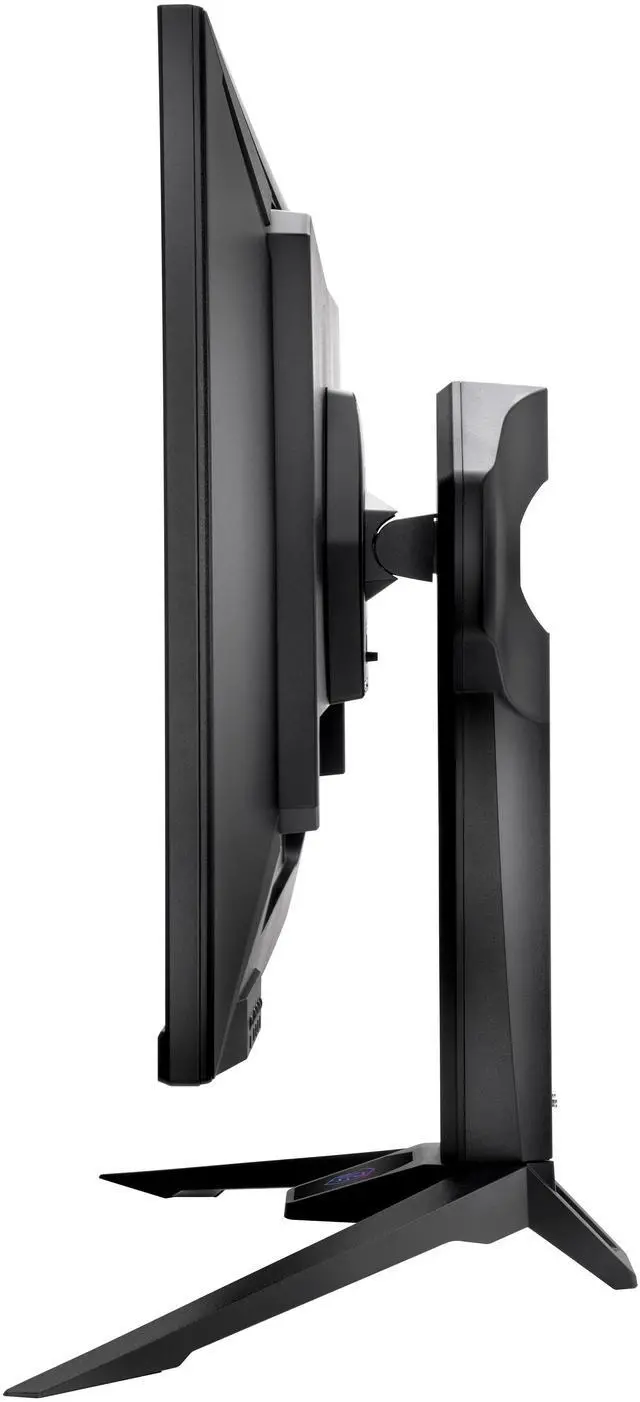
| Stand Adjustments | Height, Swivel, Tilt |
|---|---|
| Built-in Speakers | 2 x 2W |
| Built-in Webcam | No |
| VESA Compatibility - Mountable | 100 x 100mm |
| Dimensions | 23.03" x 28.11" x 10.98" with stand 16.69" x 28.11" x 2.20" without stand |
|---|---|
| Weight | 22.05 lbs. with stand 16.31 lbs. without stand |
| Temperature Range | Operating Temperature: 0°C to 40°C Storage Temperature: -20°C to 60°C |
|---|---|
| Humidity Range | Operating Humidity: 20% to 80%, non-condensing Storage Humidity: 20% to 80%, non-condensing |
| Package Contents | 1 x HDMI v2.0 (1.5m) 1 x DP v1.4 (1.5m) 1 x PowerCord (1.5m) |
|---|
| First Listed on Newegg | July 21, 2026 |
|---|
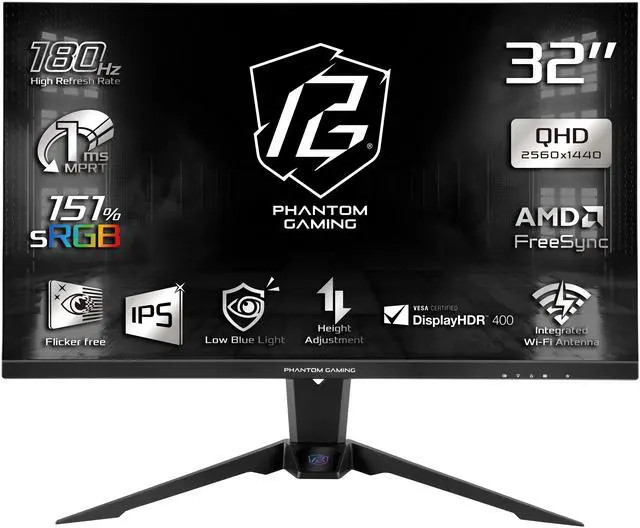
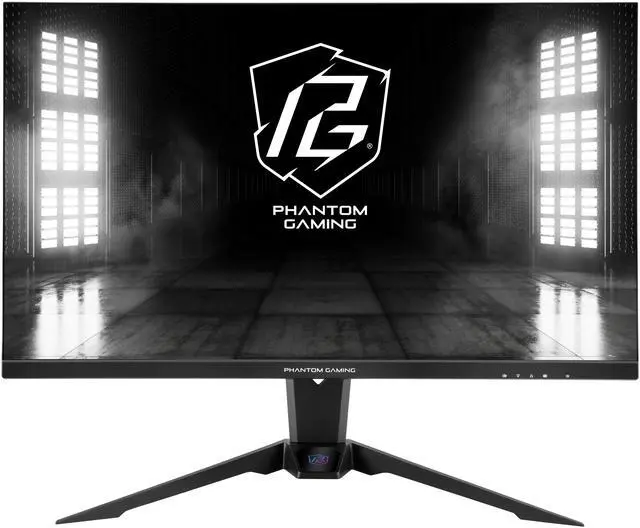
The ASRock Phantom Gaming PG32QFT is a 32-inch QHD IPS gaming monitor with a 180Hz refresh rate, 1ms response time and AMD FreeSync, suited to PC gamers who want smooth, responsive play at 2560 x 1440.
| Attribute | Value |
|---|---|
| Best For | QHD gaming with a 32-inch IPS display, 180Hz refresh rate, 1ms response time, and AMD FreeSync |
| Panel And Resolution | 32-inch flat, anti-glare IPS panel with 2560 × 1440 QHD resolution, 16:9 aspect ratio, 178° horizontal and vertical viewing angles, and 0.2727 mm pixel pitch |
| Refresh Rate And Response | 180Hz refresh rate, 1ms response time, AMD FreeSync adaptive sync, and VESA DisplayHDR 400 certification |
| Image And Color | 400 cd/m² brightness, 1,000:1 contrast ratio, 97% DCI-P3 / 151% sRGB color gamut, and 16.7 million display colors |
| Ports And Connectivity | 2 × HDMI 2.0, 1 × DisplayPort 1.4, 2 × USB 3.2 Gen 1 Type-A, 1 × USB 3.2 Gen 1 Type-B, and 1 headphone output |
| Stand And Ergonomics | Height, swivel, and tilt adjustments; VESA 100 × 100 mm mounting compatibility |
| Audio And Webcam | Built-in 2 × 2W speakers; no built-in webcam |
| Power And Energy | 100–240 VAC, 50/60Hz power supply; maximum power consumption ≤70W, typical ≤31W, power-saving mode ≤0.5W, and power-off mode ≤0.3W |
| Dimensions And Weight | With stand: 23.03 × 28.11 × 10.98 inches and 22.05 lb; without stand: 16.69 × 28.11 × 2.20 inches and 16.31 lb |
| Operating Environment | Operating temperature: 0°C to 40°C; storage temperature: −20°C to 60°C; operating and storage humidity: 20% to 80%, non-condensing |
| In The Box | Includes 1.5 m HDMI 2.0 cable, 1.5 m DisplayPort 1.4 cable, and 1.5 m power cord |
| Model Identifiers | ASRock Phantom Gaming PG32QFT; black cabinet with a three-sided thin-frame bezel |
Q: ASRock PG32QFT or PG27QFT1B: which 1440p 180Hz monitor should I get?
A: Choose the PG32QFT if you want a larger 32-inch screen and a stand with height, swivel, and tilt adjustment. Choose the 27-inch PG27QFT1B if you prefer a more compact display and sharper-looking text at the same 2560 × 1440 resolution. Both are IPS monitors with a 180Hz refresh rate.
Q: Should I choose the PG32QFT or a 32-inch 4K 144Hz monitor?
A: Choose the PG32QFT if you prioritize 180Hz refresh and want to render games at 1440p; its resolution has fewer pixels to render than 4K. Choose a 32-inch 4K monitor, such as the LG 32GR93U-B, if finer detail and text sharpness matter more and your PC can handle the higher resolution. The LG model is rated for 4K at up to 144Hz, while the PG32QFT is 1440p at up to 180Hz.
Q: Is the PG32QFT a good upgrade from a 27-inch 1440p monitor?
A: It is a fit if you want a physically larger image while keeping the same 2560 × 1440 resolution and 180Hz refresh rate. The trade-off is lower pixel density than on a 27-inch 1440p screen, so the 27-inch model may look sharper for text and fine details at a typical desk distance. Choose based on whether screen size or pixel density matters more to you.
Q: Is this monitor suitable for both gaming and everyday desktop use?
A: Yes. Its 32-inch 2560 × 1440 IPS screen, 180Hz refresh rate, and AMD FreeSync suit high-refresh-rate gaming, while the large QHD display can also serve general desktop tasks. It is not a 4K monitor, and its built-in speakers are small 2W units.
Q: Does it have built-in speakers?
A: Yes. The PG32QFT has two built-in 2W speakers. For headphone or external-speaker connections, it also has a headphone-out port.
Q: Can I mount it on a monitor arm or wall mount?
A: Yes. It supports VESA 100 × 100 mm mounting. Check that the mount supports the monitor’s size and weight; it weighs 16.31 lb without the stand.
Q: Does the included stand adjust?
A: Yes. The stand supports height, swivel, and tilt adjustments. The product information does not specify that the stand rotates the screen into portrait orientation.
Q: Would the PG32QFT work for both photo or video editing and gaming?
A: It combines a 32-inch QHD IPS panel, a stated 97% DCI-P3 gamut, and a 180Hz refresh rate, so its specifications cover both color-rich content and high-refresh gaming. The provided information does not establish color-calibration accuracy, so check calibration needs before relying on it for color-critical work.
Q: Is the PG32QFT a suitable monitor for a gaming PC?
A: Its 2560 × 1440 resolution, 180Hz refresh rate, IPS panel, and FreeSync make it a reasonable fit for PC gaming when the system can drive the games at the desired frame rate. It is a 32-inch QHD display, rather than a smaller, higher-pixel-density QHD option.
Q: Does the PG32QFT stand rotate the screen into portrait mode?
A: Portrait rotation is not listed among the stand adjustments; the provided specifications list height, swivel, and tilt. If portrait orientation is essential, confirm the stand supports pivot or use a compatible VESA mount.
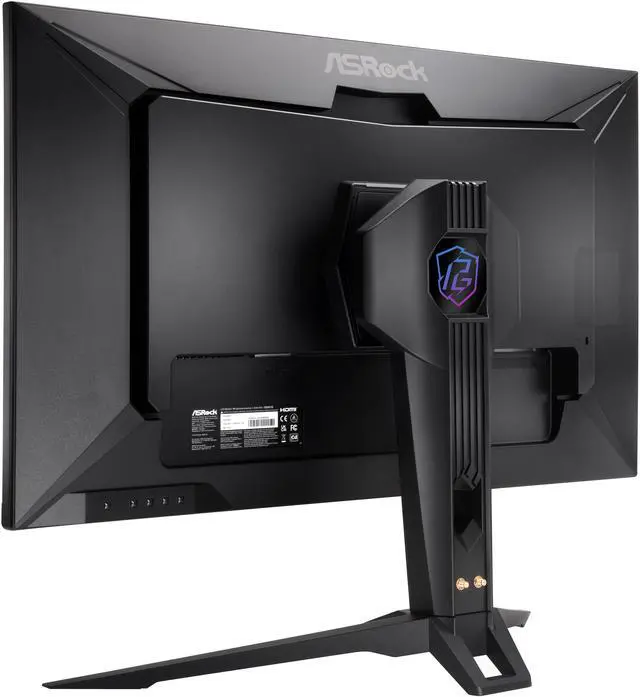
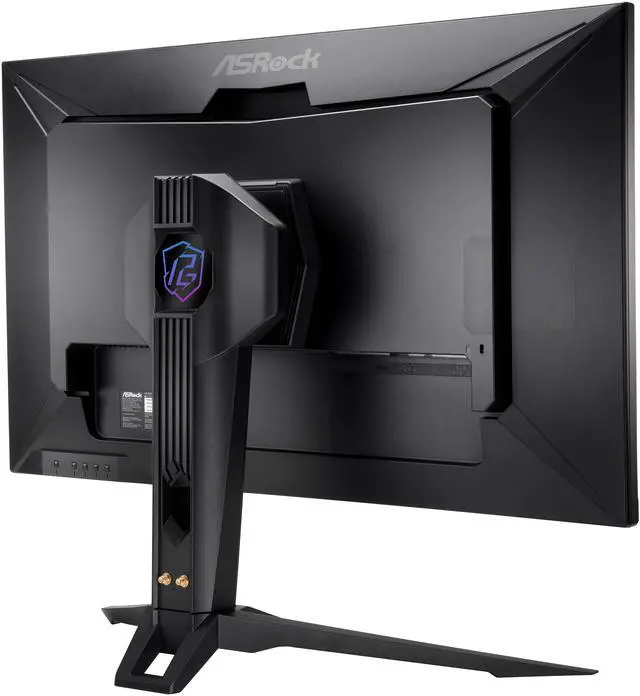
Q: What is the point of the PG32QFT’s built-in Wi-Fi antenna?
A: The Reddit discussion describes it as an antenna feature for the PC’s wireless signal, not as Wi-Fi connectivity for the monitor itself. It may be useful if you want the PC antenna positioned near the display; it is not a gaming or display feature.


