




 here!
I’m your shopping assistant for PC builds, upgrades, and everything tech.
Got questions? Ask away!
Start a conversation
here!
I’m your shopping assistant for PC builds, upgrades, and everything tech.
Got questions? Ask away!
Start a conversationShipped by Newegg

Make informed decisions with expert advice. Learn More
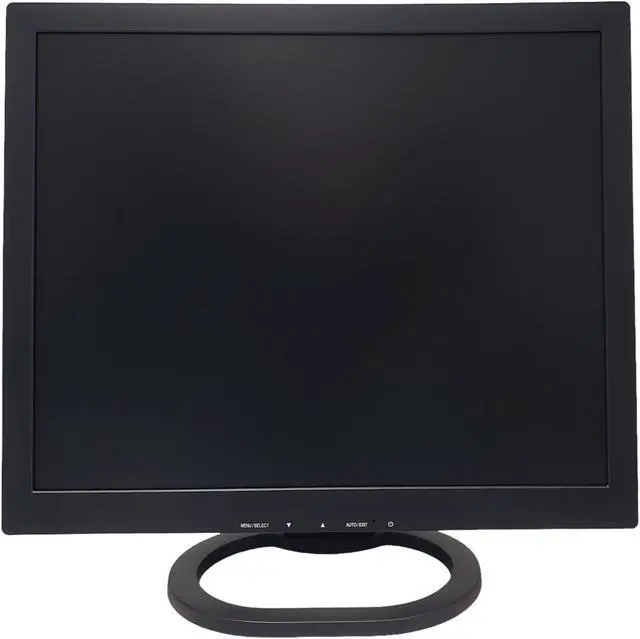
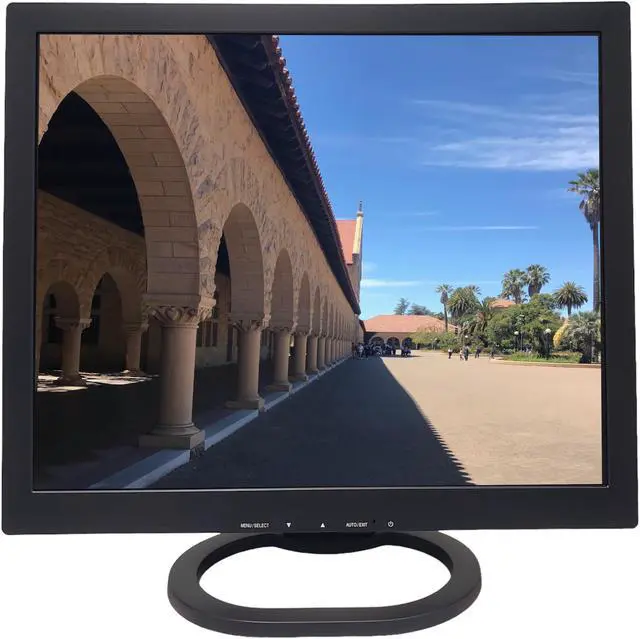
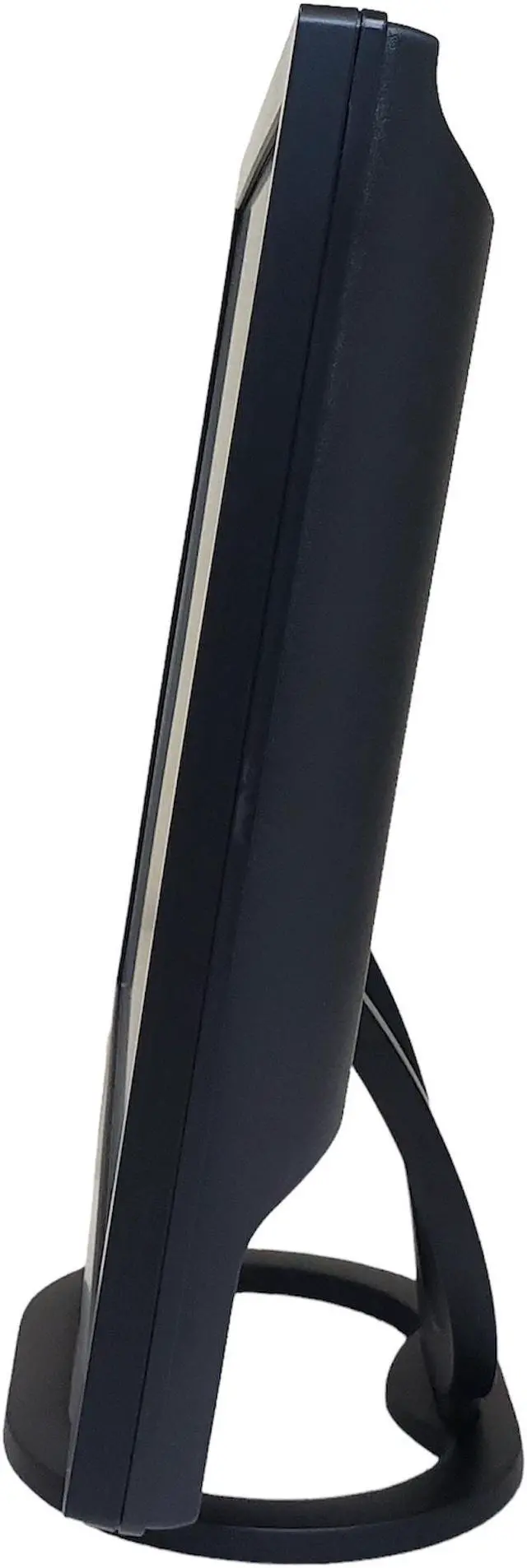
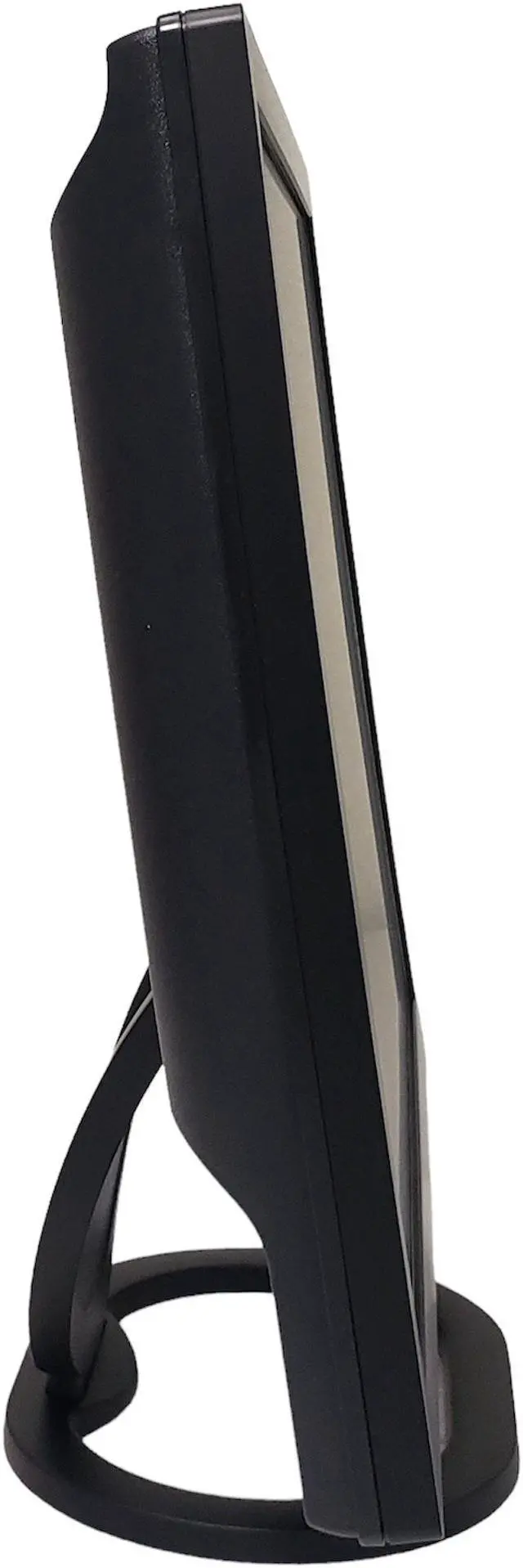
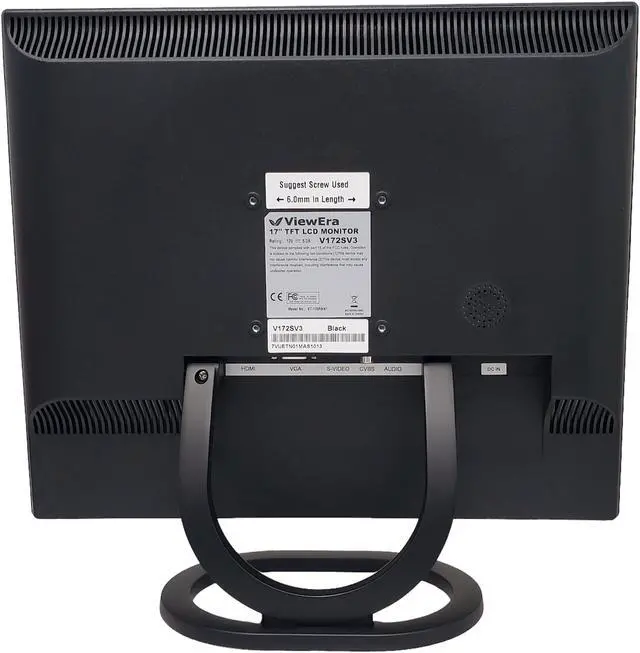


| Brand | ViewEra |
|---|---|
| Model | V172SV3 |
| Part Number | V172SV3 |
| Cabinet Color | Black |
| Screen Size | 17" |
|---|---|
| Widescreen | No |
| Maximum Resolution | 1280 x 1024 |
| Resolution | 1280 x 1024 |
| 3D Ready | NA |
| Refresh Rate | 75Hz |
| Viewing Angle | 160° (H) / 160° (V) |
| Monitor Pixel Density | 0.264(H) X 0.264(V) mm |
| Display Colors | 16.7 Million |
| Brightness | 250 cd/m2 |
| Contrast Ratio | 1,000:1 |
| Aspect Ratio | NA |
| Response Time | 5 ms |
| Panel | Active Matrix, TFT LCD |
| Horizontal Refresh Rate | 30~82 KHz |
| Vertical Refresh Rate | 50~75 Hz |
| Adaptive Sync Technology | NA |
| Curved Surface Screen | Flat Panel |
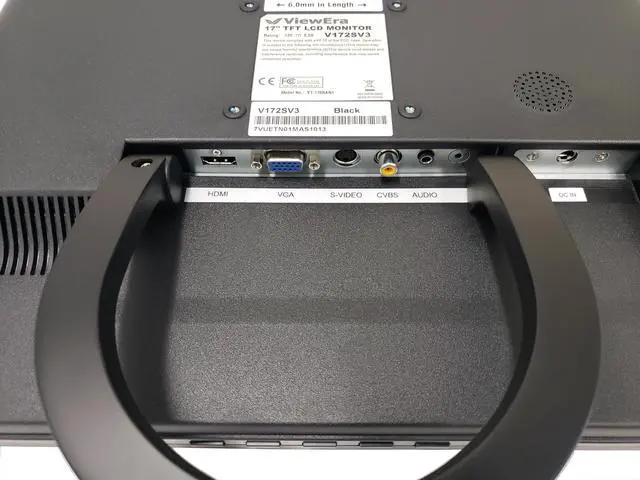
| Video Ports | 1 x D-Sub / 1 x HDMI |
|---|---|
| USB Ports | NA |
| D-Sub | 1 |
| DVI | NA |
| Video | S-Video, Composite |
| HDMI | 1 |
| Thunderbolt 3 | NA |
| DisplayPort | NA |
| USB 2.0 | NA |
| USB 3.0 | NA |
| Power Supply | AC Input: 100-240V~1.8A, 50-60HzDC DC Output: 12V/5.0A |
|---|---|
| Power Consumption | 15 Watts (Max.) |
| Stand Adjustments | Tilt |
|---|---|
| 3D Glasses Included | NA |
| Built-in Speakers | 2.5 Watt x 1 |
| Built-in Webcam | NA |
| HDCP Support | NA |
| VESA Compatibility - Mountable | 75 x 75mm |
| Dimensions | Dimensions(Pack Size) 17.32(W) x 17.9(H) x 6.0"(D) inch [440(W) x 455(H) x 155(D) mm] Dimensions(Set Size) 14.80(W) x 14.25(H) x 5.55(D)inch [376(W) x 362(H) x 141(D) mm] Dimensions (Without Stand) 14.80(W) x 12.40(H) x 1.89(D) inch [376(W) x 315(H) x 48(D) mm] |
|---|---|
| Weight | Net:6.6 lbs(3.0 Kg) / Gross: 9.7 lbs(4.4 Kg) |
| Temperature Range | Operating Conditions Temperature: 5 ~ 35 ?[ 41 ~ 95 ?] Storage Conditions Temperature: -20 ~ 60 ?[-4 ~ 140?] |
|---|---|
| Humidity Range | Operating Conditions Humidity: 20% ~ 80%(%RH) Storage Conditions Humidity: 10% ~ 90%(%RH) |
| First Listed on Newegg | May 09, 2023 |
|---|
We want to ensure your holiday shopping this year is hassle-free. That’s why we’re automatically extending our return policies on almost every product! For purchases placed between November 1st, 2026 and December 31, 2026 you will have until January 31, 2027 to return your product.
The ViewEra V172SV3 is a 17-inch, non-widescreen TFT LCD monitor with 1280 × 1024 resolution, HDMI and VGA inputs, and a built-in speaker; it suits basic office, home, and legacy-computer setups that use a 5:4 display.
| Attribute | Value |
|---|---|
| Best For | Compact desktop setups needing a 17-inch, non-widescreen display with built-in audio and HDMI or D-Sub connectivity |
| Panel And Resolution | 17-inch Active Matrix TFT LCD flat panel with 1280 × 1024 resolution, 16.7 million colors, 250 cd/m² brightness, 1,000:1 contrast ratio, 160° horizontal and vertical viewing angles, and 0.264 mm pixel pitch |
| Refresh Rate And Response | 75 Hz refresh rate, 5 ms response time, 30–82 kHz horizontal refresh range, and 50–75 Hz vertical refresh range |
| Ports And Connectivity | 1 HDMI and 1 D-Sub input; also lists S-Video and composite video |
| Stand And Ergonomics | Tilt adjustment and 75 × 75 mm VESA mounting compatibility |
| Audio | Built-in 2.5 W speaker |
| Power | 15 W maximum power consumption; AC input 100–240 V, 50–60 Hz, with 12 V/5 A DC output |
| Dimensions And Weight | Set size: 14.80 × 14.25 × 5.55 in; without stand: 14.80 × 12.40 × 1.89 in; net weight: 6.6 lb |
| Model Identifiers | ViewEra V172SV3; part number V172SV3 |
Q: ViewEra V172SV3 vs. V172SV2: which one should I choose for HDMI?
A: Choose the ViewEra V172SV3 if you want an HDMI input alongside VGA, composite, and S-Video connections. The V172SV2 has VGA, composite, and S-Video inputs, making it a fit for a setup built around those connections.
Q: ViewEra V172SV3 vs. V202: which gives me a larger desktop display?
A: The ViewEra V202 is the larger-display option, with a 20.1-inch screen and 1680 × 1050 maximum resolution. The V172SV3 has a 17-inch screen and 1280 × 1024 resolution, making it the choice for a more compact, 5:4-format display with HDMI, VGA, composite, and S-Video inputs.
Q: ViewEra V172SV3 vs. V172SV2: which has built-in stereo speakers?
A: Choose the V172SV2 if you want two built-in speakers rated at 3 watts each. The V172SV3 has one built-in speaker rated at 2.5 watts, while adding HDMI input to the shared 17-inch, 1280 × 1024 format.
Q: ViewEra V172SV3 vs. V191BN: which is designed for BNC security-video connections?
A: The ViewEra V191BN is the model to consider for a security-video setup using BNC connections; its specifications list BNC video input and output. The V172SV3 is a 17-inch video monitor with HDMI, VGA, composite, and S-Video inputs.
Q: Can this monitor be mounted on a monitor arm or wall mount?
A: Yes. The ViewEra V172SV3 has a 75 × 75 mm VESA mounting pattern. Its included stand supports tilt only, so use a compatible mount if you need height adjustment or other positioning.
Q: Can I connect this monitor to a laptop or desktop computer?
A: Yes, if the computer has an HDMI or VGA output. The monitor has one HDMI port and one D-Sub (VGA) port. If your computer has a different video output, you may need a compatible adapter; check that it supports the monitor’s 1280 × 1024 resolution.
Q: Does it have built-in speakers?
A: Yes. It has one built-in 2.5-watt speaker. The listed specifications do not describe a multi-speaker setup, so consider separate speakers if you need fuller or louder sound.
Q: Is this monitor suitable for everyday office work?
A: It can suit basic office tasks such as email, documents, and web browsing. Its 17-inch, non-widescreen display and 1280 × 1024 resolution provide less workspace than a larger or widescreen display, which may feel limiting when viewing several documents or windows at once.


