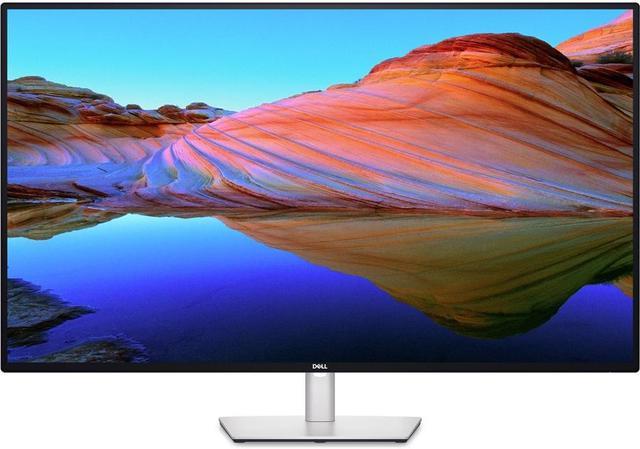
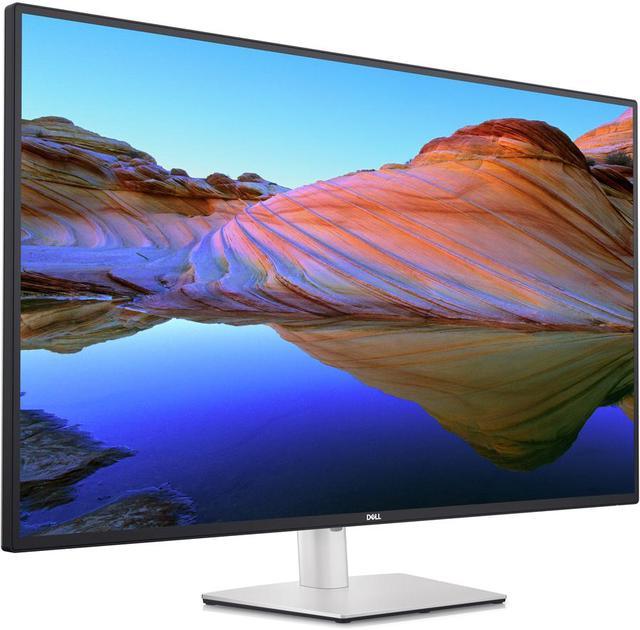
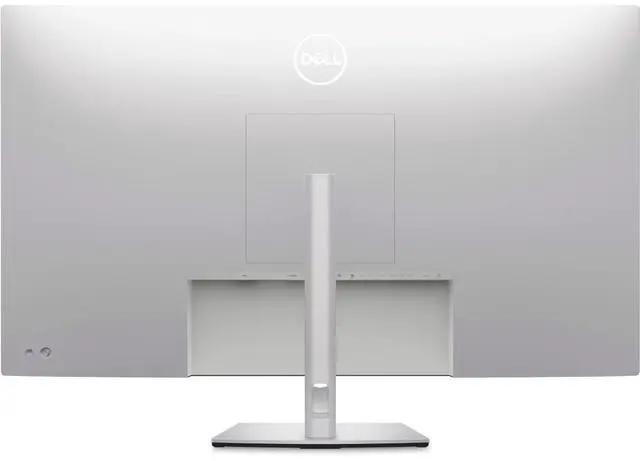
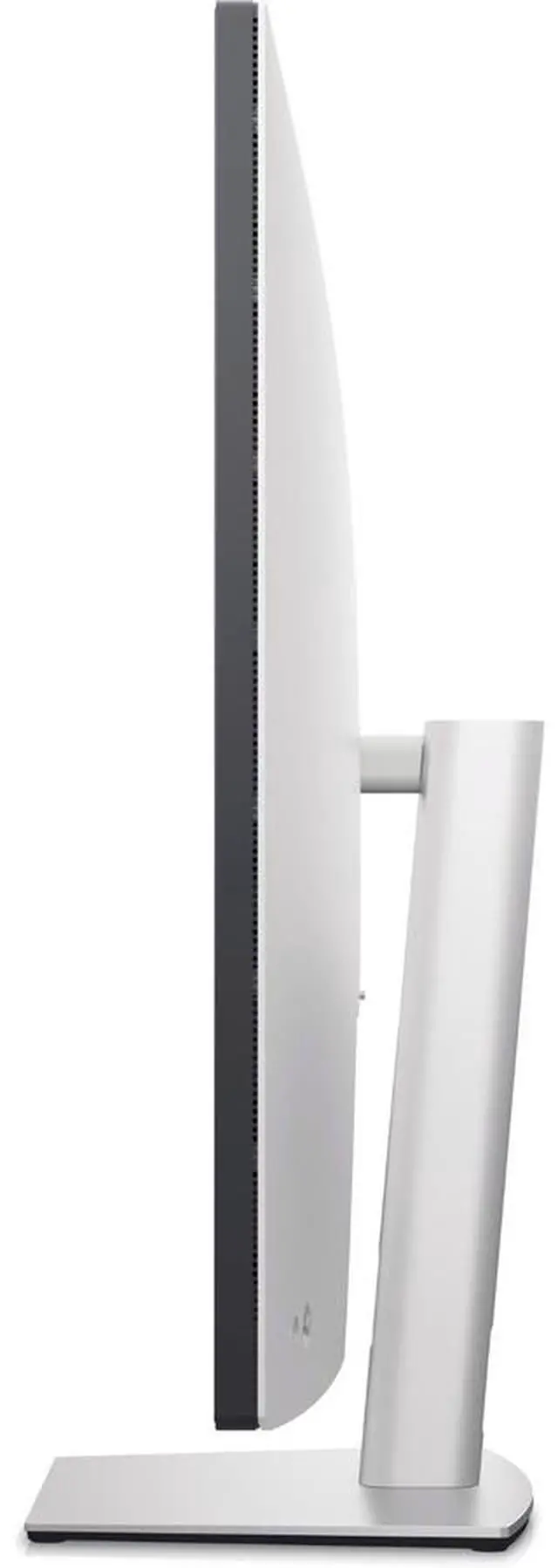
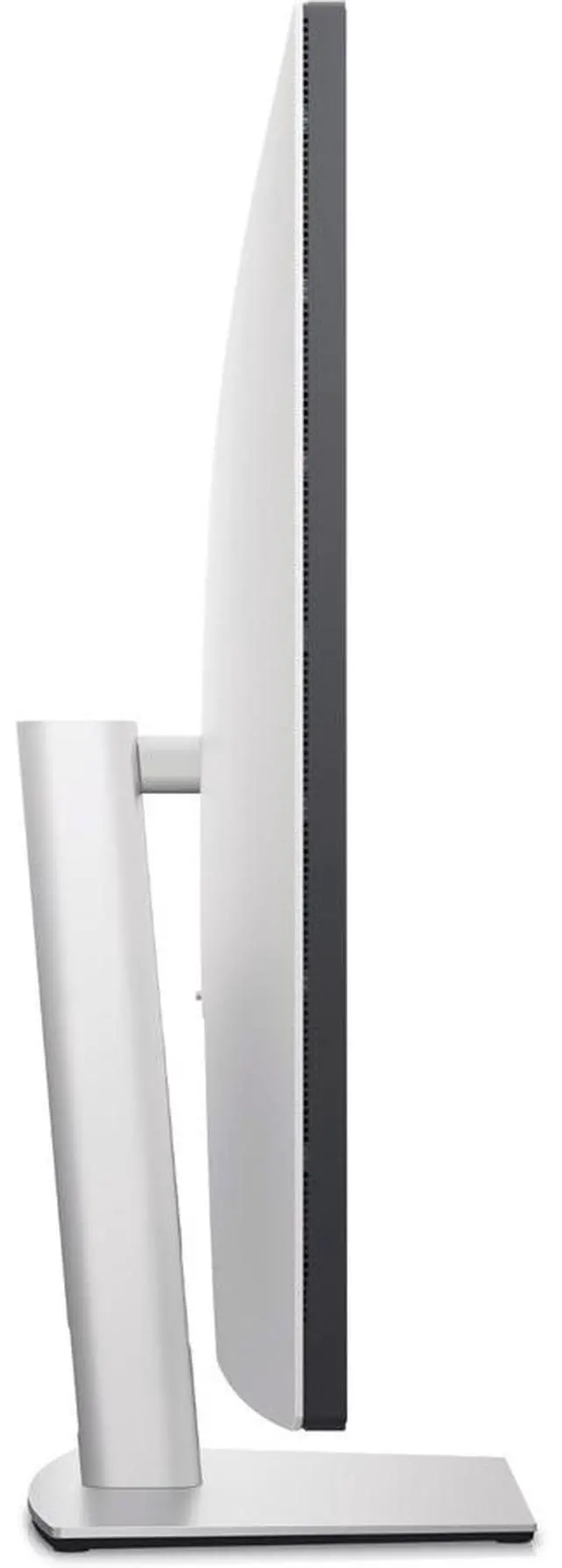
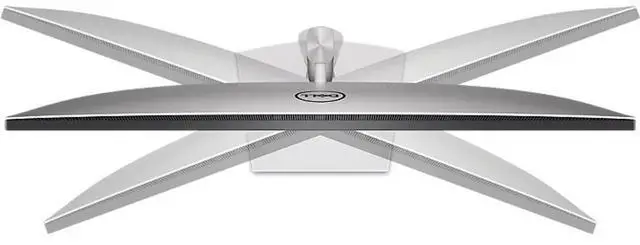
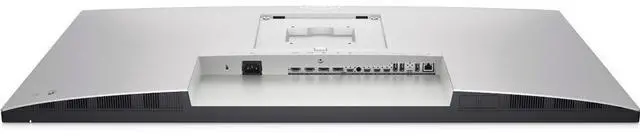
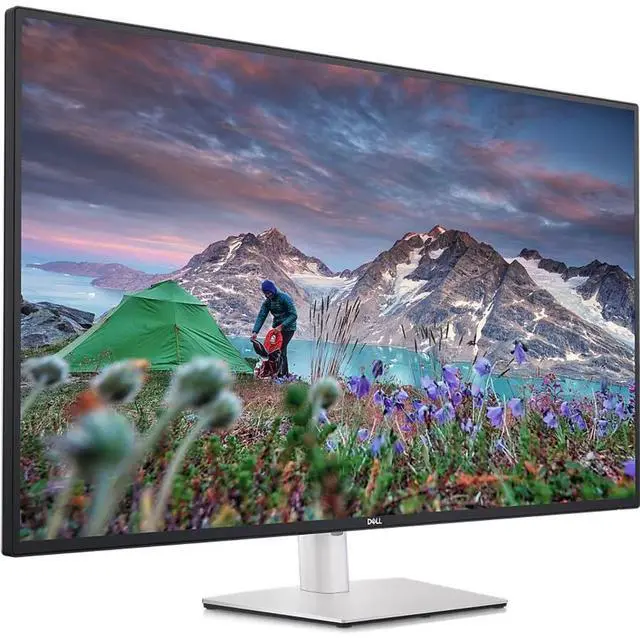
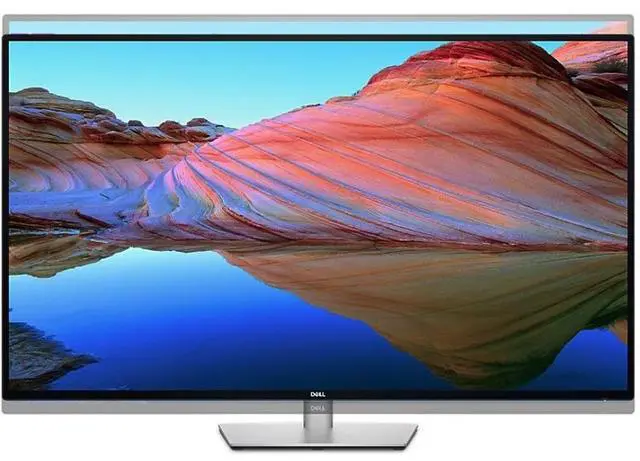
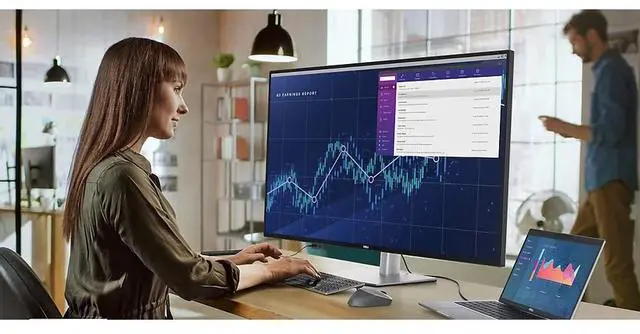
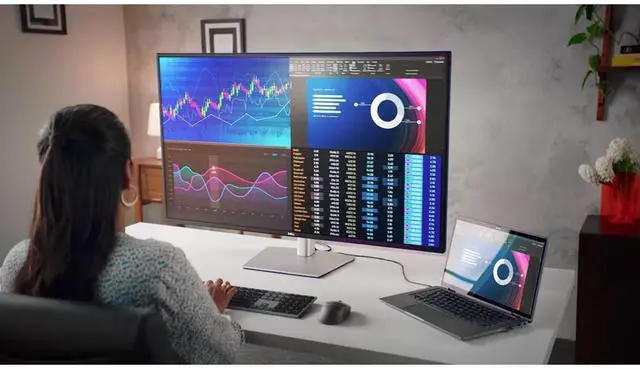
The Dell UltraSharp U4323QE is a 43-inch 4K USB-C hub monitor for professionals who need a large workspace for multitasking, with support for viewing up to four PCs on one screen.
Recommended For
- People who regularly switch among several computers at one desk: the monitor supports viewing up to four PC sources and sharing a keyboard and mouse through its KVM features.
- Home-office workers who want one large screen for several documents, spreadsheets, or app windows instead of arranging multiple monitors; its 43-inch 4K workspace is designed around productivity and multitasking.
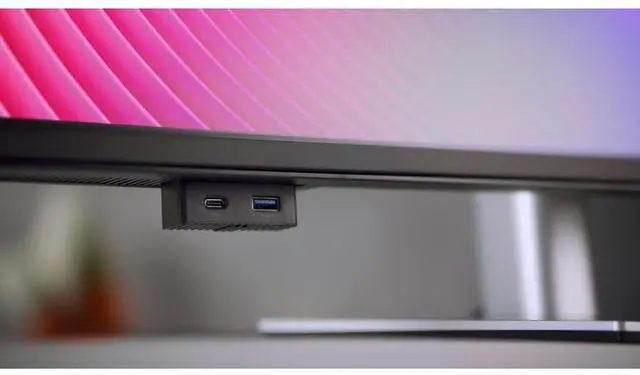
- Laptop-based workers who want a desk setup with fewer separate accessories: USB-C can provide up to 90W power delivery, and the monitor also includes a USB hub and wired Ethernet.
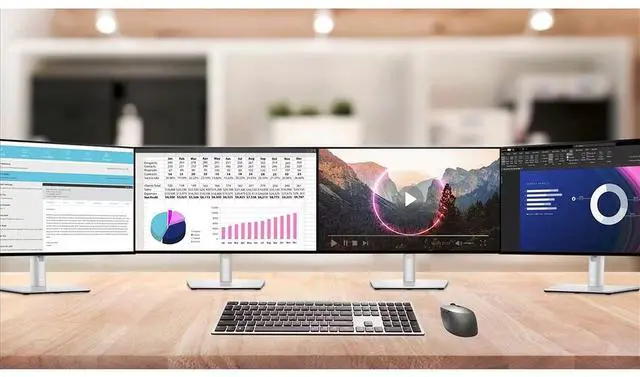
- Users who need to monitor several views at once, such as a workflow with multiple dashboards or computer inputs: Picture-by-Picture and the monitor’s four-partition mode support split-screen work.
Real-World Use Scenarios
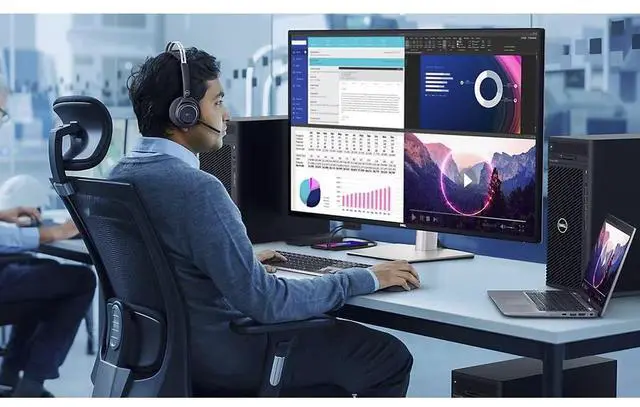
- When a workday involves spreadsheets, email, browser tabs, and reference documents, users can arrange several windows across the large screen and keep more of their work visible at once, reducing the need to switch between windows.
- When one computer needs to show several work areas at once, users can divide the display into up to four FHD partitions, for example keeping separate applications or reference views visible without adding monitors.
- When someone alternates between a work laptop and another computer, they can connect both to the monitor and use its KVM feature to share a keyboard and mouse, making it easier to switch between systems without changing desk peripherals.
- In a small team huddle, users can display output from multiple connected computers side by side, making it easier to compare files, dashboards, or presentations on one screen.
- When setting up a laptop-based home or office desk, users can connect video, data, network, and supported laptop charging through the monitor’s USB-C connection, while plugging peripherals into the monitor’s hub to reduce cable changes.




 here!

 Hot Seller