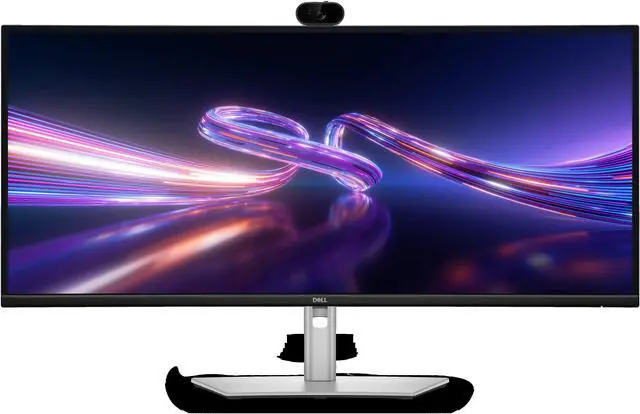
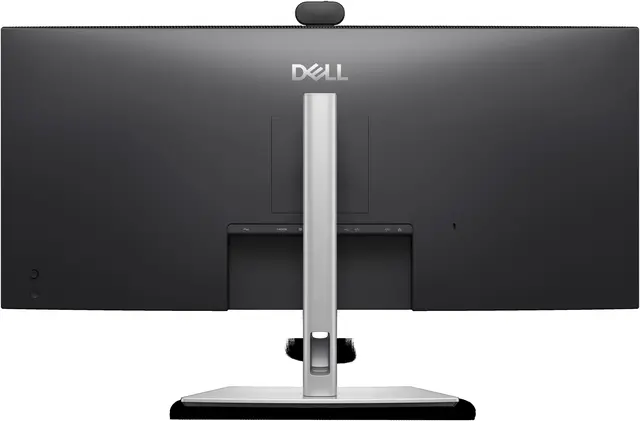
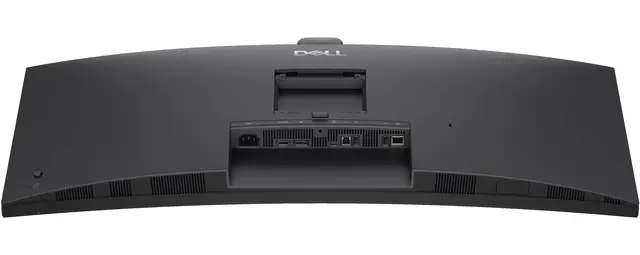
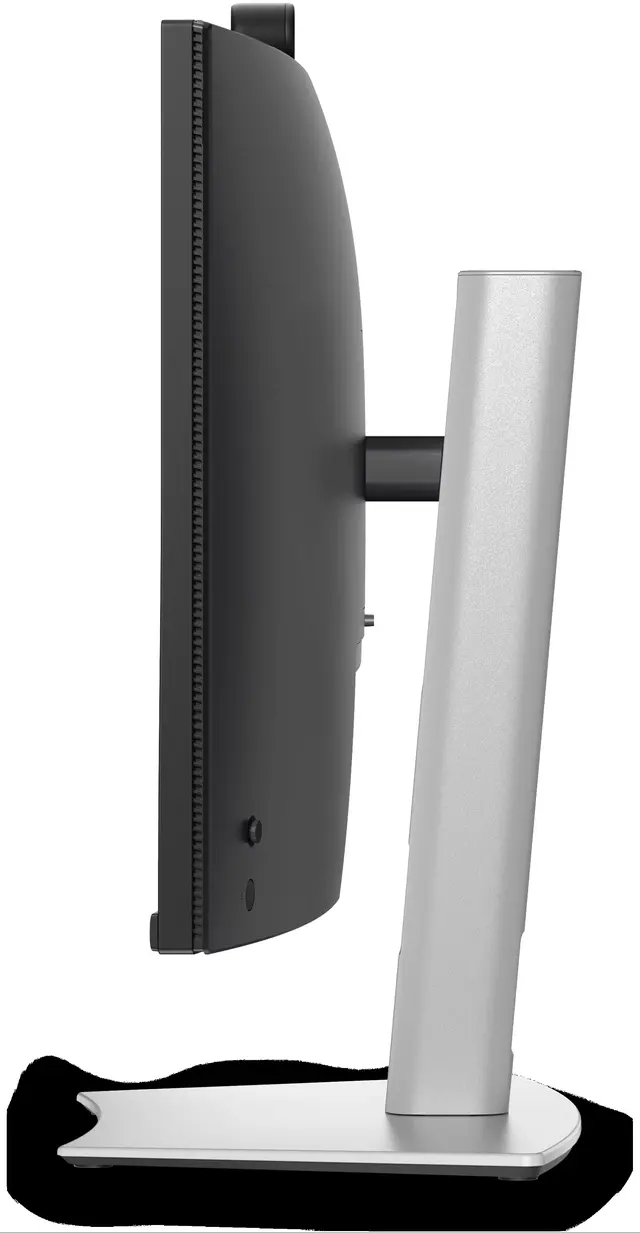
The Dell Pro P3426WEV is a 34.1-inch curved WQHD IPS USB-C hub monitor with a built-in 5MP AI webcam and 100Hz refresh rate, suited to professionals who want a wide screen and camera for video meetings and everyday work.
Recommended For
- Home-office and office workers who want one wide screen for several side-by-side windows instead of a dual-monitor setup.
- Laptop users who want to reduce desk cables by connecting through USB-C and using the monitor’s built-in hub for peripherals.
- People who take frequent video meetings and prefer a monitor with a built-in webcam rather than a separate camera on the desk.
- Office users who want a productivity-focused ultrawide that also supports casual gaming and smoother everyday scrolling.
Real-World Use Scenarios
- When replacing a dual-monitor desk setup, use the wide screen to keep a document beside a browser, spreadsheet, or chat window; its 21:9 layout gives room to work across multiple windows on one display.
- For frequent work video calls, use the built-in webcam instead of setting up a separate camera; optional auto-framing can adjust the crop as you move, though the reviewer found it a little slow to respond.
- At a laptop-based desk, connect a compatible computer over USB-C and plug everyday peripherals into the monitor; this can reduce cable clutter and serve as a basic docking setup while charging the laptop.
- For a full workday of browsing, documents, and office apps, use the monitor as a main desk display; the reviewer reported comfortable extended use, while Dell lists TÜV 4-Star eye-comfort certification.
- For casual gaming after work, use the monitor for a wider view and smoother motion than a standard 60Hz display; it is better suited to occasional play than HDR-focused or color-critical gaming.




 here!