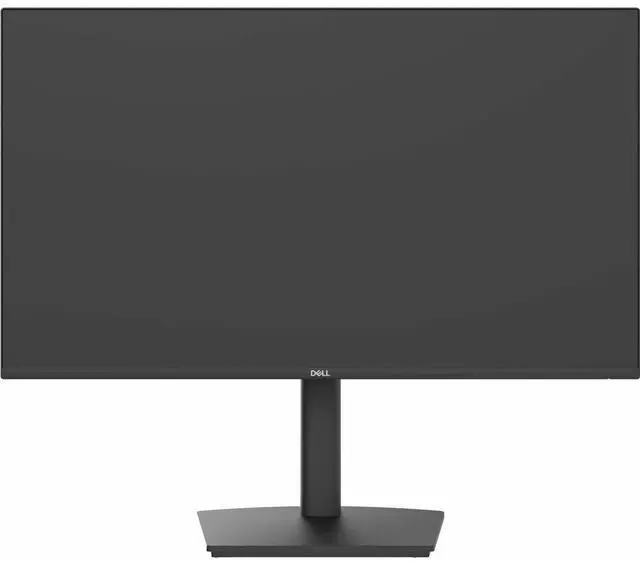
The Dell Pro P 24 USB-C Hub Monitor (P2426HE) is a 23.8-inch 120Hz IPS monitor with USB-C hub connectivity and TÜV 4-Star eye comfort, suited to professionals who want a smooth, comfortable display and a cleaner desk setup.
Recommended For
- Laptop-based office workers who want one USB-C connection for the display, USB accessories, wired Ethernet, and up to 100W of laptop power.
- Desk-based hybrid workers who regularly connect and disconnect a compatible laptop and want the monitor to serve as a USB hub and Gigabit Ethernet connection.
- Office users who spend long stretches reading documents, browsing, or working in spreadsheets and value an adjustable stand, anti-glare screen, and Dell’s four-star eye-comfort certification.
- Small-office or home-office setups that need a compact 23.8-inch productivity display with the option to connect a second monitor through DisplayPort daisy-chaining.
Real-World Use Scenarios
- At a home or office desk, a laptop user connects one USB-C cable to get the display, wired Ethernet, USB peripherals, and—on a compatible laptop—up to 100 W of charging, reducing the need to connect a separate dock and several cables.
- For everyday office work—such as keeping a document open beside email or a video call—the 23.8-inch Full HD screen provides a straightforward second workspace, while the adjustable stand lets users set a more suitable height or rotate the display for portrait-oriented content.
- During long work sessions involving spreadsheets, documents, and web pages, the 120 Hz refresh rate makes scrolling and on-screen movement appear smoother than on a typical 60 Hz display; the monitor also includes TÜV 4-Star eye-comfort certification, though comfort varies by user and setup.
- For a desk with a laptop and several USB accessories, the monitor’s built-in hub lets users connect peripherals at the display and leave them in place when switching between work sessions, rather than repeatedly plugging them into the laptop.
- For users who want a second external display, the DisplayPort-out connection can link this monitor to a compatible display; whether the laptop can drive the full multi-monitor setup depends on its graphics and display-output support.




 here!