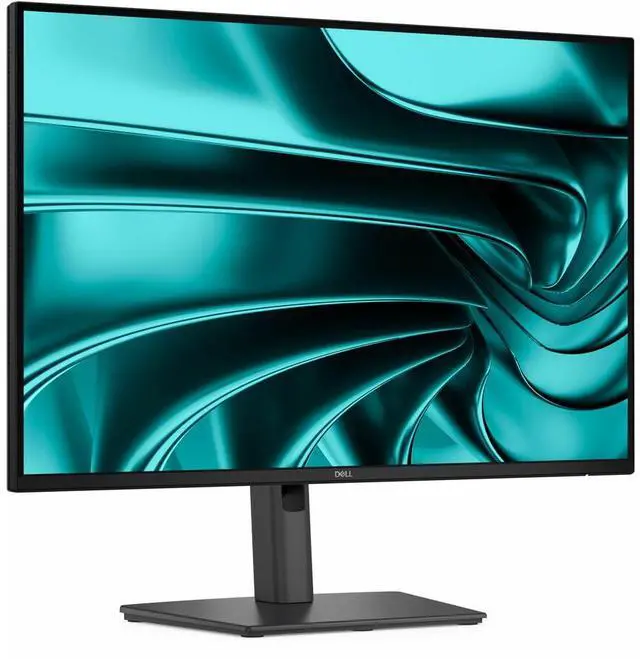
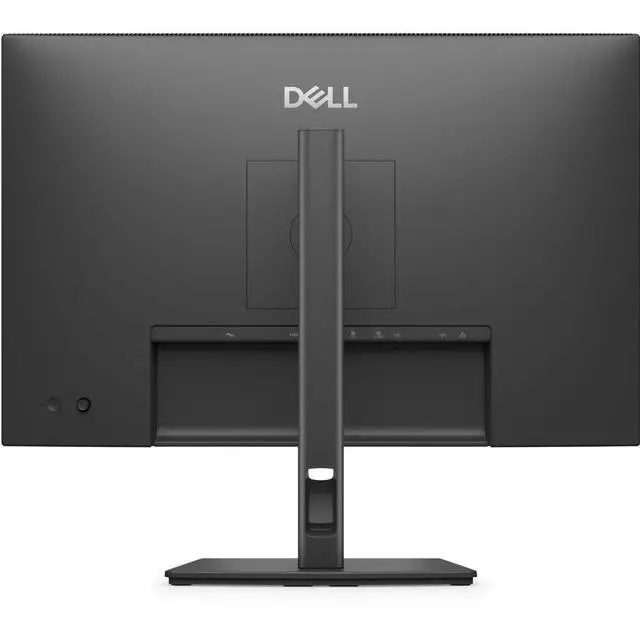
The Dell Pro P2426E is a 24.1-inch 16:10 USB-C hub monitor with an FHD IPS display and TÜV 4-Star certified eye comfort, suited to office and home-office users who want a productivity-focused screen with convenient connectivity.
Recommended For
- Office workers who spend much of the day reading documents, editing spreadsheets, or coding and want extra vertical workspace compared with a standard 16:9 Full HD screen.
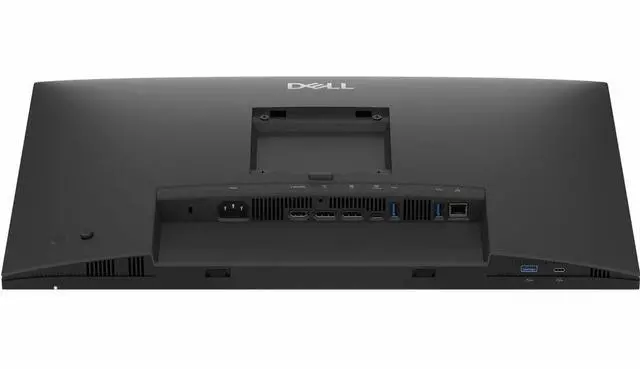
- Laptop-based hybrid workers who want one USB-C connection for display, up to 100W laptop charging, wired Ethernet, and desk peripherals.
- People setting up an office workstation for long screen sessions who value an adjustable stand, anti-glare display, and certified eye-comfort features.
- Desk setups adding a second compatible monitor, since the P2426E includes DisplayPort output for daisy chaining.
Real-World Use Scenarios
- At a home or office desk, a user connects a compatible laptop over USB-C to use the monitor for video, charge the laptop, and connect wired Ethernet and USB peripherals, reducing the need for a separate dock and multiple desk cables.
- For spreadsheets, email, and document work, the 16:10 screen gives users more vertical workspace than a typical 16:9 Full HD display, which can mean less scrolling through long pages or tables.
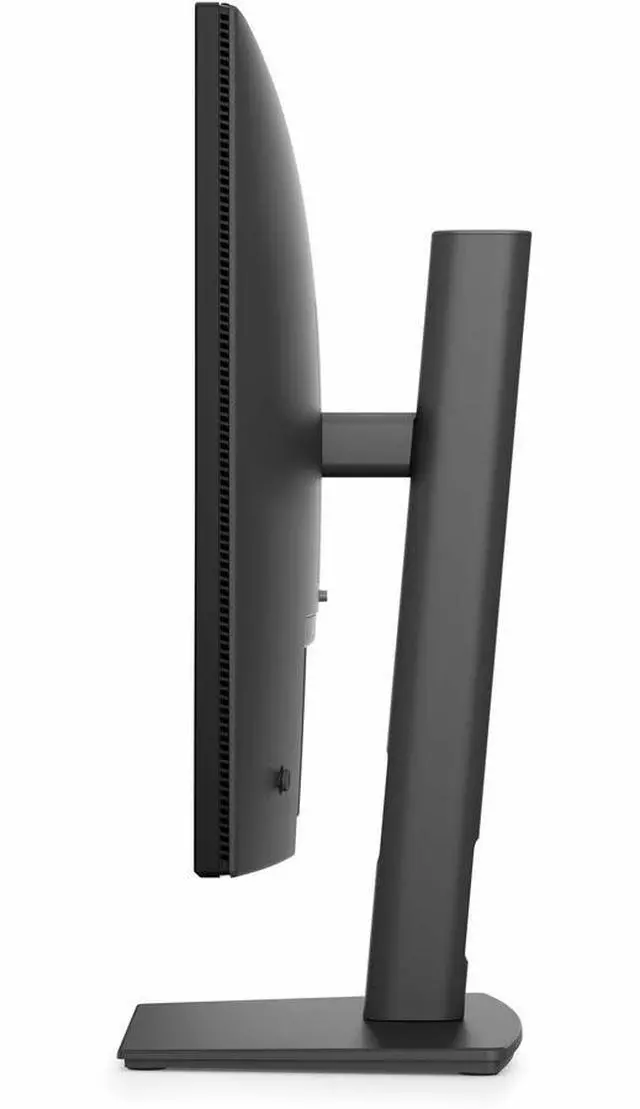
- In a compact workstation, a user can rotate the screen to portrait for reviewing long documents, code, or web pages; the adjustable stand supports pivoting, though the narrower view may not suit wide spreadsheets or video.
- For a two-screen office setup, a user can connect a second compatible monitor through the DisplayPort output, extending the desktop without needing a separate video connection from the computer for each screen.
- During a long workday, users can adjust the monitor’s height, tilt, and viewing angle and use its low-blue-light and flicker-free features; these are comfort-focused features, not a guarantee against eye strain.




 here!