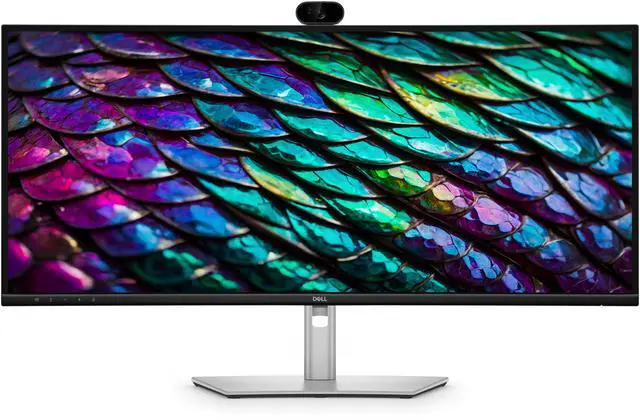
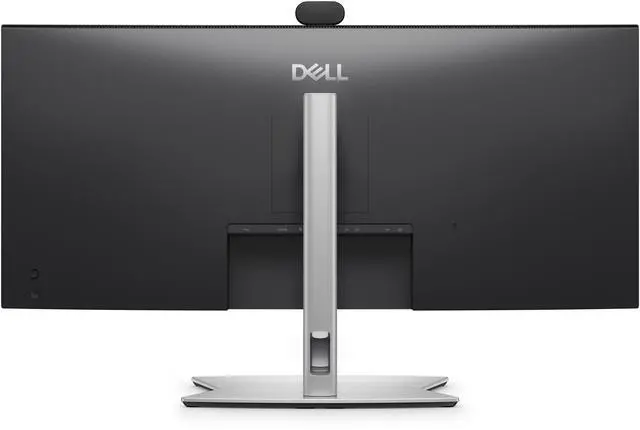
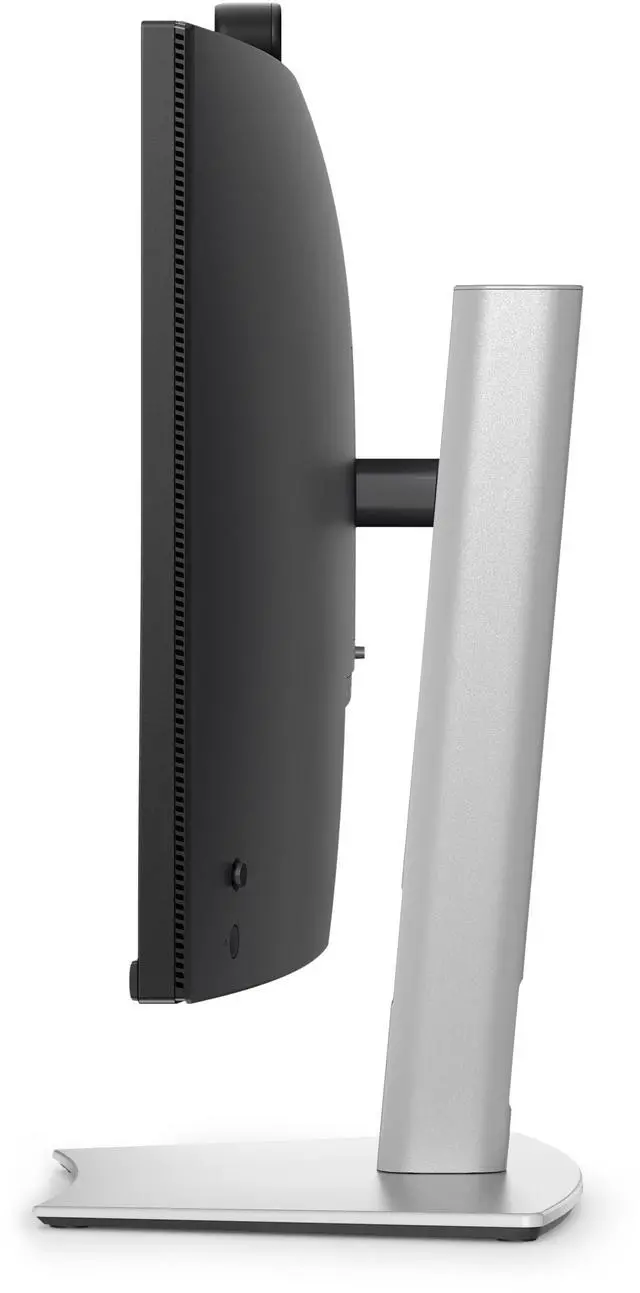
The Dell Pro P3426WEB is a 34.1-inch curved USB-C hub conferencing monitor with a 100Hz display and 5MP AI webcam, suited to professionals who want a wide workspace and built-in tools for video meetings.
Recommended For
- Remote and hybrid workers who spend much of the day in video meetings and want a built-in webcam, microphone, and speakers rather than separate desk peripherals.
- Laptop-first office users who want to connect a compatible computer over USB-C while charging it and connecting desk peripherals through the monitor’s hub.
- Office users who work across several windows and want one wide screen for documents, calls, and side-by-side apps instead of a two-monitor setup.
- People switching between two computers at one desk who want an ultrawide display with an integrated KVM and USB-C docking features.
Real-World Use Scenarios
- For a work-from-home video meeting, use the monitor’s built-in webcam, microphone, and speakers to join a call without setting up separate camera and audio devices.
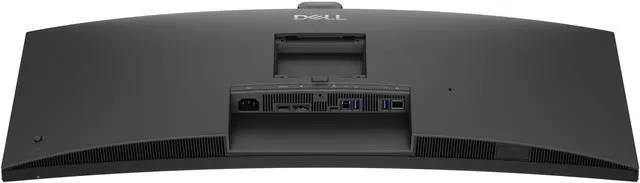
- At a home or office desk, connect a compatible laptop over USB-C to use the monitor for video, charging, peripherals, and Ethernet, reducing the need for a separate dock and several cables.
- When working across documents, email, and a browser, use the wide screen to keep multiple windows visible side by side, making it easier to compare information without frequently switching apps.
- If you switch between a work laptop and a desktop, connect both computers and use the monitor’s KVM features to share a keyboard and mouse and move between PC inputs.
- For a tidy desk setup, plug frequently used USB accessories into the monitor and connect a laptop with one USB-C cable; peripherals can stay at the desk when you disconnect the laptop.




 here!