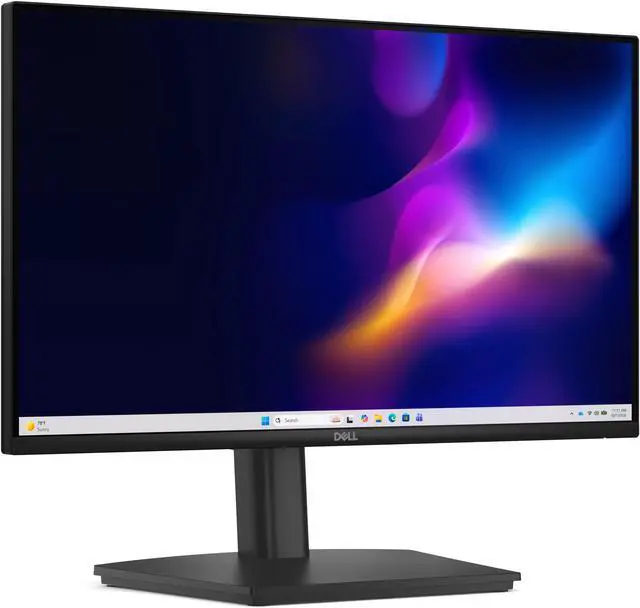
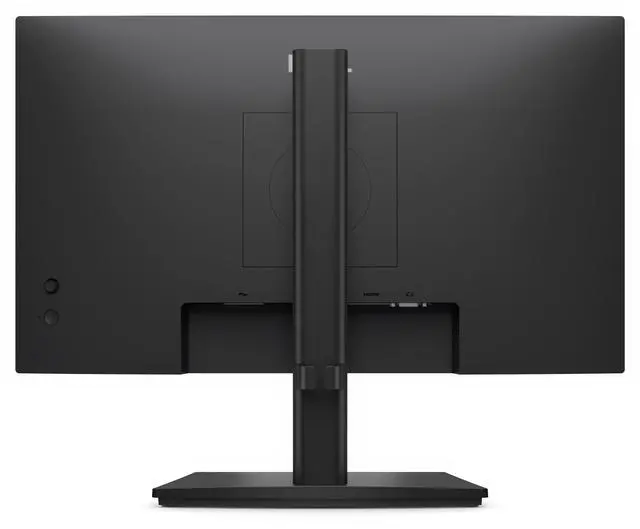
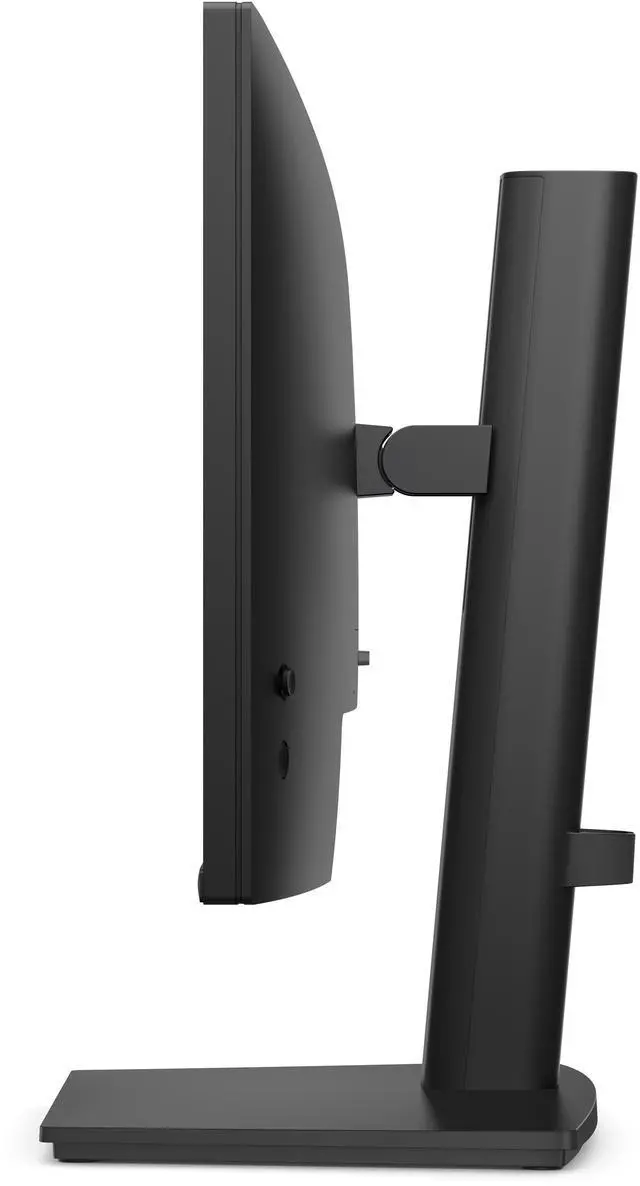
The Dell Pro E2226HS is a 21.5-inch FHD IPS monitor with a height-adjustable stand, 100Hz refresh rate, and TÜV Rheinland 3-star eye-comfort certification, making it a practical fit for everyday office work and productivity.
Recommended For
- Office and administrative staff who spend the day on documents, email, and browser-based work and want a compact Full HD screen with a height-adjustable stand.
- Small-workspace users who need a 21.5-inch monitor that can connect to newer computers by HDMI or DisplayPort and to older systems by VGA.
- People who regularly change posture or share a screen at a desk and want height, tilt, swivel, and pivot adjustments rather than a fixed-position stand.
- Home-office users who want built-in speakers for basic calls, system alerts, or video playback without adding separate desktop speakers.
Real-World Use Scenarios
- For everyday office tasks such as email, documents, and spreadsheets, use it as a compact desk monitor; the Full HD screen provides a straightforward workspace for routine computer work.
- When reading long documents or reviewing code, rotate the display to portrait orientation to see more of a page or file at once, then return it to landscape for general work.
- For a shared or changing desk setup, adjust the screen’s height, tilt, swivel, or pivot to better match the user and seating position without replacing the stand.
- For extended work or study sessions, use the monitor’s eye-comfort features, including low-blue-light support and flicker-free operation, which are designed for more comfortable viewing.
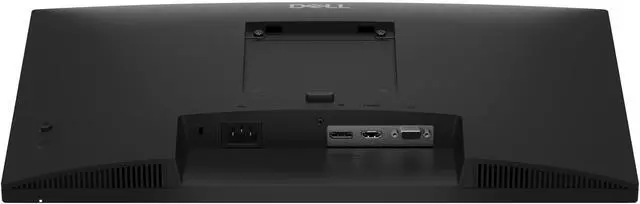
- For a workstation with a mix of newer and older computers, connect through DisplayPort, HDMI, or VGA, depending on the available video output; the monitor does not provide USB-C connectivity.
- For online meetings or lessons, use the built-in speakers for incoming audio; connect a separate webcam and microphone because the monitor has neither.




 here!

 Hot Seller