




 here!
here!
I’m your shopping assistant for PC builds, upgrades, and everything tech.
Got questions? Ask away!
Start a conversation
here!
I’m your shopping assistant for PC builds, upgrades, and everything tech.
Got questions? Ask away!
Start a conversationShipped by Newegg
 Top Rated





Any questions? Ask CelesteSM will help you find out quickly.
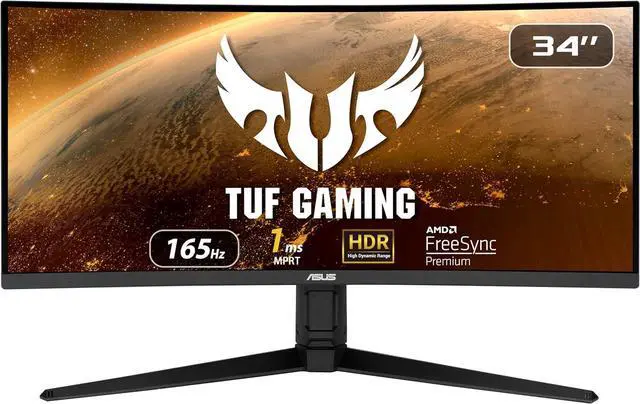
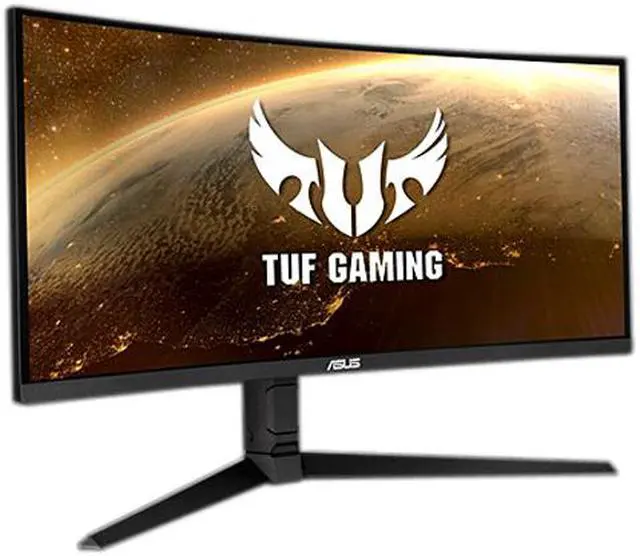
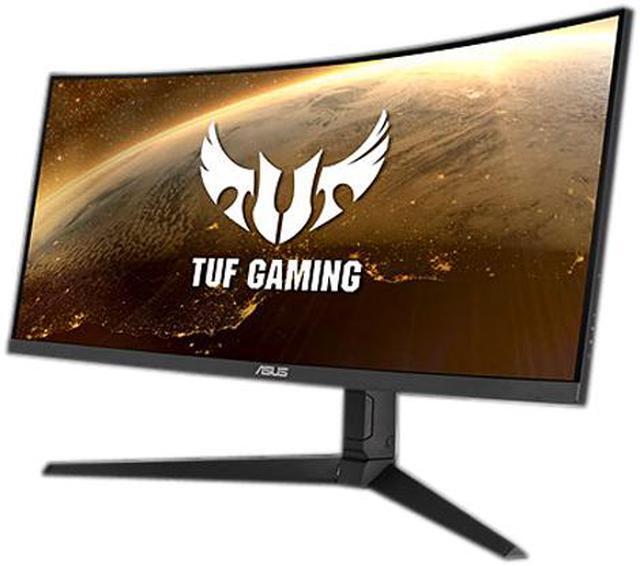
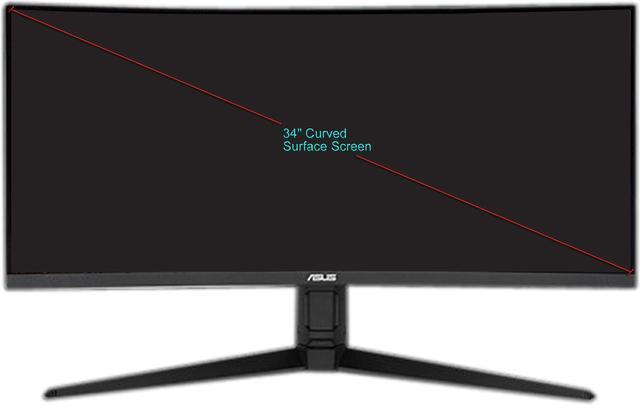
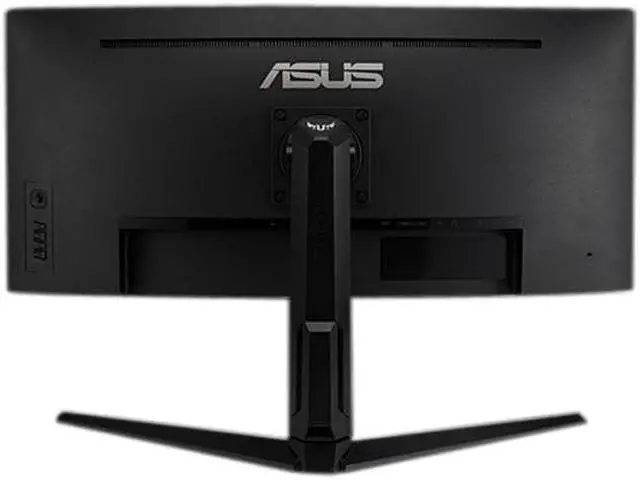
The ASUS TUF Gaming VG34VQL1B is a 34-inch curved UWQHD gaming monitor with a 3440 × 1440 resolution, 165Hz refresh rate, FreeSync Premium and 1ms MPRT response time, suited to PC gamers seeking smooth, immersive ultrawide play.
| Attribute | Value |
|---|---|
| Best For | Ultrawide gaming and photo/video editing with desktop computers, laptops, or gaming consoles, using a 34-inch 3440 × 1440 display with 165Hz refresh and FreeSync Premium |
| Panel And Resolution | 34-inch curved VA panel with 3440 × 1440 UWQHD resolution, 21:9 aspect ratio, 1500R curvature, non-glare finish, 178° horizontal and vertical viewing angles, and 0.232mm pixel pitch |
| Refresh Rate And Response | 165Hz refresh rate with 1ms MPRT response time; FreeSync Premium and Adaptive-Sync are supported from 48Hz to 165Hz |
| Image Quality And Eye Care | 550 cd/m² brightness, 4000:1 contrast ratio, 16.7 million colors, 120% sRGB and 90% DCI-P3 color coverage, and VESA DisplayHDR 400 certification with HDR-10 support; flicker-free and low-blue-light features |
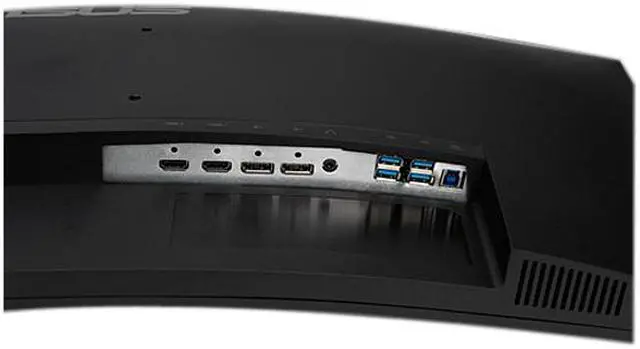
| Ports And Connectivity | 2 HDMI 2.0 inputs, 2 DisplayPort 1.4 inputs, and a USB 3.0 hub with 1 upstream and 3 Type-A downstream ports; HDCP supported |
| Stand And Mounting | Stand adjusts for height, swivel, and tilt; compatible with 100 × 100mm VESA mounts |
| Audio And Gaming Features | Two built-in 2W speakers, button controls, and gaming tools including GamePlus modes, GameVisual modes, Shadow Boost, and Extreme Low Motion Blur; no built-in webcam |
| Power | 100–240 VAC, 50/60Hz power input; power consumption below 35W, with power-saving and power-off consumption below 0.5W |
| Physical Dimensions And Weight | With stand: 31.85 × 10.79 inches, 16.38–21.50 inches high, and 19.86 lb; without stand: 31.85 × 4.13 inches, 14.41 inches high, and 14.55 lb |
| Included Accessories | Power cord, warranty card, quick-start guide, HDMI cable, DisplayPort cable, USB 3.0 cable, L-shaped screwdriver, screws, and rubber |
| Model Identifiers | ASUS TUF Gaming, model VG34VQL1B, part number 90LM06F0-B011B0 |
Q: ASUS VG34VQL1B vs. Gigabyte G34WQC: which should I choose for gaming?
A: Choose the ASUS VG34VQL1B if you want the higher refresh rate and more adjustable stand: it supports up to 165Hz and swivel adjustment, while the G34WQC tops out at 144Hz and lacks swivel adjustment. Both are 34-inch, 3440 × 1440 VA ultrawides. RTINGS’ comparison also reports faster response times on the ASUS, though both VA panels can show dark-scene smearing.
Q: ASUS VG34VQL1B or Dell S3422DWG: is the ASUS worth choosing?
A: Choose the ASUS if you want a 165Hz refresh rate and a 1500R curve; the Dell offers 144Hz and an 1800R curve. Both are 34-inch, 3440 × 1440 VA gaming monitors with variable refresh rate support. The ASUS is a good fit when its higher refresh rate and tighter curve matter to you; compare current prices and ergonomics if those matter more, since the Dell is also a capable ultrawide option.
Q: Should I get the ASUS VG34VQL1B or upgrade to the LG 34GN850-B?
A: Choose the LG 34GN850-B if you prioritize IPS viewing angles and cleaner motion handling; RTINGS reports better motion handling for the LG. Choose the ASUS VG34VQL1B if you prefer a VA panel’s stronger contrast for darker-room viewing and want its 165Hz refresh rate. Both provide a 34-inch, 3440 × 1440 ultrawide display, so the decision is mainly about panel characteristics and motion performance.
Q: Is this monitor suitable for office work and multitasking?
A: Yes. Its 34-inch, 21:9 display with 3440 × 1440 resolution provides room to view multiple windows side by side. The height-adjustable stand, non-glare screen, flicker-free feature, and low-blue-light mode support desk use. It has no built-in webcam, so video meetings require a separate camera.
Q: Is this monitor good for PC gaming at high refresh rates?
A: It supports up to 165Hz over a compatible connection and system, with FreeSync Premium and Adaptive-Sync support. The listed 1ms figure is MPRT, not a guarantee of every pixel’s response time in all settings. Reaching high frame rates at 3440 × 1440 also depends on the computer’s graphics hardware and game settings.
Q: Does it have built-in speakers, and are they enough for everyday use?
A: Yes. It has two built-in 2W speakers for basic audio, such as system sounds or casual viewing. The listed specifications do not establish that they will suit users who need louder or fuller sound, so external audio may be preferable for those needs.
Q: Can this monitor be mounted on a monitor arm?
A: Yes. It supports a standard 100 × 100mm VESA mount. The included stand also offers height, swivel, and tilt adjustments. Check that an arm can support the monitor’s weight of about 19.86 lb with the stand removed.
Q: Is the ASUS TUF VG34VQL1B a good-value ultrawide for gaming?
A: It may suit buyers seeking a 34-inch, 3440 × 1440 curved display with a refresh rate up to 165Hz and adaptive sync. Reddit users describe positive gaming experiences, but some report motion artifacts or ghosting, so motion performance may be a trade-off. Whether it is good value also depends on its current price.
Q: Does the VG34VQL1B show ghosting or color artifacts during motion?
A: Some owners report ghosting, color smearing, or inverse-ghosting artifacts, particularly with certain overdrive settings and HDR. Reports vary, and changing the overdrive setting may reduce some artifacts; the product's 1ms MPRT specification does not guarantee artifact-free motion.
Q: Is HDR worth using on the VG34VQL1B?
A: The monitor supports HDR10 and is DisplayHDR 400 certified. Some owners say HDR looks good, while others report colorful motion artifacts when HDR and overdrive are used together. If those artifacts are distracting, user reports suggest comparing performance with HDR turned off; experiences differ.


