




 here!
here!
I’m your shopping assistant for PC builds, upgrades, and everything tech.
Got questions? Ask away!
Start a conversation
here!
I’m your shopping assistant for PC builds, upgrades, and everything tech.
Got questions? Ask away!
Start a conversationShipped by Newegg






Combo Up Savings Up To $250+
The more you add, the more you'll save!
Any questions? Ask CelesteSM will help you find out quickly.


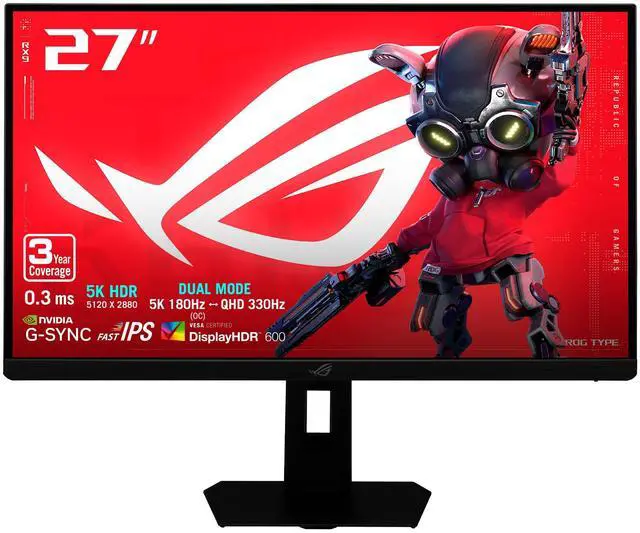
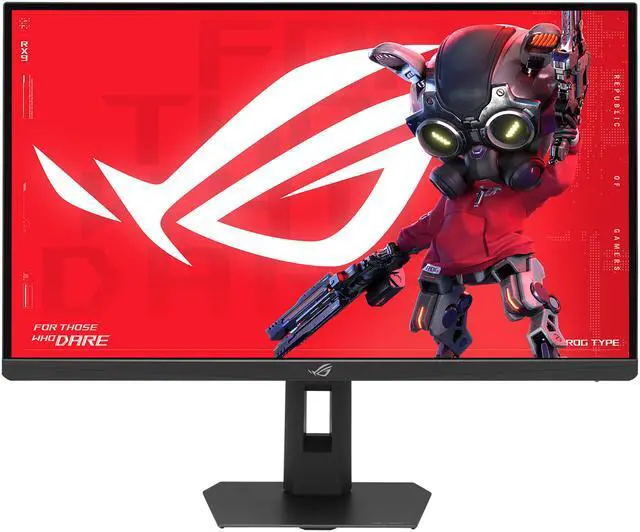
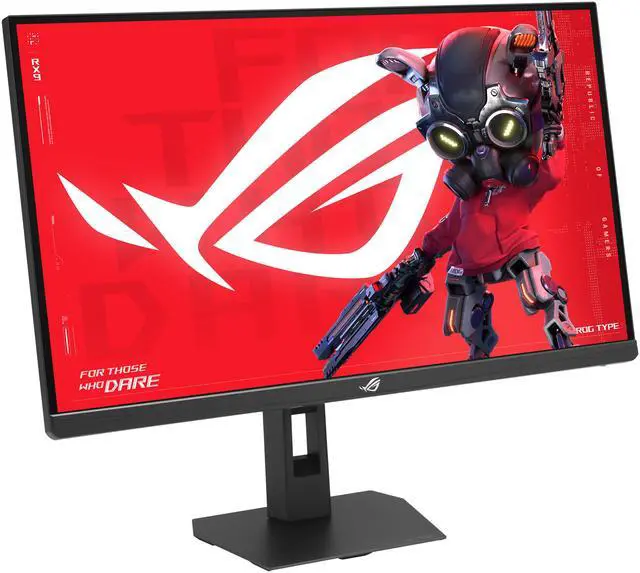
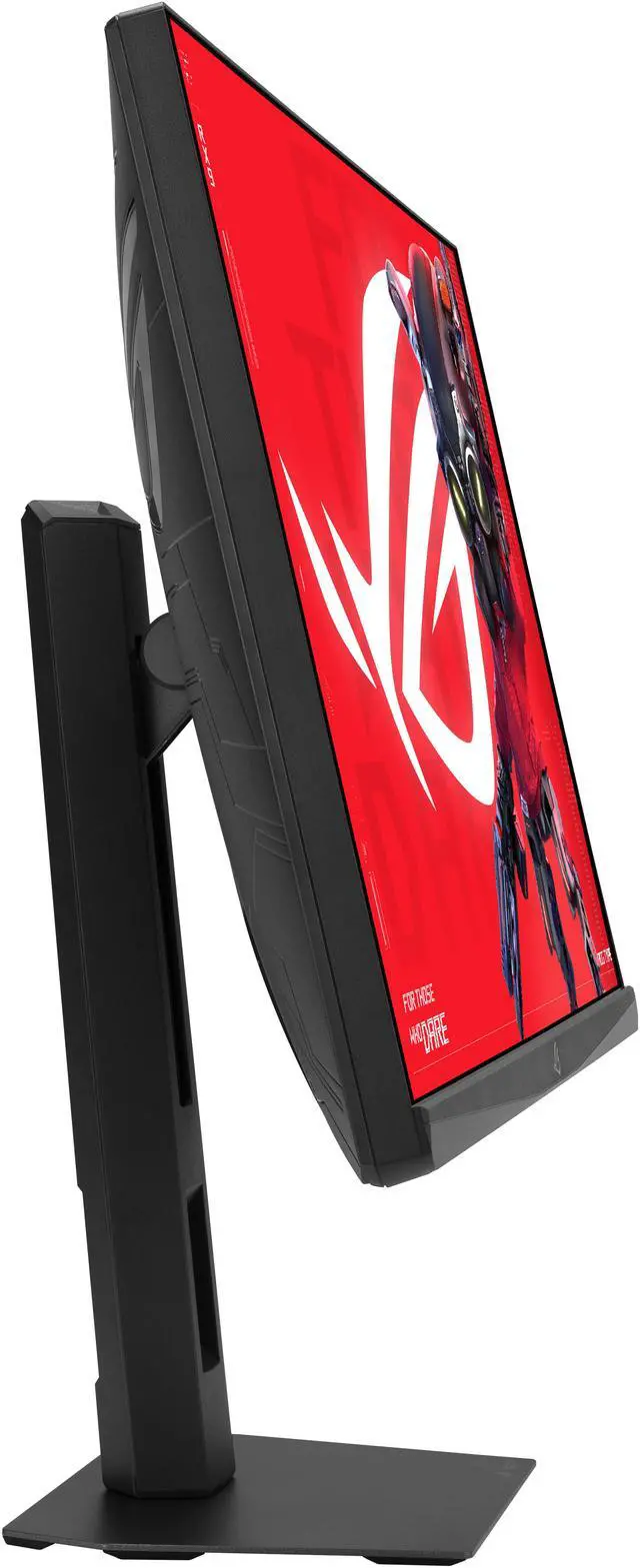
Experience breathtaking clarity with the ROG Strix 5K XG27JCG—a 5K (5120 x 2880) Fast IPS display boasting 218ppi and blazing 180Hz* (OC) refresh rate for ultrasharp, immersive visuals. A Dual Mode feature allows for effortless switching between immersive 5K at 180Hz for cinematic adventures and lightning-fast QHD (2560 x 1440) at 330Hz for peak performance. Conquer every challenge with advanced AI-powered features, enjoy seamless control on macOS and Windows via DisplayWidget Center, and connect with ease via the versatile USB-C® port.

* Support for 5K resolution at up to 180Hz requires a compatible graphics card. Only NVIDIA GeForce 50-series GPUs and AMD Radeon RX 7600 or newer meet this requirement. Actual compatibility, performance, and feature availability may vary depending on system hardware, drivers, and software environment.
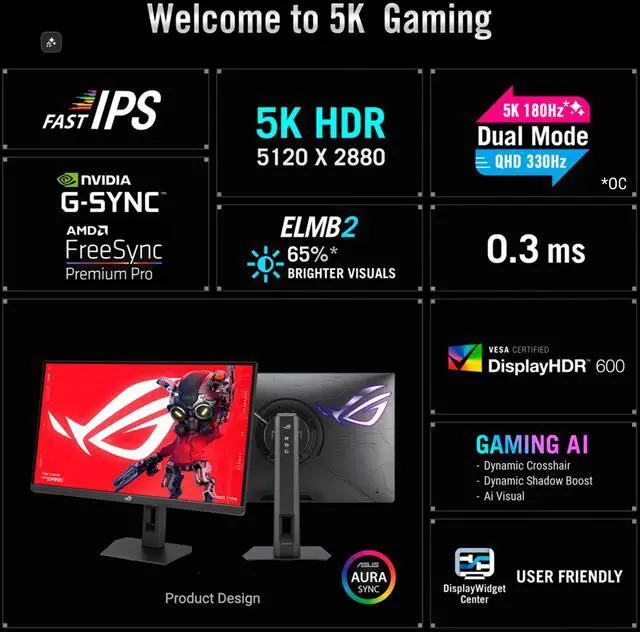
The 5120 x 2880 resolution Fast IPS display boasts 218ppi, 180Hz (OC) refresh rate, and VESA DisplayHDR™ 600 certification—all to deliver stunningly vibrant, supersharp visuals for ultimate gaming immersion in astounding 5K.
5K HDR218 ppi

77% more onscreen space than a standard 4K monitor of the same size translates to more freedom to explore every detail and fully immerse in the game.
97% DCI-P3

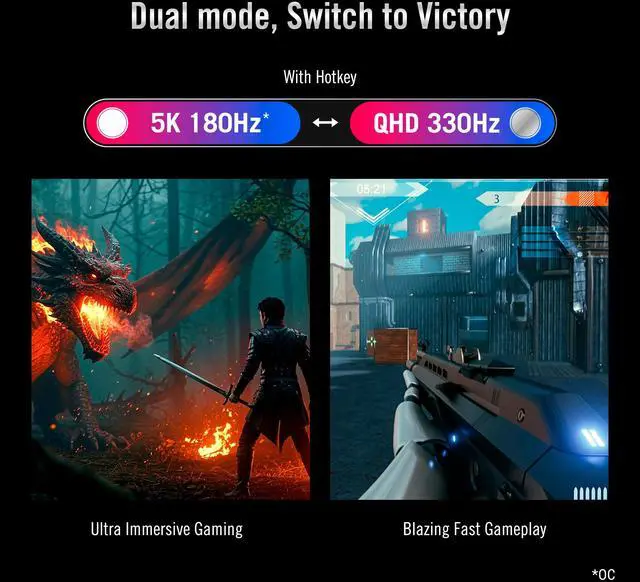
The ROG Strix 5K XG27JCG allows you to easily switch between breathtaking 5K at 180Hz for immersive gaming and cinema-like entertainment or QHD at 330Hz for ultra-responsive, blazing-fast gameplay. Both modes deliver swift 0.3ms gray-to-gray response time for flawless, smooth action.


AMD FreeSync™ Premium and NVIDIA® G-SYNC® compatibility ensure tear-free visuals. These features deliver smooth, perfectly-synced imagery by enabling variable refresh rate (VRR) by default. In addition, Extreme Low Motion Blur Sync (ELMB Sync) technology prevents ghosting and further protects against tearing, while ASUS Variable Overdrive automatically adjusts settings for optimal performance at any frame rate.


Variable Overdrive 2.0
Next-level motion clarity is made possible by new Extreme Low Motion Blur 2 (ELMB 2) technology, featuring a dual backlight design with two LED strips and ten backlight zones. With five different level settings available, ELMB 2 effectively minimizes motion blur and ghosting. Additionally, the XG27JCG offers three times the max peak brightness of previous generation ELMB tech, and up to 65%* brighter visuals when compared with similar competitor technologies.
* When set to ELMB Level 3

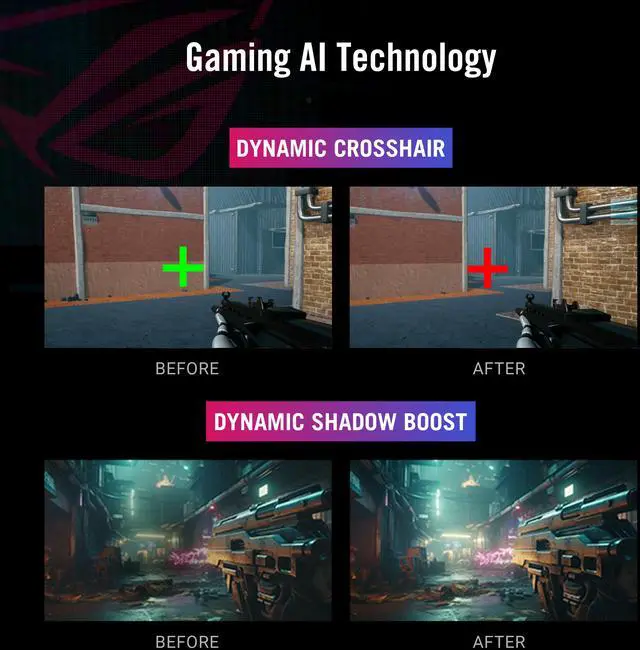
Dynamic Crosshair provides gamers with an onscreen reticle that contrasts the background for better targeting

Dynamic Shadow Boost brightens dark areas without overexposure

AI Visual feature automatically adjusts display settings for optimal viewing.

* Images/videos may be simulated and dramatized for illustrative purposes.
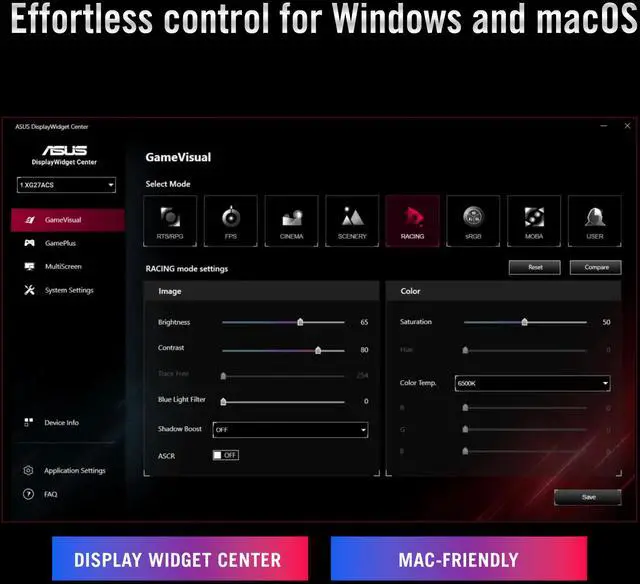
Monitor settings can be easily customized and profiles can be tailored to specific games using the intuitive DisplayWidget Center app.
For macOS users, adjust brightness directly using the MacBook’s keys via ASUS DisplayWidget Center.


* Mouse cursor must be visible on the ROG monitor to use this function.
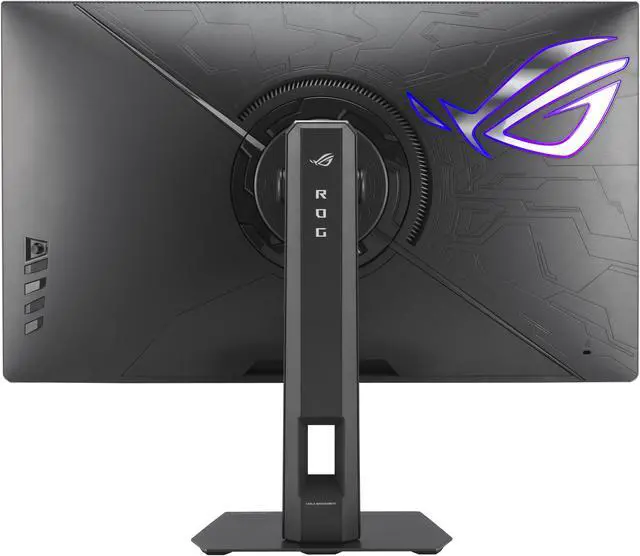
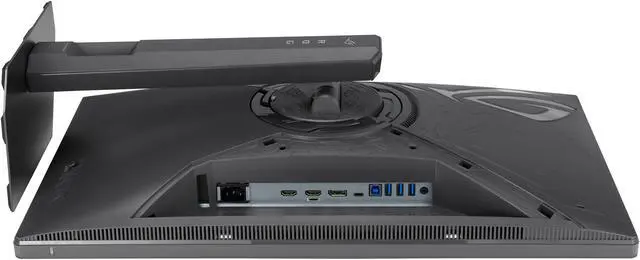
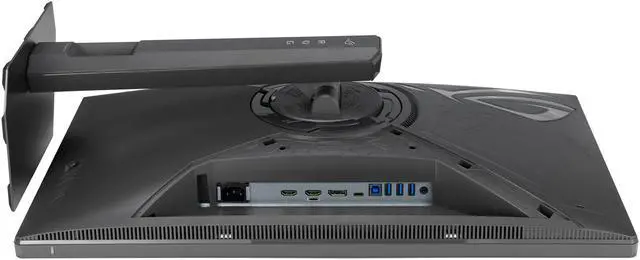
The XG27JCG offers an array of connectivity options, including USB-C® with DP Alt mode for video output and power delivery, DisplayPort 1.4 DSC for high-res and high-refresh-rate connections, and HDMI 2.1 to support consoles and other multimedia devices.


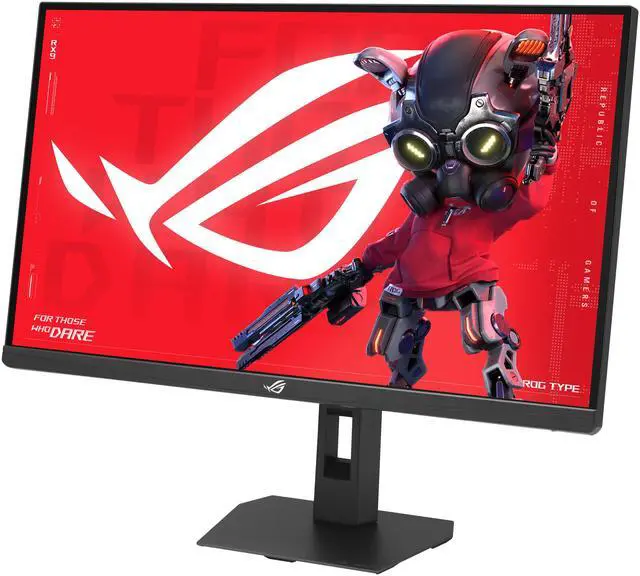
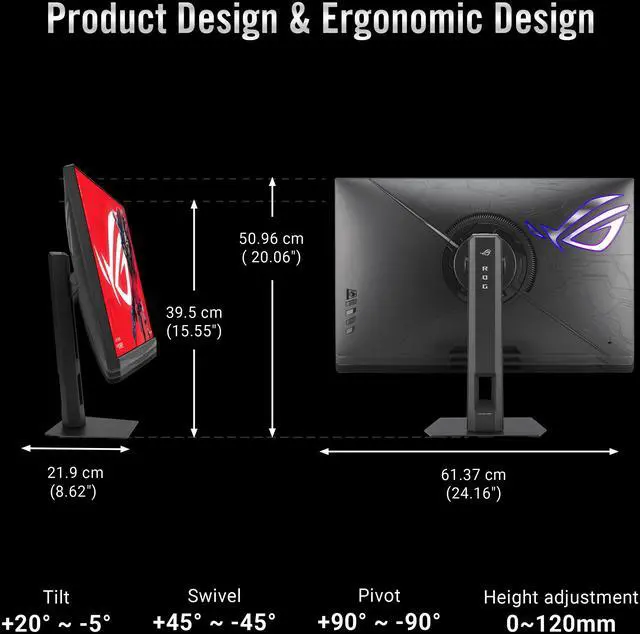
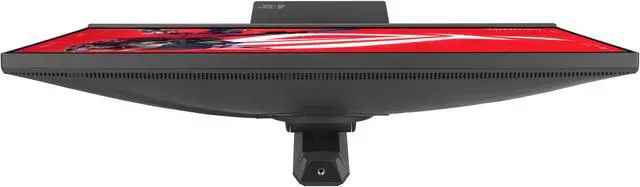
The compact footprint of XG27JCG saves valuable desktop space and its ergonomic stand offers tilt, swivel, pivot, and height adjustment to ensure the perfect viewing position. Additionally, VESA compatibility enables users to mount the monitor on the wall for even greater flexibility.


ASUS is committed to environmental responsibility. This monitor is shipped in packageing made from 100% recycled cardboard, minimizing waste and promoting sustainable practices.

The ASUS ROG Strix XG27JCG is a 27-inch dual-mode Fast IPS gaming monitor that switches between 5K at up to 180Hz and QHD at up to 330Hz, making it suitable for gamers who want sharp, detailed visuals in some games and very high refresh rates in others.
| Attribute | Value |
|---|---|
| Best For | Desktop gaming at high refresh rates and photo/video editing, with home or business use |
| Panel And Resolution | 27-inch Fast IPS flat panel with native 5120 × 2880 (5K) resolution, 16:9 aspect ratio, anti-glare finish, 178° horizontal and vertical viewing angles, and 0.116 mm pixel pitch |
| Color And HDR | DCI-P3 97% color gamut, 1.073 billion display colors, 350 cd/m² brightness, 1,500:1 contrast ratio, and VESA DisplayHDR 600 certification |
| Refresh Rate And Response | 180Hz at 5K or up to 330Hz in QHD mode, with 0.30 ms response time and FreeSync Premium Pro and G-SYNC Compatible adaptive sync |
| Ports And Connectivity | 2 × HDMI 2.1, 1 × DisplayPort 1.4, USB-C with DisplayPort Alt Mode, and a USB hub with two USB 3.x ports; includes an earphone jack |
| Stand And Ergonomics | Height, pivot, swivel, and tilt adjustments; compatible with 100 × 100 mm VESA mounts |
| Display Enhancements | Blue-light filtering, flicker-free technology, and A.I. Assistant Technology |
| Speakers And Webcam | No built-in speakers or webcam |
| Power | 40W power consumption; 240V voltage |
| Model Identifiers | ASUS ROG Strix, model XG27JCG; part number 90LM0CE0-B013B2 |
Q: Should I get the ASUS XG27JCG or a standard 1440p high-refresh gaming monitor?
A: Choose the XG27JCG if you want one 27-inch monitor for detailed 5K work or gaming and a fast 1440p mode for competitive play. It runs at up to 180Hz in 5K (overclocked) or 330Hz at 1440p. A standard 1440p monitor is a more direct fit if you do not need 5K and primarily want high-refresh gaming; the XG27JCG’s 5K mode also requires more GPU rendering power.
Q: ASUS XG27JCG or LG 27GM950B-B: which is better for HDR gaming?
A: The LG 27GM950B-B is the more suitable choice if HDR picture quality is your priority: RTINGS reports that its Mini LED backlight produces deeper blacks and brighter highlights than the ASUS’s edge-lit local dimming. Choose the XG27JCG if you want its 5K/QHD dual modes and gaming features, and HDR is not your main deciding factor.
Q: Should I buy the ASUS XG27JCG or the ASUS ProArt PA27JCV for a 5K monitor?
A: Choose the XG27JCG for gaming: it has a higher refresh rate and a 1440p 330Hz mode. Choose the ProArt PA27JCV for a laptop-centered desk setup or bright room; RTINGS notes its higher USB-C power delivery, larger USB hub, brighter SDR output, and better reflection handling. The XG27JCG’s USB-C supports DisplayPort Alt Mode but provides up to 15W of power delivery.
Q: Is the ASUS XG27JCG worth choosing over a 4K gaming monitor?
A: Choose the XG27JCG if you value the extra detail of 5K at 27 inches and want a 330Hz QHD mode for fast-paced games. A 4K gaming monitor may be a better fit if you want 4K resolution without stepping up to 5K or prefer a model with different display features. Consider your graphics card’s performance at 5K when deciding; the XG27JCG also offers 1440p mode when you want higher frame rates.
Q: What does dual mode mean on this monitor?
A: It offers two display modes: 5K (5120 × 2880) at up to 180Hz for sharper detail, or QHD (2560 × 1440) at up to 330Hz for higher refresh rates. Choose the mode based on whether resolution or refresh rate matters more for what you’re doing.
Q: Is this monitor suitable for both gaming and office work?
A: It can suit both uses: its 5K resolution supports detailed on-screen work, while its QHD 330Hz mode is intended for high-refresh-rate gaming. The stand supports height, pivot, swivel, and tilt adjustments. It has no built-in webcam or speakers, so plan on separate devices for video calls and audio.
Q: Can I connect a laptop to it with USB-C?
A: Yes, the monitor’s USB-C port supports DisplayPort Alt Mode, so a compatible laptop can send video over USB-C. The listed specifications do not state that this port provides enough power to replace a laptop charger; check your laptop’s power requirements before relying on it for charging.
Q: Does it have built-in speakers or a webcam?
A: No. The provided specifications list neither built-in speakers nor a webcam. Use separate audio equipment and a separate webcam if you need them.
Q: Can this monitor handle both work and gaming?
A: It may suit a one-monitor work-and-gaming setup: Reddit users discuss using 5K for productivity and switching to the higher-refresh 1440p mode for games. The 27-inch 5120 × 2880 display and listed 180Hz/330Hz modes fit that use case, but the 1440p mode’s image clarity is a trade-off to consider.
Q: Is the 1440p mode sharp enough for competitive gaming?
A: User reports differ. Some Reddit commenters say the lower-resolution mode looks softer or less clear than a native 1440p monitor; another says the difference is hard to notice in CS2. If native-1440p sharpness and motion performance are priorities, compare it with a native QHD monitor before buying.
Q: Is USB-C enough to connect and charge a laptop with one cable?
A: Do not assume it will fully power a laptop. The product information provided confirms USB-C DisplayPort Alt Mode but does not specify charging wattage. A Reddit owner reports 15W power delivery and says they needed separate power for their laptop; check the monitor’s current specifications against your laptop’s requirements.
Q: Is its brightness suitable for working in a bright room?
A: Reddit owner reports are mixed: one user found maximum SDR brightness insufficient for a sunlit work area, while another said it was more than enough. The supplied product data lists 350 cd/m², but individual experience varies; if your room is very bright, consider testing it with a return option.


