




 here!
here!
I’m your shopping assistant for PC builds, upgrades, and everything tech.
Got questions? Ask away!
Start a conversation
here!
I’m your shopping assistant for PC builds, upgrades, and everything tech.
Got questions? Ask away!
Start a conversationShipped by Newegg


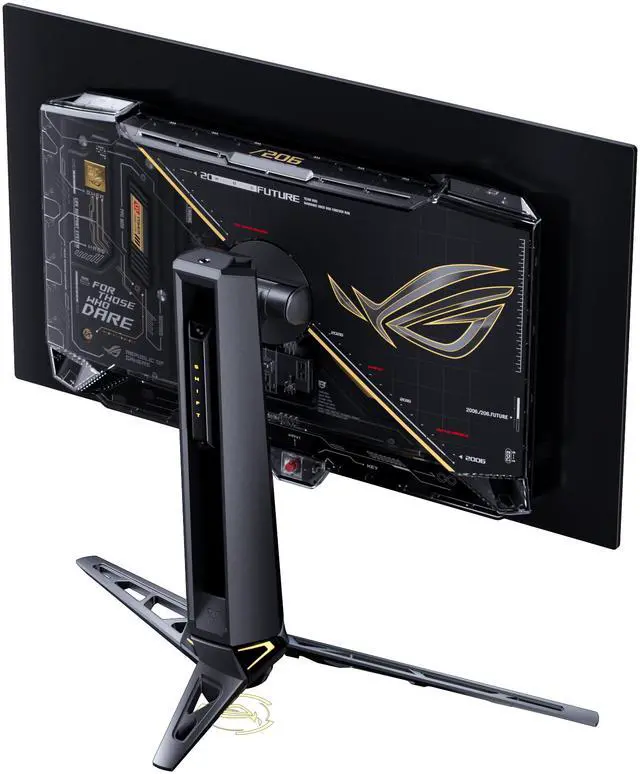
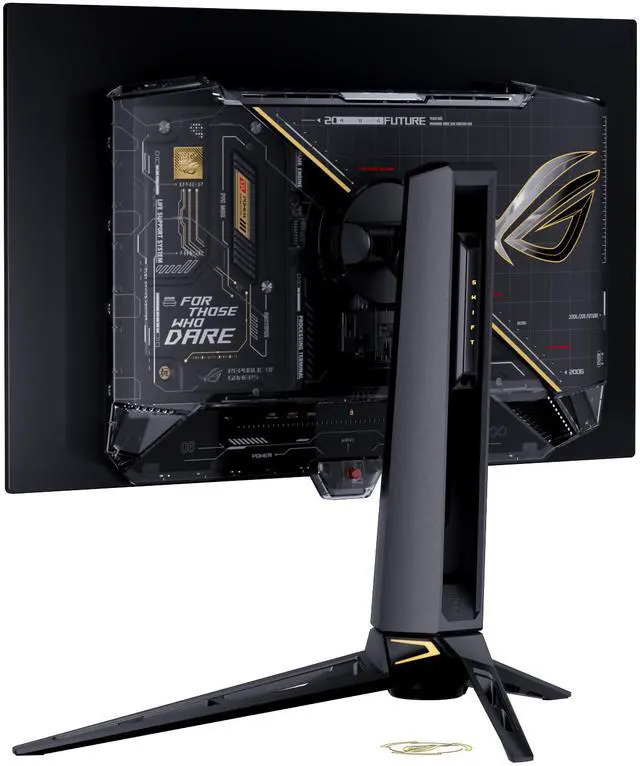
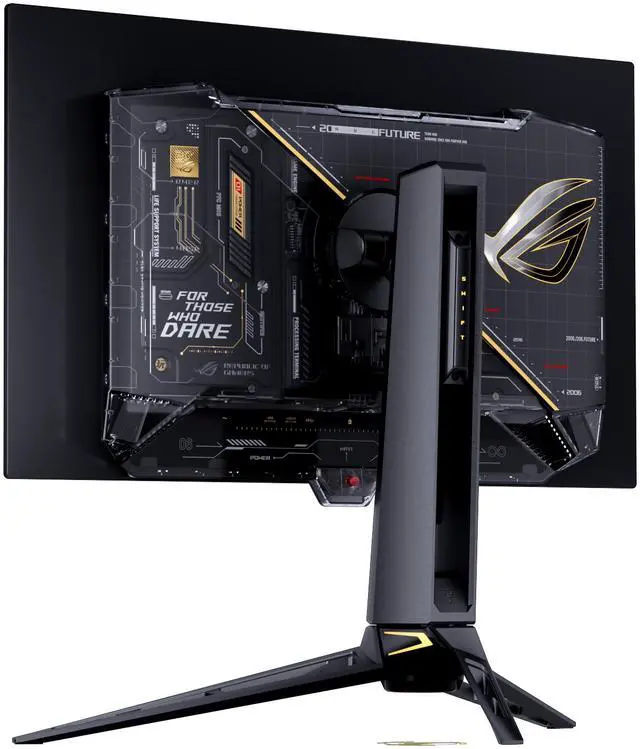
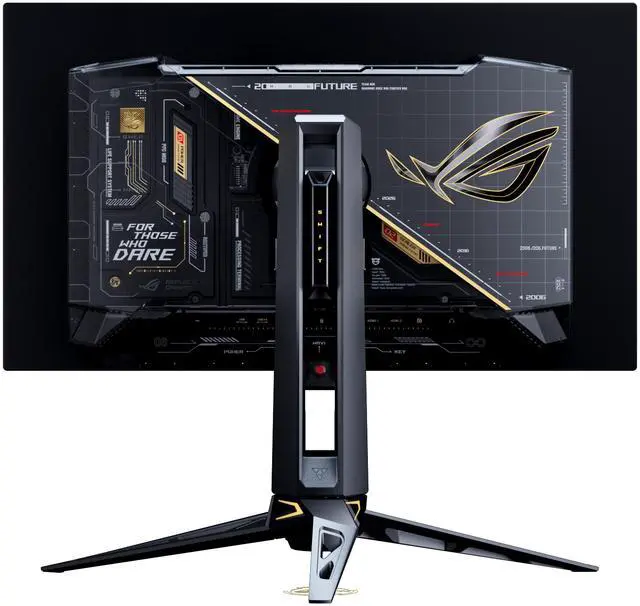



Combo Up Savings Up To $300+
The more you add, the more you'll save!
Any questions? Ask CelesteSM will help you find out quickly.
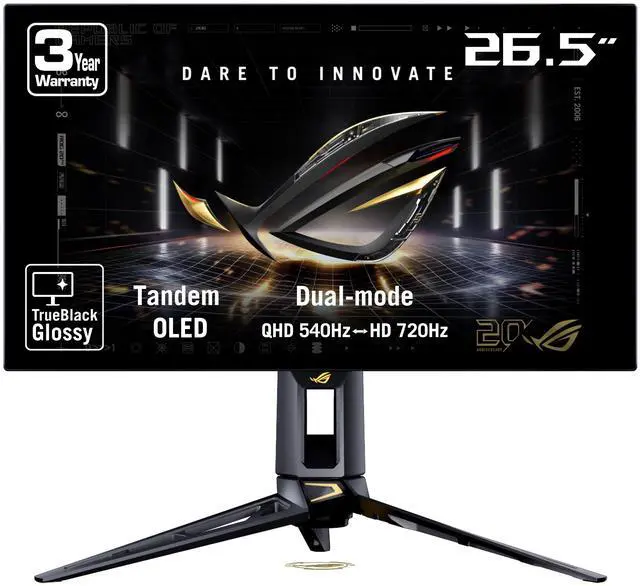
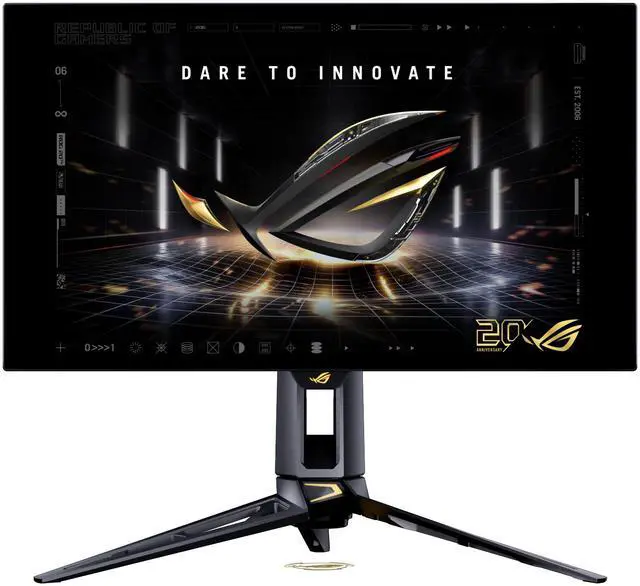
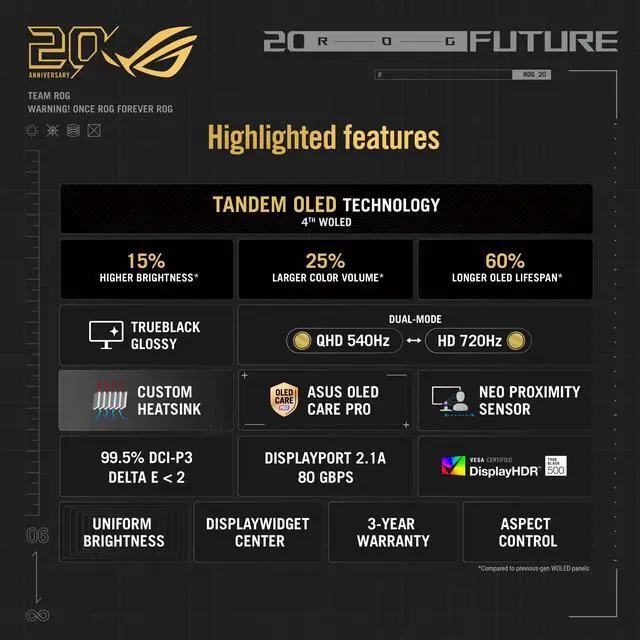
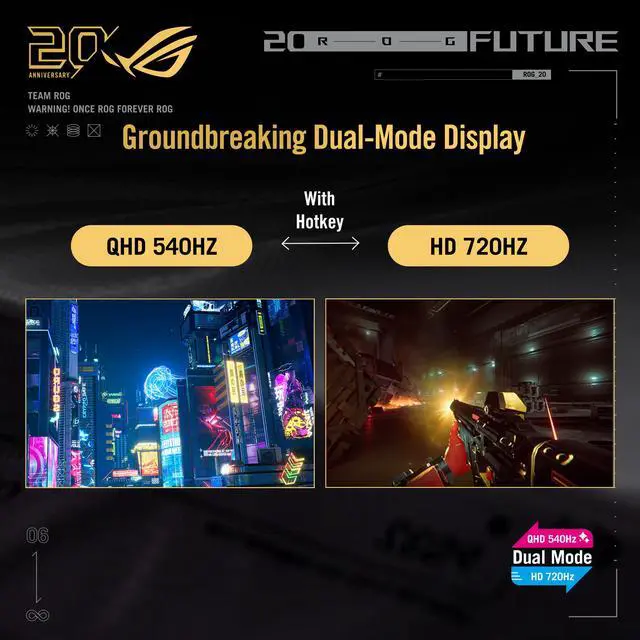
The ASUS ROG Swift OLED PG27AQWP-G is a 26.5-inch dual-mode gaming monitor with QHD resolution up to 540Hz or HD up to 720Hz, making it suited to competitive players who prioritize exceptionally high refresh rates and fast 0.02ms response.
| Attribute | Value |
|---|---|
| Best For | High-refresh gaming, home entertainment, and photo/video editing, with dual-mode refresh options and a wide-gamut OLED display |
| Panel And Resolution | 26.5-inch flat OLED panel with 2560 × 1440 QHD resolution, 16:9 aspect ratio, and 178° horizontal and vertical viewing angles |
| Refresh Rate And Response | Dual mode: QHD at 540 Hz or HD at 720 Hz, with 0.02 ms GTG response time and FreeSync Premium Pro and G-SYNC compatibility |
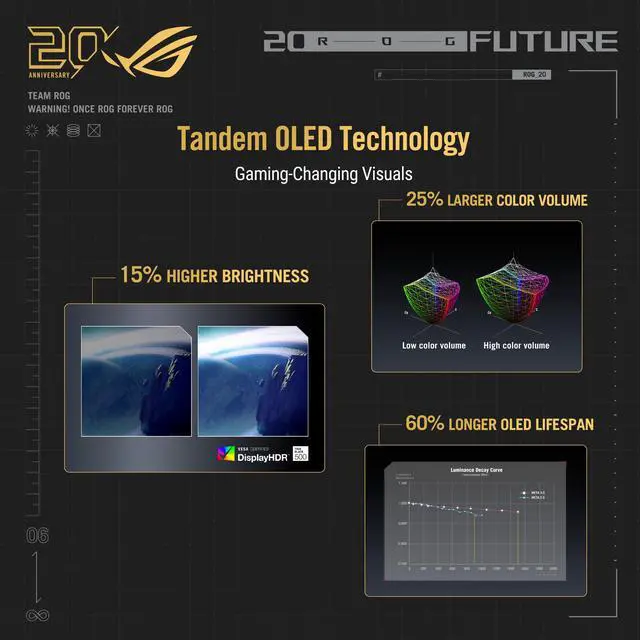
| HDR And Color | DisplayHDR True Black 500 and HDR10 support, 1,500,000:1 contrast, 1500 cd/m² peak brightness, 99.5% DCI-P3 gamut, and 1.073 billion display colors |
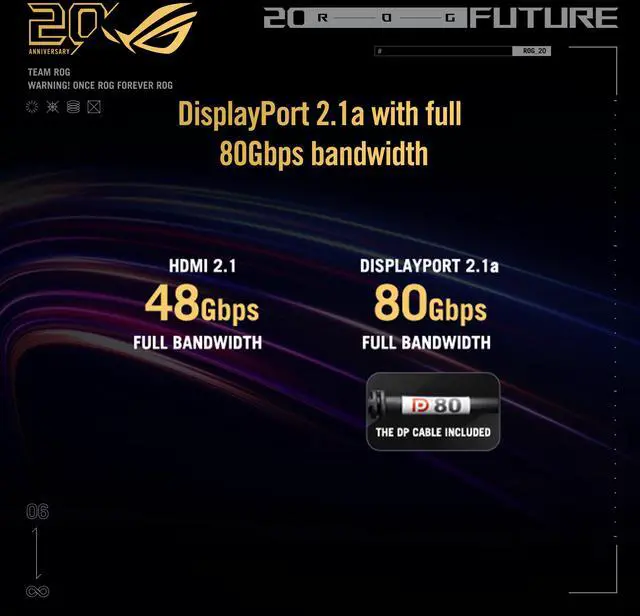
| Ports And Connectivity | 1 × DisplayPort 2.1, 2 × HDMI 2.1, 3 × USB 3.2 Gen 1 Type-A, and an earphone jack |
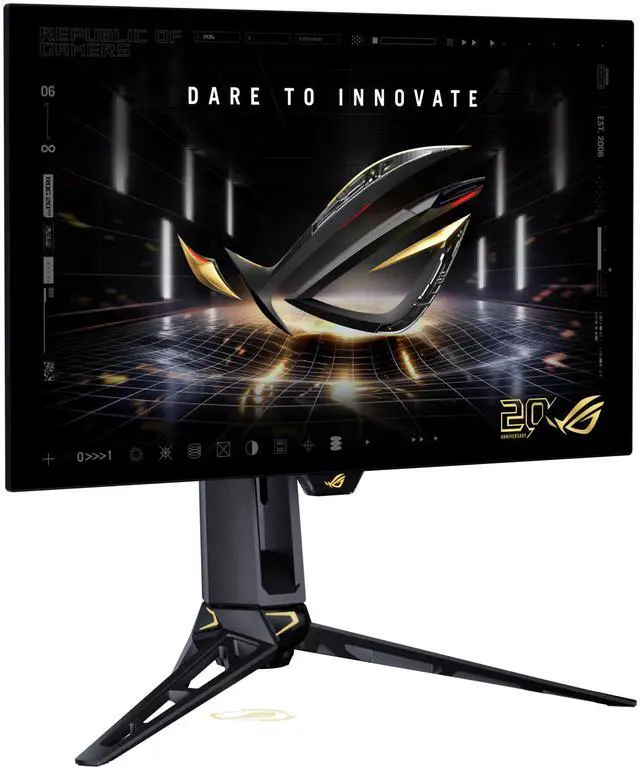
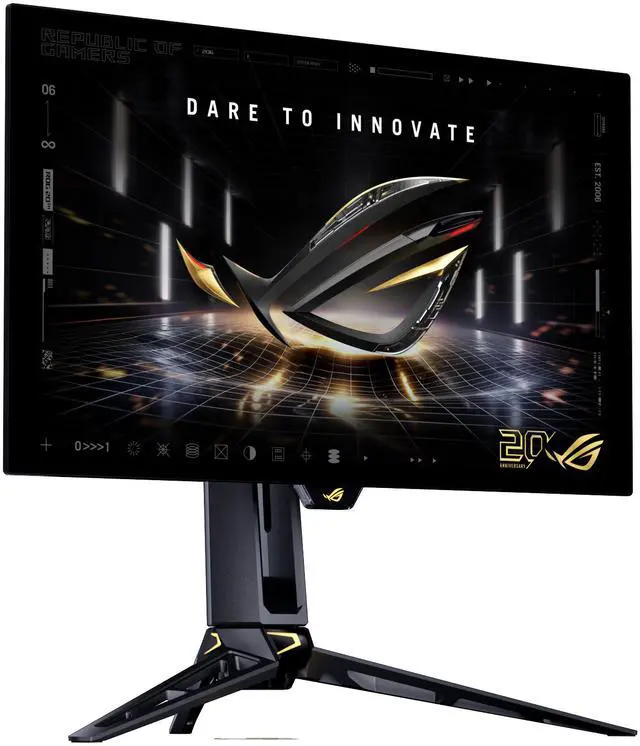
| Stand And Ergonomics | Height, pivot, swivel, and tilt adjustment; swivel range of ±30° and pivot range of ±90° |
| Mounting | 100 × 100 mm VESA-compatible mounting |
| Power | 100–240 VAC, 50/60 Hz; power consumption under 55 W when on, under 0.5 W in standby, and under 0.3 W when off |
| Physical Dimensions And Weight | With stand: 21.57 × 23.84 × 10.77 inches and 15.52 lb; without stand: 14.54 × 23.84 × 2.48 inches and 10.01 lb |
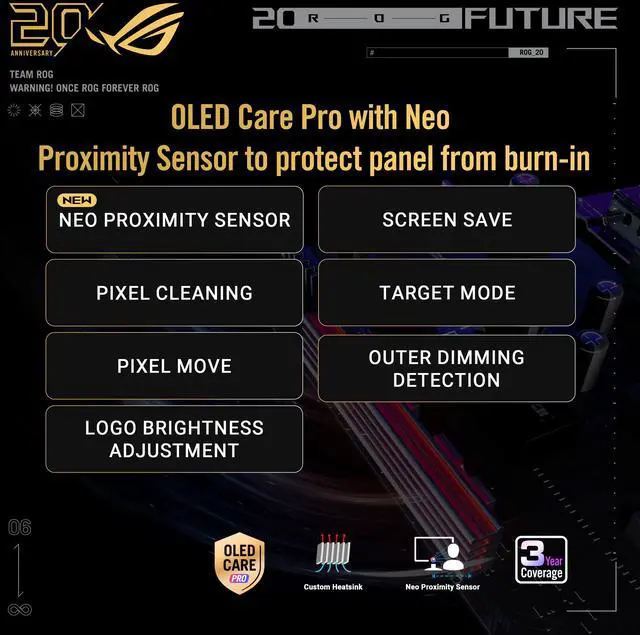
| Integrated Features | Flicker-free operation, blue-light filter, Eye Care features, Aura Sync lighting, and A.I. Assistant technology; no built-in speakers or webcam |
| Included Accessories | DisplayPort 2.1 DP80 cable, HDMI Ultra High Speed cable, USB Type-B-to-A cable, power cord, quick-start guide, ROG pouch, color pre-calibration report, ROG sticker, warranty card, microfiber cloth, and ROG wall-mount kit |
| Model Identifiers | ASUS ROG Swift OLED, model PG27AQWP-G, black |
Q: ASUS PG27AQWP-G or LG 27GX790B-B: which 540Hz OLED should I choose?
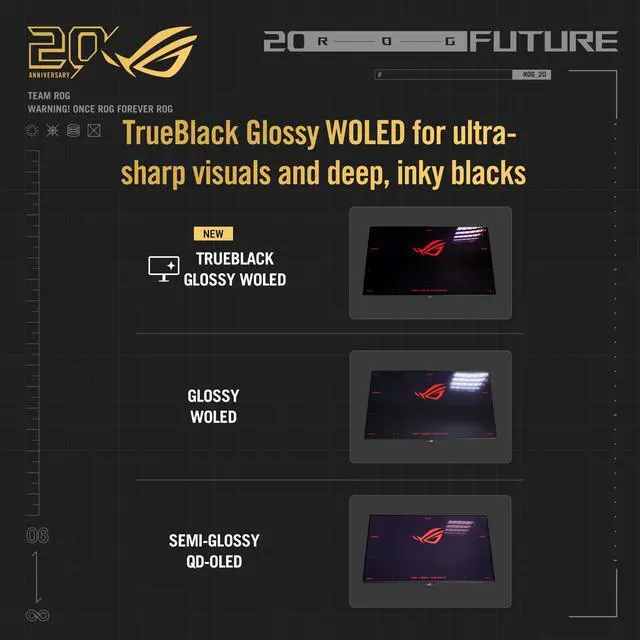
A: Both offer QHD at up to 540Hz and a lower-resolution 720Hz mode. Choose the PG27AQWP-G if you prefer its glossy TrueBlack screen and ASUS feature set; choose the LG if you prefer a matte screen. The main practical distinction is the coating, which affects how each screen handles reflections.
Q: Should I get the PG27AQWP-G or the less expensive ASUS XG27AQWMG?
A: Choose the PG27AQWP-G if you want the highest refresh rate and dual-mode flexibility: it reaches 540Hz at QHD and offers a 720Hz lower-resolution mode. The XG27AQWMG is a QHD Tandem OLED model rated at 280Hz, so it suits buyers who want a high-refresh OLED but do not need 540Hz or the 720Hz mode. Compare current prices before deciding.
Q: Is the PG27AQWP-G a worthwhile upgrade from the ASUS PG27AQDP?
A: The PG27AQWP-G raises the listed QHD refresh rate from the PG27AQDP’s 480Hz to 540Hz and adds a 720Hz lower-resolution mode. It is the clearer fit if you specifically want those higher refresh-rate options; the PG27AQDP remains a QHD OLED rated at 480Hz if that is sufficient for your games and setup. The refresh-rate difference alone may not be noticeable to every player.
Q: Should I use the PG27AQWP-G at 540Hz QHD or switch to its 720Hz mode?
A: Use 540Hz at QHD when you want the monitor’s higher resolution for competitive or general gaming. Switch to 720Hz when prioritizing the highest refresh rate and your game and PC can use the lower-resolution mode. The trade-off is reduced image detail; independent testing also found that the motion benefit may not be noticeable to every user.
Q: Who is this monitor best suited for?
A: It is best suited to competitive PC gamers who prioritize very high refresh rates and fast pixel response. It offers QHD at up to 540Hz or HD at up to 720Hz; the HD mode trades image detail for a higher refresh rate.
Q: Can it run QHD at 720Hz?
A: No. Its dual modes are QHD (2560 × 1440) at up to 540Hz and HD at up to 720Hz.
Q: Can I mount it on a monitor arm or wall mount?
A: Yes. It supports a 100 × 100mm VESA mount, and its stand also provides height, pivot, swivel, and tilt adjustments.
Q: Does it have built-in speakers?
A: No. The monitor has no built-in speakers, so use separate speakers or headphones for audio.
Q: Should I choose the PG27AQWP-G over a 4K 240Hz monitor?
A: Choose the PG27AQWP-G if you prioritize high-refresh competitive gaming: it offers QHD at 540Hz and a lower-resolution mode at 720Hz. A 4K 240Hz monitor is the closer fit if 4K detail matters more than maximum refresh rate. The Reddit comparison raises this same trade-off; the best fit depends on which priority matters more to you.
Q: Does the 720Hz mode make sense if my PC cannot maintain 720 fps?
A: Not necessarily. The monitor also supports QHD at up to 540Hz, so the 720Hz mode is optional rather than the only way to use it. A Reddit discussion about the PG27AQWP-W, a related model, reports that very high frame rates are achievable in some games and setups but not consistently across games; consider your own games and PC performance before paying for the top refresh mode.
Q: Is this a worthwhile upgrade from a 1440p, high-refresh-rate monitor?
A: It may suit buyers who specifically want OLED and a substantial refresh-rate increase, but the benefit depends on your current display, games, and budget. The PG27AQWP-G reaches 540Hz at QHD; its 720Hz mode is a further option. A PG27AQWP-W owner discussing their upgrade described the high-refresh and 1440p combination as valuable to them, while noting the expense was not worth going into debt for.


