




 here!
here!
I’m your shopping assistant for PC builds, upgrades, and everything tech.
Got questions? Ask away!
Start a conversation
here!
I’m your shopping assistant for PC builds, upgrades, and everything tech.
Got questions? Ask away!
Start a conversationShipped by Newegg
 Top Rated




Any questions? Ask CelesteSM will help you find out quickly.
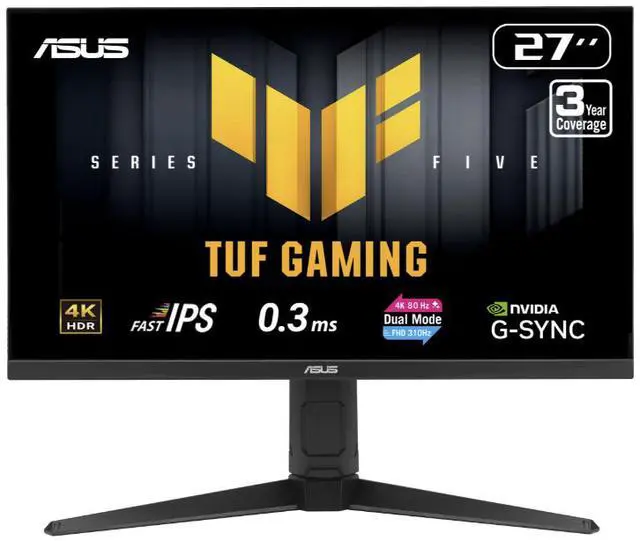
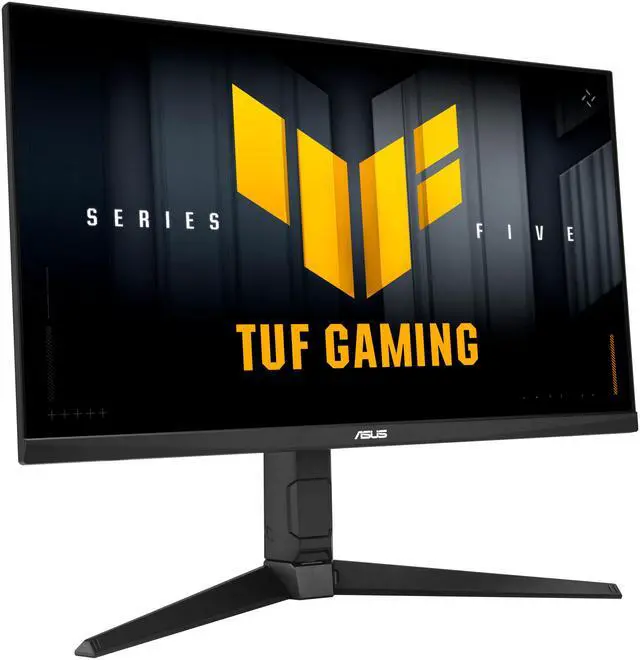
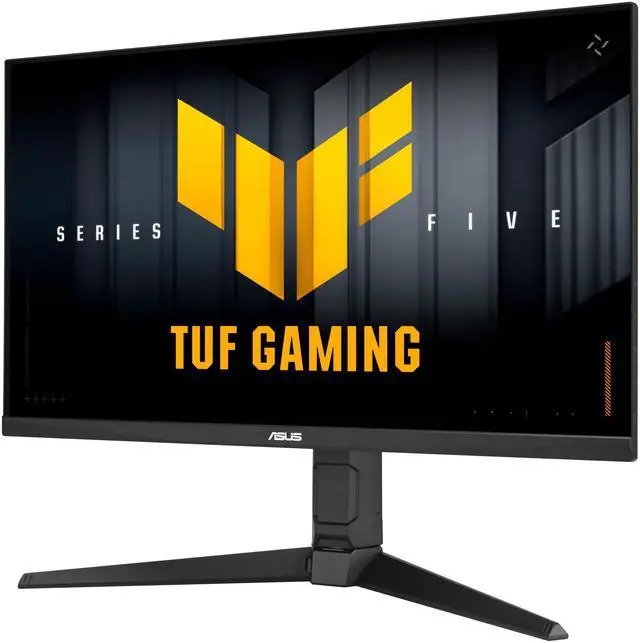
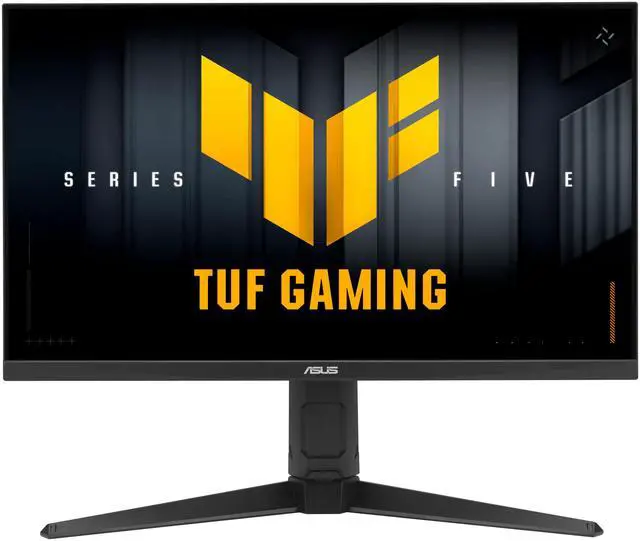
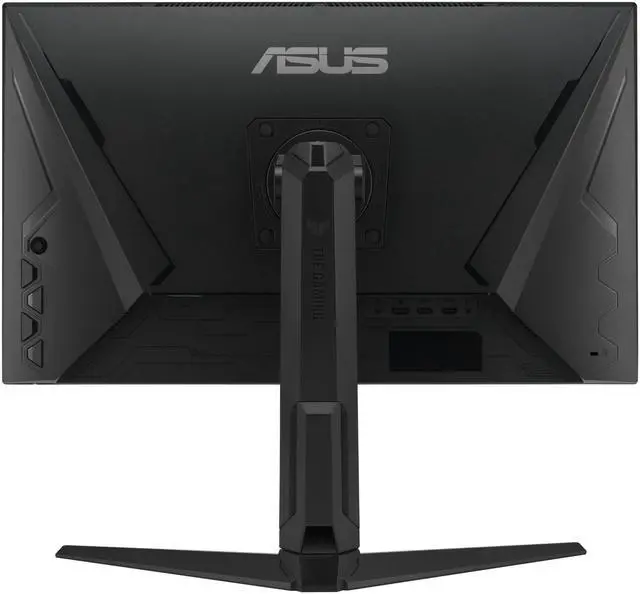
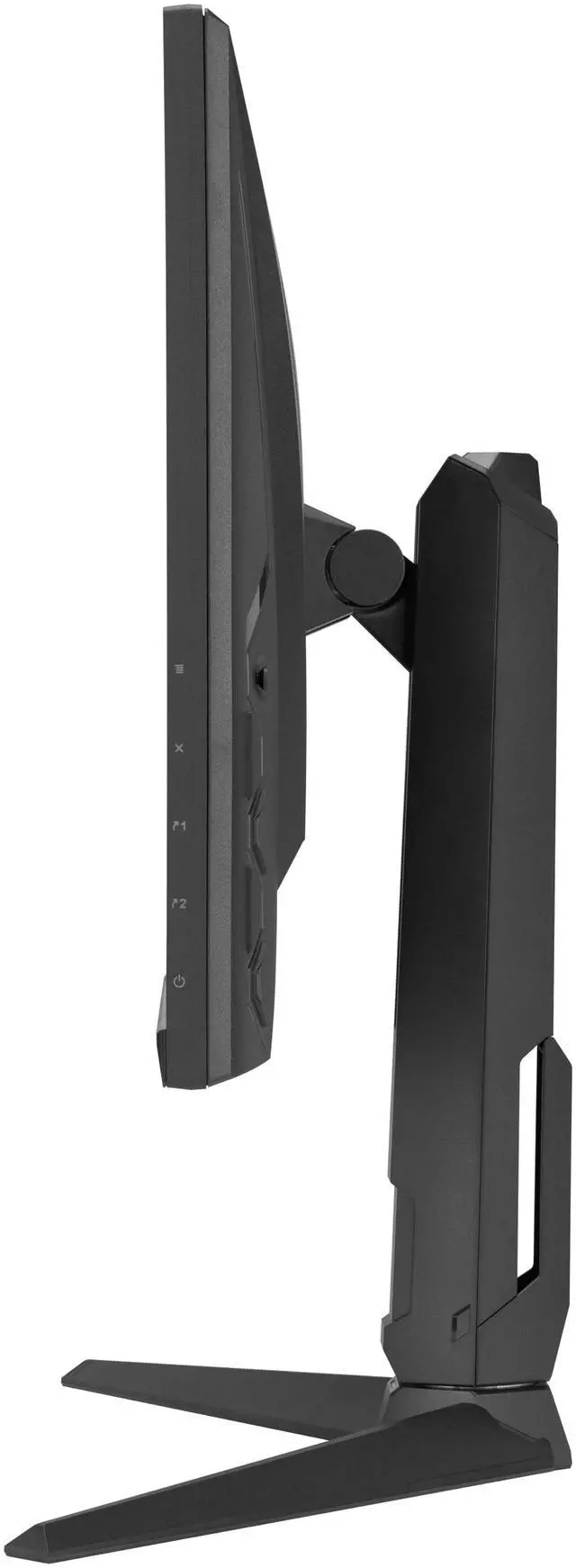
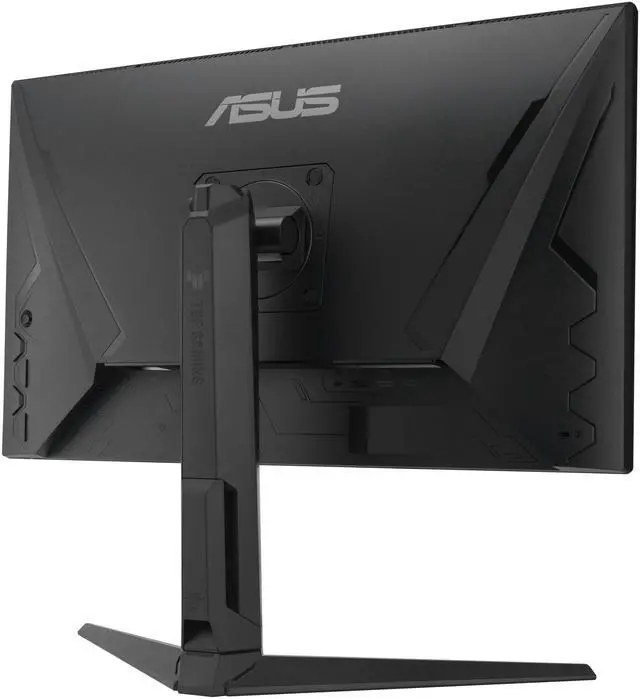
The ASUS TUF Gaming VG27UQEL5A is a 27-inch 4K IPS gaming monitor with dual modes for 4K at 80Hz or Full HD at 310Hz, making it suitable for players who want detailed visuals for some games and very high refresh rates for fast-paced titles.
| Attribute | Value |
|---|---|
| Best For | Gaming, home entertainment, business use, and photo/video editing, with dual-mode UHD detail or high-refresh FHD play |
| Panel And Resolution | 27-inch flat IPS panel with anti-glare finish, 16:9 aspect ratio, and 3840 × 2160 UHD resolution; 178° horizontal and vertical viewing angles, 400 cd/m² brightness, 1,000:1 contrast ratio, 120% sRGB gamut, and HDR10 with VESA DisplayHDR 400 |
| Refresh Rate And Response | Dual mode supports 4K at 80Hz or FHD at 310Hz; 1ms GTG response time, with 0.3ms minimum, plus AMD FreeSync and NVIDIA G-SYNC compatibility |
| Ports And Connectivity | 1 × DisplayPort 1.4, 2 × HDMI 2.0, headphone output, and 1 USB port; HDCP supported |
| Stand And Ergonomics | Height, pivot, swivel, and tilt adjustments; height adjustment up to 125mm, tilt from −5° to +23°, swivel ±15°, and pivot ±90°; 100 × 100mm VESA mount pattern |
| Audio | Built-in stereo speakers rated at 2 × 2W |
| Physical Dimensions And Power | With stand: 21.54 × 24.21 × 8.43 inches and 14.33 lb; without stand: 14.53 × 24.21 × 2.36 inches and 9.48 lb. Operates on 100–240V, 50/60Hz; power consumption under 65W |
| Included Accessories | DisplayPort cable, L-shaped screwdriver, power cord, quick start guide, and warranty card |
| Model Identifiers | ASUS TUF Gaming, model VG27UQEL5A |
Q: Should I get the ASUS TUF VG27UQEL5A or the ROG Strix XG27UCG?
A: Choose the TUF VG27UQEL5A if you want 4K at up to 80Hz or Full HD at up to 310Hz, plus a stand with height, pivot, swivel, and tilt adjustments. Choose the ROG Strix XG27UCG if you want a higher 4K refresh rate—up to 160Hz—or Full HD up to 320Hz, and features such as HDMI 2.1 and USB-C. The TUF’s 310Hz mode is its high-refresh option; it does not provide high-refresh 4K.
Q: Is the VG27UQEL5A a good upgrade from a 4K 60Hz monitor?
A: It adds a modest refresh-rate increase in 4K—from 60Hz to up to 80Hz—and a separate Full HD mode that reaches up to 310Hz for compatible fast-paced games. Choose it if you want both 4K detail and a high-refresh option on one display. If your main goal is a much higher refresh rate while staying at 4K, compare it with a 4K monitor rated for 144Hz or higher.
Q: Should I choose the VG27UQEL5A or a 1440p high-refresh monitor?
A: Choose the VG27UQEL5A if you want native 4K for detailed content and the option to switch to Full HD at up to 310Hz for competitive games. Choose a 1440p high-refresh monitor if you want to play at 1440p without switching to Full HD and prioritize high refresh in that resolution. The TUF’s two advertised modes are 4K at up to 80Hz and Full HD at up to 310Hz.
Q: Is this monitor suitable for both gaming and everyday office work?
A: Yes. Its 27-inch 4K IPS screen, adjustable stand, and DisplayWidget Center support everyday desk work, while its dual modes support either 4K at 80Hz or Full HD at 310Hz for gaming. It has no built-in webcam, so video meetings require a separate camera.
Q: What refresh rate and resolution can it use for gaming?
A: It offers two modes: 3840 × 2160 at up to 80Hz, or Full HD at up to 310Hz. The available resolution and refresh rate depend on the selected mode and the connected computer or console; the monitor has DisplayPort 1.4 and two HDMI 2.0 inputs.
Q: Does it have built-in speakers?
A: Yes. It has two built-in 2W speakers for basic audio without separate speakers. A headphone connection is also available; users who need louder or fuller sound may prefer external audio.
Q: Can it be mounted on a monitor arm, and is the stand adjustable?
A: Yes. It supports 100 × 100mm VESA mounting. Its included stand supports height, pivot, swivel, and tilt adjustments, so buyers can use the stand or a compatible VESA arm.
Q: Who is the ASUS TUF VG27UQEL5A best suited for?
A: It suits someone who wants one monitor for detailed 4K gaming and a separate high-refresh option for competitive play: it switches between 4K at 80Hz and Full HD at 310Hz. The trade-off is that the highest refresh rate is available at Full HD, not 4K.
Q: What are the main trade-offs with this monitor’s dual mode?
A: The monitor prioritizes resolution or refresh rate, depending on the mode: 4K is limited to 80Hz, while reaching 310Hz requires switching to Full HD. It is a less direct fit for someone who wants both 4K detail and a very high refresh rate at the same time.
Q: Is the VG27UQEL5A worth buying, or should I be cautious?
A: It may be worth considering if its 4K/Full HD dual mode matches your games and priorities. Reddit feedback includes a buyer reporting a positive early experience, but the discussion also raises concerns about IPS glow and quality control; these are individual reports, not proof of a model-wide issue. Check the seller’s return policy and warranty before buying.


