




 here!
I’m your shopping assistant for PC builds, upgrades, and everything tech.
Got questions? Ask away!
Start a conversation
here!
I’m your shopping assistant for PC builds, upgrades, and everything tech.
Got questions? Ask away!
Start a conversationShipped by Newegg
 Top Rated








Any questions? Ask CelesteSM will help you find out quickly.
We want to ensure your holiday shopping this year is hassle-free. That’s why we’re automatically extending our return policies on almost every product! For purchases placed between November 1st, 2026 and December 31, 2026 you will have until January 31, 2027 to return your product.
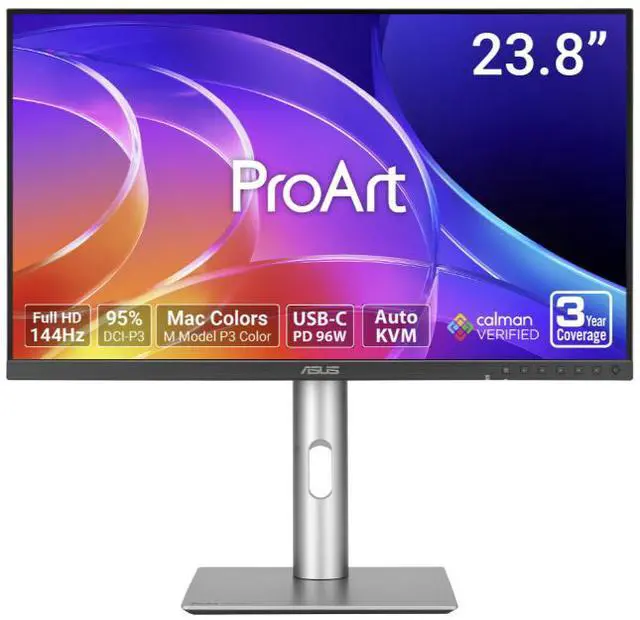
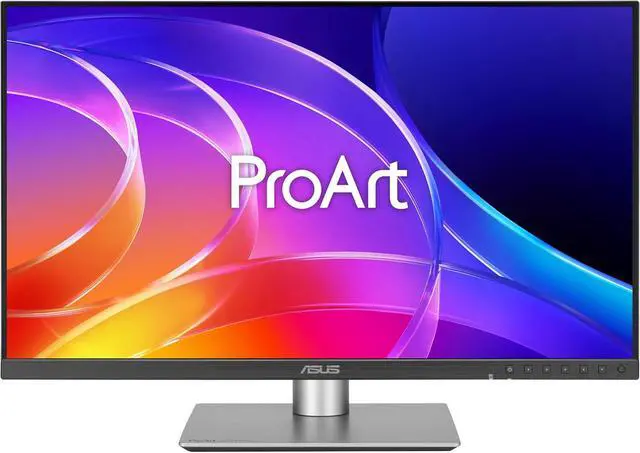
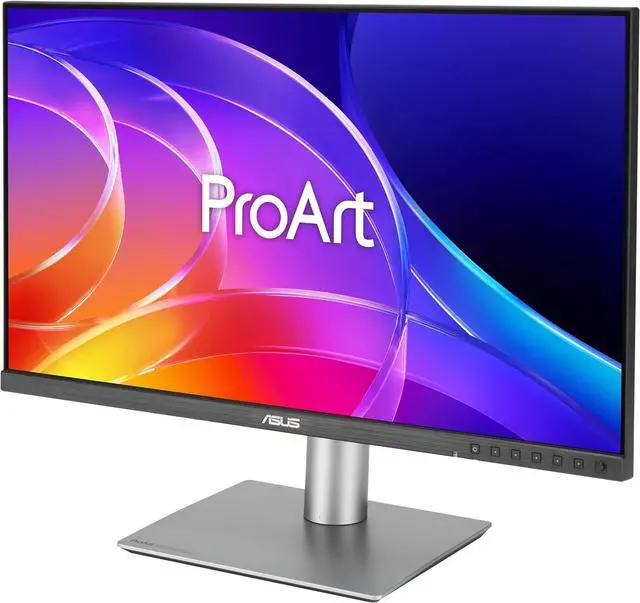
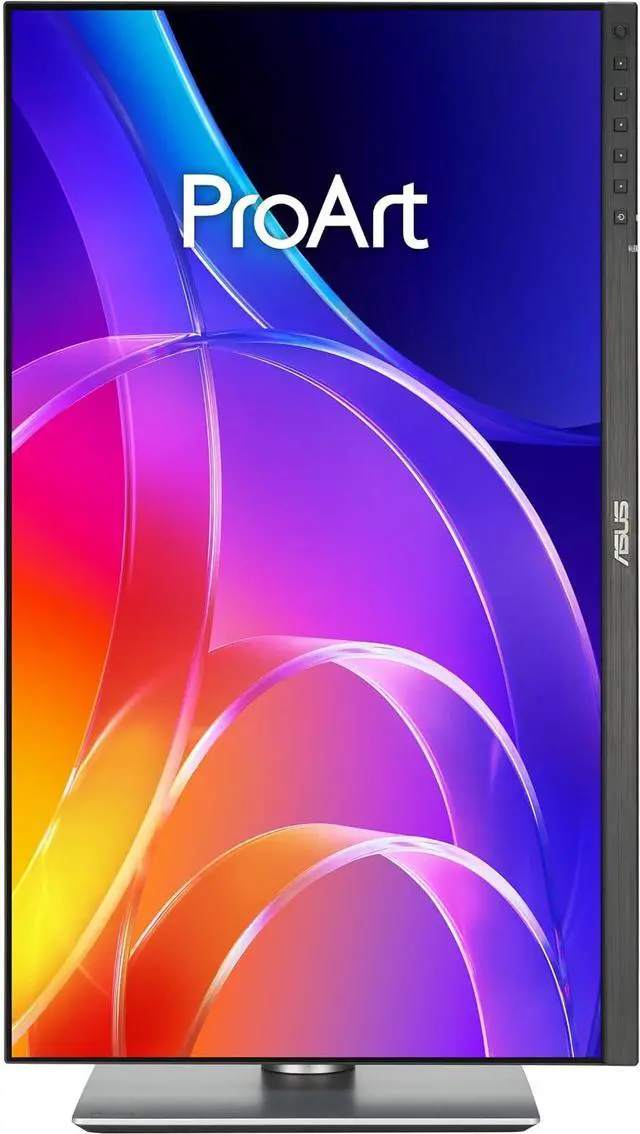
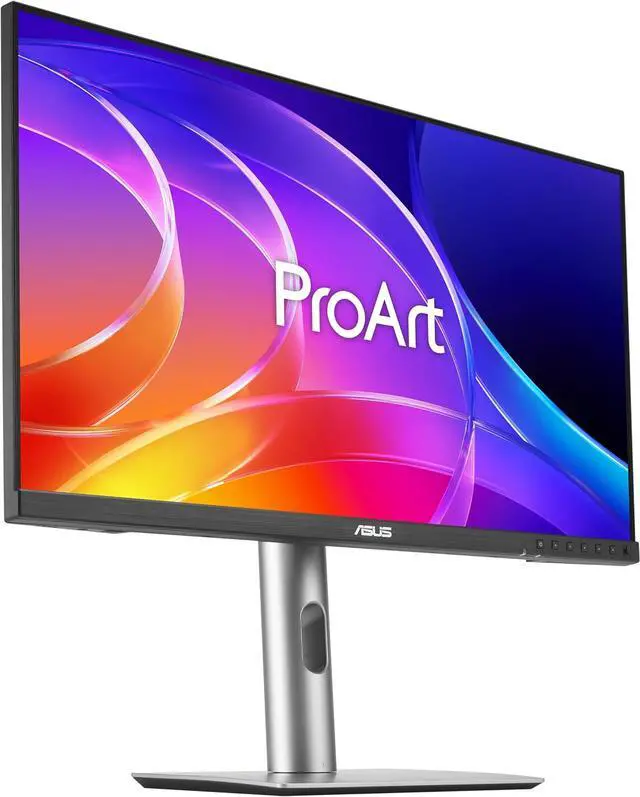
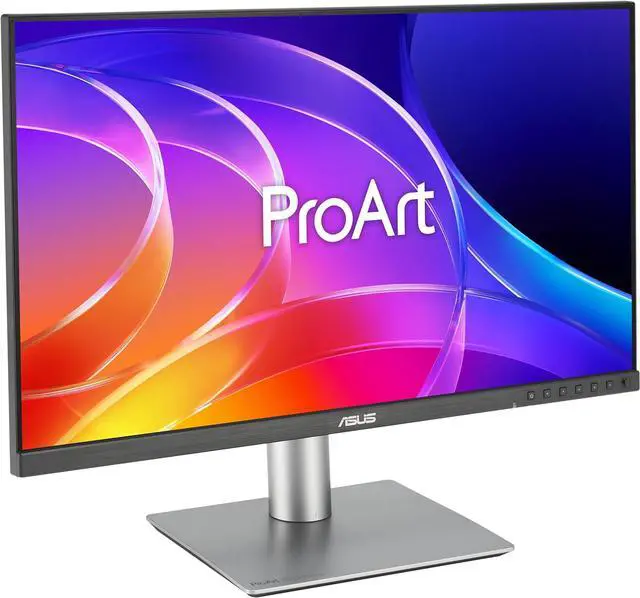
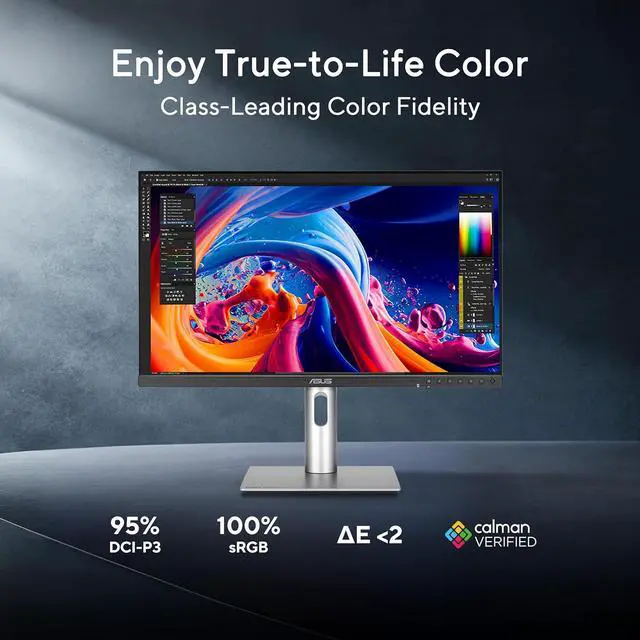
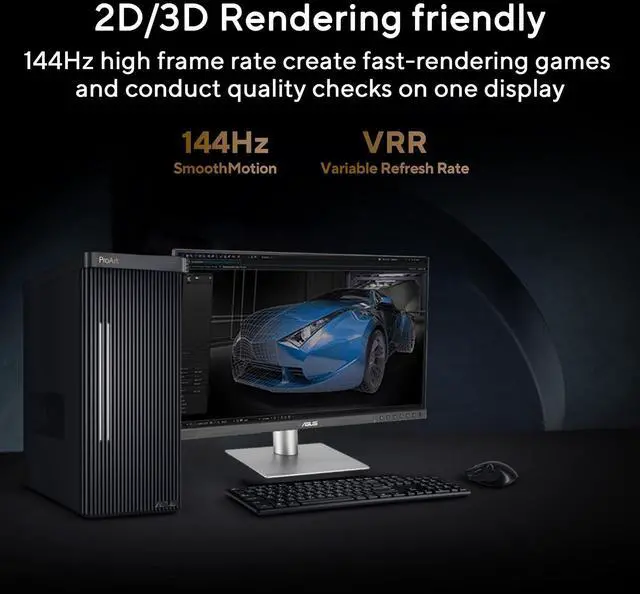
The ASUS ProArt PA249CGV is a 23.8-inch Full HD IPS monitor for creators who want factory-calibrated color, with 100% sRGB, 95% DCI-P3 coverage and Calman Verified Delta E<2 accuracy. Its 144Hz refresh rate also supports smoother motion for everyday use and compatible creative workflows.
| Attribute | Value |
|---|---|
| Best For | Photo and video editing, gaming, business, and general entertainment on a 23.8-inch Full HD monitor |
| Panel And Resolution | 23.8-inch flat IPS LCD with 1920 × 1080 resolution, 16:9 aspect ratio, 178° horizontal and vertical viewing angles, and matte anti-glare finish |
| Refresh Rate And Response | 144Hz refresh rate with Adaptive Sync/FreeSync and 5ms GTG response time |
| Color And Picture Features | 100% sRGB and 95% DCI-P3 color gamut, 16.7 million colors, 350 cd/m² brightness, 3000:1 contrast ratio, and HDR10 support; Calman Verified with Delta E<2 color accuracy |
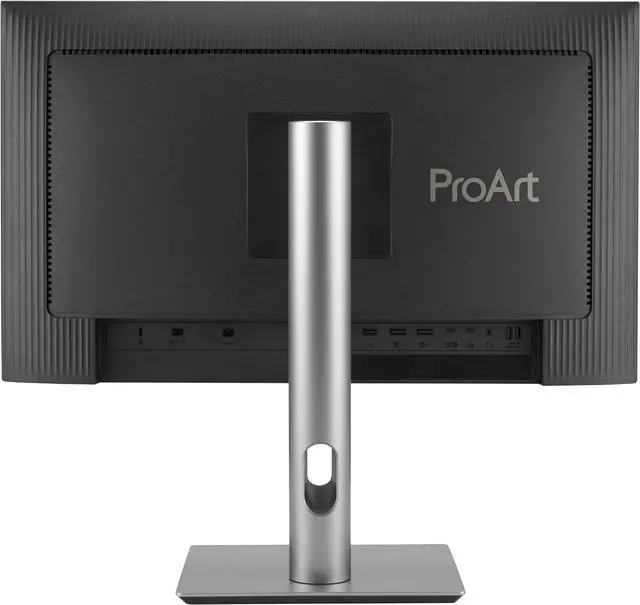
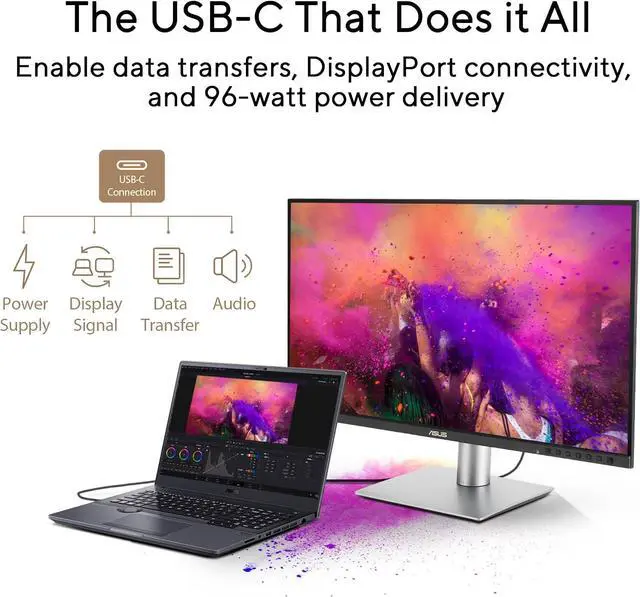
| Ports And Connectivity | HDMI 2.1, two DisplayPort 1.4 outputs with daisy-chain support, USB-C with DisplayPort Alt Mode and up to 96W Power Delivery, plus a USB hub with one USB-C and three USB-A ports; includes an earphone jack and Auto KVM |
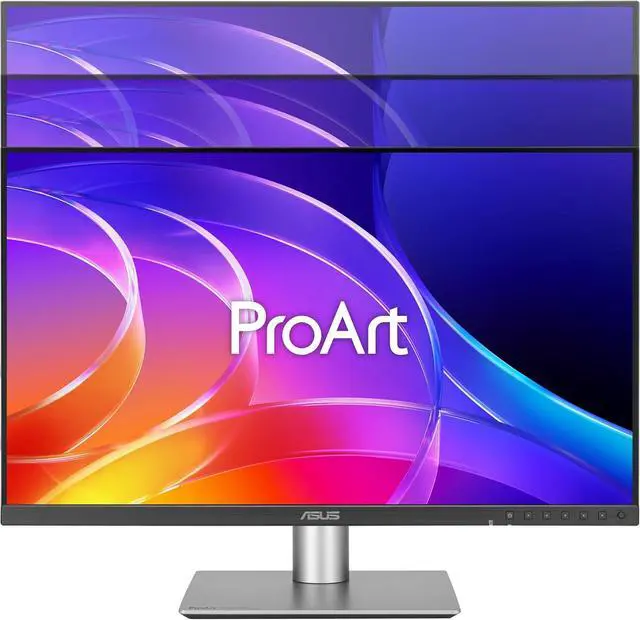
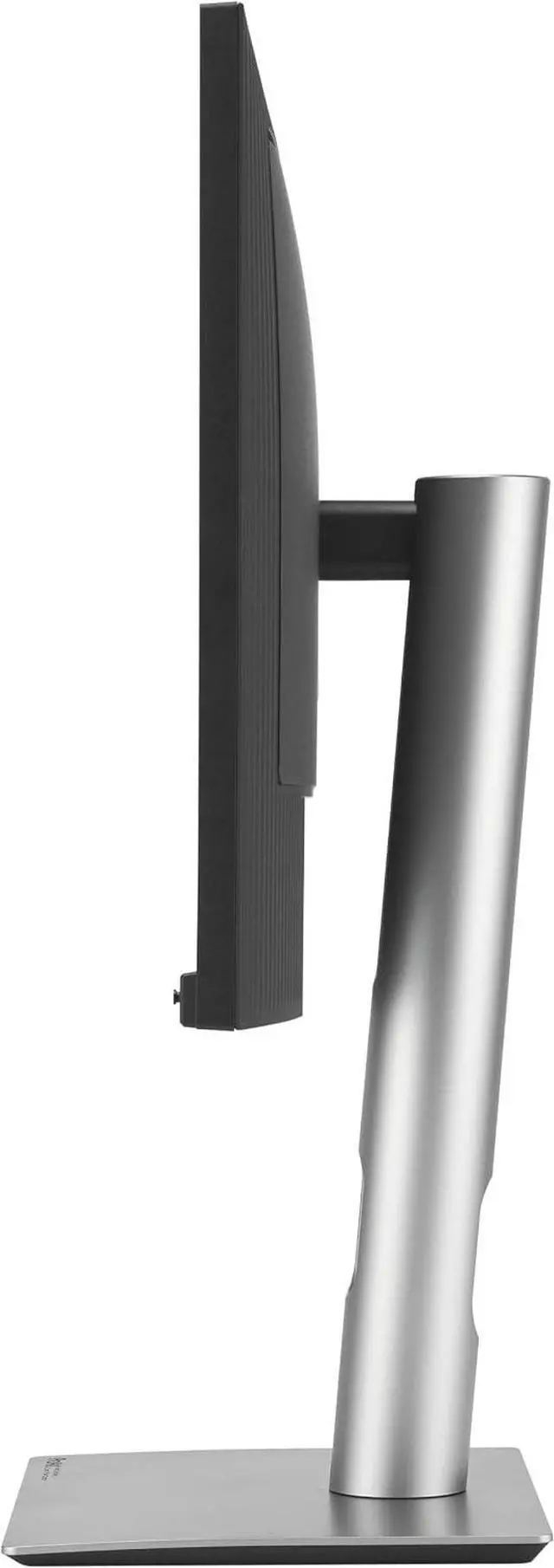
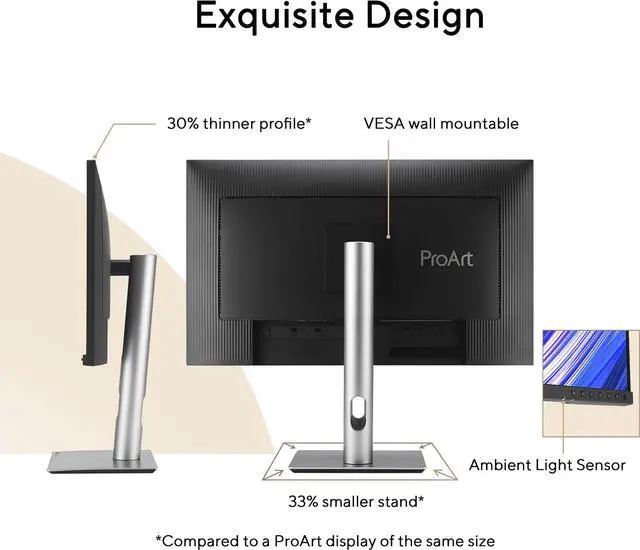
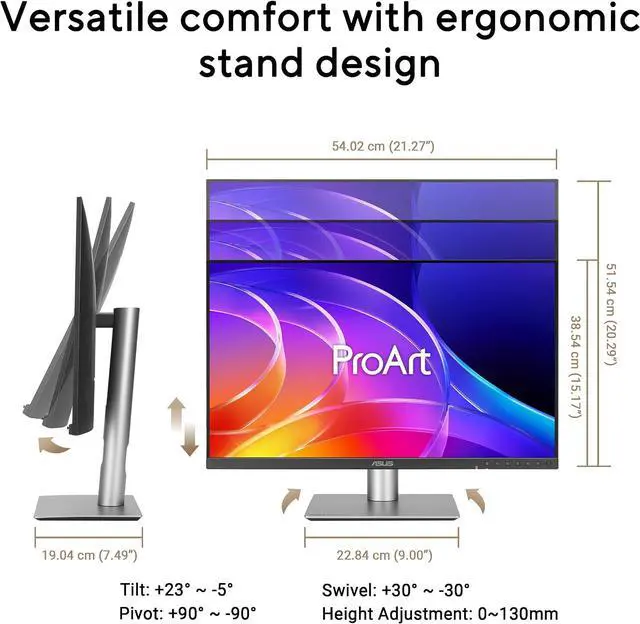
| Stand And Mounting | Height, tilt, swivel, and pivot adjustments; compatible with 100 × 100mm VESA mounts |
| Audio And Webcam | Two built-in 2W speakers; no built-in webcam |
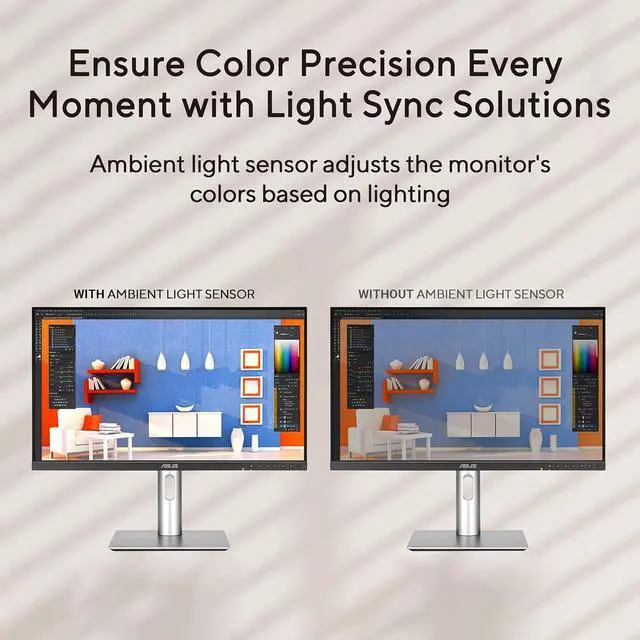
| Eye Care And Sensors | Ambient light sensor, flicker-free operation, and blue-light filtering |
| Power And Efficiency | 100–240 VAC, 50/60Hz; power consumption under 13.71W, under 0.5W in power-saving mode, and 0W when switched off |
| Physical Dimensions And Weight | With stand: 20.29 × 21.27 × 7.50 inches and 11.68 lb; without stand: 12.75 × 21.27 × 1.75 inches and 7.72 lb |
| Model Identifiers | ASUS ProArt PA249CGV, silver cabinet |
Q: Should I get the ASUS ProArt PA249CGV or PA278CGV?
A: Choose the PA249CGV for a compact 23.8-inch Full HD screen with 144Hz refresh, USB-C charging up to 96W, Auto KVM, and ambient-light color adjustment. Choose the PA278CGV for a larger 27-inch QHD screen with 144Hz refresh and factory-calibrated color accuracy. Both offer 95% DCI-P3 coverage and Delta E < 2 calibration.
Q: ASUS ProArt PA249CGV or PA248CRV for creative work?
A: Choose the PA249CGV for 144Hz motion, a 16:9 Full HD format, Auto KVM, and ambient-light color adjustment. Choose the PA248CRV for a 16:10 WUXGA screen with 1920 × 1200 resolution and 97% DCI-P3 coverage. Both are factory calibrated to Delta E < 2 and support USB-C power delivery up to 96W.
Q: How does the ASUS ProArt PA249CGV compare with the PA278QV?
A: The PA249CGV pairs a 23.8-inch Full HD screen with 144Hz refresh, USB-C power delivery up to 96W, and Auto KVM. The PA278QV provides a larger 27-inch QHD screen, 100% sRGB and Rec. 709 coverage, and a 75Hz refresh rate. Choose based on whether you prioritize the PA249CGV’s high refresh and USB-C workflow or the PA278QV’s larger QHD workspace.
Q: Can I connect and charge my laptop with one USB-C cable?
A: Yes, with a compatible laptop and USB-C cable, the PA249CGV can carry video, data, and up to 96W of power over one connection. The laptop’s USB-C port must support video output, and a laptop requiring more than 96W may still need its own charger.
Q: Is this monitor suitable for photo editing and design work?
A: It is suited to color-focused creative work such as photo editing and design: its IPS panel is factory calibrated to Delta E<2 and covers 100% sRGB and 95% DCI-P3. Its 23.8-inch screen is Full HD, so consider whether that resolution provides enough workspace and detail for your projects.
Q: Does it have a webcam and speakers for video meetings?
A: It has built-in 2W stereo speakers but no webcam. It can display video meetings from a connected computer, but you will need a separate webcam; for clearer or louder audio, use headphones or external speakers.
Q: Can I use one keyboard and mouse with two computers?
A: Yes. Its built-in Auto KVM lets you switch a connected keyboard and mouse between two computers. One computer connects over USB-C with video support; the other needs a video connection plus a USB upstream connection for peripherals.


