- Free 77-day Returns
Shipped by Newegg
Best Sellers
- $384.99
- + $35.35 Shipping
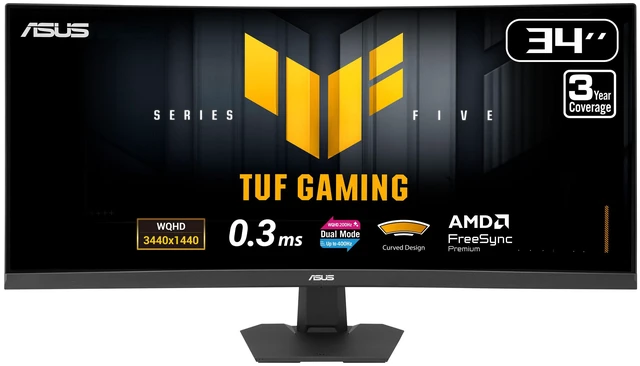
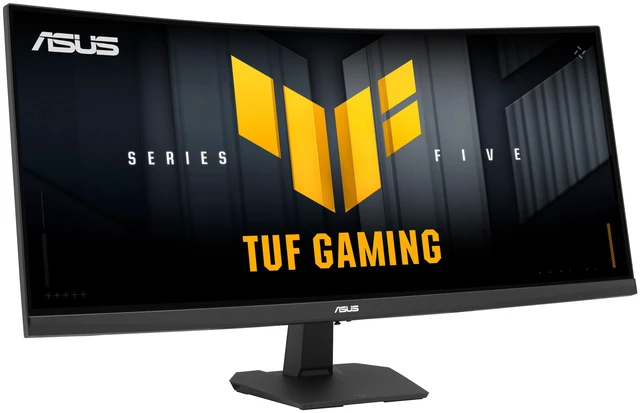
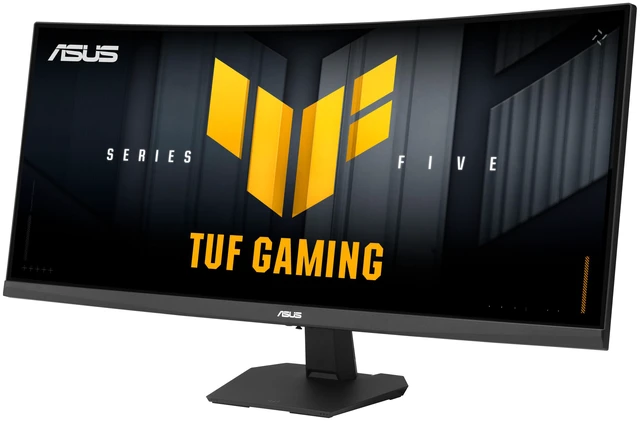
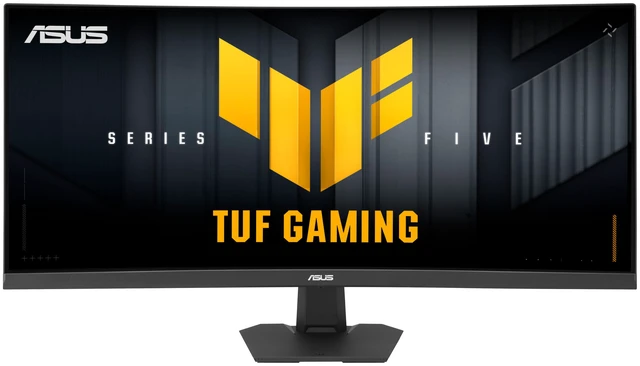
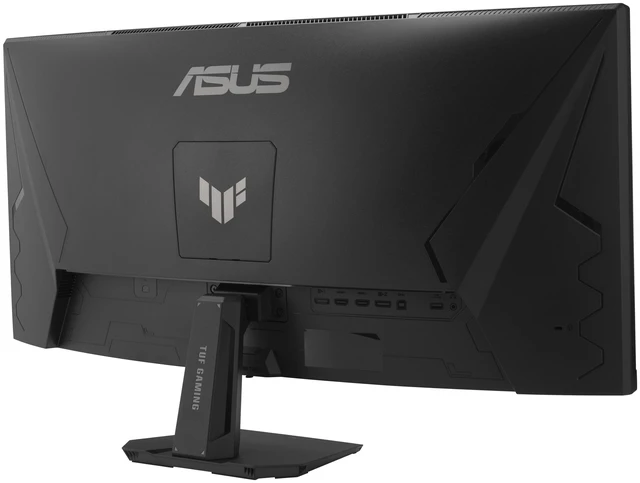
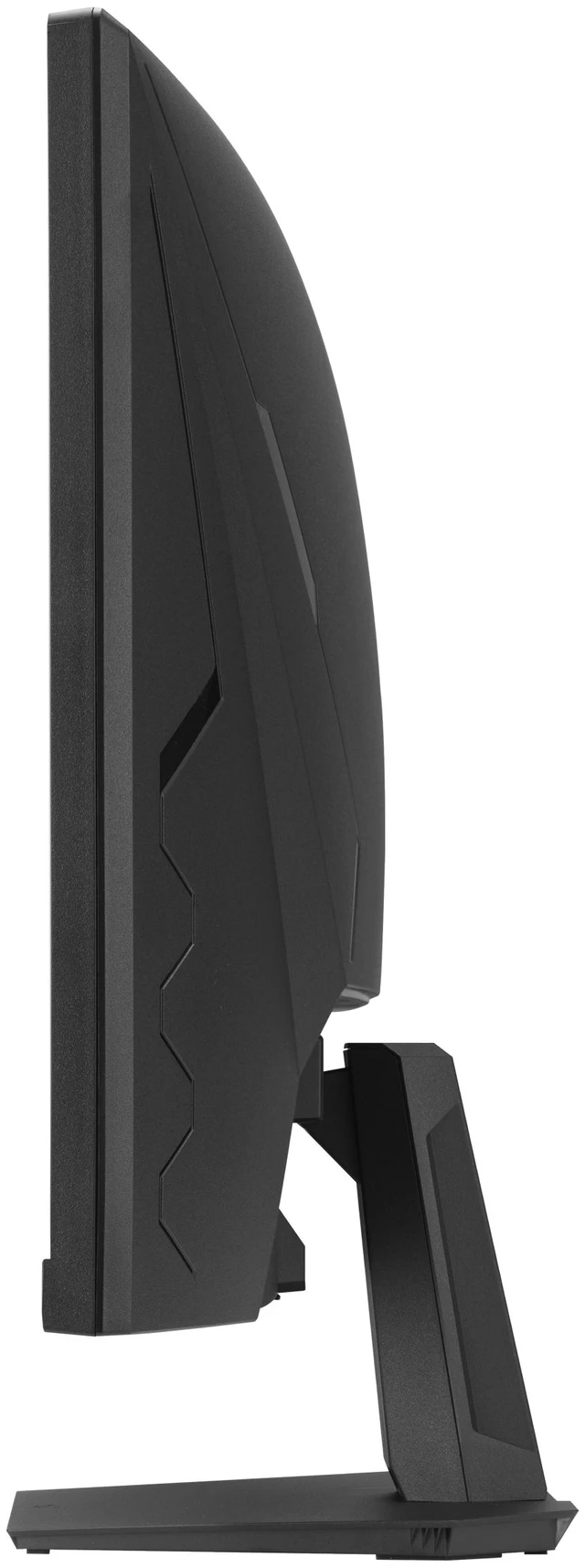
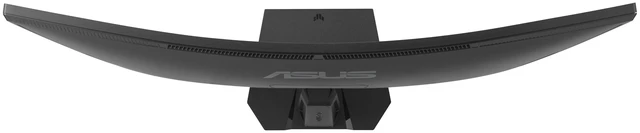
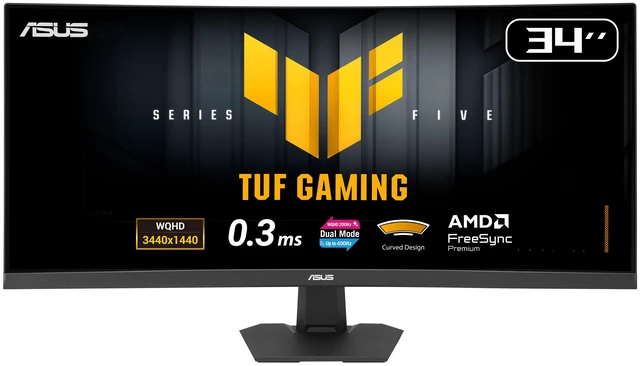
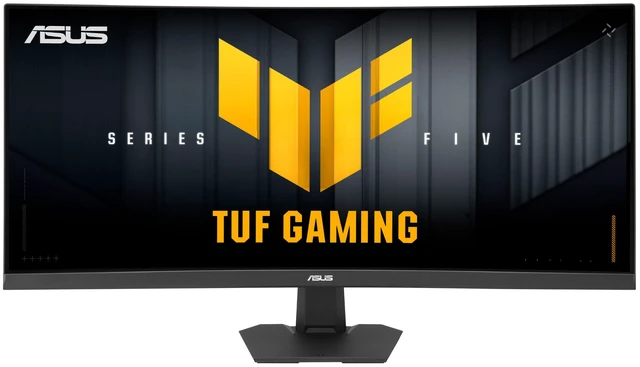
ASUS TUF Gaming 34 Inch Ultrawide Dual mode QHD 1440P 200Hz Full HD 400Hz, AMD FreeSync Premium ELMB SYNC Curved Gaming Computer Monitor VG34WQ5F
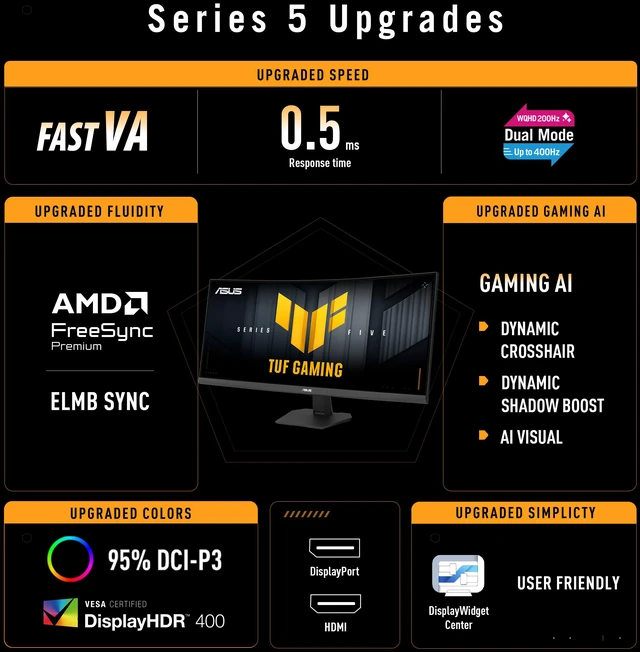
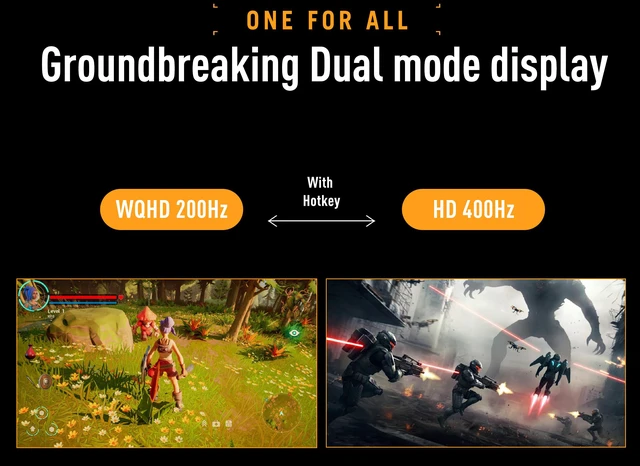
- 34-inch WQHD (3440 x 1440) 1500R curved gaming monitor with versatile performance of dual mode (WQHD 200Hz or HD 400Hz)
- ASUS Fast VA technology enables a 0.5ms (min) response time for sharp gaming visuals with high frame rates
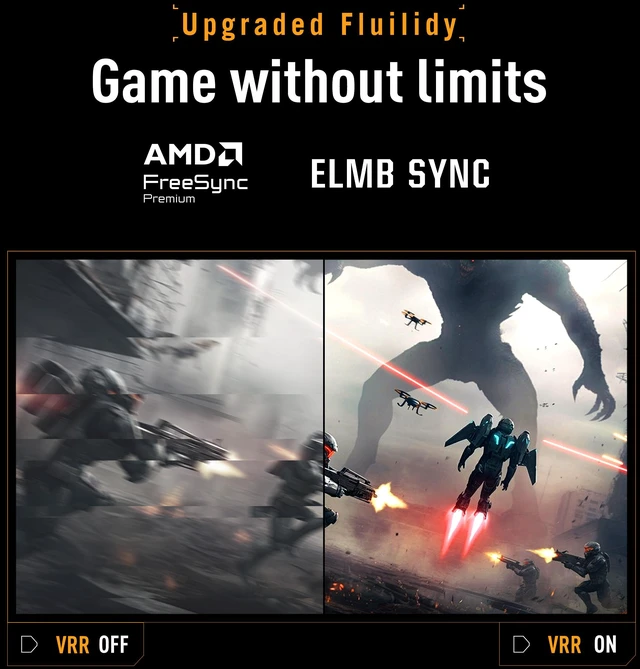
- FreeSync Premium delivers a seamless, tear-free gaming experience
- ASUS Extreme Low Motion Blur Sync (ELMB SYNC) technology enables ELMB together with variable refresh rate, eliminating ghosting and tearing for sharp gaming visuals with high frame rates
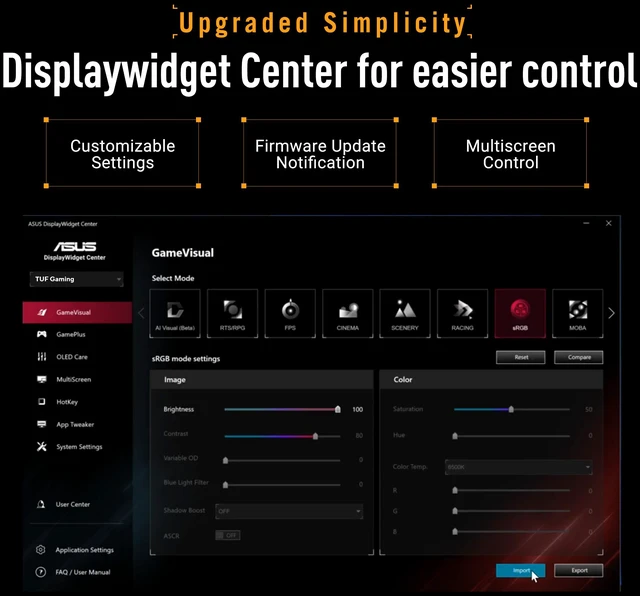
- DisplayWidget Center enables easy OSD access and monitor settings adjustments with a mouse
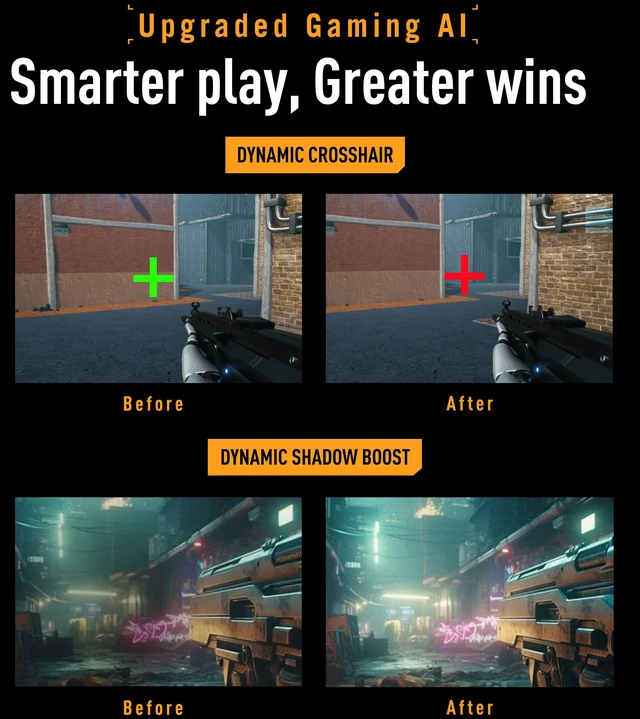
- TUF Gaming A.I technology with AI-powered features to enhance users' gaming experience
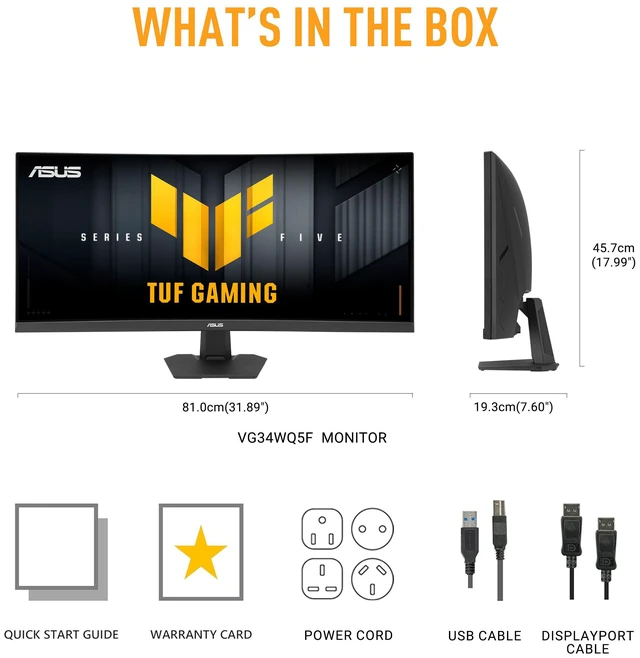
- What's in the box: DisplayPort cable, USB Type-B to A cable, L-shaped Screwdriver, Power cord, Quick start guide, Warranty Card
- ASUS Rapid Replacement (ARR) 3 years warranty with burn-in coverage and cross shipping service included
- Free 3-month Adobe Creative Cloud Subscription: Receive complimentary access with the purchase of this product (offer valid until 08/31/2027)
Any questions? Ask CelesteSM will help you find out quickly.
This 34-inch gaming Fast VA display offers quick 0.5 ms response times. Plus, allows you to switch between stunning QHD @ 200Hz all the way up to a mind-blowing 720p @ 400 Hz visuals with just a tap of a hotkey. ASUS Smart Pixel Technology - Experience 4K-Level UpscalingASUS Smart Pixel technology intelligently enhances every frame, utilizing advanced 4K upscaling to deliver razor-sharp visuals even at lower resolutions. Whether you're pushing maximum refresh rates for competitive play or immersed in a cinematic world, this intelligent 4K upscaling ensures your content remains crisp, defined, and fluid.
Experience hyper-realistic clarity in close-up scenes while maintaining razor-sharp precision and defined edges in distant views-ensuring you never lose sight of the details that matter most. Upgraded speed - Exceptional gaming experiencesThe Fast VA panel offers quick response times, supersmooth gameplay, and crisp visuals with 3440x1440 resolution to take your game to the next level. Upgraded fluidity game without limitsVG34WQ5F supports AMD FreeSync Premium technologies for smooth, tear-free visuals. Additionally, ASUS ELMB Sync technology eliminates ghosting during high-frame-rate gaming. Upgraded colors - Vibrant colors, enhanced gamplayDisplayHDR 400 and 95% DCI-P3 enables VG34WQ5F to showcase vibrant colors and deeper contrast for stunningly-immersive visuals.
Upgraded gaming AI - Smarter play, greater winsDynamic crosshairAutomatically changes the crosshair to a color that contrasts with the background, so it stands out for more accurate aimDynamic shadow boostAutomatically enhances dark areas of the scene to make it easier to spot enemies hiding in dim areas of the mapAI VisualAutomatically detects what's onscreen and adjusts to provide the best default or user-preset monitor settings through DisplayWidget CenterUpgraded simplicity - Easier controlDisplaywidget centerEasily manage, optimize, and personalize your settings with your mouse in DisplayWidget Center. GamevisualASUS GameVisual technology provides eight pre-set display modes to enhance visuals for various content types.
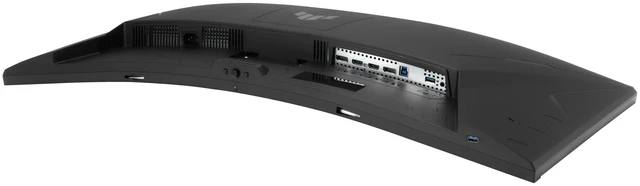
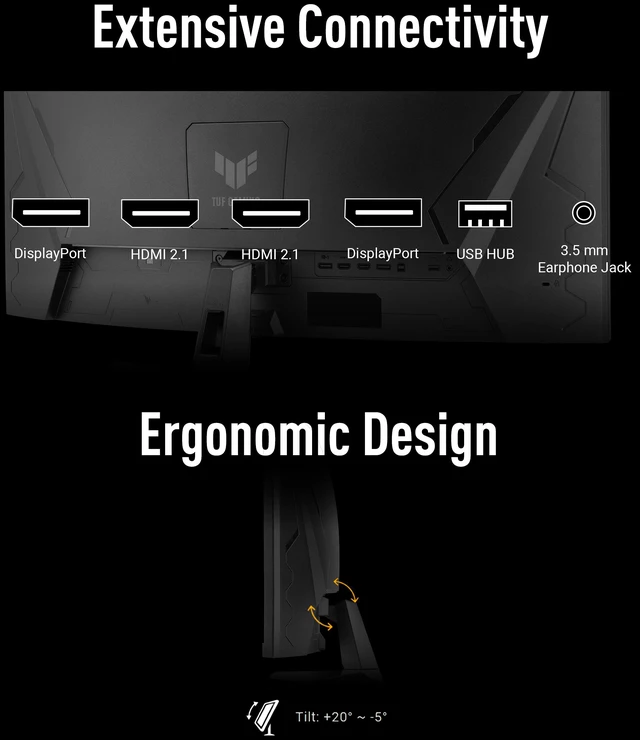
Easily switch modes via a hotkey or the OSD menu. GameplusThe ASUS-exclusive GamePlus hotkey offers in-game enhancements that have been designed with input from pro gamers-all to help improve your skills and gameplay. Engineering - Connectivity and ergonomicsExtensive connectivityA multitude of connectivity options includes two HDMI ports, two DisplayPort, and a USB hub, ensuring wide compatibility with a variety of input sources. Eye care technologyLow blue lightASUS Low Blue Light technology reduces harmful blue light while maintaining superior color performance. Flicker-freeFlicker-Free technology reduces flicker to minimize eyestrain, helping ensure comfort during long gaming sessions.
Warranty & Returns
Warranty, Returns, And Additional Information
Warranty
- Limited Warranty period (parts): 3 years
- Limited Warranty period (labor): 3 years
- Read full details
Return Policies
- Return for refund until: January 31, 2027
- Return for replacement until: January 31, 2027
- This item is covered by Newegg.com's Extended Holiday Return Policy.
- Read full return policy for details.
We want to ensure your holiday shopping this year is hassle-free. That’s why we’re automatically extending our return policies on almost every product! For purchases placed between November 1st, 2026 and December 31, 2026 you will have until January 31, 2027 to return your product.
Manufacturer Contact Info
- Manufacturer Product Page
- Manufacturer Website
- Support Phone: 1-888-678-3688
- Support Website
- View other products from ASUS
The ASUS TUF Gaming VG34WQ5F is a 34-inch curved ultrawide gaming monitor with a 3440 × 1440 resolution and dual modes up to 200Hz at WQHD or 400Hz at Full HD. It suits gamers who want to choose between sharper ultrawide visuals and very high refresh rates.
Recommended For
- PC gamers who want a wide, curved view for single-player and open-world games, with 3440×1440 resolution at up to 200Hz.
- Players who switch between immersive gaming and fast-paced matches, and are willing to trade resolution for the monitor’s 1720×720, 400Hz mode.
- PC users who game and keep several windows visible side by side, using the 21:9 screen and picture-by-picture or picture-in-picture features.
- AMD gaming-PC owners looking for variable refresh rate support to reduce screen tearing during gameplay.
Real-World Use Scenarios
- Playing supported open-world, racing, or role-playing games at 3440 × 1440: the 21:9 view can show more of the game horizontally for a more panoramic feel; games without ultrawide support may show side bars or need adjusted settings.
- Keeping a code editor or document open beside a browser, reference, or chat window: the wide desktop can make everyday multitasking easier without splitting work across two monitors.
- Switching to a supported fast-paced game when motion clarity is the priority: the 720p 400Hz mode offers a higher-refresh option, with noticeably less detail than the monitor’s 3440 × 1440 mode.
- Playing games whose frame rates vary from scene to scene: FreeSync Premium is intended to reduce tearing during variable-refresh gameplay, while the monitor’s 3440 × 1440 mode keeps the wider view available.
Spec Summary
| Attribute | Value |
|---|---|
| Best For | Gaming in high-refresh QHD or HD modes, as well as home, business, entertainment, and photo/video editing |
| Panel And Resolution | 34-inch curved VA display with a 1500R curve, 3440 × 1440 resolution, 21:9 aspect ratio, anti-glare finish, 178° horizontal and vertical viewing angles, 400 cd/m² brightness, 4000:1 contrast, and 1.073 billion colors; supports HDR10 and VESA DisplayHDR 400 |
| Refresh Rate And Response | Dual mode supports 200Hz at WQHD or 400Hz at HD; response time is 1ms GTG or 0.5ms minimum, with FreeSync Premium and ELMB Sync. Eye-care features include flicker-free operation and a blue-light filter |
| Ports And Connectivity | 2 DisplayPort 1.4, 2 HDMI 2.1, 2 USB 3.2 Gen 1 Type-A ports, 1 USB 3.2 signal port, and an earphone jack |
| Stand And Ergonomics | Tilt adjustment; compatible with 100 × 100mm VESA mounts |
| Audio | Built-in stereo speakers rated at 2 × 2W |
| Power And Energy | 25W power consumption, 0.5W in power-saving mode, and under 0.3W when powered off; listed voltage is 240V |
| Physical Dimensions And Weight | With stand: 31.89 × 17.99 × 7.60 inches and 16.53 lb; without stand: 31.89 × 14.57 × 4.49 inches and 14.11 lb; black cabinet |
| Included In The Box | DisplayPort cable, USB Type-B to A cable, L-shaped screwdriver, power cord, quick start guide, and warranty card |
| Model Identifiers | ASUS TUF Gaming VG34WQ5F |
Reference Q&A
Q: ASUS TUF VG34WQ5F vs VG34VQL3A: which is better for high-refresh ultrawide gaming?
A: Choose the VG34WQ5F if you want a higher refresh rate at 3440 × 1440 and a second high-refresh mode: it supports WQHD at up to 200Hz or HD at up to 400Hz. The VG34VQL3A supports WQHD up to 180Hz and has a height- and swivel-adjustable stand. Both are 34-inch, 1500R curved VA monitors with a 3440 × 1440 resolution.
Q: Should I choose the ASUS TUF VG34WQ5F or the ROG Swift OLED PG34WCDM?
A: Choose the VG34WQ5F if you want a 34-inch VA ultrawide with a choice between 3440 × 1440 at up to 200Hz and HD at up to 400Hz. The ROG Swift OLED PG34WCDM is the fit for buyers prioritizing an OLED panel, 3440 × 1440 at up to 240Hz, and features including 90W USB-C power delivery and Smart KVM.
Q: Is the ASUS TUF VG34WQ5F a worthwhile step up from the VG34VQL1B?
A: The VG34WQ5F offers WQHD up to 200Hz, a 400Hz HD mode, and ELMB Sync, making it a good choice if those gaming features are your upgrade priorities. The VG34VQL1B offers WQHD up to 165Hz and a stand with height and swivel adjustment. Both are 34-inch curved VA monitors with a 3440 × 1440 resolution.
Q: Is this monitor suitable for both work and gaming?
A: Yes. Its 34-inch, 21:9 WQHD screen provides room for documents or apps side by side, and its refresh rate reaches 200Hz at WQHD for gaming. The stand adjusts for tilt only, and the monitor has no built-in webcam, so check whether those limitations fit your desk and meeting setup.
Q: Can I mount this monitor on a monitor arm?
A: Yes. It supports a 100 x 100mm VESA mount. The monitor weighs 14.11 lb without its stand, so confirm that the arm supports the monitor’s weight and mounting pattern.
Q: Does it have built-in speakers and a webcam for meetings?
A: It has two built-in 2W speakers but no webcam. You can use the speakers for basic audio; video meetings require a separate camera.
Q: Does the 400Hz mode keep the full 3440 x 1440 resolution?
A: No. The monitor’s dual modes trade resolution for refresh rate: WQHD runs at up to 200Hz, while the lower-resolution HD mode runs at up to 400Hz. Choose WQHD for more detail and workspace, or HD mode when prioritizing the highest refresh rate.