




 here!
here!
I’m your shopping assistant for PC builds, upgrades, and everything tech.
Got questions? Ask away!
Start a conversation
here!
I’m your shopping assistant for PC builds, upgrades, and everything tech.
Got questions? Ask away!
Start a conversationShipped by Newegg






Any questions? Ask CelesteSM will help you find out quickly.

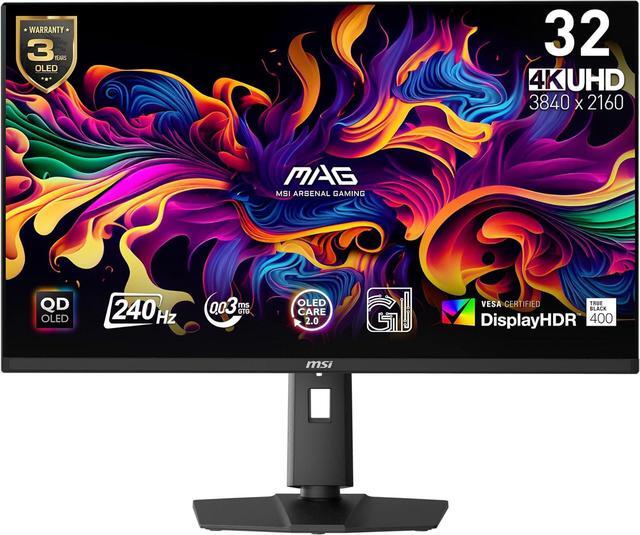
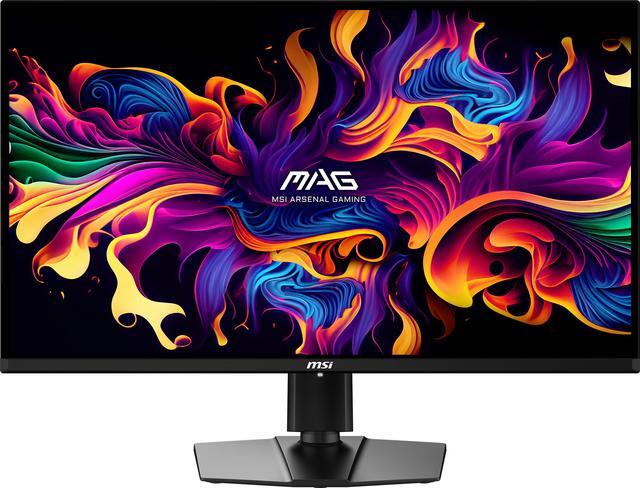
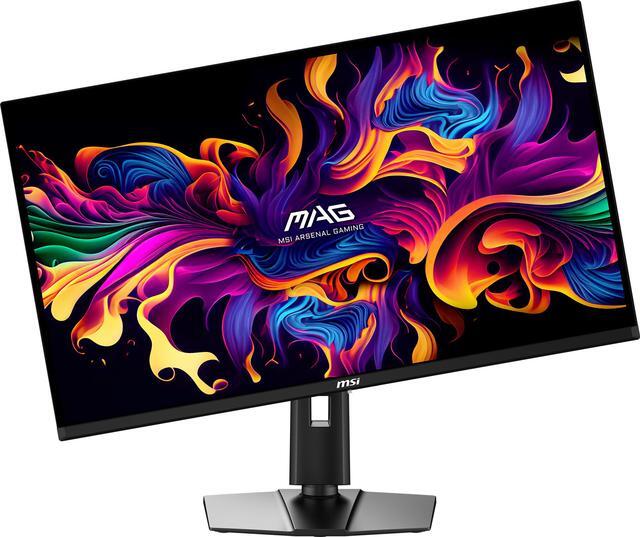
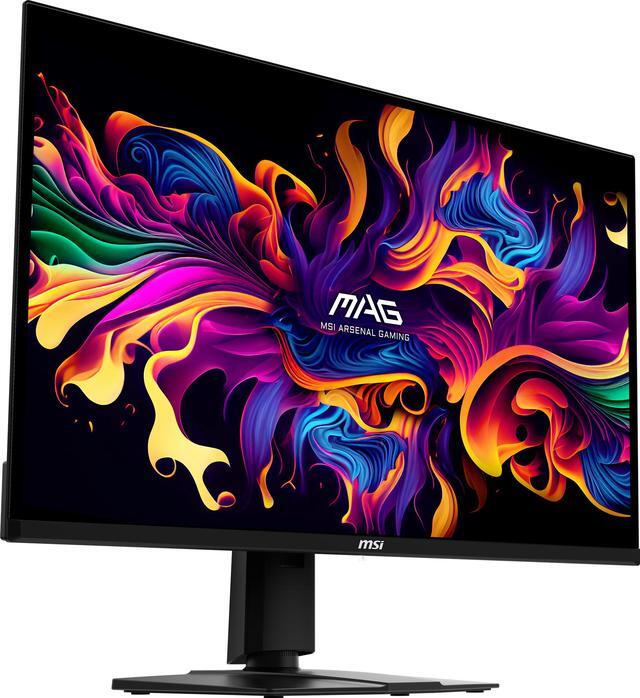
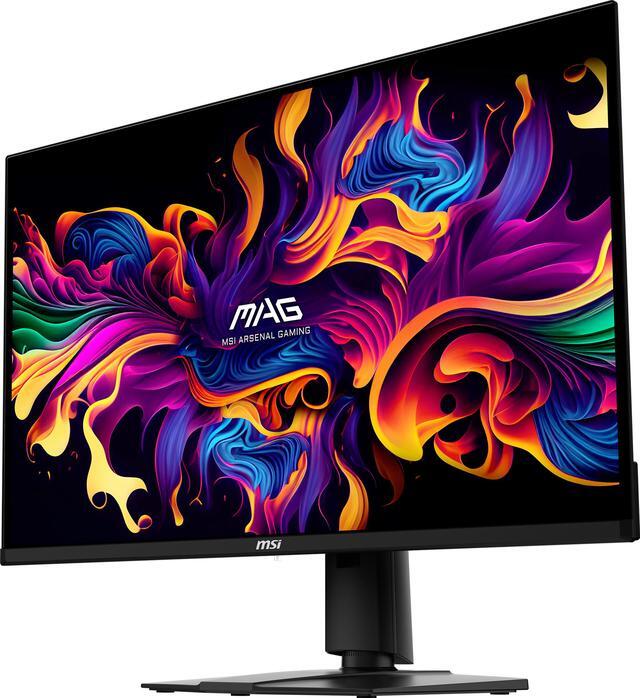
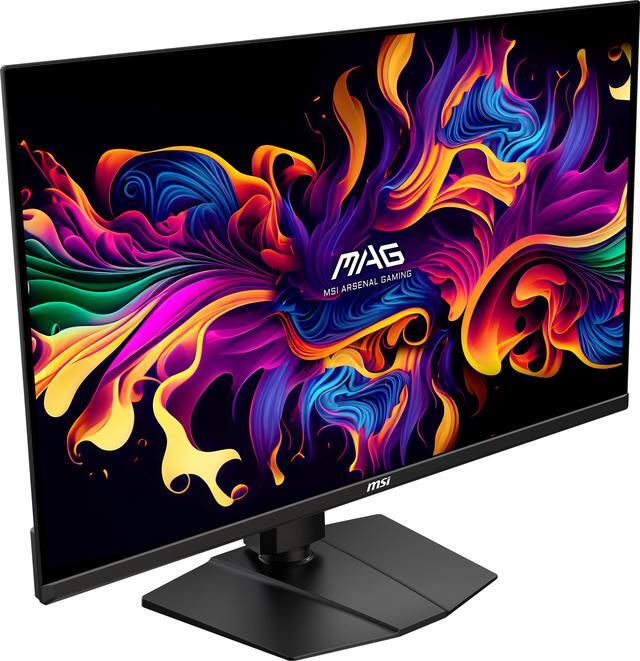
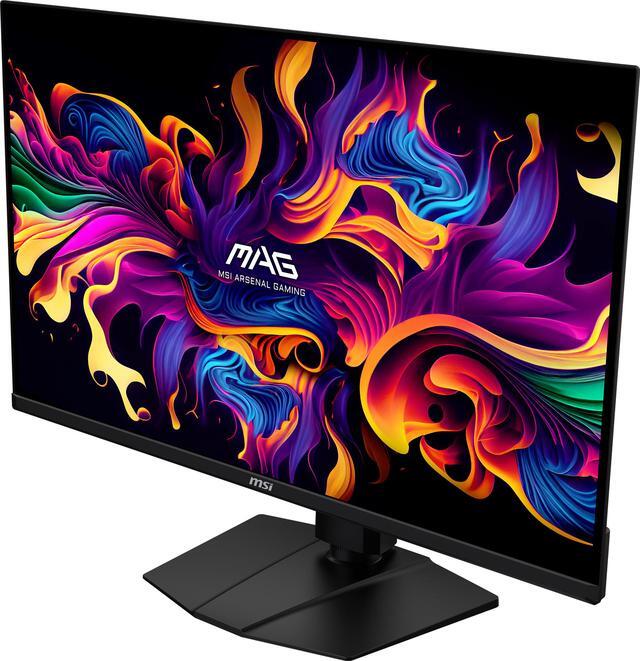
Equipped with a 31.5" UHD (3840 x 2160) QD-OLED panel with a high 240Hz refresh rate & an ultra-low 0.03ms response time, the MAG 321UPX QD-OLED provides a competitive edge & outstanding image quality. The MAG 321UPX QD-OLED features Quantum Dot technology, an elite colour gamut (1.07 billion colours, 99% DCI-P3), VESA DisplayHDR True Black 400 dynamic contrast & brightness, and a 4-way adjustable stand.

The latest generation of MSI QD-OLED gaming monitors feature an improved sub-pixel arrangement with sharper images, finer details, and clearer text.
The large 31.5" screen (80 cm) supports 178° wide viewing angles with minimal colour shift when viewed from different angles.
An anti-reflective surface coating design reduces glare from direct & ambient environmental light.

Experience smoother movement & tracking with a high 240 Hz refresh rate, and unlock the full potential of premium GPU & memory hardware.
An incredibly low 0.03ms (GtG) response time dramatically reduces monitor blurring, and is essential for fast-paced games.

VESA certified DisplayHDR True Black 400 monitors produce a consistently higher brightness range as well as superior detail in darker regions.
Enjoy Realistic Dynamic Contrast by OLED pixel dimming control that mimics the human eye in the real world:
Brightness: 250 nits typically (1000 nits at HDR peak)
Native Contrast Ratio: 1500000:1

An incredible VESA ClearMR 13000 certification indicates a superb motion clarity score*.
A dynamically engineered layer of nanoparticles enhances both the colours & luminance of the QD-OLED panel display.
Display Colours: 1.07 Billion (10-Bit)
MSI pre-calibrated QD Premium Color Mode delivers exceptionally precise colour accuracy Delta E <= 2.
DCI-P3 / sRGB: 99% / NA
*VESA ClearMR represents blur performance based on the ratio of clear pixels versus blurry pixels as a percentage.

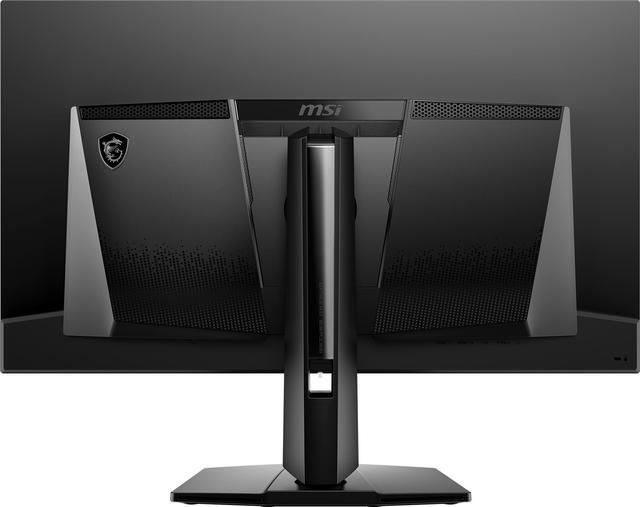
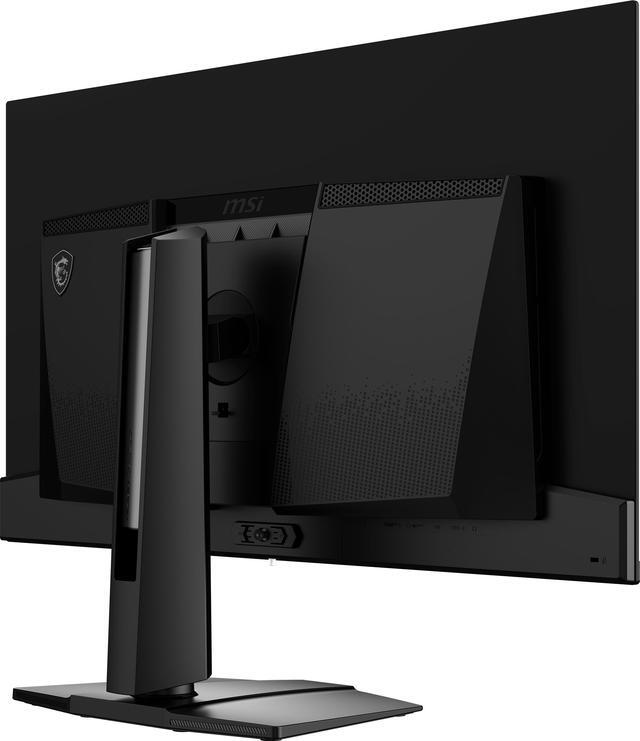
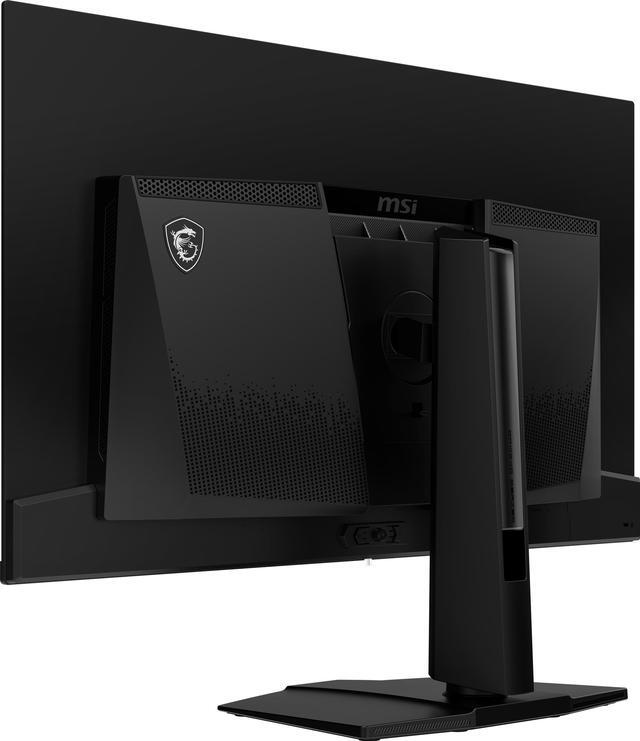
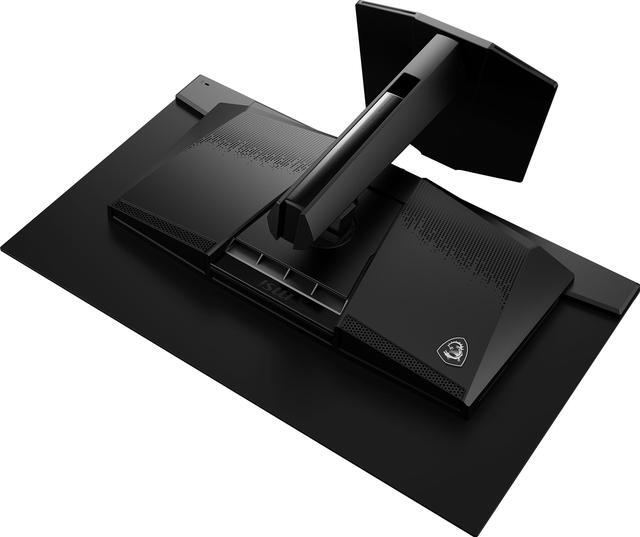
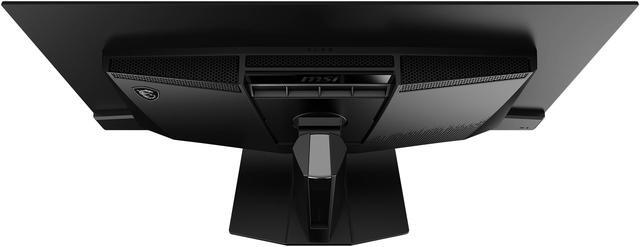
The rear of the panels employs Graphene Film and a Custom-Designed Passive Heatsink. The results in highly efficient thermal conductivity, which completely eliminates the need for active fan cooling.
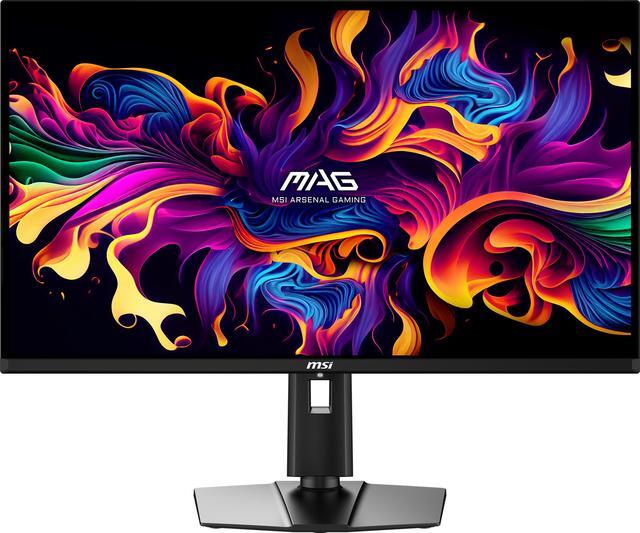
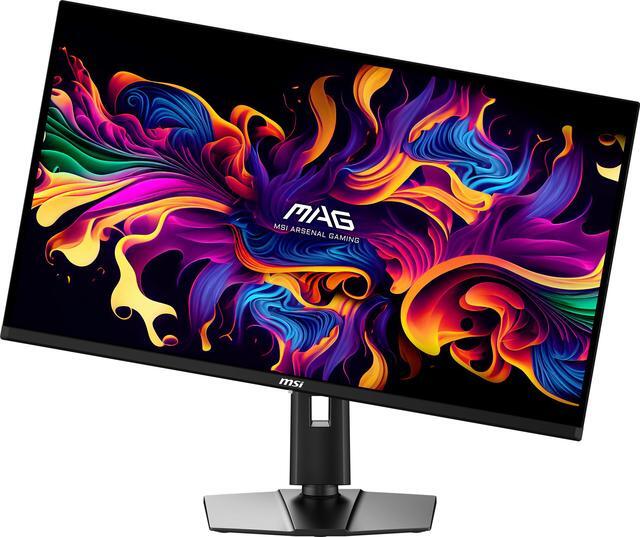
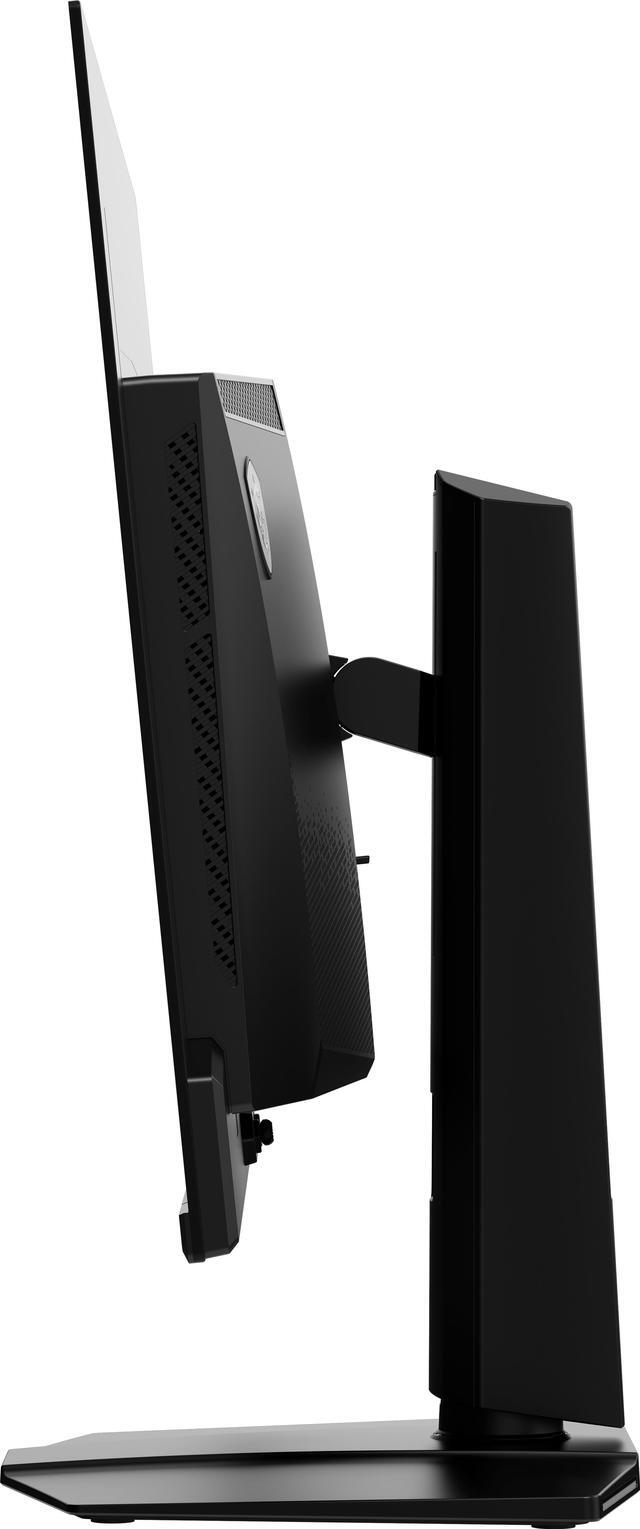
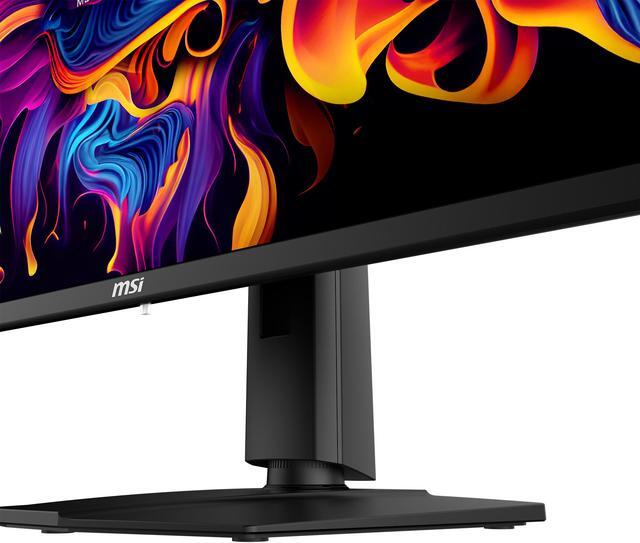
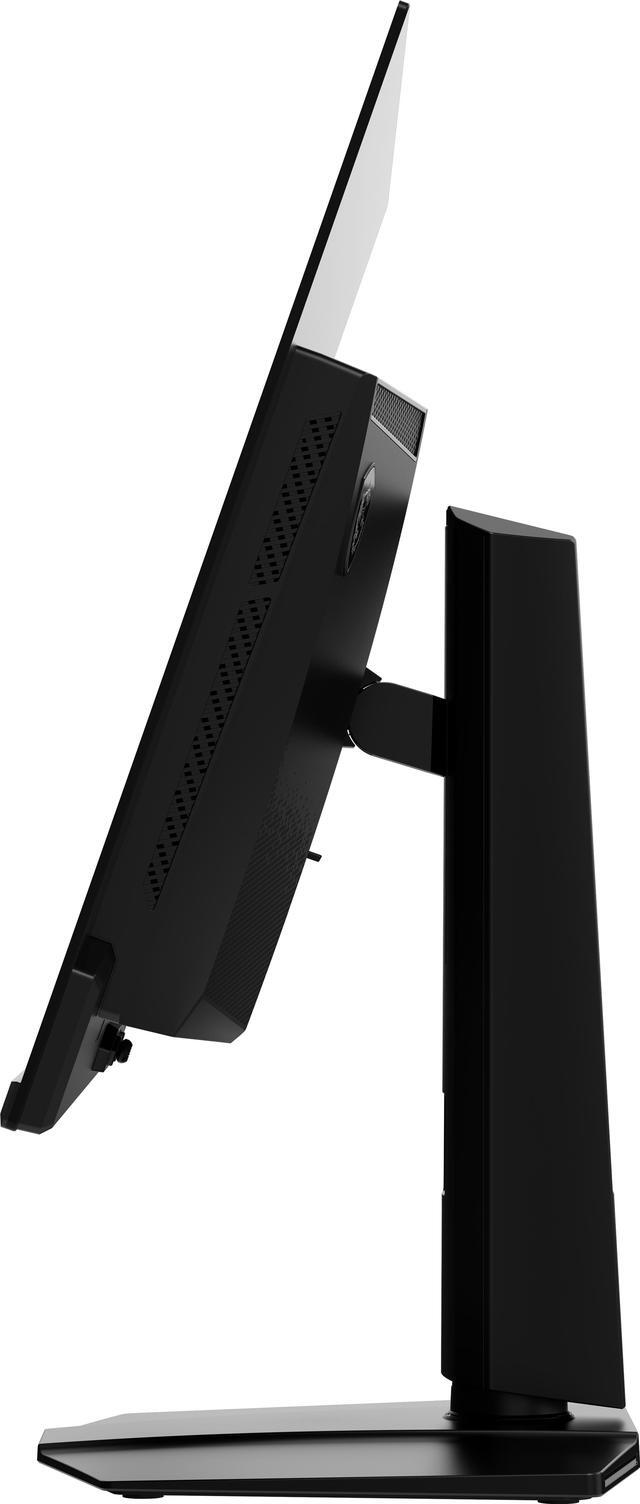
A premium pivot-, tilt-, swivel- & height-adjustable stand can be tailored to specific ergonomic demands (100x100mm VESA compatible).

MSI OLED Care 2.0* significantly reduces the chances of OLED screen burn-in and includes:
Pixel shift (movement)
Panel protection (refresh)
Static screen detection (dim)
*OLED Care 2.0 expands on the original OLED Care with static multi-logo & taskbar detection, as well as image boundary luminance calibration.

Less Blue Light PRO employs hardware-based filter technology, while retaining a vivid colour palate with uncompromising detail.
MSI Console Mode is compatible with next-gen gaming console platforms*.
*Supports HDMI CEC Profile Sync, HDMI VRR (variable refresh rate), and 4K:2K (console downscaling).

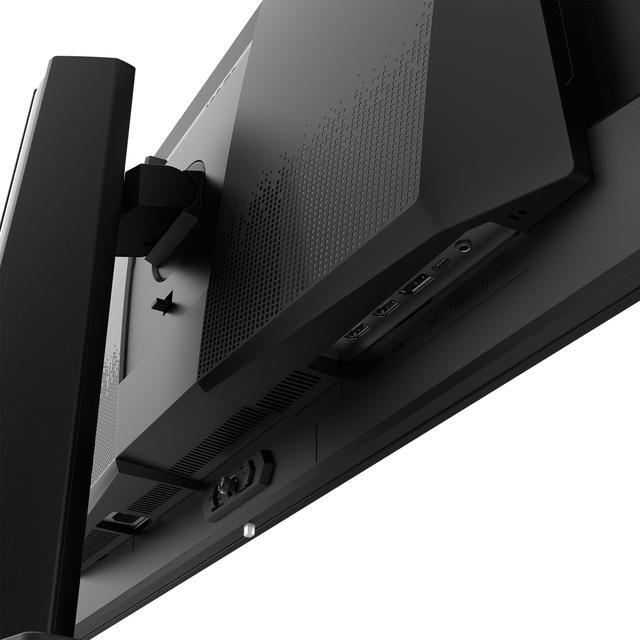
Display Connectivity:
DisplayPort 1.4a: 2560 x 1440 (240 Hz max.)
2 x HDMI 2.1: 2560 x 1440 (240 Hz max.)
USB Type-C: 2560 x 1440 (240 Hz max. DP alt.) with 15W power delivery


The MSI MAG 321UPX QD-OLED is a 32-inch 4K gaming monitor with a QD-OLED panel, 240Hz refresh rate, 0.03ms response time, and FreeSync Premium, suited to PC gamers who prioritize sharp detail, vivid contrast, and fast motion.
| Attribute | Value |
|---|---|
| Best For | 4K high-refresh gaming on compatible PCs, desktops, and gaming consoles |
| Panel And Resolution | 32-inch flat OLED panel with 3840 × 2160 (4K) resolution, 16:9 aspect ratio, anti-reflection finish, and 178° horizontal and vertical viewing angles |
| Refresh Rate And Response | 240Hz refresh rate, 0.03ms GTG response time, and FreeSync Premium adaptive sync |
| Color And HDR | 10-bit color with 1.07 billion colors, 97.5% Adobe RGB, 99% DCI-P3, 138.2% sRGB, 250 cd/m² brightness, 1,500,000:1 contrast ratio, and VESA DisplayHDR True Black 400 |
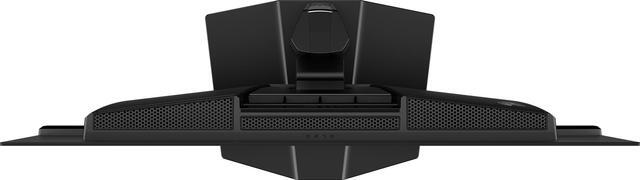
| Ports And Connectivity | 2 HDMI 2.1 ports, DisplayPort 1.4a, USB-C with DisplayPort Alt Mode and 15W charging, 3.5mm headphone output, and HDCP support |
| Stand And Mounting | Adjustable tilt (-5° to 15°), swivel (-30° to 30°), height (0–100 mm), and pivot (-10° to 10°); VESA 100 × 100 mm mounting |
| Features And Compatibility | No built-in speakers or webcam; compatible with laptops, desktops, and gaming consoles |
| Physical Specifications | Metallic black cabinet; 28.27 × 16.46 × 2.72 inches without stand and 28.27 × 19.02 × 9.53 inches with stand; 20.06 lb (9.1 kg) with stand |
| Model Identifiers | MSI MAG 321UPX QD-OLED; part number 9S6-3DD39T-002 |
Q: MSI MAG 321UPX vs MPG 321URX: which should I get?
A: Choose the MAG 321UPX if you want a 32-inch 4K QD-OLED at 240Hz and do not need a KVM switch or high-power USB-C laptop charging. Choose the MPG 321URX if those features matter: it offers a KVM switch and up to 90W USB-C power delivery, compared with the 321UPX’s 15W. Their core display specifications are similar, so the choice mainly comes down to connectivity and the price difference.
Q: MSI MAG 321UPX vs MAG 321UP: is 240Hz worth it over 165Hz?
A: Choose the MAG 321UPX if you want the higher 240Hz refresh rate for compatible PC games or value the extra motion headroom. Choose the MAG 321UP if 165Hz is sufficient for your games and you would rather consider a lower-refresh-rate model. Both are 32-inch 4K QD-OLED monitors with a stated 0.03ms GTG response time; the key listed difference is refresh rate.
Q: MSI MAG 321UPX vs Alienware AW3225QF: flat or curved 4K OLED?
A: Choose the MAG 321UPX if you prefer a flat 32-inch 4K QD-OLED screen. Choose the Alienware AW3225QF if you prefer a curved screen or want its Dolby Vision support. Both offer 4K resolution, a 240Hz refresh rate and QD-OLED; the choice is mainly about screen shape and features rather than refresh rate.
Q: MSI MAG 321UPX vs Samsung Odyssey OLED G80SD: which suits a bright room or streaming?
A: Choose the Samsung Odyssey OLED G80SD if you want built-in smart-TV apps or prefer its matte screen coating for reflection handling. Choose the MSI MAG 321UPX if you want a monitor-focused setup with a flat 4K, 240Hz QD-OLED display and its listed HDMI 2.1, DisplayPort and USB-C connections. Both are 32-inch 4K, 240Hz QD-OLED models, so consider the Samsung’s smart features and matte coating against the MSI’s monitor connectivity and your preferred screen finish.
Q: Is this monitor suitable for work as well as gaming?
A: Yes. Its 32-inch 4K screen, adjustable stand, and USB-C DisplayPort input can suit desk work and gaming. It has no built-in webcam or speakers, and USB-C power delivery is limited to 15W, so plan on separate meeting audio/video equipment and a laptop charger if needed. OLED users should also consider the potential for image retention with prolonged static screen elements.
Q: Can I use this monitor with a PS5 or Xbox?
A: Yes. It has two HDMI 2.1 ports and a console mode, making it suitable for connecting modern consoles. The monitor’s maximum resolution is 4K; the console and game determine the available resolution and refresh rate.
Q: Should I worry about burn-in if I use this OLED monitor every day?
A: Burn-in is a consideration with OLED panels, especially when static images remain on screen for long periods. This model includes MSI OLED Care 2.0 to reduce risk and has a stated three-year warranty that covers OLED burn-in; those protections reduce concern but do not mean burn-in is impossible.
Q: Does this monitor have built-in speakers or a webcam?
A: No. The MAG 321UPX QD-OLED has neither built-in speakers nor a webcam. Use headphones or external speakers for audio, and a separate webcam for video calls.
Q: Is the MSI MAG 321UPX QD-OLED a good choice for both gaming and everyday work?
A: It fits high-refresh-rate gaming and general desktop work: it has a 4K resolution, 240Hz refresh rate, and adjustable stand. Reddit users report using it for productivity, but some note that text can look less clean than on an LCD and that long sessions with static screen elements raise burn-in concerns. Consider an LCD if work means many hours of fixed spreadsheets or other static content each day.
Q: What are the main trade-offs of the MAG 321UPX QD-OLED?
A: Its 4K, 240Hz QD-OLED panel is geared toward gaming, but Reddit users mention that text may look less clear than on an LCD and that OLED burn-in is a concern with static content. One user also described brightness as a limitation compared with an OLED TV. These are considerations to weigh against the high refresh rate and OLED panel.
Q: Does the MAG 321UPX QD-OLED have built-in speakers?
A: No. The product specifications list no built-in speakers, so plan to use headphones or separate speakers.
Q: Is the MAG 321UPX QD-OLED worth buying?
A: It may suit buyers prioritizing a 32-inch-class 4K OLED display and 240Hz gaming, especially if the price is attractive to them. Whether it is worth buying depends on the price and tolerance for OLED trade-offs, including possible text clarity differences and concern about burn-in during static desktop use.


