




 here!
here!
I’m your shopping assistant for PC builds, upgrades, and everything tech.
Got questions? Ask away!
Start a conversation
here!
I’m your shopping assistant for PC builds, upgrades, and everything tech.
Got questions? Ask away!
Start a conversationShipped by Newegg






Any questions? Ask CelesteSM will help you find out quickly.

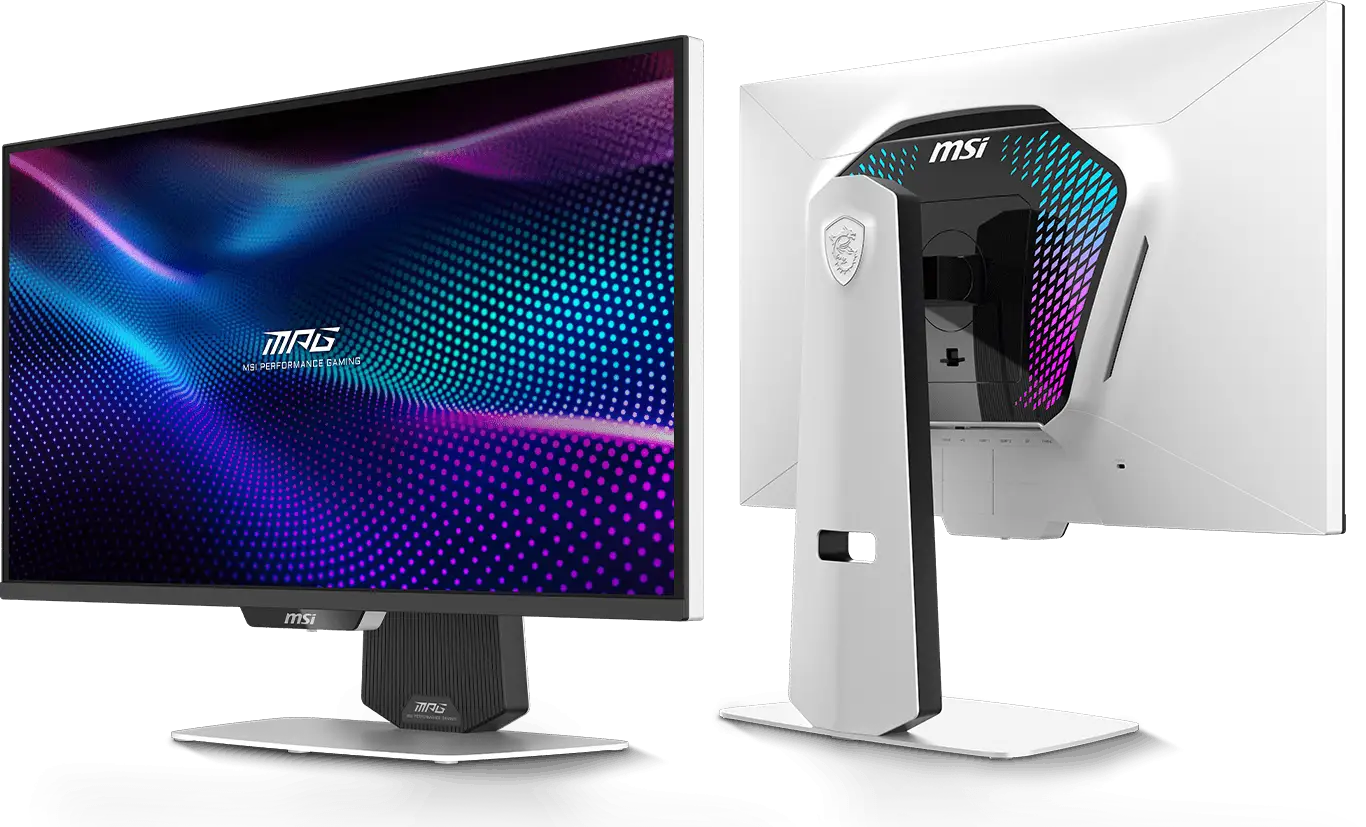

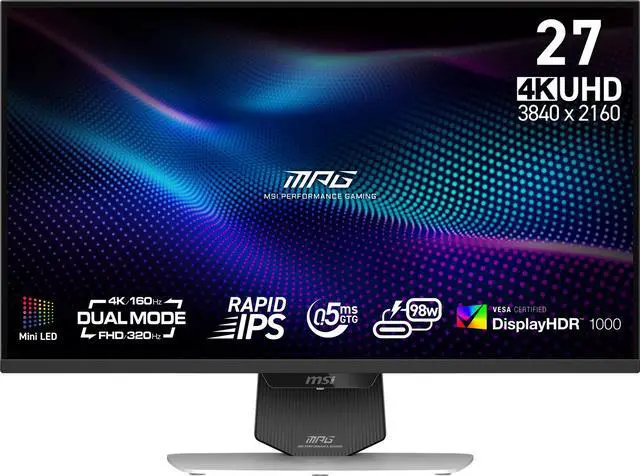
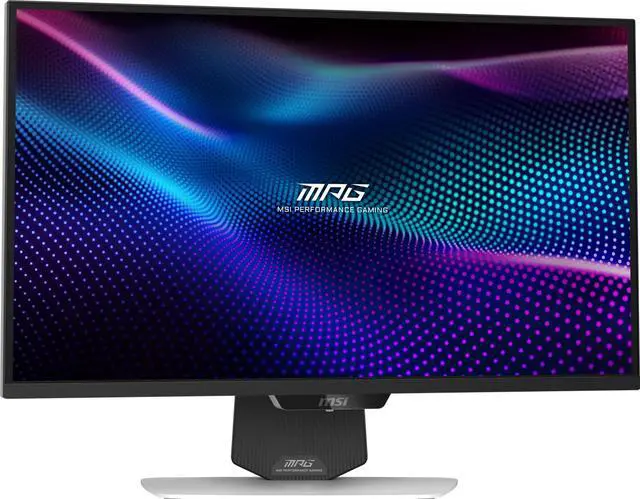
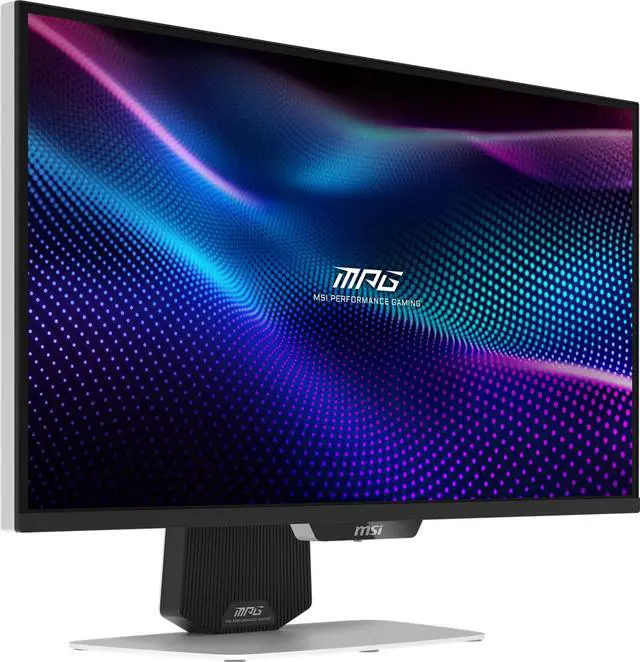
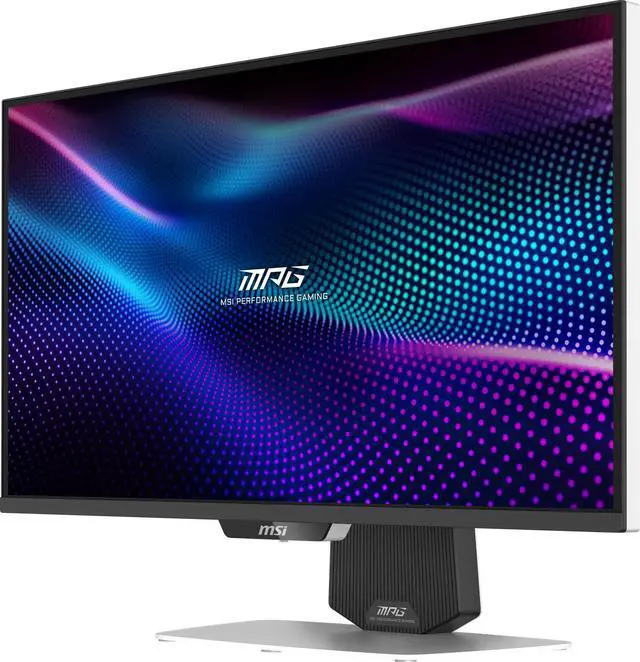
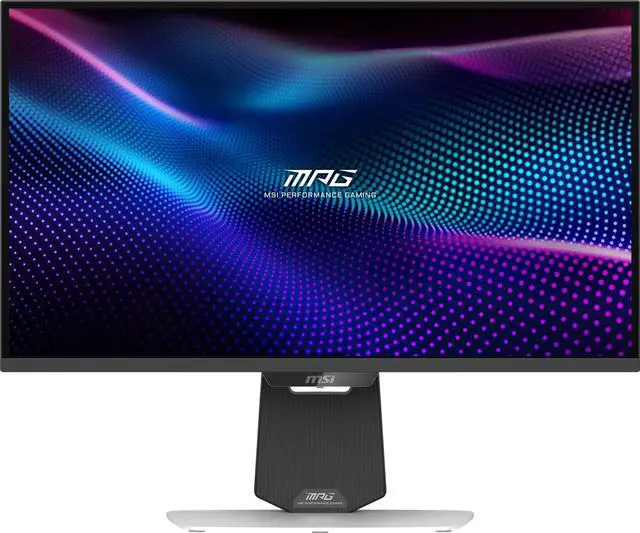
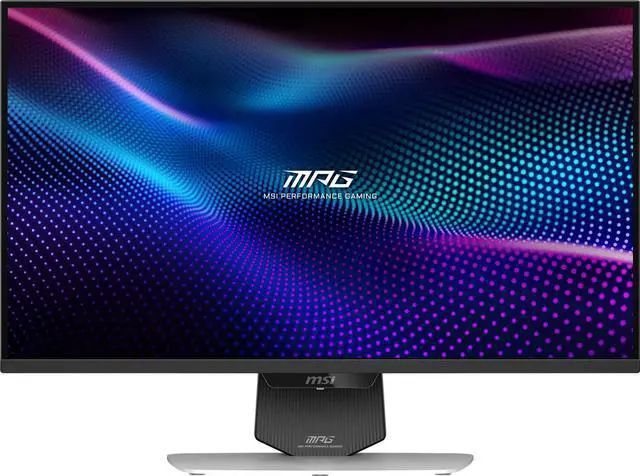
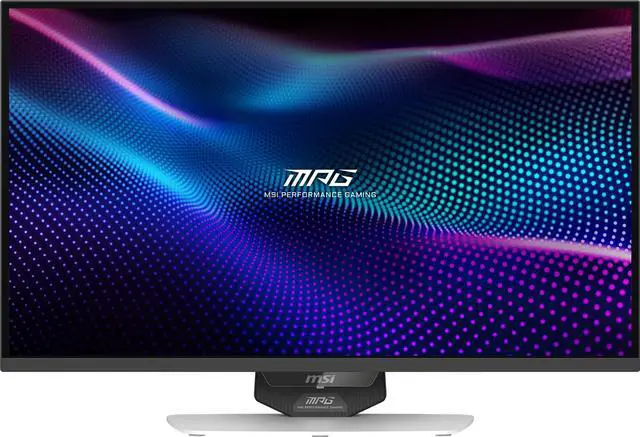
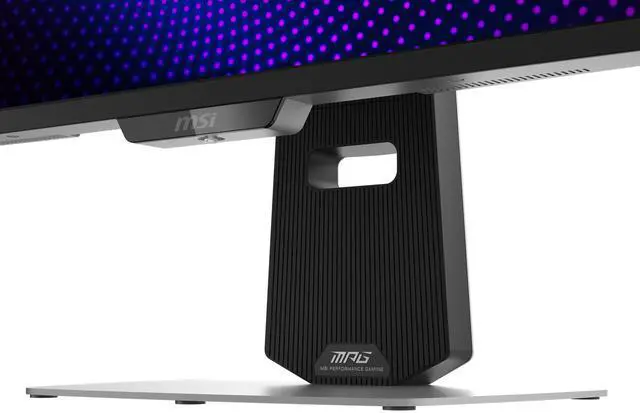
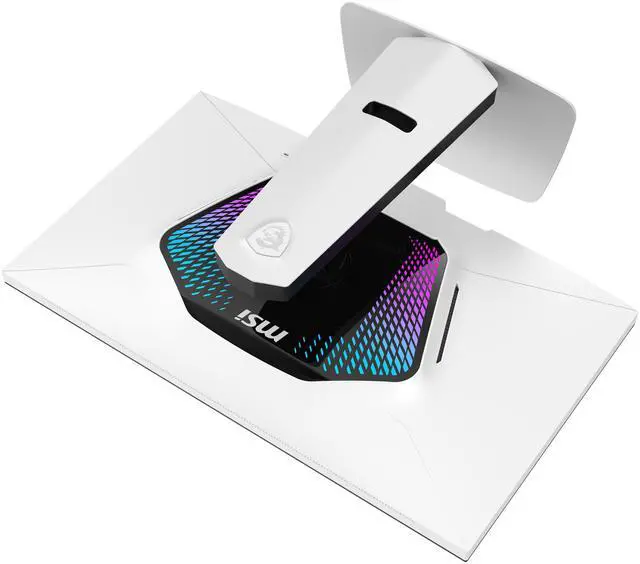
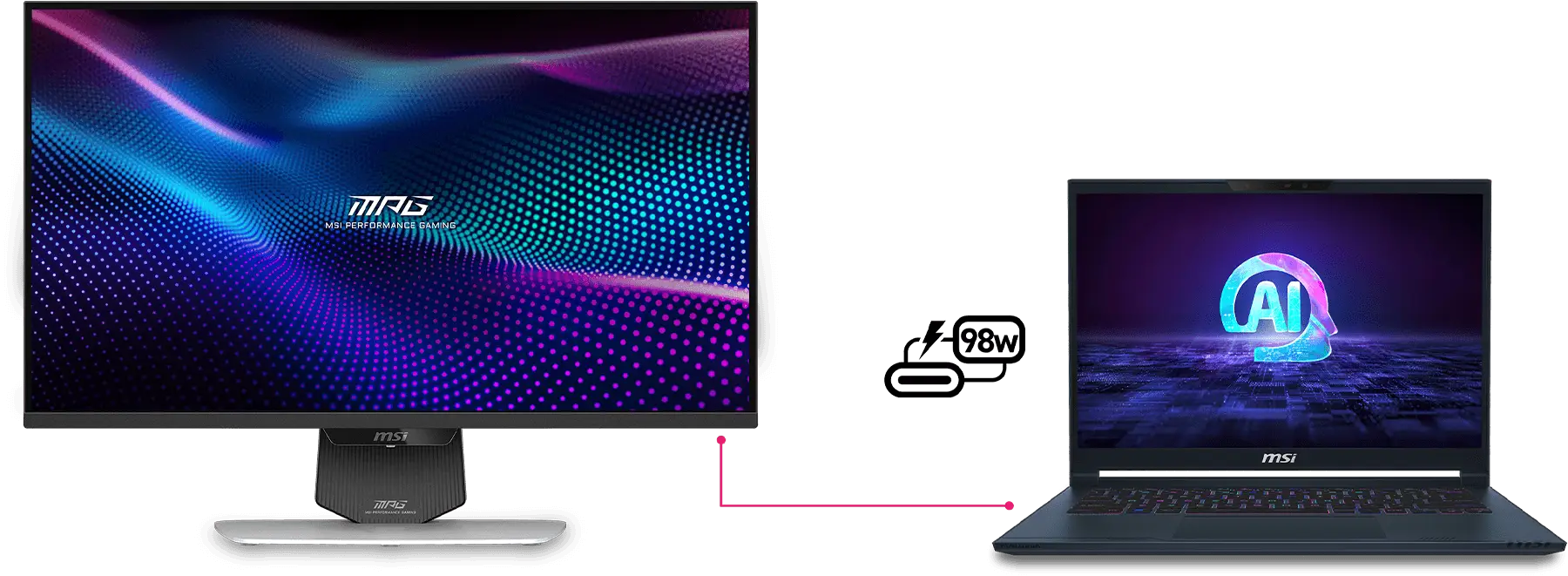
The MSI MPG 274URDFW E16M Gaming Monitor features Mini-LED technology, Dual Mode with UHD 160Hz and FHD 320Hz, a Type-C with 98W power delivery, and AI Navigator that enhances the gaming experience. Its stunning 27-inch Rapid IPS display with Quantum Dot technology delivers a 0.5ms (GtG, min.) response time and is certified with VESA DisplayHDR 1000 for exceptional visual performance.
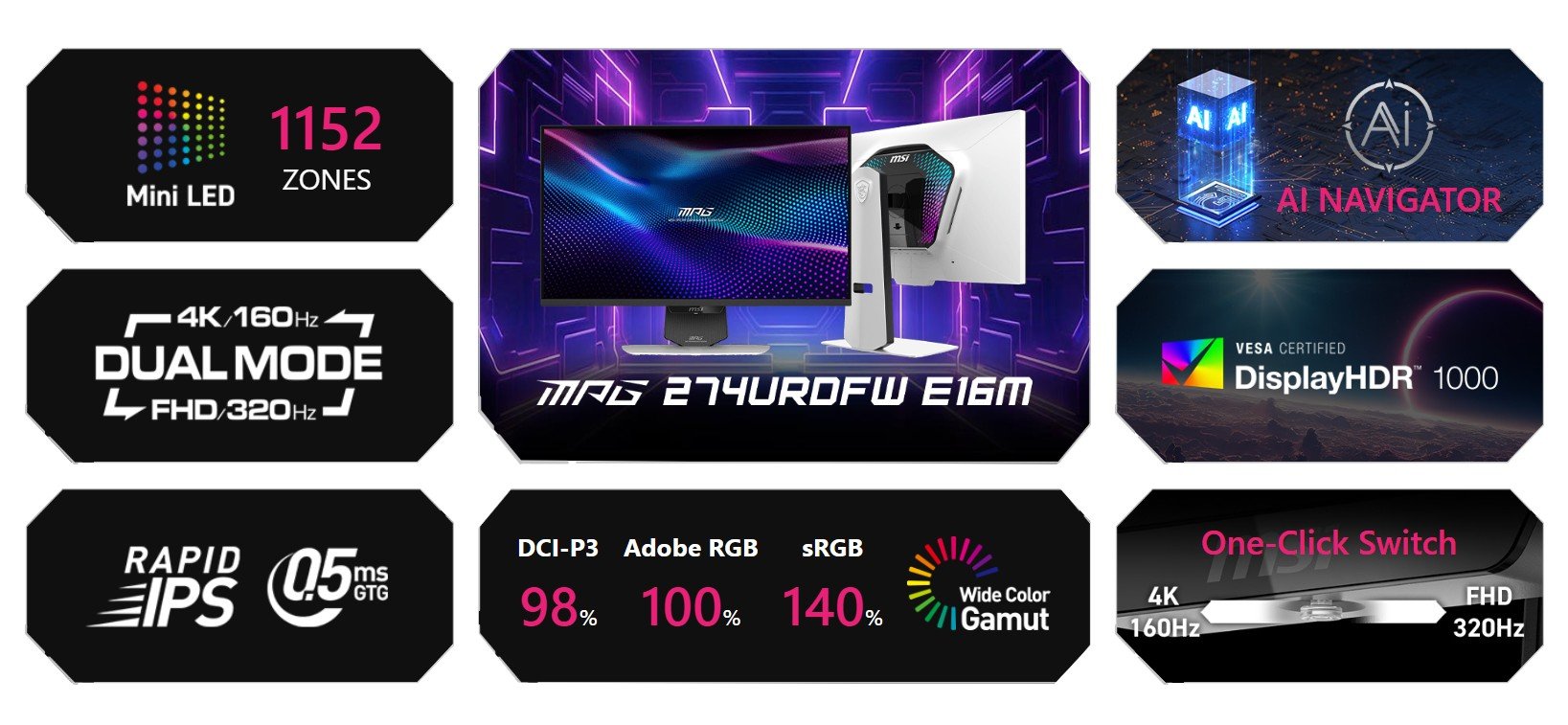
Experience exceptional brightness and precision with Mini-LED technology. Featuring 1,152 full-array local dimming zones, it delivers superior contrast, deeper blacks, and vibrant colors, enhancing HDR performance and providing stunning clarity for an immersive viewing experience.
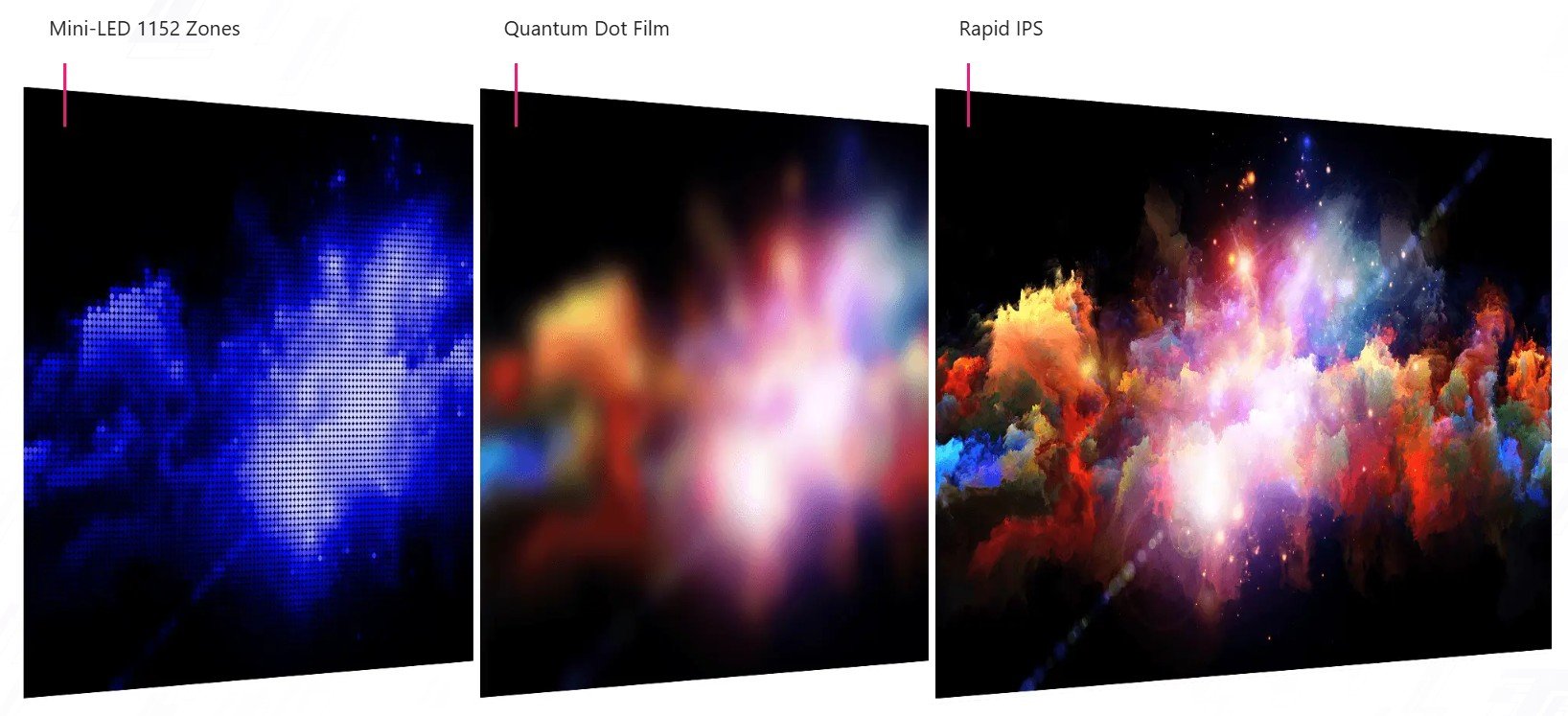
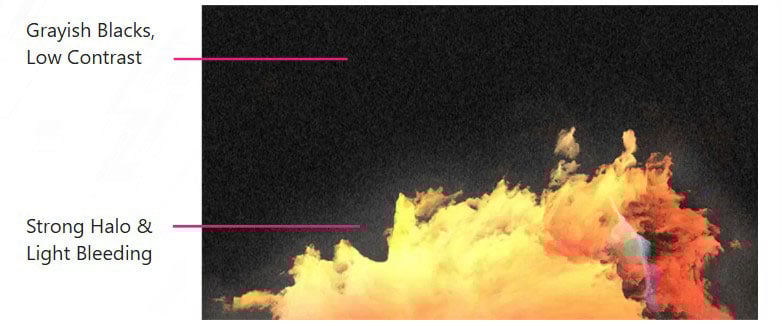
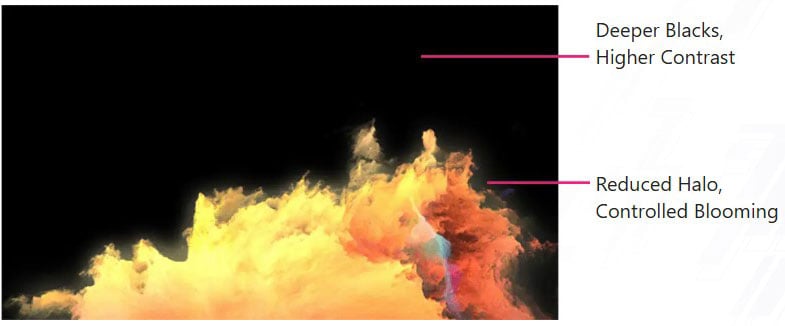
Images for demonstration purposes only.
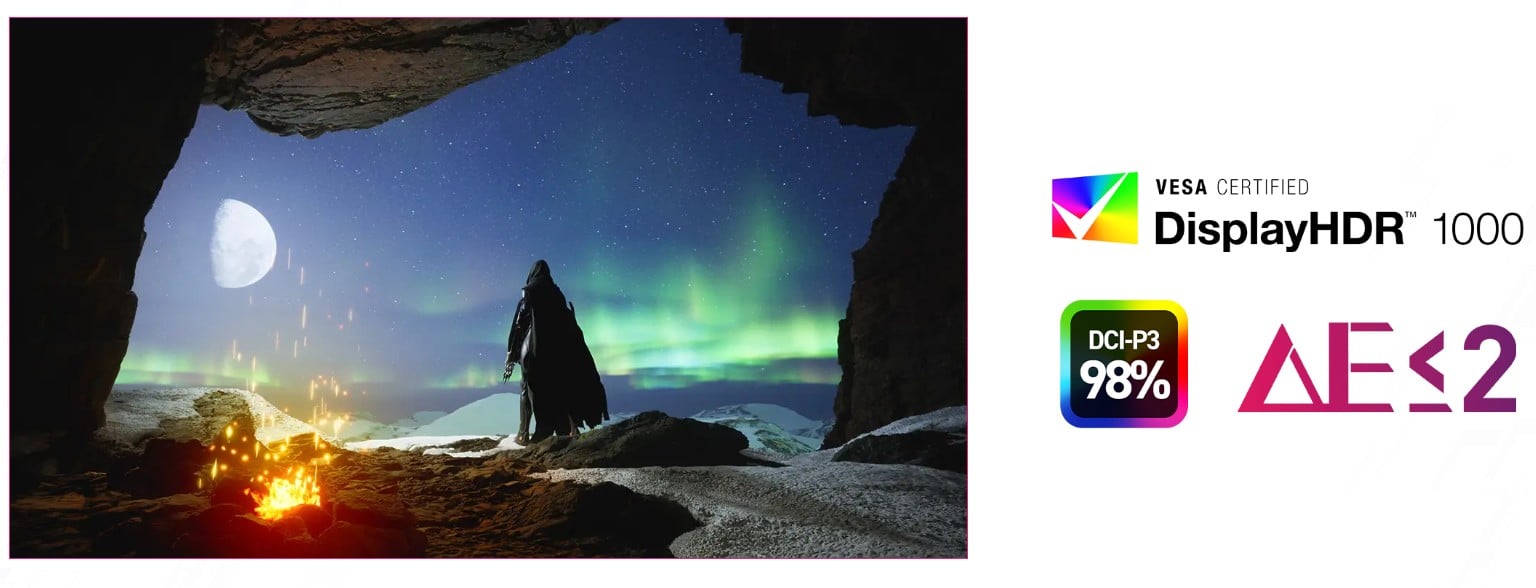
The monitor features Quantum Dot technology and DisplayHDR 1000 for stunning brightness and deep contrast. With DCI-P3 98% color gamut and Delta E=2 accuracy, it delivers rich, lifelike colors. Enjoy breathtaking clarity for gaming, content creation, and entertainment.
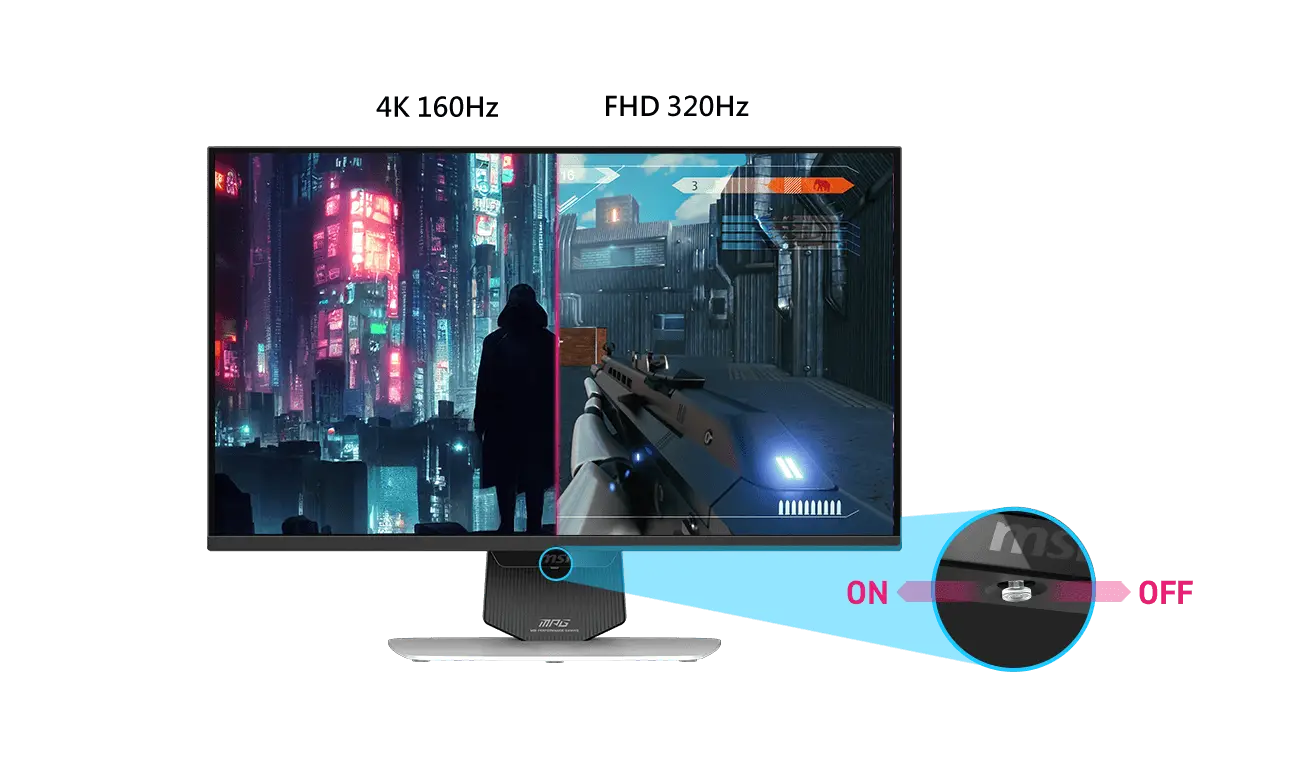
Dual Mode allows you to select the resolution and refresh rate that best suit your game—choose a higher refresh rate with lower resolution for fast-paced FPS games or enjoy crisp 4K visuals with a lower refresh rate. Designed with a user-centric approach and ergonomic convenience, it features a 5-way Joystick Navigator and a one-click switch button, making it easy to toggle Dual Mode settings and providing a seamless, user-friendly experience.
AI Dual Mode, exclusively developed by MSI, is an AI-powered feature that detects the current resolution and refresh rate, automatically adjusting to the optimal refresh rate when switching resolutions. No need to tweak Windows settings—players can enjoy seamless transitions with ease.
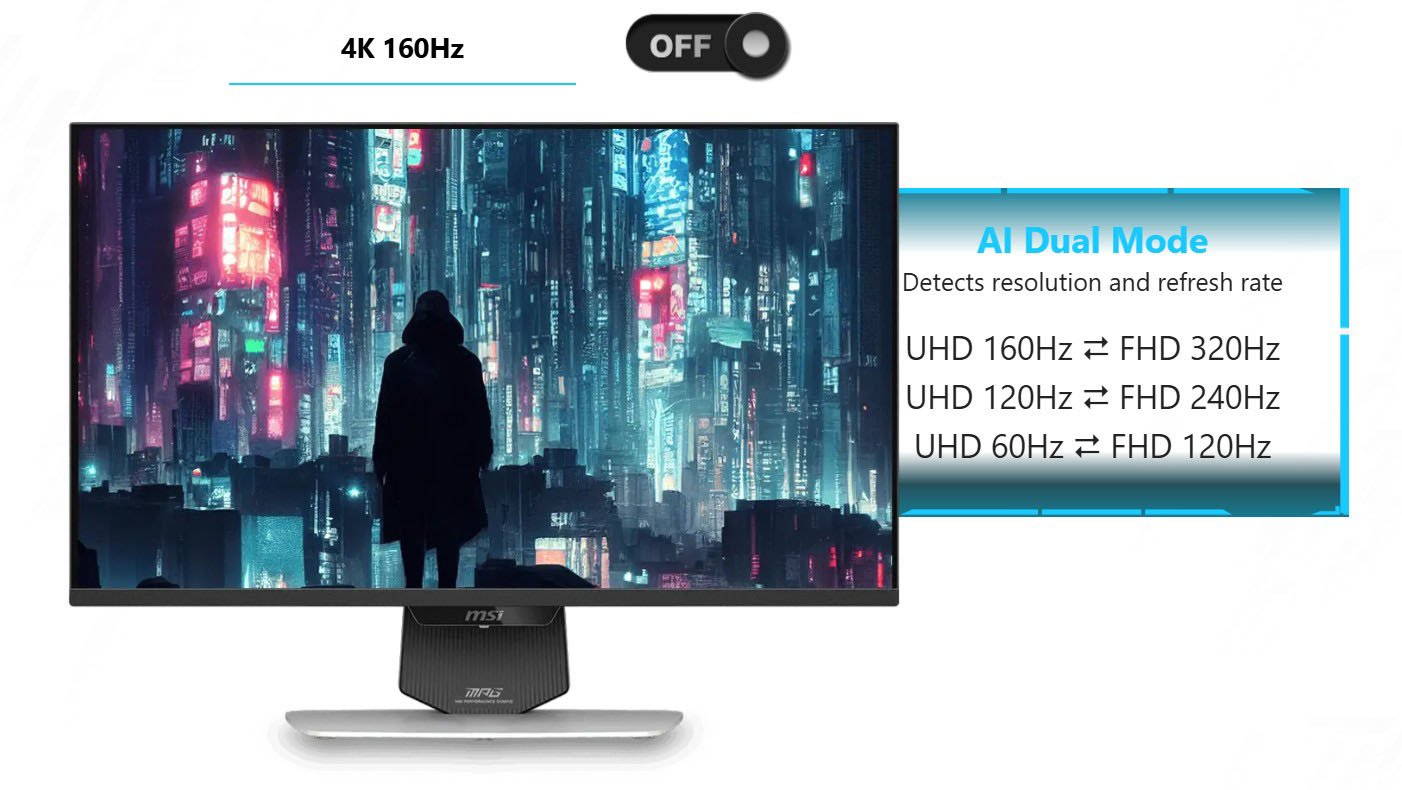
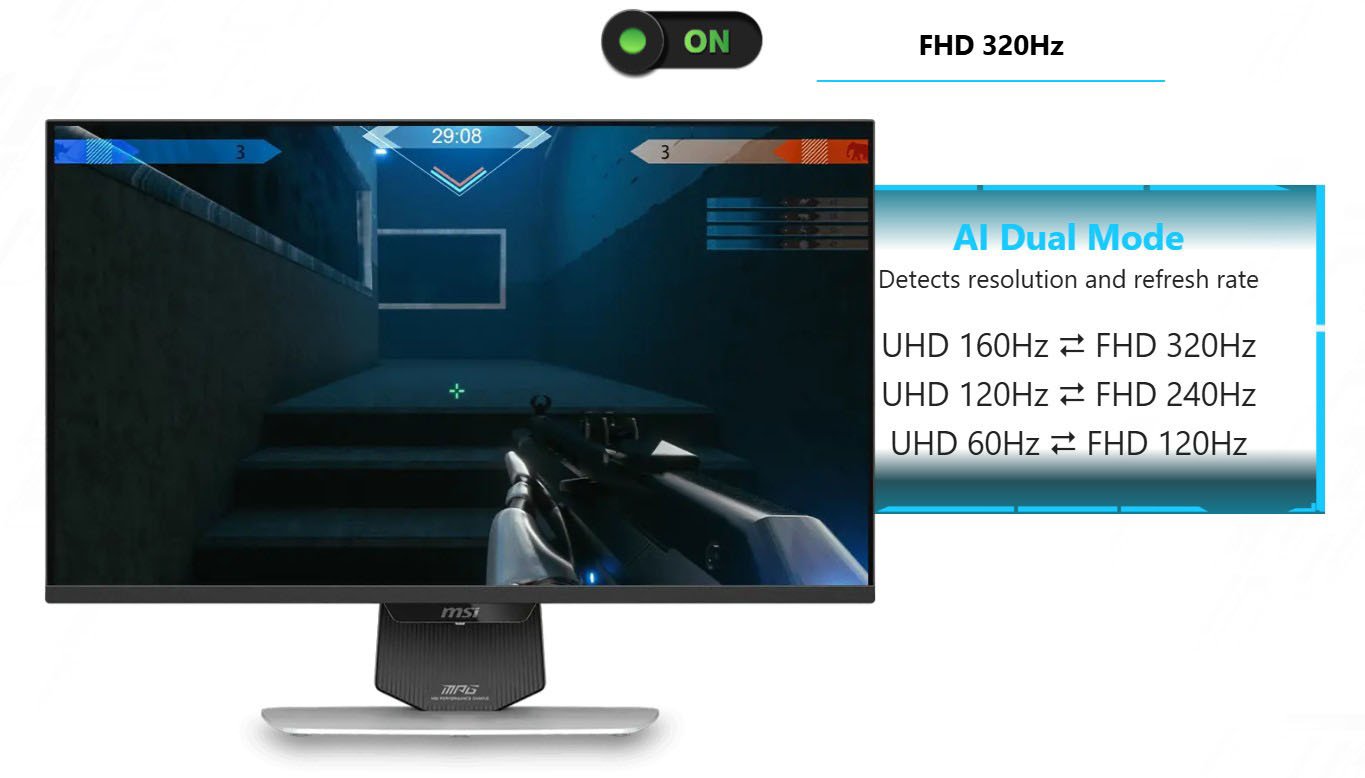


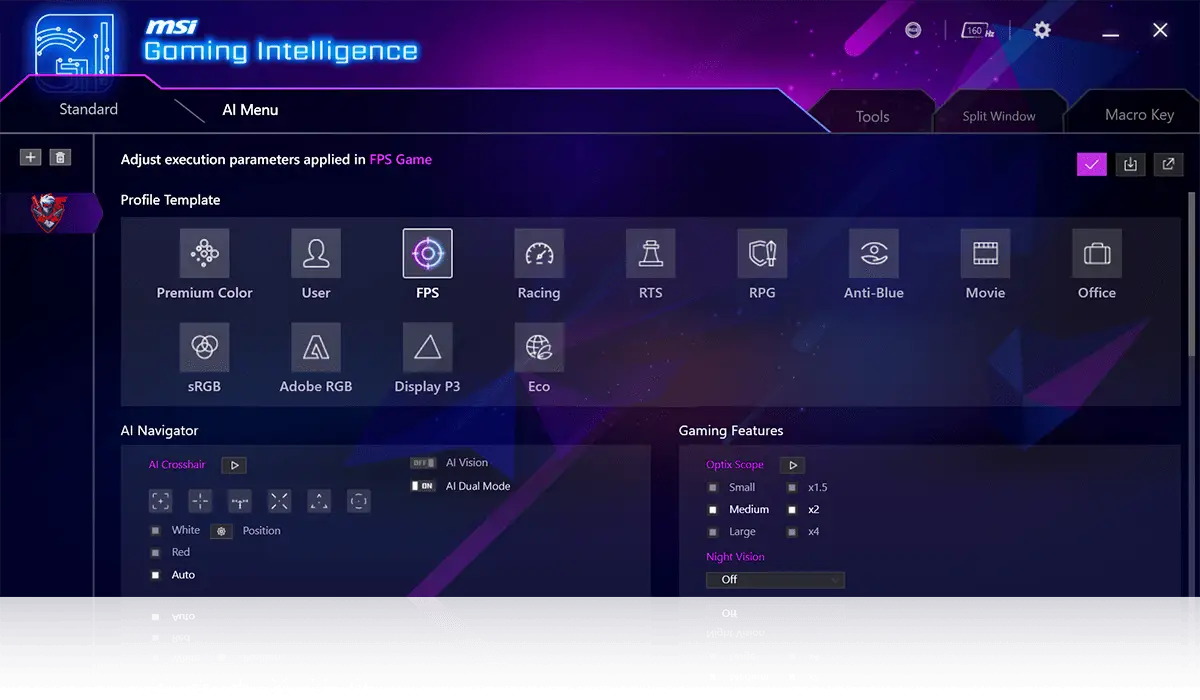
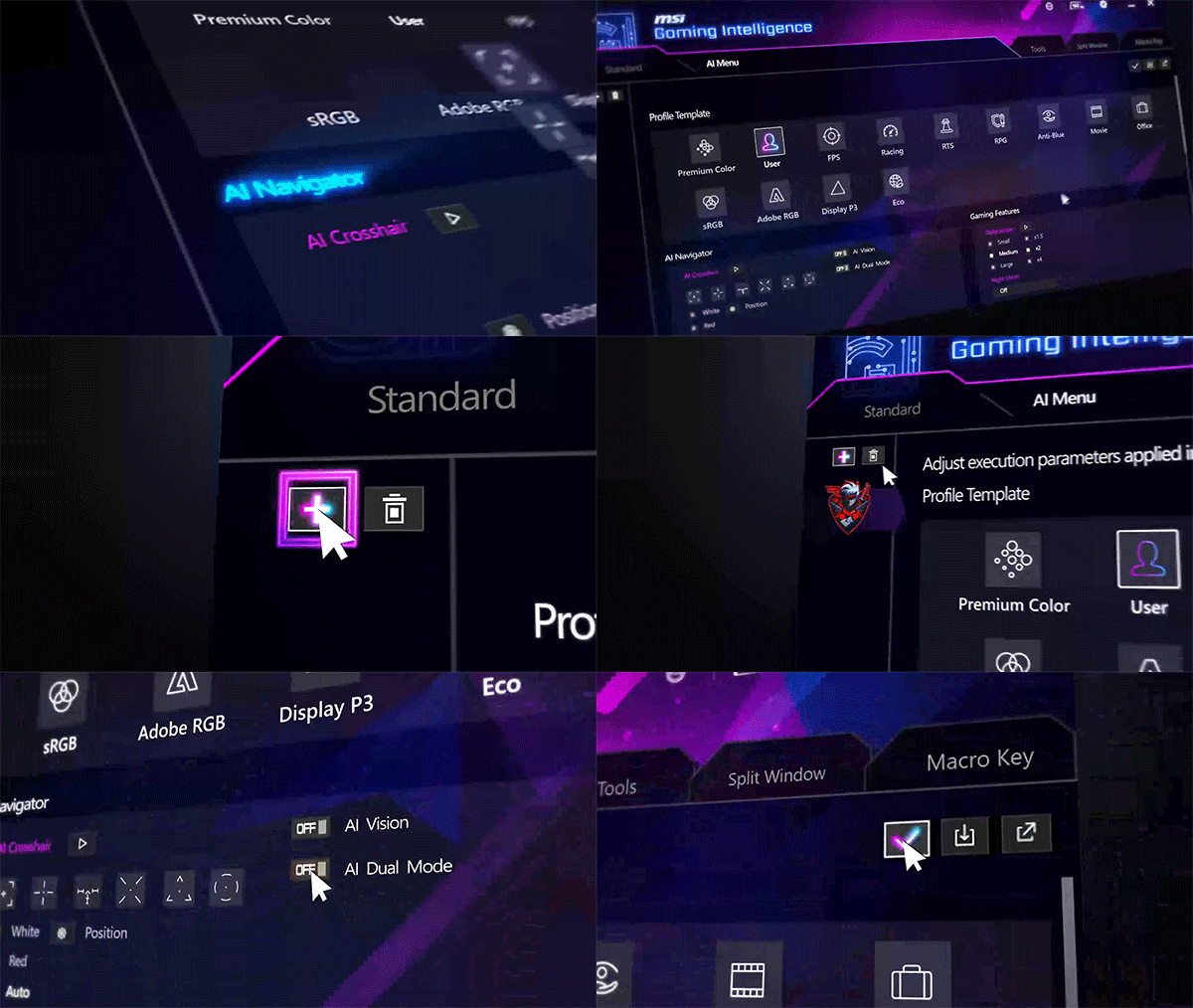
AI Menu customizes display settings that auto-activate when you launch a game, including AI Crosshair, AI Vision, AI Dual Mode, as well as brightness, contrast, and more. You can also easily export and import profiles to share with friends or apply them on a new monitor.
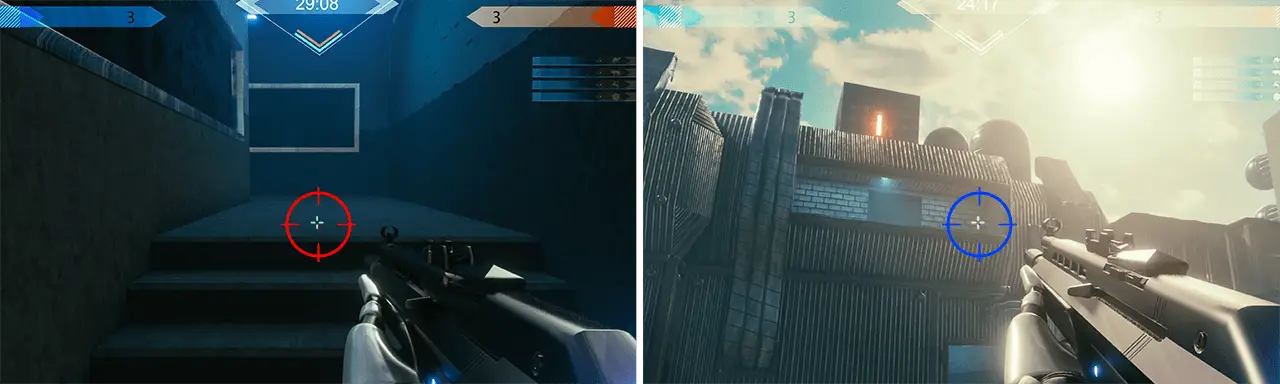
The aim dot automatically changes color, making it visible at any time. If the color of the aim dot verlaps with the background color, it will be problematic for aiming.
The new AI Vision technology can not only reveal details in dark areas but also enhance overall brightness and saturate colors, bringing brightness to your day.



With the Gaming Intelligence APP it is very easy to set up your gaming monitor. You don't need to use the buttons on the monitor and go through all the menus, just use your Keyboard and Mouse to configure your monitor. The app even gives you hotkey options so you can switch settings between different games with ease.
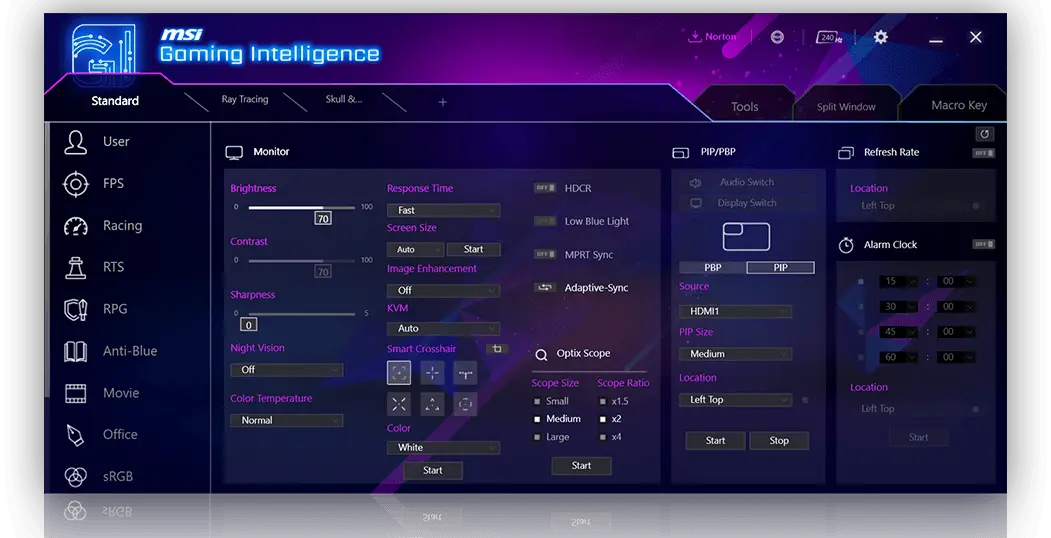
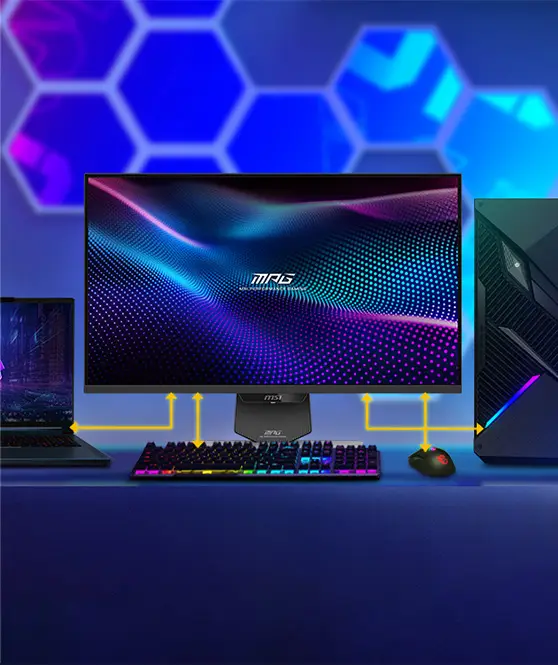
Control multiple devices via one set of keyboard, mouse, and MSI gaming monitor.
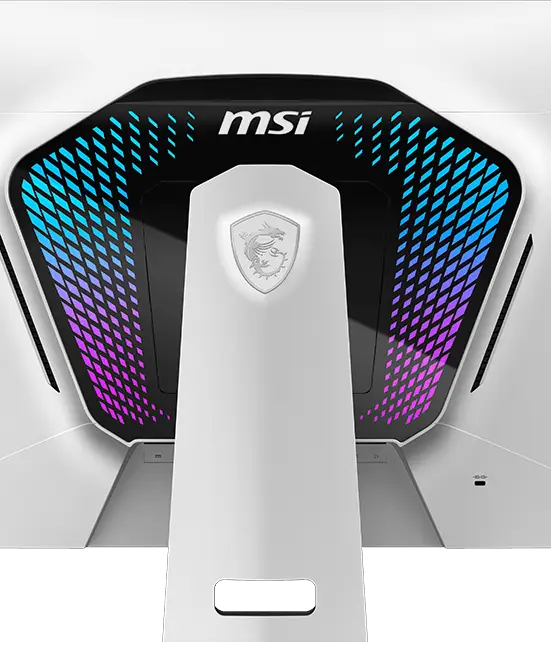
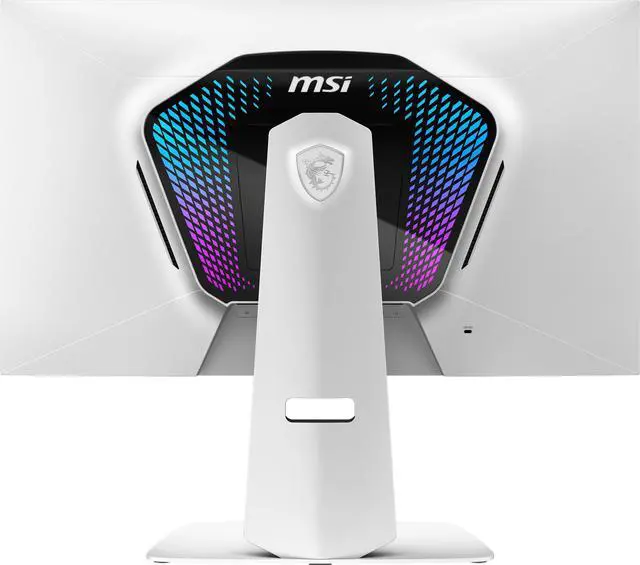
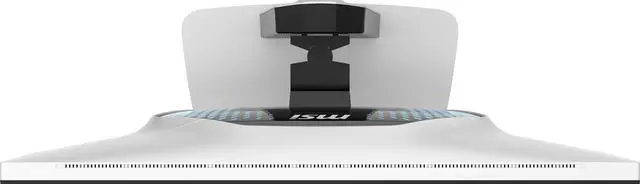
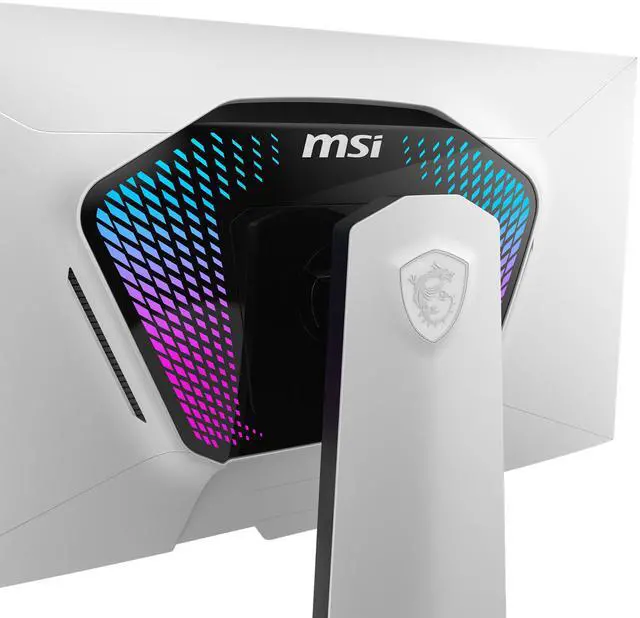
Provides a soft ambient light that can easily be synced with any other Mystic Light enabled gaming product.
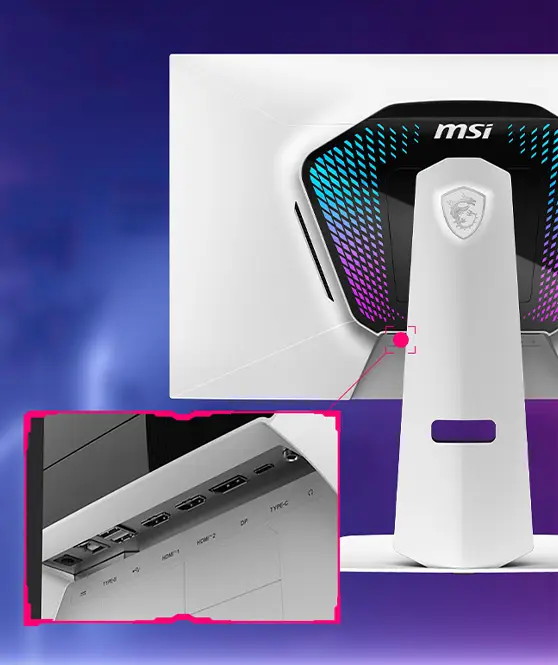
Users can easily update the firmware themselves anytime MSI releases a new version.
The built-in aim magnifier provides multi-stage zooming with shortcut keys to quickly switch the magnification. The screen can maintain the magnification regardless of the weapon used.
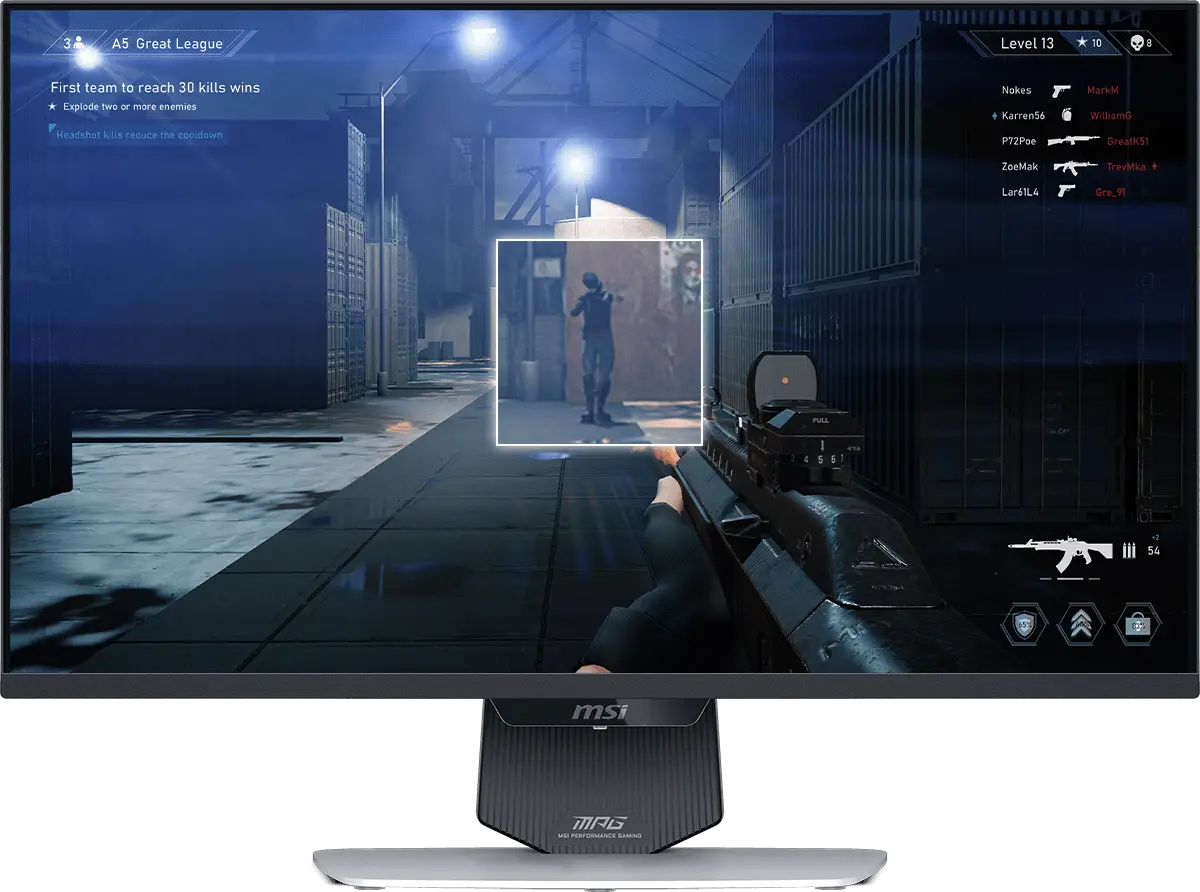
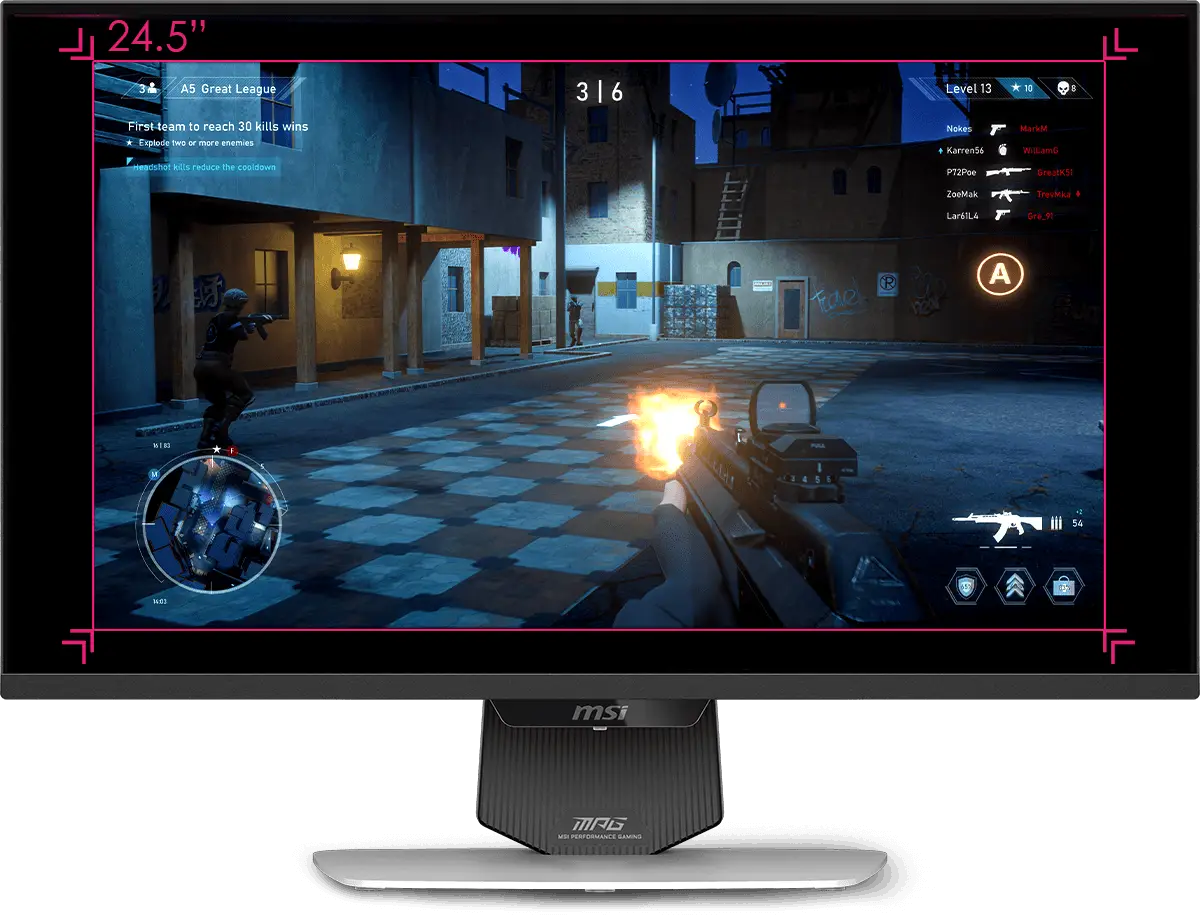
Supports a variety of aspect ratios, allowing selection of 24.5” imagery. Choose the size you want at your leisure, and elevate your gaming experience to the utmost.
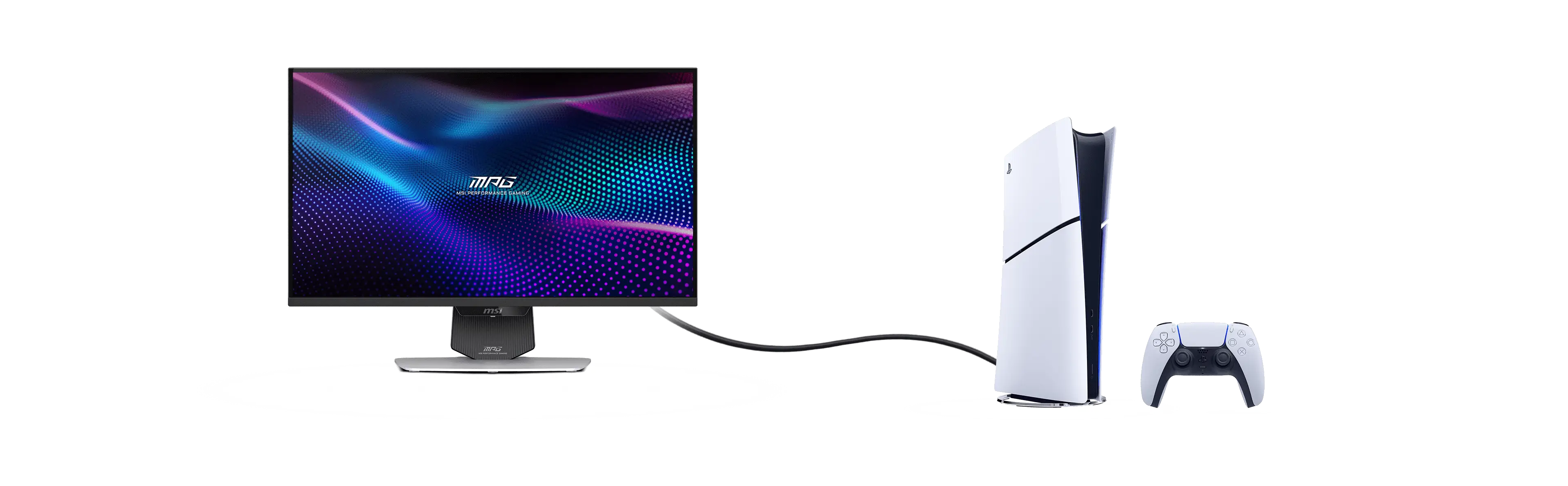
The monitor supports Console Mode with VRR and ALLM for a smoother, low-latency console gaming experience at up to 120Hz. With built-in HDMI™ CEC (Consumer Electronics Control) technology, it can communicate with controllers, allowing them to wake the monitor and adjust modes tailored to different devices.
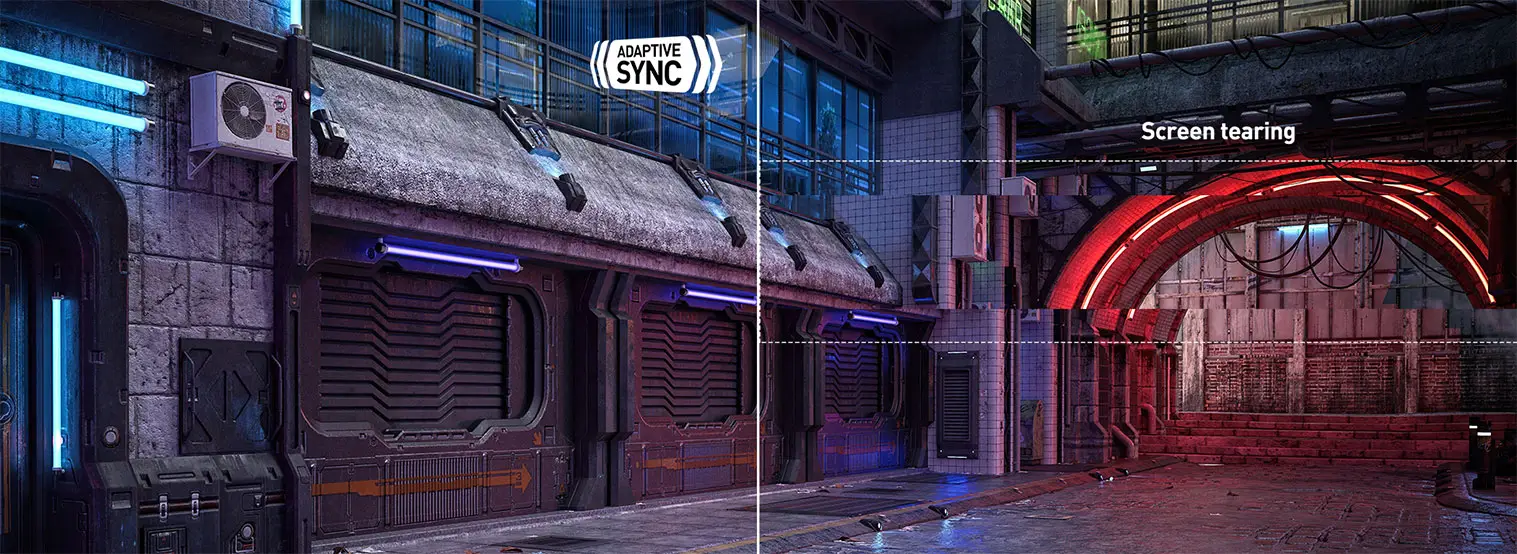
The MSI Gaming Monitor is built with Adaptive Sync technology to achieve the smooth visuals for your gameplay. Adaptive Sync technology will sync the refresh rate of your monitor with your GPU to eliminate screen tearing or stuttering. The ultra-smooth and lag-free visuals that Adaptive Sync provide will allow you to enjoy the game the way it was meant to be enjoyed.

Anti-Flicker and Less Blue Light technologies provide a very comfortable viewing experience by reducing the amount of flicker and displaying lower levels of blue light. You can game for longer periods without experiencing eye fatigue.

Quantum Dot technology delivers mesmerizing images with a dazzling range of over one billion colors, each enhanced with stunning clarity.

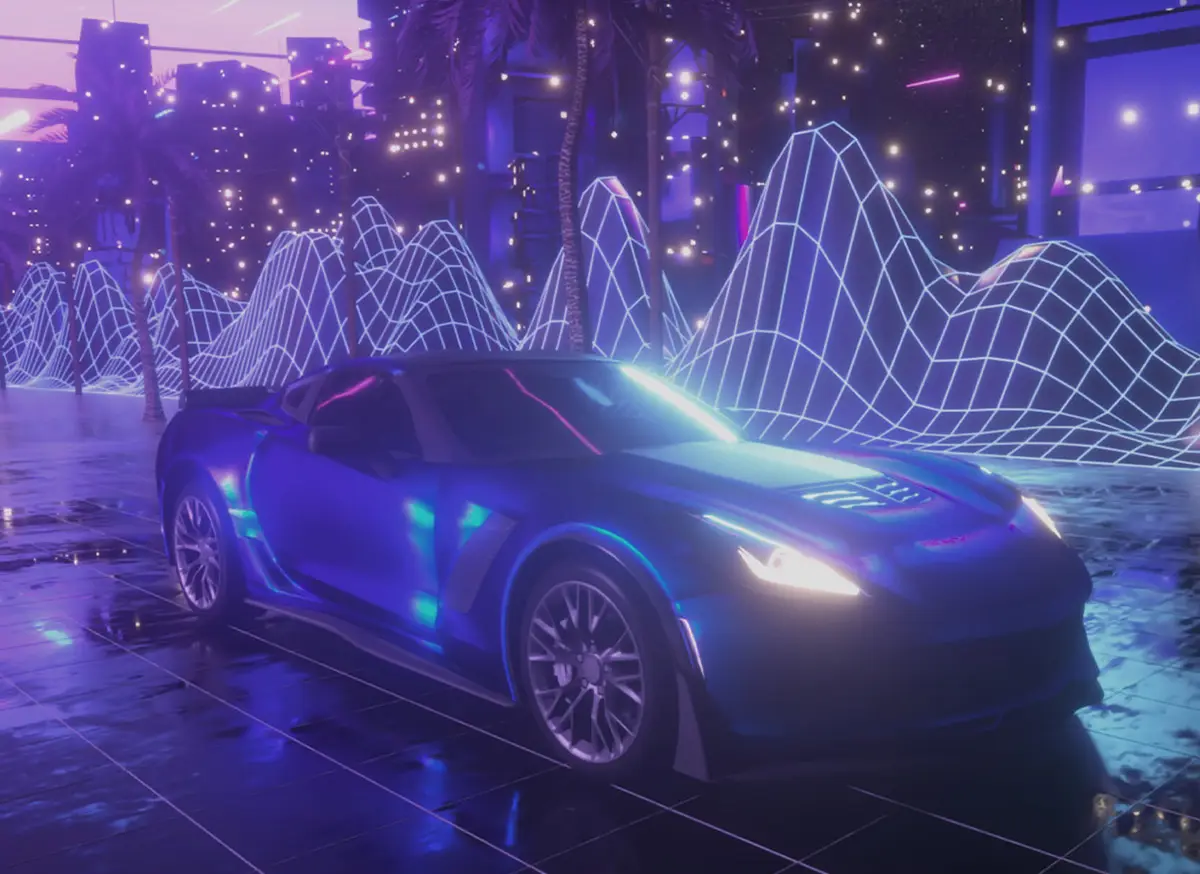
The monitor has achieved Windows Dynamic Lighting Certification, enabling users to control and synchronize lighting effects across connected devices.
Users can customize brightness, effects, and synchronization for a cohesive experience across compatible devices, ensuring seamless integration with Windows Dynamic Lighting.


Anti-Flicker and Less Blue Light technologies provide a very comfortable viewing experience by reducing the amount of flicker and displaying lower levels of blue light. You can game for longer periods without experiencing eye fatigue.
Anti-Flicker and Less Blue Light technologies provide a very comfortable viewing experience by reducing the amount of flicker and displaying lower levels of blue light. You can game for longer periods without experiencing eye fatigue.
Panel Size: 27"
Panel Type: Rapid IPS
Aspect Ratio: 16:9
Panel Resolution: Normal 3840 x 2160 (UHD) 160 Hz
Dual Mode 1920 x 1080 (FHD) 320 Hz
Response Time: 0.5ms (GtG, Min.)
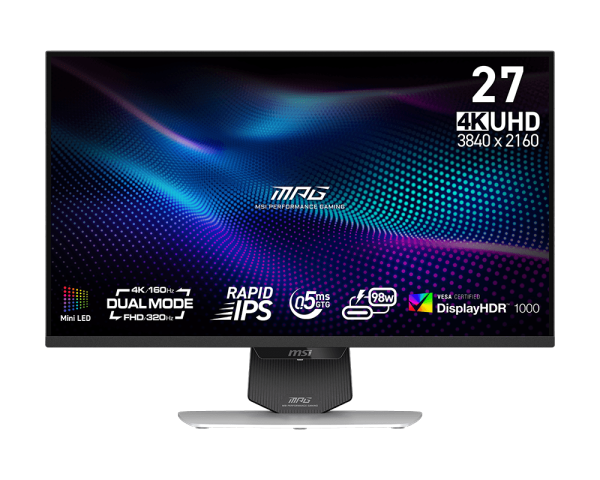
The MSI MPG 274URDFW E16M is a 27-inch 4K Mini-LED gaming monitor with dual-mode 4K at 160Hz or Full HD at 320Hz, making it suitable for PC and console gamers who want detailed visuals or a higher refresh rate for fast-paced play.
| Attribute | Value |
|---|---|
| Best For | Gaming on a 27-inch 4K display with adaptive sync |
| Panel And Resolution | 27-inch flat Rapid IPS Mini-LED panel with 1,152 dimming zones, 3840 × 2160 resolution, 16:9 aspect ratio, and non-glare finish |
| Refresh Rate And Response | 160Hz refresh rate and 0.50ms response time, with FreeSync Premium Pro and G-Sync Compatible adaptive sync |
| Image Quality And HDR | DisplayHDR 1000, 400 cd/m² brightness, 1,000:1 contrast ratio, 1.07 billion display colors, and 100% sRGB color gamut |
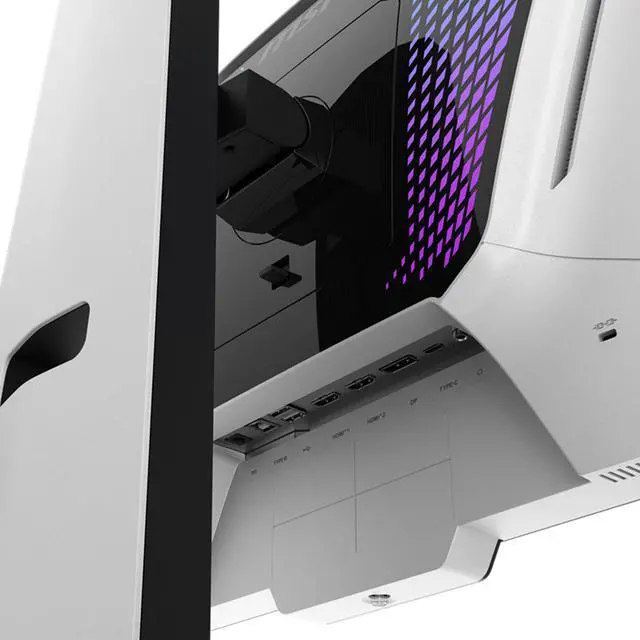
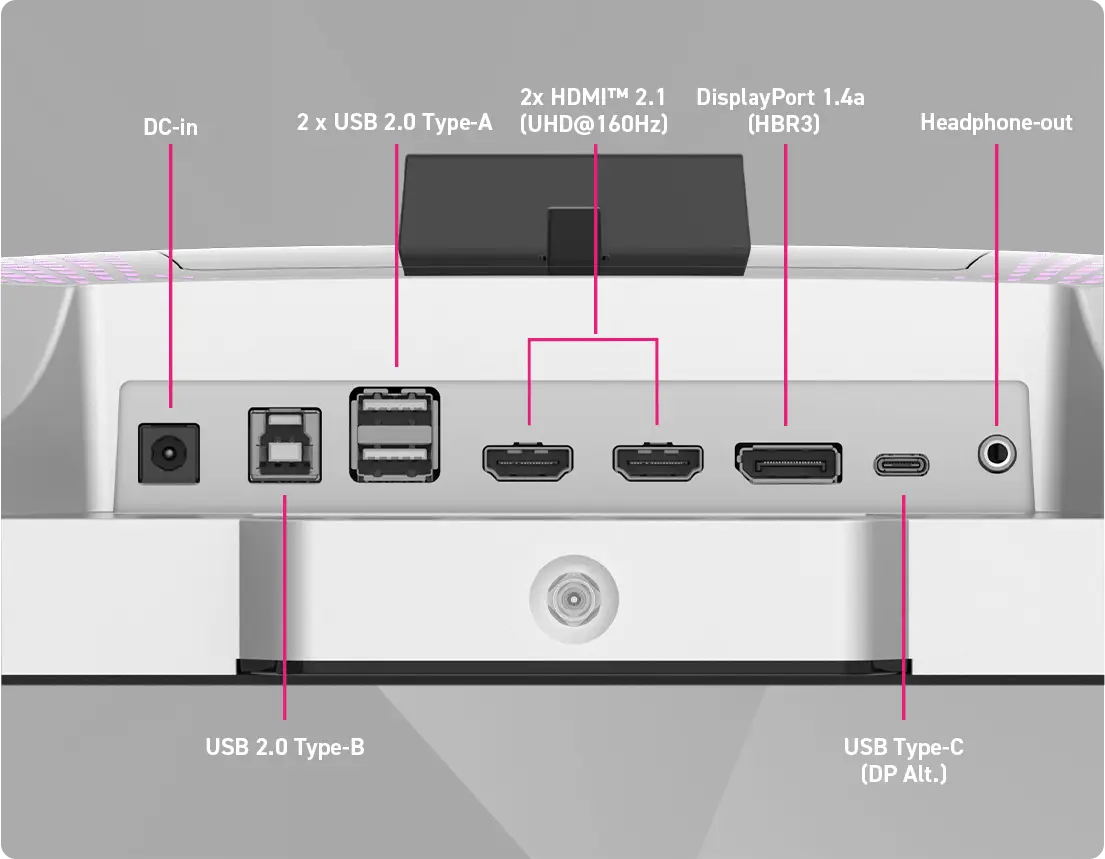
| Ports And Connectivity | 2 HDMI 2.1, 1 DisplayPort 1.4a, USB-C with DisplayPort Alternate Mode, 2 USB 2.0 Type-A, and 1 USB 2.0 Type-B |
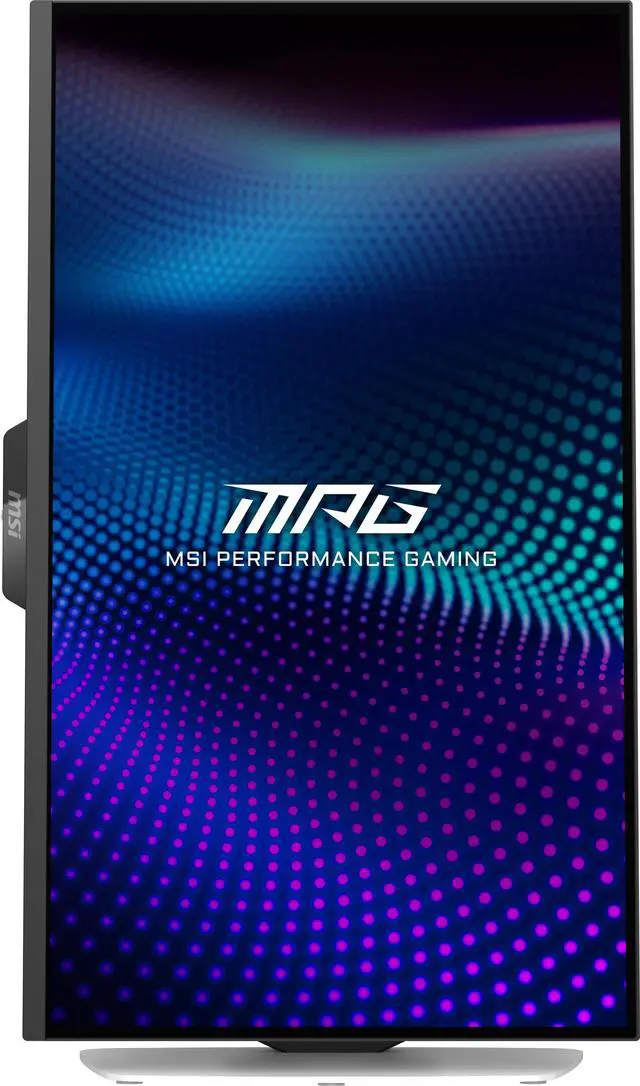
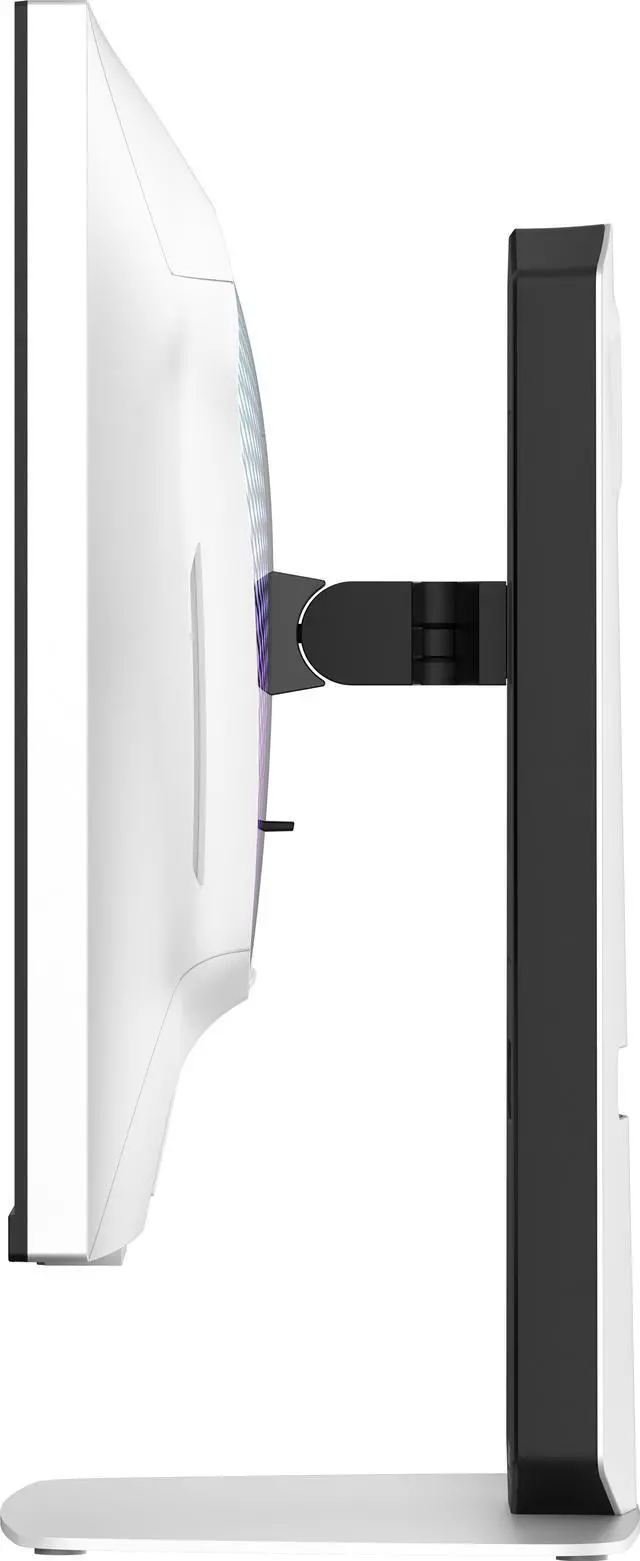
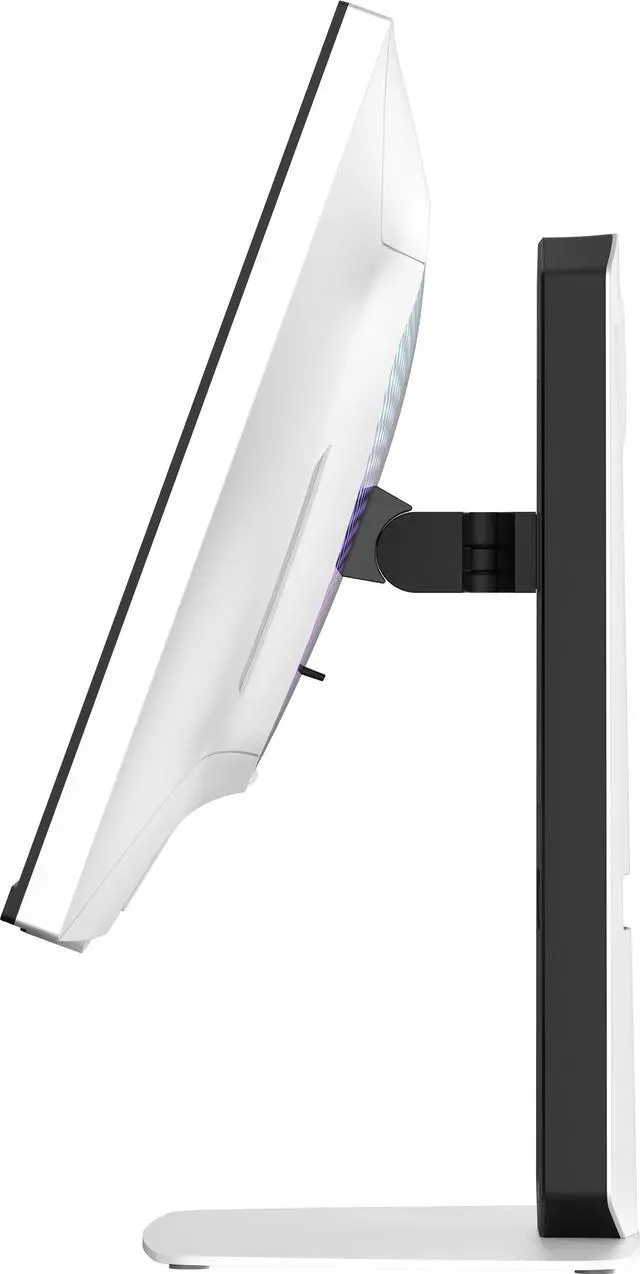
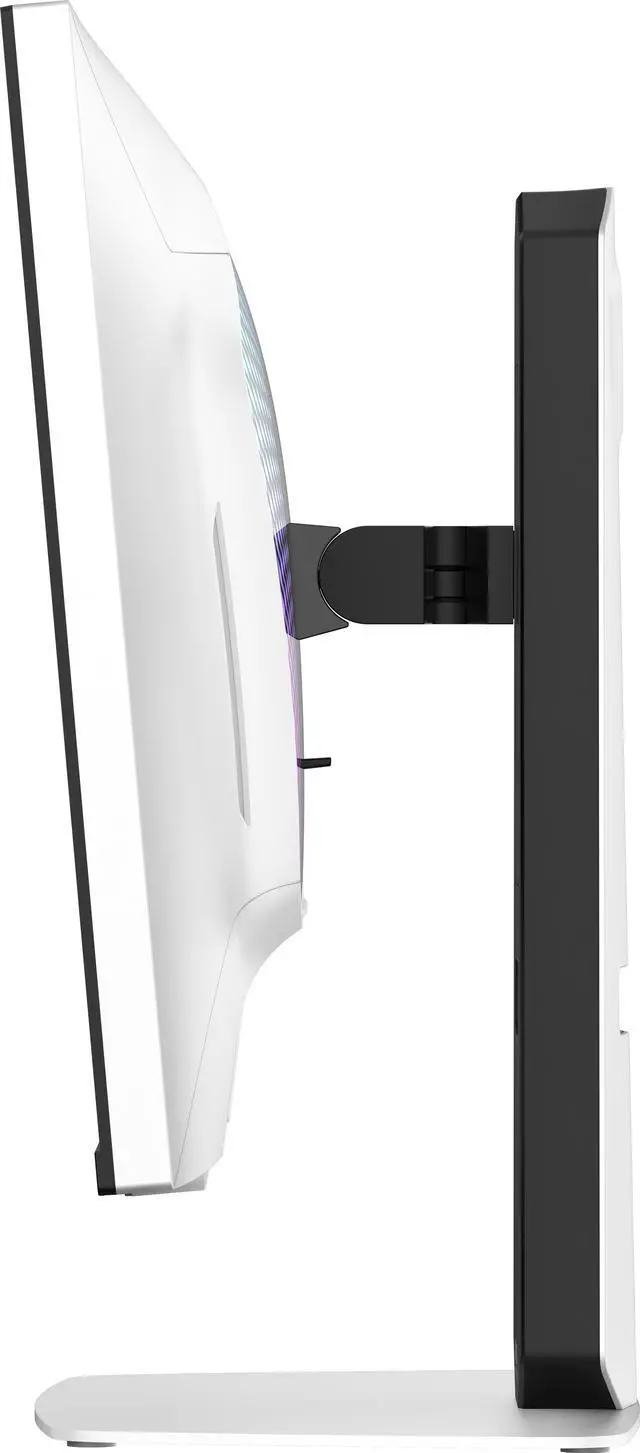
| Stand And Mounting | Height, pivot, swivel, and tilt adjustments; supports 100 × 100 mm mounting |
| Integrated Features | No built-in speakers or webcam |
| Physical Dimensions And Weight | 24.14 in wide × 15.78 in high × 7.97 in deep; 18.08 lb. Without the stand: 24.14 in wide × 14.78 in high × 2.71 in deep |
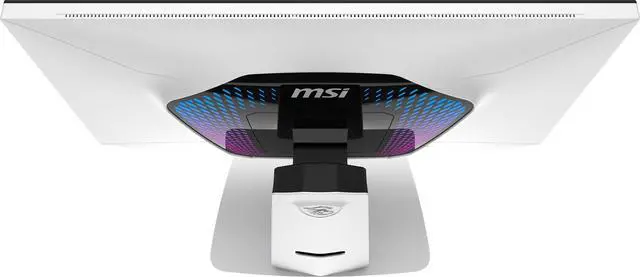
| Model Identifiers | MSI MPG 274URDFW E16M, part number 9S6-3CF09H-023; white cabinet with RGB |
Q: MSI MPG 274URDFW E16M vs MAG 274UPDF E16M: which should I get?
A: Choose the MPG 274URDFW E16M if you want to connect a laptop with USB-C power delivery and use the monitor’s KVM switch. Both models offer 4K at 160Hz, 1080p at 320Hz, and a 1,152-zone Mini-LED backlight; the MAG provides up to 15W USB-C power and does not include KVM, while the MPG provides up to 98W USB-C power and includes KVM. Choose the MAG if those productivity features are not important to your setup.
Q: MSI MPG 274URDFW E16M vs Acer Nitro XV275K P5: which is better for gaming?
A: Both offer 4K at 160Hz, 1080p at 320Hz, and 1,152-zone Mini-LED. The MSI is a better fit if you want local dimming available in SDR or prioritize motion handling across the variable-refresh-rate range, which RTINGS found stronger on the MSI. Their local-dimming performance is otherwise similar in HDR; choose based on features, ergonomics, and price rather than expecting a major HDR difference.
Q: Should I get this 4K MSI or the 1440p MSI MAG 274QPF X30MV?
A: Choose the MPG 274URDFW E16M for sharper 4K detail, 4K gaming up to 160Hz, and the option to switch to 1080p at 320Hz. Choose the MAG 274QPF X30MV if you prefer its tested higher native contrast and more effective local dimming for dark-room viewing, and 1440p resolution with refresh rates up to 300Hz meets your needs.
Q: MSI MPG 274URDFW E16M vs INNOCN 27M2V: which is better for HDR?
A: Choose the MSI if you want a 4K monitor that can switch to 1080p at 320Hz, or if low input lag with 60Hz sources is a priority. Choose the INNOCN if HDR local-dimming picture quality is your main concern: RTINGS found less black crush and haloing on the INNOCN. Both have 4K resolution, a 160Hz native refresh rate, and 1,152 dimming zones.
Q: Can I use this monitor with a PS5 or Xbox at 4K and 120Hz?
A: It has two HDMI 2.1 inputs and a 4K UHD mode, so it is equipped for a console connection. The provided product information does not specify console-specific 4K/120Hz support; actual output also depends on the console and game.
Q: Does this monitor have built-in speakers?
A: No. The provided specifications say it has no built-in speakers, so plan to use separate speakers or headphones for audio.
Q: Can I mount it on a monitor arm or wall mount?
A: Yes. It supports standard 100 × 100 mm VESA mounting. Its included stand also offers height, pivot, swivel, and tilt adjustments.
Q: Can USB-C connect a laptop to the monitor and charge it?
A: USB-C supports DisplayPort Alternate Mode for video. The provided specifications do not list USB-C power delivery, so they do not confirm that the monitor can charge a connected laptop.
Q: What does the dual-mode setting change?
A: It lets you choose between 4K at up to 160Hz for higher-resolution play and Full HD at up to 320Hz for a higher refresh rate. The listing also describes one-click switching between the modes.
Q: Is the MSI MPG 274URDFW E16M suitable for both work and gaming?
A: It can serve both uses: it offers 4K at 160Hz for desktop work and games, plus a 1080p high-refresh mode for gaming. Owners discussing productivity commonly use SDR with local dimming off, then enable HDR and local dimming for suitable games or video. If you need dependable local dimming for everyday SDR work or color-critical tasks, user reports suggest caution.
Q: Is the 1080p dual mode usable for competitive games?
A: The monitor’s dual mode supports 1080p at up to 320Hz. One owner described the image as usable for casual shooters but less sharp than the monitor’s 4K mode; another discussion reports configuration quirks that can limit refresh rate in certain settings. Expect a trade-off: higher refresh, lower image clarity.
Q: Does its Mini-LED local dimming work well for everyday SDR use?
A: User reports are mixed, and some owners say local dimming can make SDR desktop content look washed out or affect brightness and contrast. A commonly reported workaround is to leave local dimming off for ordinary SDR use and enable it for HDR content. The 1,152 dimming zones do not guarantee that local dimming will suit every type of content.
Q: Is it worth buying if HDR picture quality is a priority?
A: It may suit buyers who want 4K high-refresh gaming and Mini-LED HDR, but reports on HDR behavior vary. Some owners praise HDR with local dimming, while others describe blooming or dark-scene detail loss in certain content and settings. If consistent HDR rendering is essential, treat those reports as a reason to check the monitor’s performance with your content and return options before buying.


