




 here!
here!
I’m your shopping assistant for PC builds, upgrades, and everything tech.
Got questions? Ask away!
Start a conversation
here!
I’m your shopping assistant for PC builds, upgrades, and everything tech.
Got questions? Ask away!
Start a conversation Top Rated
 Hot Seller




Any questions? Ask CelesteSM will help you find out quickly.

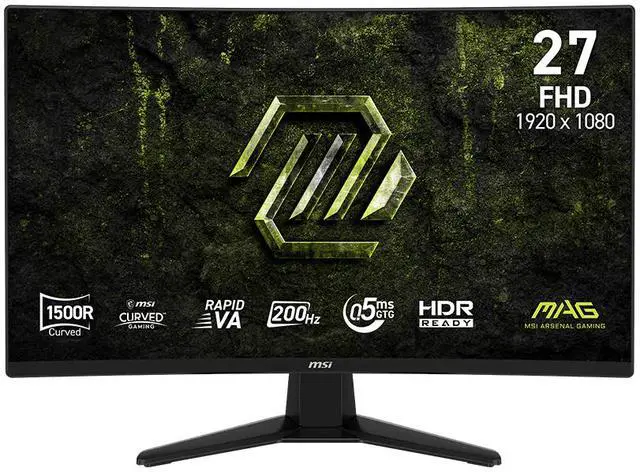
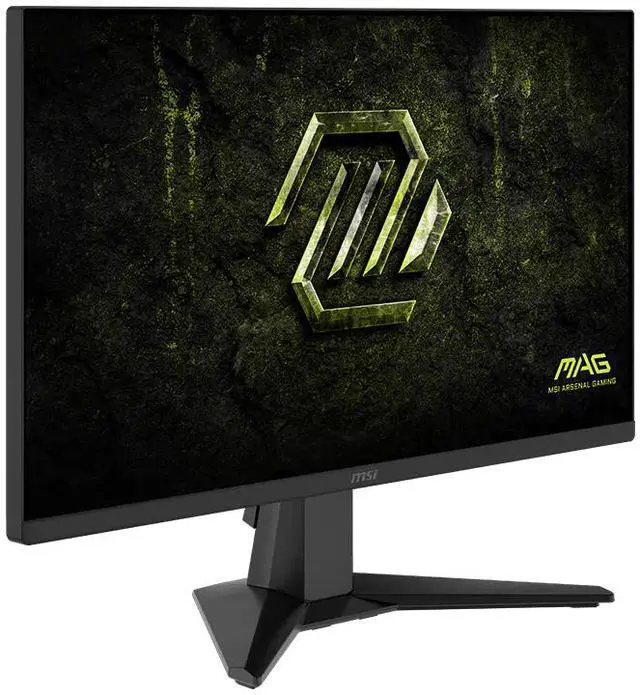
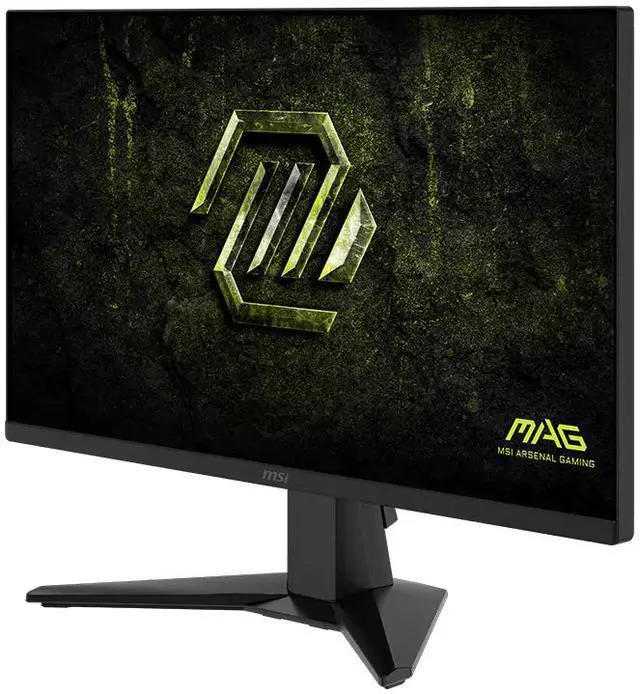
Equipped with an immersive, curved 27" FHD (1920 x 1080) Rapid VA panel (1500R) with 200 Hz refresh rate and 0.5ms response time. The MAG 274CF E20 curved gaming monitor provides a competitive edge over most opponents. The MAG 274CF E20 features adaptive-sync technology, which matches the display & GPU refresh rates for ultra-smooth gameplay, and a tilt-adjustable stand.

Designed for immersive yet competitive gaming the monitor boasts a 1500R (1500mm radius) curvature for a more encompassing 27-inch FHD (1920 x 1080) experience at standard viewing distance.

Experience smoother movement & tracking with a high 200 Hz refresh rate, and unlock the full potential of premium GPU & memory hardware. An incredibly low 0.5ms response time dramatically reduces monitor blurring, and is essential for fast-paced games.

MSI monitors are optimized with Less Blue Light* Technology to provide a superior viewing experience.
* TÜV Rheinland Low Blue Light (Software Solution) Certificate: Q 50684674, 2025-07-02

MSI AI Vision enriches details in dark areas and optimizes brightness and colors. HDMI™ CEC Profile Sync supports multiple devices (PC console, mobile, or laptop) and can automatically detect device settings.

Anti-Flicker technology* provides a superior viewing experience by reducing the amount of flicker, unlike generic monitors that typically display with a flicker-rate of about 200-times** per second.
* TÜV Rheinland Flicker Free Certificate: Q 50684674, 2025-07-02
** Although unnoticeable to the naked eye, this can cause fatigue over time.

HDR Ready monitors produce superior detail in darker regions with realistic dynamic contrast that mimics the human eye in the real world.
* sRGB and DCI-P3 follow CIE1976 standard

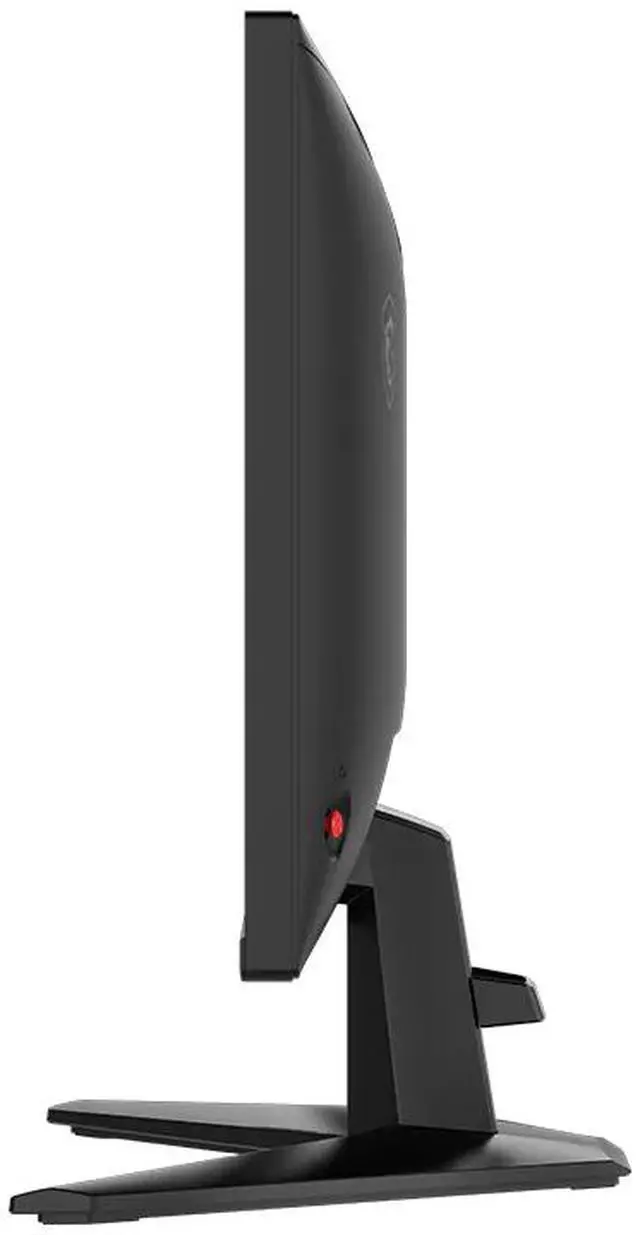
The monitor frame features a tilt-adjustable Stand:
Tilt: -5°~20°
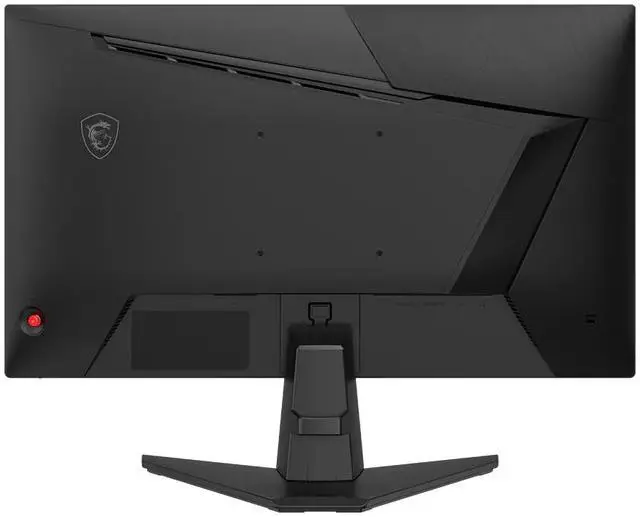
The MAG 274CF E20 supports a standard 100mm VESA-mount.

PC console & laptop interface options include:
The MSI MAG 274CF E20 is a 27-inch curved Full HD gaming monitor with a 200Hz refresh rate, 0.5ms response time, and Adaptive Sync, suited to gamers prioritizing fast, responsive play.
| Attribute | Value |
|---|---|
| Best For | Gaming, with a curved 27-inch Full HD display and 200Hz refresh rate |
| Panel And Resolution | 27-inch curved Rapid VA panel with 1500R curvature, 1920 × 1080 resolution, 16:9 aspect ratio, non-glare finish, 178° horizontal and vertical viewing angles, 300 cd/m² brightness, 3500:1 contrast ratio, and 16.7 million colors |
| Refresh Rate And Response | 200Hz refresh rate, 0.50ms response time, and Adaptive Sync with FreeSync support |
| Color And Picture Features | 91% Adobe RGB color gamut, HDR Ready, AI Vision, sRGB, FPS and RPG modes, crosshair, eye-care, flicker-free, and low blue light features |
| Ports And Connectivity | 2 × HDMI 2.0b and 1 × DisplayPort 1.2a; no USB or Thunderbolt ports |
| Stand And Mounting | Tilt adjustment and 100 × 100mm VESA mounting compatibility |
| Power And Consumption | External power adapter; 48W operating consumption and less than 0.5W in power-saving or off mode |
| Dimensions And Weight | 24.1 × 17.2 × 9.8 inches with stand; 24.1 × 14.3 × 3.01 inches without stand; 7.3 lb with stand |
| Audio And Webcam | No built-in speakers or webcam |
| Package Contents | Monitor, HDMI cable, power cord, and quick guide |
| Model Identifiers | MSI MAG 274CF E20; part number 9S6-3CF51T-013 |
Q: MSI MAG 274CF E20 vs MAG 275QF E20: which should I choose?
A: Choose the MAG 274CF E20 if you prefer a curved screen and want to game at 1080p. Choose the MAG 275QF E20 if you want a flat 1440p display: both are 27-inch, 200Hz MSI gaming monitors, but the 275QF E20 uses a Rapid IPS panel and has higher resolution. The 1440p model shows more detail, while 1080p requires the GPU to render fewer pixels.
Q: Should I get the MAG 274CF E20 or a 27-inch 1440p monitor?
A: Choose the MAG 274CF E20 if you prioritize its 200Hz refresh rate at 1080p, prefer its curved Rapid VA panel, or want to render fewer pixels than at 1440p. Choose a 27-inch 1440p monitor if sharper detail for games, text, and other desktop tasks matters more; 1440p has about 78% more pixels than 1080p, which increases the rendering workload on the graphics card.
Q: MAG 274CF E20 vs MAG 27CQ6F: is 1440p worth giving up 20Hz?
A: Choose the MAG 274CF E20 for 200Hz at 1080p. Choose the MAG 27CQ6F for 1440p detail at up to 180Hz. Both are 27-inch, curved 1500R Rapid VA monitors with Adaptive Sync support, so the main decision is whether you prefer the E20’s higher listed refresh rate and lower resolution or the 27CQ6F’s sharper resolution.
Q: Is the MAG 274CF E20 a worthwhile upgrade from a 24-inch 1080p 180Hz monitor?
A: Choose the MAG 274CF E20 if you want a larger 27-inch screen and a higher listed refresh rate of 200Hz. Both displays have 1080p resolution, so this is primarily a screen-size and refresh-rate change rather than a resolution upgrade. If you prefer a more compact image area or want greater pixel density at 1080p, staying with a 24-inch model may suit you better.
Q: Is this monitor suitable for fast-paced gaming?
A: It is designed for fast-paced gaming, with a 200Hz refresh rate, Adaptive Sync, and a listed 0.5ms response time. Its 27-inch screen is Full HD (1920 × 1080), so it prioritizes refresh rate over higher-resolution detail.
Q: Can I mount this monitor on a monitor arm or wall mount?
A: Yes. It supports 100 × 100mm VESA mounting, so you can use a compatible arm or mount. Check that the mount supports the monitor’s size and weight.
Q: Does it have built-in speakers?
A: No. It has no built-in speakers, so use headphones or a separate audio system for sound.
Q: Can I adjust the stand for a comfortable viewing position?
A: The included stand supports tilt adjustment only; it does not provide listed height, swivel, or pivot adjustment. For more positioning flexibility, use a compatible 100 × 100mm VESA mount.


