




 here!
I’m your shopping assistant for PC builds, upgrades, and everything tech.
Got questions? Ask away!
Start a conversation
here!
I’m your shopping assistant for PC builds, upgrades, and everything tech.
Got questions? Ask away!
Start a conversation




Any questions? Ask CelesteSM will help you find out quickly.


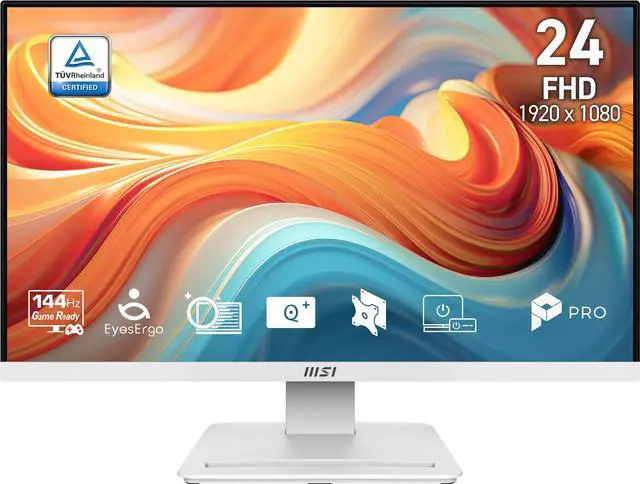
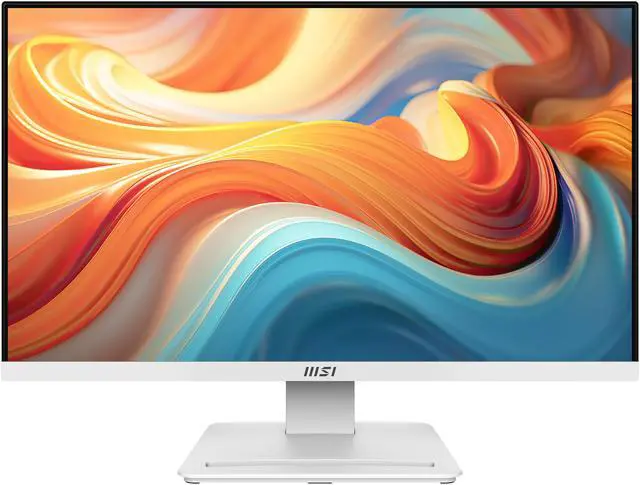
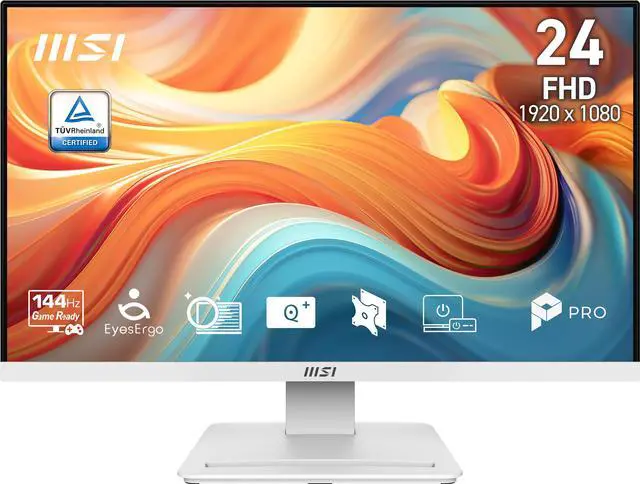
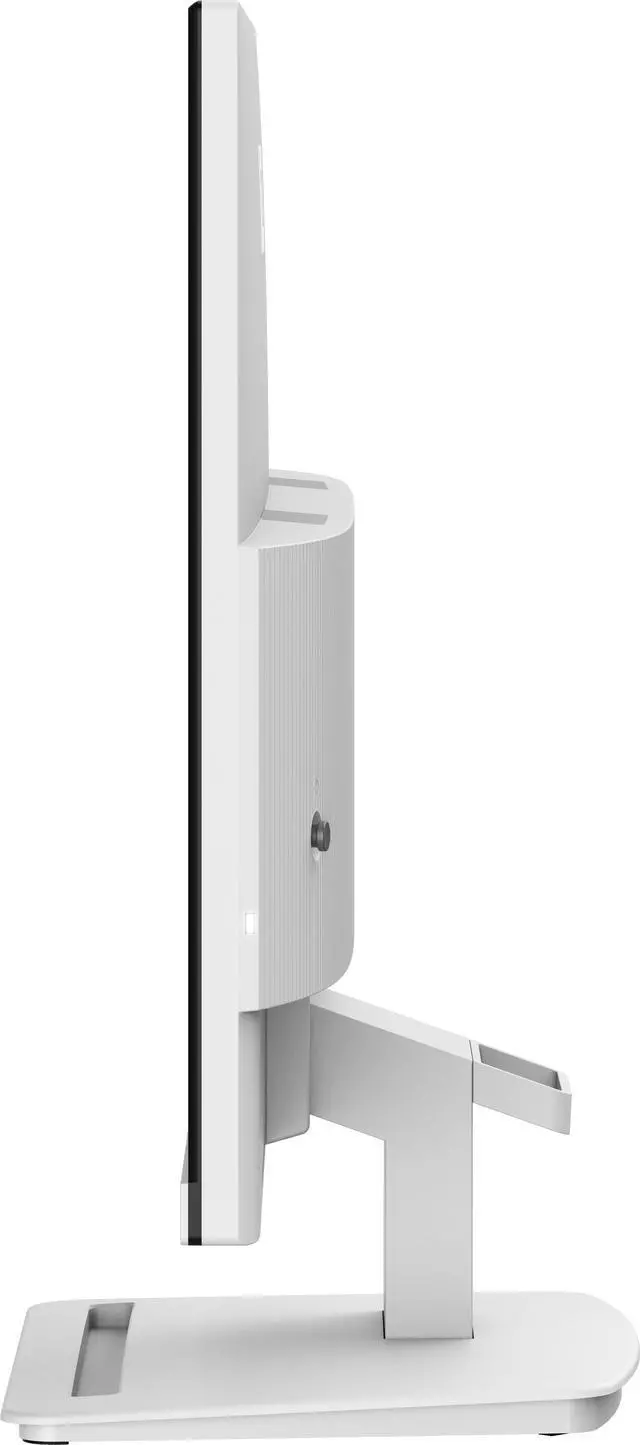
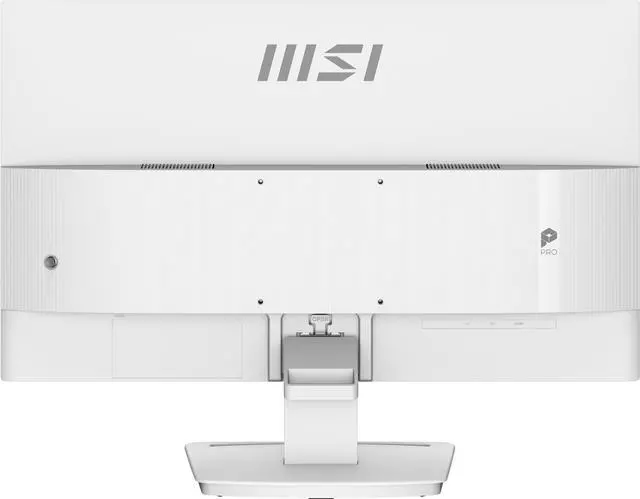
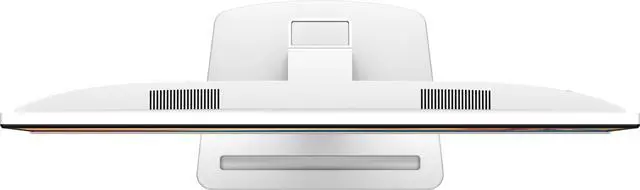
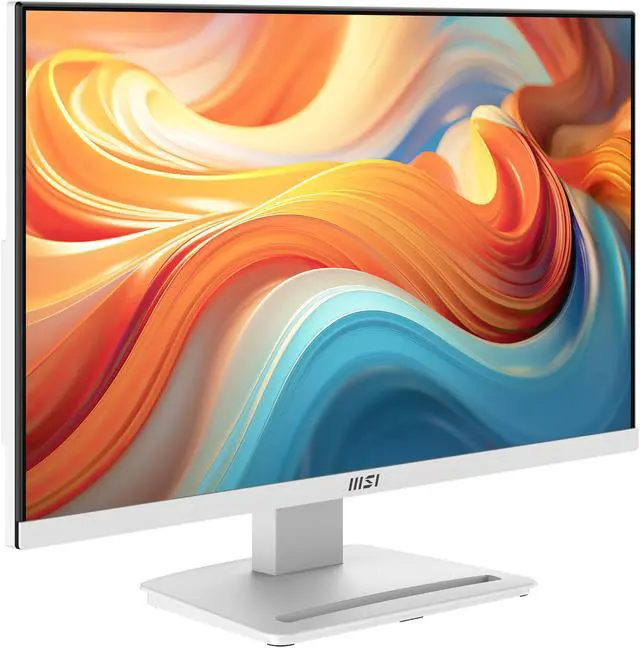
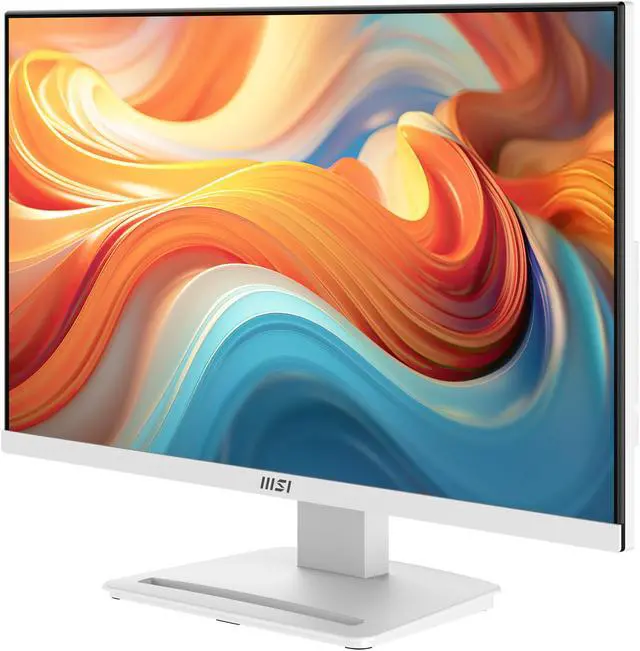
The MSI PRO MP241W E14V PerfectEdge monitor features a frameless design and 144 Hz refresh rate to provide users with a smoother and more immersive viewing experience. Outfitted with a compact base stand, EyesErgo technology, and easy-to-use hardware such as MSI Power link, the PRO MP241W E14V ushers in a new era of workplace monitors optimized for comfort & productivity.

Experience the full capabilities of a high refresh rate 144 Hz monitor. Enjoy seamless multitasking, ultra-smooth gameplay, and fluid AI-generated visuals. Ideal for creators, gamers, and innovators alike, this level of performance delivers a visual experience that’s both vivid and precise.
HDR Ready can be enabled to provide enhanced contrast.

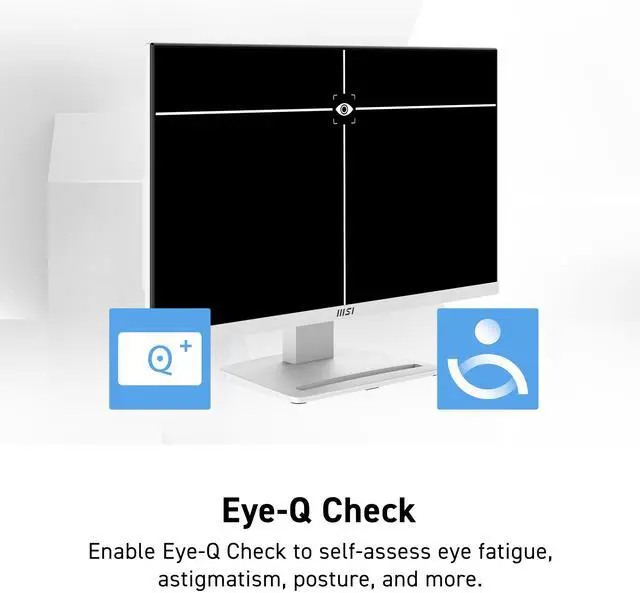
Eye-Q Check software can be enabled to help users self-assess eye fatigue & posture.

MSI Display Kit software supports a broad array of additional functionality, including:

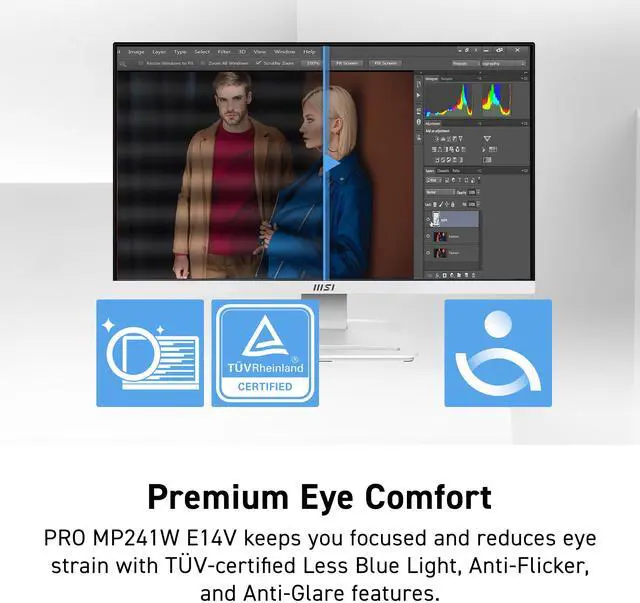
Stay focused and reduce eye fatigue with built-in features designed to help improve work productivity:
Less Blue Light employs software-based filter technology, while retaining a vivid colour palate with uncompromising detail.
* TÜV Rheinland Low Blue Light (Software solution) Certificate Q 50674927, 2025-04-25
** TÜV Rheinland Flicker Free Certificate Q 50674927, 2025-04-25

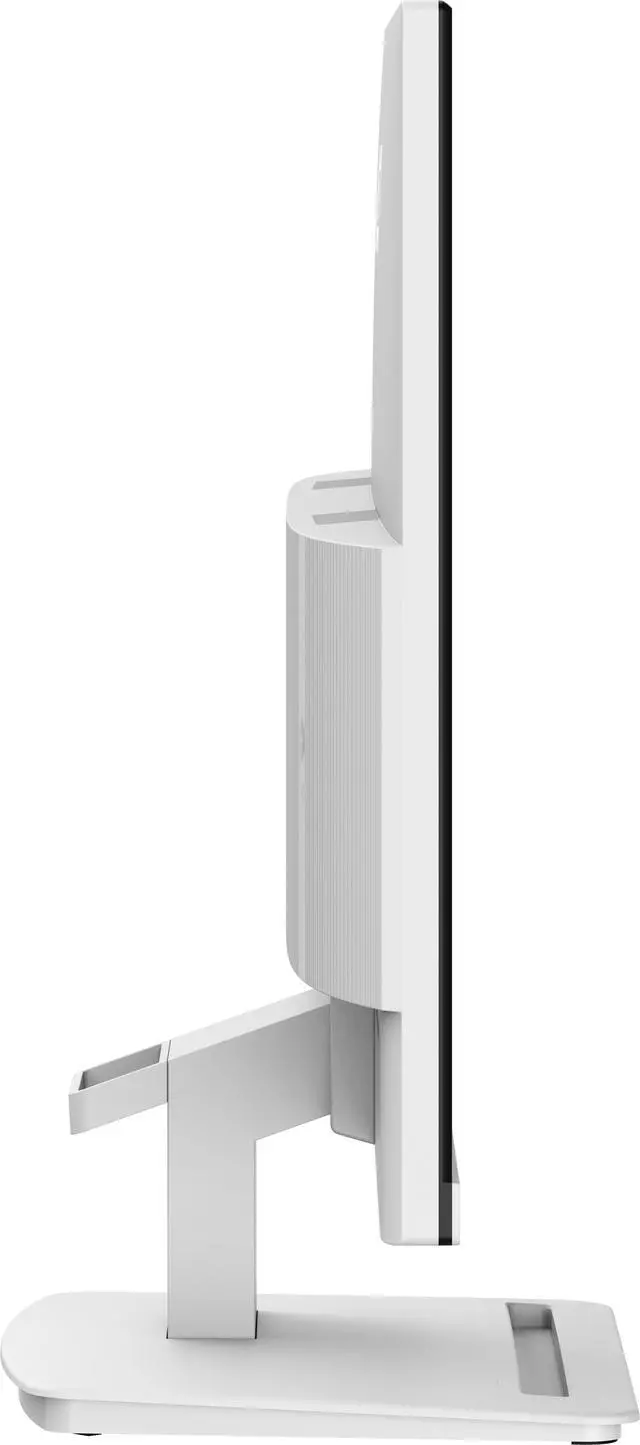
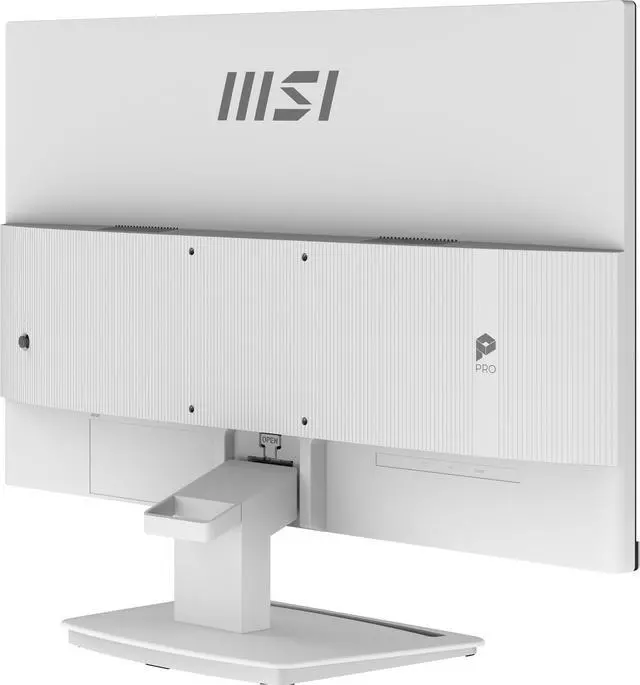
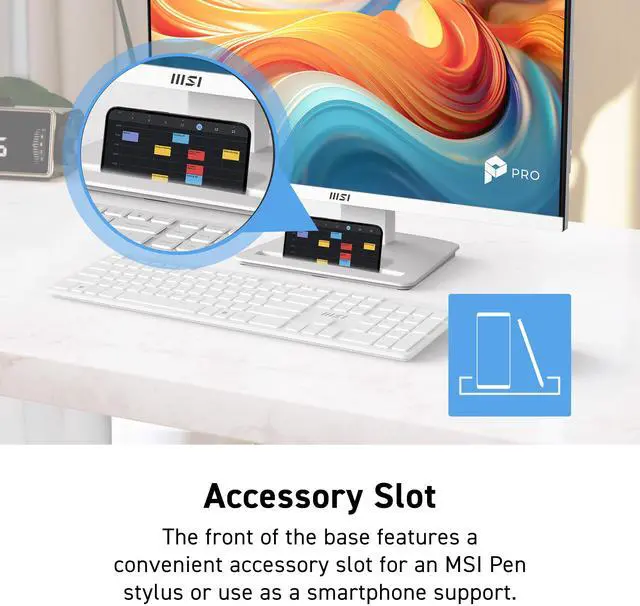
The front of the base features a convenient accessory slot for an MSI Pen stylus or use as a smartphone support.
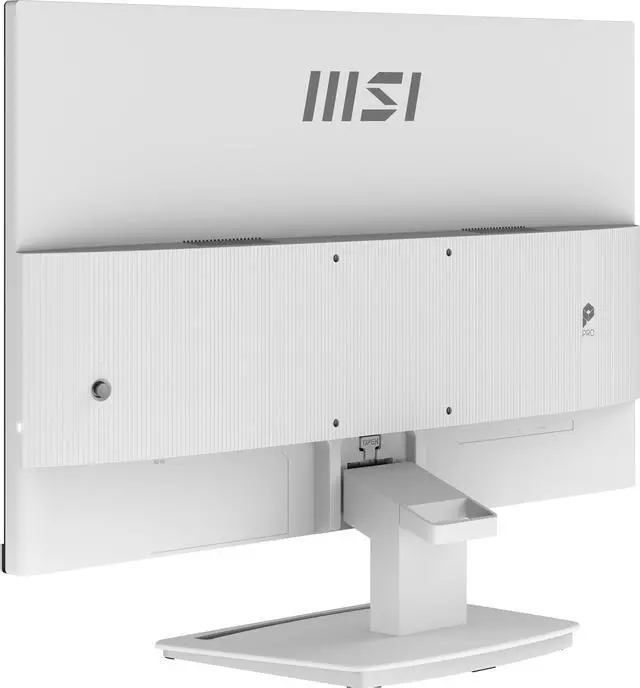
The stand and panel can be assembled or disassembled easily and in moments thanks to a no-fuss, tool-free design and includes a cable management clip.
The monitor is tilt-adjustable -5°~20° and includes a Kensington lock.

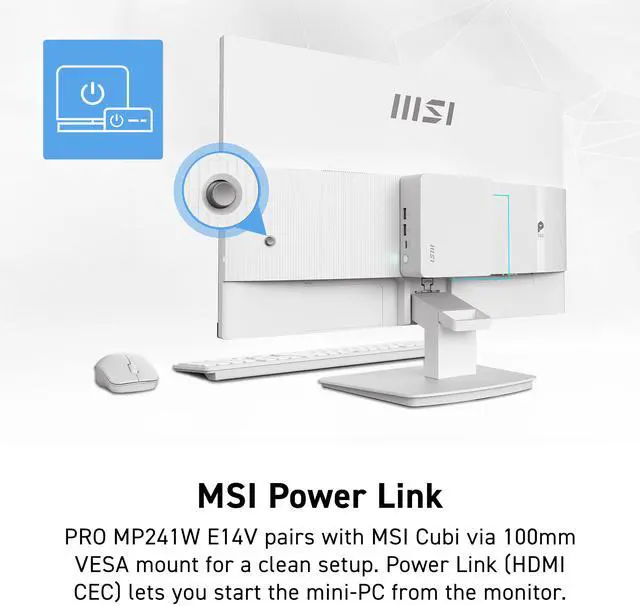
Mini-PC Mountable stand design makes the monitor compatible with the MSI Cubi Series mini-PC for an invisible desktop setup.

The MSI PRO MP241W E14V supports a standard 100mm VESA mount* and is compatible with the MSI Cubi Series mini-PC for an invisible desktop setup.
MSI Power Link with HDMI CEC lets the MSI mini-PC be powered on by the monitor's button, enhancing efficiency and user experience.
* Enjoy a cleaner desktop and superior Cable Management with the MSI VESA Arm MT81 (not included).

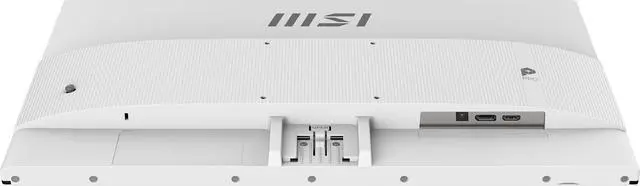
Our professional monitor is designed to keep you connected and enhance your productivity with a variety of input ports. Whether you're working or entertaining, the versatile connectivity options ensure seamless integration with all your devices.
We want to ensure your holiday shopping this year is hassle-free. That’s why we’re automatically extending our return policies on almost every product! For purchases placed between November 1st, 2026 and December 31, 2026 you will have until January 31, 2027 to return your product.
The MSI PRO MP241W E14V is a white 23.8-inch Full HD monitor with a 144Hz refresh rate, 1ms response time, and AMD FreeSync, suited to everyday work and smoother casual gaming in a compact desk setup.
| Attribute | Value |
|---|---|
| Best For | Desktop business use and gaming, with a Full HD 144Hz display and FreeSync |
| Panel And Resolution | 23.8-inch flat VA display with 1920 × 1080 resolution, 16:9 aspect ratio, 178° horizontal and vertical viewing angles, and anti-glare finish; 250 cd/m² brightness, 3500:1 contrast, 16.7 million colors, 98% sRGB gamut, HDR Ready, and 0.2745 mm pixel pitch |
| Refresh Rate And Response | 144Hz refresh rate, 1ms response time, and AMD FreeSync adaptive sync |
| Ports And Connectivity | 1 HDMI 2.0 port and 1 DisplayPort; no USB or Thunderbolt ports |
| Stand And Ergonomics | Tilt-adjustable stand with 100 × 100 mm VESA mounting compatibility; includes eye-care and Eye-Q features, flicker-free display, Kensington lock, and cable management |
| Physical Dimensions And Power | 21.34 × 15.65 × 7.13 inches with stand; 21.34 × 12.69 × 1.72 inches without stand; 6.48 lb. Power input: 100–240 VAC, 50/60 Hz |
| Built-In Features | No built-in speakers or webcam |
| Model Identifiers | MSI PRO MP241W E14V, white |
Q: MSI PRO MP241W E14V vs PRO MP2412: which is better for smoother motion?
A: Choose the PRO MP241W E14V if you want a 144Hz refresh rate for gaming and everyday scrolling. The PRO MP2412 is a 100Hz Full HD alternative; both are 23.8-inch VA monitors with a 1ms MPRT rating and Adaptive-Sync support.
Q: MSI PRO MP241W E14V vs PRO MP243W E14: which should I choose?
A: Both are 23.8-inch Full HD monitors with 144Hz refresh rates. Choose the PRO MP241W E14V for its VA panel and 3500:1 stated contrast ratio; choose the PRO MP243W E14 if you prefer an IPS panel and built-in speakers.
Q: MSI PRO MP241W E14V vs PRO MP243L E14: which is better for a 144Hz setup?
A: Both offer 23.8-inch Full HD resolution, 144Hz refresh rates, and FreeSync. Choose the PRO MP241W E14V for a white finish, VA panel, and HDMI plus DisplayPort connections; choose the PRO MP243L E14 for an IPS panel and HDMI plus VGA connections.
Q: Is this monitor suitable for both office work and gaming?
A: Yes. Its 23.8-inch Full HD display suits everyday office tasks, while the 144Hz refresh rate, 1ms response time, and AMD FreeSync support are useful for smoother gaming. It has no built-in webcam or speakers, so plan to use separate meeting and audio equipment if needed.
Q: Can I connect this monitor to a laptop?
A: Yes, if the laptop has an HDMI or DisplayPort video output that can connect to the monitor. The monitor has one HDMI 2.0 input and one DisplayPort input. To use 144Hz, the laptop and its video output must support 1920 × 1080 at 144Hz.
Q: Does it have built-in speakers or a webcam for meetings?
A: No. This monitor has neither built-in speakers nor a webcam. Use separate speakers or a headset for sound and an external webcam for video calls.
Q: Can I mount it on a monitor arm, and how adjustable is the included stand?
A: It supports 100 × 100mm VESA mounting. The included stand offers tilt adjustment only; it does not provide height adjustment or portrait rotation.
Q: Is the MSI PRO MP241W E14V worth buying at around $80?
A: It may be a reasonable fit if you want a white 23.8-inch 1080p monitor with 144Hz and FreeSync at that price. The Reddit discussion was brief and mixed in focus, so it is not strong evidence of long-term reliability or overall value; check the seller’s return policy before buying.
Q: Is it suitable for both gaming and programming?
A: It can serve as a single monitor for everyday programming and gaming: it has a 23.8-inch 1920×1080 VA panel, 144Hz refresh rate, and FreeSync. Its Full HD resolution offers less workspace and detail than 1440p, and the supplied specifications list tilt adjustment only.
Q: Should I choose this over a 1440p monitor?
A: Choose this model if you prefer 1080p at 144Hz or want to keep the display workload lower. Consider 1440p instead if sharper detail and more workspace matter more; the Reddit discussion raised that alternative but does not establish which choice is better for every user.


