




 here!
I’m your shopping assistant for PC builds, upgrades, and everything tech.
Got questions? Ask away!
Start a conversation
here!
I’m your shopping assistant for PC builds, upgrades, and everything tech.
Got questions? Ask away!
Start a conversationShipped by Newegg





Any questions? Ask CelesteSM will help you find out quickly.


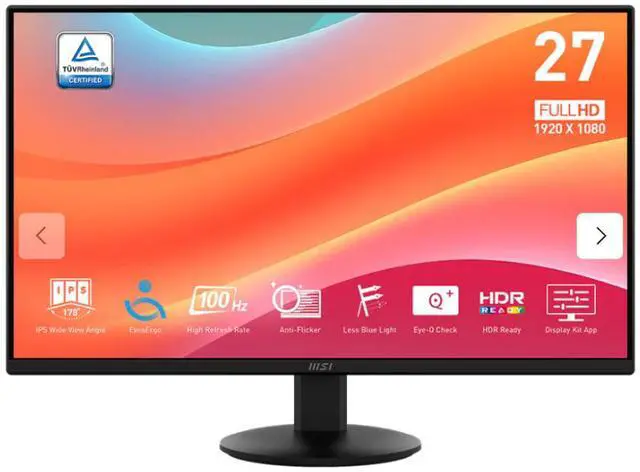
The MSI PRO MP272L PerfectEdge monitor features a 4-sided frameless design and 100Hz refresh rate to provide users with a smoother and more immersive viewing experience. Outfitted with a compact base stand, EyesErgo technology, and easy-to-use hardware such as MSI Power link, the PRO MP272L ushers in a new era of workplace monitors optimized for comfort & productivity.

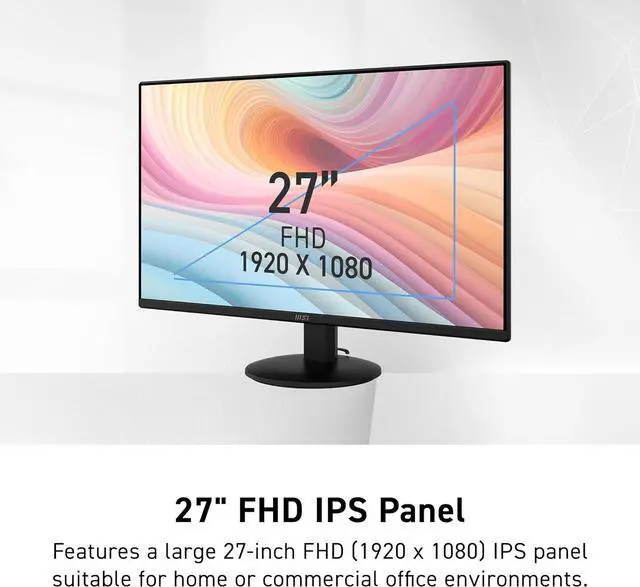
Features a large 27-inch FHD (1920 x 1080) IPS panel suitable for home or commercial office environments.
Supports a 178° wide viewing angle, ensuring consistent detail & picture quality from almost any angle.
HDR Ready can be enabled to provide enhanced contrast.

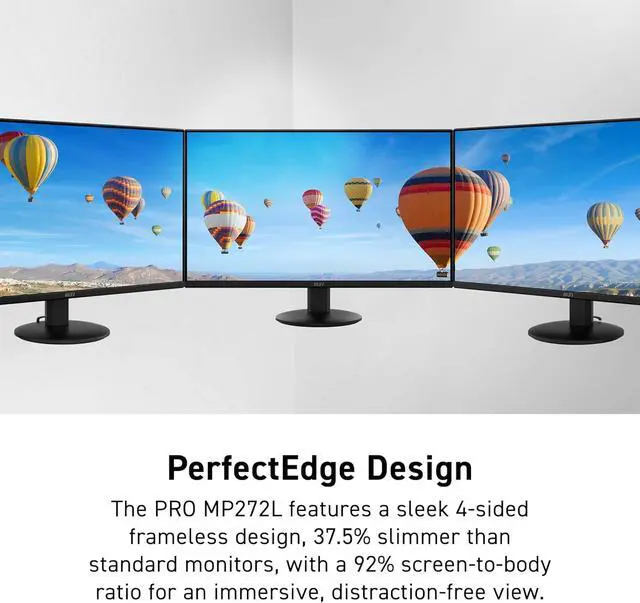
The PRO MP272L monitor features a PerfectEdge (4-sided frameless) Design making it 37.5% slimmer than standard monitors. With a high screen-to-body ratio of 92%, it offers a more immersive viewing experience with less distraction.
This design not only boosts productivity but also allows for seamless multi-display setups, providing an immersive experience for both work and light gaming.

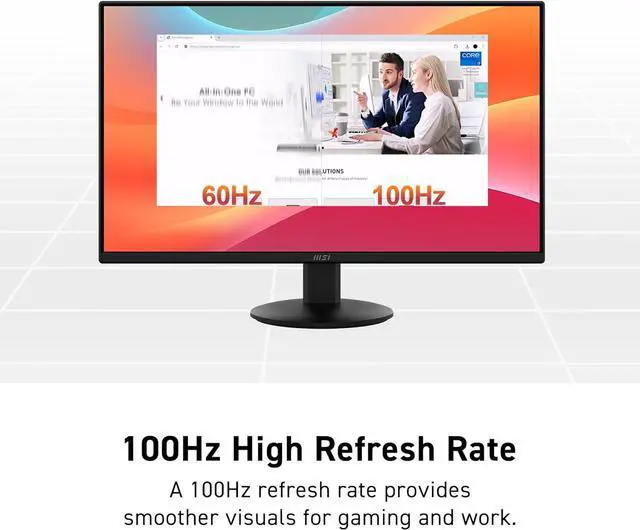
A 100Hz refresh rate delivers smoother visuals, reduces motion blur, and enhances gaming responsiveness. For work, it ensures smoother scrolling and transitions, improving comfort and efficiency.
Additionally, it's perfect for AIGC (Artificial Intelligence Generated Content) and AI-driven image and text generation.

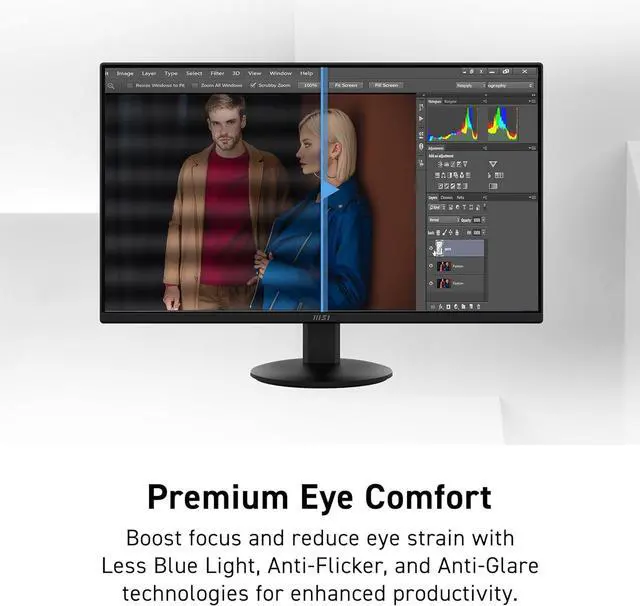
Stay focused and reduce eye fatigue with built-in features designed to help improve work productivity:
* TÜV Rheinland Flicker Free Certificate Q 50648772, 2024-09-30
** TÜV Rheinland Low Blue Light (Software solution) Certificate Q 50648772, 2024-09-30

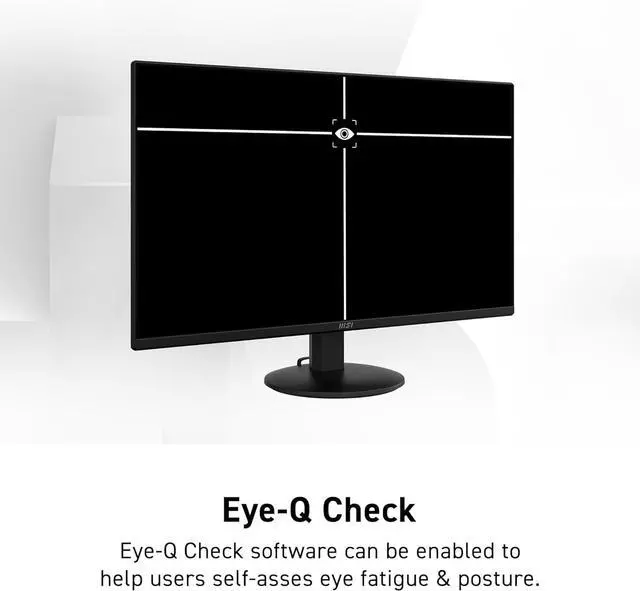
Eye-Q Check software can be enabled to help users self-assess eye fatigue & posture.

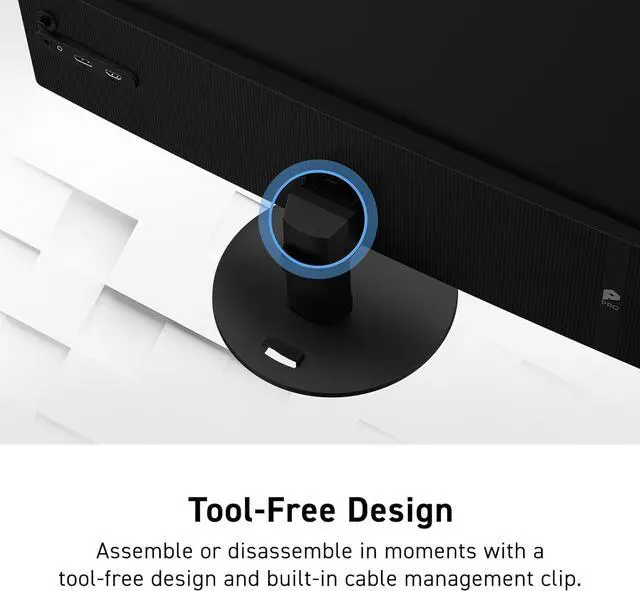
The stand and panel can be assembled or disassembled easily and in moments thanks to a no-fuss, tool-free design and a cable management clip.
The monitor is tilt-adjustable -3.5°~21.5° and includes a Kensington lock.

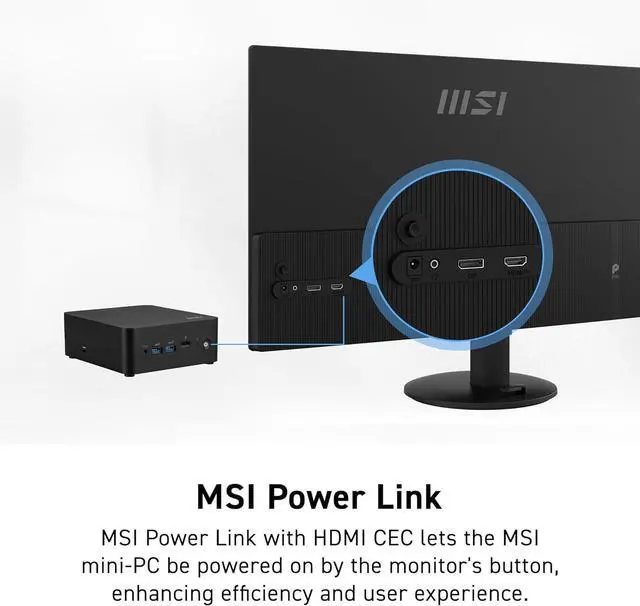
MSI Power Link with HDMI CEC lets the MSI mini-PC be powered on by the monitor's button, enhancing efficiency and user experience.

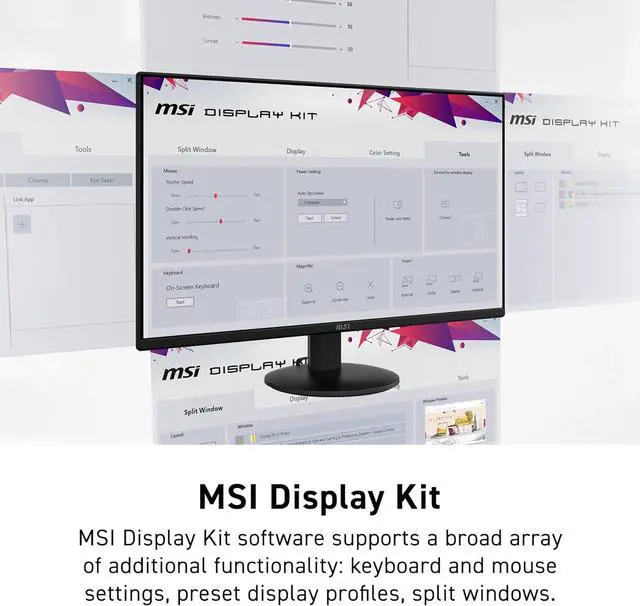
MSI Display Kit software supports a broad array of additional functionality, including:
Direct keyboard & mouse setting adjustments while in the program
Preset display profiles that can be assigned to software
Split window multitasking on one screen
We want to ensure your holiday shopping this year is hassle-free. That’s why we’re automatically extending our return policies on almost every product! For purchases placed between November 1st, 2026 and December 31, 2026 you will have until January 31, 2027 to return your product.
The MSI PRO MP272LE is a 27-inch Full HD IPS monitor with a 100Hz refresh rate, suited to everyday work, coding, browsing, and casual gaming.
| Attribute | Value |
|---|---|
| Best For | Desktop business and work use, including programming and design, with casual gaming supported by the 100Hz display and Adaptive Sync |
| Panel And Resolution | 27-inch flat IPS display with 1920 × 1080 Full HD resolution, 16:9 aspect ratio, 178° horizontal and vertical viewing angles, and non-glare matte screen |
| Display Quality | 100Hz refresh rate, 1ms MPRT / 4ms GTG response time, Adaptive Sync (FreeSync), HDR Ready, 250 cd/m² brightness, 1,300:1 contrast ratio, 16.7 million colors, 0.3114mm pixel pitch, and Adobe RGB gamut value 81 |
| Ports And Connectivity | 1 HDMI port, 1 DisplayPort, and 1 headphone-out; no USB ports |
| Stand And Ergonomics | Tilt adjustment from -5° to 20°; includes a stand and supports horizontal orientation |
| Eye Care And Display Features | Flicker-free and eye-care features, including MSI EyesErgo and Eye-Q Technology; Kensington Lock |
| Audio And Webcam | No built-in speakers or webcam |
| Power | External power adapter; 27W power consumption when on and under 0.5W in power-saving/off mode |
| Dimensions And Weight | With stand: 17.36 × 24.21 × 7.87 inches; without stand: 14.25 × 24.21 × 1.18 inches; weight with stand: 5.51 lb |
| Color And Model Identifiers | Matte black cabinet; MSI PRO MP272LE |
| Included Components | Monitor, HDMI 1.4 cable, power adapter, and quick guide |
Q: MSI PRO MP272LE vs MP272L: which should I choose?
A: Choose the PRO MP272LE if you want its compact-base design and MSI Power Link feature. Both models have a 27-inch FHD IPS panel, 100Hz refresh rate, Adaptive-Sync, and HDR Ready support, so the choice is mainly about those design and workflow features.
Q: MSI PRO MP272LE vs MP273U: should I choose FHD 100Hz or 4K?
A: Choose the PRO MP272LE for a 27-inch FHD display with a 100Hz refresh rate for everyday work and smoother scrolling. Choose the PRO MP273U when your priority is finer 4K detail for tasks such as detailed design or video editing; it pairs 3840 × 2160 resolution with a 60Hz refresh rate.
Q: MSI PRO MP272LE vs MP273A: what’s different?
A: Both are 27-inch FHD IPS monitors with a 100Hz refresh rate. The PRO MP272LE lists a 1300:1 contrast ratio and HDR Ready support, while the PRO MP273A includes built-in 2 × 3W speakers, VGA input, and VESA mounting. Choose based on whether the MP272LE’s listed display specifications or the MP273A’s extra connectivity and speaker features better fit your setup.
Q: MSI PRO MP272LE vs MP242L: which size is better for a desk setup?
A: Choose the PRO MP272LE for a larger 27-inch viewing area for documents, coding, or side-by-side windows. The PRO MP242L has a more compact 23.8-inch screen; both models offer FHD resolution, an IPS panel, and a 100Hz refresh rate.
Q: Is this monitor suitable for office work, coding, and casual gaming?
A: It can suit general office work, coding, and casual gaming. The 27-inch IPS display is Full HD (1920 × 1080) with a 100Hz refresh rate and Adaptive-Sync. The trade-off is that Full HD on a 27-inch screen provides less pixel detail than a higher-resolution display of the same size.
Q: Can I connect this monitor to a laptop with one USB-C cable?
A: No. The listed inputs are HDMI and DisplayPort; the monitor does not list USB-C video input or laptop charging. Connect a laptop through a compatible HDMI or DisplayPort output, using an adapter if needed. The monitor also needs its own power adapter.
Q: Does it have speakers or a webcam for meetings?
A: No. The monitor has neither built-in speakers nor a webcam. For video meetings, connect a separate webcam and use headphones or external speakers; the monitor includes a headphone output.
Q: Is this a good choice for fast-paced gaming?
A: It is better suited to casual gaming than buyers seeking a high-refresh-rate gaming display. Its 100Hz refresh rate and Adaptive-Sync support smoother gameplay than a basic 60Hz display, but it is a Full HD monitor with a 4ms GTG response-time specification (1ms MPRT).


