




 here!
here!
I’m your shopping assistant for PC builds, upgrades, and everything tech.
Got questions? Ask away!
Start a conversation
here!
I’m your shopping assistant for PC builds, upgrades, and everything tech.
Got questions? Ask away!
Start a conversationShipped by Newegg
 Top Rated

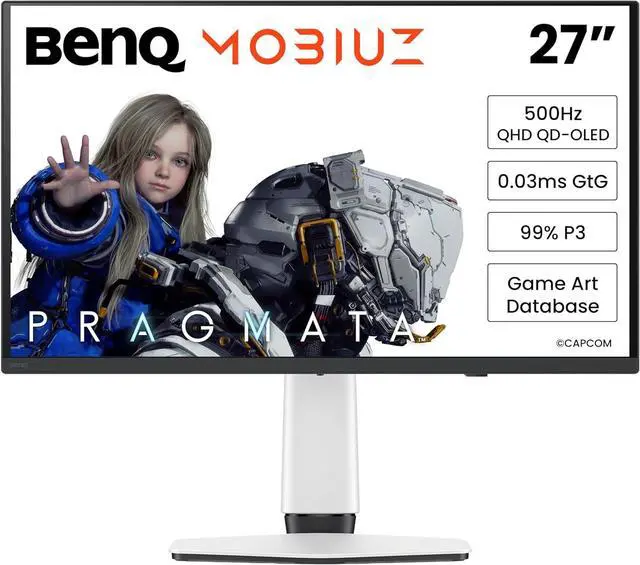
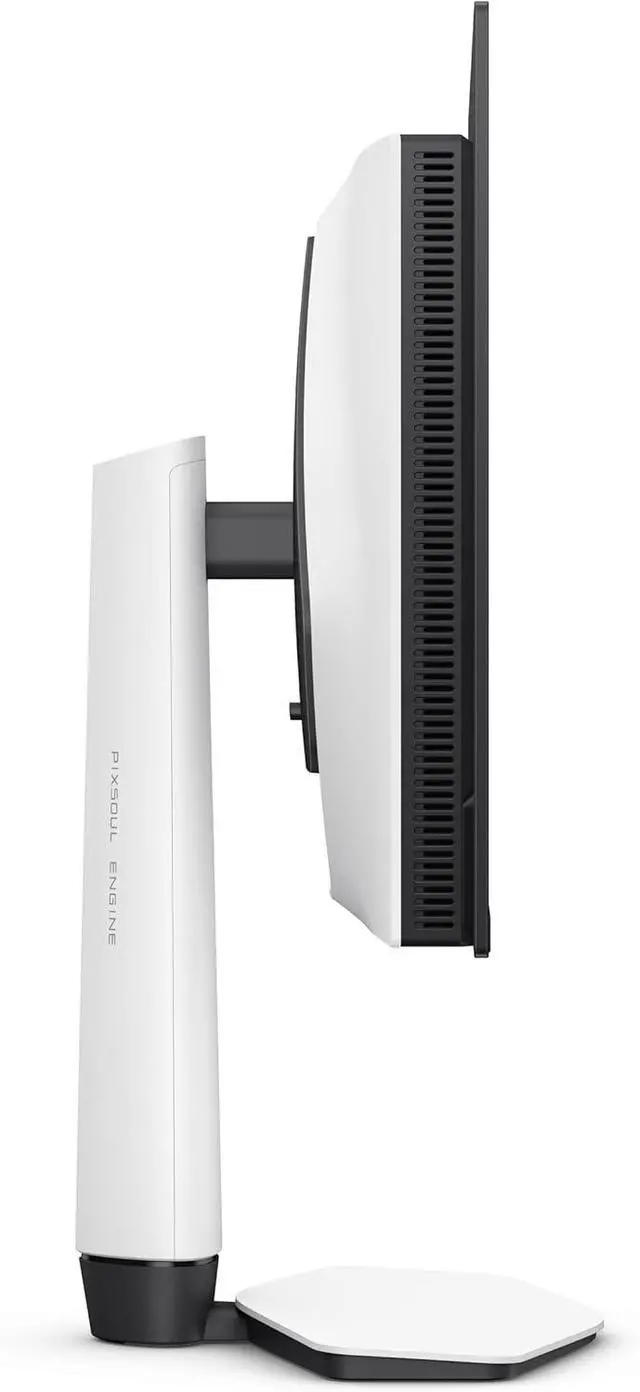
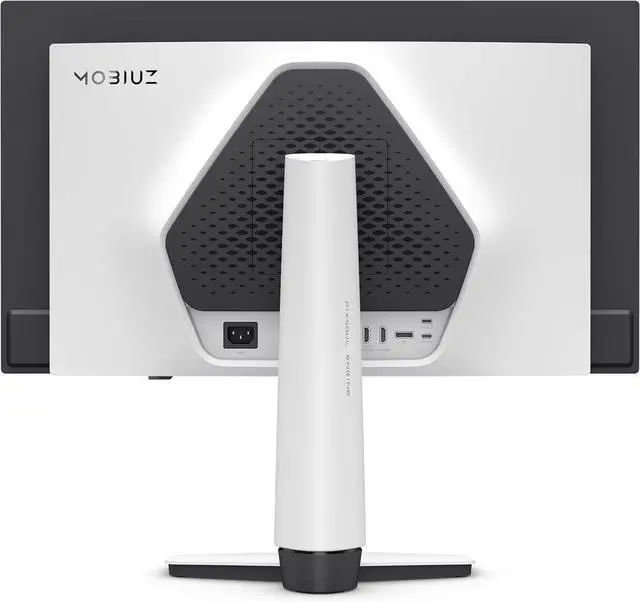

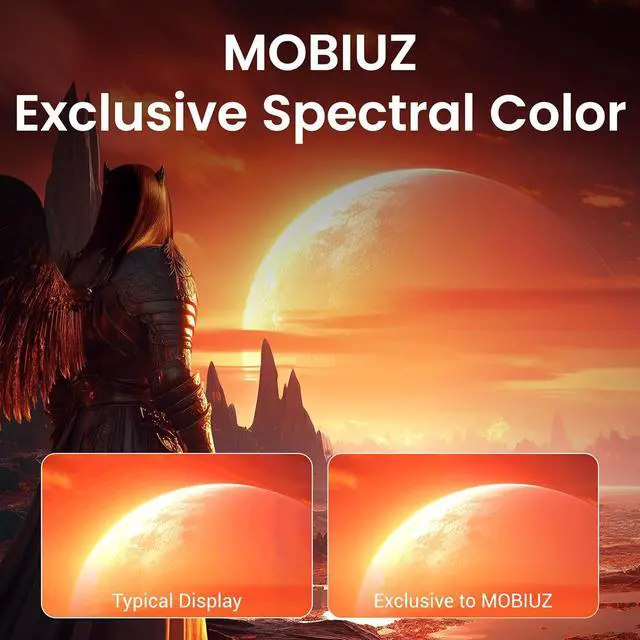


| Brand | BenQ |
|---|---|
| Series | MOBIUZ |
| Model | EX271QZ |
| Cabinet Color | White |
| Screen Size | 26.5" |
|---|---|
| Widescreen | Yes |
| Glare Screen | Glossy Anti-Reflection |
| Panel | IPS |
| Adaptive Sync Technology | FreeSync (AMD Adaptive Sync) |
| Resolution | 2560 x 1440 (2K) |
| Viewing Angle | 178° (H) / 178° (V) |
| Aspect Ratio | 16:9 |
| Brightness | 300 cd/m2 |
| Contrast Ratio | 1,000:1 |
| Response Time | 0.03 ms |
| Color Gamut | 99% DCI-P3 |
| Display Colors | 1.07 Billion |
| Refresh Rate | 500Hz |
| VESA Certified DisplayHDR | DisplayHDR True Black 500 |
| Curved Surface Screen | Flat Panel |
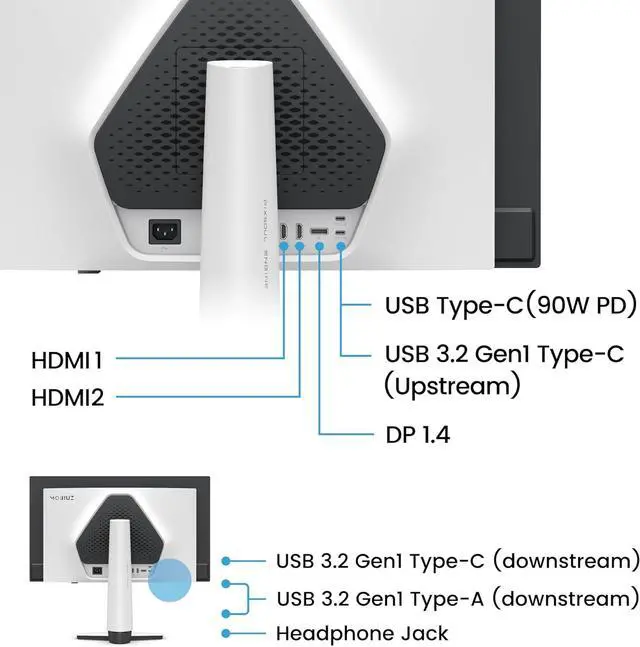
| Video Ports | 1 x DisplayPort 1.4 / 2 x HDMI 2.1 |
|---|---|
| USB Ports | 1 x USB Type-C upstream (USB 3.2 Gen 1, 5 Gbps, data only) 1 x USB Type-C downstream (USB 3.2 Gen 1, 5 Gbps, power charging 7.5W) 2 x USB Type-A downstream (USB 3.2 Gen 1, 5 Gbps, power charging 4.5W) |
| Power Supply | 100 - 240 VAC, 50/60Hz |
|---|---|
| Power Consumption | Power Consumption (normal): 31W Power Consumption (max): 130W Power Consumption (sleep mode): <0.5W |
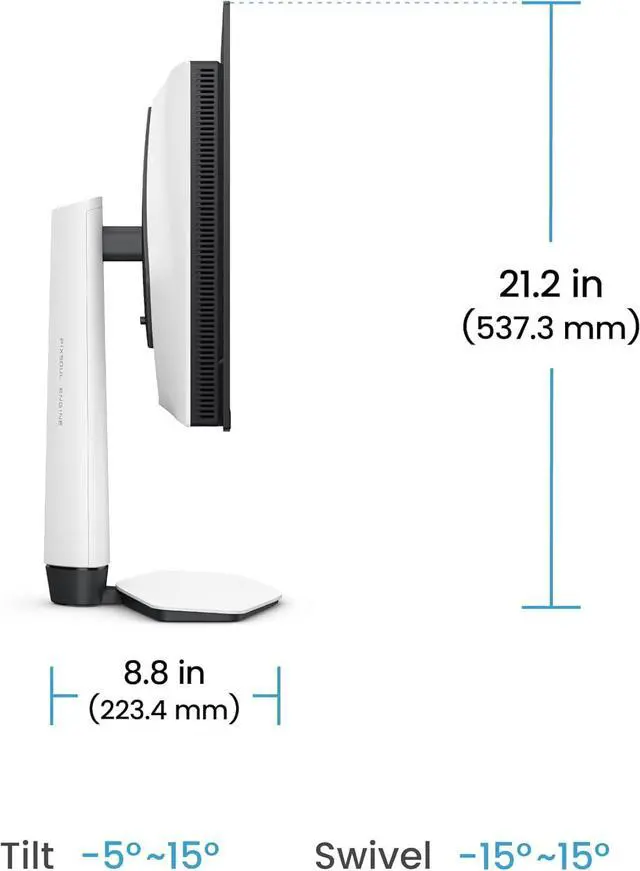
| Stand Adjustments | Tilt |
|---|---|
| Built-in Webcam | No |
| HDCP Support | Yes |
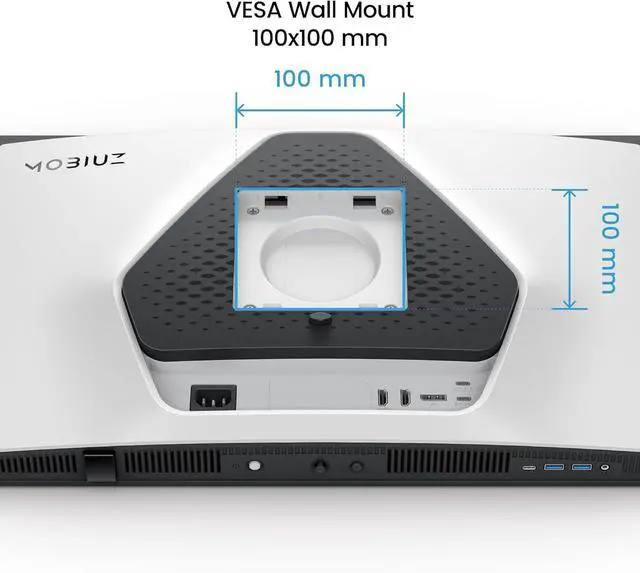
| VESA Compatibility - Mountable | 100 x 100mm |
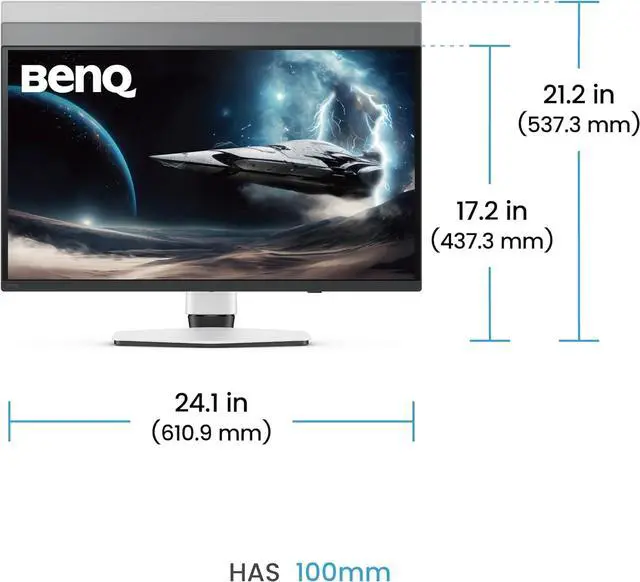
| Dimensions | 17.22"-21.15" x 24.05" x 8.80" with stand 14.07" x 24.05" x 3.19" without stand |
|---|---|
| Weight | 15.87 lbs. with stand 10.80 lbs. without stand |
| First Listed on Newegg | May 29, 2026 |
|---|
The BenQ MOBIUZ EX271QZ is a 26.5-inch 2560 × 1440 IPS gaming monitor with a 500Hz refresh rate, 0.03ms response time, and FreeSync, suited to competitive PC gamers seeking very high refresh rates at QHD resolution.
| Attribute | Value |
|---|---|
| Best For | QHD high-refresh-rate gaming with FreeSync support |
| Panel And Resolution | 26.5-inch flat IPS display with 2560 × 1440 resolution, 16:9 aspect ratio, 178° horizontal and vertical viewing angles, and a glossy anti-reflection screen |
| Refresh Rate And Response | 500Hz refresh rate, 0.03ms response time, and FreeSync (AMD Adaptive Sync) |
| Color And HDR | 99% DCI-P3 color gamut, 1.07 billion display colors, 300 cd/m² brightness, 1,000:1 contrast ratio, and VESA DisplayHDR True Black 500 certification |
| Ports And Connectivity | 1 × DisplayPort 1.4, 2 × HDMI 2.1, 1 × USB-C upstream for data, 1 × USB-C downstream with 7.5W charging, and 2 × USB-A downstream with 4.5W charging; USB ports support USB 3.2 Gen 1 at 5 Gbps; HDCP supported |
| Stand And Mounting | Tilt adjustment and 100 × 100mm VESA mounting compatibility |
| Power | 100–240 VAC, 50/60Hz; 31W typical, 130W maximum, and under 0.5W in sleep mode |
| Dimensions And Weight | With stand: 17.22–21.15 × 24.05 × 8.80 inches and 15.87 lb; without stand: 14.07 × 24.05 × 3.19 inches and 10.80 lb |
| Model Identifiers | BenQ MOBIUZ EX271QZ, white cabinet |
Q: BenQ MOBIUZ EX271QZ or MSI MPG 271QR QD-OLED X50: which 500Hz monitor should I choose?
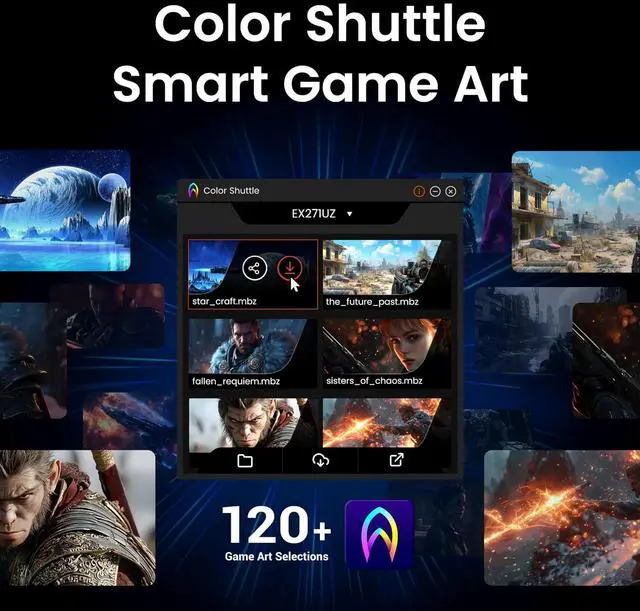
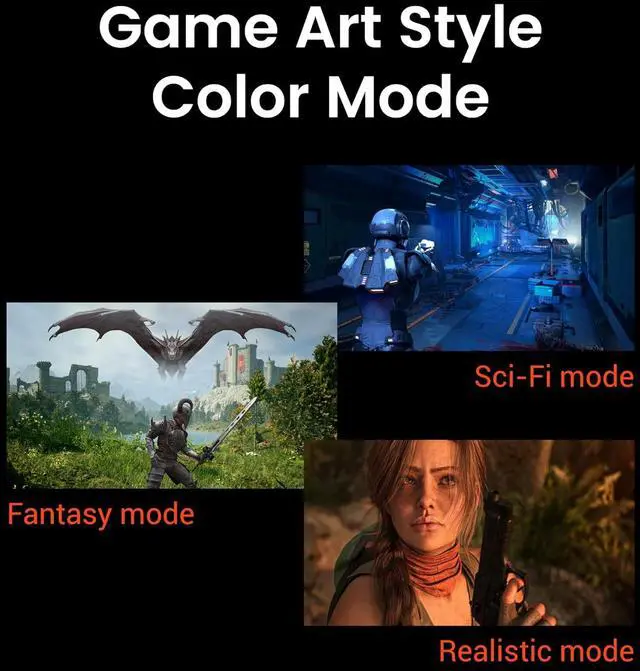
A: Choose the EX271QZ if you want BenQ’s MOBIUZ color modes and game-specific Color Shuttle profiles. Both monitors are 26.5-inch QHD QD-OLED displays rated for 500Hz and 0.03ms response time. The MSI is a better fit if you need DisplayPort 2.1a or USB-C video with up to 98W power delivery; the EX271QZ’s USB-C upstream port is data-only.
Q: Should I get the EX271QZ or the BenQ EX271UZ for 4K gaming?
A: Choose the EX271QZ for QHD gaming at up to 500Hz, particularly if competitive PC games and very high frame rates are your priority. Choose the EX271UZ for a 26.5-inch 4K image at up to 240Hz, which provides higher pixel density for sharper detail; it also offers USB-C video and up to 90W power delivery. Both are OLED gaming monitors, so the main decision is 500Hz QHD versus 240Hz 4K.
Q: EX271QZ or EX321UZ: which BenQ monitor is better for mixed PC and console gaming?
A: Choose the EX271QZ for competitive PC gaming where QHD resolution and a refresh rate up to 500Hz matter most. Choose the EX321UZ for a larger 31.5-inch 4K screen and up to 240Hz, suited to detailed visuals and a more immersive experience across PC and console games. The EX321UZ prioritizes screen size and resolution; the EX271QZ prioritizes maximum refresh rate.
Q: Who is this monitor best suited for?
A: It is best suited to PC gamers who want a 1440p IPS display with a very high maximum refresh rate. To benefit from 500Hz, the connected PC and game must also be able to deliver very high frame rates. Its 26.5-inch screen and 99% DCI-P3 color gamut also suit general viewing and color-rich content, but the listed stand adjustment is tilt only.
Q: Can I use it for office work as well as gaming?
A: Yes. Its 2560 × 1440 resolution and IPS panel suit documents, browsing, and multitasking alongside gaming. The stand tilts but does not list height adjustment; it supports a 100 × 100 mm VESA mount if you want to use an adjustable arm.
Q: Will it work with a game console?
A: It has two HDMI 2.1 ports for connecting HDMI-equipped consoles. The monitor’s 500Hz maximum is not a promise that a console will output at 500Hz; the available resolution and refresh rate depend on the console, game, and selected video mode.
Q: Can I connect a laptop through USB-C with one cable?
A: Not for video or laptop charging based on the listed specifications. The USB-C upstream port is specified for data only, and no USB-C video input is listed. Connect the laptop to a video input such as HDMI or DisplayPort, and use a separate power source for the laptop.
Q: Can I mount it on a monitor arm?
A: Yes. It supports VESA mounting with a 100 × 100 mm pattern. The listed stand adjustment is tilt only, so a compatible monitor arm can provide additional positioning options.
Q: Is 500Hz worth it for this monitor?
A: It is most relevant if you play competitive games and have a PC that can produce very high frame rates. For casual gaming or office work, the 500Hz refresh rate may add little practical value; the YouTube review specifically raises whether users need 500Hz.
Q: Should I choose the EX271QZ or a 4K 240Hz monitor?
A: Choose the EX271QZ if your priority is very high refresh rate at 2560 × 1440. A 4K 240Hz alternative is the more relevant comparison if you prioritize higher resolution over refresh rate. A YouTube comparison of the EX271QZ and EX271UZ frames the choice around speed versus image detail.
Q: Is the EX271QZ a good choice for competitive gaming?
A: Its listed 2560 × 1440 resolution, 500Hz refresh rate, and FreeSync make it a gaming-focused option, especially for someone seeking high refresh rates. The benefit depends on whether your PC and games can deliver frame rates that make use of 500Hz.
Q: Is it suitable for both gaming and work, and should I worry about burn-in?
A: The listed 26.5-inch 1440p display and USB hub can support everyday desk use, but the stand offers tilt adjustment only, and the USB-C upstream port is data-only. Verify the exact panel type before assessing burn-in: the supplied product data calls it IPS, while Reddit and YouTube discussions identify the EX271QZ as QD-OLED.



