




 here!
here!
I’m your shopping assistant for PC builds, upgrades, and everything tech.
Got questions? Ask away!
Start a conversation
here!
I’m your shopping assistant for PC builds, upgrades, and everything tech.
Got questions? Ask away!
Start a conversation




Any questions? Ask CelesteSM will help you find out quickly.



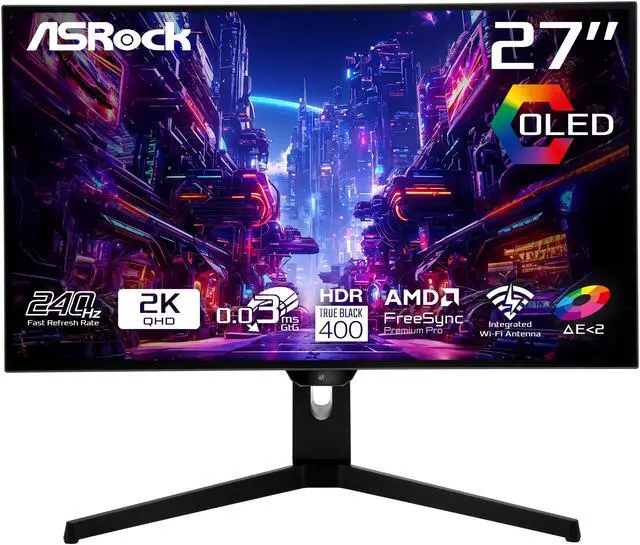
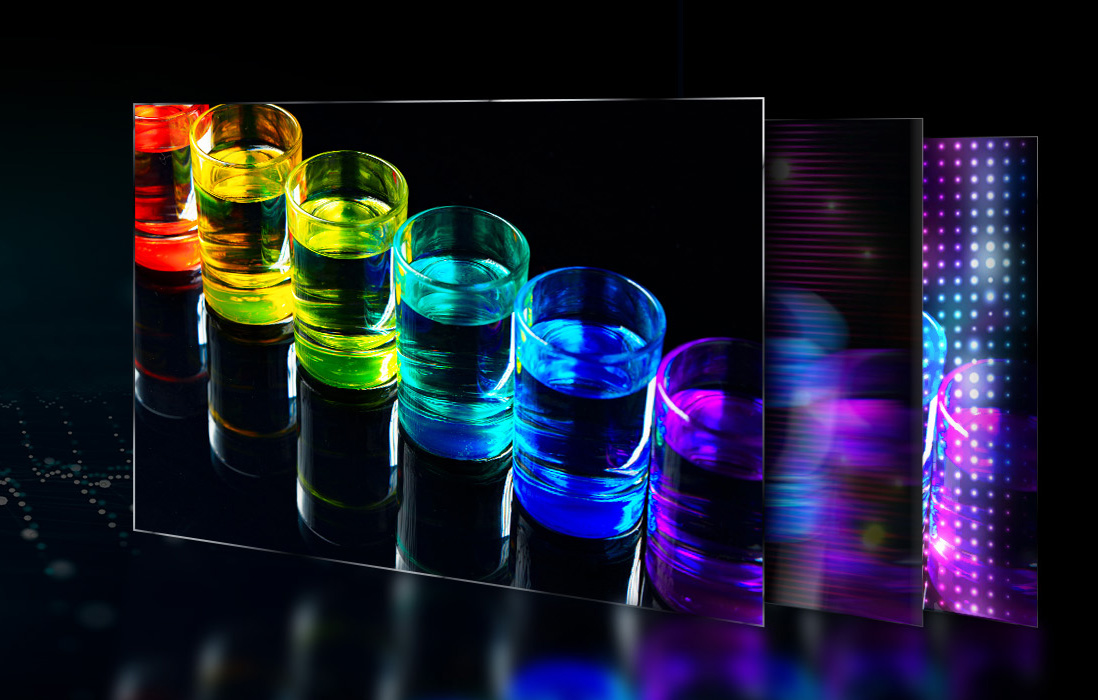
OLED technology delivers exceptional visuals with true blacks and vibrant colors by using self-emissive pixels that can turn on and off individually. This allows for outstanding contrast, precise color accuracy, and smooth performance, making it perfect for both entertainment and professional applications.

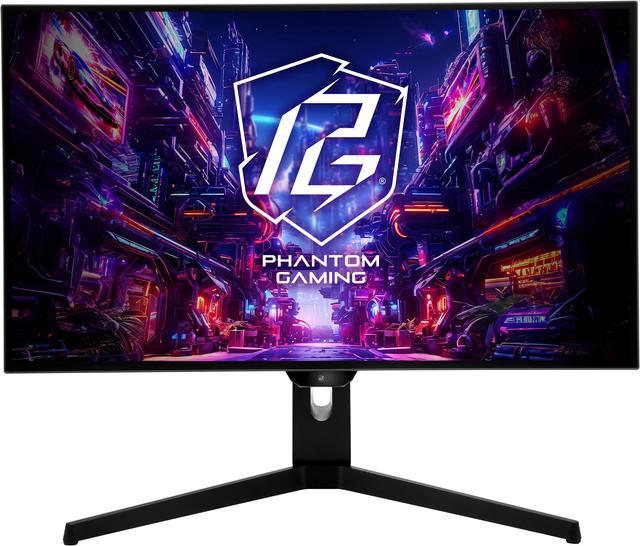
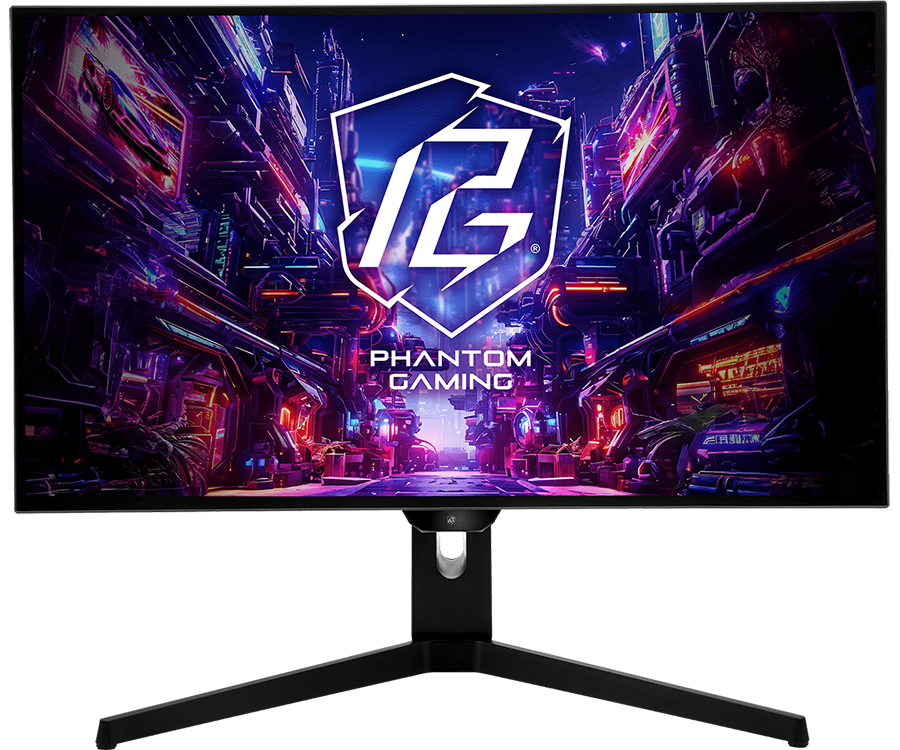
Experience stunning visuals with this 27-inch OLED monitor, delivering true-to-life colors, deep blacks, and exceptional contrast. Perfect for gaming, content creation, and entertainment.
Enjoy deeper blacks and enhanced contrast for richer detail and a more realistic viewing experience.
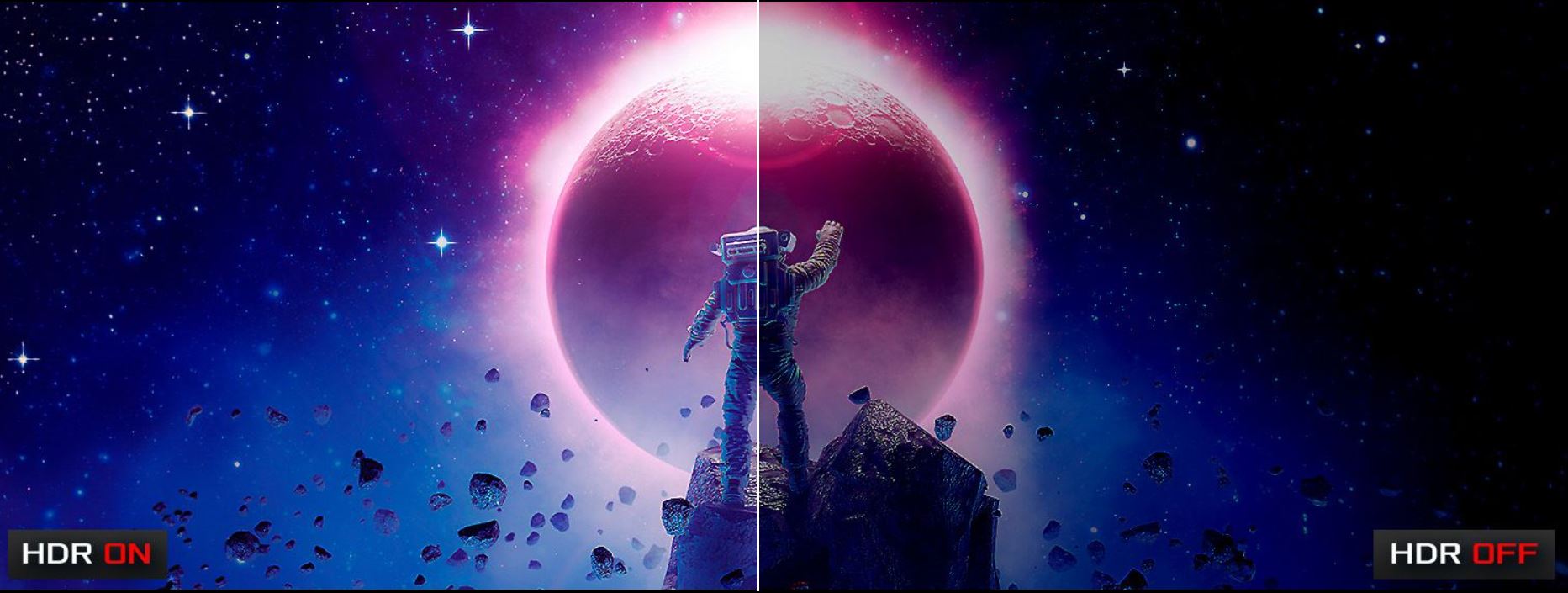

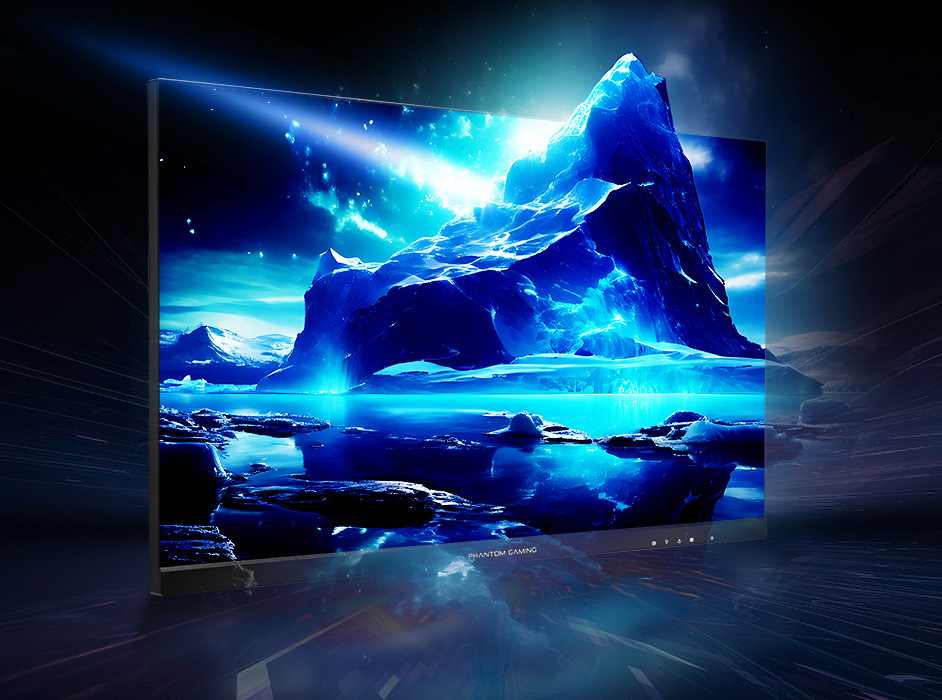
Achieve precise colors with Delta E < 2 accuracy, perfect for professional-grade editing and design.
With AMD FreeSync Premium Pro technology, effectively prevent screen tearing and stuttering, crafting a superior and seamless visual feast.
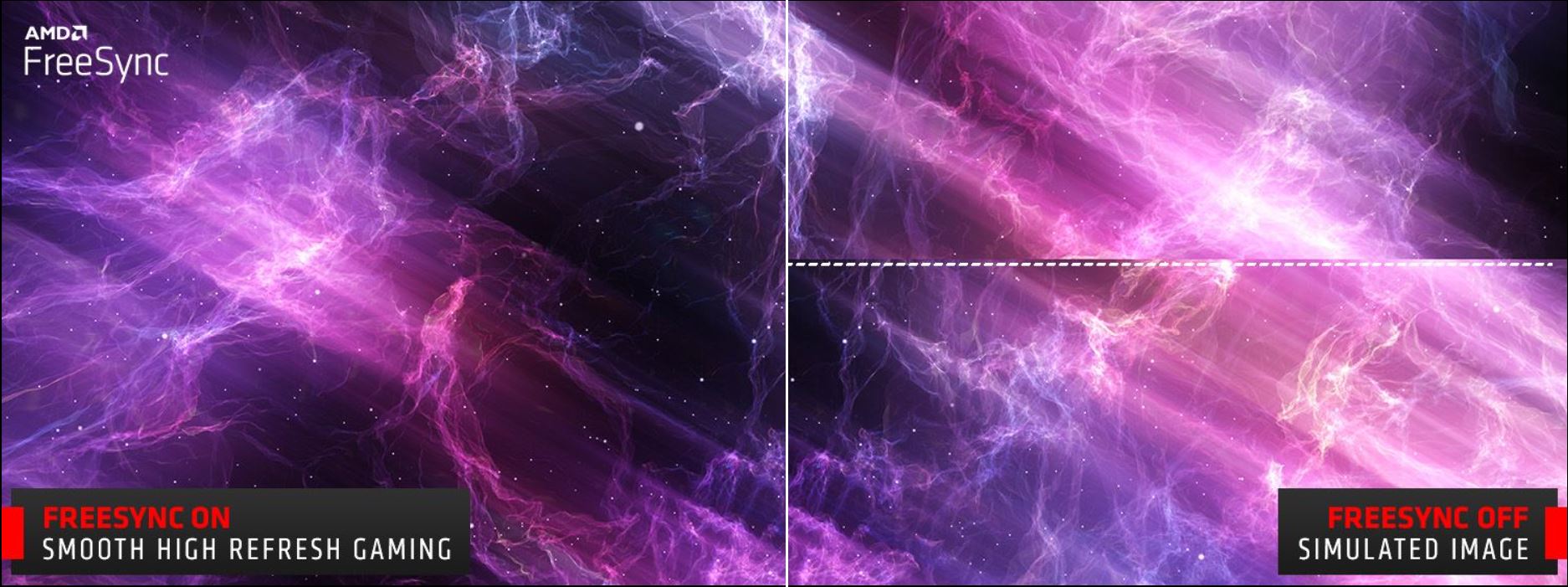
Achieve unmatched speed with a lightning-fast 0.03ms GTG response time, delivering ultra-smooth visuals and razor-sharp precision.

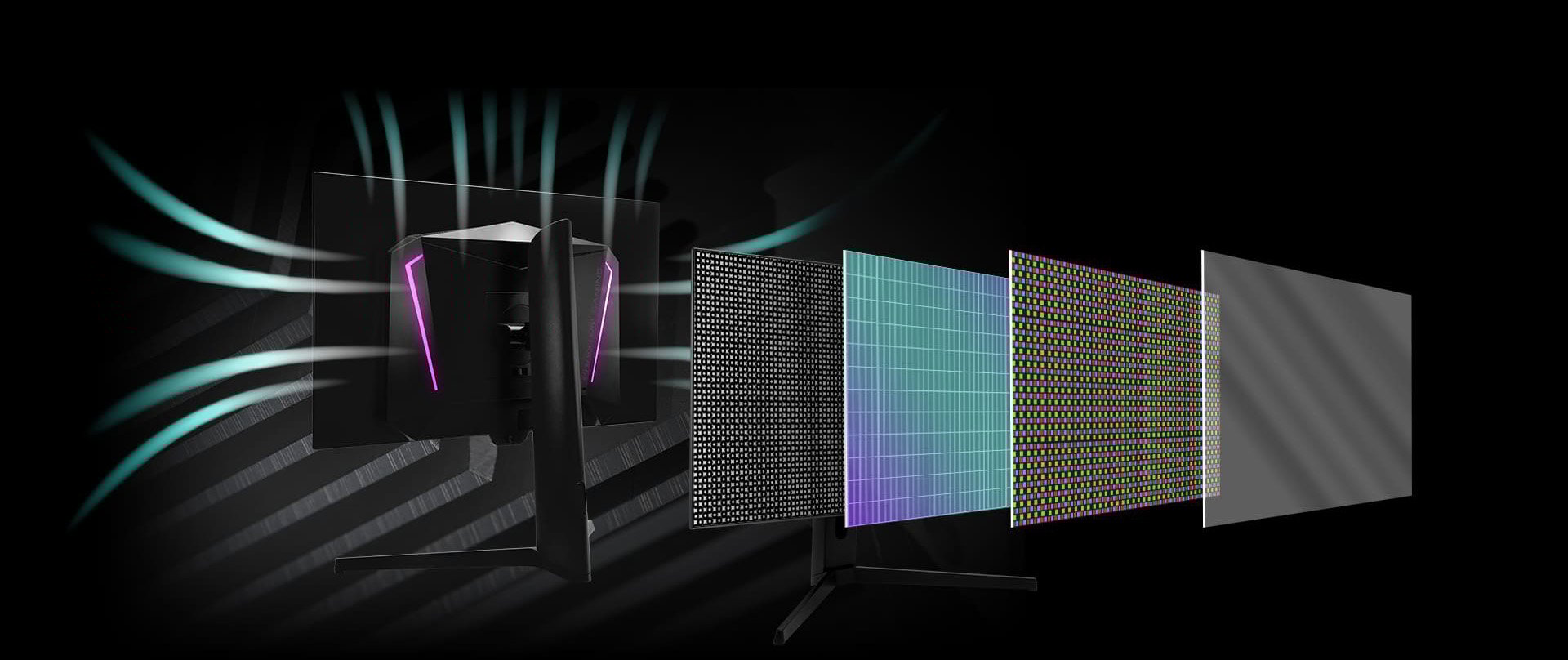
The monitor uses graphene film cooling technology combined with a unique heat sink and rear ventilation design to efficiently lower screen temperature and reduce the risk of burn-in.
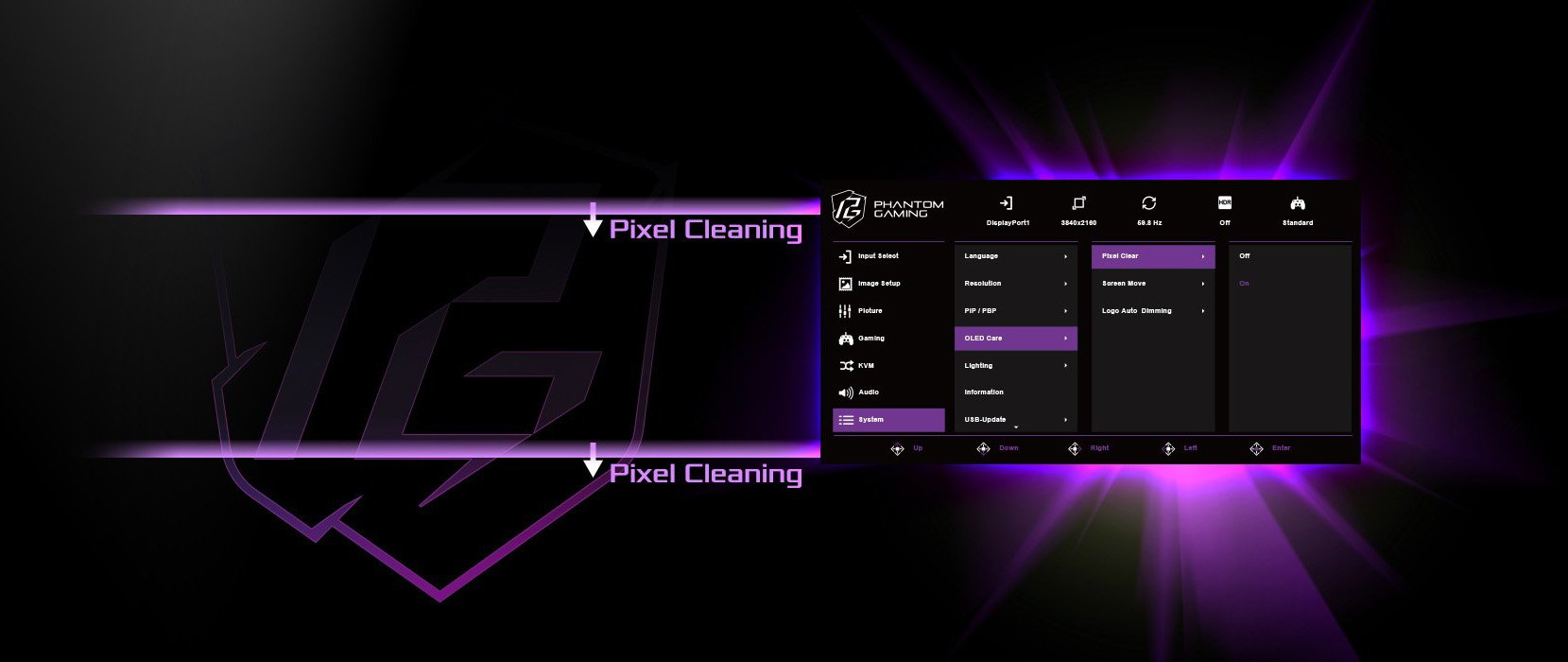
Pixel Clean prevents burn-in by running automatically after 4 hours of use or manually when needed. It resumes if interrupted.
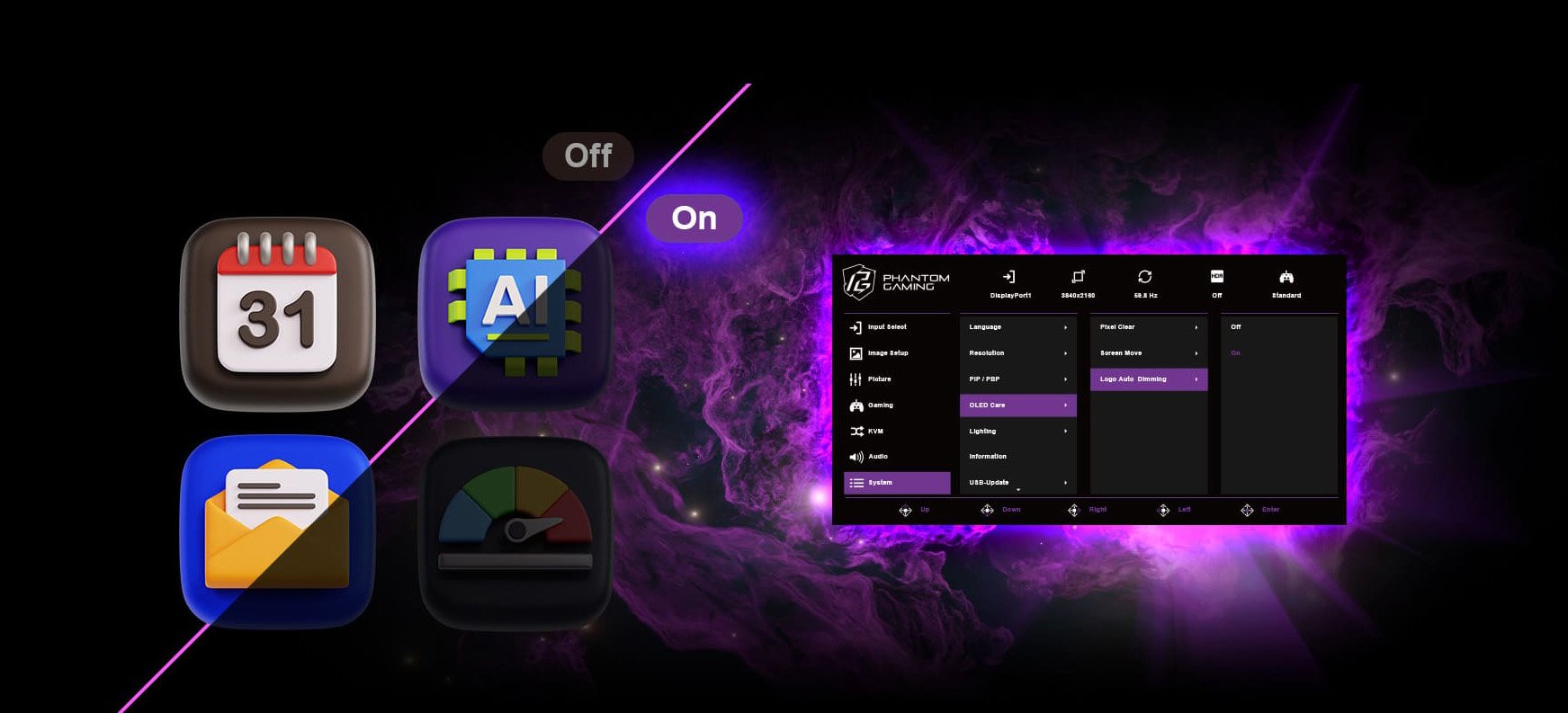
Automatically adjusts the brightness of static logos on the screen to reduce the risk of burn-in.
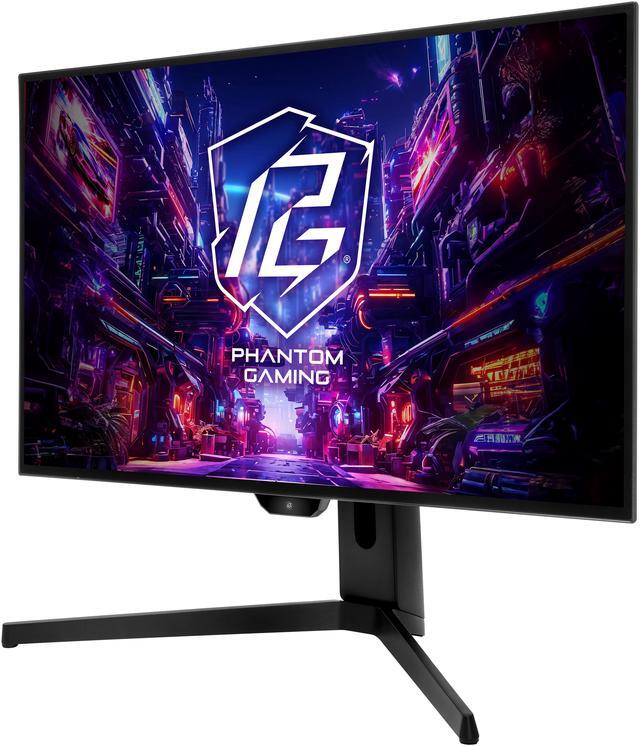
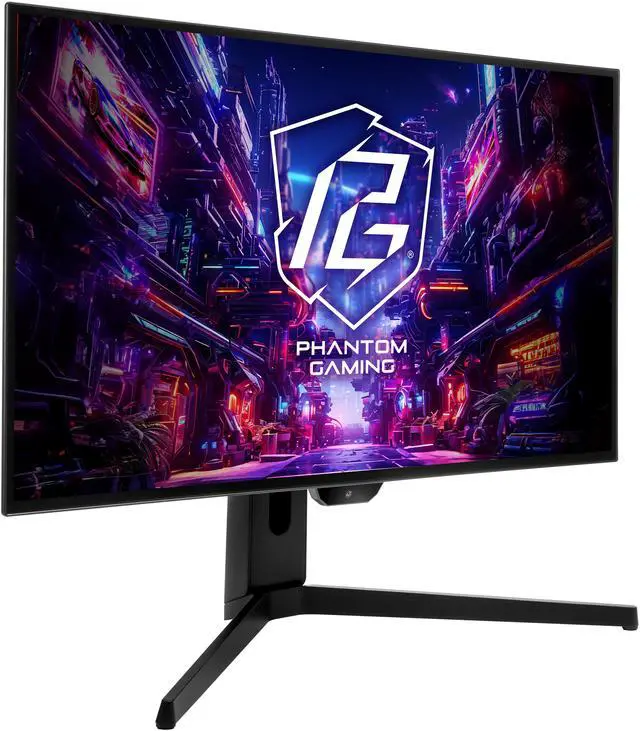
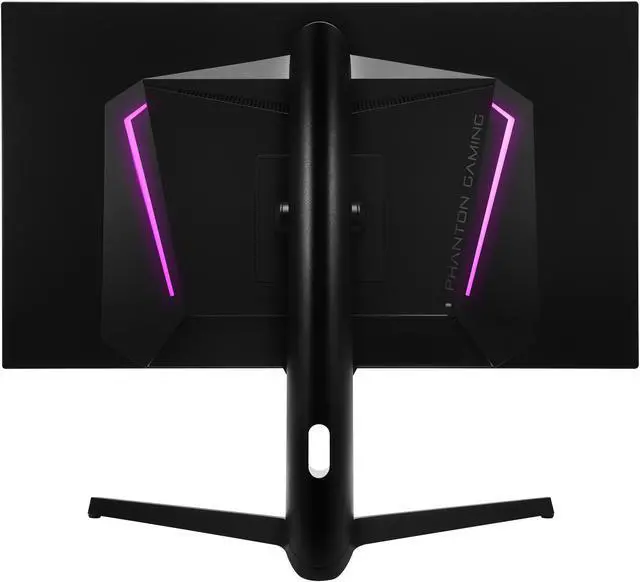
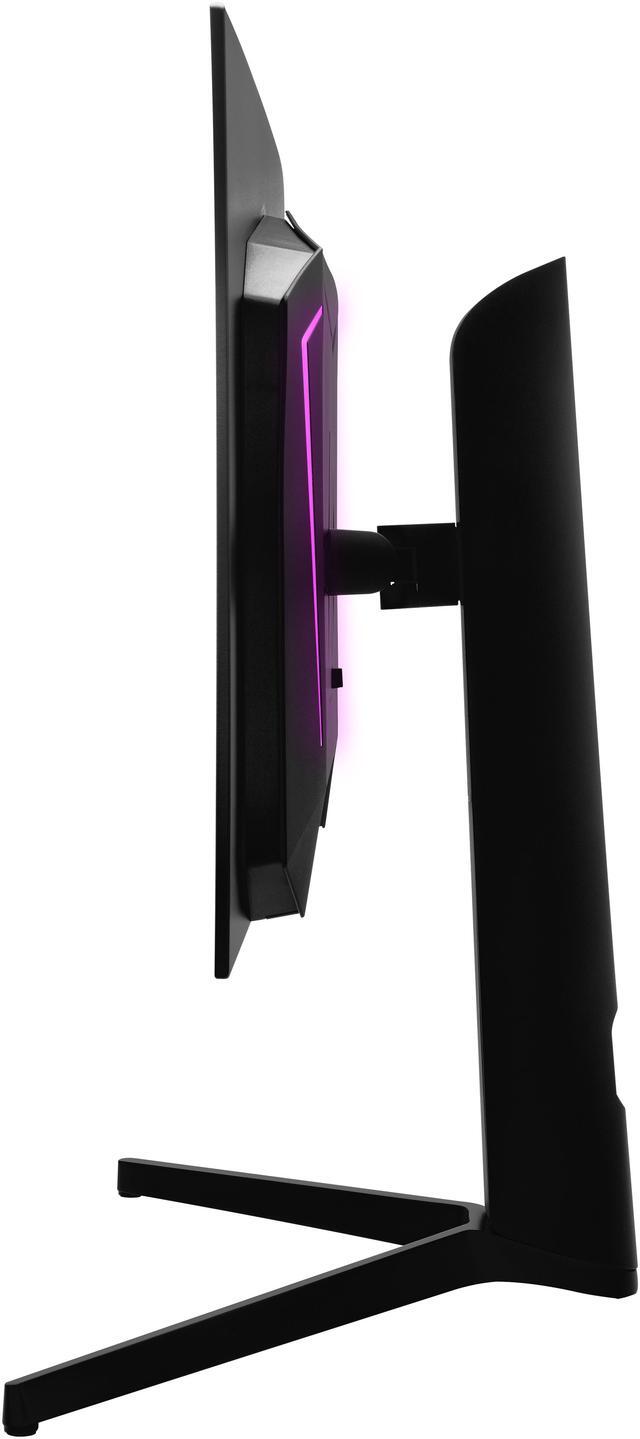
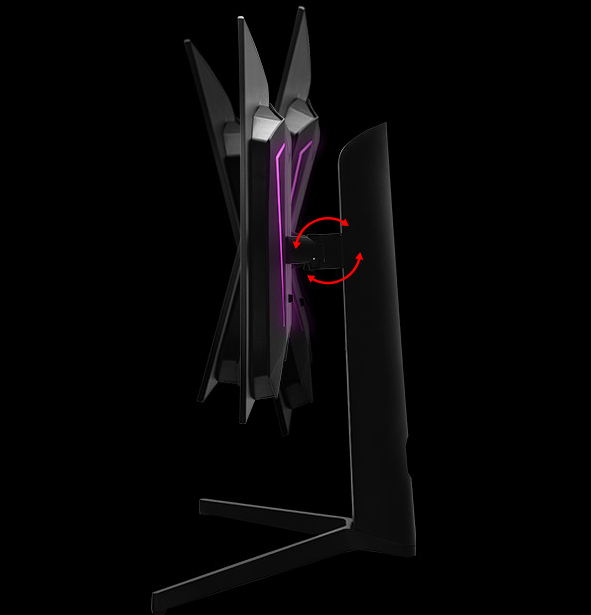
The Phantom Gaming monitor adopts an ergonomically-designed stand. It offers swivel, tilt, height and pivot adjustments, which give gamers more flexibility to find an optimal viewing position.
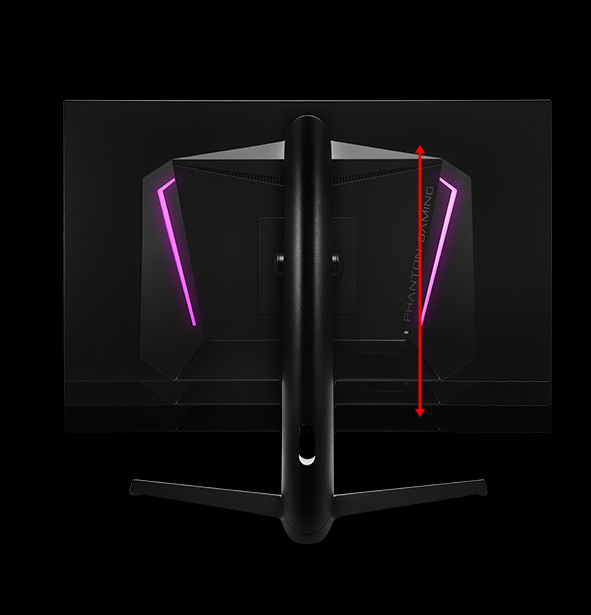
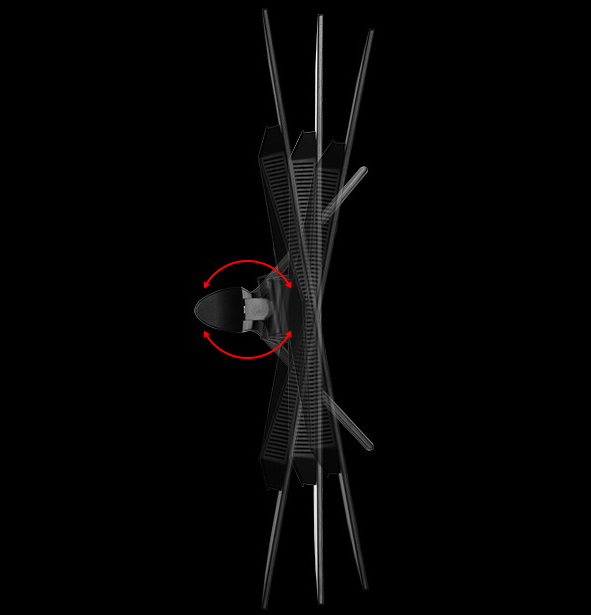
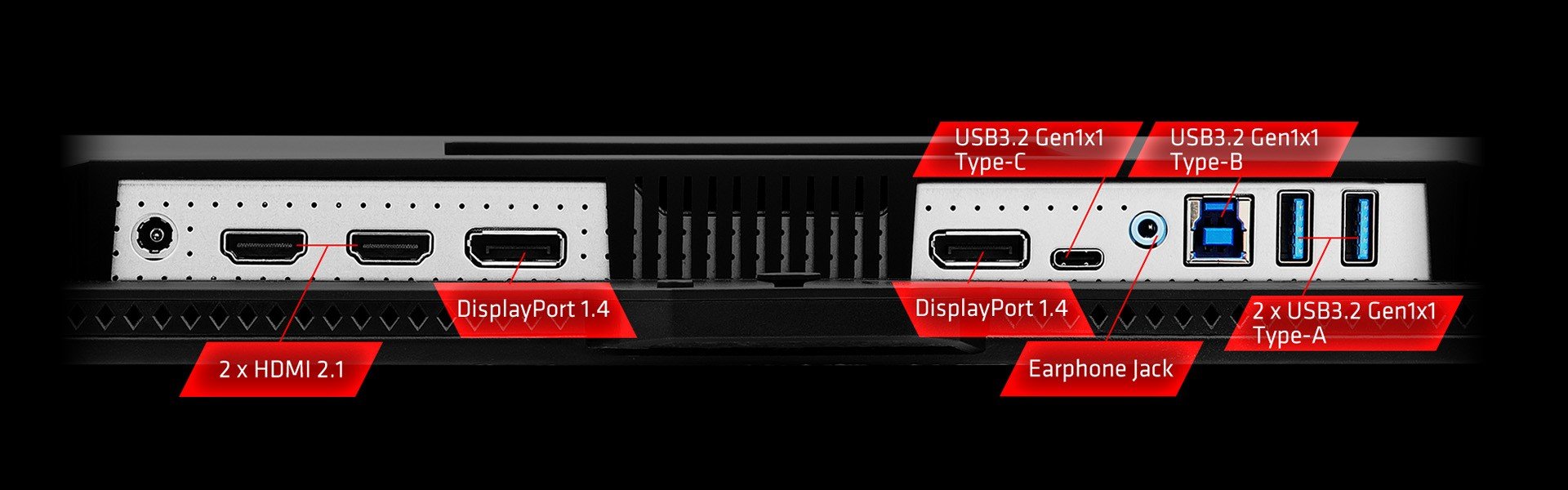
PGO27QFS features a versatile range of I/O ports, including 2 HDMI™ 2.1, 2 DisplayPort™ 1.4, and multiple USB 3.2 Gen 1 ports (2 Type-A, 1 Type-B, and 1 Type-C with DP Alt mode and 15W PD). It also offers a headphone out and dual 3W speakers for an all-in-one connectivity and audio solution.
The ASRock Phantom Gaming PGO27QFS is a 27-inch QHD OLED gaming monitor with a 240Hz refresh rate and 0.03ms GTG response time, suited to players who prioritize fast, responsive gameplay and detailed 1440p visuals.
| Attribute | Value |
|---|---|
| Best For | High-refresh-rate gaming on a 27-inch QHD OLED display, with FreeSync support |
| Panel And Resolution | 27-inch flat OLED panel with 2560 × 1440 QHD resolution, 16:9 aspect ratio, 178° horizontal and vertical viewing angles, anti-glare finish, and 0.2292 mm pixel density |
| Refresh Rate And Response | 240 Hz refresh rate, 0.03 ms GTG response time, and AMD FreeSync adaptive sync |
| Color And HDR | 99% DCI-P3 and 129% sRGB color gamut, 1.07 billion colors, 1,500,000:1 contrast ratio, 275-nit typical SDR brightness and 1,300-nit peak HDR brightness; VESA DisplayHDR True Black 400 |
| Ports And Connectivity | 2 HDMI 2.1, 2 DisplayPort 1.4, USB-C with DisplayPort Alt Mode and 15 W power delivery, 2 USB-A, 1 USB-B, and a headphone output |
| Stand And Mounting | Height adjusts 0–150 mm, tilt -7° to +15°, swivel -30° to +30°, and pivot -90° to +90°; VESA 75 × 75 mm mounting |
| Audio | Built-in 3 W × 2 speakers |
| Power And Consumption | 100–240 V AC, 50/60 Hz power input with a 150 W adapter; maximum consumption ≤125 W, power-saving mode ≤0.5 W, and power-off mode ≤0.3 W |
| Physical Design | Black cabinet with a three-sided thin-frame design; 23.86 × 23.78 × 10.35 in with stand and 13.82 × 23.78 × 1.38 in without stand; weighs 12.79 lb with stand or 8.82 lb without stand |
| Operating Environment | Operating temperature 0°C to 40°C and humidity 20% to 80%, non-condensing; storage temperature -20°C to 60°C and humidity 20% to 80%, non-condensing |
| Included Accessories | HDMI 2.1, DisplayPort 1.4, USB-C, and USB-A-to-USB-B cables; power cord, 150 W adapter, and quick start guide |
| Model Identifiers | ASRock Phantom Gaming PGO27QFS |
Q: ASRock PGO27QFS or PGO27QFV—which should I get?
A: Choose the PGO27QFS if 240Hz is sufficient and you prefer its 27-inch QHD WOLED configuration. Choose the PGO27QFV if you want a higher 360Hz refresh rate and a QD-OLED panel for compatible competitive gaming. Both are 27-inch QHD OLED monitors; the main decision is 240Hz WOLED versus 360Hz QD-OLED.
Q: Should I get the PGO27QFS or a 1440p 180Hz IPS monitor?
A: Choose the PGO27QFS if you prioritize OLED contrast, near-instant pixel response, and a 240Hz refresh rate for gaming. Choose a 1440p 180Hz IPS monitor if you prefer an LCD for a display used heavily for static desktop content or want to avoid OLED burn-in concerns. The PGO27QFS is the gaming-focused choice when its OLED image characteristics matter more to you than those trade-offs.
Q: ASRock PGO27QFS or LG 27GS95QE-B for 1440p OLED gaming?
A: Both are 27-inch, 1440p OLED gaming monitors with a 240Hz refresh rate. The PGO27QFS is a fit if you want its USB-C DisplayPort input with 15W power delivery, KVM switch, and multiple video inputs. Consider the LG 27GS95QE-B if its remote control, optical audio output, or support for common VRR types including G-SYNC compatibility better suits your setup.
Q: Is this monitor suitable for gaming at 1440p and 240Hz?
A: Yes. The PGO27QFS combines a 2560 × 1440 resolution with a 240Hz refresh rate and a 0.03ms GTG response time. To use the full refresh rate, the connected computer or console and its settings must support it.
Q: Can I use it for office work and connect a laptop over USB-C?
A: It can handle general office use and supports video over USB-C DisplayPort Alt Mode. Its USB-C port provides up to 15W of power, so it may not supply enough power to charge many laptops. The monitor also includes a KVM switch and adjustable height, tilt, swivel, and pivot.
Q: Does it have built-in speakers?
A: Yes. It has two built-in 3W speakers and a headphone output. These can provide basic audio without separate speakers, though users seeking stronger or more immersive sound may prefer external audio.
Q: Is an OLED monitor a good choice for long office sessions with static content?
A: It can be used for office work, but OLED buyers commonly ask about image retention and burn-in when static elements such as taskbars remain on screen for long periods. The provided product information does not specify burn-in warranty coverage or panel-care features, so check ASRock’s warranty terms before buying if this is a major concern.
Q: Is the ASRock PGO27QFS worth buying as a 1440p 240Hz OLED?
A: It may suit buyers prioritizing OLED contrast and 240Hz gaming at a comparatively affordable price. Reddit owners report generally positive experiences, but also note that HDR may need adjustment and that independent reviews were limited when they bought it. Compare its current price and return policy with alternatives.
Q: Is the PGO27QFS suitable for productivity and desktop work?
A: It can be used for work, but one owner reported visible text fringing when sitting closer than about 30 inches and mentioned ABL as a concern. If you spend long hours reading text up close, consider testing it in your setup and checking the return policy.
Q: Is its HDR bright and good-looking straight out of the box?
A: Owner reports are mixed on out-of-box HDR: one user said it looked underwhelming before adjustments and better after calibration. Its listed peak HDR brightness is 1300 nits, but that specification alone does not establish typical full-screen brightness or how HDR will look in every setup.
Q: What trade-offs should I consider before choosing the PGO27QFS?
A: The 27-inch, 1440p, 240Hz WOLED format offers high refresh rate and OLED contrast, but Reddit owners mention that SDR may not be especially bright, HDR can take adjustment, and some users notice VRR flicker or text fringing. Sensitivity varies, so these are potential considerations rather than guaranteed problems.


