

Your Browsing History

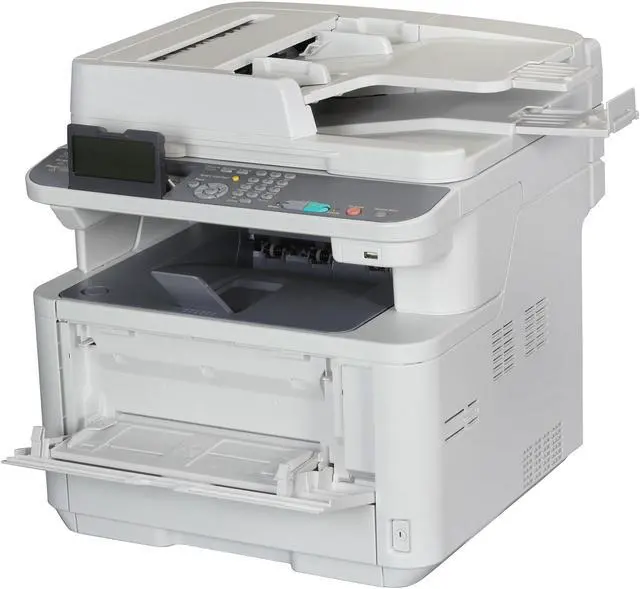
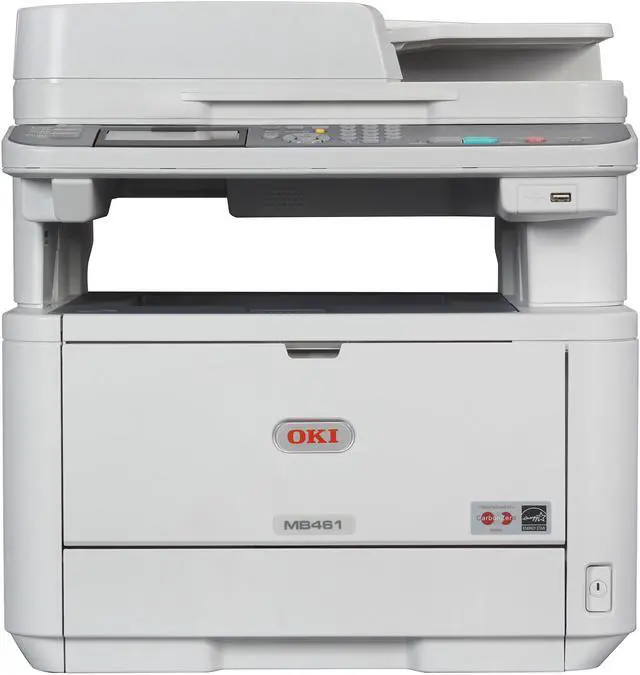
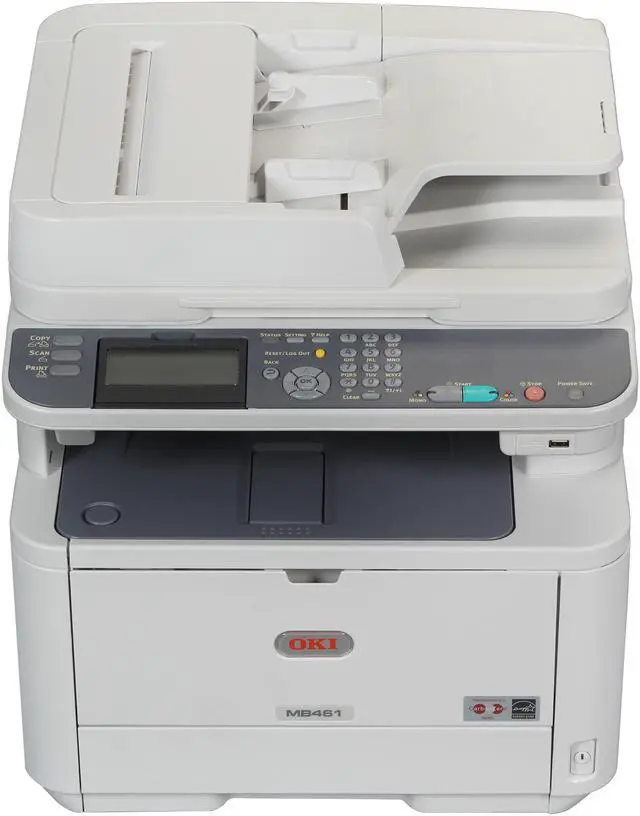
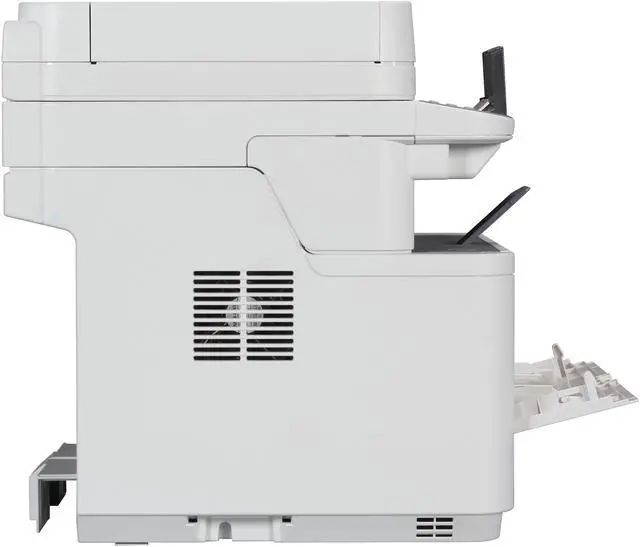
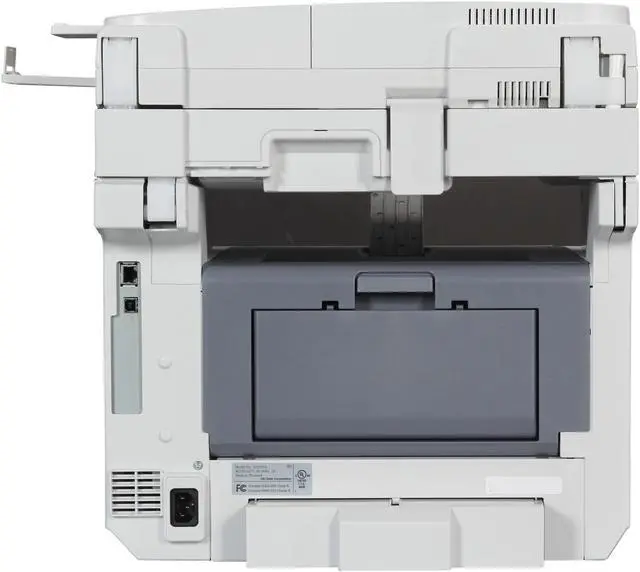
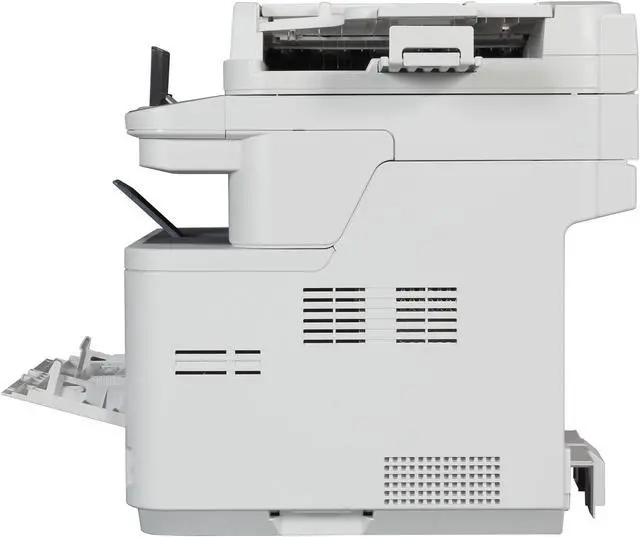
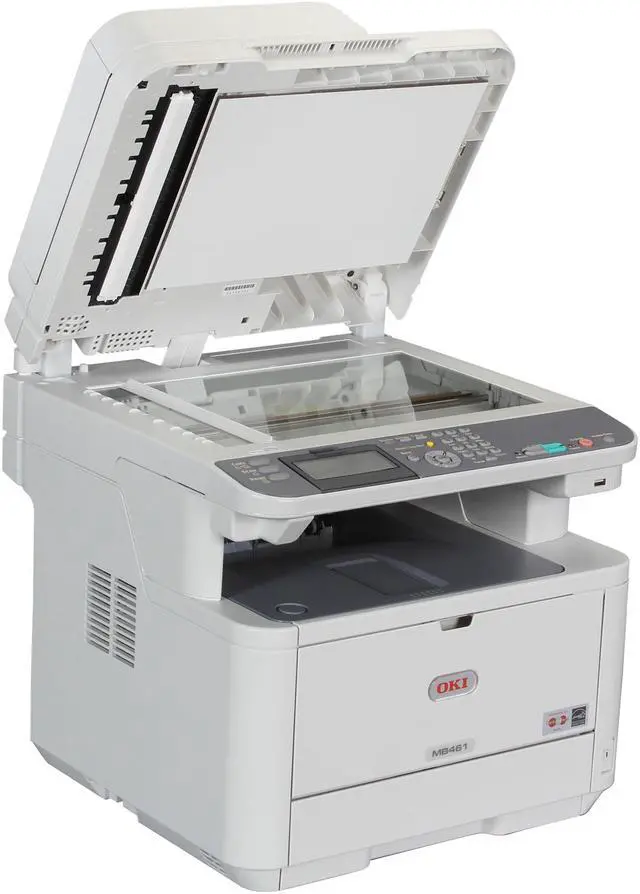
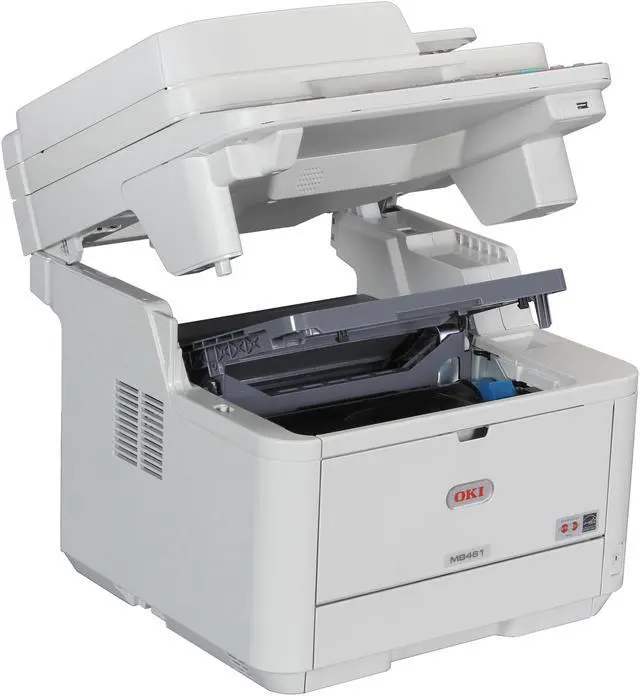
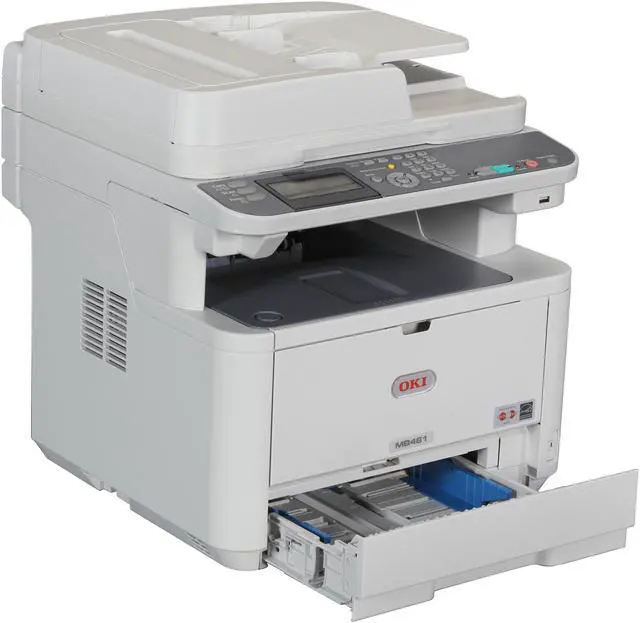
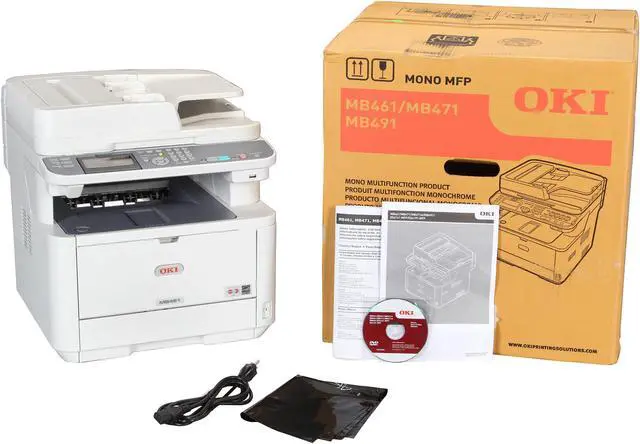


OkiData MB461 Monochrome Multifunction Laser Printer
- Up to 35 ppm
- 2400x600 dpi
- USB and Ethernet Compatible
- 250 Sheet Standard Capacity
Overview
Specs
Reviews (2)
See all Q & A 
Any questions? Our AI mode will help you find out quickly.
Try me now
 Sharing files and documents is a snapPlace your document on the flatbed platen or in the 50-sheet reversing automatic document feeder (RADF) and scan it in color or black & white. Save and send the electronic version to a USB flash drive, a folder on your PC, the network or FTP site, or as an attachment to an e-mail address.
 Further enhance your productivityWith standard multi-tasking functionality, the MB461 enables you to perform several simultaneous tasks, such as scanning a document while the unit is printing. (Multiple tasks are completed automatically in order, not necessarily simultaneously.) User-friendly operator panel with LCD Display allows you to easily navigate through menus and perform operation with minimum steps. Front facing USB port enables you to directly print from a USB stick. It's also compatible with mobile printing allowing you to print directly from mobile devices through network connectivity.
 Control the way your MFP is usedThe MB461 allows an administrator to grant or restrict access to individuals or groups of users. Simply assign individual PIN identification codes to your personnel, according to their privileges: print, copy, scan-to-email or network folders. They can unlock the restricted functions—with your permission—by entering their PIN codes into the machine’s control panel.
 Improve your bottom lineThe MB461 delivers cost-effective operation as well as an exceptional return on your investment. Its outstanding reliability and long-lasting consumables help you control operating costs and improve productivity. In addition to LED technology, it further reduces the total cost of ownership (TCO) by enabling you to support one device rather than several, stock fewer replacement supplies and reduce user intervention. The MB461 has a Deep Sleep mode that uses less than 3 watts of electricity during short periods of inactivity, and will even power off after a minimum of 4 hours — so you pay less on energy costs. Your investment just keeps looking better and better. (Power Save button must be pressed to awaken unit from Deep Sleep mode; Auto Power Off is user-configurable; 4-hour default)
 Document management made easyAmong the utilities that come standard with the MB461 are PaperPort and OmniPage by Nuance. PaperPort is the industry-leading, award-winning software that will enable you to easily organize your scanned files, further enhancing your productivity. With its intuitive, thumbnail-based interface, PaperPort lets you save any scanned document in a PDF or JPEG format, and quickly make it available for archiving or sharing. The feature-rich OmniPage converts scanned documents and PDF files into editable file formats used by applications such as Microsoft Word, Excel, Adobe Acrobat or HTML files.
 Sharing files and documents is a snapPlace your document on the flatbed platen or in the 50-sheet reversing automatic document feeder (RADF) and scan it in color or black & white. Save and send the electronic version to a USB flash drive, a folder on your PC, the network or FTP site, or as an attachment to an e-mail address.
 Further enhance your productivityWith standard multi-tasking functionality, the MB461 enables you to perform several simultaneous tasks, such as scanning a document while the unit is printing. (Multiple tasks are completed automatically in order, not necessarily simultaneously.) User-friendly operator panel with LCD Display allows you to easily navigate through menus and perform operation with minimum steps. Front facing USB port enables you to directly print from a USB stick. It's also compatible with mobile printing allowing you to print directly from mobile devices through network connectivity.
 Control the way your MFP is usedThe MB461 allows an administrator to grant or restrict access to individuals or groups of users. Simply assign individual PIN identification codes to your personnel, according to their privileges: print, copy, scan-to-email or network folders. They can unlock the restricted functions—with your permission—by entering their PIN codes into the machine’s control panel.
 Improve your bottom lineThe MB461 delivers cost-effective operation as well as an exceptional return on your investment. Its outstanding reliability and long-lasting consumables help you control operating costs and improve productivity. In addition to LED technology, it further reduces the total cost of ownership (TCO) by enabling you to support one device rather than several, stock fewer replacement supplies and reduce user intervention. The MB461 has a Deep Sleep mode that uses less than 3 watts of electricity during short periods of inactivity, and will even power off after a minimum of 4 hours — so you pay less on energy costs. Your investment just keeps looking better and better. (Power Save button must be pressed to awaken unit from Deep Sleep mode; Auto Power Off is user-configurable; 4-hour default)
 Document management made easyAmong the utilities that come standard with the MB461 are PaperPort and OmniPage by Nuance. PaperPort is the industry-leading, award-winning software that will enable you to easily organize your scanned files, further enhancing your productivity. With its intuitive, thumbnail-based interface, PaperPort lets you save any scanned document in a PDF or JPEG format, and quickly make it available for archiving or sharing. The feature-rich OmniPage converts scanned documents and PDF files into editable file formats used by applications such as Microsoft Word, Excel, Adobe Acrobat or HTML files.
Warranty & Returns
Warranty, Returns, And Additional Information
Warranty
- Limited Warranty period (parts): 1 year
- Limited Warranty period (labor): 1 year
- Read full details
Return Policies
- Return for refund within: 30 days
- Return for replacement within: 30 days
- This item is covered by Newegg.com's 30-Day Return Policy.
- Read full return policy for details.
Manufacturer Contact Info
- Manufacturer Website
- Support Phone: 1-800-654-3282
- Support Email: [email protected]
- Support Website
- View other products from Oki Data
LOADING...