


Your Browsing History
- Home
- Software & Services
- Academic Software
- Adobe
Item#: N82E16832105815
Out of stock
This item is currently out of stock and it may or may not be restocked.
Out of Stock
Sold by Newegg
Shipped by Newegg

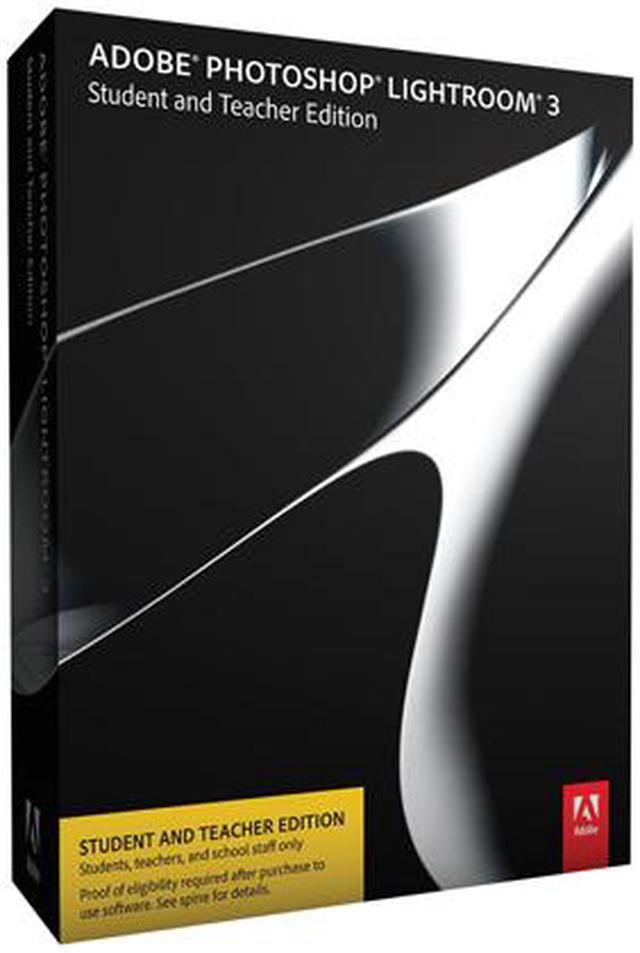

Adobe Lightroom 3 Student and Teacher Edition
(12) Write a Review
- Create brilliant images
- Streamline your digital photography
- Make an impact
Please note that this product is non-returnable and non-refundable.
Overview
Specs
Reviews (12)

Any questions? Our AI mode will help you find out quickly.
Try me now
Learn more about the Lightroom 3 Student and Teacher Edition
| Disclaimer | Program Purchasing Restrictions You may purchase only one license per platform of any Adobe Student and Teacher Edition product per year. Purchases of suite editions (such as Design Premium or Master Collection) are limited to one title per platform per year. Adobe Student and Teacher Edition products may be used only on your privately owned computer and may not be resold. Eligible persons include: • University and college students — students enrolled at a higher education institution defined as an accredited public or private university or college (including community, junior, or vocational college) that grants degrees requiring not less than the equivalent of two years of full-time study • Primary and secondary school students — students enrolled at an accredited public or private primary or secondary school providing full-time instruction • Faculty and staff — teachers and staff employed by an accredited primary or secondary school, public or private university or college, school district, or board of education (including emeritus status professors) • Homeschooled students and their teachers — students and teachers as defined by state homeschooling regulations Proof of eligibility Students: Proof of current enrollment, stating your name, the institution name, and the current date or term Types of proof of enrollment include: • School ID card • Report card • Transcript • Tuition bill or statement • Any other document issued by the educational institution that includes your name, the institution name, and the current date or term Teachers, faculty, and staff: Current ID that includes your name, the date, and the name of the educational entity or an official document such as the following: Institutional paycheck stub • Letter on official letterhead from the registrar of the educational entity indicating current employment |
|---|
| Brand | Adobe |
|---|---|
| Model | 65074697 |
| Name | Lightroom 3 Student and Teacher Edition |
|---|---|
| Operating Systems Supported | Windows & Mac OS |
| Packaging | Retail |
| System Requirements | Windows Intel Pentium 4 processor or equivalent Microsoft Windows XP with Service Pack 3; Windows Vista Home Premium, Business, Ultimate, or Enterprise (32 bit and 64 bit); or Windows 7 (32 bit and 64 bit) 2GB of RAM 1GB of available hard-disk space 1,024x768 display CD-ROM drive Mac OS Intel processor Mac OS X v10.5 or v10.6 2GB of RAM 1GB of available hard-disk space 1,024x768 display CD-ROM drive |
| Feature | Accelerated performance Get your digital photography tasks done fast and have more time to shoot and promote your work. Already quick performance has been dramatically accelerated in Lightroom 3, saving you time from first look to final image. Support for DSLR video files Take advantage of new support for video files from most digital SLR cameras, which allows you to easily manage and organize both still photographs and video files side by side. Image watermarking Easily embed your identity or your brand and logo in your images with more options for customizing their look. The new watermarking tool lets you apply text or graphic watermarks to a photo with adjustable size, position, and opacity. Easy image importing Save time with fast image importing. The newly designed import interface is easy to set up and navigate, with clear visual indications of where your photos will be located and how they'll be organized after you've imported them. Perspective correction Get more natural-looking results by applying powerful, nondestructive perspective correction to your images. Reduce or eliminate the distortion that can occur, for example, when you take a photograph with the camera pointed upward, causing buildings to appear to be leaning backward in your image. More flexible print packages Showcase your work in more creative formats using highly customizable print layouts, which you can save as reusable templates. With the new custom print layout creation tool, you just drag one image or several shots onto a page and resize or reposition them as you like. Lens correction Quickly and easily perfect your images by automatically reducing lens defects like geometric distortion, chromatic aberration, and vignetting with single-click profiles. Even images from the best lenses will be improved. Flickr integration Use Lightroom almost seamlessly with Flickr, a Yahoo! service. Upload your images directly to Flickr from within the Lightroom 3 L |
|---|
| First Listed on Newegg | June 28, 2010 |
|---|
Customer Reviews of the Adobe 65074697
Warranty & Returns
Warranty, Returns, And Additional Information
Return Policies
- Return for refund within: non-refundable
- Return for replacement within: non-replaceable
- Read full return policy for details.
Manufacturer Contact Info
- Manufacturer Product Page
- Manufacturer Website
- Support Phone: 1-800-833-6687
- Support Website
- View other products from Adobe
LOADING...