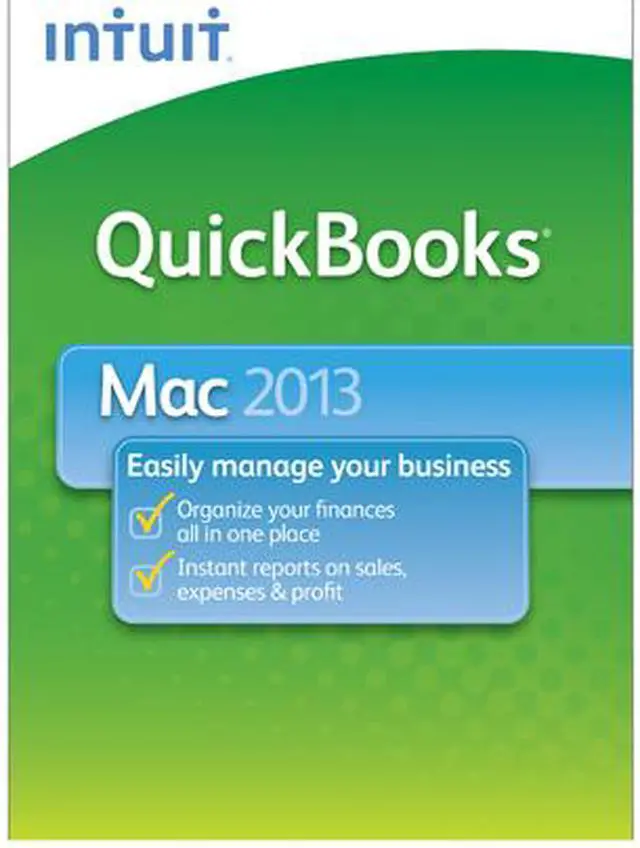
| Feature | Built for your Mac: QuickBooks for Mac 2013 is designed by Mac users for Mac users.
Create invoices and sales receipts to keep track of who owes you money, what they bought, and when they paid you. You can also invoice in phases to get paid faster
Enter expenses and track account balances. Log hours and bill clients for your time. Add to your invoices with just a few clicks.
Online banking: Download online banking transactions from your financial institution to QuickBooks and save time by batch entering them. Then add to your invoices in just one click.
Customer and Vendor Centers: Easily locate transactions and contacts with Customer and Vendor Centers, and become more organized
Customizable Company Snapshot: Get insights into your business' performance and make better decisions with rich, graphical company snapshot widgets, which you can customize to show the most relevant data for your business.
115+ Reports: Leverage 115+ included reports to analyze your business. Plus, each report can be customized to show the data you need.
In-product tutorials: In-product tutorials take you through key everyday tasks from start to finish, to help you get started using QuickBooks. Contextual help is available to answer your questions when you're in the middle of a task.
Data Import: We know you have existing data that you don't want to lose. Bring in existing product, customer or service information from your spreadsheets easily. If there's anything else (not in the spreadsheet) you need to add to complete your entries, QuickBooks will prompt you, to help ensure that your information is accurate and complete.
Keyword search: Save time locating important information. You can easily search for names, transaction types, amounts, dates etc. Click a result category to quickly find the result you're looking for.
Layout Designer: Project a professional image to your customers and vendors by customizing forms with your log |
|---|