Save time with improved bank feeds that automatically categorize or batch edit bank transactions by payees, accounts and classes
Save time by automatically creating categorized receipt expense entries using your mobile device. Just photograph, import and review
Save time by automating recurring statements to different customer groups based on their needs or tendencies
Look more professional with customized payment receipts unique to your business
Improve insights and communication to different types of customers by creating rule-based customer groups that automatically update to match to your specified criteria
Easily find and install all of your QuickBooks Desktop products from a single management tool
Get access to flexible business funding from within QuickBooks - with no origination fees, prepayment penalties, or hidden charges
Any questions? Our AI beta will help you find out quickly.
Try me now
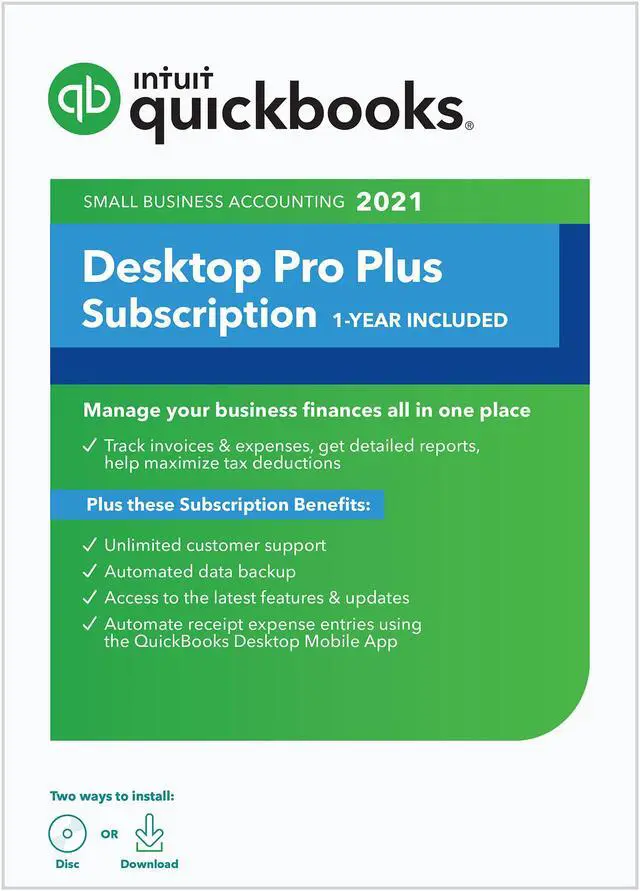
Learn more about the QuickBooks Desktop Pro Plus 2021
Disclaimer
Disclaimer
QuickBooks Pro & Premier Plus are annual subscriptions. After 1 year, starting date of activation, you will need to renew your subscription. Product activation required by May 31, 2022. Product registration required.
1. Transfer data from Quicken 2016-2020, QuickBooks Mac 2016-2021 and Microsoft Excel 2013 - 2019, or Microsoft 365 (32 or 64 bit)
2. Online invoicing versus traditional or manual payment alternative. Required Internet access sold separately.
3. Pro and Premier customers may download data from participating banks until May 2024. This date does not apply to Pro Plus, Premier Plus or Enterprise customers. Online services vary by participating financial institutions or other parties and may be subject to application approval, additional terms, conditions and fees.
4. If you are not completely satisfied with your purchase, we’ll give you your money back. Simply return the product to Intuit with a dated receipt within 60 days for a full refund of the purchase price.
5. Each unique user requires a license. Each license sold separately. All copies of QuickBooks must be the same version-year.
6. Available from 6am-6pm Mon-Fri; 6am-3pm Sat (PST) for Pro, Premier and Plus customers. Enterprise phone and messaging access available 24/7. Hours exclude occasional downtime due to system and server maintenance, company events, observed U.S. Holidays and events beyond our control. Access to messaging with live experts or call back features requires a QuickBooks Care Plan, and internet connection. Care plan is included with Plus and Enterprise subscriptions. A la carte Annual Care Plan MSRP $299.95.
Model
Brand
Intuit
Model
608603
Type
Accounting
Details
Name
QuickBooks Desktop Pro Plus 2021
Operating Systems Supported
Windows
Packaging
Retail
System Requirements
QuickBooks Pro & Premier Plus are annual subscriptions. After 1 year, starting date of activation, you will need to renew your subscription. Product activation required by January 31, 2022. Product registration required.
Windows 8.1, or Windows 10 update/version supported by Microsoft Windows Server 2012 (or R2), 2016 or 2019 2.4 GHz processor 4 GB of RAM (8 GB recommended) 2.5 GB disk space recommended (additional space required for data files) 4x DVD-ROM drive (unless user is downloading from Intuit server) Payroll and online features require Internet access (1 Mbps recommended speed) Product registration required Optimized for 1280x1024 screen resolution or higher. Supports one Workstation Monitor, plus up to 2 extended monitors. Optimized for Default DPI settings. Integration with other software: Microsoft Word and Excel integration requires Office 2013-2019, or Microsoft 365 (32 and 64 bit) Email Estimates, Invoices and other forms with Microsoft Outlook 2013-2019, Microsoft 365, Gmail, and Outlook.com, or other SMTP-supporting email clients. App integration with QuickBooks POS 12.0, 18.0 or 19.0. Transfer data from Quicken 2016-2020, QuickBooks Mac 2016-2021 and Microsoft Excel 2013-2019, or Microsoft 365 (32 or 64 bit) Browser Requirement: Internet Explorer 11 (32-bit)