




 here!
I’m your shopping assistant for PC builds, upgrades, and everything tech.
Got questions? Ask away!
Start a conversation
here!
I’m your shopping assistant for PC builds, upgrades, and everything tech.
Got questions? Ask away!
Start a conversation


Any questions? Ask CelesteSM will help you find out quickly.
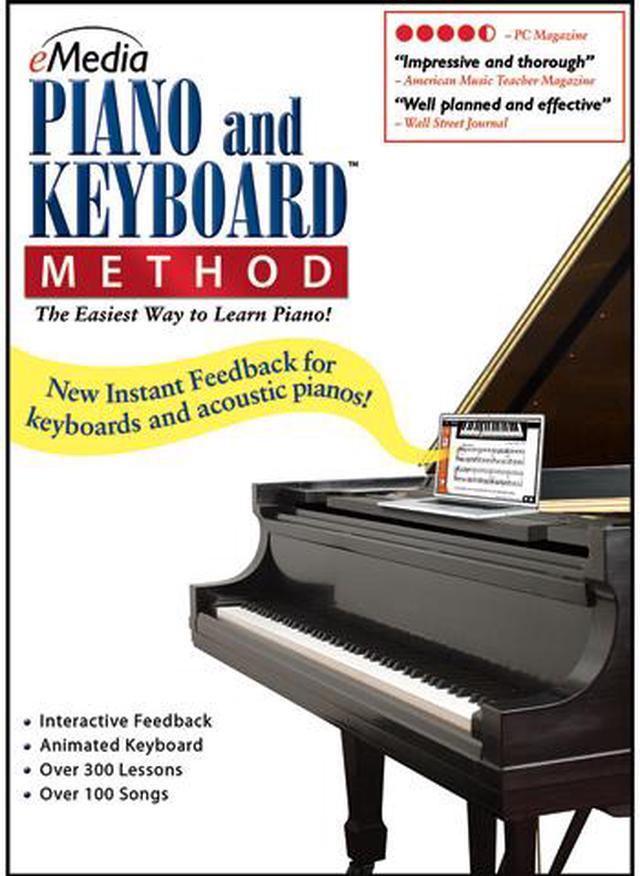
With over 300 easy-to-follow piano lessons and over 70 videos for the lessons from professional instructor Irma Irene Justicia, eMedia Piano and Keyboard Method makes learning easier than ever before. The split-screen Animated Keyboard shows you how to play piano fingerings and use the correct hand positioning. Innovative Interactive Feedback technology shows you whether you are playing correctly. One hundred popular classical, blues, pop, and rock songs let you learn how to play the piano with hit songs. eMedia Piano and Keyboard Method (Mac) offers guitar chords, allowing you play with your friend!
 Instant Feedback on Your Playing!Instant Feedback shows you when you play the correct notes as you progress through a melody. Your computer will listen as you play, and highlight correctly played notes in green. With instant feedback, you’ll discover that reading music notation is easier than you ever thought possible!
 Note and Finger Tracker!The Note Tracker and Finger Tracker tools help you see more easily what note you’re playing by displaying the note as music notation and on an animated fretboard. You’ll be able to correct your playing quickly and learn to read music faster!
 Over 300 Step-by-Step LessonsArranged in twelve chapters, the lessons cover the basics, such as hand position rhythm and playing on the black keys, then move on to more advanced concepts – music notation, sight reading, intervals, chords, and scales. Over 100 songs – ranging from Classical, Pop, Folk, Rock, Blues, to Country – make learning fun!
 Over 70 Large-Format VideosOn-screen teacher Irma Irene Justicia, who has taught at the renowned Juilliard School of Music, provides clear and friendly instruction with over 70 video demonstrations of techniques – now larger, with enhanced quality!
 Animated KeyboardThe animated keyboard displays color-coded fingerings as the music plays. It allows you to see exactly how to play the song on a keyboard as you hear the music. Music tracking highlights the notes being played on the screen, making it simple to follow along.
 Piano Fingering and Guitar ChordsThe piano fingerings teach you the correct fingering for each note. Guitar chords are also included; a friend who's learning guitar can play along with you! Piano fingerings and guitar chords can be toggled on or off on any screen.
eMedia Piano and Keyboard Method is downloadable Mac software with more than 300 step-by-step lessons, videos, and interactive practice tools for beginners learning piano or keyboard. It supports Mac OS X 10.4 or later; a MIDI-compatible keyboard enables specific feedback on note and rhythm mistakes.
| Attribute | Value |
|---|---|
| Best For | Mac users learning piano and keyboard through structured lessons, guided practice, and ear-training activities |
| Compatibility And Delivery | Downloadable software for Mac OS; requires Mac OS X 10.4 or later |
| Lessons And Learning Content | More than 300 lessons across 12 chapters, with over 70 videos, interactive reviews, ear training, piano fingering guidance, and guitar chords for playing along |
| Interactive Practice And Feedback | Instant note feedback, animated keyboard and note/finger tracking, and MIDI-keyboard evaluation of note and rhythm mistakes; progress reports include song scores when using a MIDI keyboard |
| Practice And Playback Tools | Live recorded audio for songs and exercises, variable-speed MIDI playback, a digital metronome, and a recorder for capturing and playing back practice; includes suggestions for MIDI keyboard voices |
| Model Identifiers | eMedia model EK02101DLM |


