• $34.99
  • This item is not returnable
  • Login to Make an Offer
    Sold by Newegg

    Shipped by Newegg

    Price alert
    Shop it at NeweggBusiness.

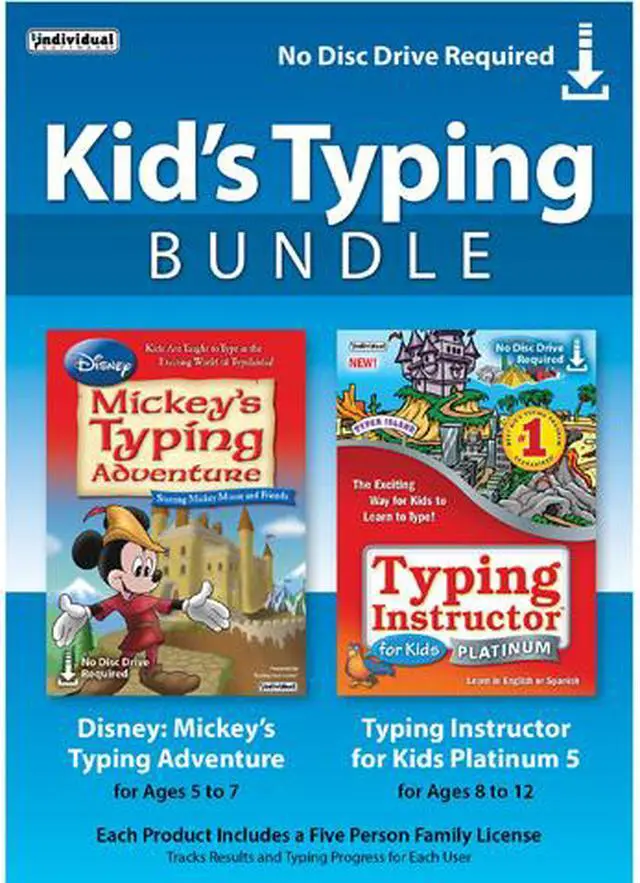
    Individual Software Kid's Typing Bundle - Download

    • Multiple typing Plans for all ages and skill levels
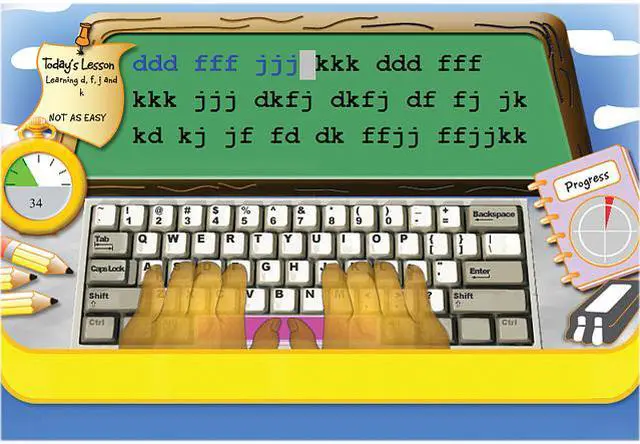
    • Visual guide hands
    • Hundreds of lessons & challenges
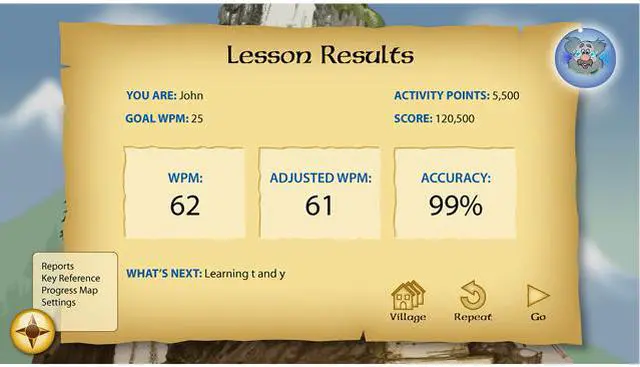
    • Reports on progress, speed and accuracy
    • Fun and exciting typing games
    • Play games with just learned keys
    • Practice typing with passages from favorite stories or magazine articles
    Please note that this product is non-returnable and non-refundable.
    +
    +
    Overview
    Specs
    Reviews (1)
    See all Q & A

    Any questions? Ask CelesteSM will help you find out quickly.

    image for this item
    image for this item

    The Exciting Way for Kids to Learn to Type!

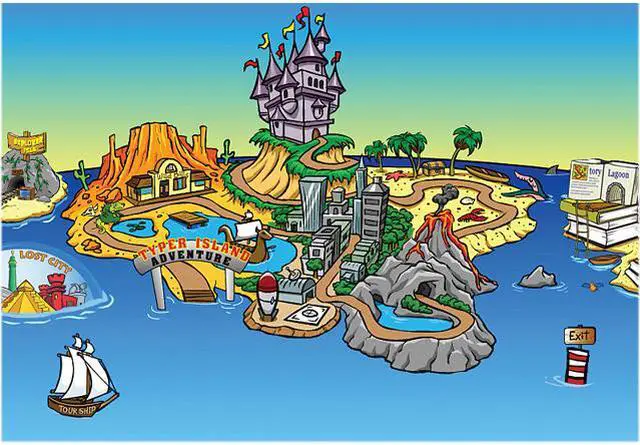
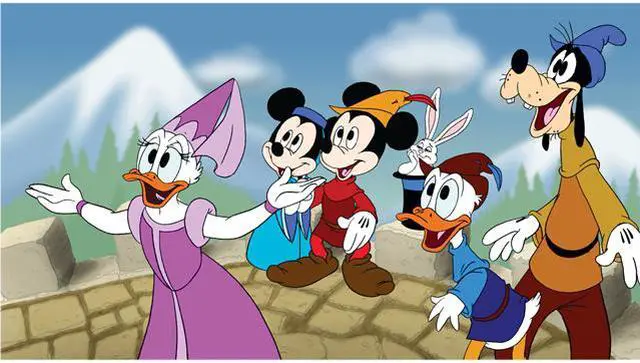
    Kids learn to type on an exciting adventure with Mickey Mouse and Friends, or on Typer Island with Toby and his feathered side-kick Lafitte. Step-by-step lessons, challenges, tests, and games motivate kids to keep typing to uncover clues and reach the Castle or the Palace where more rewards await them!

    Kids learn to type by choosing one of 11 age-appropriate Typing Plans for specific age groups, beginning with the Home Row Plan for young children. Kids can improve their typing skills quickly and see immediate results. There are a variety of ways to practice typing, with games, lessons, drills, advanced skill-building lessons and challenges, plus engaging Practice Stories once kids have learned all the keys on the keyboard. Typing games are automatically played with just the keys the student has learned so far, an exclusive feature.

    Proven Educational Design

    • Multiple typing Plans for all ages and skill levels
    • Visual guide hands
    • Hundreds of lessons & challenges
    • Reports on progress, speed and accuracy

    Entertaining Adventures & Games

    • Fun and exciting typing games
    • Play games with just learned keys
    • Practice typing with passages from favorite stories or magazine articles

    Warranty & Returns

    Warranty, Returns, And Additional Information

    Return Policies

    • Return for refund within: non-refundable
    • Return for replacement within: non-replaceable
    • This item is covered by Newegg.com's Digital Products Return Policy.
    • Read full return policy for details.
    LOADING...

    Individual Software Kid’s Typing Bundle is downloadable Windows typing-training software for children, with 11 age-appropriate plans, step-by-step lessons, challenges, and games designed to build keyboard skills from the Home Row upward.

    Recommended For

    • Parents teaching a young beginner at home who needs step-by-step keyboard lessons, visual finger-placement guidance, and practice games that use only keys already taught.
    • Families teaching children at different stages who want age-based typing plans and two kid-focused programs in one bundle; Individual Software positions the bundle for ages 5–7 and 7–12.
    • Homeschooling parents who want a structured keyboarding routine with lessons, challenges, tests, games, and progress feedback rather than relying only on unstructured typing practice.
    • Children who are more likely to practice when typing is framed as a story-led activity with familiar characters, animated settings, and game-based rewards.

    Real-World Use Scenarios

    • When a child is new to keyboarding, a parent can start with a beginner typing plan and follow the on-screen hand guides; lessons introduce keys step by step and show which keys need more practice.
    • For home or homeschool practice, a child can work through a short lesson or challenge independently; the adventure format gives them a next activity, while results provide a way for an adult to check progress.
    • When a young learner is more motivated by characters and story than by typing drills alone, Mickey’s Typing Adventure turns practice into guided challenges and games; the structured lessons still focus on keyboarding skills.
    • In a household with several children at different starting levels, family members can use separate typing plans and practice activities; the bundle is positioned for multiple ages and includes a family license for up to five users.
    • After learning the keyboard basics, a child can use typing games and practice passages to reinforce familiar keys and build typing fluency; lesson results can help identify skills that still need work.

    Spec Summary

    AttributeValue
    Best ForChildren learning or practicing keyboard typing through age-based plans, guided lessons, challenges, and games
    Learning Content And ActivitiesIncludes 11 age-appropriate typing plans, step-by-step lessons, drills, tests, challenges, games, and practice stories; games use keys the student has learned
    Operating System And System RequirementsWindows 10, 8, 7, or XP. Disney Mickey’s Typing Adventure requires a Pentium P4, 700 MB of hard drive space, DVD-ROM drive, 1280 × 720 16-bit-or-higher display (recommended), 16-bit sound card, speakers or headphones, mouse, and internet access for activation. Typing Adventure for Kids Platinum requires a Pentium P4, 480 MB of hard disk space, CD-ROM drive, 800 × 600 16-bit-or-higher display, 16-bit sound card, speakers or headphones, and mouse
    Product Type And DeliveryTyping training software delivered as a download
    Model IdentifiersIndividual Software Kid’s Typing Bundle; model TBD-KTB