




 here!
I’m your shopping assistant for PC builds, upgrades, and everything tech.
Got questions? Ask away!
Start a conversation
here!
I’m your shopping assistant for PC builds, upgrades, and everything tech.
Got questions? Ask away!
Start a conversation



Any questions? Ask CelesteSM will help you find out quickly.
| Disclaimer | Copyright 2023 Corel Corporation. All Rights Reserved. |
|---|
| Brand | Corel |
|---|---|
| Model | ESDPNST26STML |
| Name | Pinnacle Studio 26 Standard |
|---|---|
| AV Type | Audio & Video Editing |
| Version | Standard |
| Operating Systems Supported | Operating system: Windows11, Windows 10, Windows 8, 64 bit only |
| System Requirements | System Requirements Operating system: Windows 11, Windows 10, 64 bit only Processor*: Intel Core i3 or AMD A4 3.0 GHz or higher Intel Core i5 or i7 1.06 GHz or higher required for AVCHD & Intel Quick Sync Video support Intel Core i7 4th generation or later or AMD Athlon A10 or higher for Multi-camera RAM: 4 GB or higher, 8+GB highly recommended for Multi-camera Graphics card: Minimum resolution: 1024 x 768, minimum 256MB VGA VRAM, 512MB or higher recommended for hardware decoding acceleration DirectX graphics device recommended: NVIDIA GeForce 700 series / Quadro 600 (Fermi-based) or newer (CUDA-enabled required for CUDA support) ATI Radeon HD 5XXX series or higher Intel HD Graphics from Ivy Bridge or higher 3D Titler requires DirectX 11 Sound card: Windows-compatible sound card Hard drive space: 10 GB HDD space for full installation Internet connection required for installation, registration and updates. Registration required for product use. Import Formats Video: AVCHD, DV, HDV, AVI, MPEG-1/-2/-4, Flash, 3GP (MPEG-4, H.263), WMV, Non-encrypted DVD titles (incl. DVD-VR/+VR), MOV (DV, MPEG-4, H.264), HEVC** (H.265), GoPro LRV Audio: MP3, MPA, M4A, WAV, AMR, AC3, AAC, Vorbis, WMA Image: BMP, GIF, JPG, JPS, J2K, PCX, PNG, PSD, TGA, TIF, WMF Export Formats Disc: DVD, AVCHD, Blu-ray ($) Video: DV, HDV, AVI, WMV, MPEG-1/-2/-4, Flash, 3GP, H.264, MOV, M2TS, FLV, 3GP Image: BMP, JPEG, TIF, TGA Audio: AC3, MP2, MP3, MP4, WAV Accessories DVD burner required for creating DVD and AVCHD discs Blu-ray burning requires purchase of a separate plug-in from within the product Supported Languages English, German, French, Italian, Spanish, Dutch, Polish, Czech, Russian, Finnish, Danish, and Swedish. Product specifications are subject to change without notice or obligation. * For 8K video support, a 6th generation or later Intel CPU, or a NVIDIA 10 series or later GPU, or an AMD 4000 series or later GP |
| Packaging | Download |
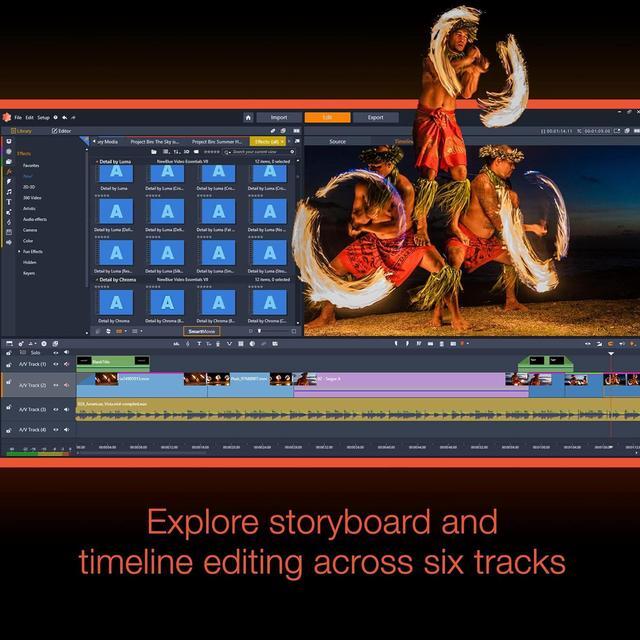
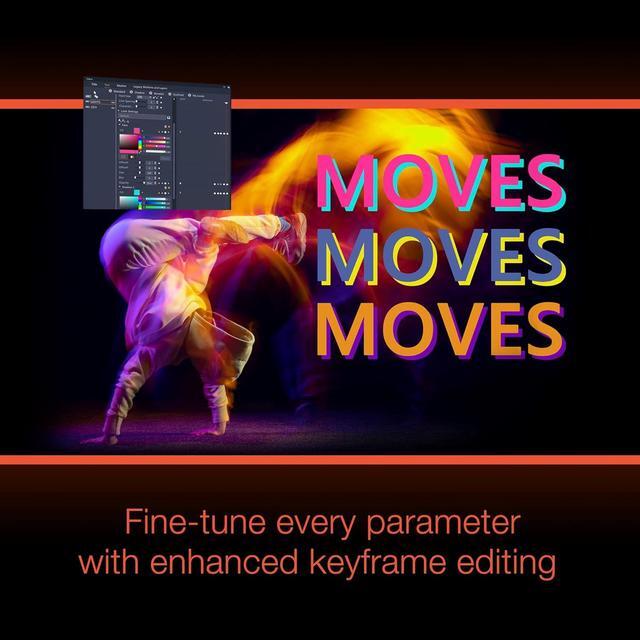
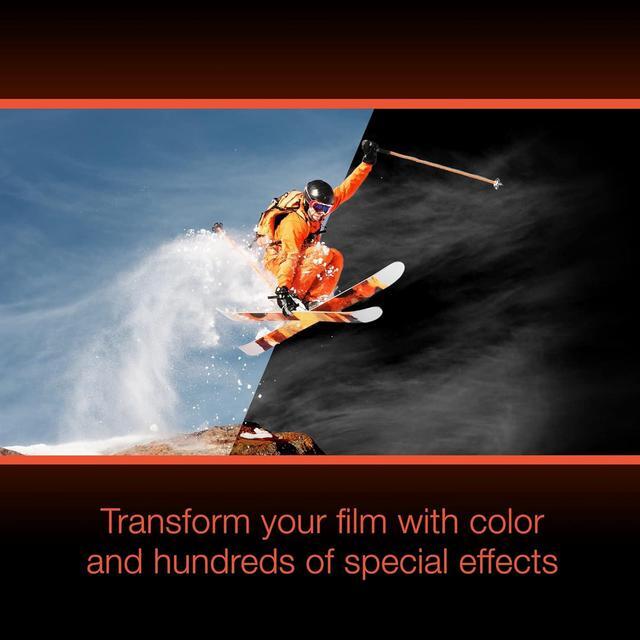
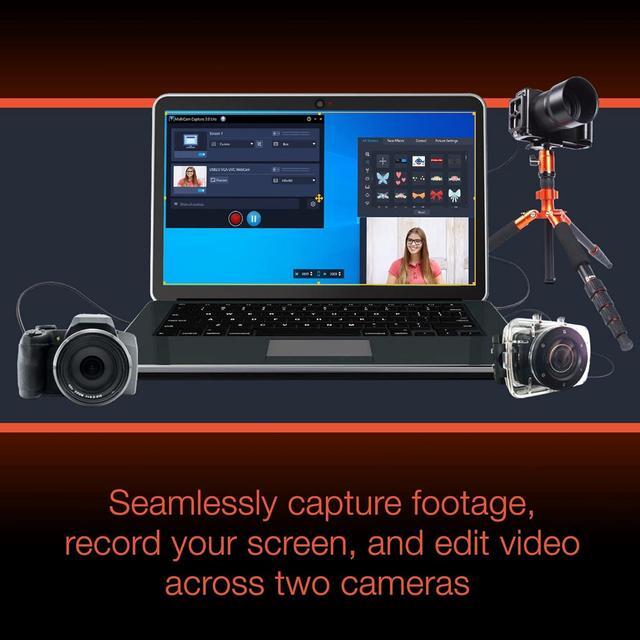
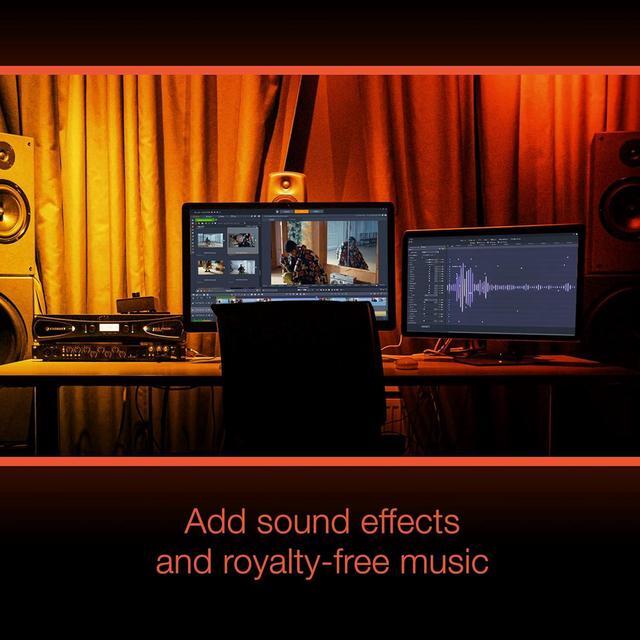
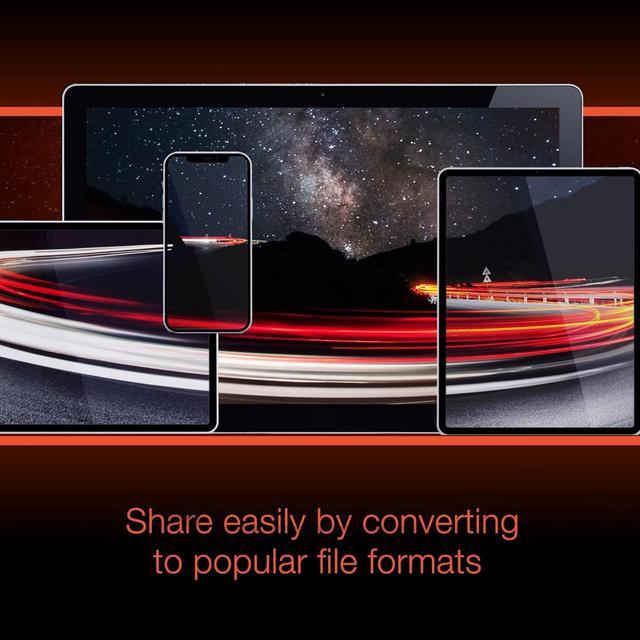
| Feature | Discover a unique gateway to advanced video editing with Pinnacle Studio™ 26! Tap into sophisticated tools, creative features, and keyframing controls to edit your videos with exceptional precision and boosted performance. Jumpstart your projects with themed templates, combine photos and videos across the multi-track timeline, and experiment with titles, transitions, and hundreds of creative effects to make your videos stand out. Produce all types of videos with tools for multi-camera editing, screen recording, Stop Motion Animation, audio editing, and more. Easily share your final projects online, export to popular file formats, or burn to disc with custom menus. Create with inspiration. Edit with Pinnacle. |
|---|
| First Listed on Newegg | November 03, 2023 |
|---|
Corel Pinnacle Studio 26 Standard is downloadable video-editing software for Windows 10 or 11 (64-bit), suited to creators who want a multitrack timeline, keyframing, templates, titles, transitions, and creative effects for personal or project videos.
| Attribute | Value |
|---|---|
| Best For | Windows users seeking standard audio and video editing software for multi-track projects, multi-camera footage, screen recording, and audio editing |
| Software Edition And Delivery | Pinnacle Studio 26 Standard; delivered as a download |
| Editing And Production Features | Supports multi-track timelines, multi-camera editing, screen recording, Stop Motion Animation, audio editing, titles, transitions, effects, and exporting or disc creation with custom menus |
| Operating System And Hardware Requirements | 64-bit Windows 11 or 10 required; Windows 8 64-bit is also listed as supported. Requires an Intel Core i3 or AMD A4 at 3.0 GHz or higher; Intel Core i5 or i7 at 1.06 GHz or higher for AVCHD and Intel Quick Sync Video support; or an Intel Core i7 4th generation or later or AMD Athlon A10 or higher for multi-camera use. Requires 4 GB RAM or more, with 8 GB or more recommended for multi-camera use |
| Graphics, Audio And Storage Requirements | Minimum 1024 × 768 display resolution and 256 MB VGA VRAM; 512 MB or more recommended for hardware decoding acceleration. Recommends a DirectX graphics device, including NVIDIA GeForce 700 series/Quadro 600 (Fermi-based) or newer, ATI Radeon HD 5XXX or higher, or Intel HD Graphics from Ivy Bridge or higher; CUDA support requires a CUDA-enabled device, and 3D Titler requires DirectX 11. Also requires a Windows-compatible sound card and 10 GB of hard-drive space for full installation |
| Import And Export Formats | Imports video, audio, and image formats including AVCHD, AVI, MPEG, MOV, H.264, HEVC (H.265), MP3, WAV, AAC, JPG, PNG, and PSD. Exports video, audio, and image formats including AVI, WMV, MPEG, H.264, MOV, MP3, WAV, JPEG, and TIF; disc output includes DVD, AVCHD, and Blu-ray |
| Installation And Disc Requirements | Internet connection required for installation, registration, and updates; registration required to use the product. A DVD burner is required to create DVD and AVCHD discs; Blu-ray burning requires a separately purchased in-product plug-in |
| Supported Languages | English, German, French, Italian, Spanish, Dutch, Polish, Czech, Russian, Finnish, Danish, and Swedish |
| Model Identifiers | Corel; model ESDPNST26STML |


