




 here!
I’m your shopping assistant for PC builds, upgrades, and everything tech.
Got questions? Ask away!
Start a conversation
here!
I’m your shopping assistant for PC builds, upgrades, and everything tech.
Got questions? Ask away!
Start a conversation






Any questions? Ask CelesteSM will help you find out quickly.



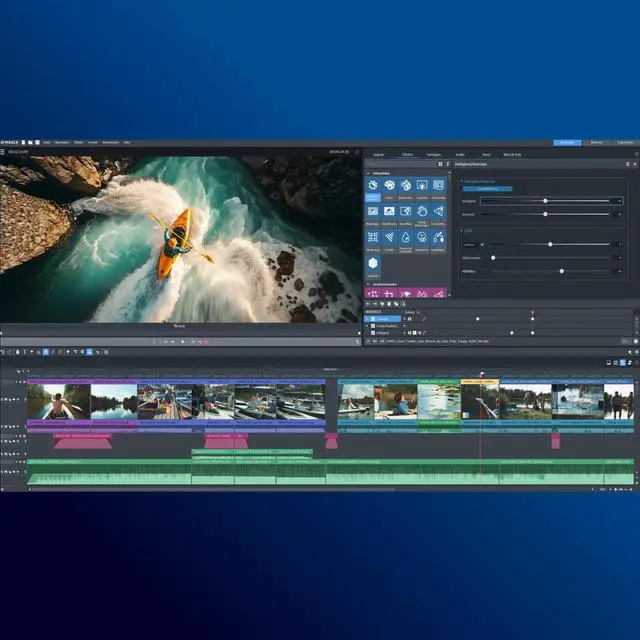
Movie Studio includes advanced AI features that offer entirely new creative possibilities for your video editing. You can arrange a wide variety of file types from all kinds of sources simply by using drag & drop. Easily turn footage from your phone, professional camera or any other device into movies quickly, on any Windows PC!
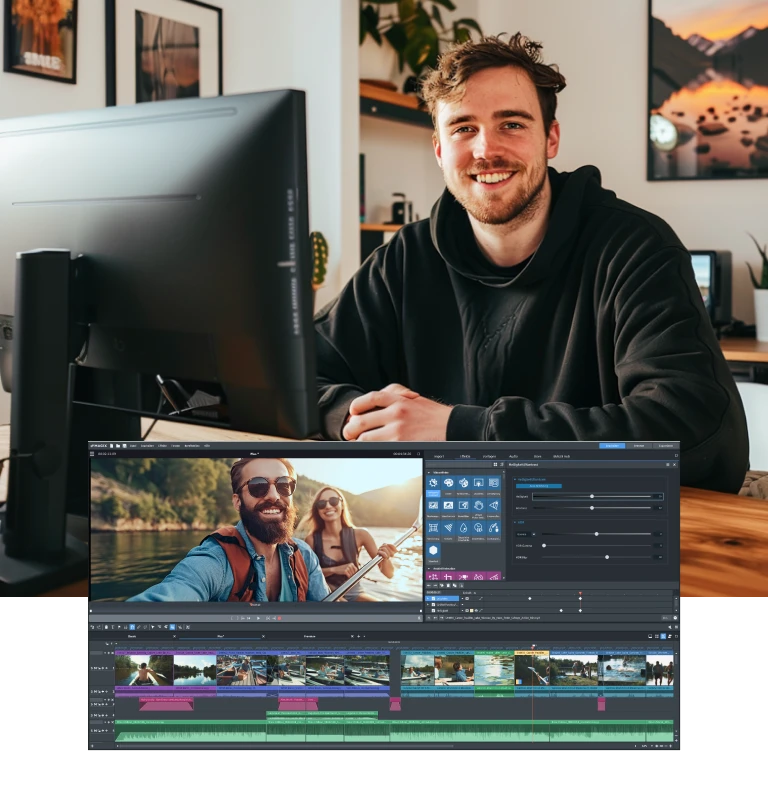

The revolutionary AI features in Movie Studio make entering the video editing world is easier than ever before. Discover AI-generated audio commentary & subtitles and apply exciting AI effects to give your videos a unique, creative look.
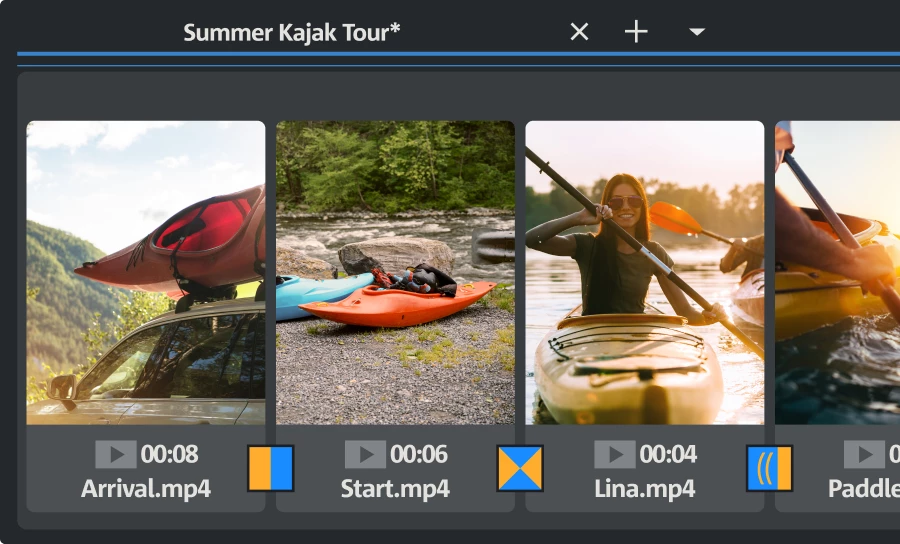
The Storyboard feature lets you arrange clips in no time at all.Pro tip: Use the 3 key-based shortcuts to get the editing results you want even faster. You can adjust the volume of individual clips with a single click.
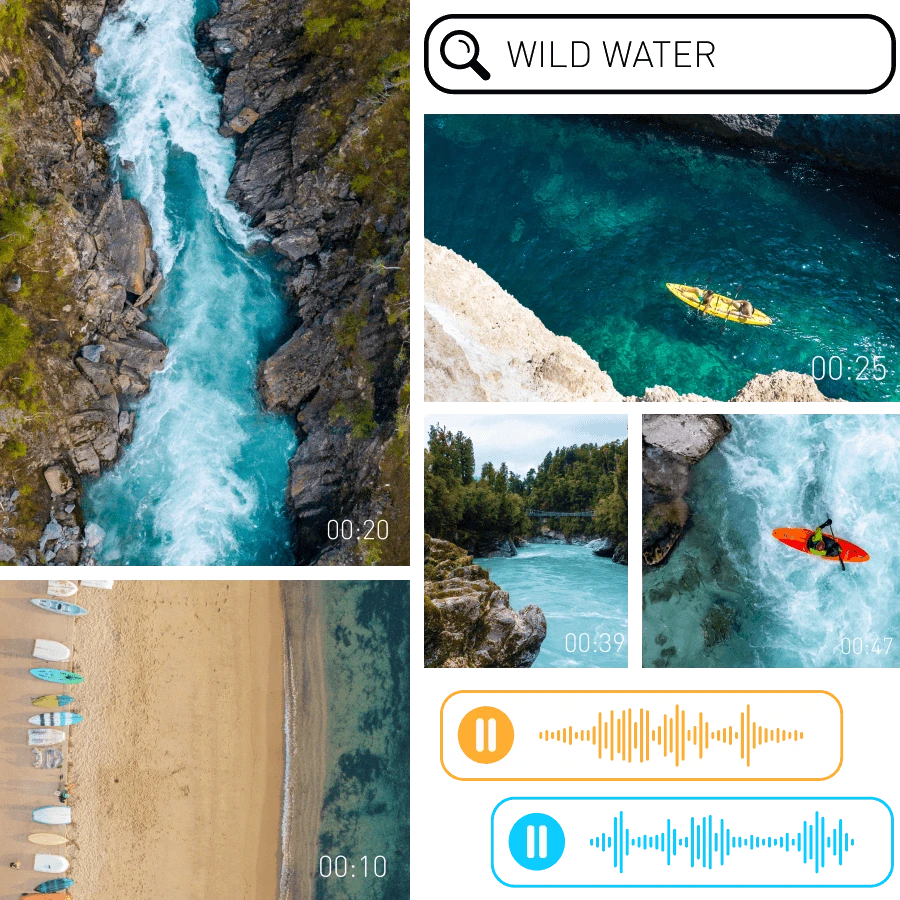
With MAGIX Content, you get access to a limitless selection of royalty-free HD music, sound effects, stock footage and animations. You'll find exactly what your project needs right here!

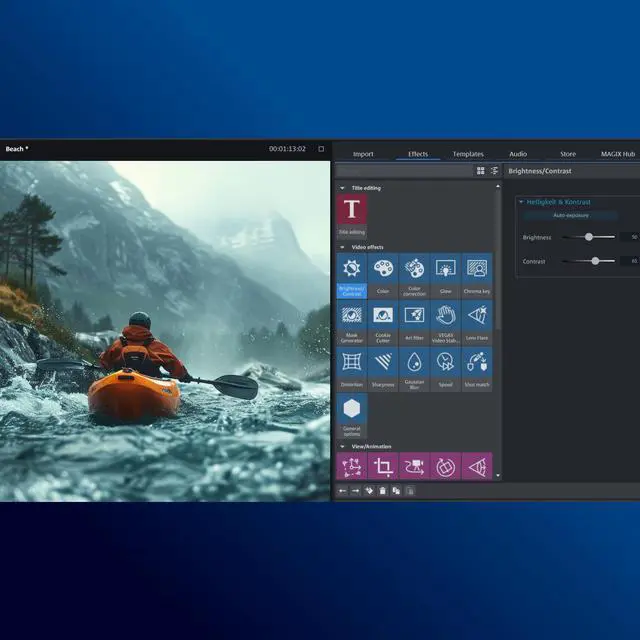
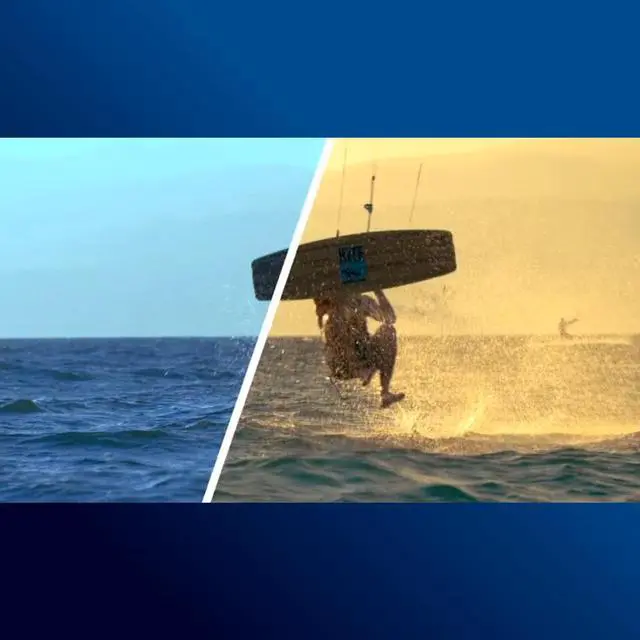
Use the versatile deep color correction to get the most out of your material, create a one-of-a-kind mood, and showcase each and every scene.
Use Lookup Tables to give movie sequences from different sources the same look.
Presets provide the guidance you need right from the start, and all effects can be fully customized afterwards.
For example, you can use keyframe animation to selectively adjust the intensity and timing of your effects, and combine multiple effects within a clip.
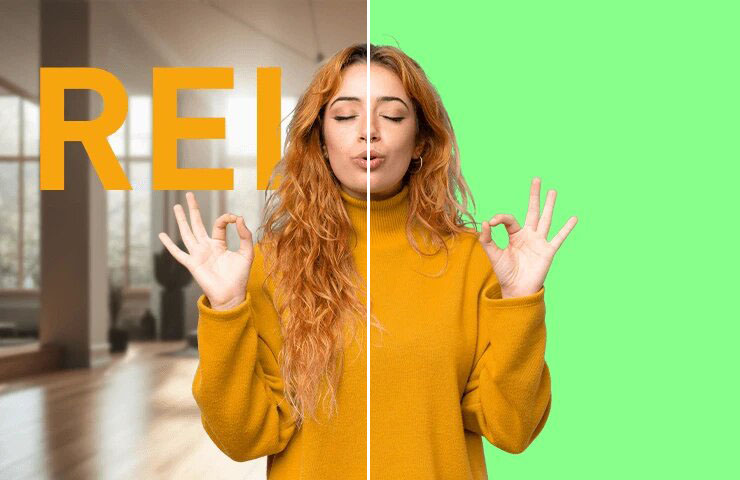
Chroma key

Picture-in-picture
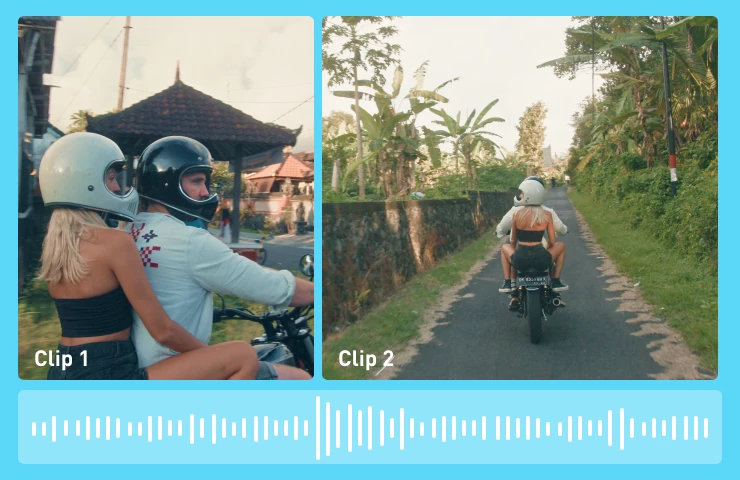
Edit videos to fit your music
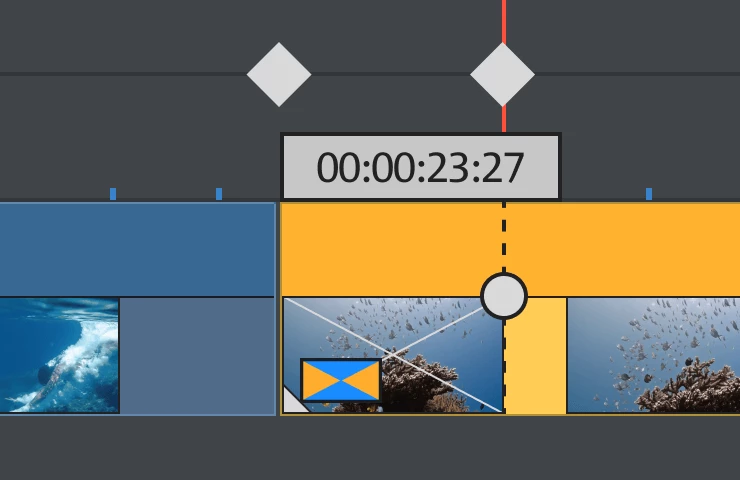
Keyframe animations


Showcase your pictures exactly how you want, with professional titles and animations. With plenty of templates and easy-to-use tools, telling your story is a breeze.
Pro tip: You can pin text to any object so that it moves with the object as you arrange your movie.

Tension, suspense, and drama – enjoy unimagined creative possibilities by changing the speed of video playback and using high-quality slow motion effects. With just a few clicks, you can turn your favorite footage into a stand-out moment in your movie.
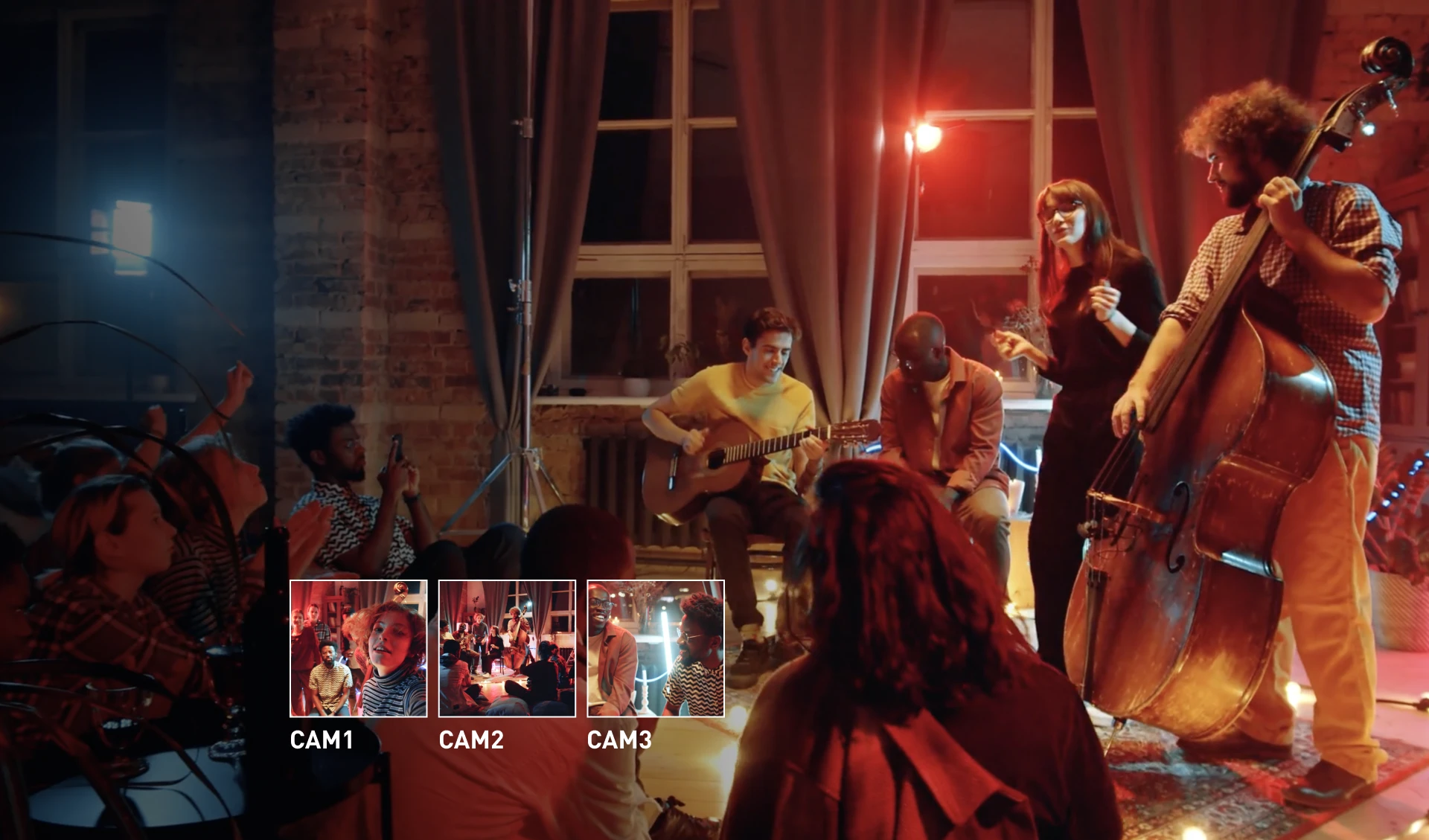
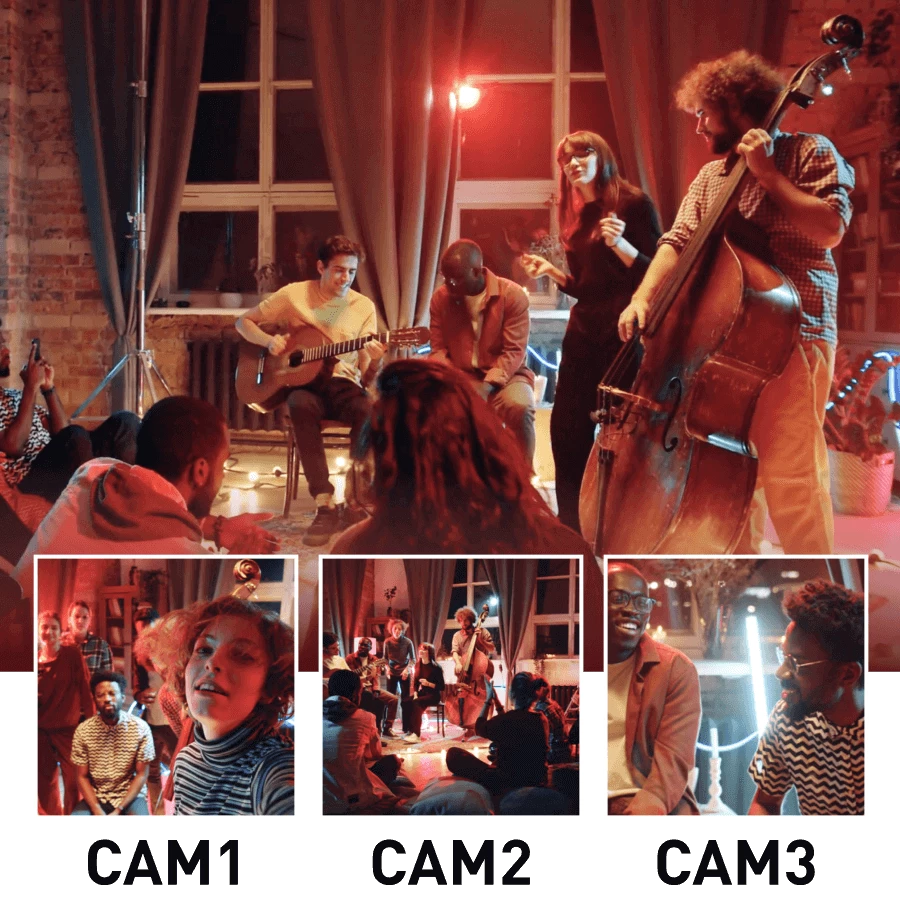
Take your movies to the next level with multicam footage: In Movie Studio 2024, footage from multiple cameras is joined together fully automatically.
All this is made possible by the powerful INFUSION Engine 3, which also enables fast rendering and smooth playback.
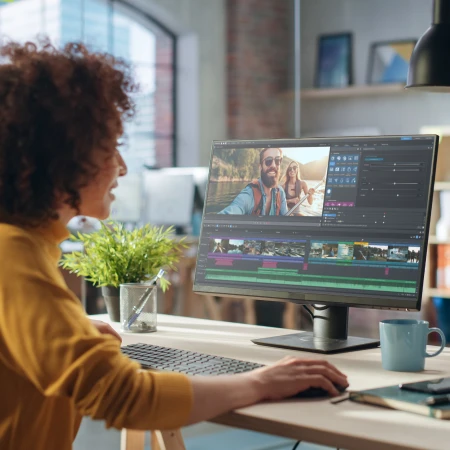
From entry-level devices to high-end workstations, Movie Studio 2025 lets you get the most out of your hardware and work smoothly on any setup. There's no need to make expensive new purchases, and you can get started right away!
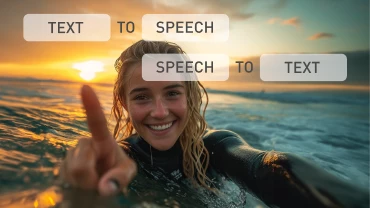
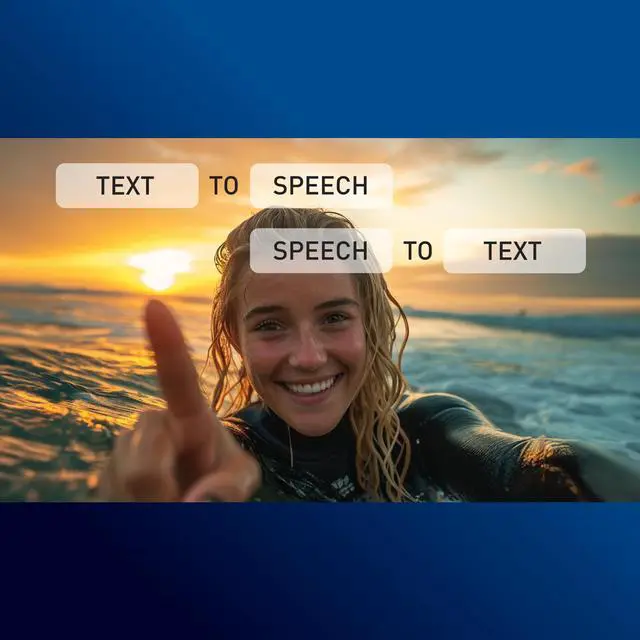
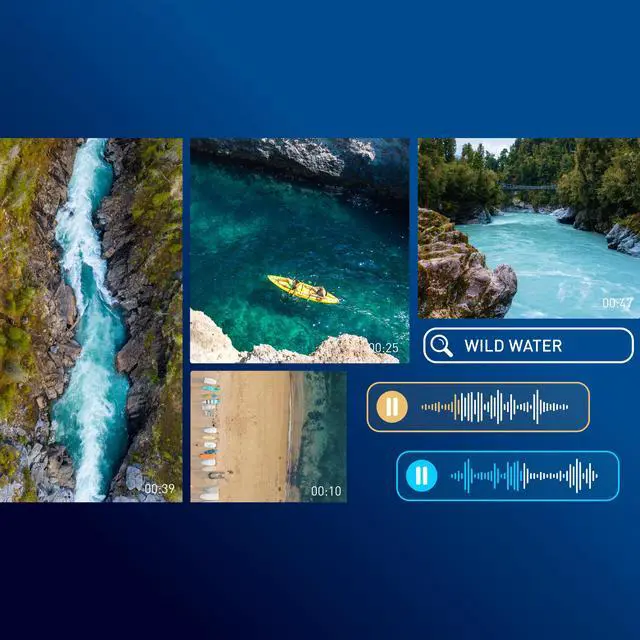
Text-to-speech generates lifelike audio commentaries using your text and Speech-to-text processes ultra-accurate subtitles based on your audio track – all in matter of seconds and in over 100 languages & styles.

Explore new creative possibilities! Style Transfer helps your videos look like works from world-famous artists in just one click, and Colorize adds true-to-life color to your analog black and white footage.

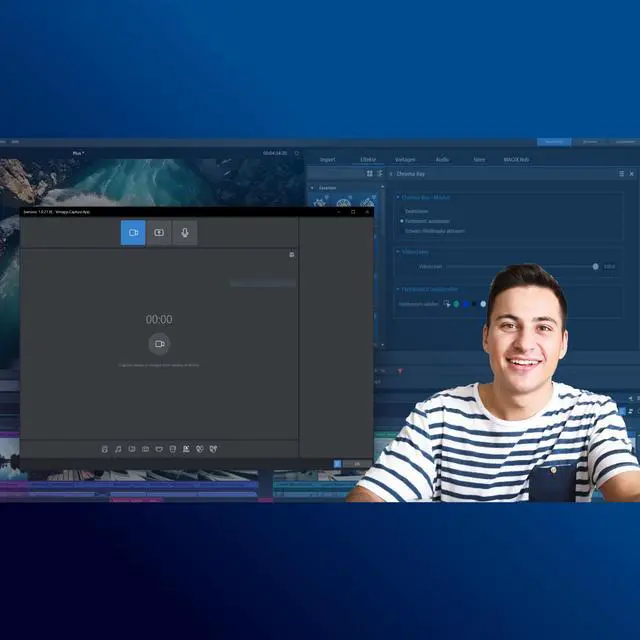
The all-in-one suite for color-based masking! It combines eight effects in one plug-in for an ultra-convenient workflow. Achieve brilliant results for every green screen.
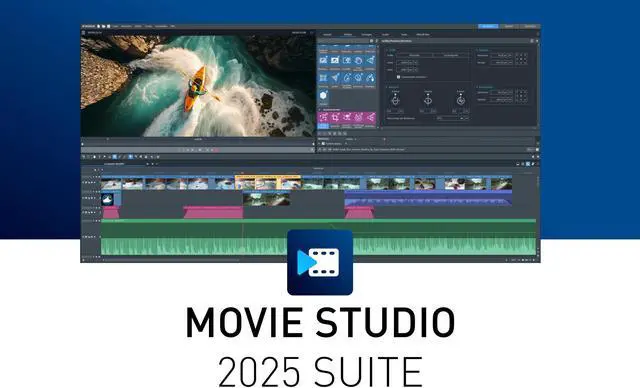
MAGIX Movie Studio 2025 Suite is downloadable video-editing software for Windows 10 and 11, suited to creators who want AI-generated subtitles and voiceovers, multicam editing, more than 1,500 effects and titles, and GPU-accelerated playback and exports.
| Attribute | Value |
|---|---|
| Best For | Windows-based video editing, including 4K/8K projects when paired with the recommended memory and graphics hardware |
| Software Type And Version | Video-editing software, Suite edition |
| Editing Tools And Workflow | Includes AI-generated subtitles and voiceovers, AI effects, multi-camera editing, chroma-key tools with Boris FX BCC Chroma Key Studio, and more than 1,500 effects, templates, and titles |
| Compatibility And System Requirements | For 64-bit Windows 10 or 11; requires a 6th-generation Intel Core i-series processor or newer, or AMD Ryzen or newer. Requires at least 4 GB RAM (16 GB recommended), a supported Intel, NVIDIA, or AMD graphics card with 4 GB, and 2 GB of disk space (10 GB recommended). For 4K/8K editing, 16 GB RAM minimum and a supported 8 GB NVIDIA GeForce GTX 1070-or-higher or AMD Radeon RX 5xxx-or-higher graphics card are recommended. Internet access is required for registration, validation, and some program functions; one-time registration is required |
| Hardware Acceleration | INFUSION Engine 3 provides GPU hardware acceleration for import and export; it also supports smooth project playback and export |
| Supported Import Formats | Images: BMP, GIF, JPEG, PNG, TIF, TGA, HEIF; audio: MP3, OGG, WAV, WMA; video: (DV-)AVI, MJPEG, MKV, MPEG-2/4, HEVC/H.265, AV1, MOV, WMV(HD) |
| Supported Export Formats | Images: JPEG, BMP; discs: DVD, Blu-ray Disc, AVCHD-Disc; audio: WAV, MP3; video: (DV-)AVI, MJPEG, MPEG-2/4, HEVC/H.265, AV1, WMV(HD). HEVC encoding requires paid activation; MP3 export requires Windows Media Player version 10 or later |
| Packaging | Download |
| Model Identifiers | MAGIX Movie Studio 2025 Suite; model 639191550966 |


