

Your Browsing History

Get Educated
Make informed decisions with expert advice. Learn More

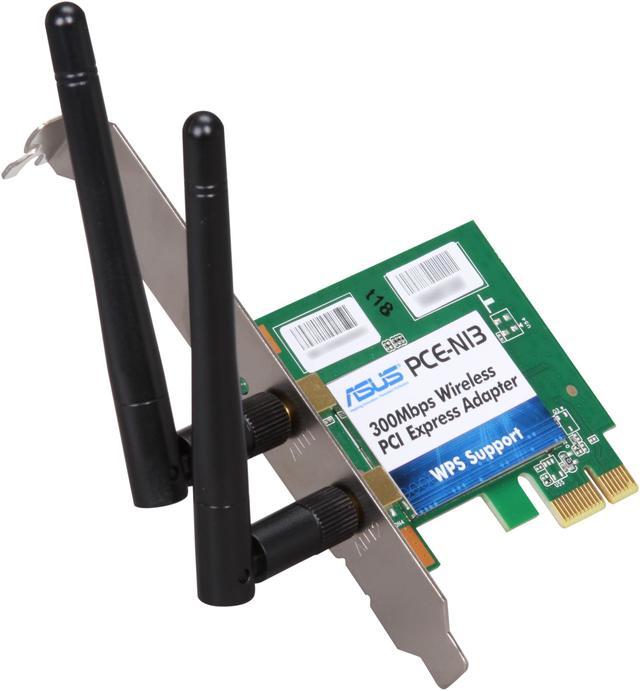

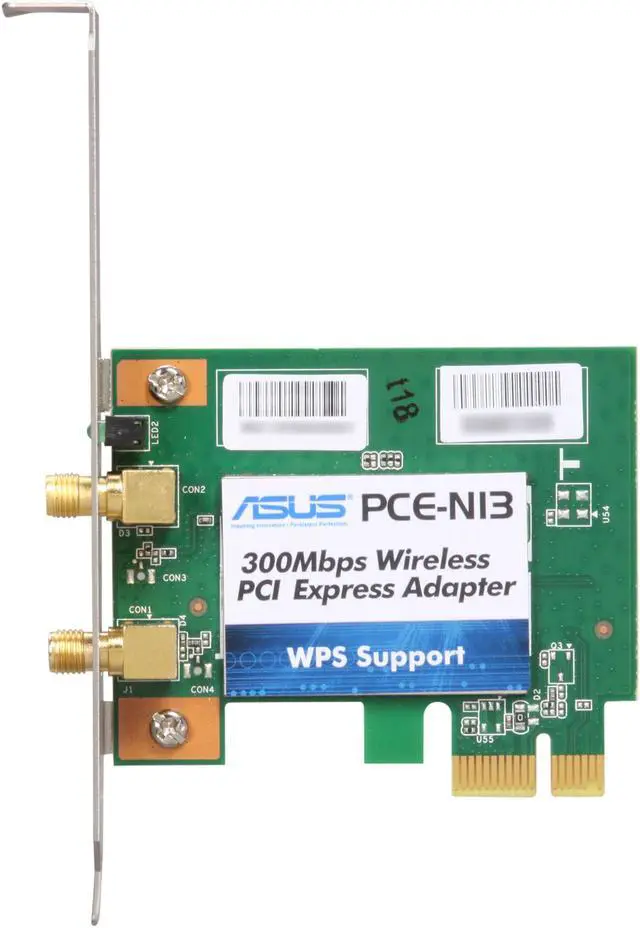
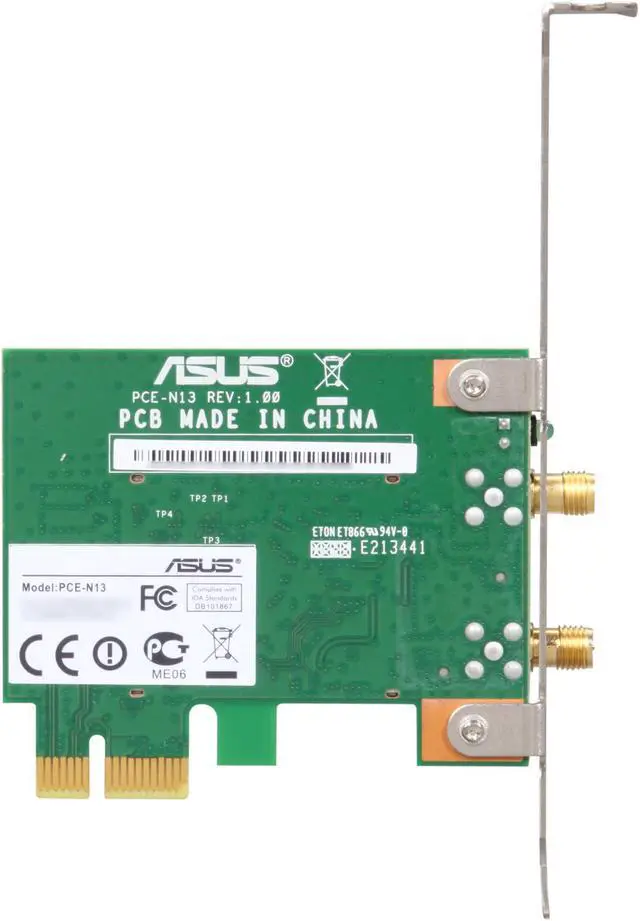
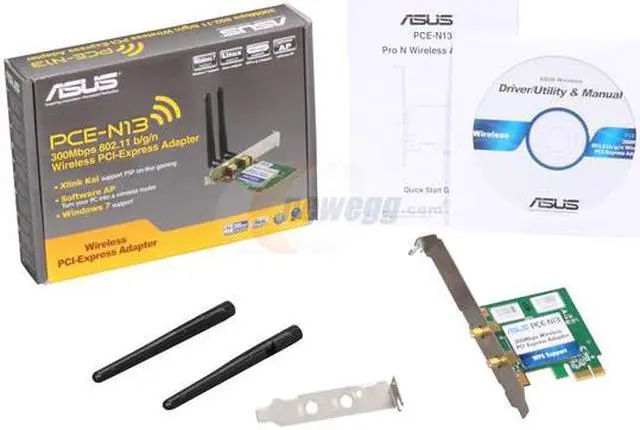


ASUS PCE-N13 Wireless Adapter IEEE 802.11b/g/n PCI Express 150/300Mbps Transfer/Receive Rate 64-bit/128-bit WEP, TKIP, and AES WI-Fi alliance WPA, WPA2
- IEEE 802.11b/g/n
- Up to 300Mbps Wireless Data Rates
- 64-bit/128-bit WEP, TKIP, and AES WI-Fi alliance WPA, WPA2
Overview
Specs
Reviews (618)

Any questions? Our AI mode will help you find out quickly.
Try me now
The ASUS PCE-N1 offers a secure and protected wireless network with just a press of the WPS button. With XLink Kai support, the ASUS PCE-N1 allows you to play games over the internet rather than just over the LAN. For versatility, the ASUS PCE-N1 can also function as a virtual access point in software AP mode.
 Compatible with XLink KaiPCE-N13 supports XLink Kai, free software that enables PSP gamers to play system-link games with worldwide friends. (Visit teamxlink.co.uk to learn more and to join the XLink community.)
 Software APSoftware AP mode allows the WLAN card to act as a virtual access point. The computer needs to be connected to a wired network using an Ethernet connection in order to provide network access to WLAN client.
 Simplified Setup ProcessJust press the WPS Button to easily set up a secure and protected wireless network.
 Compatible with XLink KaiPCE-N13 supports XLink Kai, free software that enables PSP gamers to play system-link games with worldwide friends. (Visit teamxlink.co.uk to learn more and to join the XLink community.)
 Software APSoftware AP mode allows the WLAN card to act as a virtual access point. The computer needs to be connected to a wired network using an Ethernet connection in order to provide network access to WLAN client.
 Simplified Setup ProcessJust press the WPS Button to easily set up a secure and protected wireless network.
Warranty & Returns
Warranty, Returns, And Additional Information
Warranty
- Limited Warranty period (parts): 2 years
- Limited Warranty period (labor): 2 years
- Read full details
Return Policies
- Return for refund within: 30 days
- Return for replacement within: 30 days
- This item is covered by Newegg.com's 30-Day Return Policy.
- Read full return policy for details.
Manufacturer Contact Info
- Manufacturer Product Page
- Manufacturer Website
- Support Phone: 1-888-678-3688
- Support Website
- View other products from ASUS
LOADING...
LOADING...