

Your Browsing History

Get Educated
Make informed decisions with expert advice. Learn More

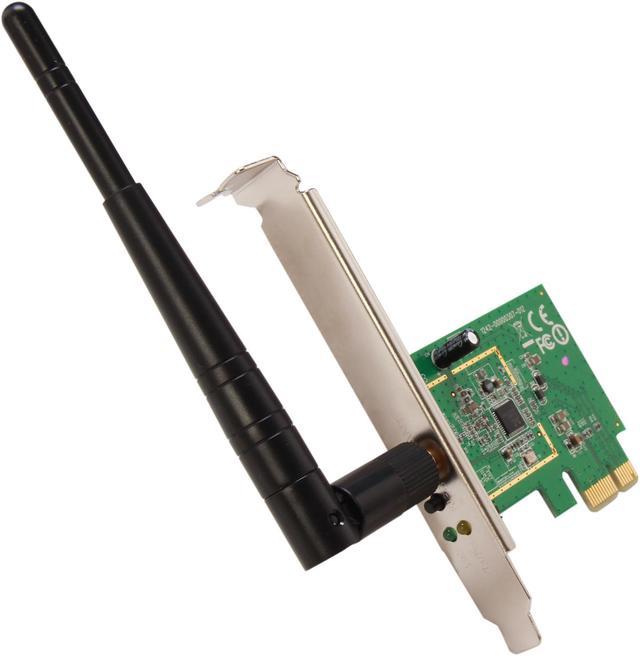

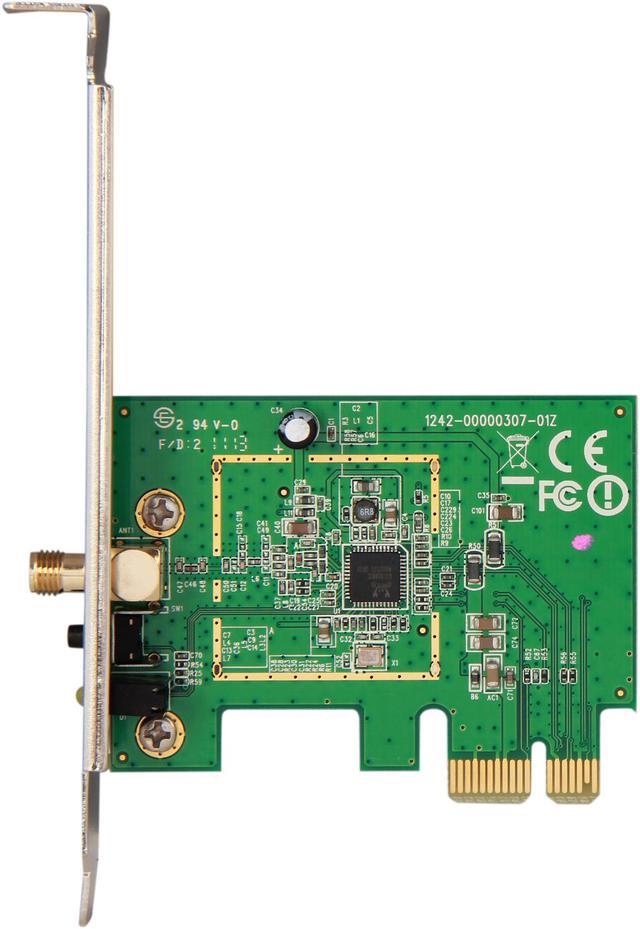
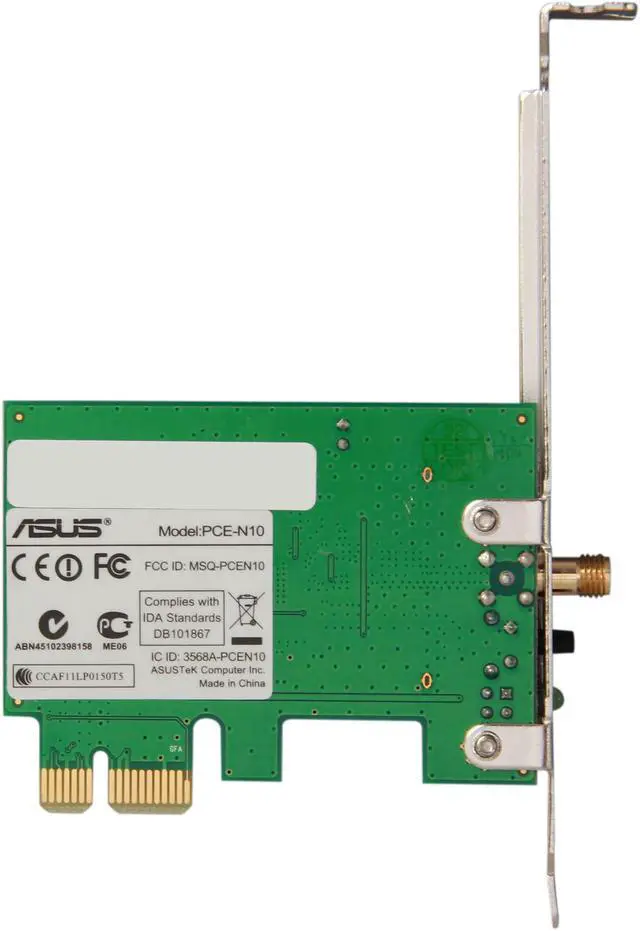
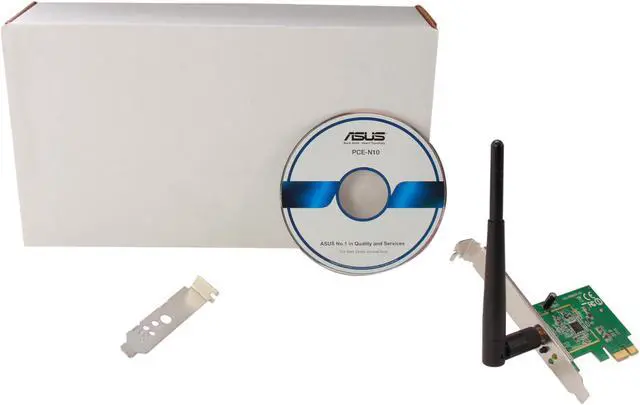


ASUS PCE-N10 Wireless-N150 Adapter IEEE 802.11b/g/n PCI Express Up to 150Mbps Wireless Data Rates WPA2 manufactured recertified
REFURBISHED Product Type
- IEEE 802.11b/g/n
- Up to 150Mbps Wireless Data Rates
- 2.4GHz
- WPA2
Overview
Specs
Reviews (7)
See all Q & A 
Any questions? Our AI mode will help you find out quickly.
Try me now
The ASUS PCE-N10 is designed to provide complete end-to-end wireless performance from the server or server backbone to the switch infrastructure and down through to the desktop with the PCI Express connector. Physical WPS (Wi-Fi Protected Setup) button quickly sets up a secure wireless connection. Plus, the software AP mode allows the WLAN card to act as a virtual access point, and connects your notebook, or other game consoles to the Internet.
 Easily turn your desktop wirelessThe PCE-N10 Wireless-N PCI Express Adapter provides wide compatibility, fitting with any standard PCI Express slot, x1, x2, x8, or x16. Compared with standard PCI network cards, it offers increased bandwidth, reliability and more functionality, allowing you to enjoy a fast and advanced connection, such as downloading, making internet calls and video streaming.
 Enhanced securityThe ASUS PCE-N10 supports 64/128-bit WEP, WPA2-PSK, WPA-PSK, WPS security for use of the best possible encryption.
 WPS (Wi-Fi Protected Setup)For quickly setting up a secure wireless connection, install the utility from the Support CD, then press the hardware WPS button on the PCE-N10 and click "next". Press the hardware WPS button on the router you would like to connect to, and that's it! After the utility finishes the setup procedure, the wireless connection is done!
 Software AP ModeSoftware AP mode allows the WLAN card to act as a virtual access point. The computer needs to be connected to a wired network using an Ethernet connection in order to provide network access to WLAN client.
 Easily turn your desktop wirelessThe PCE-N10 Wireless-N PCI Express Adapter provides wide compatibility, fitting with any standard PCI Express slot, x1, x2, x8, or x16. Compared with standard PCI network cards, it offers increased bandwidth, reliability and more functionality, allowing you to enjoy a fast and advanced connection, such as downloading, making internet calls and video streaming.
 Enhanced securityThe ASUS PCE-N10 supports 64/128-bit WEP, WPA2-PSK, WPA-PSK, WPS security for use of the best possible encryption.
 WPS (Wi-Fi Protected Setup)For quickly setting up a secure wireless connection, install the utility from the Support CD, then press the hardware WPS button on the PCE-N10 and click "next". Press the hardware WPS button on the router you would like to connect to, and that's it! After the utility finishes the setup procedure, the wireless connection is done!
 Software AP ModeSoftware AP mode allows the WLAN card to act as a virtual access point. The computer needs to be connected to a wired network using an Ethernet connection in order to provide network access to WLAN client.
Warranty & Returns
Warranty, Returns, And Additional Information
Warranty
- Limited Warranty period (parts): 90 days
- Limited Warranty period (labor): 90 days
- Read full details
Return Policies
- Return for refund within: 30 days
- Return for replacement within: 30 days
- This item is covered by Newegg.com's 30-Day Return Policy.
- Read full return policy for details.
Manufacturer Contact Info
- Manufacturer Product Page
- Manufacturer Website
- Support Phone: 1-510-739-3802
- Support Website
- View other products from ASUS
LOADING...
LOADING...