here!
here!
I’m your shopping assistant for PC builds, upgrades, and everything tech.
Got questions? Ask away!
Start a conversation
here!
I’m your shopping assistant for PC builds, upgrades, and everything tech.
Got questions? Ask away!
Start a conversation Top Rated
Make informed decisions with expert advice. Learn More




Any questions? Ask CelesteSM will help you find out quickly.
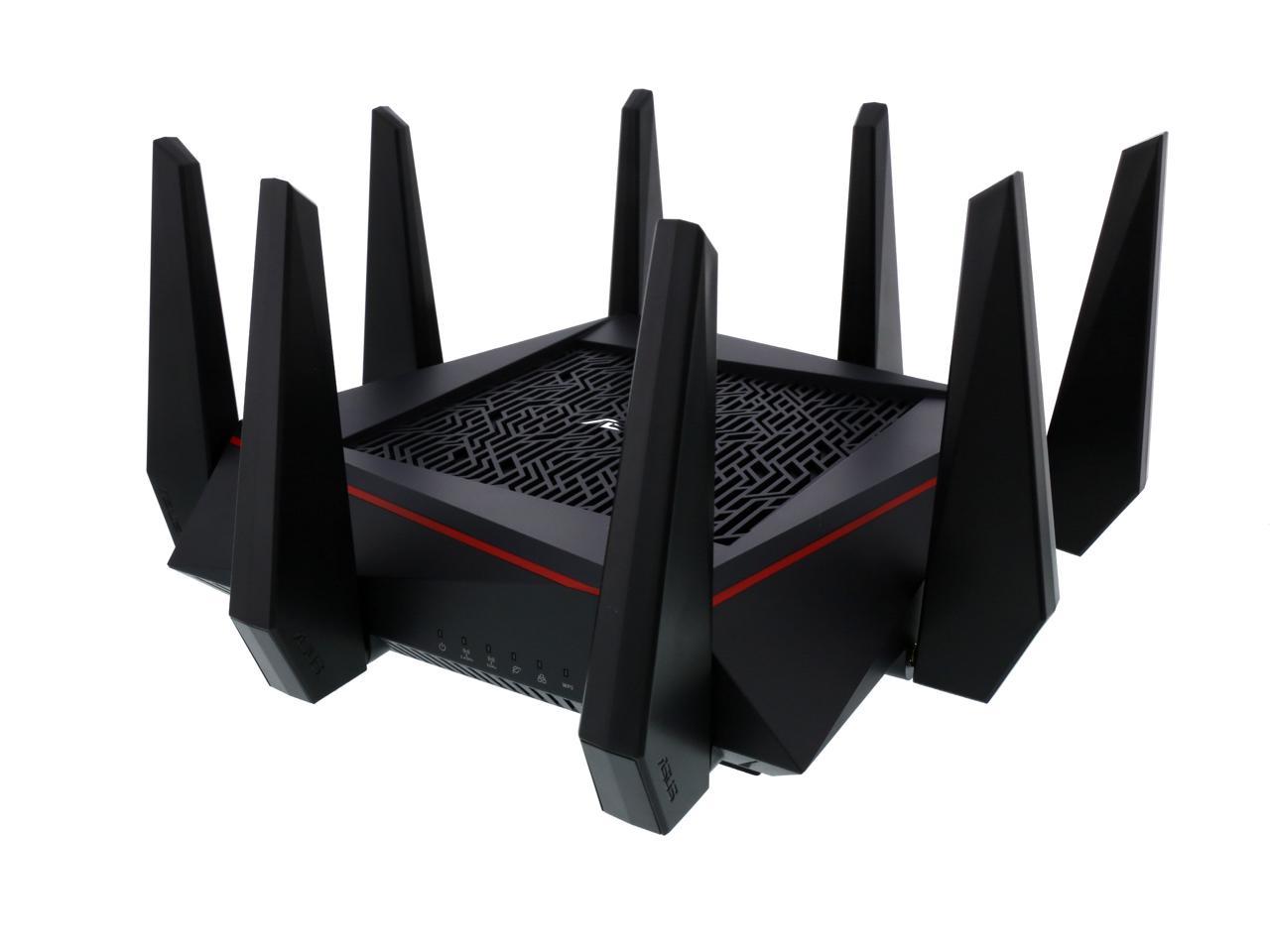
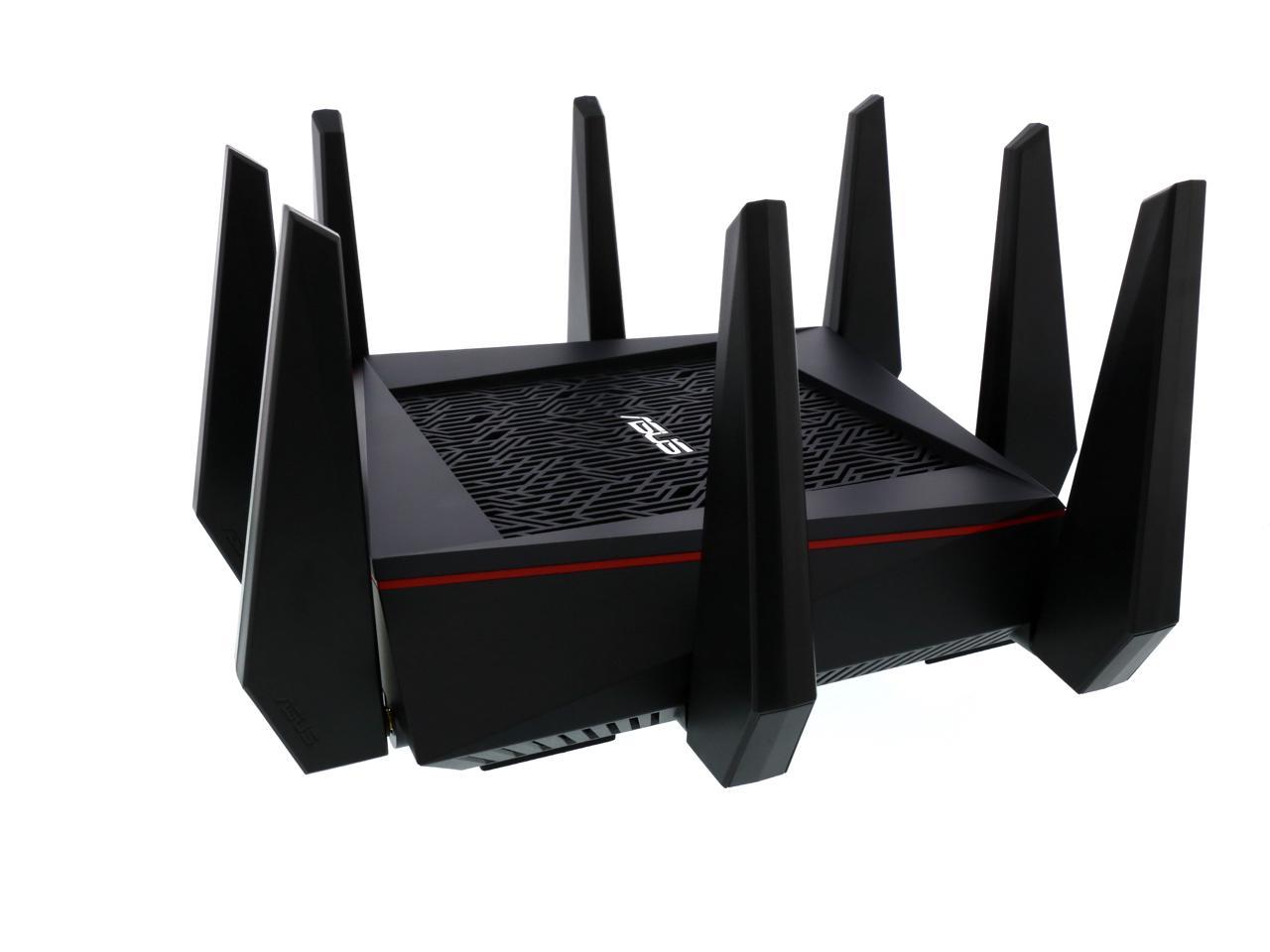
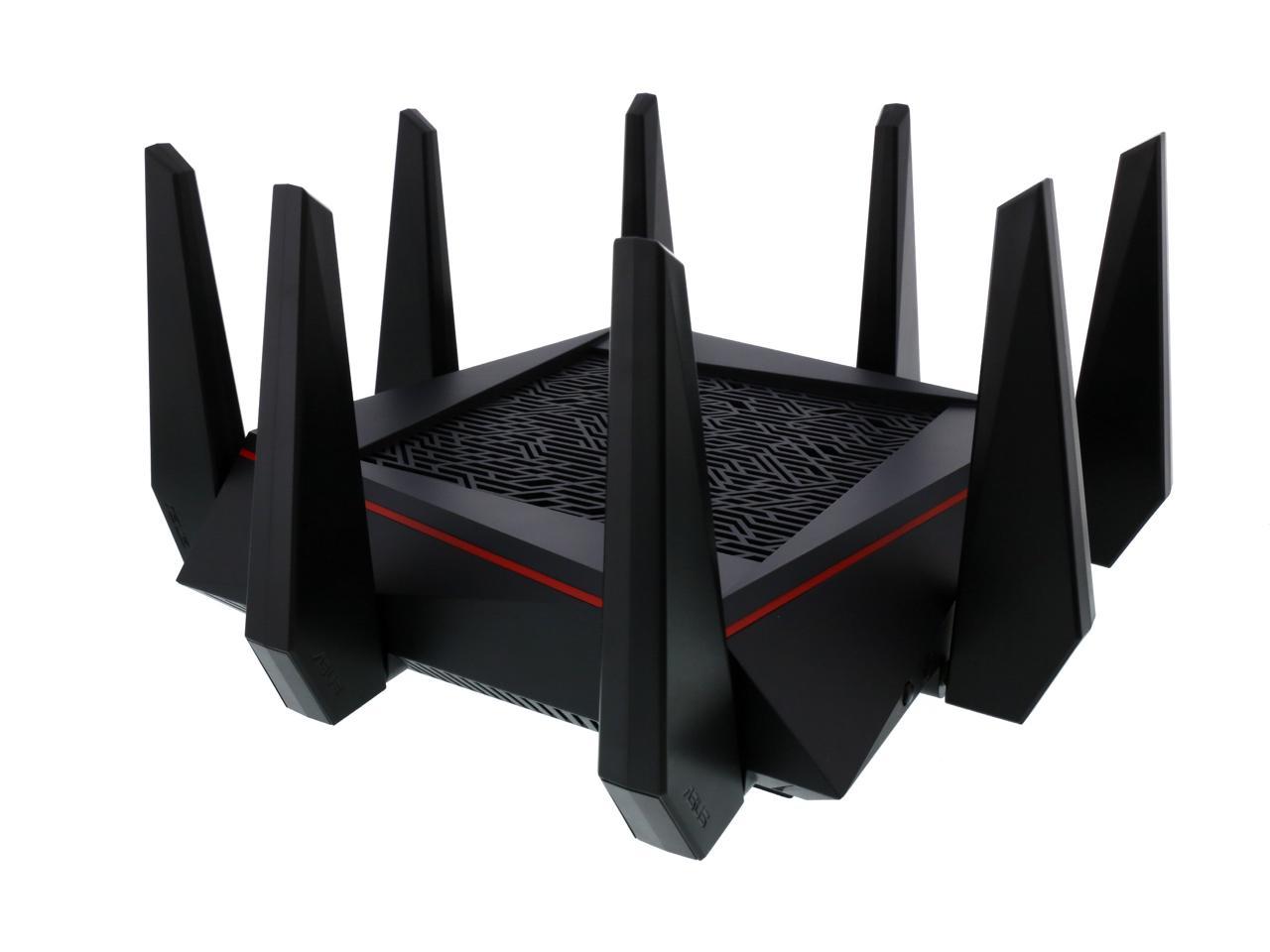
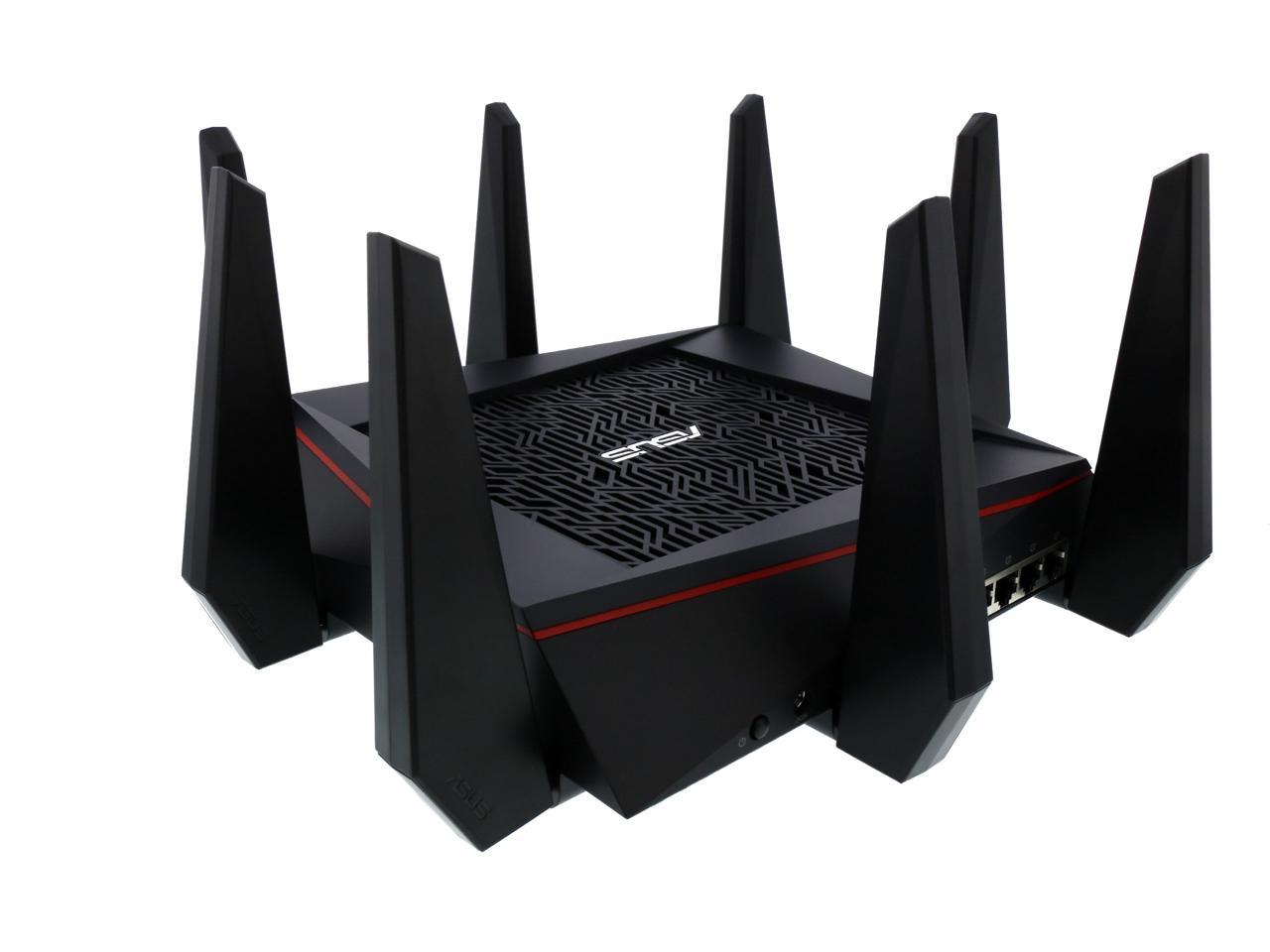
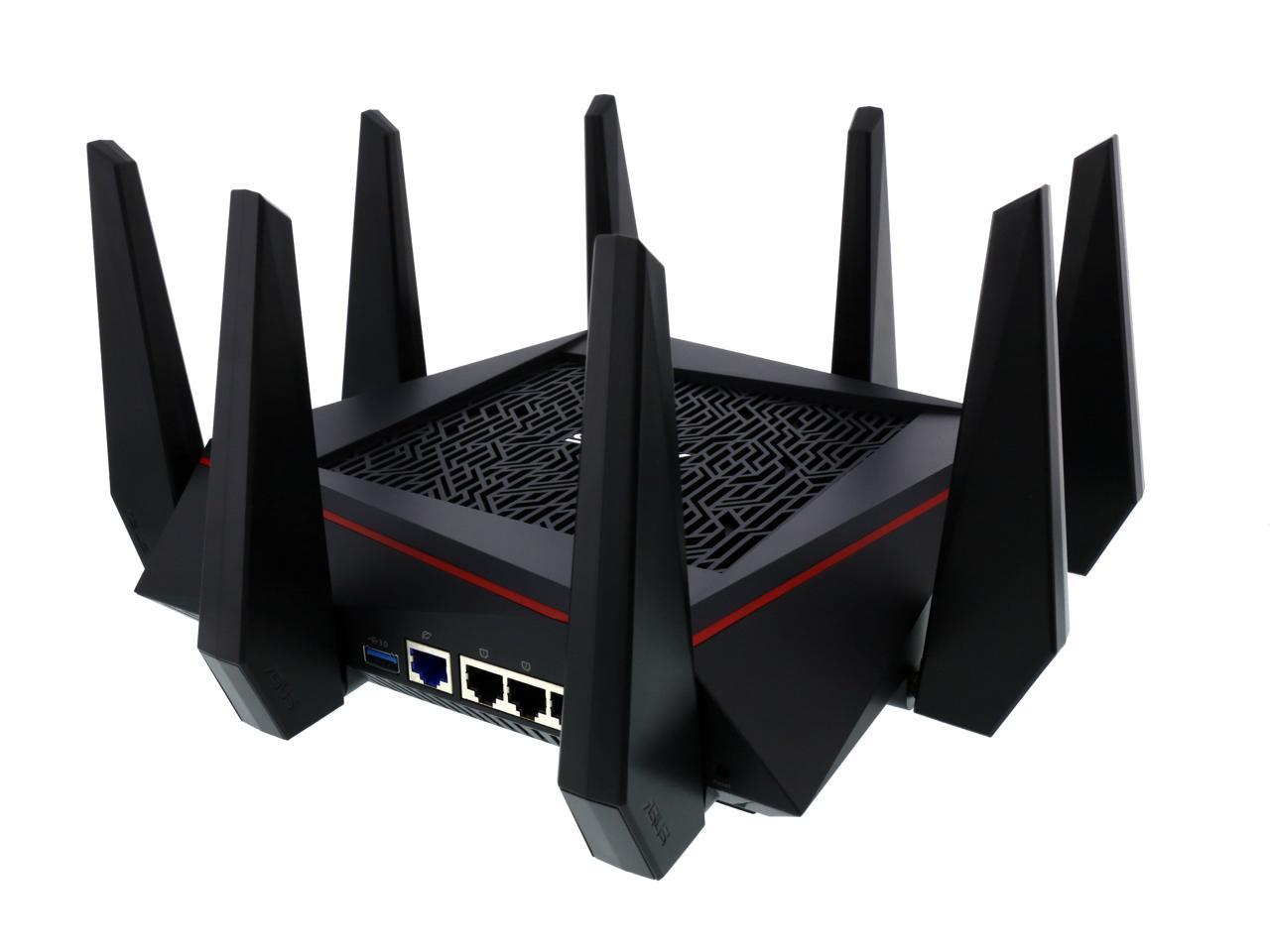
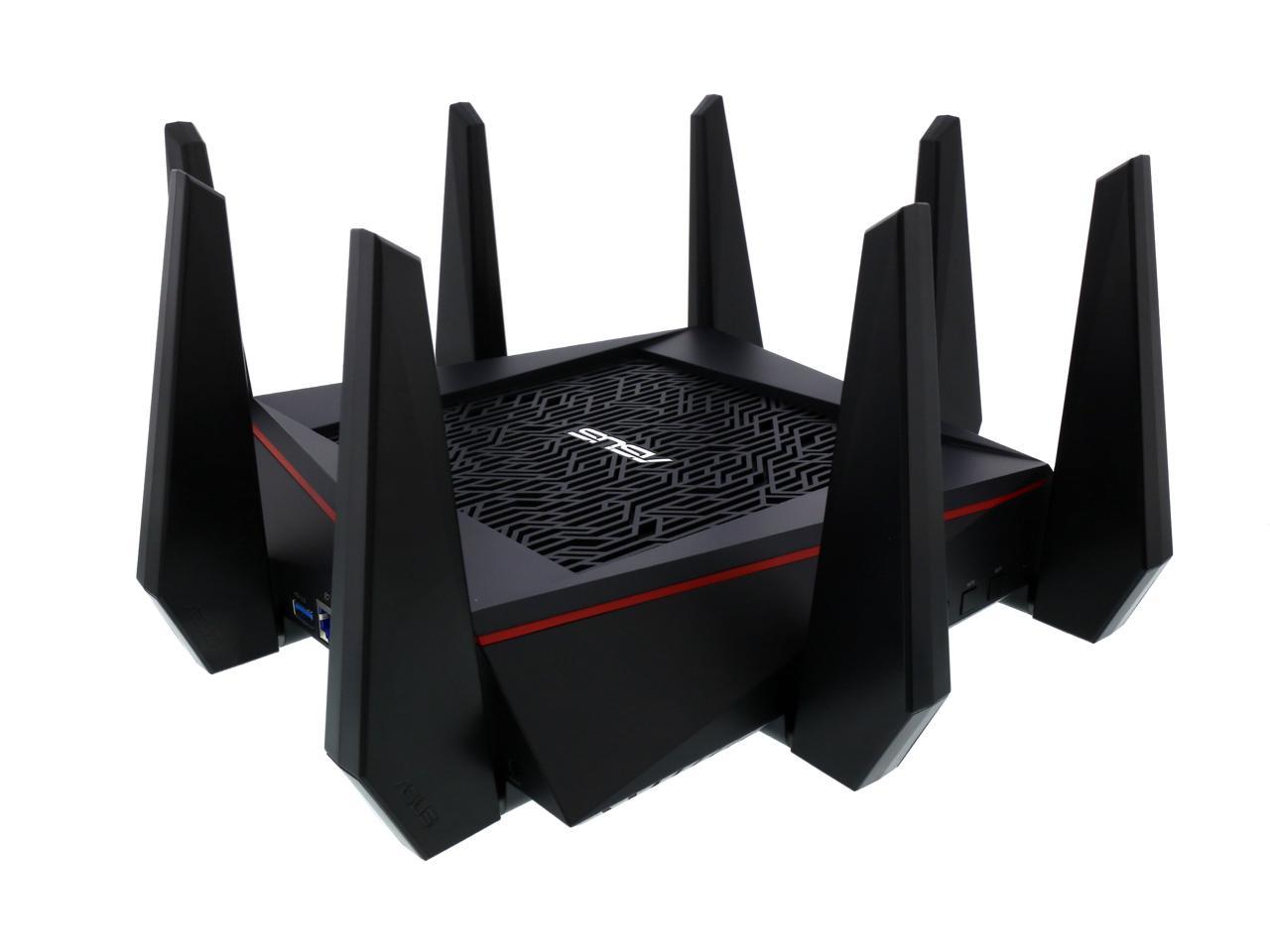
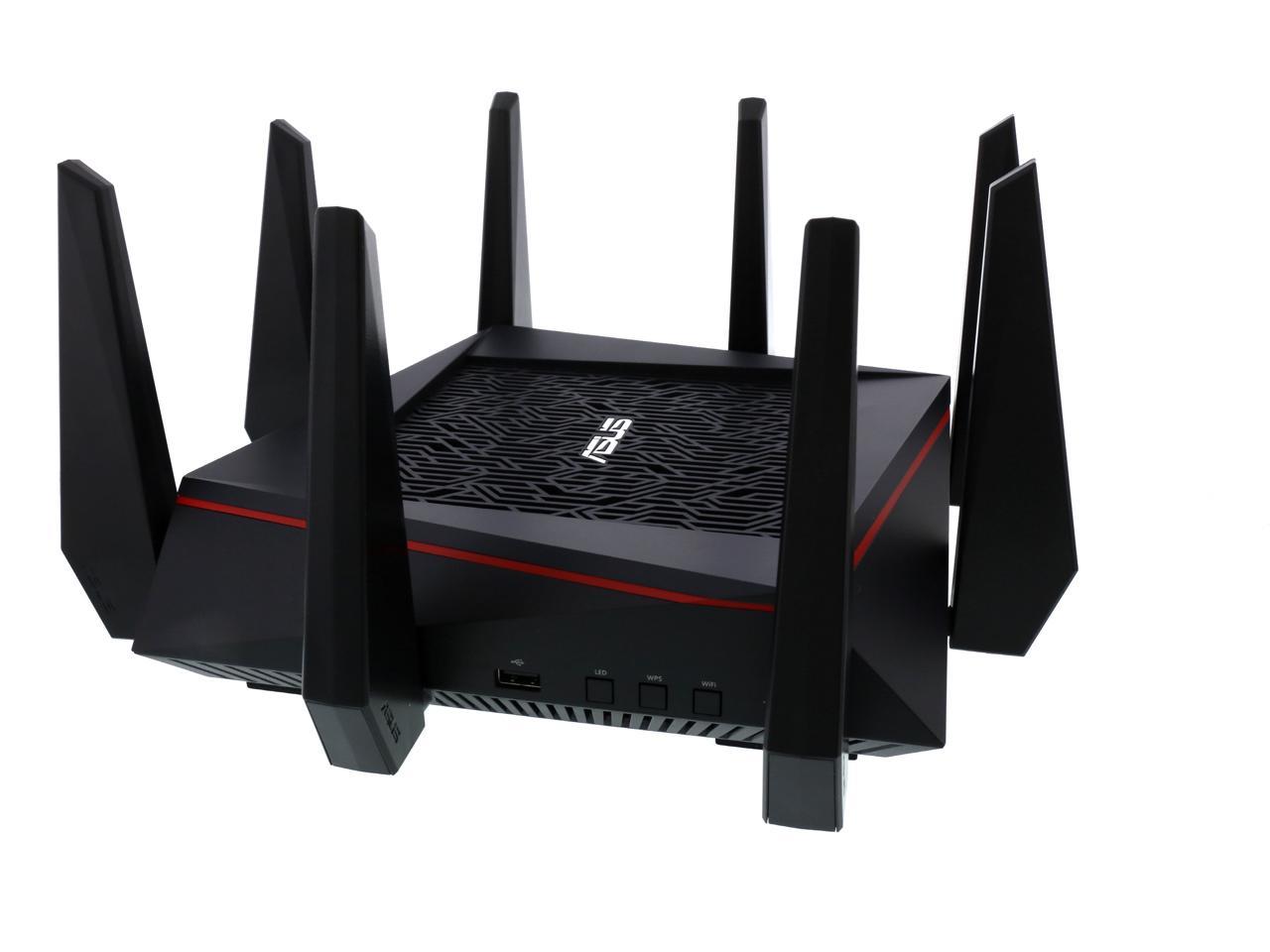
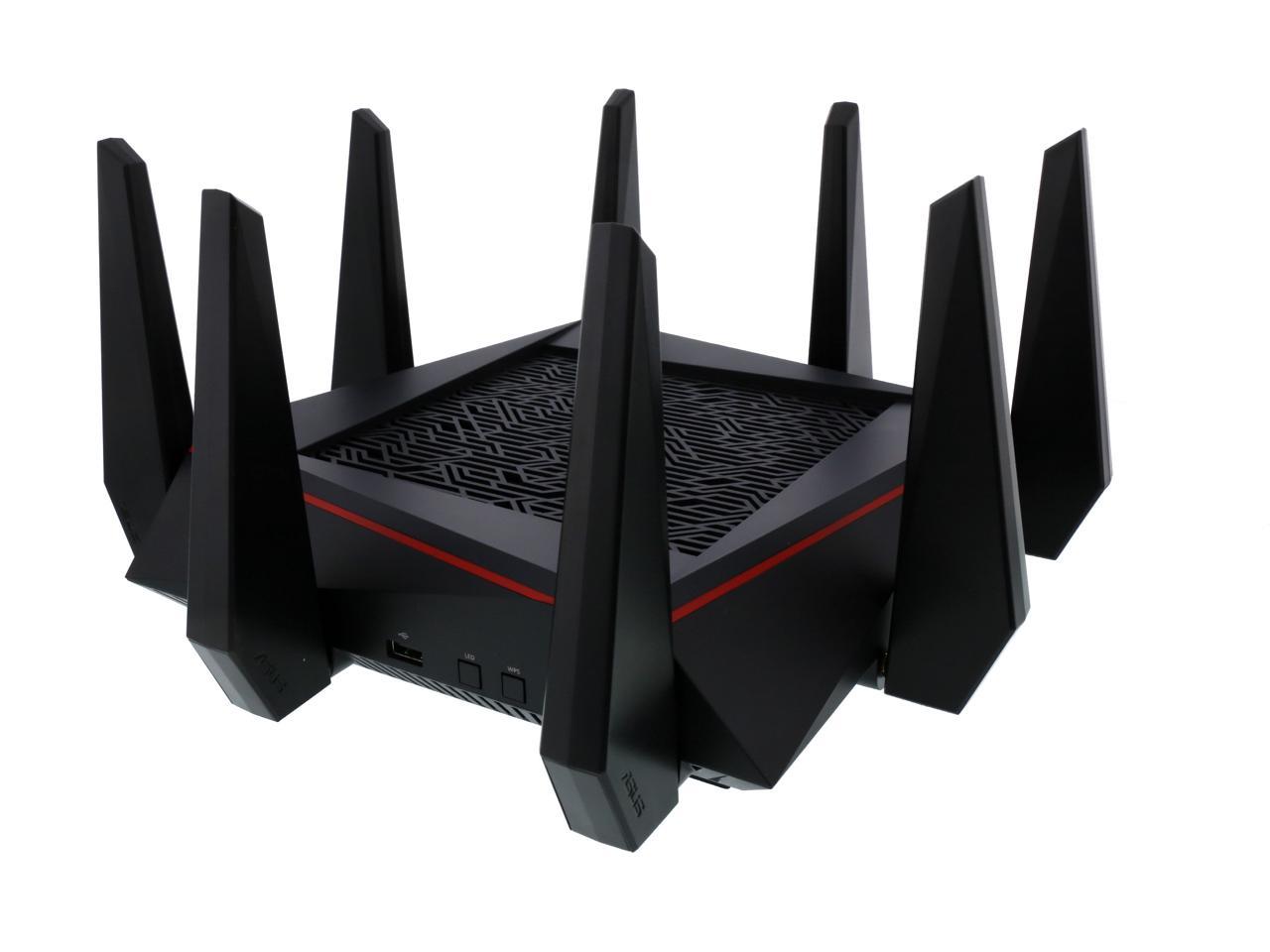
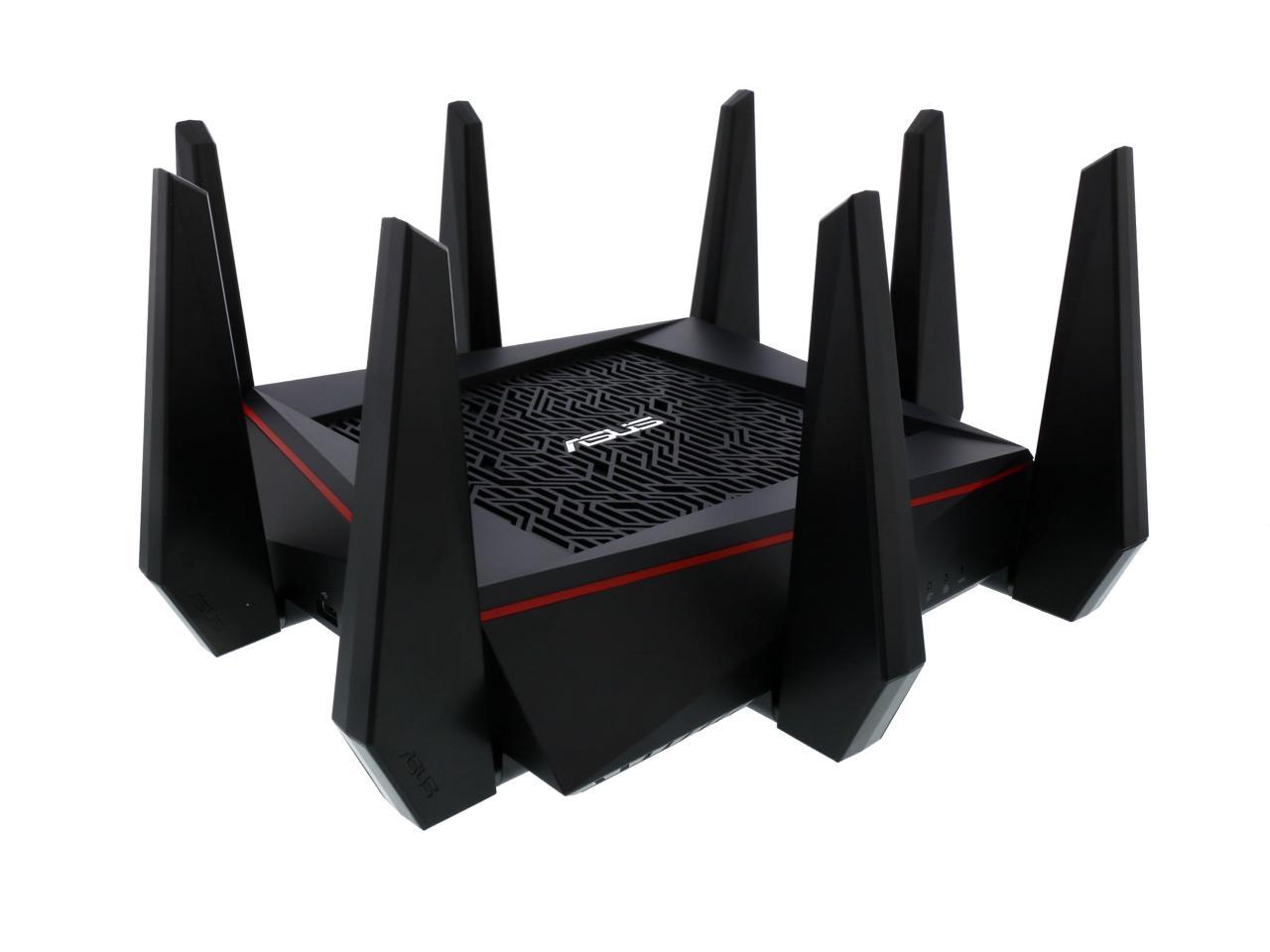
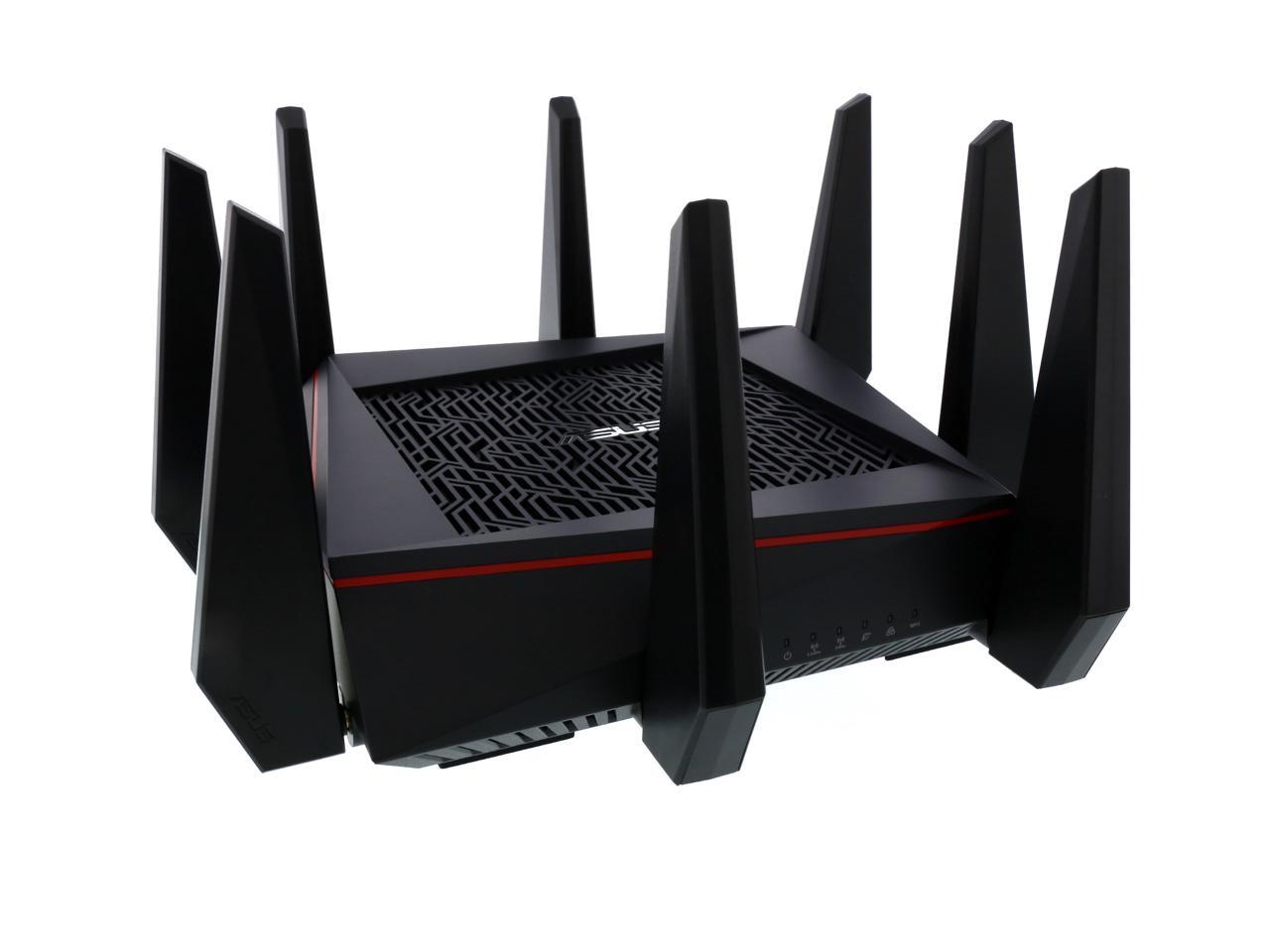
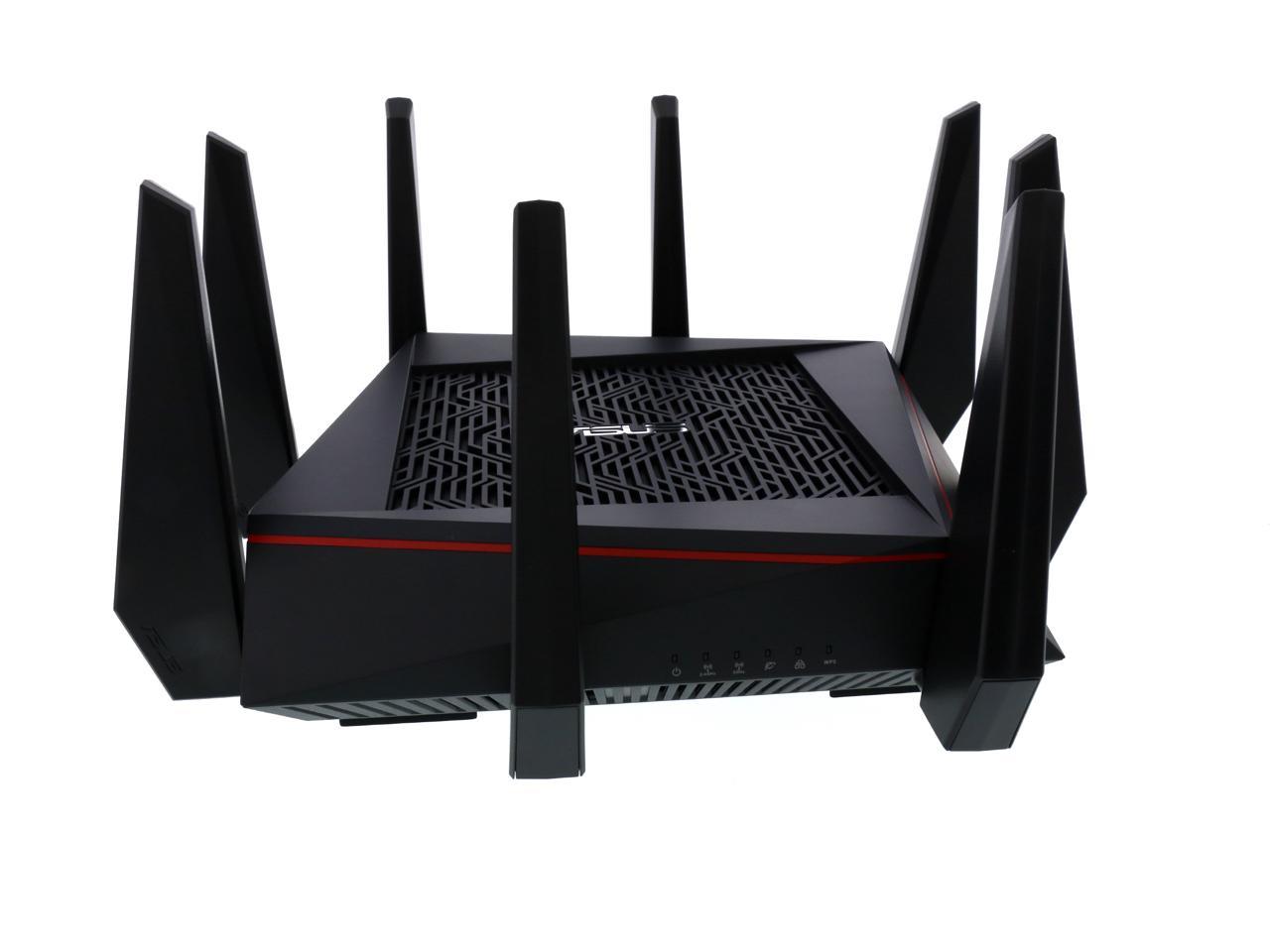
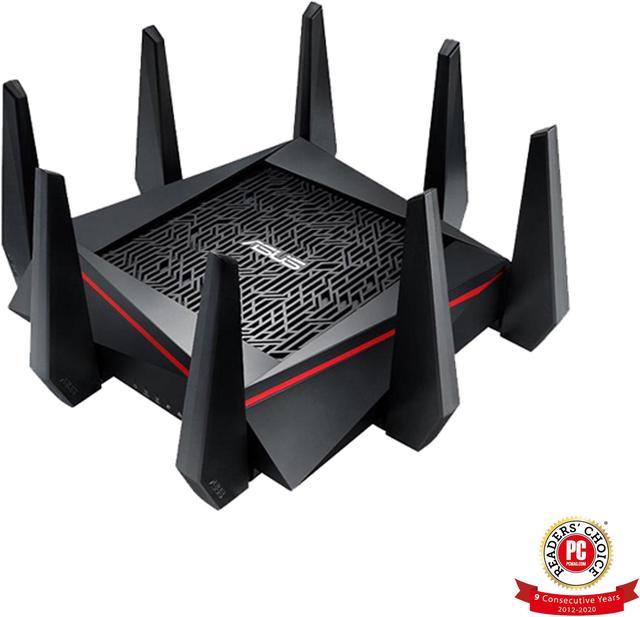
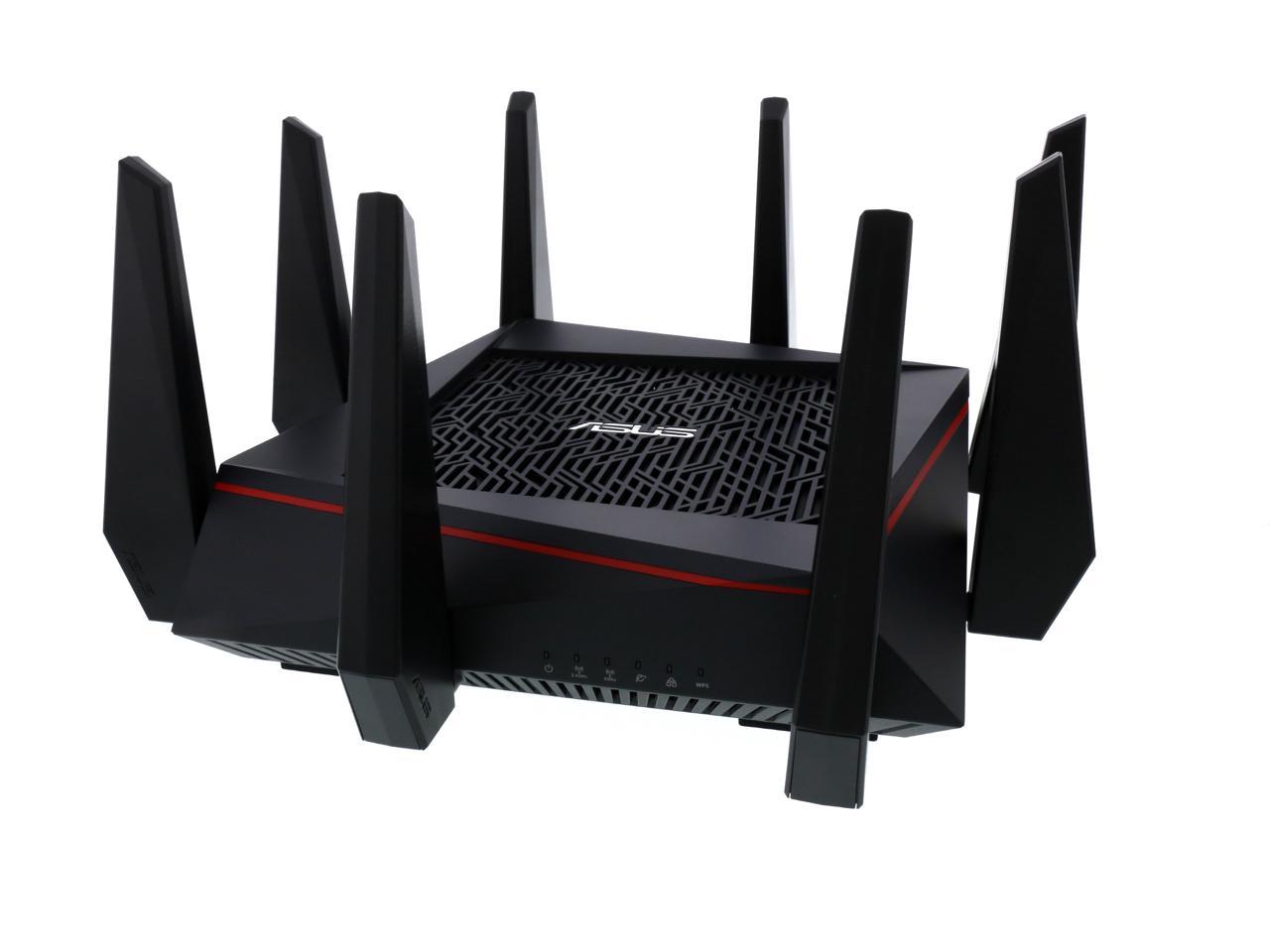
The ASUS RT-AC5300 is a Wi-Fi 5 tri-band gigabit gaming router with dual 5 GHz bands, 4x4 MU-MIMO, combined speeds up to 5334 Mbps, and coverage rated up to 5,000 square feet. It is suitable for households with many connected devices, online gaming, 4K streaming, and demanding wireless networks.
| Attribute | Value |
|---|---|
| Best For | Multi-device home, gaming, and small-business networks that need tri-band Wi-Fi 5, MU-MIMO, gaming acceleration, network security, and whole-home mesh compatibility |
| Wireless Network | Tri-band Wi-Fi 5 using IEEE 802.11a/b/g/n/ac across one 2.4 GHz band and two 5 GHz bands, with 4x4 MU-MIMO and up to 5,334 Mbps combined wireless throughput |
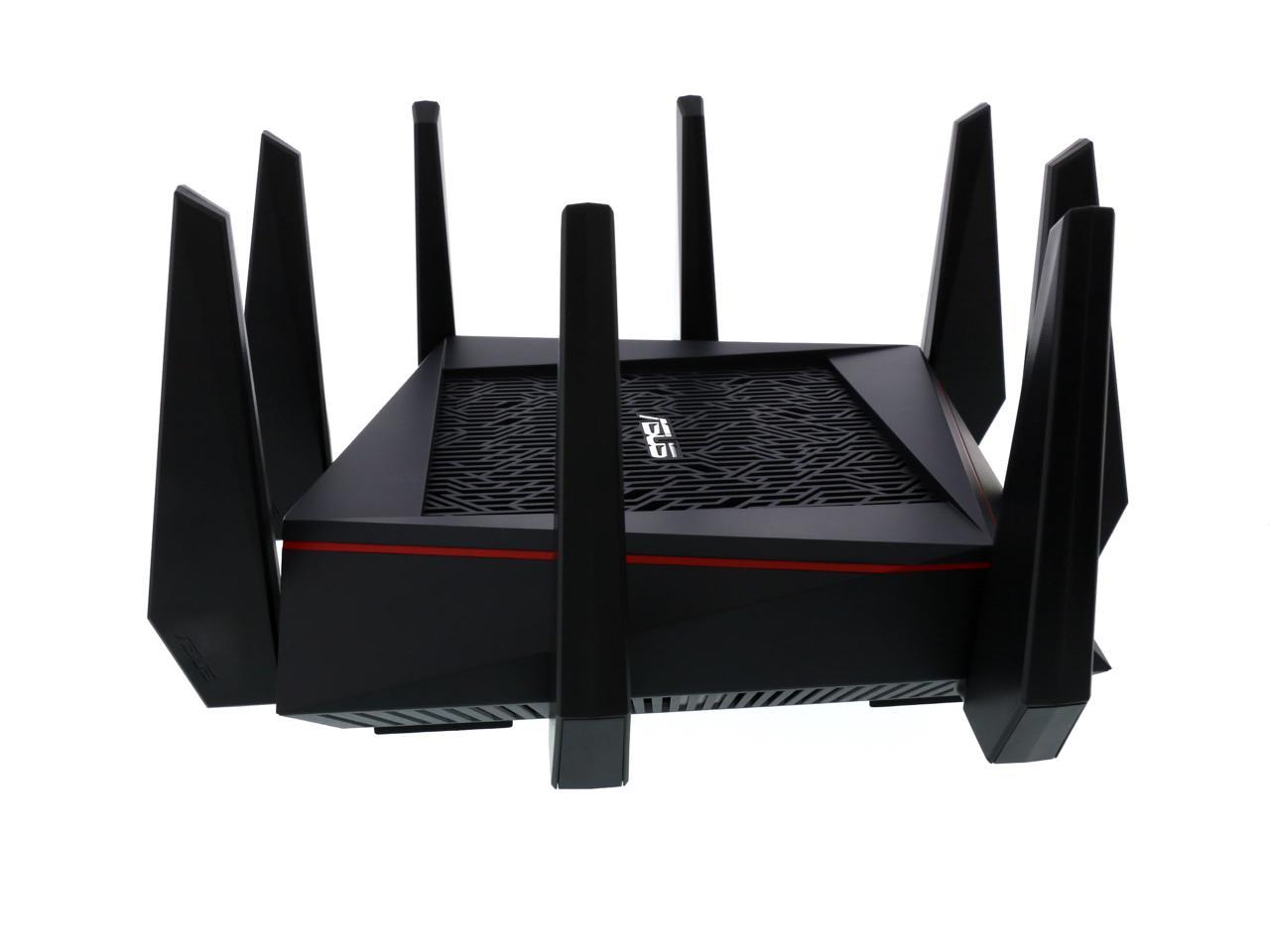
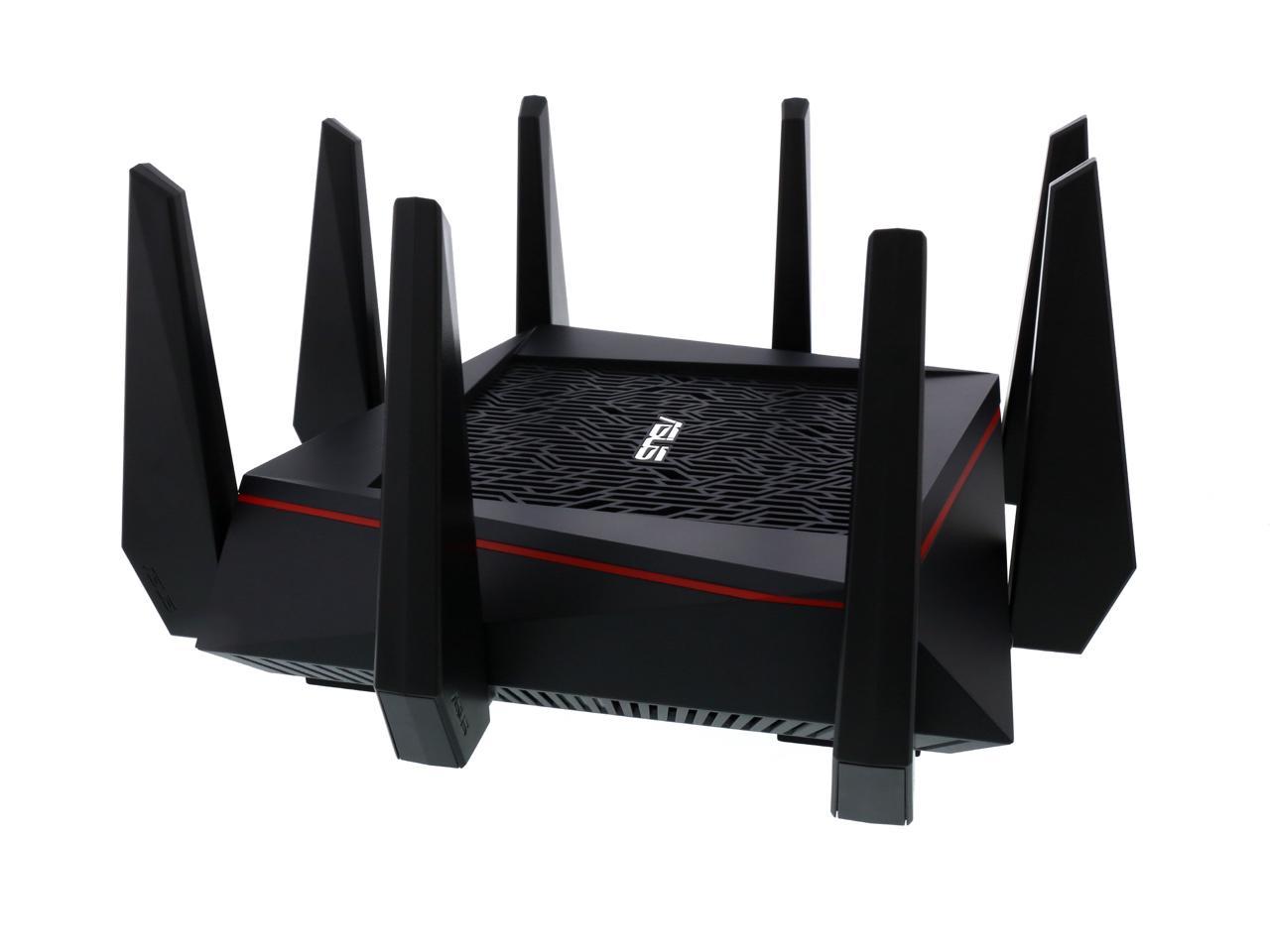
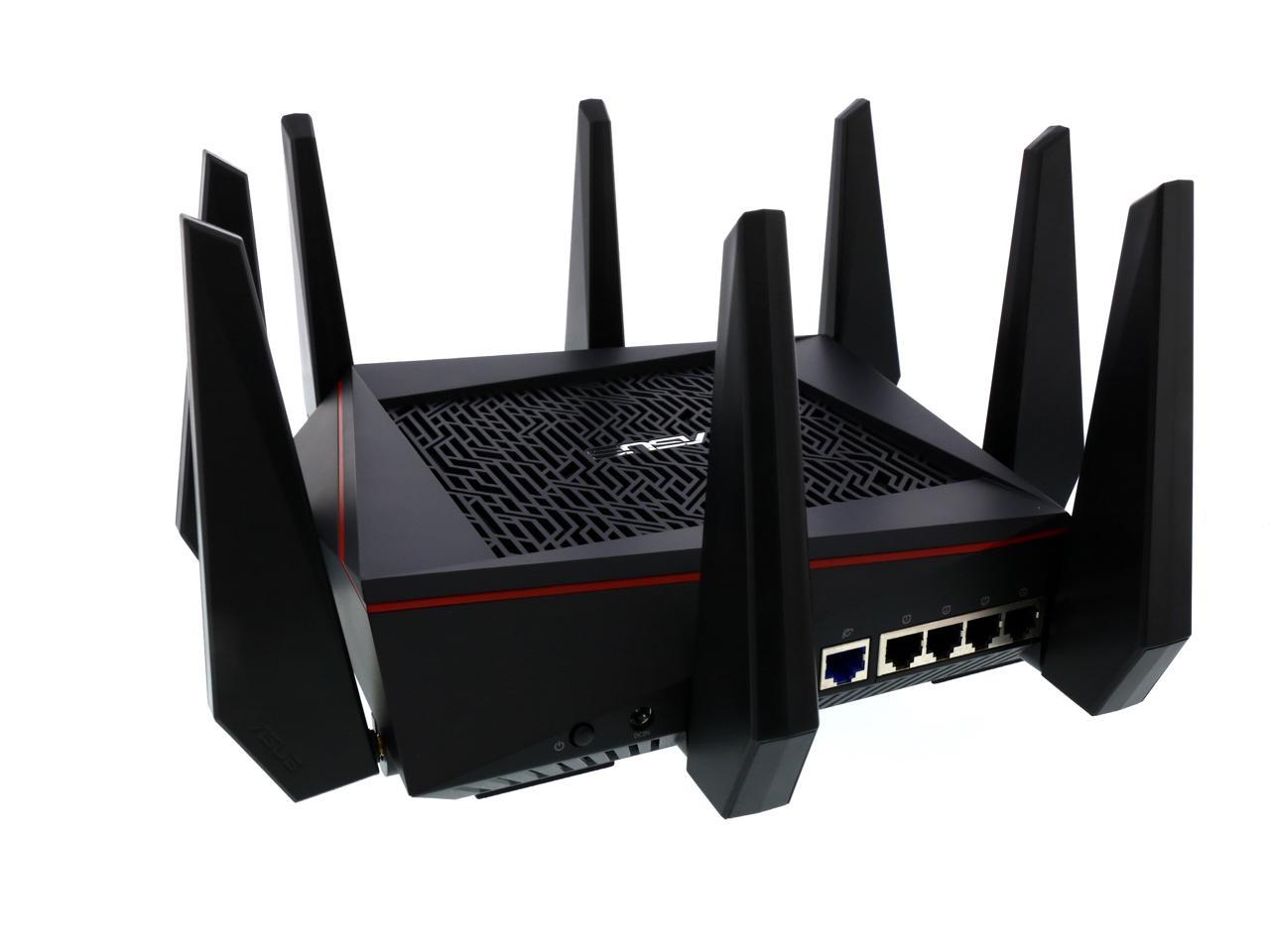
| Coverage And Antennas | Eight fixed external antennas with stated coverage of up to 5,000 square feet |
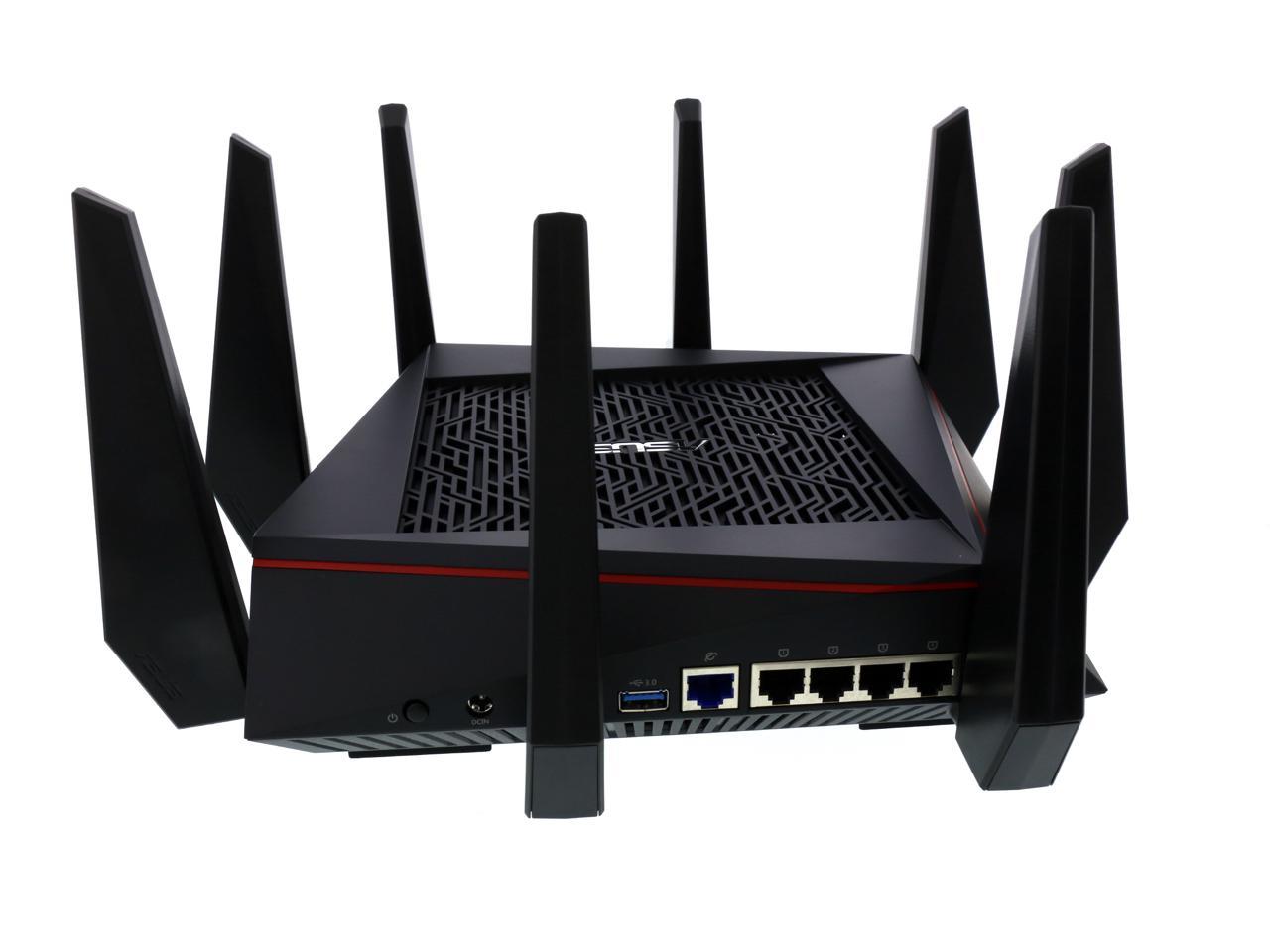
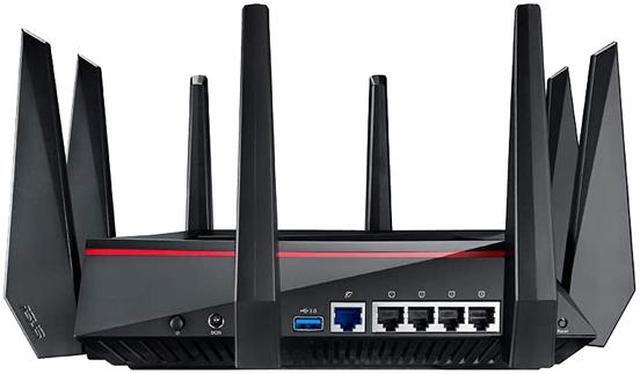
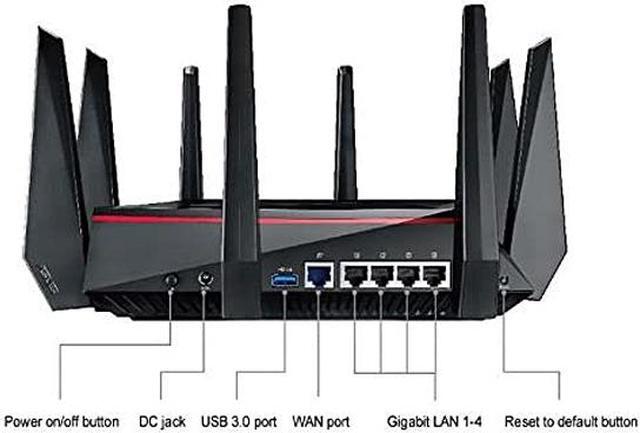
| Wired Connectivity | One Gigabit WAN port and four Gigabit LAN ports for broadband and wired devices |
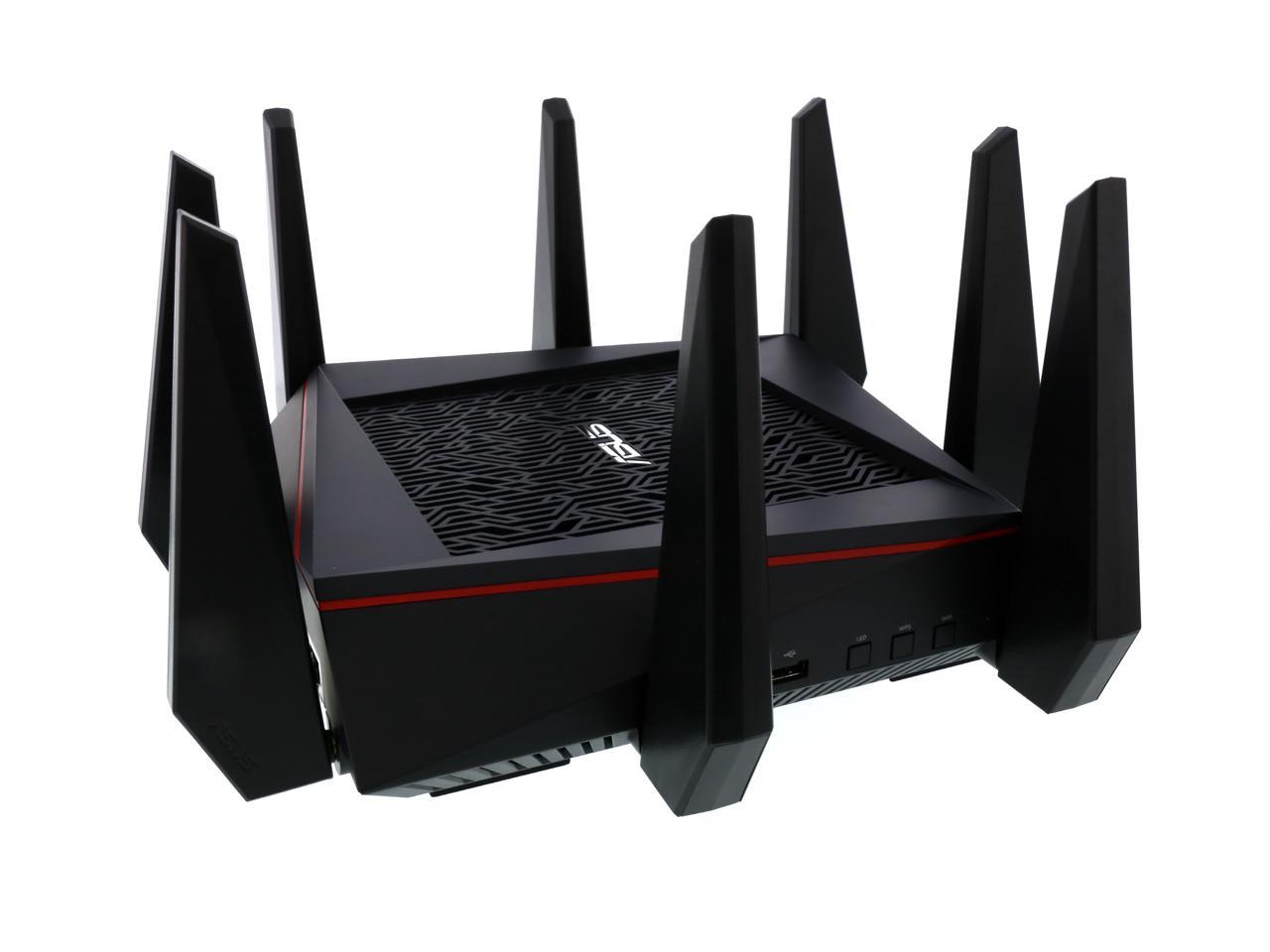
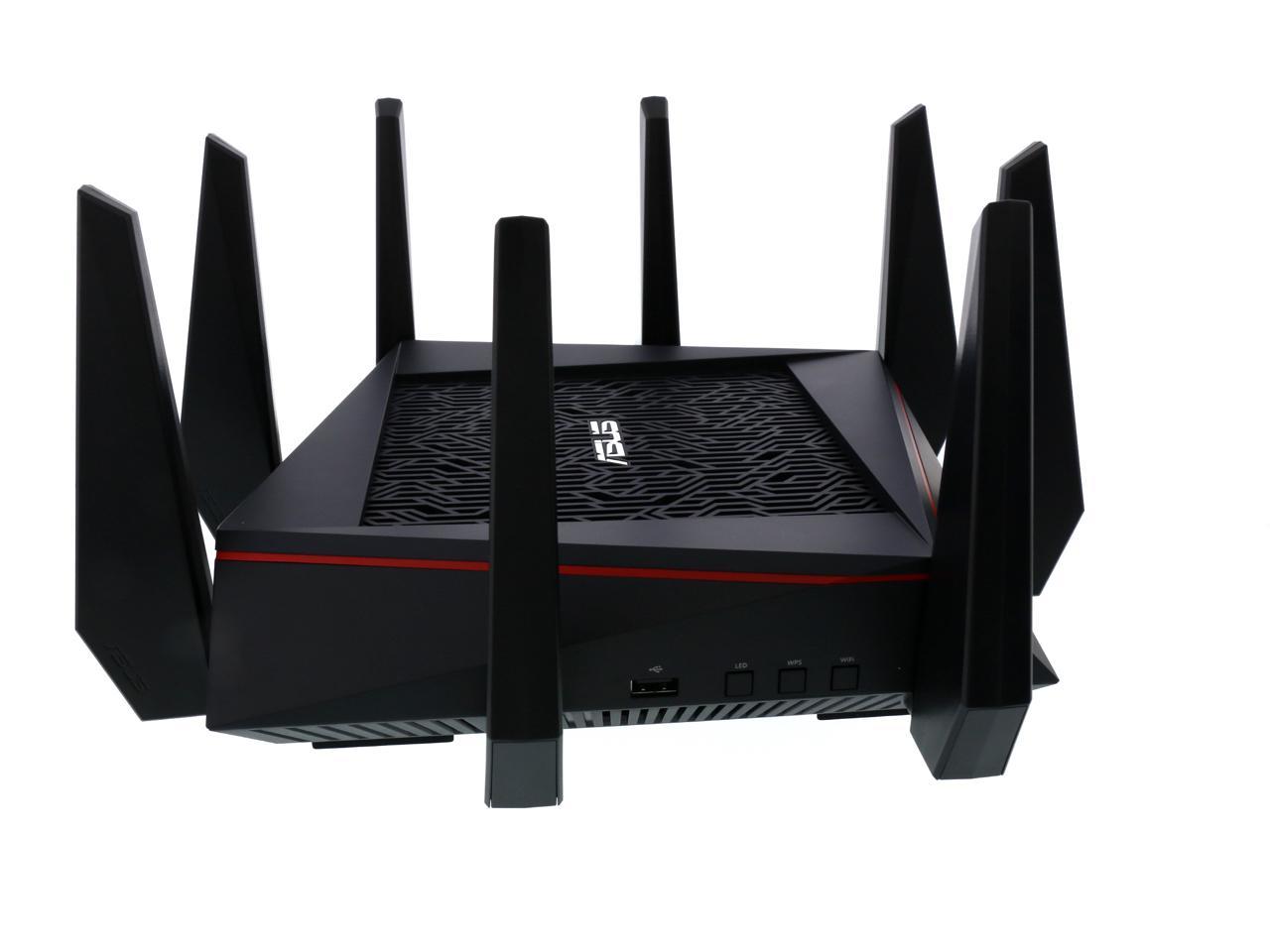
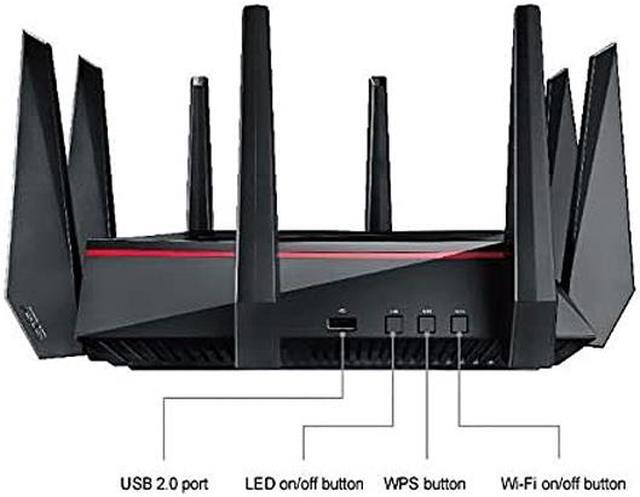
| USB And Network Functions | One USB 2.0 port and one USB 3.0 port, with access point and wireless router operating modes |
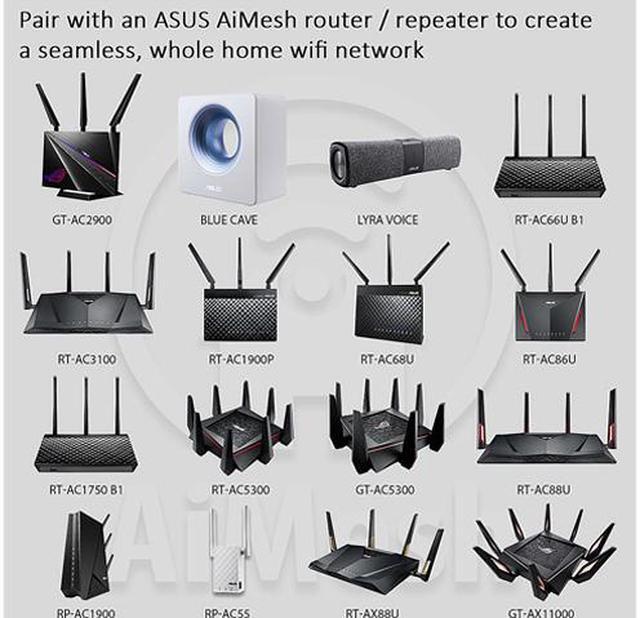
| Gaming And Mesh Features | Built-in WTFast Gamers Private Network access, ASUS Smart Connect band selection, and compatibility with the ASUS AiMesh whole-home Wi-Fi system |
| Security And Access Control | SPI firewall with intrusion detection and DoS protection, Trend Micro AiProtection, parental controls, network service, URL and port filtering, plus WEP, WPA, WPA2, WPA-Enterprise, WPA2-Enterprise, RADIUS with 802.1x, and WPS |
| VPN And Internet Protocols | IPv4 and IPv6 support with VPN pass-through, PPTP, L2TP and OpenVPN server and client support |
| Network Management | UPnP, IGMP v1/v2/v3, DNS proxy, DHCP, SNMP, NTP client, DDNS, port triggering, port forwarding, DMZ, and system event logging |
| Compatibility And Connectivity | Wireless and Ethernet connectivity; designed to operate as a router or access point and is not modem-compatible |
| Controls And Indicators | WPS, reset, power, and wireless on/off buttons with power, WAN, LAN, wireless, and WPS indicators |
| Power Requirements | 110–240 V AC input at 50–60 Hz with 19 V DC output up to 3.42 A |
| Physical Specifications | Black router measuring 2.60 x 9.60 x 9.60 inches and weighing 3.99 pounds |
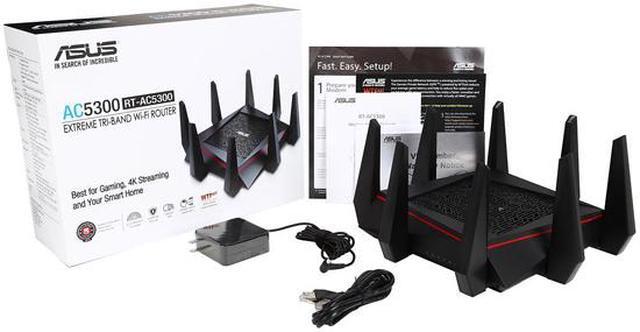
| Included Accessories | RJ-45 cable, power adapter, quick start guide, warranty card, support CD, and RT-AC5300 tri-band Gigabit router |
| Model Identifiers | ASUS RT-AC5300, FCC ID MSQ-RTGZ00 |
Q: Should I buy the ASUS RT-AC5300 or the newer RT-AX86U Pro?
A: Choose the RT-AX86U Pro for Wi-Fi 6 devices, lower-latency modern networking, a configurable 2.5Gbps port, and longer-term platform support. Choose the RT-AC5300 when you specifically need three wireless bands, including two 5GHz bands, or want to extend an existing ASUS Wi-Fi 5 AiMesh setup. The RT-AX86U Pro is dual-band, while the RT-AC5300 is tri-band. ASUS lists the RT-AC5300 as end-of-life, so the AX86U Pro is the more practical replacement for a new primary router. ([asus.com](https://www.asus.com/us/networking-iot-servers/wifi-routers/asus-wifi-routers/rt-ac5300/techspec/?utm_source=openai))
Q: Is the RT-AC5300 better than the ASUS RT-AC68U for a busy home network?
A: The RT-AC5300 is the better fit for a busy home with many simultaneous 5GHz clients because it has two 5GHz bands, 4x4 radios, and up to 5,334Mbps of combined advertised wireless capacity. The RT-AC68U is better suited to a smaller or moderately connected home because it uses one 5GHz band, 3x3 radios, and an AC1900 configuration. Both support Gigabit Ethernet, AiMesh, and AiProtection, so the main decision is wireless capacity rather than basic router features. ([asus.com](https://www.asus.com/us/networking-iot-servers/wifi-routers/asus-wifi-routers/rt-ac5300/techspec/?utm_source=openai))
Q: Should I choose the RT-AC5300 or the ASUS RT-AX88U Pro?
A: Choose the RT-AX88U Pro when you need Wi-Fi 6 efficiency, 160MHz channels, two 2.5Gbps ports, or more wired connections. It has four standard Gigabit LAN ports plus two configurable 2.5Gbps ports. Choose the RT-AC5300 when a tri-band design and two 5GHz networks are more useful than multi-gigabit wired connectivity. Both support ASUS AiMesh, but the AX88U Pro is designed for newer Wi-Fi clients and higher-speed wired networks. ([asus.com](https://www.asus.com/us/networking-iot-servers/wifi-routers/asus-wifi-routers/rt-ac5300/techspec/?utm_source=openai))
Q: Does the RT-AC5300 perform better than other AC-class routers?
A: The RT-AC5300 can provide higher aggregate wireless capacity than dual-band AC routers because it combines two 5GHz bands with 4x4 radios. However, its AC5300 label does not guarantee higher speeds for every device: real throughput depends on the client’s Wi-Fi generation, antenna configuration, channel width, distance, and interference. Independent testing found that higher router-class ratings do not always produce higher performance with typical 3x3 clients, while the RT-AC5300 showed strong 5GHz results in several test scenarios. ([asus.com](https://www.asus.com/us/networking-iot-servers/wifi-routers/asus-wifi-routers/rt-ac5300/techspec/?utm_source=openai))
Q: Is the RT-AC5300 a good choice for a large home, or should I use a mesh system?
A: Choose the RT-AC5300 when it can be placed centrally and your coverage needs are concentrated around one location; its tri-band design also provides a dedicated 5GHz band that can help support additional wireless traffic or an AiMesh connection. Choose a multi-node mesh system when the home has separated floors, thick construction, or persistent dead zones that one centrally placed router cannot reach. The RT-AC5300 supports ASUS AiMesh, so it can also serve as the primary router in a compatible ASUS mesh network. ([asus.com](https://www.asus.com/us/networking-iot-servers/wifi-routers/asus-wifi-routers/rt-ac5300/techspec/?utm_source=openai))
Q: Is this router suitable for gaming and a busy household with many connected devices?
A: Yes. The RT-AC5300 is suitable for households that game, stream, and connect many devices at the same time. Its tri-band Wi-Fi, 4x4 MU-MIMO, Smart Connect, and four Gigabit LAN ports help distribute traffic across wireless and wired devices. Gaming features can help manage latency, but actual ping also depends on the internet connection, game server, and network conditions. ([bestbuy.com](https://www.bestbuy.com/site/questions/linksys-wrt32x-ac3200-dual-band-wi-fi-gaming-router-with-killer-prioritization-engine/5882521?utm_source=openai))
Q: Will this router work with my internet provider and existing modem?
A: Usually, yes, provided the modem, ONT, or other internet gateway supplies an Ethernet connection. The RT-AC5300 connects through its Gigabit WAN port and supports Automatic IP, Static IP, PPPoE, PPTP, and L2TP connection types. It does not replace a cable, DSL, or fiber modem when the service requires one. ([bestbuy.com](https://www.bestbuy.com/site/questions/netgear-nighthawk-pro-gaming-ac2600-dual-band-wi-fi-router-black/6190755?utm_source=openai))
Q: Does this router support VPN connections?
A: Yes. The RT-AC5300 supports VPN passthrough, VPN server functions, and VPN client functions for PPTP, L2TP, and OpenVPN; the specifications also list IPSec passthrough. It provides router-level VPN configuration, but it does not automatically include a paid VPN subscription, and VPN encryption may reduce available throughput. ([bestbuy.com](https://www.bestbuy.com/site/questions/netgear-nighthawk-pro-gaming-ac2600-dual-band-wi-fi-router-black/6190755?utm_source=openai))
Q: How much area can this router cover, and is it enough for a large home?
A: ASUS rates the RT-AC5300 for coverage of up to 5,000 square feet, but real-world coverage varies with walls, floors, building materials, interference, router placement, and client devices. It can be used as the main router or expanded through ASUS AiMesh with compatible ASUS nodes; an AiMesh node is not included in this package. ([bestbuy.com](https://www.bestbuy.com/site/questions/linksys-wrt-ac3200-dual-band-wifi-5-router/5601000?utm_source=openai))
Q: Is this a good choice for ordinary home use, or is it mainly for gamers?
A: It can serve ordinary home use, including web browsing, streaming, video calls, smart-home devices, and wired networking. Its gaming tools and tri-band capacity are most useful when the home has demanding traffic or many simultaneous devices. For a small household with basic internet use, its large design, eight external antennas, and advanced features may be more than necessary. ([bestbuy.com](https://www.bestbuy.com/site/questions/linksys-wrt32x-ac3200-dual-band-wi-fi-gaming-router-with-killer-prioritization-engine/5882521?utm_source=openai))
Q: Is the ASUS RT-AC5300 still worth buying?
A: It is mainly suitable when available at a low price and you specifically need a tri-band Wi-Fi 5 router, strong coverage, or ASUS AiMesh compatibility. It is less suitable for buyers who want newer Wi-Fi standards, newer hardware, or the simplest long-term upgrade path.
Q: Is the RT-AC5300 good for gaming?
A: Yes, it is designed for gaming with tri-band 4x4 802.11ac Wi-Fi, traffic-management features, and built-in WTFast access. Its main benefit is handling multiple wireless devices and prioritizing traffic; it cannot eliminate latency caused by the internet connection, game server, or wireless interference.
Q: Can the RT-AC5300 be used in an ASUS AiMesh system?
A: Yes. The RT-AC5300 supports ASUS AiMesh and can operate as a router or mesh node with compatible ASUS hardware. In practice, Reddit users report that firmware versions, mixed ASUS models, and wireless backhaul configurations can affect stability, so compatibility and firmware matching should be checked before building a mixed-model mesh.
Q: What are the main trade-offs of the RT-AC5300?
A: The main advantages are tri-band Wi-Fi, eight external antennas, four gigabit LAN ports, USB connectivity, and extensive router controls. The trade-offs are its large physical footprint, Wi-Fi 5 limitation, only four LAN ports, and reports of firmware-update, disconnection, and recovery problems in some older or mixed AiMesh installations.