



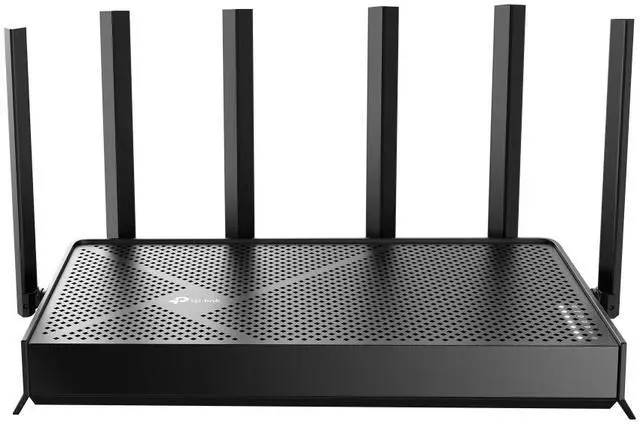
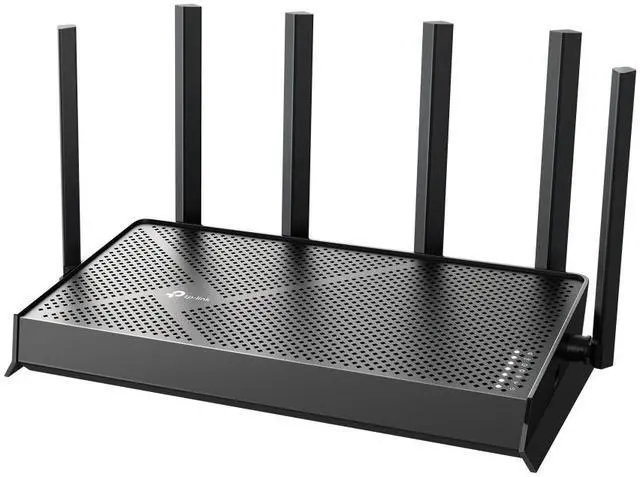


Exploring the New Era of Home WiFi
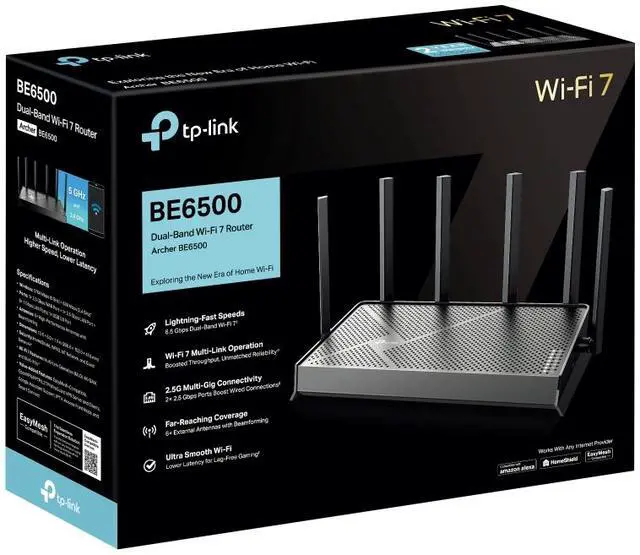
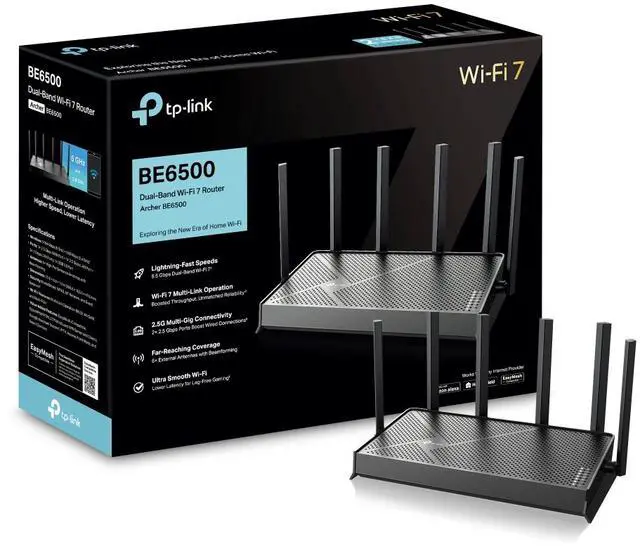
BE6500 Dual-Band Wi-Fi 7 Router
Archer BE6500


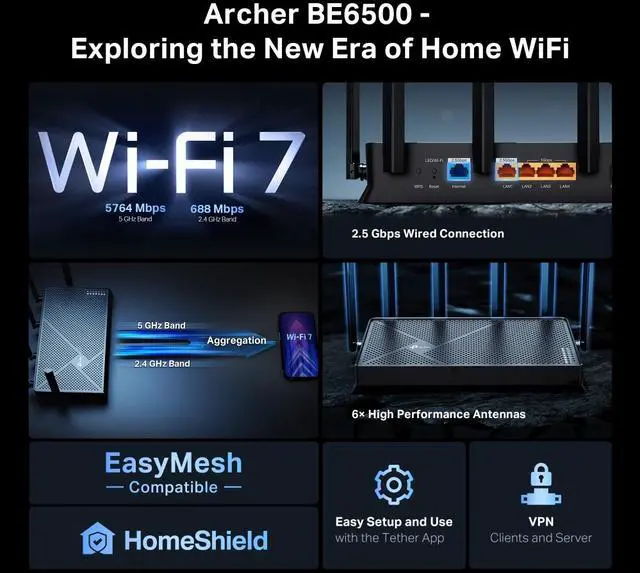
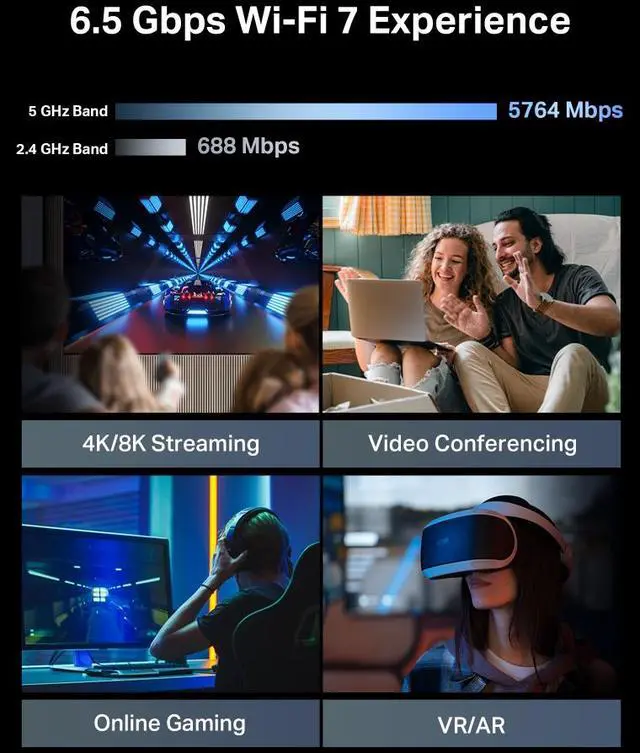
6.5 Gbps Dual Band Wi-Fi 7 Speed
Powered by Wi-Fi 7 technology, Archer BE6500 delivers incredible Wi-Fi speeds of up to 6.5 Gbps, enabling your devices to run at full speed.1


4K/8K Streaming

Video Conferencing

Online Gaming

VR/AR
WiFi 7, WiFi Like Never Before
WiFi 7 offers accelerated throughput, lower latency, stronger anti-jamming, and higher efficiency. Join the league of pros and experience the sheer performance of the next generation of WiFi.

4K-QAM
Packs 120% data for higher speeds
Multi-Link Operation
Increases throughput, reduces latency, and improves reliability2
Multi-RUs
Makes full use of every resource for maximum efficiency
Boosted Throughput, Unmatched Reliability
Multi-Link Operation (MLO) enables Archer BE6500 to transmit data with Wi-Fi 7 clients across multiple bands simultaneously to increase throughput, reduce latency, and improve reliability for various networking behaviors.3

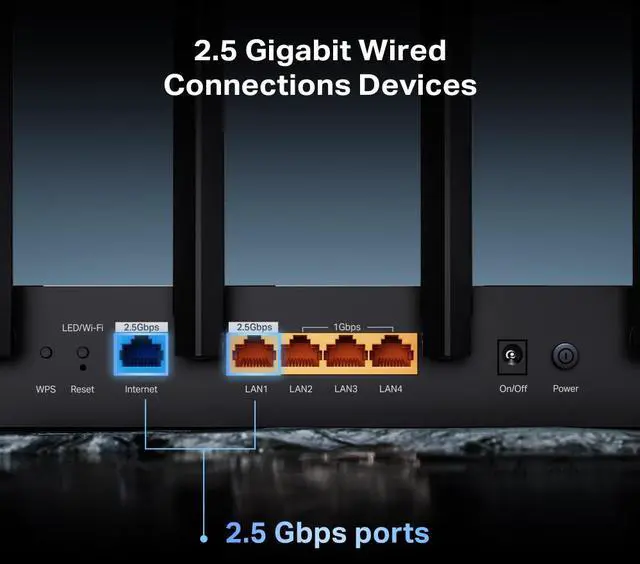
2.5 Gigabit Wired Connections Devices
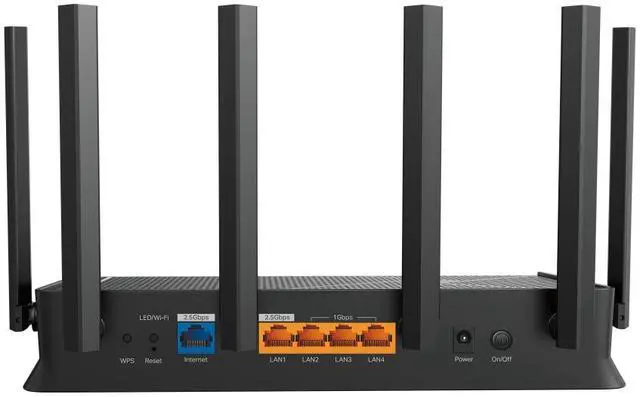
Experience lightning-speed connectivity with dual 2.5 Gbps ports! Archer BE6500 features 1× 2.5 Gbps Internet (WAN) port and 1× 2.5 Gbps LAN port, maximizing Gigabit+ speeds delivered by your internet service provider. Break through the 1G bottleneck and unleash peak performance.4

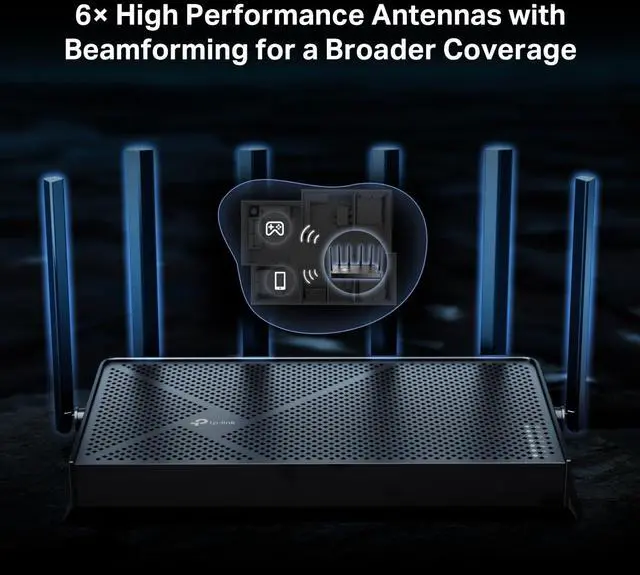
6× High Performance Antennas with Beamforming for a Broader Coverage
Equipped with 6× high performance antennas, Archer BE6500 boosts the WiFi signals throughout your home. The Beamforming technology detects devices and concentrates signals towards them, especially to previously hard-to-reach areas.1

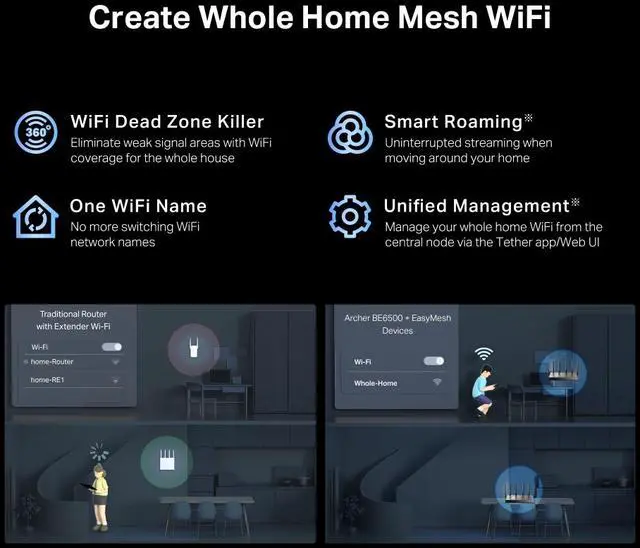
Create Whole Home Mesh WiFi
Archer BE6500 is EasyMesh-compatible. If you have any dead zones at home, just add another EasyMesh router/range extender to further form your whole home multi-gigabit mesh WiFi. No more searching for a stable connection.5

WiFi Dead Zone Killer
Eliminate weak signal areas with WiFi coverage for the whole house

Smart Roaming
Uninterrupted streaming when moving around your home

One WiFi Name
No more switching WiFi network names

Unified Management
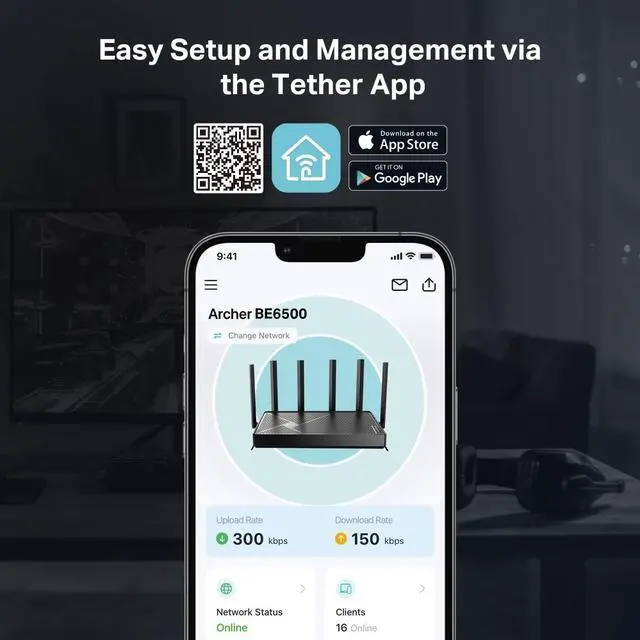
Manage your whole home WiFi from the central node via the Tether app/Web UI


Set Up in Minutes
Install the Tether app and simply follow the on-screen directions. In just three easy steps your entire home can be blanketed in strong and reliable WiFi.
1CONNECT to a modem and power on both.
2DOWNLOAD and launch the Tether app.
3CONFIGURE by following the in-app instructions.


Your Security is Our Priority
With TP-Link HomeShield, enjoy advanced security features that deliver a safe environment that protects your family and network's data and privacy.6

Home Network Scanner
Real-time network scanner to detect potential threats and security issues.

Parental Controls
Manage time online and block inappropriate content to keep your family safe online.

Quality of Service
Assign your favorite devices to have the fastest connections for top performance.
Private IoT Network for More Security
Set up a separate WiFi for IoT devices and overlay HomeShield and advanced WPA3 encryption7 to better protect the security of your home network and IoT devices.

VPN Clients and Server Supported
Allow devices in your home network to access remote VPN servers without needing to install VPN software on every device. Archer BE6500 can run both the VPN and ordinary internet connections at the same time, delivering security and flexibility.

Notes:
1. Maximum wireless signal rates are the physical rates derived from IEEE Standard 802.11 specifications. Actual wireless data throughput, wireless coverage, and connected devices are not guaranteed and will vary as a result of internet service provide factors, network conditions, client limitations, and environmental factors, including building materials, obstacles, volume and density of traffic, and client location.
2. Lower Latency refers to the latency improvement of Wi-Fi7 routers compared to Wi-Fi6/6E routers, based on laboratory test data. The test conditions had the same 5 GHz or 2.4 GHz single-frequency wireless interference and tested the maximum latencies of Wi-Fi 7 clients (with MLO turned on) connecting to the 5 GHz and 2.4 GHz bands of Archer BE6500 (with MLO turned on) simultaneously and to the 5 GHz or 2.4 GHz bands of a Wi-Fi 6/6E router (without the MLO function)
3. Use of Wi-Fi 7 (802.11be), Wi-Fi6 (802.11ax), and features including Multi-Link Operation (MLO), 4K-QAM, Multi-RUs, OFDMA, and MU-MIMO requires clients to also support the corresponding features, Wi-Fi generations represent the wireless standard NEEE 802.11 a/be/n/ac/ax/be. All devices need to support 802.11 Wi-Fi protocols. Users may require an extra modem device that is compatible with their internet service provider to gain internet access.
4. 2.5 Gbps internet speeds require compatible service plans and equipment. Actual network speed may be limited by the rate of the product's Ethernet WAN or LAN port, the rate supported by the network cable, internet service provider factors, and other environmental conditions.
5. TP-Link EasyMesh-compatible products can network with other devices that use EasyMesh. Failed connections may be due to firmware conflicts of different vendors. The EasyMesh-compatible function is still being developed on some models and will be supported in subsequent software updates.
6. HomeShield includes both basic and advanced features. Advanced features require a paid subscription. For details, visit tp-link.com/homeshield
7. Use of WPA3 requires clients to also support the corresponding feature.