• $54.99
  • $69.99
  • Save: $15.00 (21%)
  • Free 92-day Returns
  • Sold by Newegg

    Shipped by Newegg

    Price alert
    Shop it at NeweggBusiness.

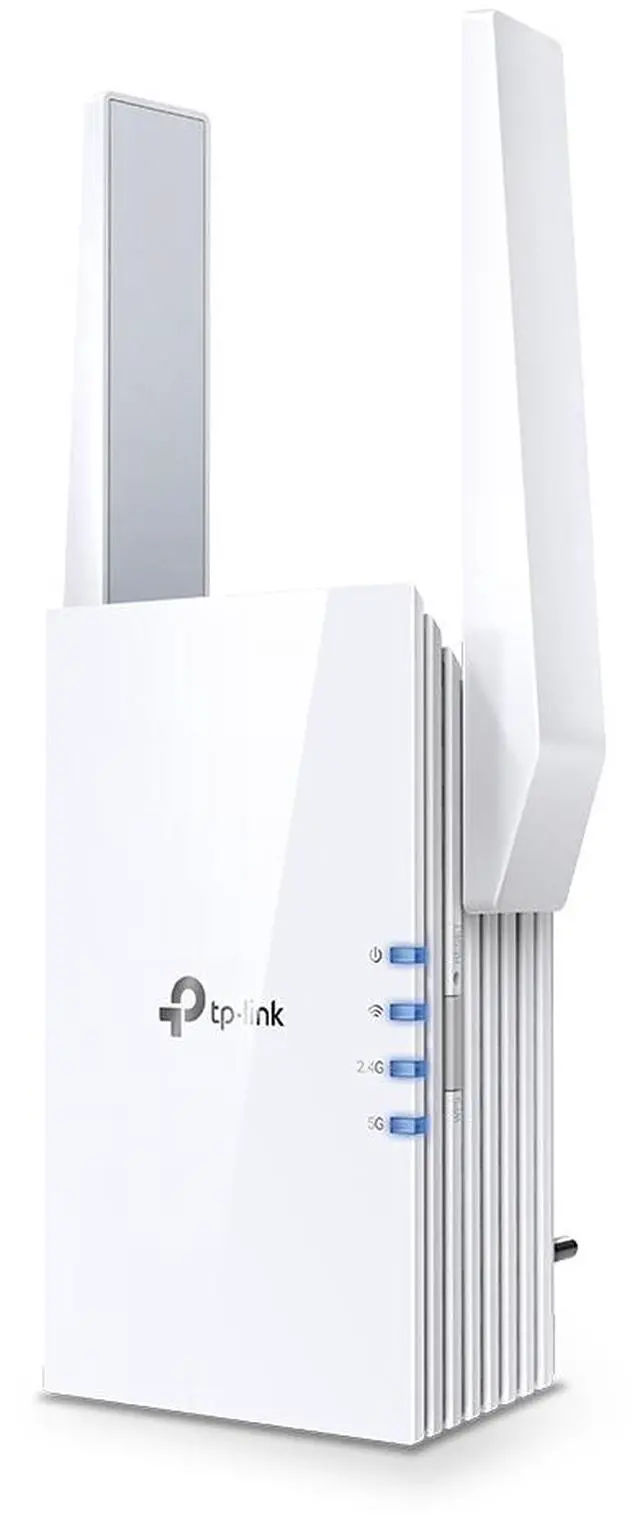
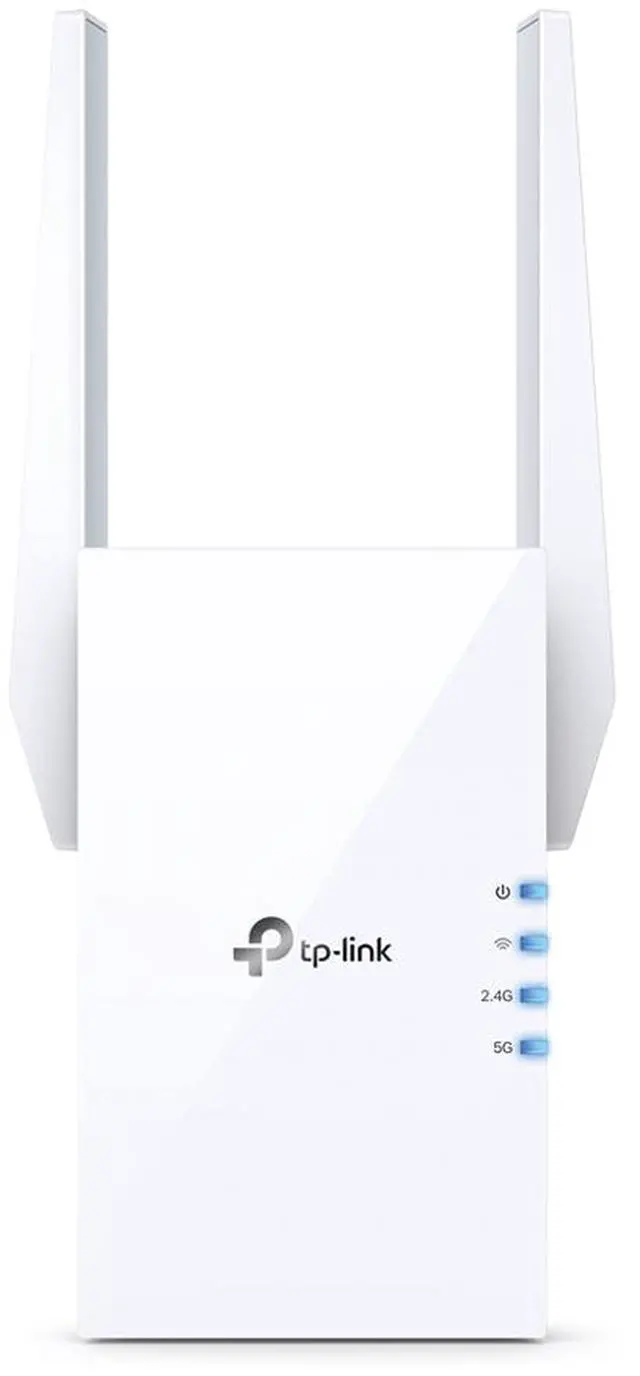
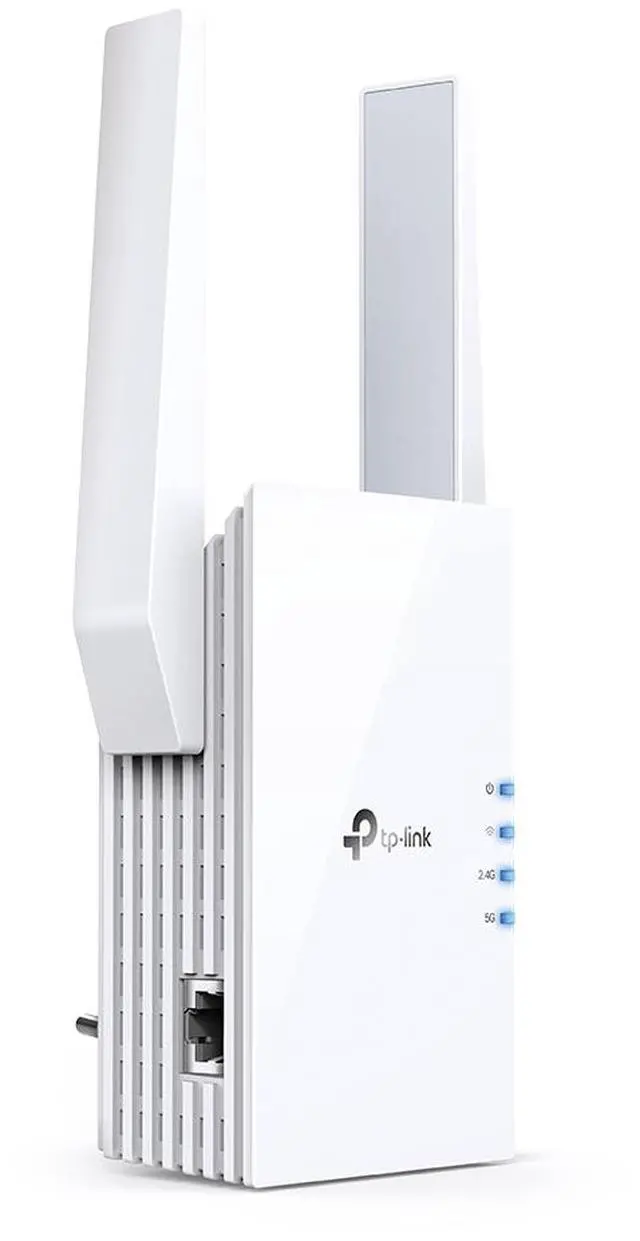
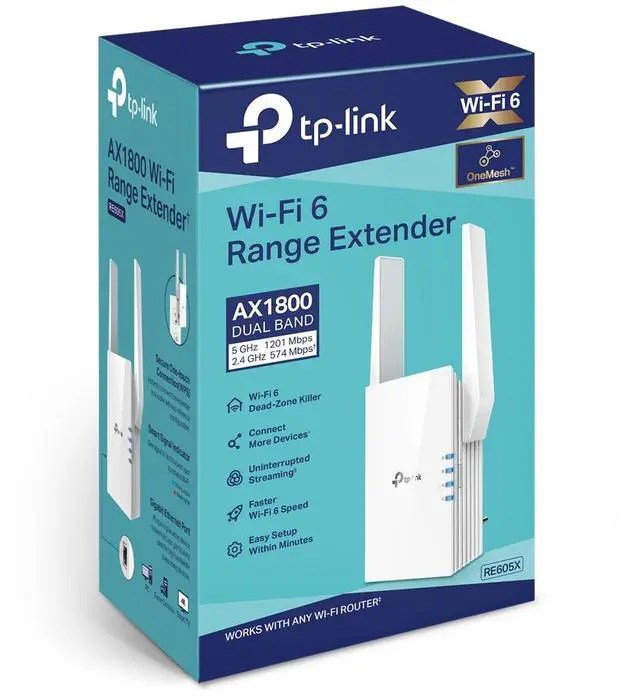
    TP-Link - RE605X AX1800 Wi-Fi 6 Range Extender - White

    REFURBISHED Product Type
    • RE605X comes equipped with the latest wireless technology, Wi-Fi 6, for faster speeds, greater capacity, and reduced network congestion.
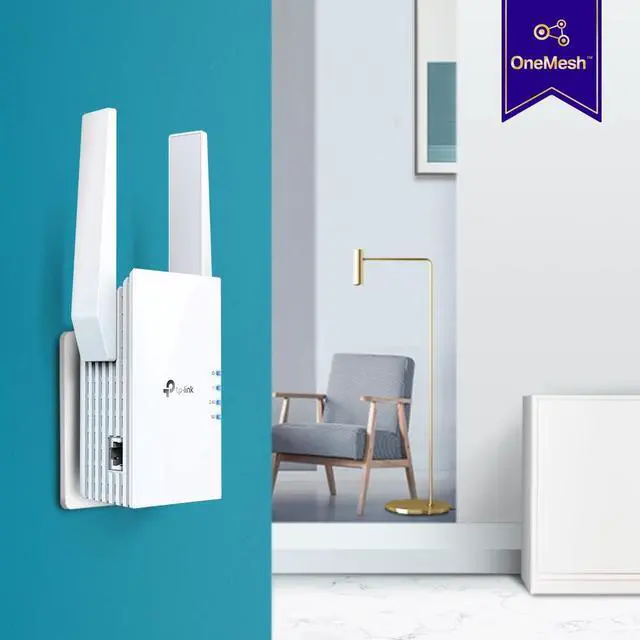
    • Creates a Mesh network by connecting to a TP-Link OneMesh™ router for seamless whole-home coverage.
    • Gigabit Ethernet Port – Provide faster-wired connections to smart TVs, computers and gaming consoles
    • Intelligent Signal Light – Helps to determine the best location for optimal Wi-Fi coverage by indicating the signal strength in the current placement
    • AP Mode – create a new Wi-Fi access point to enhance your wired network with Wi-Fi capability
    • TP-LINK Tether App – Easily access and manage your network using any iOS or Android mobile device
    • Ultimate Compatibility – Extend the range of any Wi-Fi router or wireless access point
    +
    +
    Overview
    Reviews
    See all Q & A

    Any questions? Ask CelesteSM will help you find out quickly.

    TP-Link RE605X AX1800 Wi-Fi 6 Range Extender
    TP-Link RE605X AX1800 Wi-Fi 6 Range Extendererdynamic Aventho 100 Wireless on-ear headphones with ANC
    Expand Your Ultimate WiFi Experience
    AX1800 WiFi 6 Range Extender

    RE605X

    TP-Link RE605X AX1800 Wi-Fi 6 Range Extender
    TP-Link RE605X AX1800 Wi-Fi 6 Range Extender
    Get More Range with Your Existing Router

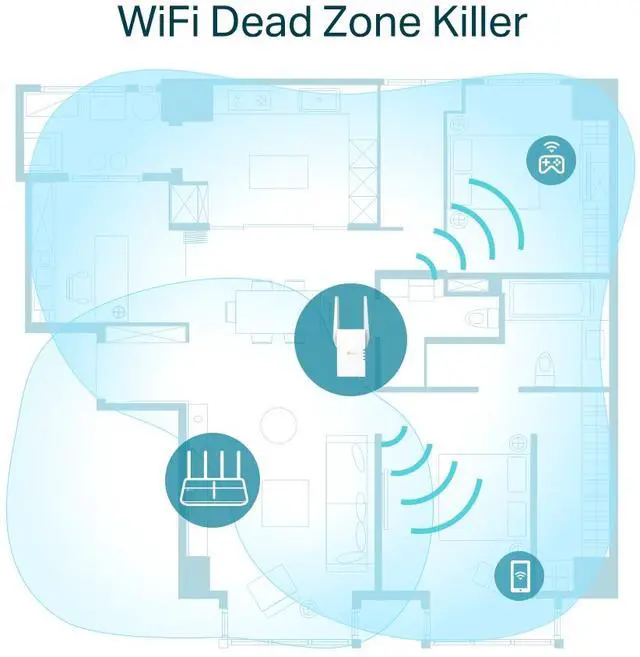
    A single router has limited WiFi coverage and always causes WiFi dead zones. RE605X wirelessly connects to your existing router and boosts more WiFi signals throughout your home, allowing you to enjoy smooth WiFi 6 network experiences everywhere with great speed, capacity, and coverage.

    TP-Link RE605X AX1800 Wi-Fi 6 Range Extender
    WiFi 6: More Connections with Better Performance

    The latest Wi-Fi 6 technology is built for today’s devices, eliminating lag, endless loading, and dead spots. It fully satisfies your network needs especially for bandwidth-intensive tasks like cloud gaming or 4K UHD video.

    TP-Link RE605X AX1800 Wi-Fi 6 Range Extender

    Higher Speed

    TP-Link RE605X AX1800 Wi-Fi 6 Range Extender

    Larger Capacity

    TP-Link RE605X AX1800 Wi-Fi 6 Range Extender

    Ultra-Low Latency

    AX1800 Dual Band WiFi
    Meeting All Your Different Networking Needs
    TP-Link RE605X AX1800 Wi-Fi 6 Range Extender
    TP-Link RE605X AX1800 Wi-Fi 6 Range Extender
    TP-Link RE605X AX1800 Wi-Fi 6 Range Extender
    TP-Link OneMesh:
    Optimize for Smoothest WiFi Experience

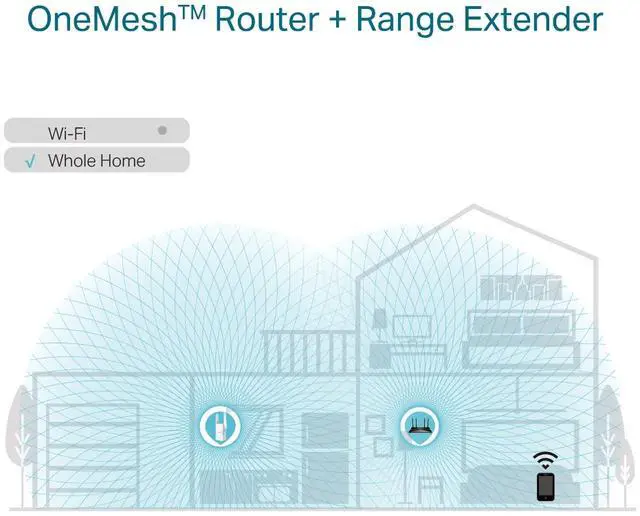
    OneMesh™ is a simple way to form a Mesh network with a single WiFi name for seamless whole home coverage. Just connect a OneMesh™ range extender to a OneMesh™ router. No more searching around for a stable connection.

    TP-Link RE605X AX1800 Wi-Fi 6 Range Extender
    Smart Roaming

    Uninterrupted streaming when moving around your home

    TP-Link RE605X AX1800 Wi-Fi 6 Range Extender
    One Wi-Fi Name

    No more switching Wi-Fi network names

    TP-Link RE605X AX1800 Wi-Fi 6 Range Extender
    Easy Creation

    OneMesh™ Router and OneMesh™ Range Extenders pair instantly

    TP-Link RE605X AX1800 Wi-Fi 6 Range Extender
    Unified Management

    Manage the entire network all from the TP-Link Tether app

    Traditional Router with Extender
    TP-Link RE605X AX1800 Wi-Fi 6 Range Extender
    OneMesh™ Router + Range Extender
    TP-Link RE605X AX1800 Wi-Fi 6 Range Extender
    Enjoy an AX Mesh Network with Your Existing Router

    Want a Mesh network? Hesitating whether you should replace your current router with a new Mesh set?

    1Update your existing TP-Link router’s firmware to the OneMesh™ version—no need to replace anything.

    TP-Link RE605X AX1800 Wi-Fi 6 Range Extender
    Existing Router
    +

    2Connect the RE605X to the router.

    TP-Link RE605X AX1800 Wi-Fi 6 Range Extender
    RE605X
    =

    3Enjoy your Mesh network

    TP-Link RE605X AX1800 Wi-Fi 6 Range Extender
    Whole Home Mesh Wi-Fi
    Built-In Access Point Mode

    RE605X is more than a wireless range extender. Simply plug an Ethernet cable into its Ethernet port, and easily turn your wired internet connection into a 2×2 MU-MIMO dual band wireless access point.

    TP-Link RE605X AX1800 Wi-Fi 6 Range Extender
    TP-Link RE605X AX1800 Wi-Fi 6 Range Extender
    TP-Link RE605X AX1800 Wi-Fi 6 Range Extender
    TP-Link RE605X AX1800 Wi-Fi 6 Range Extender
    Control at Your Fingertips

    Set up and manage your Wi-Fi through the TP-Link Tether app from your smartphone (Android, iOS), including TP-Link routers and range extenders.

    TP-Link RE605X AX1800 Wi-Fi 6 Range Extender TP-Link RE605X AX1800 Wi-Fi 6 Range Extender TP-Link RE605X AX1800 Wi-Fi 6 Range Extender
    Note:

    * Actual network speed may be limited by the rate of the product's Ethernet WAN or LAN port, the rate supported by the network cable, Internet service provider factors and other environmental conditions.

    Warranty & Returns

    Warranty, Returns, And Additional Information

    Warranty

    • Limited Warranty period (parts): 90 days
    • Limited Warranty period (labor): 90 days
    • Read full details

    Return Policies

      We want to ensure your holiday shopping this year is hassle-free. That’s why we’re automatically extending our return policies on almost every product! For purchases placed between November 1st, 2025 and December 31, 2025 you will have until January 31, 2026 to return your product.

    • Return for refund until: January 31, 2026
    • Return for replacement until: January 31, 2026
    • This item is covered by Newegg.com's Extended Holiday Return Policy.
    • Read full return policy for details.
    LOADING...

    The TP-Link RE605X is an AX1800 Wi-Fi 6 range extender for people who want to improve wireless coverage beyond their router’s reach, with OneMesh support for a seamless mesh network when paired with a TP-Link OneMesh router.

    Recommended For

    • Households with one or two specific Wi‑Fi dead zones—such as a back office or upstairs bedroom—who want to improve coverage without replacing the router. Testing found the RE605X improved speeds in a weak-signal room, while reviews describe it as better suited to targeted coverage than whole-home upgrades.
    • People who can run Ethernet to a room and want to turn that wired connection into Wi‑Fi there; the RE605X supports Access Point mode for this setup.
    • Users with an existing TP-Link OneMesh router who want the extender to share its Wi‑Fi settings and support roaming between the router and extender.
    • People who want to add a wired connection for one nearby device, such as a smart TV, console, or computer, in an area where Wi‑Fi coverage is weak.

    Real-World Use Scenarios

    • When a bedroom or home office has weak Wi‑Fi, place the RE605X between that room and the router; if it receives a usable signal there, it can improve coverage for browsing, video calls, and other everyday tasks in the room.
    • If downloads are slow in a back room, the RE605X may make large game or software downloads more practical when positioned where its connection to the router is still strong; a review measured faster Steam downloads after adding it.
    • For a smart TV, desktop, or console in a room with weak Wi‑Fi, connect the device to the RE605X’s Ethernet port; this provides a wired link to the extender, though the extender’s connection back to the router may still be wireless.
    • In a home with Ethernet available in a distant room, use the RE605X in Access Point mode to create Wi‑Fi there; this uses the wired connection to the router rather than relying on a wireless extender link.
    • When moving around a home with a compatible TP-Link OneMesh router, the RE605X can join the same network to support roaming between the router and extender; actual speed and handoff experience depend on placement and the home layout.

    Spec Summary

    AttributeValue
    Best ForExtending an existing Wi‑Fi network or adding Wi‑Fi access to a wired network