




 here!
here!
I’m your shopping assistant for PC builds, upgrades, and everything tech.
Got questions? Ask away!
Start a conversation
here!
I’m your shopping assistant for PC builds, upgrades, and everything tech.
Got questions? Ask away!
Start a conversation

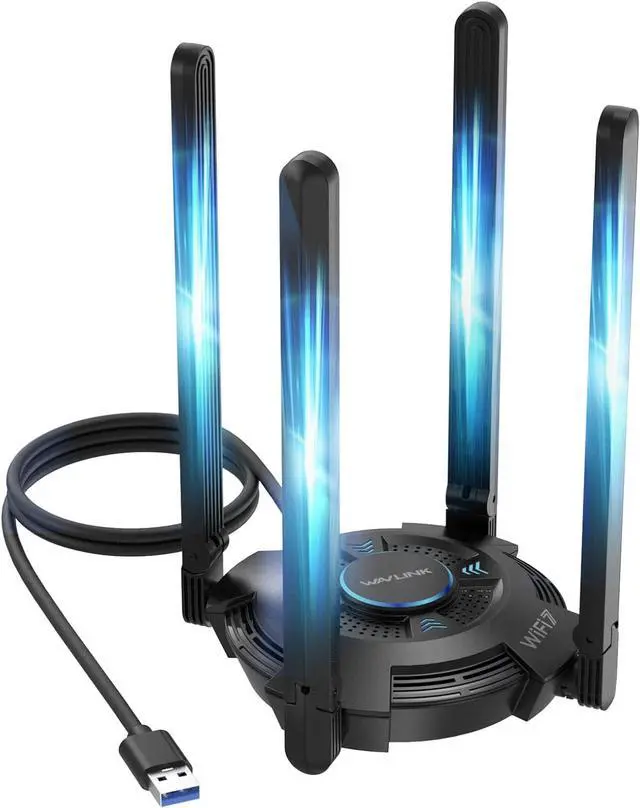
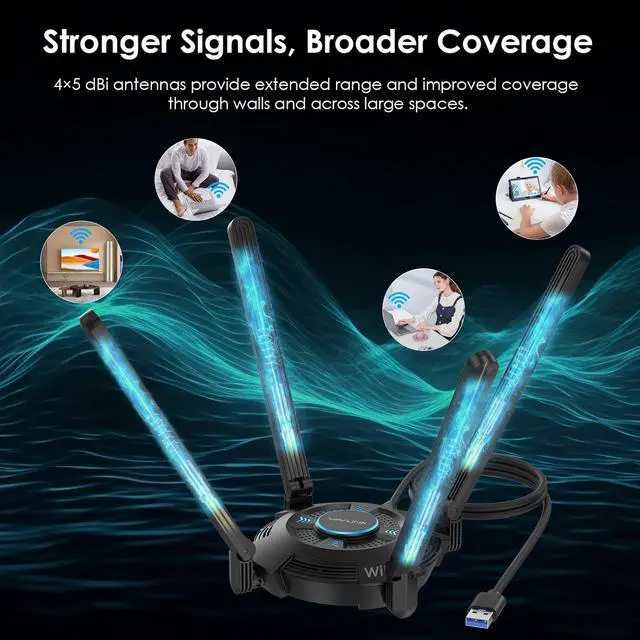
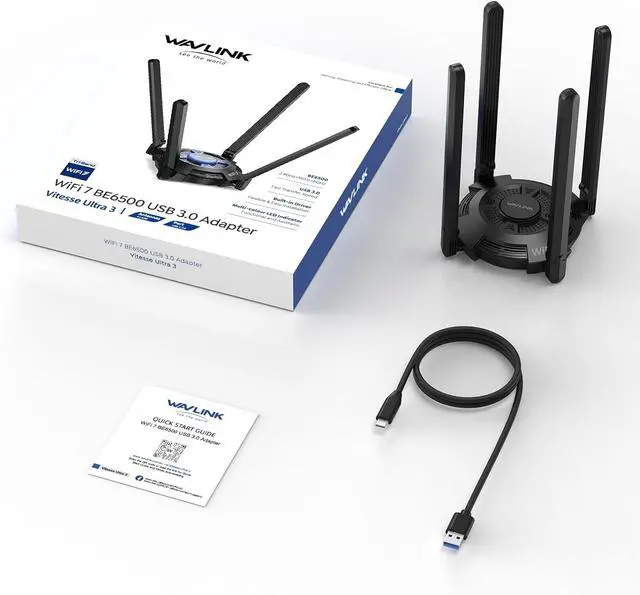


What I wish I knew before buying this BE6500 WiFi 7 Adapter?
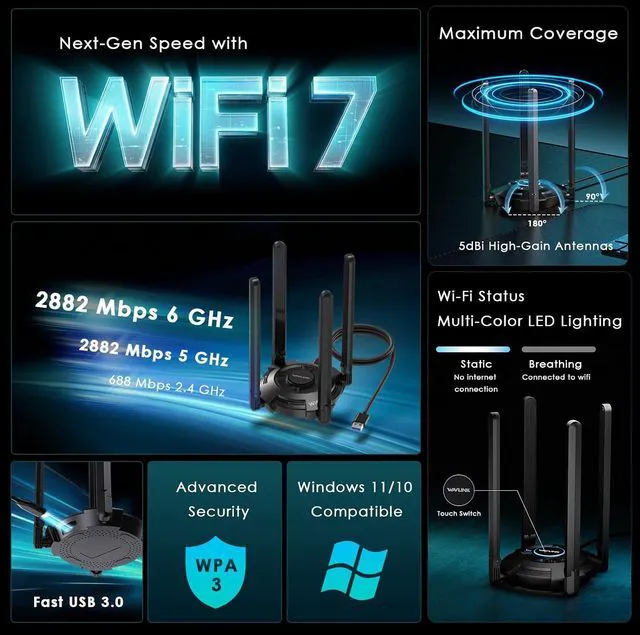
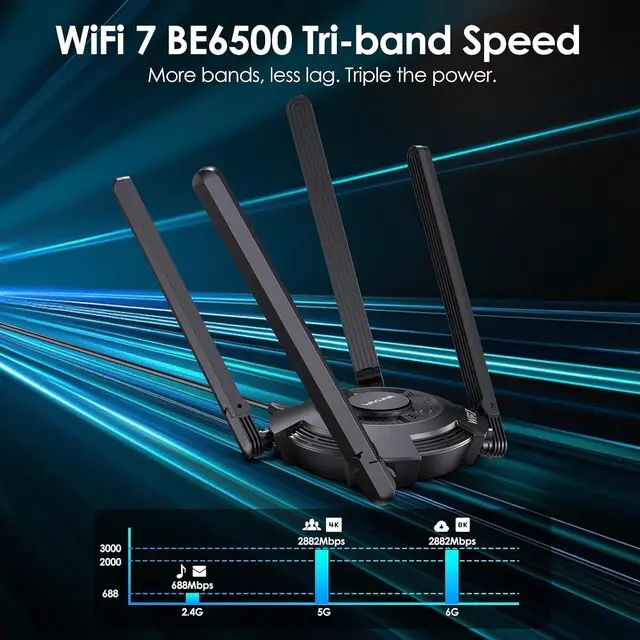
Before buying, know that if you feel built-in WiFi is slow, or you need to connect a desktop to a wireless router, or upgrade to the latest wifi standard—this adapter delivers 688Mbps on 2.4GHz band, 2882Mbps on 5GHz band, and 2882Mbps on 6GHz band.
What operating systems are compatible with this WAVLINK BE6500 USB WiFi 7 Adapter?
This WAVLINK BE6500 USB WiFi 7 Adapter is only compatible with Windows 10/11 (32-bit and 64-bit) systems. It is not suitable for Mac OS,Linux,Chromebook or other operating systems!
What should I do when the usb wifi adapter is not working properly? The adapter was cutting in and out sometimes?
1. Try another USB 3.0 cable/port(May mostly solve this problem)
2. Remove the old driver and reinstall it
3. Disable built-in Wi-Fi, test USB adapter. Re-enable built-in Wi-Fi after test.
4. Still stuck? We'll help fix it!
Who decide your internet speed? And what does this adapter can decide for you? WiFi connection speed is NOT internet speed
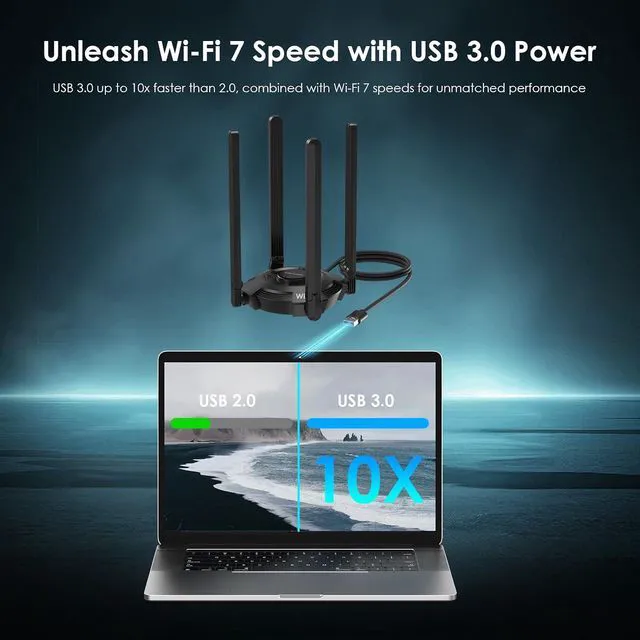
Your actual internet speed depends on your ISP and computer hardware. This adapter only controls the WiFi connection speed between your device and router: up to 688Mbps-2.4GHz, 2882Mbps-5GHz, 2882Mbps-6GHz. For best performance, plz use USB 3.0 port.
Why can't I see/connect to the 6GHz band on my Wi-Fi 7 adapter? (!!Very Important Notice!!)
Device Manager?Network adapters?Realtek 8912AU Wireless LAN WiFi 7 USB NIC?Properties?Advanced?Set 2.4G Wireless mode = disable?5G Wireless Mode = IEEE 802.11a/b/g/n/ac/ax/be ?6GHz Band=IEEE 802.11a/b/g/n/ac/ax/be?USB Mode = USB 3.0
* To enable 6GHz Wi-Fi band support, your system must be running Windows 11 version 21H2 or later.
1. Model:WL-WN695BE2. You Could Download the Driver Manually If it Doesn't Show.


