



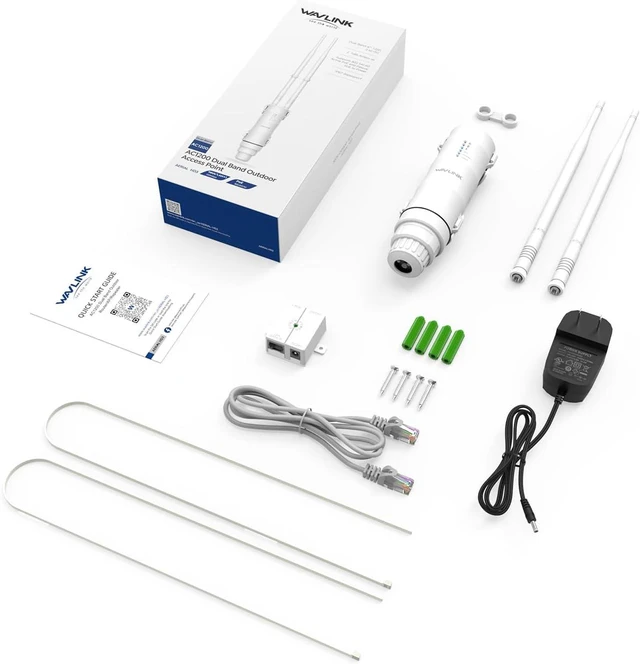


WAVLINK AC1200 Dual Band Outdoor Access Point - Expand Your Wi-Fi Coverage to the Vast Outdoors!
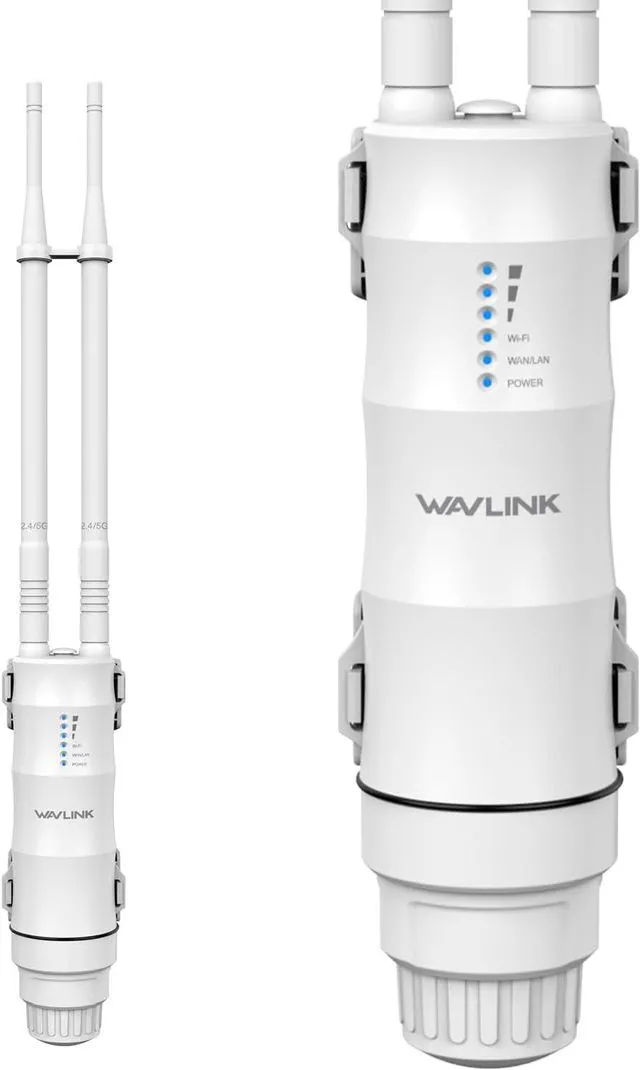
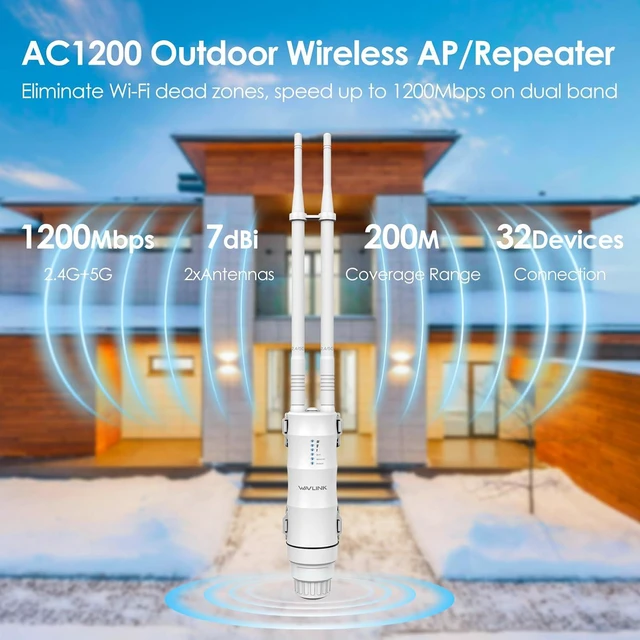
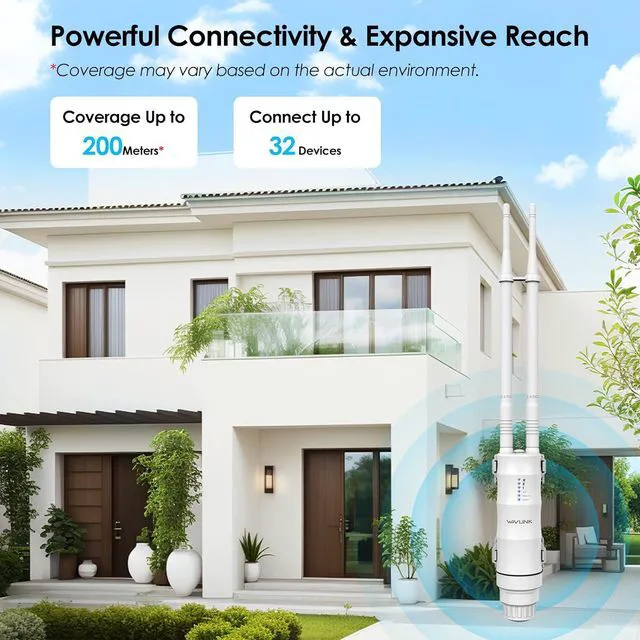
The WAVLINK High-Power Wi-Fi AP/Repeater/Extender is mainly used for providing reliable Wi-Fi service in large areas such as factories, communities, streets, etc. The AP/Repeater/Extender can take an existing 2.4GHz or 5GHz wireless signal, repeat it, and extend it to a longer range where it is too far away for the router or access point to reach. And it supports transmission speeds of up to 300Mbps over 2.4G band and 867Mbps over 5G band. It has two external antennas, providing even better wireless performance, transmission rates, and stability. Automatically avoids channel conflicts using its channel selection feature.
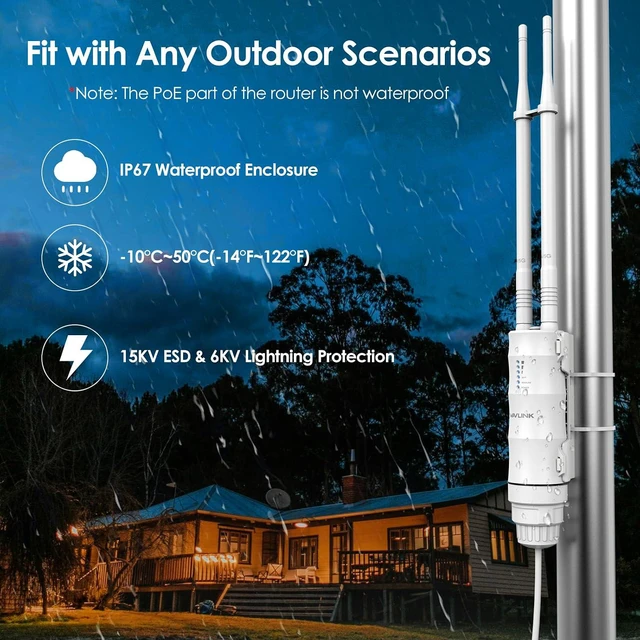
Applicable to Kinds of Weather
IP67-rated weatherproof and heat-resistant housing ensures continued operation in harsh outdoor environments. For example, it is sunny and exposed to the sun; it rains and is wet; it snows and freezes; and there is thunder and lightning.
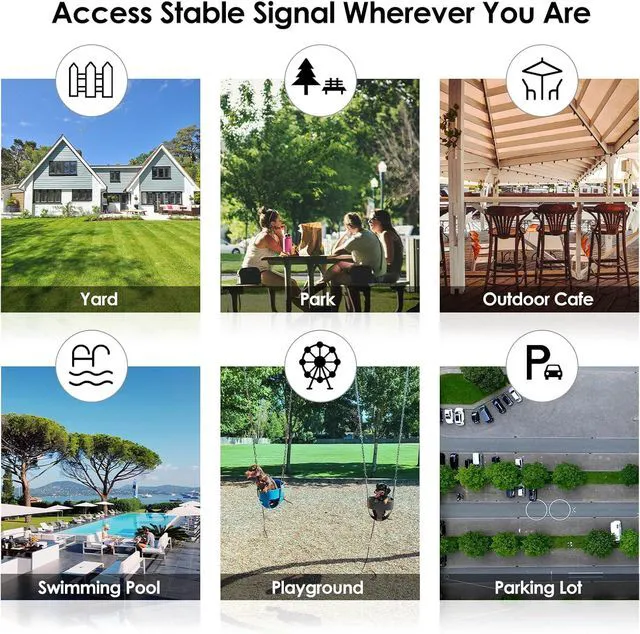
Applicable to Multiple Scenarios
It is suitable for various large-scale outdoor scenes, whether it is your own yard, outdoor swimming pool, school, park, playground, or outdoor parking lot.
Waterproof Case Design
The waterproof housing has an IP67 rating for impressive dust and water resistance, allowing it to operate reliably even when exposed to harsh outdoor conditions or temporary rain.
7dBi Omni Directional Antenna
The AC1200 outdoor access point features two hign-gain 7dBi omni directional antennas, designed to enhance the WiFi signal equally in all directions, ensuring broader coverage compared to standard directional antennas.
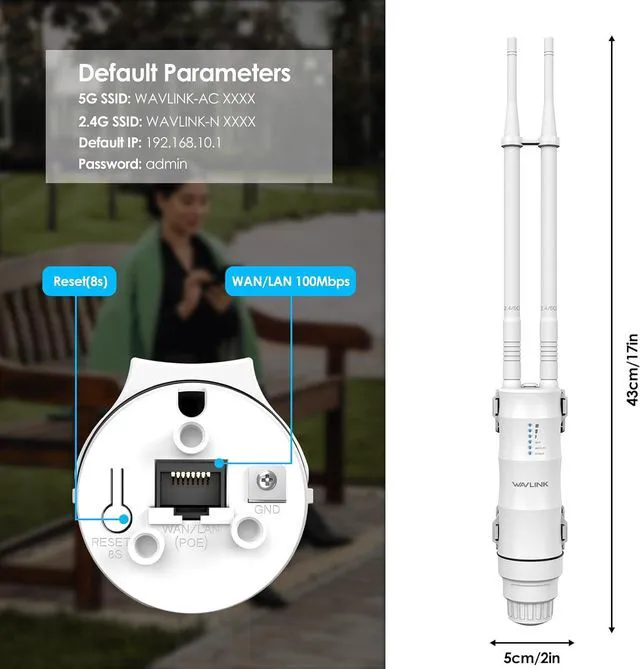
Default Parameters
- 5G SSID: WAVLINK-AC XXXX
- 2.4G SSID: WAVLINK-N XXXX
- Default IP: 192.168.10.1
- Default Password: admin
Warm Tips
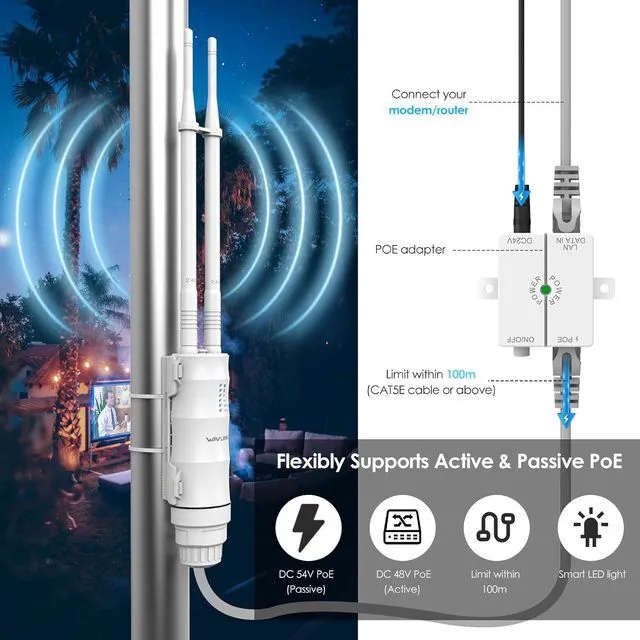
- The PoE converter is not waterproof, please install it indoors.
- Please make sure your Ethernet cable to the outdoor router is CAT5E or above certified and shorter than 100m/328ft.
- Please install the product 2-3 meters above the ground for better performance.


Installation Steps for the Device
- Fasten the main body holder.
- Plug the device into the holder.
- Connect one end of an Ethernet cable to the "PoE" port of the PoE converter.
- Connect one end of another Ethernet cable to the "LAN DATA IN" port of the PoE converter, and connect the other end to a "LAN" port of your router.
- Plug the Power Adapter into the power outlet.
- Push the "ON/OFF" button on the PoE converter to power on.
Note: The PoE converter is not waterproof, please install it indoors. Please make sure your Ethernet cable is CAT5E or above certified and shorter than 100m/328ft.
Features
- Complies with IEEE 802.11 a/b/g/n/ac standards.
- Simultaneous Dual Band 300Mbps/2.4GHz+867Mbps/5GHz.
- Easy installation, flexible placement.
- Supports 802.3AT/AF POE and Passive PoE to supply power.
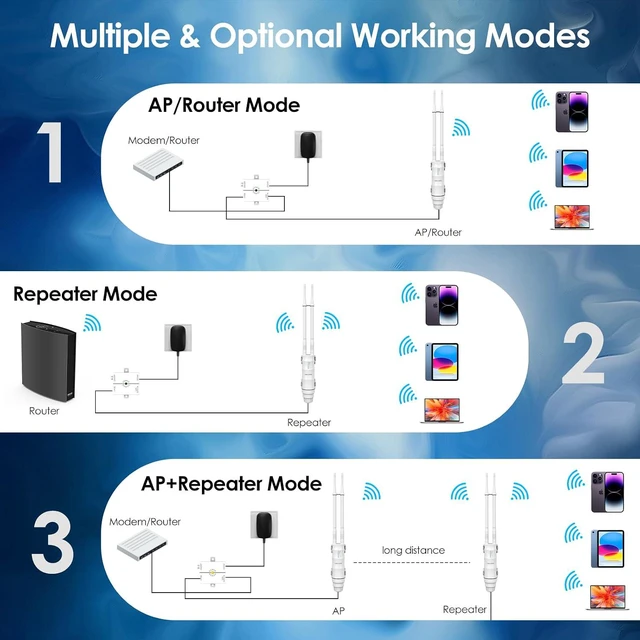
- Supports Router, AP, Repeater modes.
- Support FIT AP with WAVLINK AC manager.
- Supports 128 bit WPA/WPA2(TKIP AES )
- Features 2 x RP-SMA connectors for external antennas; Features 6 x status LED indicators.
- Robust weatherproof enclosure design.
- 15KV ESD and 4KV Lightning Protection.
FAQ
1) Why I could not get more than 100Mbps from wavlink device after I configure it as ap mode?
The wan port of the wavlink device support 100Mbps at most, if you configure the wavlink device as ap mode, it should be as expected that you could not get the speed which is more than 100Mbps.
You might get better performance if you configure it as repeater mode.
2) Is the poe box waterproof?
No, it is not waterproof, please keep it away from the water.
3) What should I do if I could not log in the management page of wavlink device?
- Please make sure you should connect the wifi signal of wavlink device. And then try to enter http: // waplogin.link or http: // 192.168.10.1
- If you try to log in the management page via your phone, please try to enable airplane mode and then try to log in the management page again.
- If you try to log in the management page via your pc, please disconnect the other internet connection. If you connect your pc to the router via Ethernet cable, please disconnect this Ethernet cable.
- Try to log in the management page via other device like your phone, laptop etc.
- If you use the vpn, please disable the vpn. If you still meet some problem, please be free to contact our support team: postsales @ wavlink.com