Your Browsing History
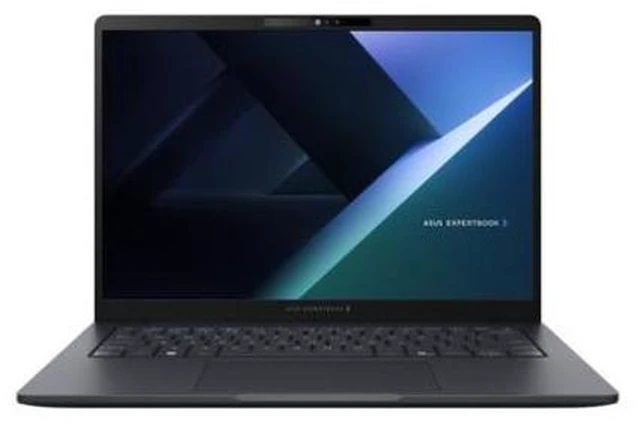
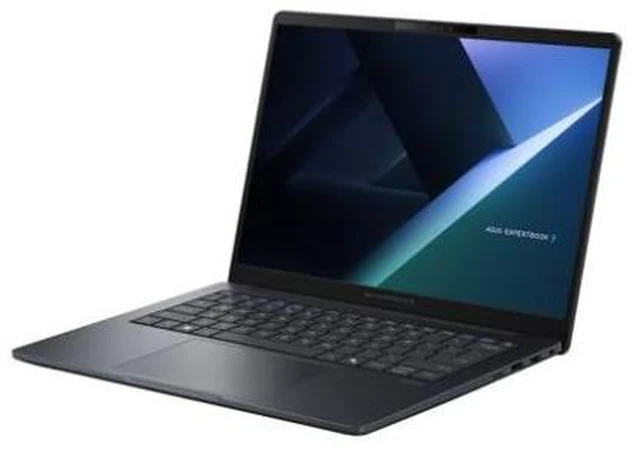
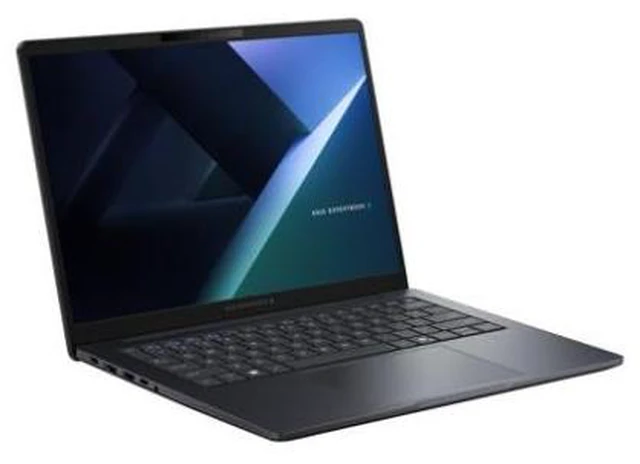
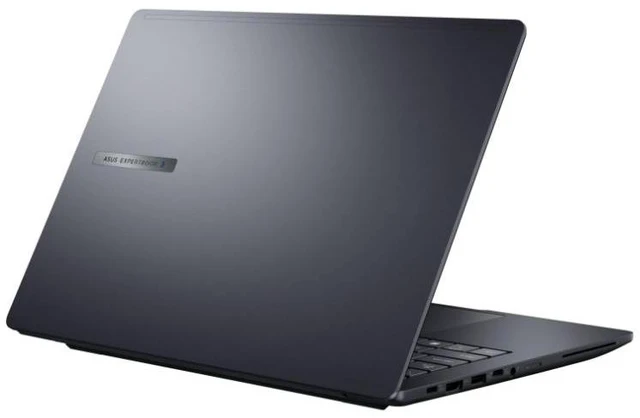
Asus ExpertBook 14" Notebook - Intel Core Ultra 7 355 - 32GB - 512GB SSD - Windows 11 Pro - B3405CAA-XB75
- Intel Core Ultra 7 355
- 32GB Memory /
- Intel UMA (Integrated)
- No
- WUXGA (1920x1200)
- Windows 11 Pro
+
+
Overview
Specs
Reviews
See all Q & A
Any questions? Ask CelesteSM will help you find out quickly.
Try me now
Warranty & Returns
Warranty, Returns, And Additional Information
Warranty
- Limited Warranty period (parts): 1 year
- Limited Warranty period (labor): 1 year
- Read full details
Return Policies
- Return for refund within: 15 days
- Return for replacement within: 15 days
- This item is covered by Newegg.com's 15-Day Return Policy.
- Read full return policy for details.
Manufacturer Contact Info
- Manufacturer Product Page
- Manufacturer Website
- Support Phone: 1-888-678-3688
- Support Website
- View other products from ASUS
LOADING...
The ASUS ExpertBook B3405CAA-XB75 is a 14-inch business notebook with an Intel Core Ultra 7 355 processor, 32GB of memory, a 512GB SSD, and Windows 11 Pro, suited to professionals who need a capable Windows laptop for everyday work and multitasking.
Recommended For
- Office professionals who regularly keep many browser tabs, documents, and business apps open together; the 32GB configuration suits multitasking, and Windows 11 Pro fits business workflows.
- Business users who carry a laptop between desks, meeting rooms, and client sites and want a 14-inch system with business-focused security and connectivity.
- Teams using Windows-based AI assistance for everyday work tasks, such as summarizing or preparing business content, who want an integrated NPU rather than a separate graphics card.
- Small-business or IT-managed users who need Windows 11 Pro and a business-laptop platform positioned around device security and fleet management.
Real-World Use Scenarios
- For a typical office day, switching among documents, spreadsheets, email, and browser tabs should feel responsive, making this a practical fit for general business productivity.
- When working away from a desk—such as between meetings or on campus—the 14-inch form factor gives users a more compact screen for carrying and everyday document work; the display is non-touch.
- For coding coursework or routine development, it can handle an editor, reference tabs, and ordinary compile-and-test work together; projects that depend heavily on dedicated graphics are a less suitable match.
- For video calls alongside notes, shared documents, and messaging apps, it suits a common remote-work setup; the actual meeting experience will also depend on the call app, network, and peripherals.
- For occasional photo adjustments or short, straightforward video edits, it can serve as a basic creator-work machine, but integrated graphics make demanding effects, complex timelines, and GPU-heavy workloads a poor fit.
Spec Summary
| Attribute | Value |
|---|---|
| Best For | Business work in a 14-inch notebook form factor |
| Processor And Core Count | Intel Core Ultra 7 355 with 8 cores, a 2.3 GHz base speed, and up to 5 GHz |
| Graphics | Integrated Intel UMA graphics |
| Display Spec | 14-inch WUXGA (1920 × 1200) non-touch display with an anti-glare coating |
| Memory Configuration | 32GB DDR5 memory, with 2 memory slots and support for up to 96GB |
| Storage And Expansion | 512GB SSD with an M.2 interface and form factor |
| High Speed I O | 2 Thunderbolt ports and 2 USB 3.0 ports |
| Wired And Wireless Networking | Wi-Fi and Bluetooth, plus Gigabit Ethernet |
| Battery And Power | 3-cell lithium-ion battery rated at 4000 mAh; AC adapter included |
| Operating System | Windows 11 Pro |
| Portability | 11.9 × 9.1 × 0.75 inches |
| Model Identifiers | ASUS ExpertBook B3 G2, model B3405CAA; part number B3405CAA-XB75 |