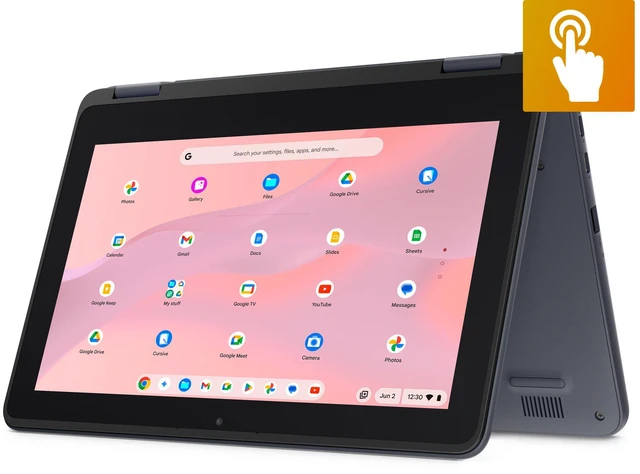
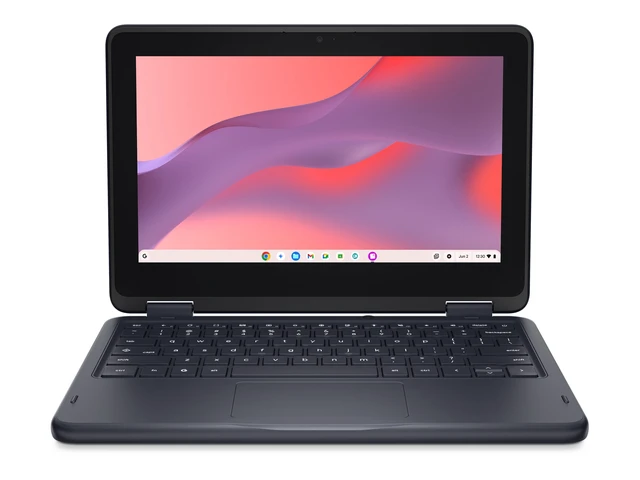
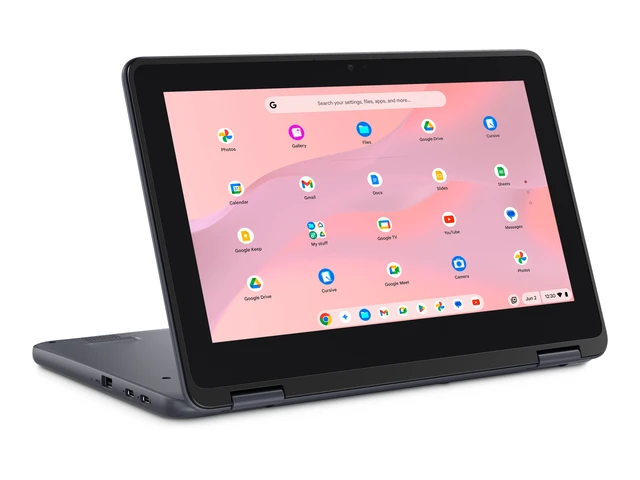
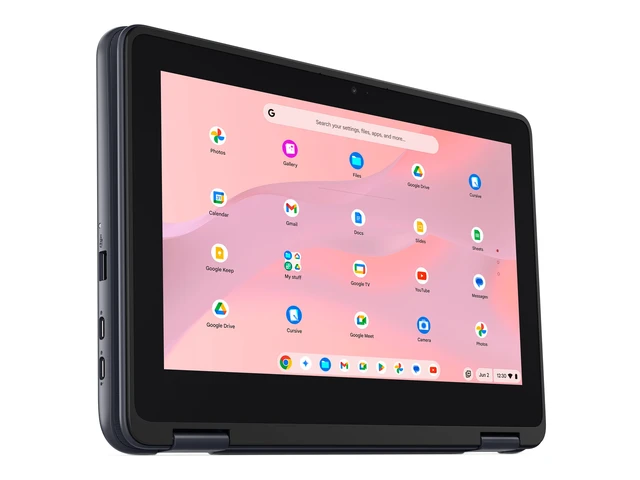
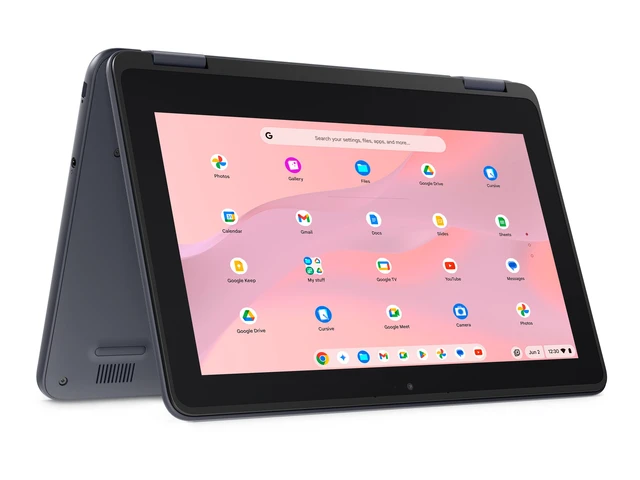
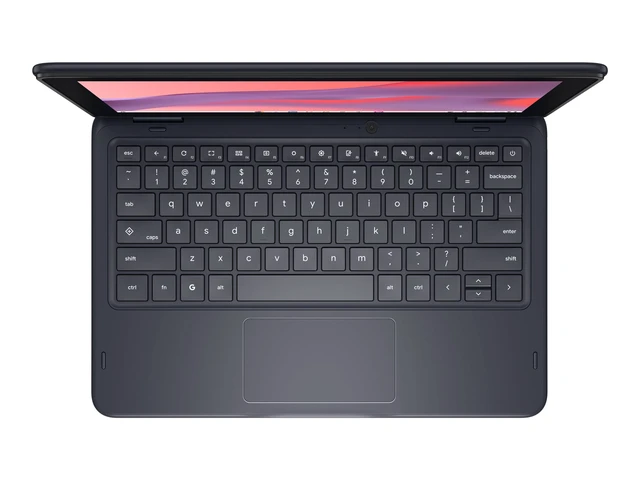
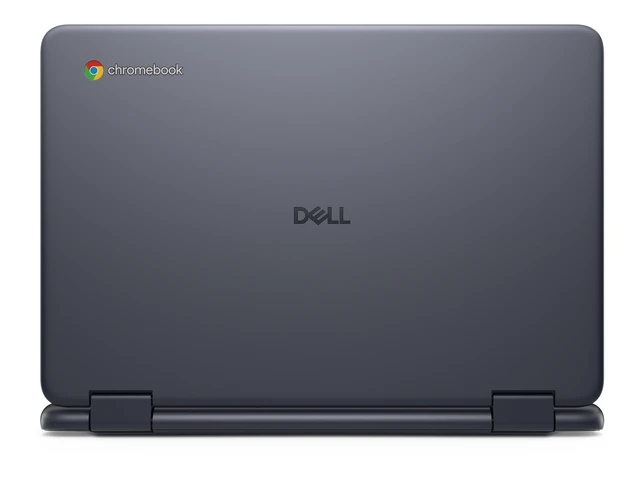
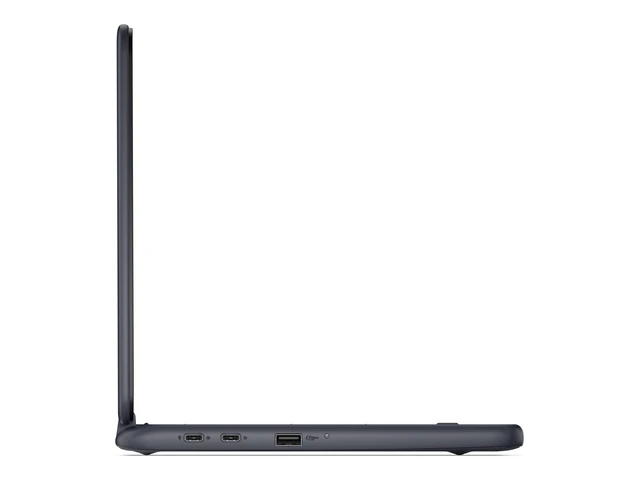
This Dell Chromebook is a laptop for students and everyday users whose work centers on browser-based tasks, web apps, and online services; the supplied listing does not provide configuration details for assessing more demanding workloads.
Recommended For
- K–12 students whose schoolwork is centered on browser-based learning tools, online assignments, and shared documents; Dell positions its Chromebook 11 line for education environments.
- Schools and education programs equipping students with Chromebooks for classroom use, where durable design and serviceability matter to the deployment.
- People who mainly use web apps, email, and cloud documents and prefer working in ChromeOS rather than installing desktop software.
- Learners who want a compact Chromebook for moving between home and school, provided their work fits a small-screen laptop format.
Real-World Use Scenarios
- For schoolwork such as writing assignments, browsing research, and updating spreadsheets, it handles everyday ChromeOS tasks; an external mouse may make longer sessions easier.
- When carrying a laptop between classes or around campus, its compact, rugged design makes it practical for school-day use, though its 11.6-inch screen leaves limited room for working across multiple windows.
- For watching online video after school, it handles common streaming well, including up to 1440p in testing; higher resolutions may buffer, and screen reflections can affect viewing.
- For quick on-screen navigation, the touchscreen can be convenient, but it is less suited to frequent drawing or handwritten notes than a smoother stylus-focused device.
- For a casual break, it can run some lighter Android games smoothly at modest settings, but game compatibility varies and it is not a fit for demanding gaming.




 here!