





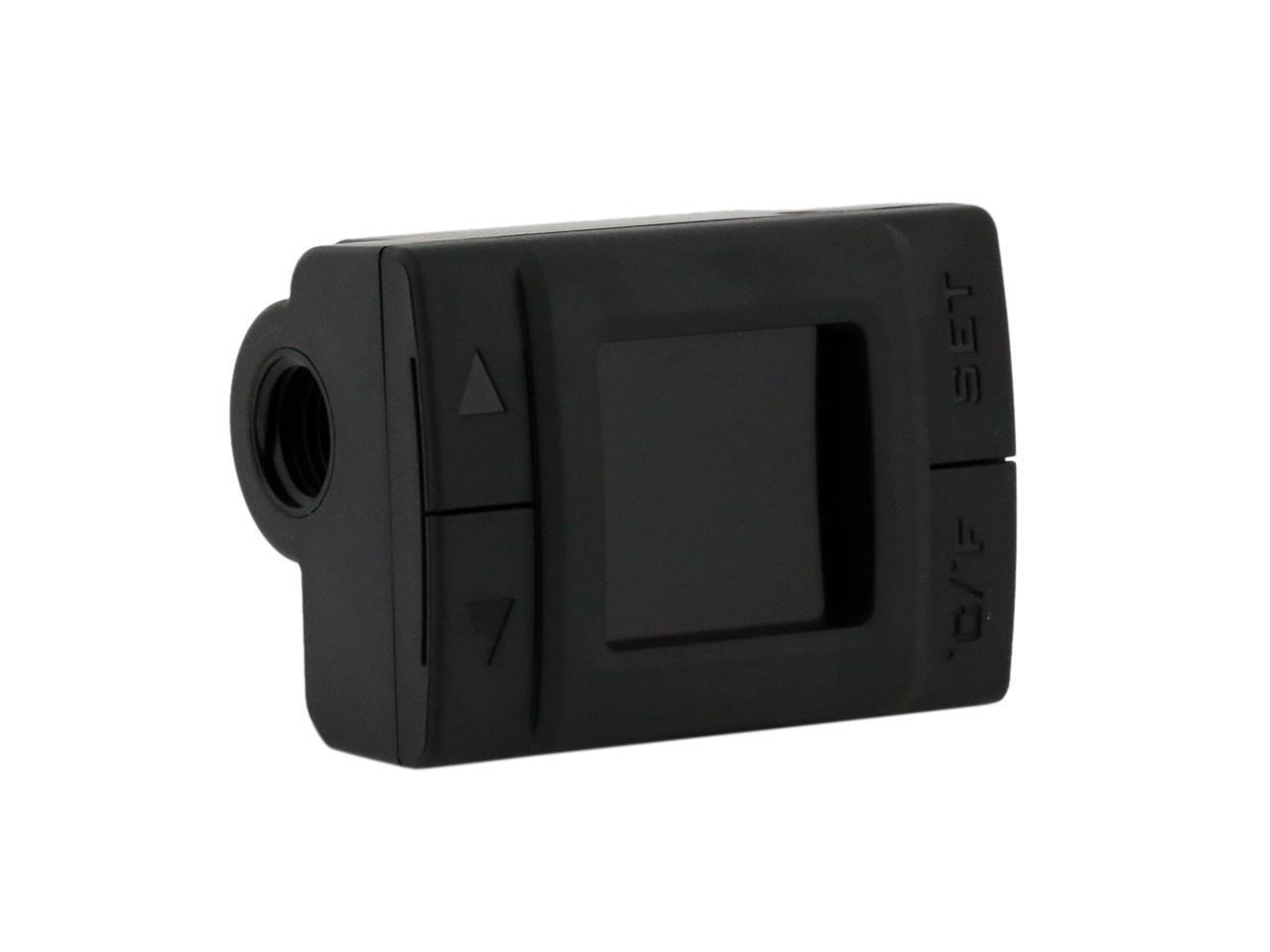
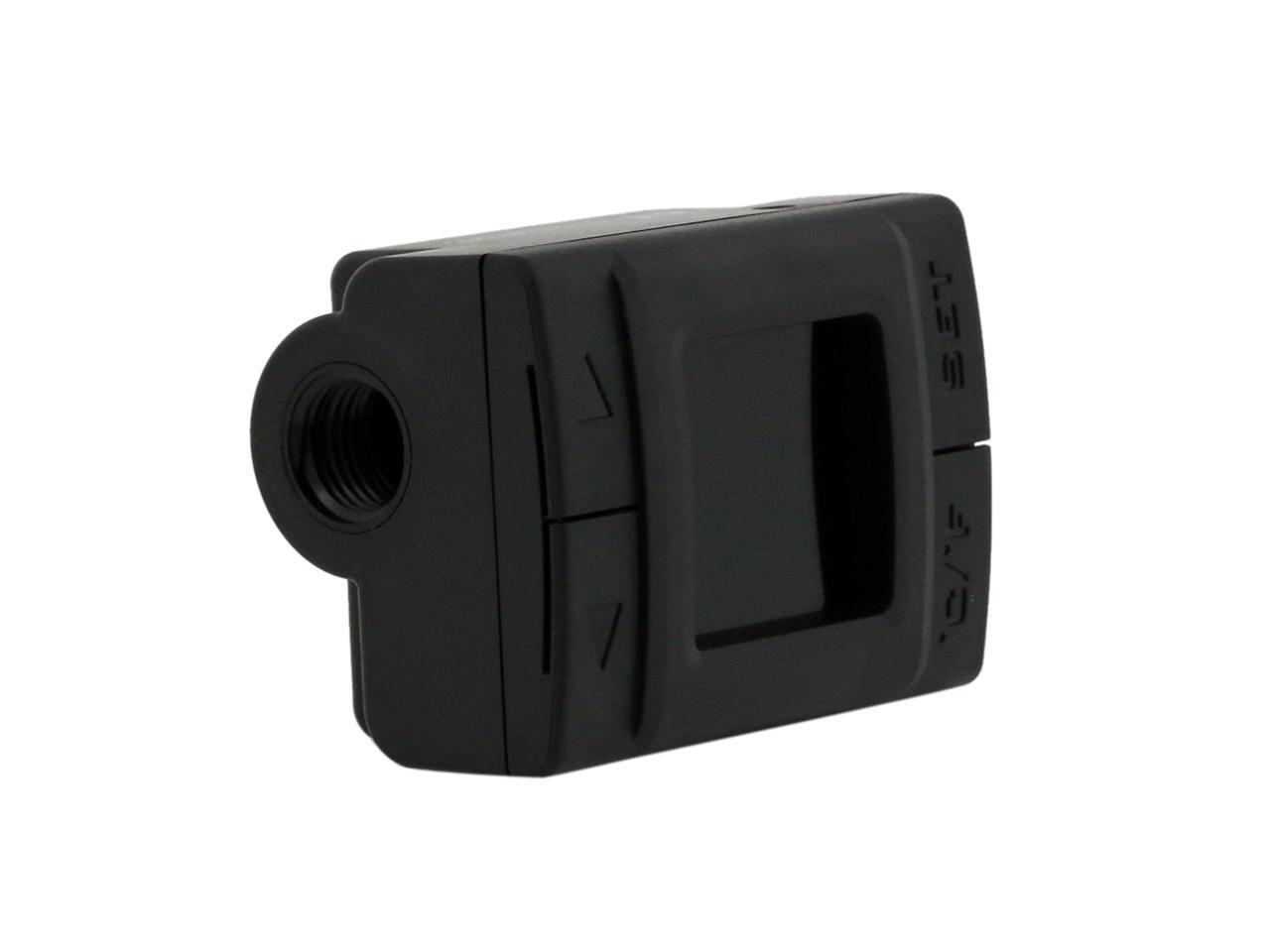
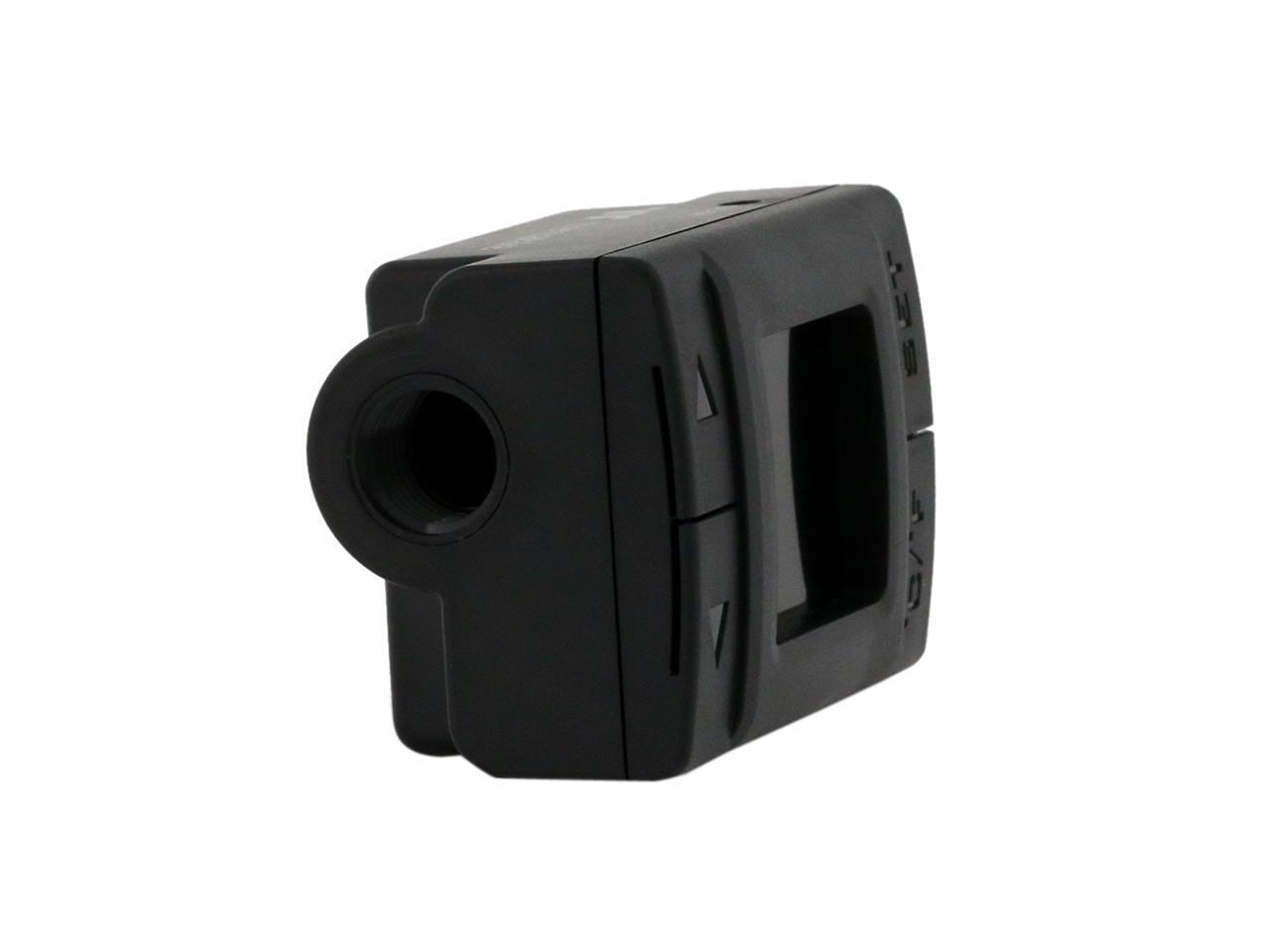
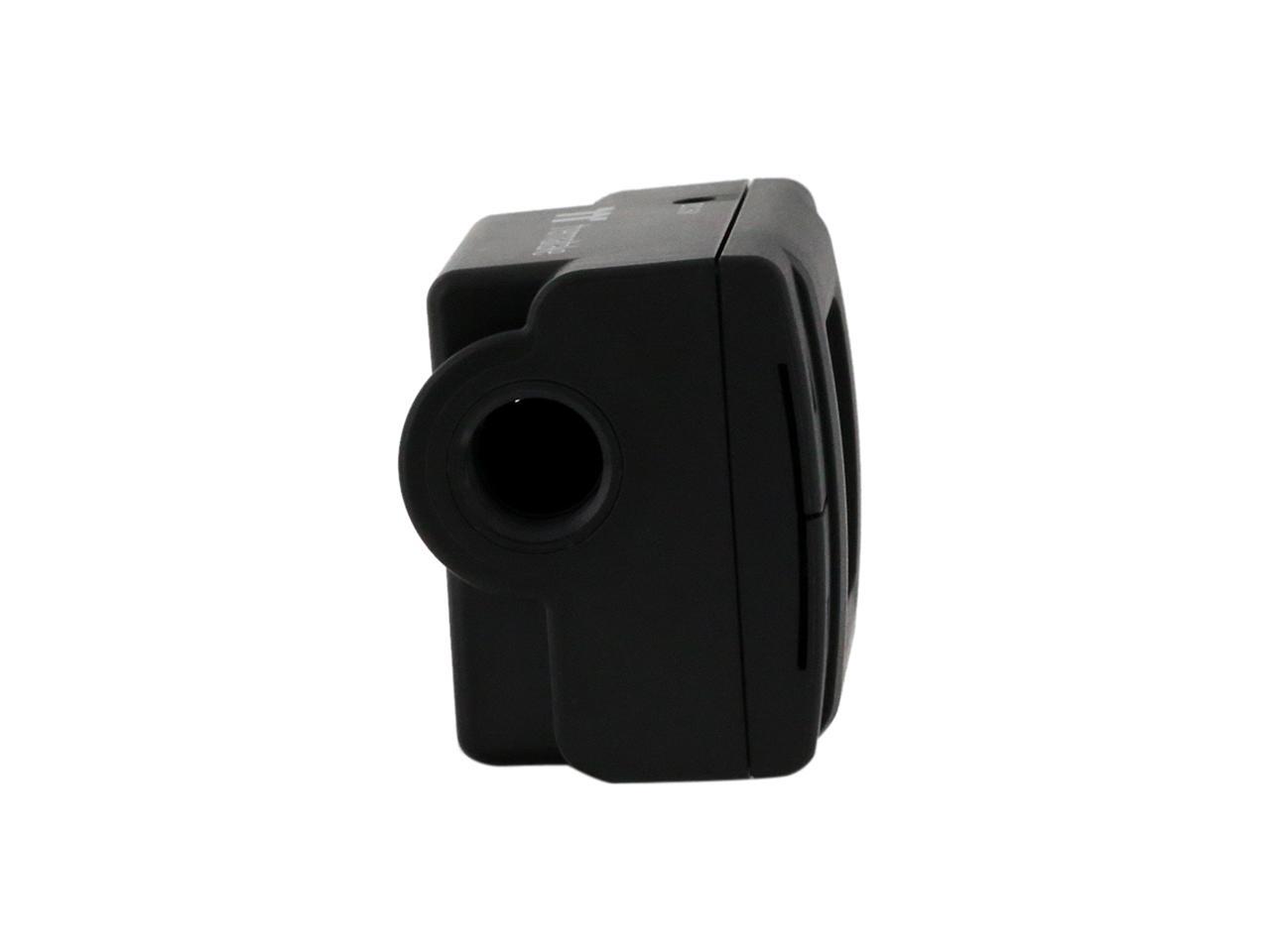
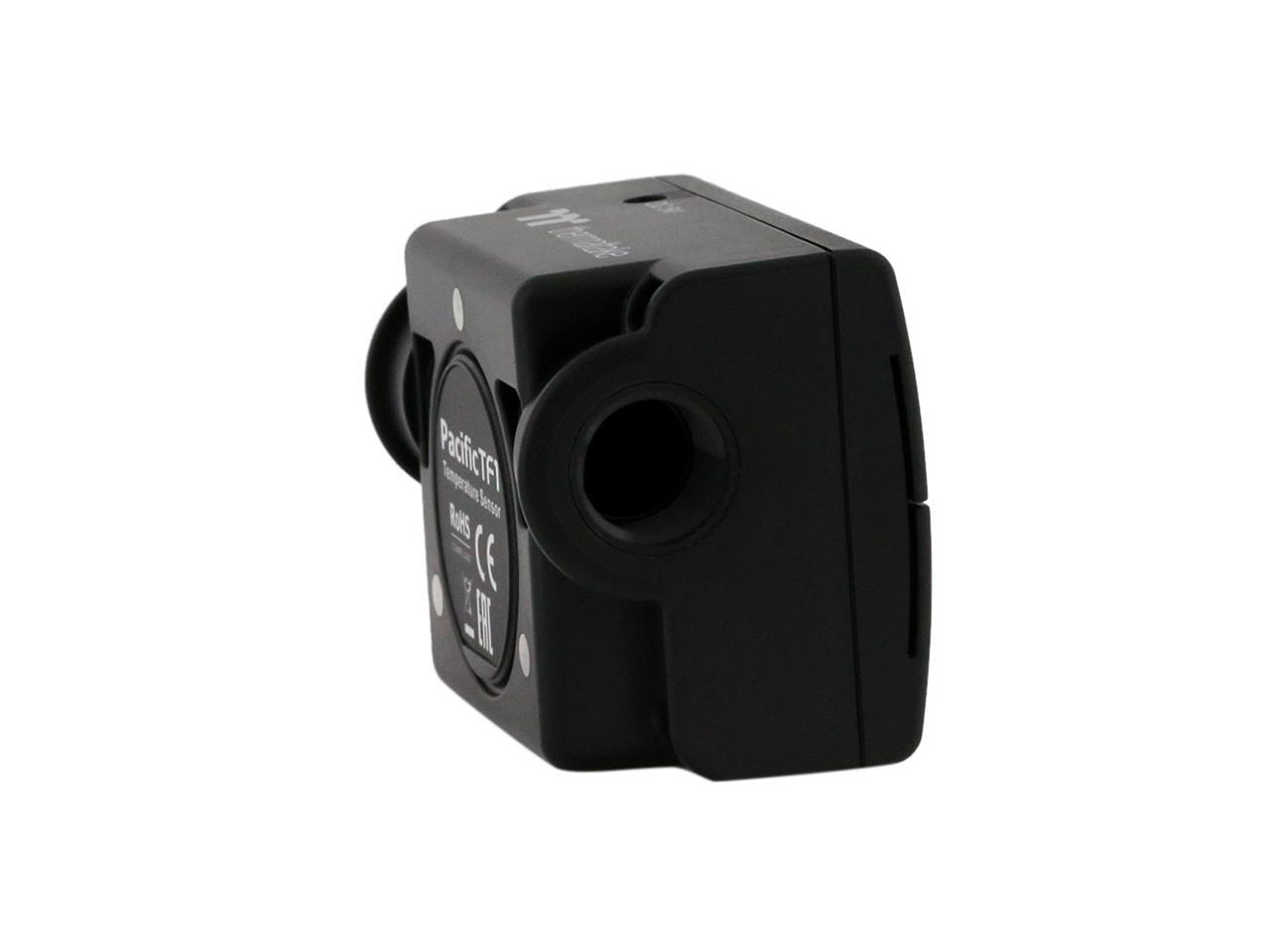
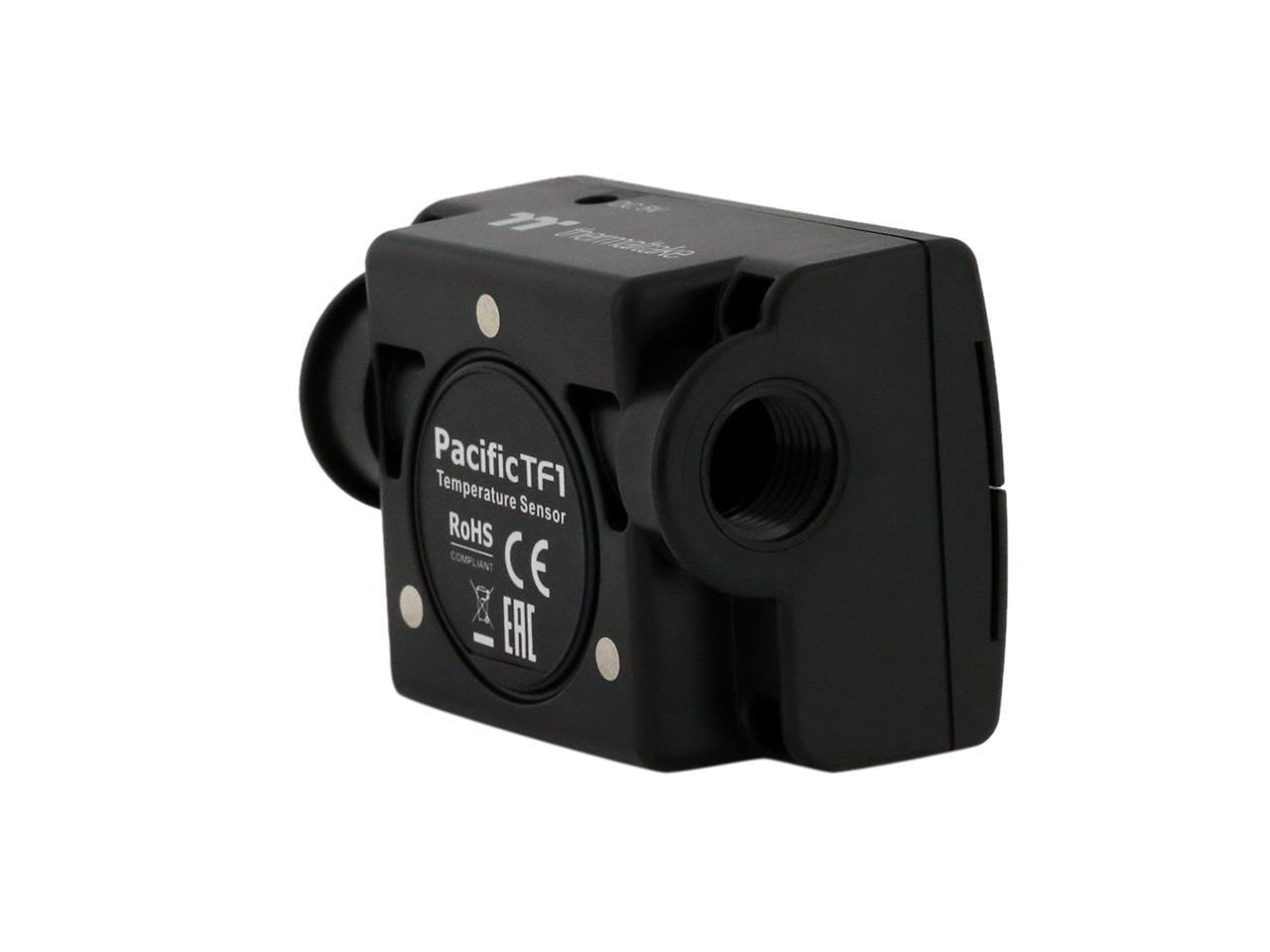
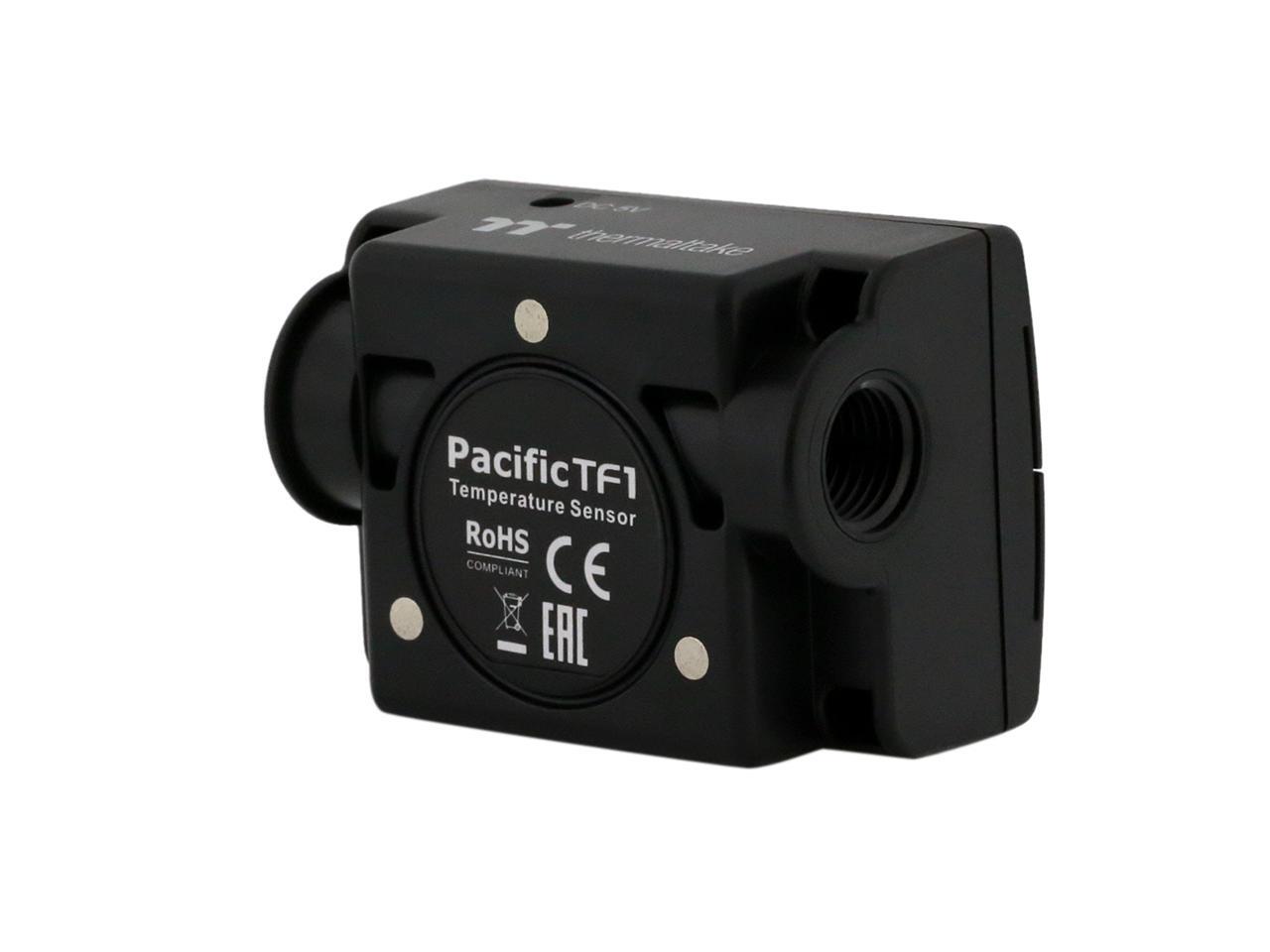
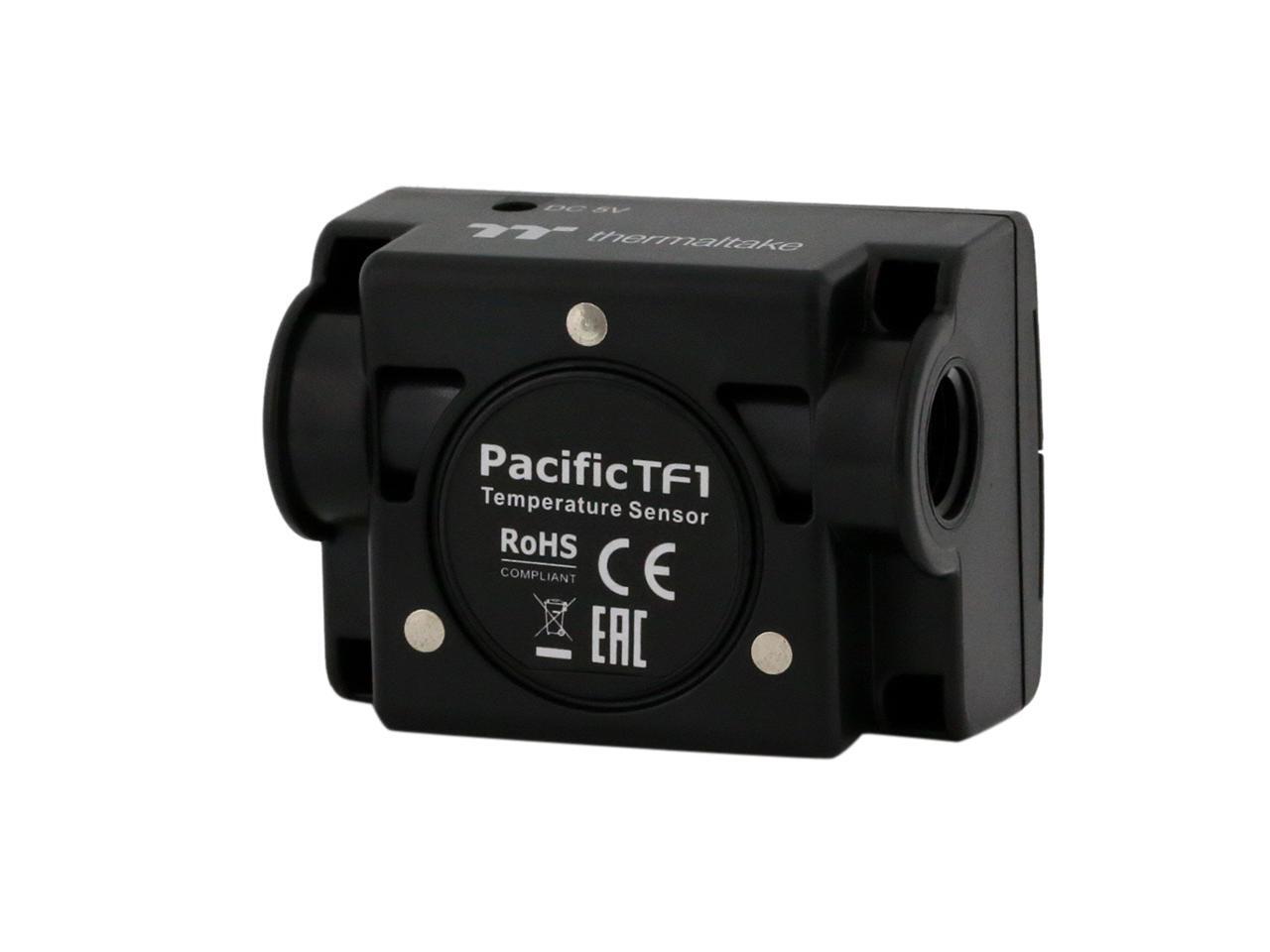
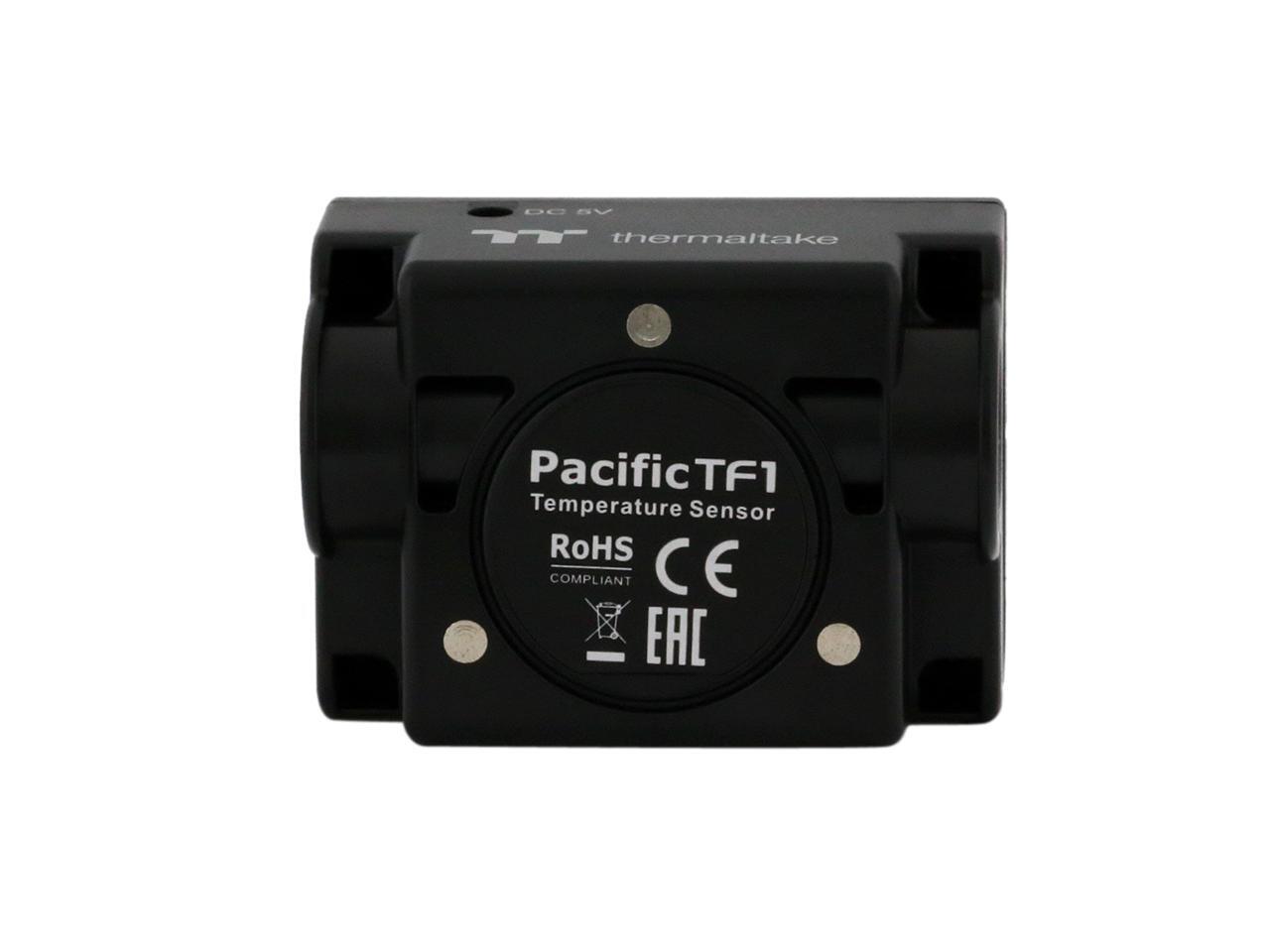
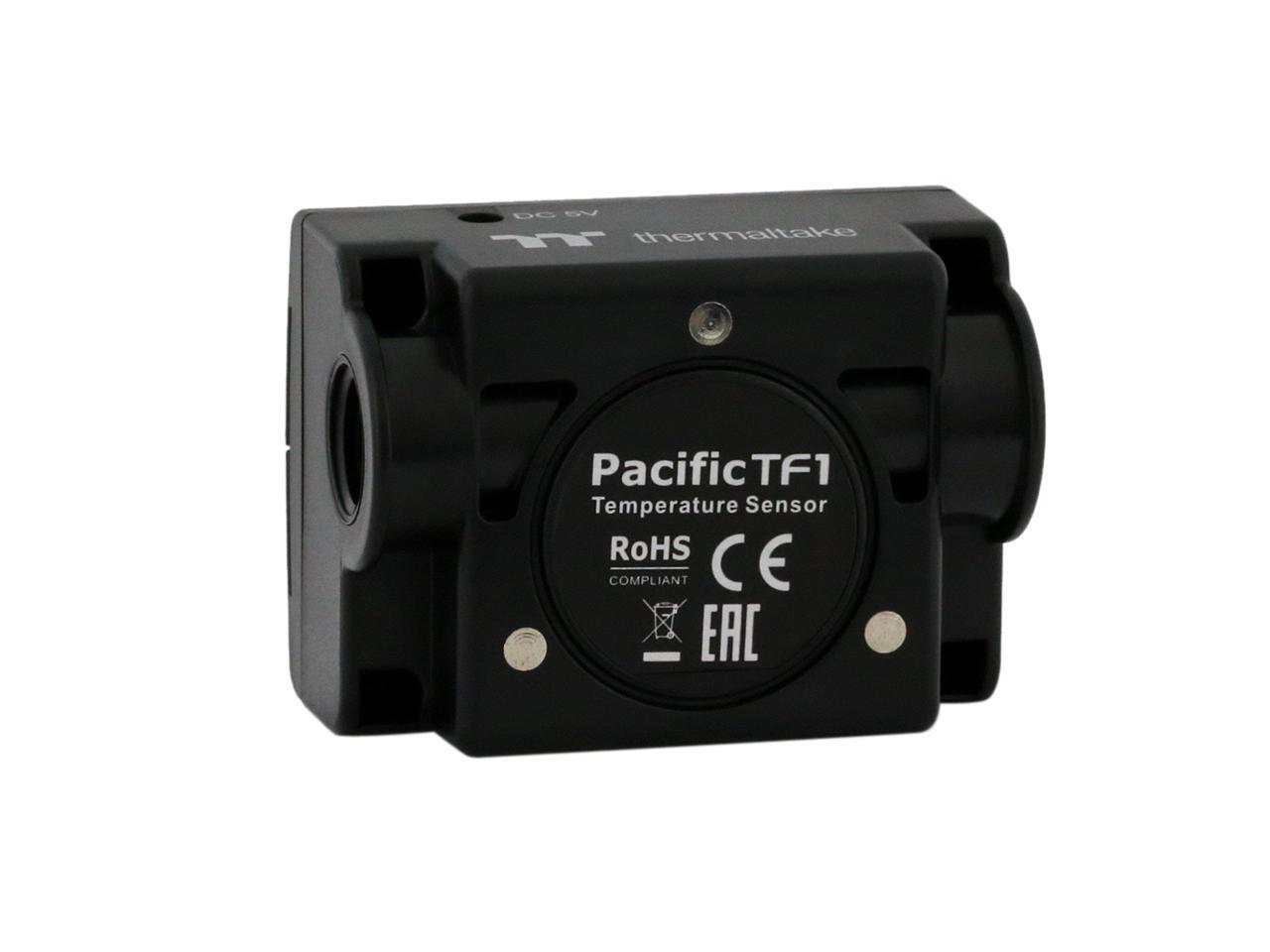
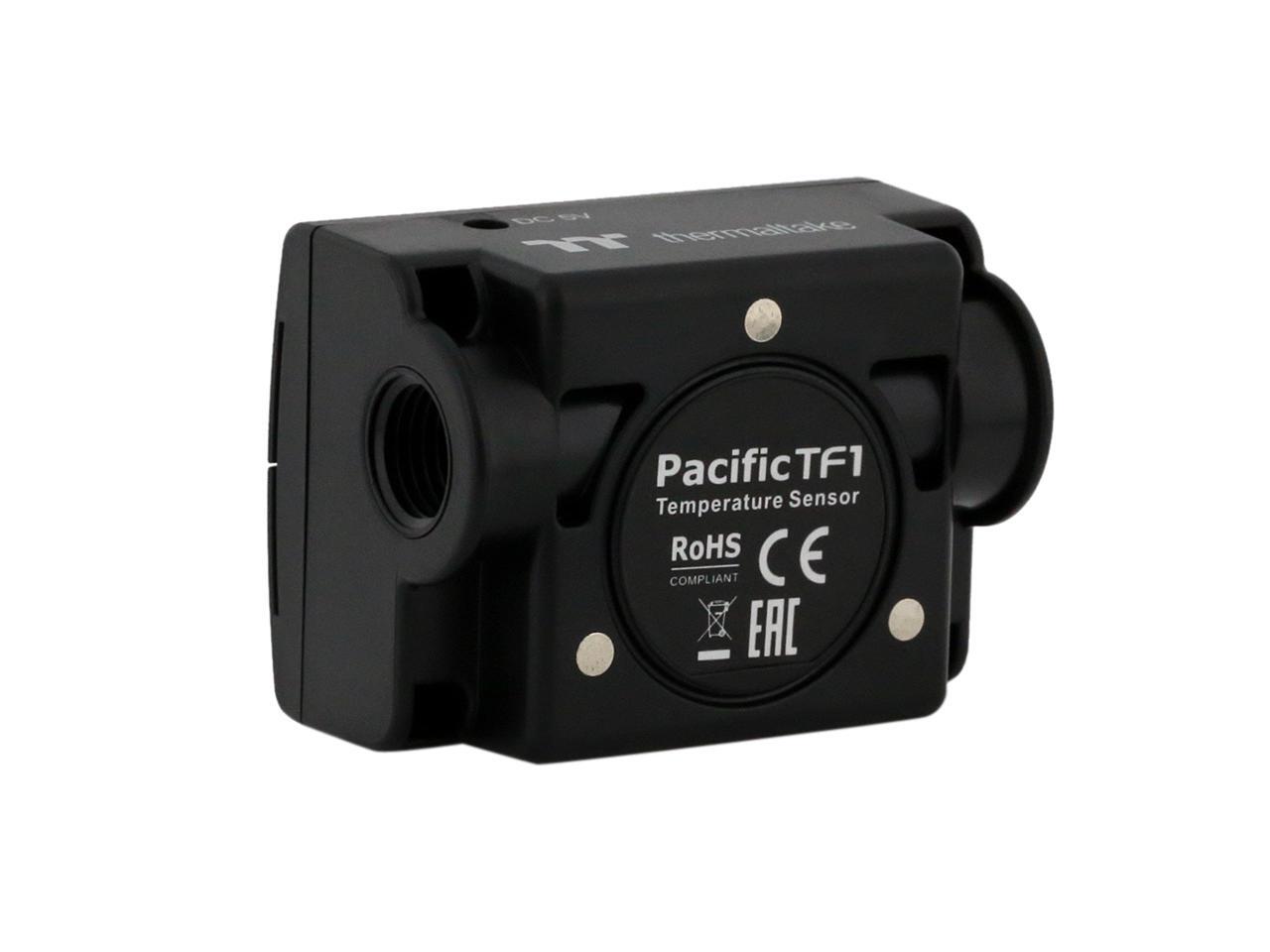
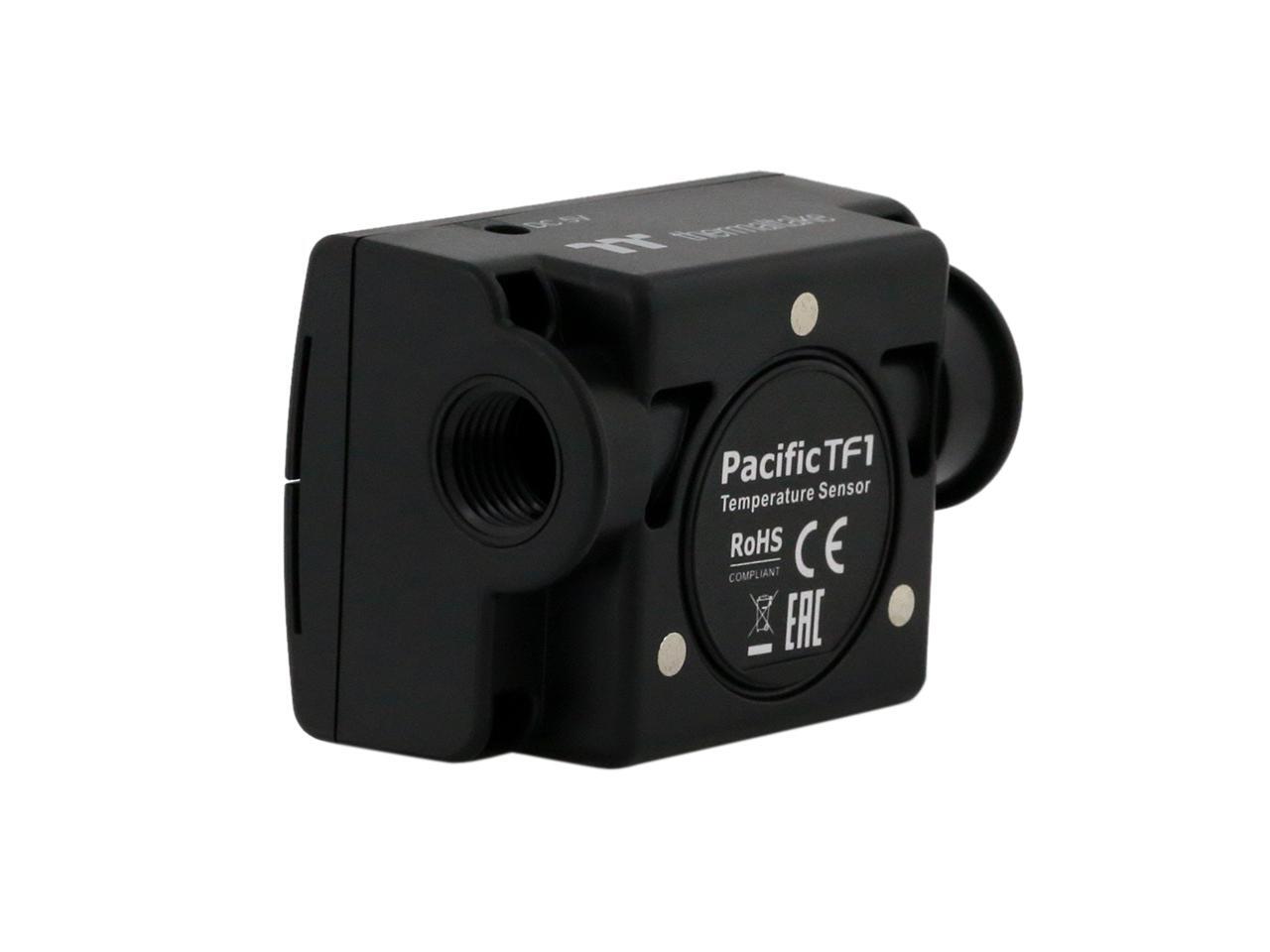
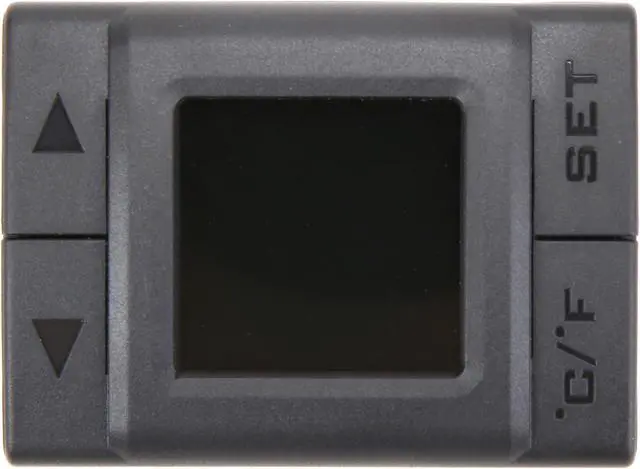
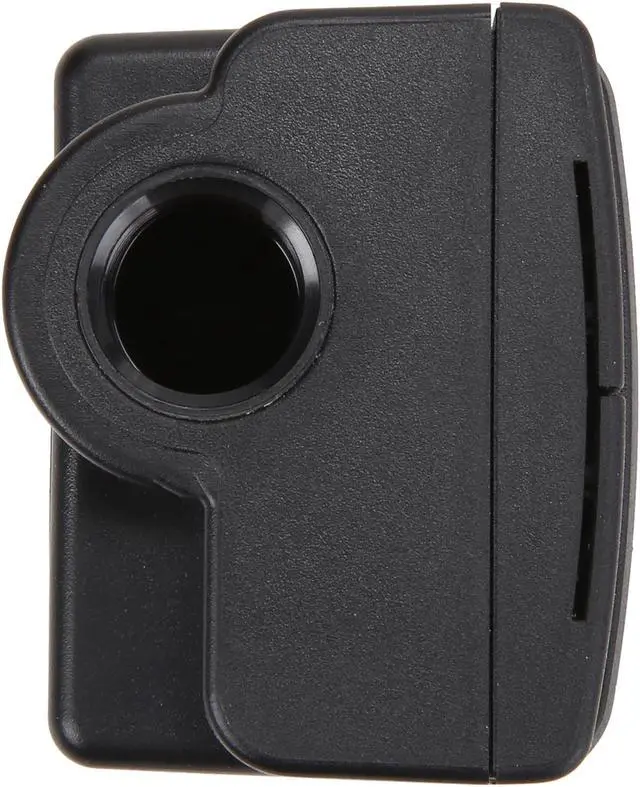
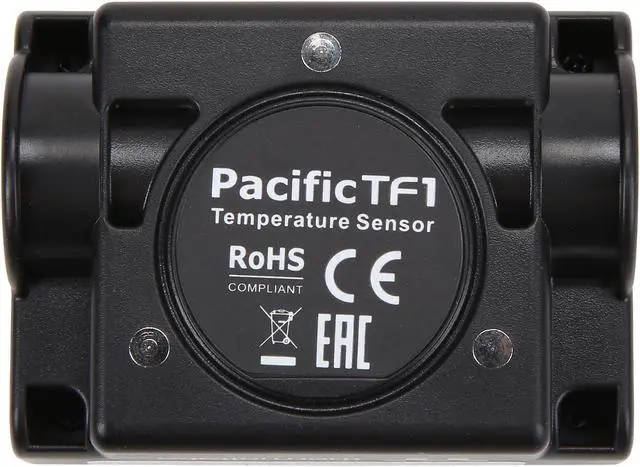
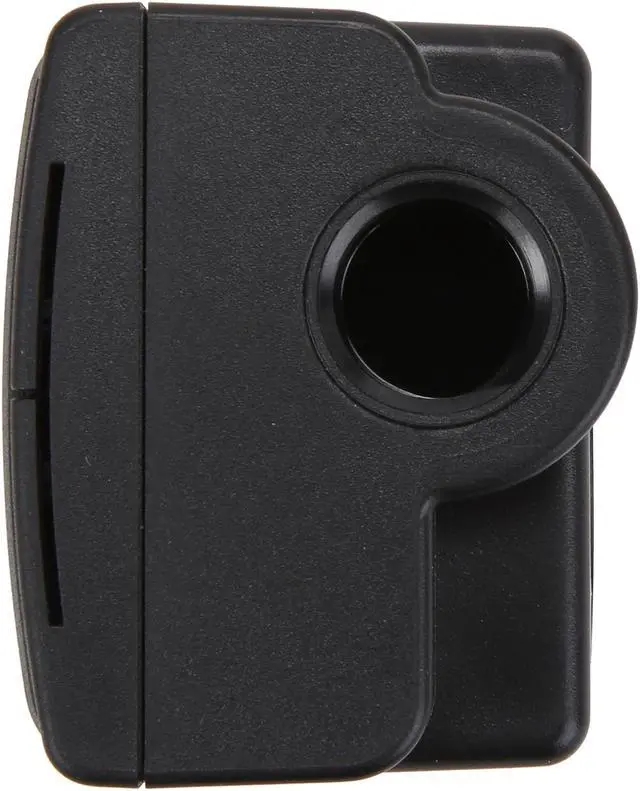


Thermaltake Pacific TF1
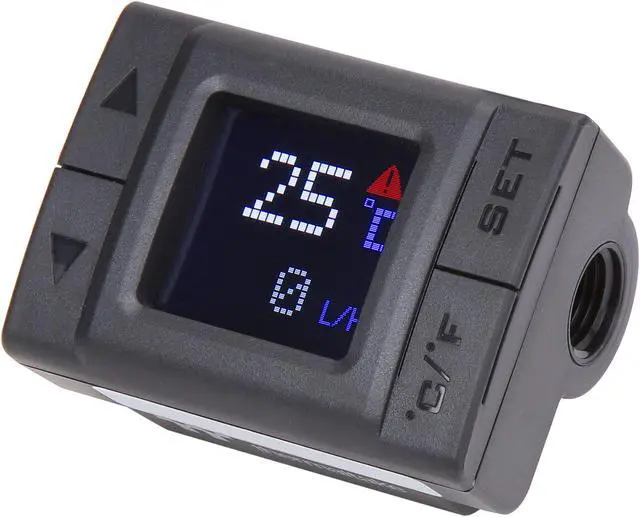
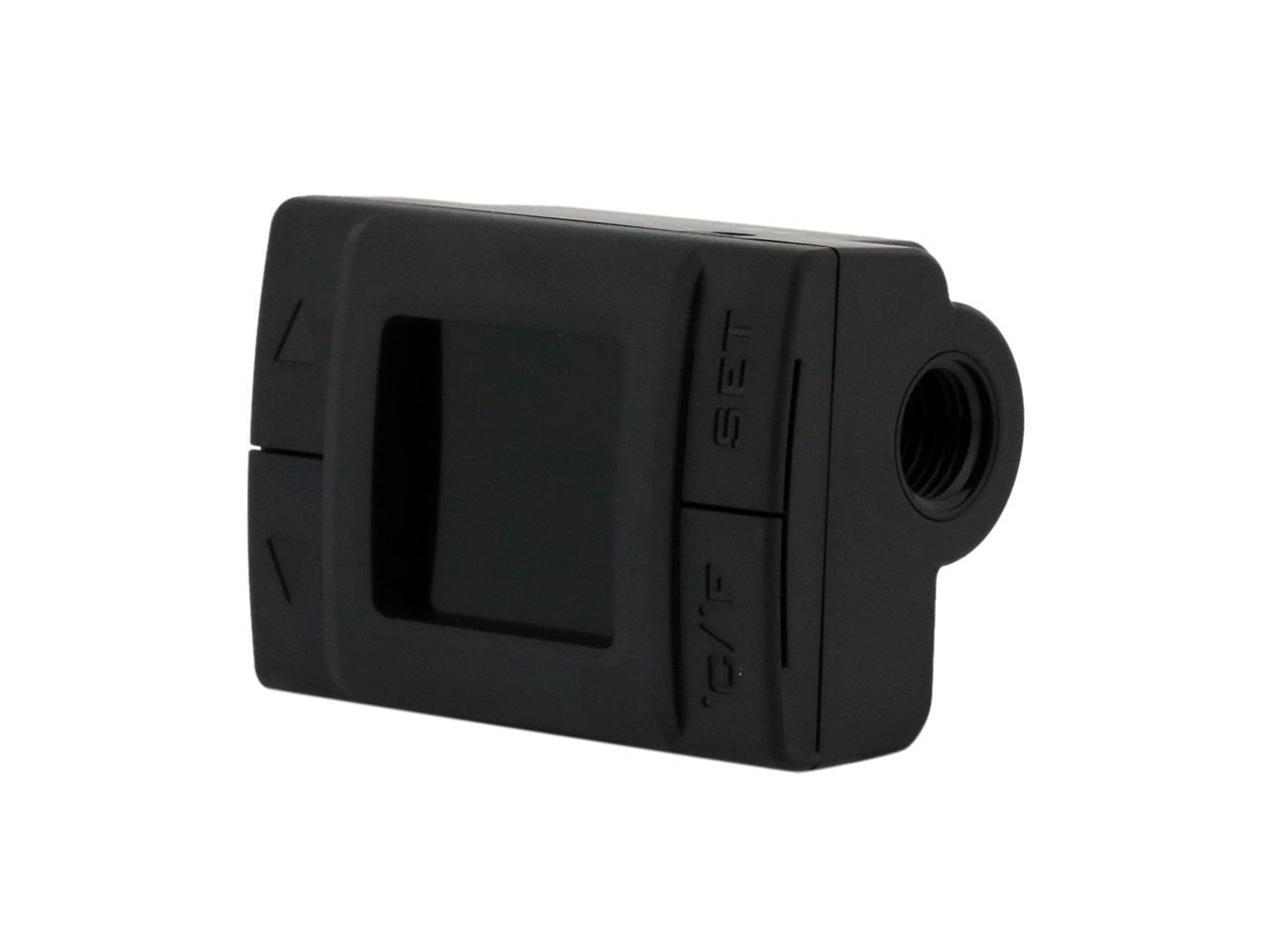
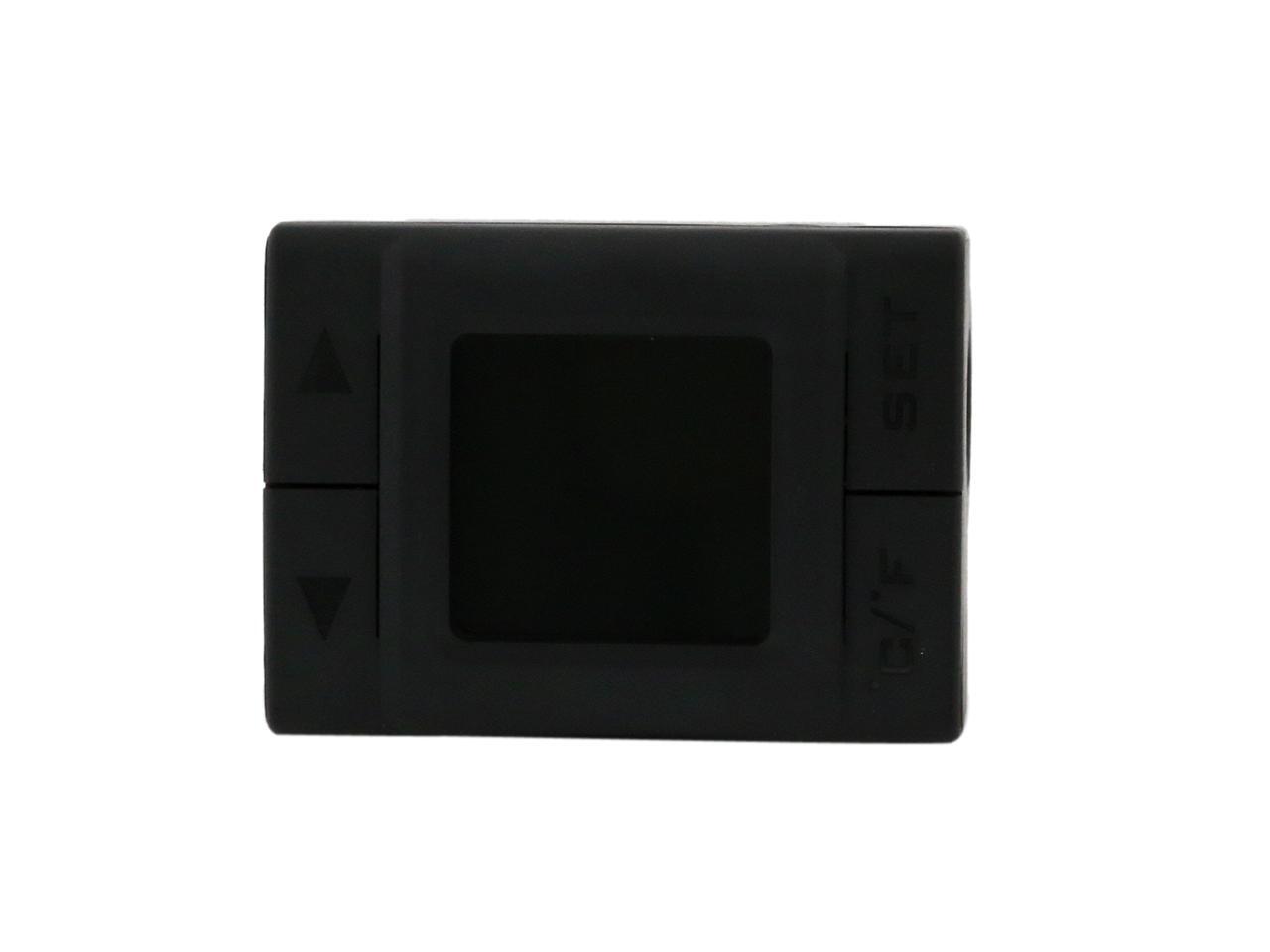
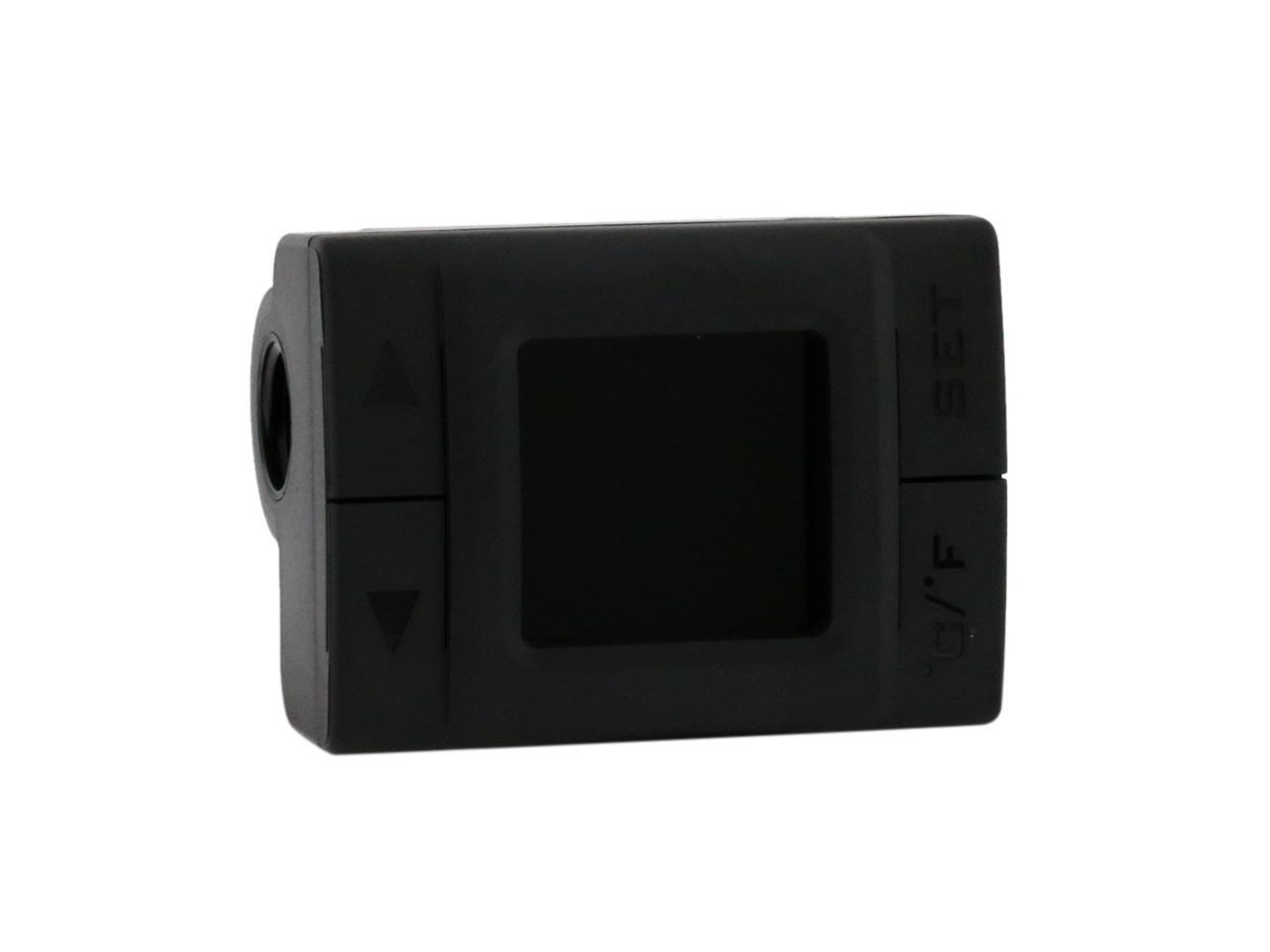
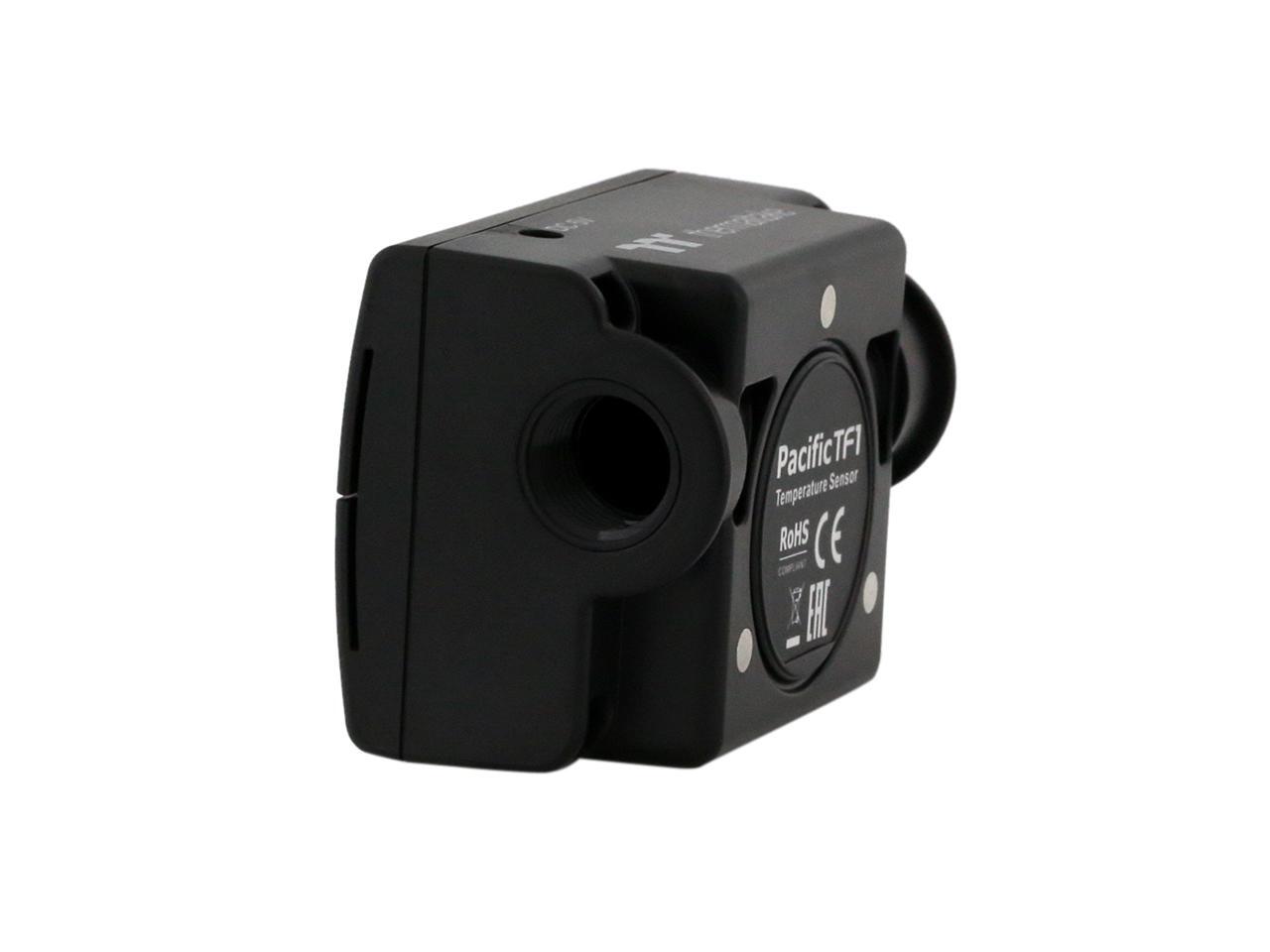
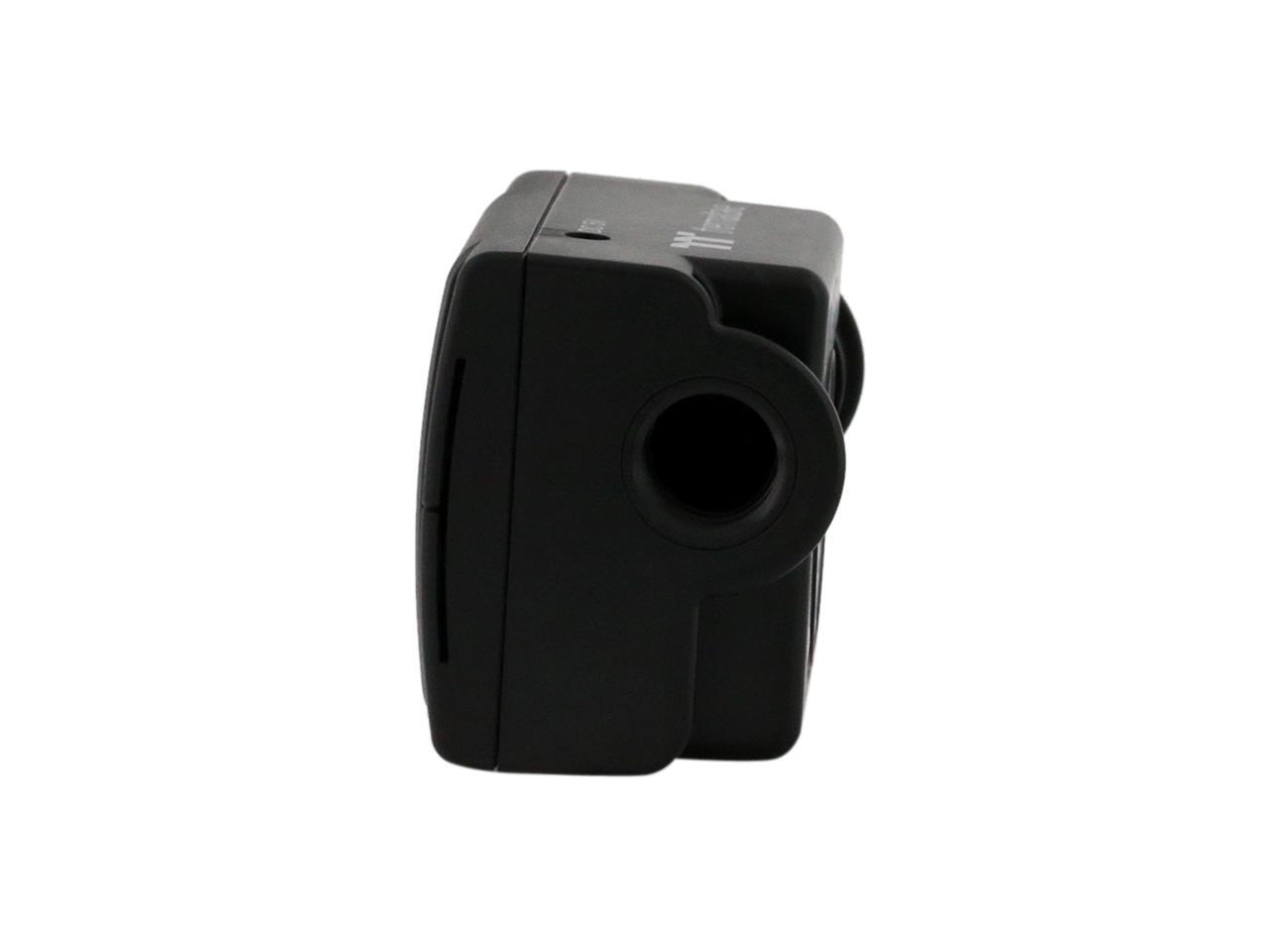
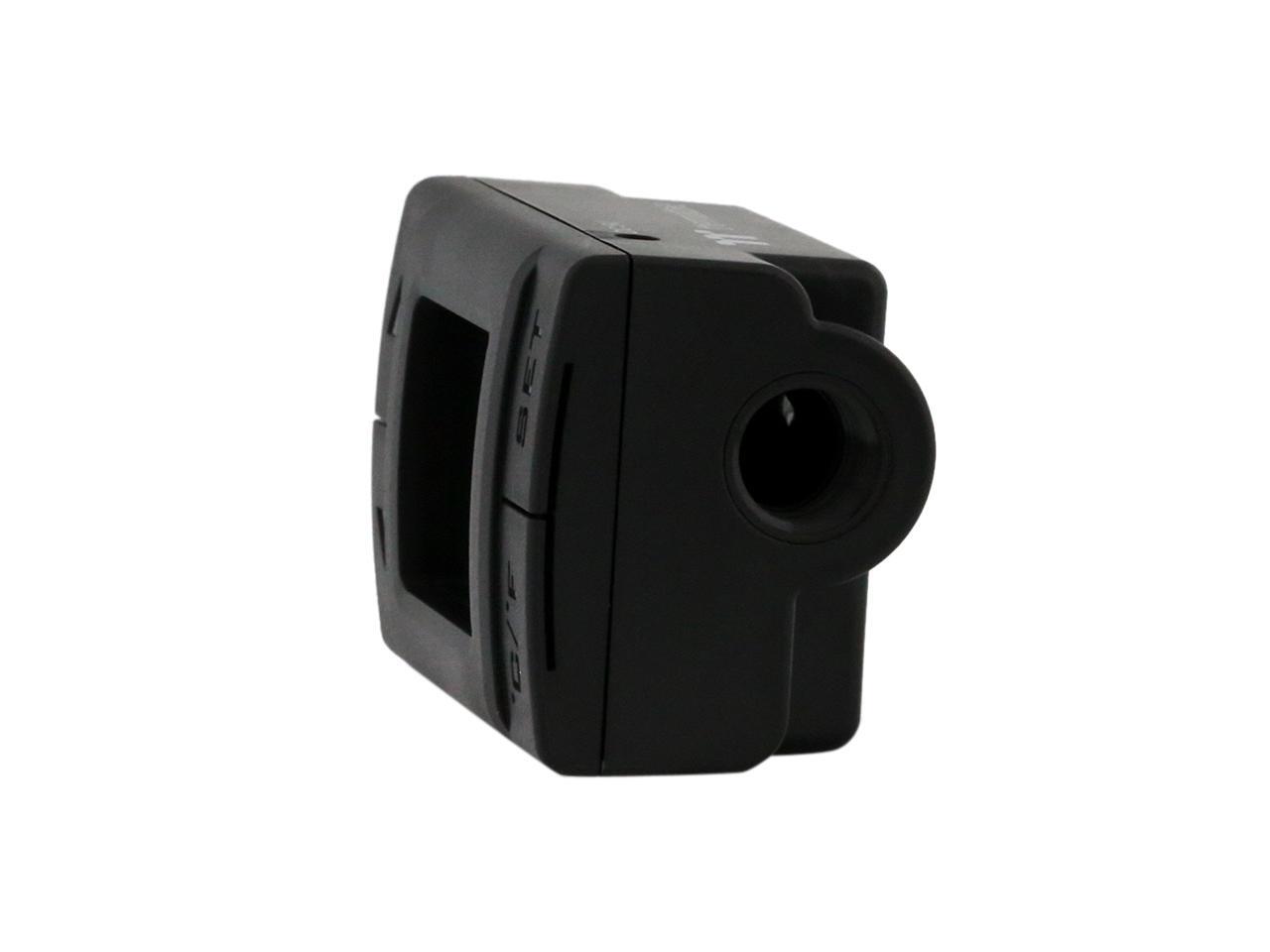
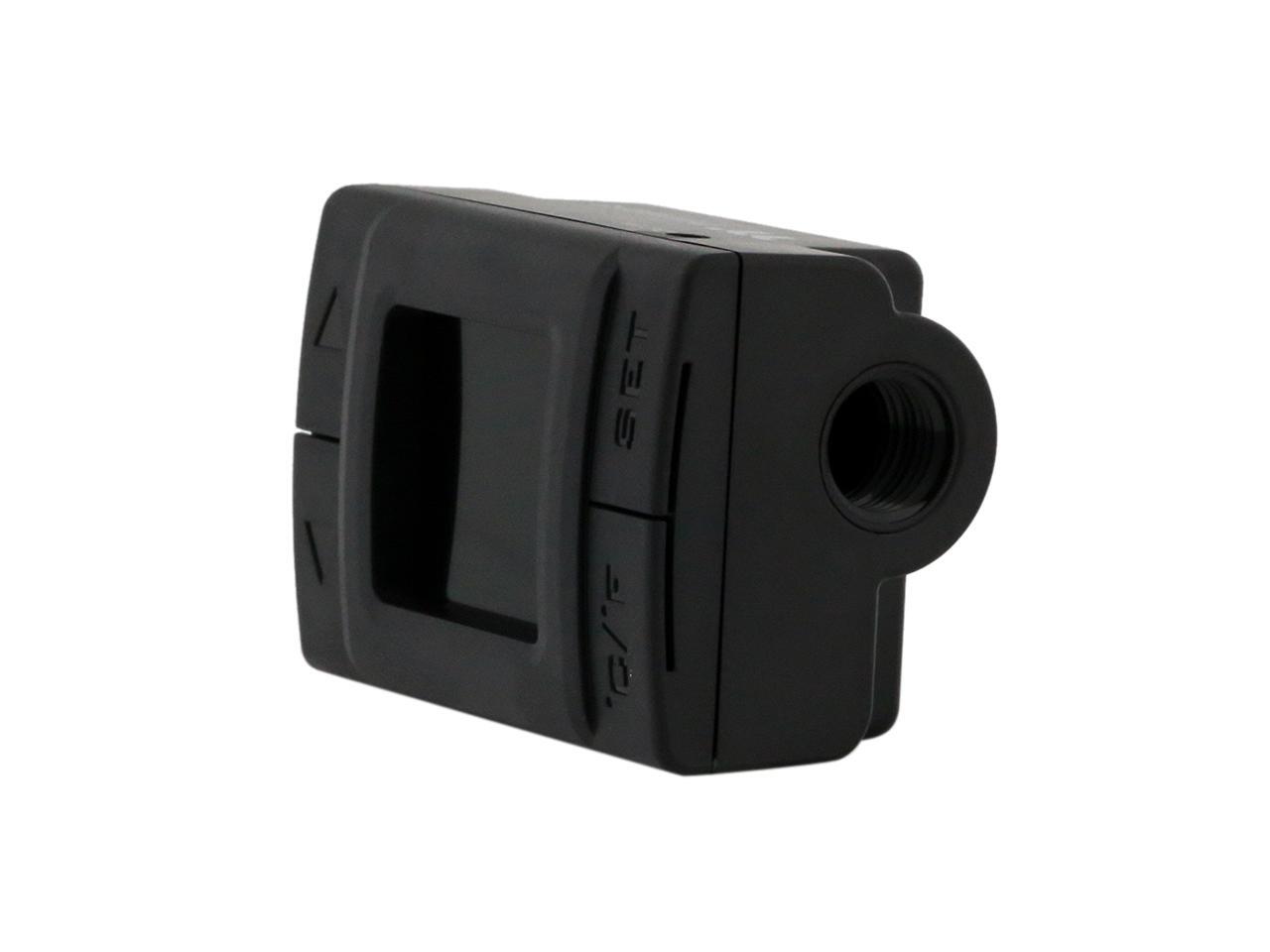
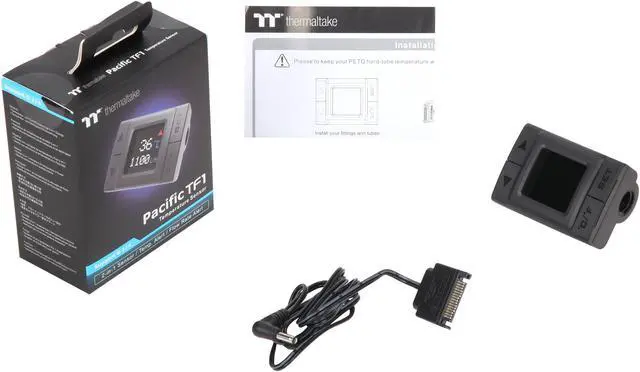
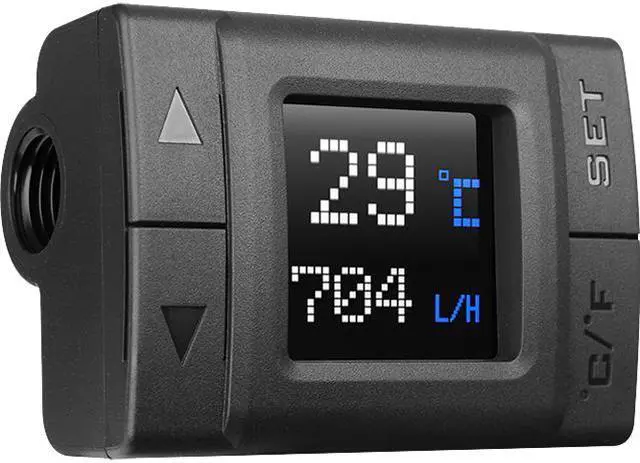
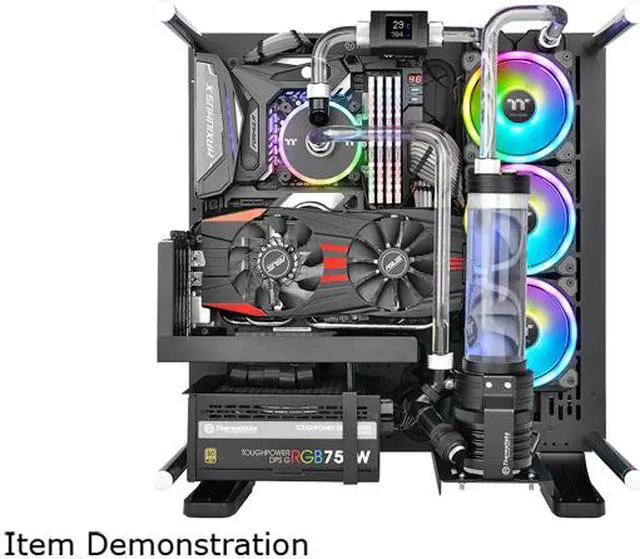
An intuitive, easy-to-ready temperature and flow indicator that helps you get the most out of your liquid cooling system. The Pacific TF1 measures coolant flow rate, and detects coolant temperatures ranging from 0°C to 99°C (32°F -210°F) and displays the value in unit Celsius or Fahrenheit. When flow rate is below or temperature is above set values, it sounds beeps to alert you, ensuring the liquid cooling system to work within optimal temperature and flow rate ranges. The Pacific TF1 is compatible with any G1/4 fittings, and is to install and set, making it a great choice for your DIY custom liquid setup.

Tt LCS Certified
"Tt LCS Certified" is the hallmark that ensures first-class performance from the best features and fitment. A certification exclusive to Thermaltake, it sets the benchmark for all true LCS chassis and is applied only to products that meet our stringent design standards for delivering what hardcore enthusiasts demand. The Tt LCS certification is a way for Thermaltake to designate to all power users the chassis which have been tested for best compatibility with extreme liquid cooling configurations.

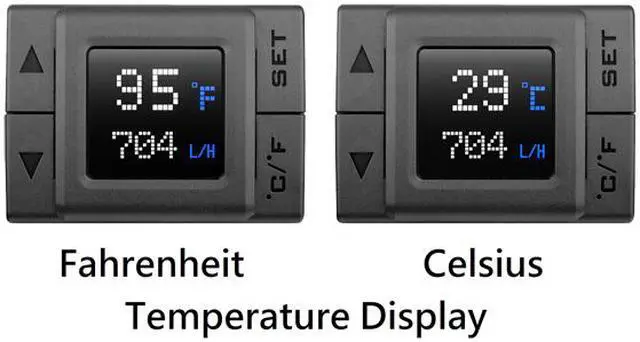
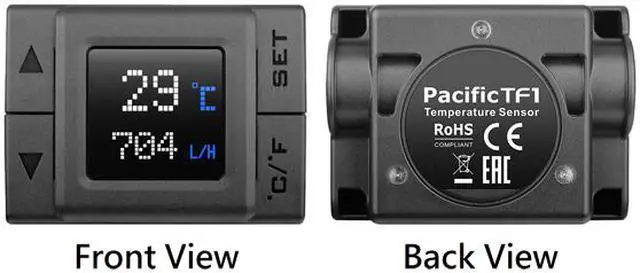
Celsius /Fahrenheit Temperature Display
Pacific TF1 Temperature and Flow Indicator offers temperature readings which can be switched between Celsius and Fahrenheit, allowing users to easily track the temperature levels of the coolant.

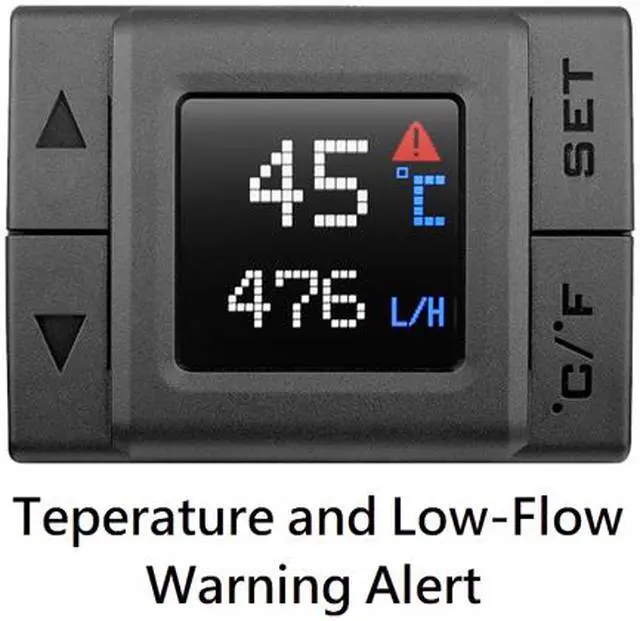
Temperature and Low-Flow Warning Alert
Pacific TF1 Temperature and Flow Indicator is equipped with temperature and low-flow warning alert functions. The indicator continuously senses and sends beeps as an alert when the coolant temperature is rising above the value users have set, and when the coolant flow is below the value that the users have set. The default low-flow warning alert is set to go off at 60(L/hr) and 45? for exceeding temperature.

High Quality LCD Monitor
Pacific TF1 Temperature and Flow Indicator is equipped with high quality LCD monitor that guarantees monitor durability and clear display.

Easy Installation
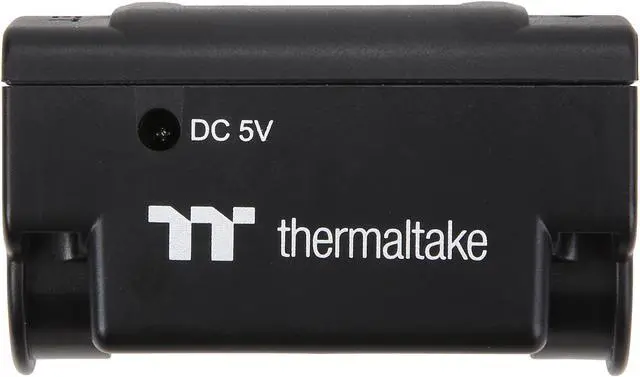
Coming with easy, user-friendly setup, the Pacific TF1 Temperature and Flow Indicator allows users to obtain the ultimate performance from their liquid cooled PC by simply connecting the power cable to it.
* Note:
1. Please check your system immediately to prevent any hardware damages when the alert is triggered. The default alarm temperature is 45? and 60(L/hr) for coolant flow.
2. Please check the melting point or maximum operating temperature of each cooling component before you manually adjust the temperature threshold.
| P/N | CL-W219-PL00BL-A |
| DIMENSION | 35.5 H x 44.6 W x 60 L (mm) |
| WEIGHT | 100 g |
| POWER INPUT | 0.4W |
| CONNECTOR | SATA Power |
| MATERIAL | Copper + ABS |
| RATED VOLTAGE | 5V |
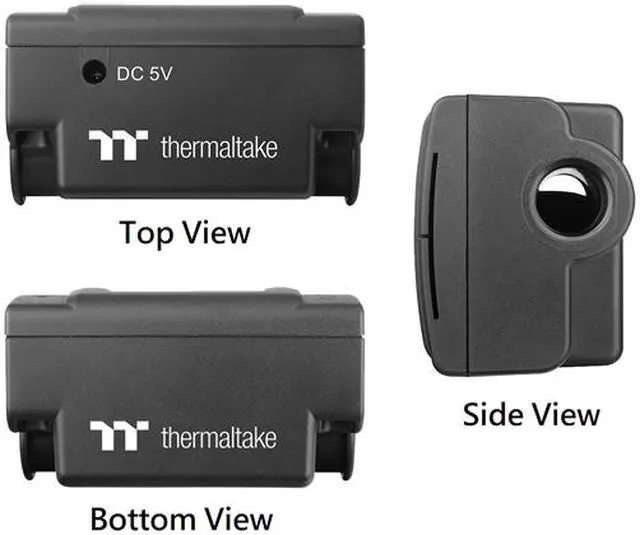
| SCREW THREAD | G 1/4 |
Caution
Thermaltake recommends the following steps to be taken after completing your water loop setup
- It is strongly recommended to use market proven pre-mix coolant, such as Thermaltake Coolant 1000. It offers great performance while preventing the entire cooling system—copper, brass, nickel, aluminum, and steel—from corrosion.
- Fill the reservoir with coolant and cycle the power on and off several times while the pump pushing the coolant into the loop.
- DO NOT let the pump run dry, when there is no liquid entering the pump turn off your power immediately
- Fill the reservoir to the top as it will prevent air from going into the pump
- If necessary tilt the system slightly from side to side to bleed the air out of the loop.
- Place some paper towels under fittings and joining points to test for leaks.
- Run the loop with the fill port open for about 24 hours to completely bleed the air out of the loop
- Before starting, flush out your system correctly to prevent any coolant or unwanted particles sticking to your tubes, radiators and other cooling components.
- Coolant might fade over time.