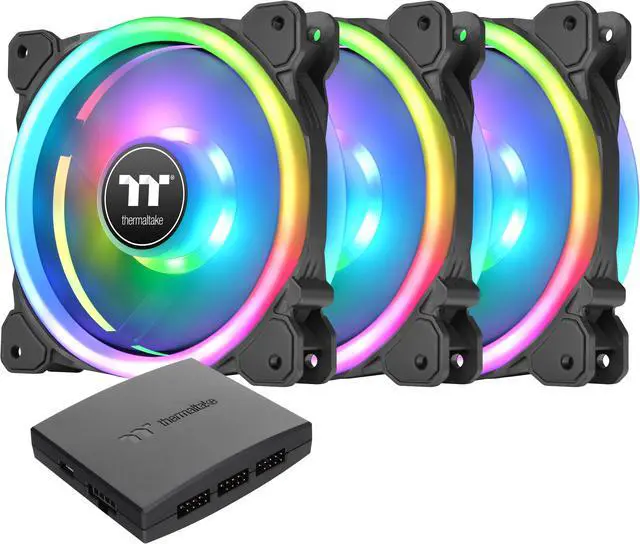
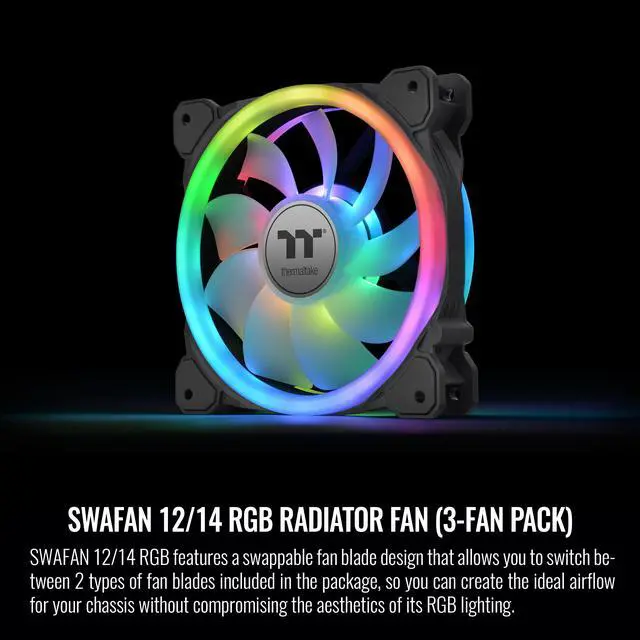
The Thermaltake SWAFAN 14 RGB is a three-pack of 140 mm radiator and case fans for PC builders who want adjustable airflow, customizable RGB lighting, and speeds up to 2,000 RPM, with standard and reverse fan blades included.
Recommended For
- PC builders creating a visible, RGB-focused case interior who want the fan blades to remain visually consistent when switching between intake and exhaust airflow.
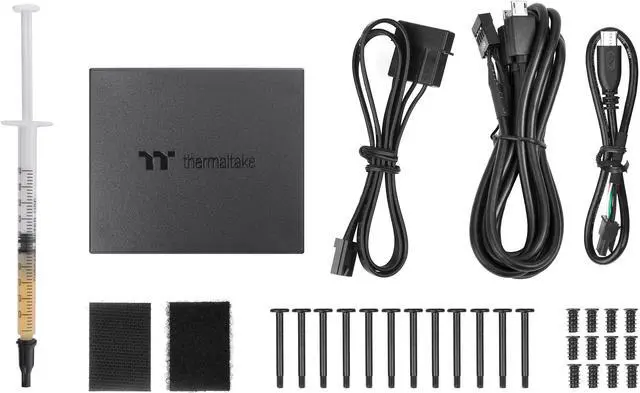
- Custom PC builders planning intake and exhaust around a radiator or case layout who value swappable blade direction and accept a dedicated fan controller and its cabling.
- Builders replacing three 140 mm case or radiator fans who want addressable RGB rings and plan to tune fan speed rather than run the fans at maximum speed.
Real-World Use Scenarios
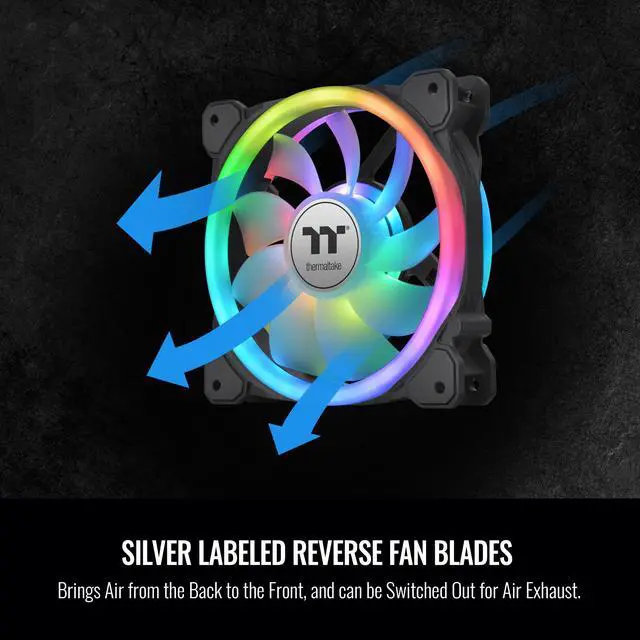
- In a glass-sided build where the fan face is visible, use the reverse blades for intake so the fans can pull air into the case without showing the usual support-strut side; the RGB remains visible.
- When setting up front or bottom intake alongside top or rear exhaust, choose standard or reverse blades for each fan position. This lets you set the airflow direction to suit the case layout while keeping the RGB presentation consistent.
- For a compatible 420 mm radiator installation, use the three 140 mm fans as radiator fans and select the blade direction that fits the planned intake or exhaust layout. The product is designed for radiator use, but actual cooling results depend on the radiator, case, and fan settings.
- In a case with restrictive filters or a radiator, use the fans as part of the system’s airflow setup and tune their speed to the build. Their intended use includes airflow through radiators and filtered chassis, but they do not guarantee a particular component temperature.
- When dust or debris builds up, remove the fan blades for cleaning and reinstall them afterward. This makes routine fan maintenance more direct than cleaning around permanently attached blades.




 here!