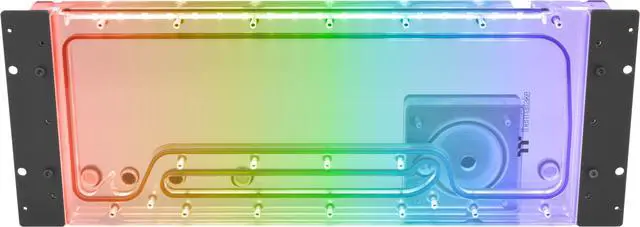
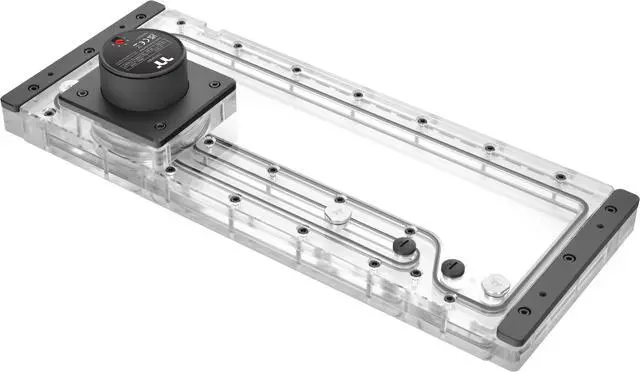
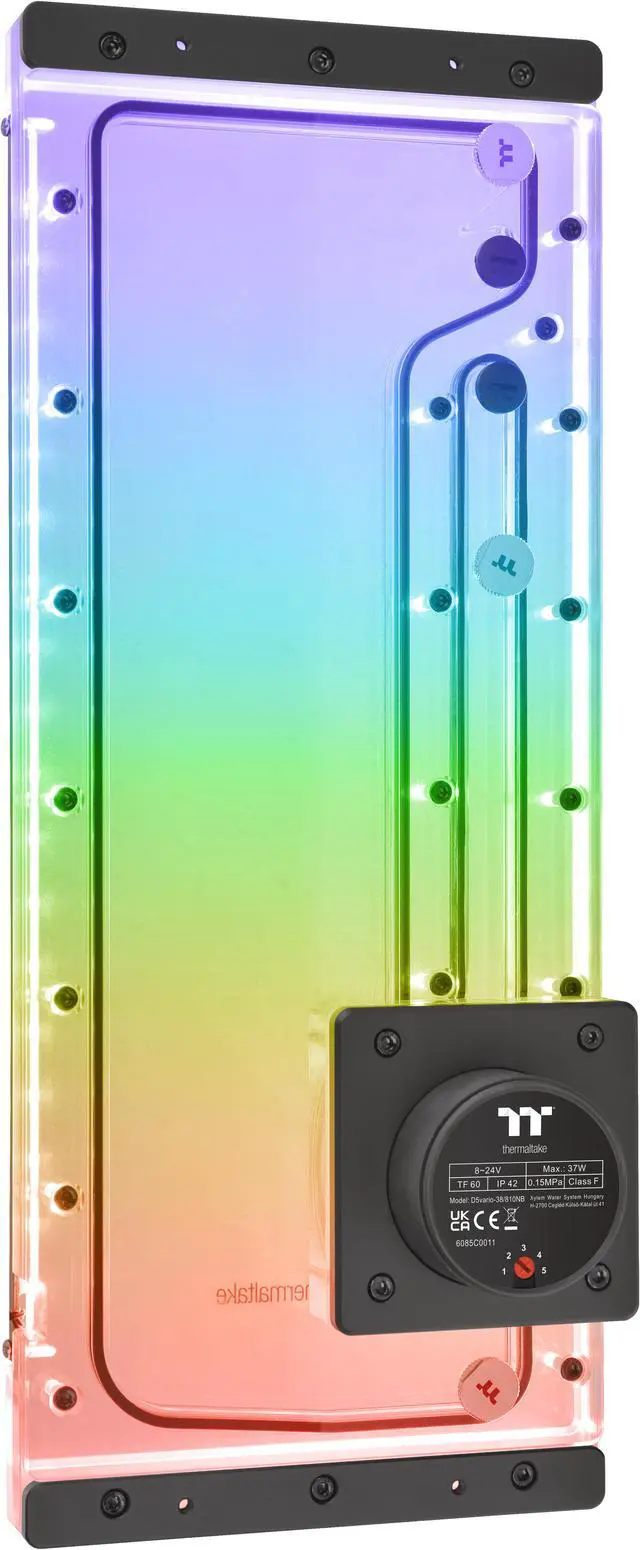
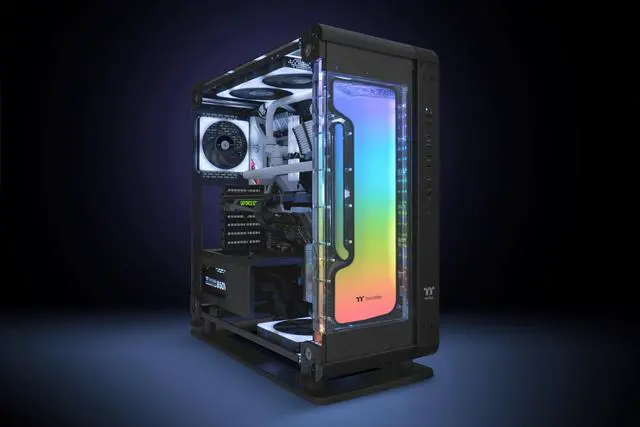
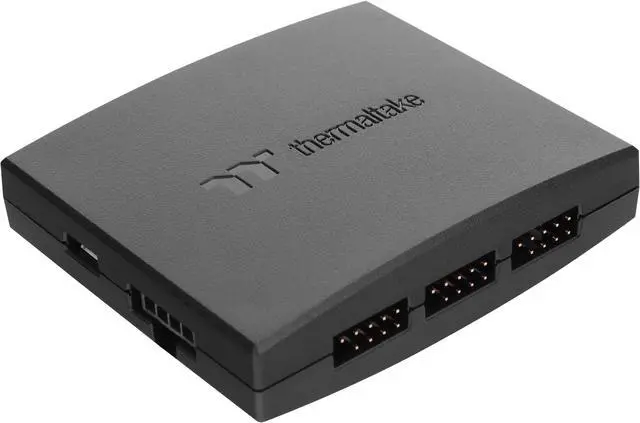
The Thermaltake Pacific Core P6 DP-D5 Plus is a 350 ml distro-plate reservoir with a preinstalled D5 pump, designed for custom liquid-cooling loops in the Thermaltake Core P6 chassis; it suits builders seeking an integrated cooling and RGB upgrade.
Recommended For
- Core P6 owners building a custom liquid-cooling loop who want a chassis-specific distro plate to organize coolant routing and integrate the pump and reservoir in one assembly.
- PC modders planning a custom loop with multiple components who value having several inlet and outlet ports for flexible tube routing.
- Builders who want the D5 pump included with the distro plate rather than sourcing a separate pump-and-reservoir assembly.
- Core P6 builders who want RGB lighting on their custom-loop component and plan to use Thermaltake’s RGB software or compatible motherboard lighting software.
Real-World Use Scenarios
- When an experienced builder is putting a custom liquid-cooling loop in a Thermaltake Core P6, the case-specific plate and preinstalled pump provide a single mounted starting point for the reservoir and pump portion of the loop.
- When routing a custom loop through a visible Core P6 build, a builder can use the plate’s multiple inlet and outlet ports to plan tube runs around the components and layout; the exact routing depends on the loop design.
- When building a showcase PC, the mounted distro plate makes part of the coolant-routing layout visible through the case, while its lighting can be set to match the rest of the system.
- When coordinating the look of a Core P6 build, users can configure the plate’s lighting through Thermaltake’s RGB software or compatible motherboard RGB software, depending on their setup.
- When planning installation, a builder should treat this as a custom-loop component rather than a plug-and-play cooler: Thermaltake’s guide recommends expert installation, so careful loop planning and leak-checking are part of the process.




 here!