


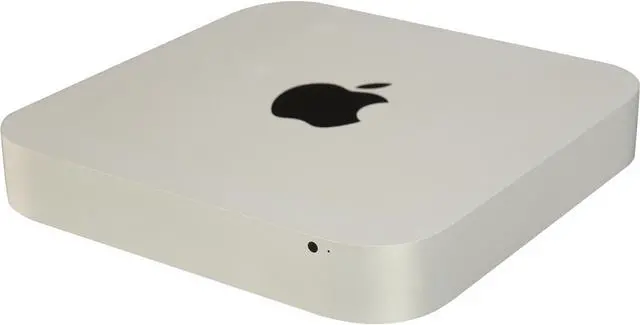
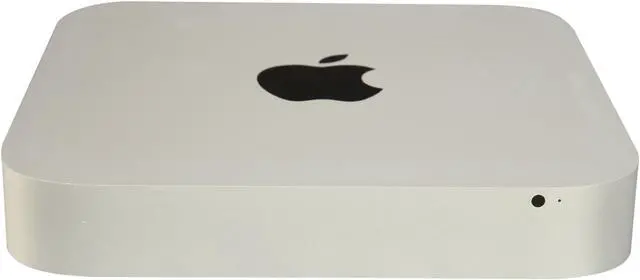
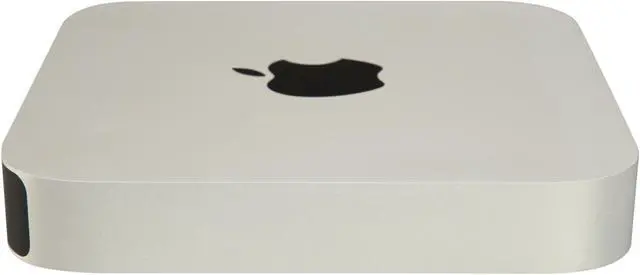
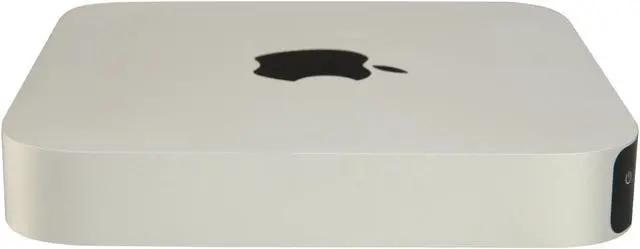


The Mac mini is a powerful, quiet desktop PC in a compact, stylish aluminum enclosure. It offers perfect fit for any desktop, with measurement of just 7.7" square and 1.4" thin, which is the same as its predecessor. But at its core lies a quad-core Intel Core processor which provides twice the performance of dual-core processors found on last generation Mac mini. It has built-in power supply and requires no bulky AC adapter. A wealth of connectivity options rivals what you expect from a tower PC, including Thunderbolt, USB 3.1, FireWire, HDMI, and 802.11ac & Bluetooth. Just add your own display, keyboard, and mouse, and make big things happen on this little powerhouse.
The MD389LL/A comes equipped with a 22-nm Quad Core "Ivy Bridge" 2.3 GHz Intel Core i7 3615QM processor with four independent processor "cores" on a single chip, a 6 MB shared level 3 cache, 4 GB of DDR3 SDRAM, and Intel HD Graphics 4000 which shares system memory, plus Mac OS X 10.8 Mountain Lion OS. Do anything you want to do, as it's always doable on the Mac mini.
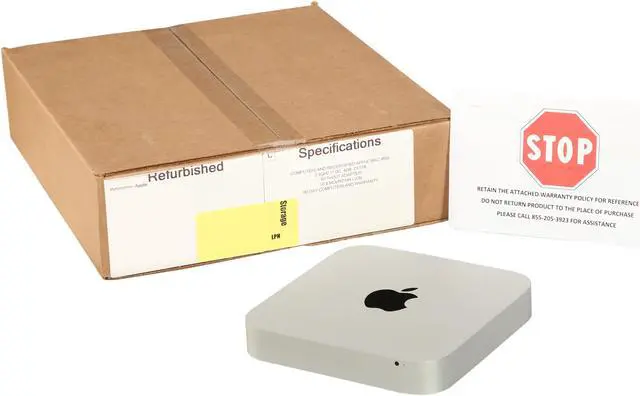
Grade C refers to units that may have dents, cracks, chips or scuffs on the body. Keyboard may be shiny or worn down. There may be scratches or dark spots on the LCD screen.
Processors up to 2x faster.
Done and done.
With third-generation Intel Core processors, Mac mini keeps up with computers twice its size. You can choose a 2.5 GHz dual-core Intel Core i5. Or go for an even more powerful 2.6 GHz quad-core Intel Core i7 for up to two times the performance of the previous-generation dual-core Mac mini*.
When you’re using processor-intensive applications, Turbo Boost 2.0 increases the clock speed up to 3.6 GHz. Hyper-Threading lets each core run two threads, so OS X multitasks even more efficiently. And an integrated memory controller connects fast 1600MHz memory directly to the processor, so it gets right to work on your data. In short, Mac mini is a little box of vroom.
* Testing conducted by Apple in October 2012 using preproduction 2.3GHz quad-core Intel Core i7-based Mac mini units and shipping 2.5GHz dual-core Intel Core i5-based Mac mini units, all configured with 4GB RAM. Modo test files: BathFaucet.lxo and Couch.lxo. Performance tests are conducted using specific computer systems and reflect the approximate performance of Mac mini.

Intel HD Graphics 4000.
It’ll really get things moving.
Intel HD Graphics 4000 delivers up to 65 percent more pixel-pushing performance than the previous generation of integrated graphics.* So the video you watch and the games you play are smoother and more responsive. Flipping through photo albums is a breeze. And you’ve got all the power you need to edit your HD video into a film worthy of a red carpet premiere.
* Testing conducted by Apple in October 2012 using preproduction 2.5GHz dual-core Intel Core i5-based Mac mini units with Intel HD Graphics 4000 and 512MB graphics memory, and shipping 2.3GHz dual-core Intel Core i5-based Mac mini units with Intel HD Graphics 3000 and 384MB graphics memory, all configured with 4GB RAM. Portal v(5042)(620) tested using LaserStairs.dem, medium graphics quality, no anti-aliasing, trilinear anisotropic filtering, at 2560x1440. Half-Life 2: Episode Two v(4295)(420) tested using storm.dem, medium graphics quality, no anti-aliasing, trilinear anisotropic filtering, at 2560x1440. Performance tests are conducted using specific computer systems and reflect the approximate performance of Mac mini.


Upgradable Memory
Add memory with a twist.
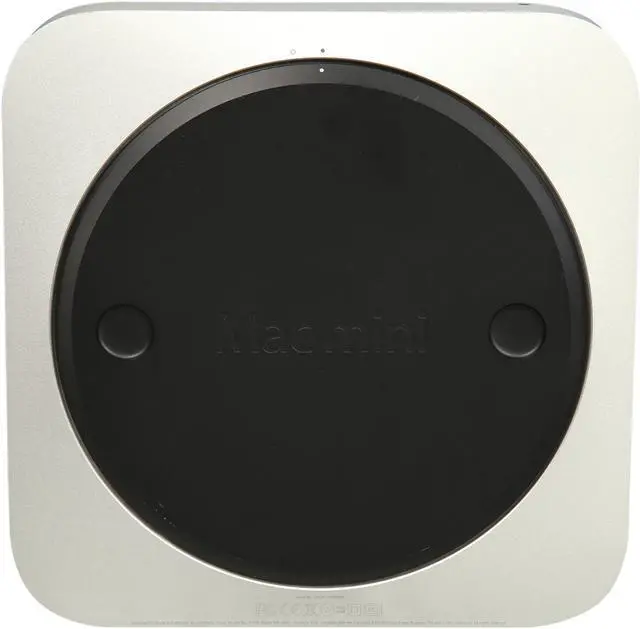
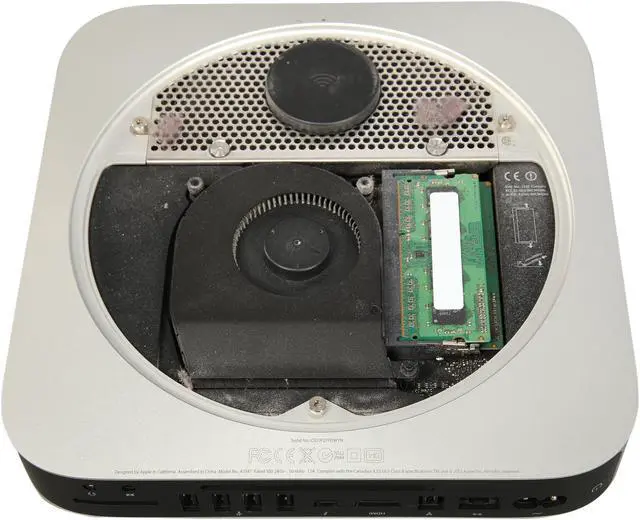
Mac mini comes with 4GB of fast 1600MHz DDR3 memory. And thanks to a removable bottom panel, it’s easy to add more. Just give it a twist, and you’re in. Pop your new memory into the SO-DIMM slot, and you’re out.
Thunderbolt, USB 3, Wi-Fi, and Bluetooth.
You’re very well connected.
Thunderbolt. The fastest, most versatile I/O in any desktop. Of any size.
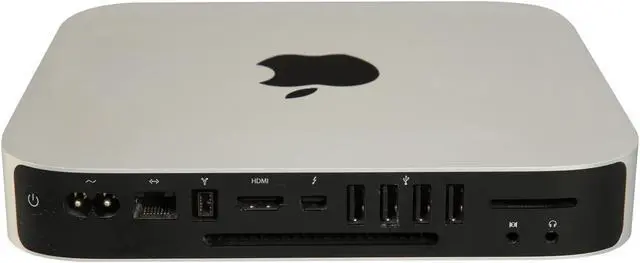
Thunderbolt technology in Mac mini is phenomenally fast. It features two 10-Gbps channels for data transfer. That’s up to 12 times faster than FireWire 800 and up to 20 times faster than USB 2. But beyond speed, Thunderbolt gives you unprecedented expansion capabilities. You can daisy-chain as many as six Thunderbolt devices—including two Apple Thunderbolt Displays—to a single port. And since Thunderbolt is based on DisplayPort technology, Mini DisplayPort devices like the Apple LED Cinema Display plug right in, too.
Plenty of ports make it ready for anything.
As powerful as Thunderbolt is, it’s just one of your options. If you have a third-party display, for instance, you can use the HDMI port and the HDMI to DVI Adapter that comes with Mac mini to connect it. You can even connect two displays to see more of your photos, movies, and documents at the same time. A built-in SDXC card slot makes it easy to import those photos and videos from your digital camera, and the FireWire 800 port works with a wide array of storage, audio, and video devices.
USB 3.
With USB 3 built into Mac mini, you can connect your external hard drive and transfer large files in seconds instead of minutes. Every Mac mini comes with four USB 3 ports—with speeds up to 10 times faster than USB 2—and you can connect all your USB-compatible devices, including your iPhone, iPad, iPod, or digital camera.
Wi-Fi and Bluetooth.
The latest 802.11n wireless technology is built into every Mac mini. It automatically locates your Wi-Fi network, so you can connect and start surfing the web, printing, and streaming your music wirelessly. Bluetooth wireless technology is also built in, so you can connect accessories such as a wireless keyboard and mouse.


HDMI
No screen is too big.
It’s easy to connect Mac mini to the biggest screen in the house—your HDTV—courtesy of a built-in HDMI port. All it takes is one HDMI cable to start enjoying movies and TV shows from iTunes, surfing the web, and flipping through your photo library, all in brilliant HD. There’s also a handy control that lets you adjust the output on Mac mini to fill even the biggest HDTV screen. And when you just want to listen to music, you can play your entire iTunes collection through your home entertainment center, or stream it to a set of speakers in any room via an AirPort Express Base Station.
Bring your own display, keyboard, and mouse.
Use what you’ve got.
Plug your own display, keyboard, and mouse into Mac mini. Turn it on. And just like that, everything works together. That’s one of the great things about Mac mini. You can mix and match it with almost anything.

Connect Mac mini to an Apple Thunderbolt Display, Apple Wireless Keyboard, and Magic Mouse.

Use Mac mini with third-party displays, keyboards, and mice. It all just works.