




 here!
I’m your shopping assistant for PC builds, upgrades, and everything tech.
Got questions? Ask away!
Start a conversation
here!
I’m your shopping assistant for PC builds, upgrades, and everything tech.
Got questions? Ask away!
Start a conversation




Any questions? Ask CelesteSM will help you find out quickly.
We want to ensure your holiday shopping this year is hassle-free. That’s why we’re automatically extending our return policies on almost every product! For purchases placed between November 1st, 2026 and December 31, 2026 you will have until January 31, 2027 to return your product.
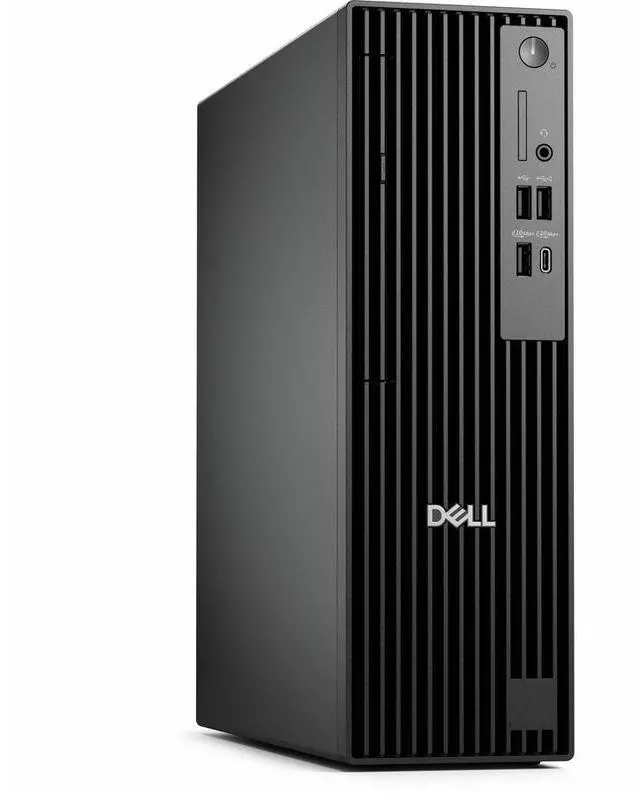
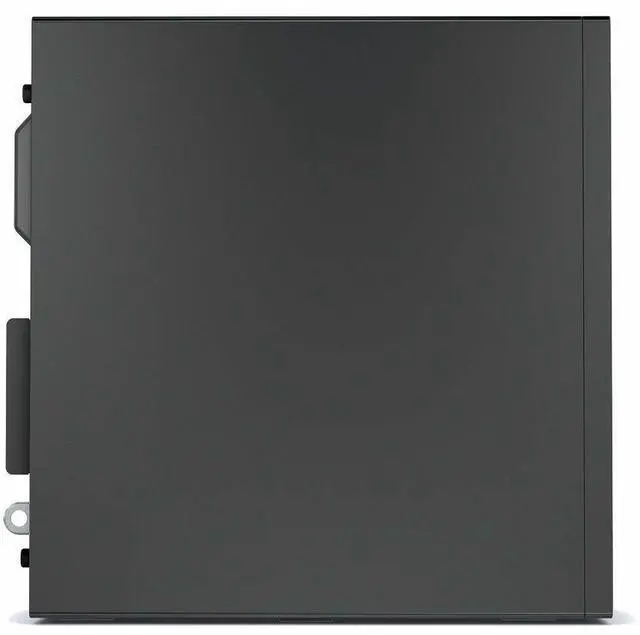
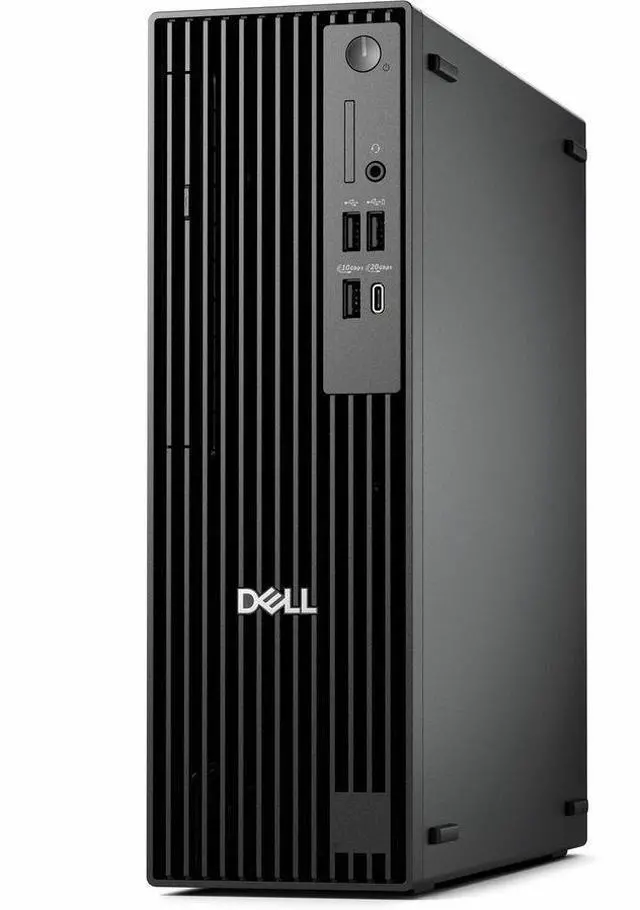
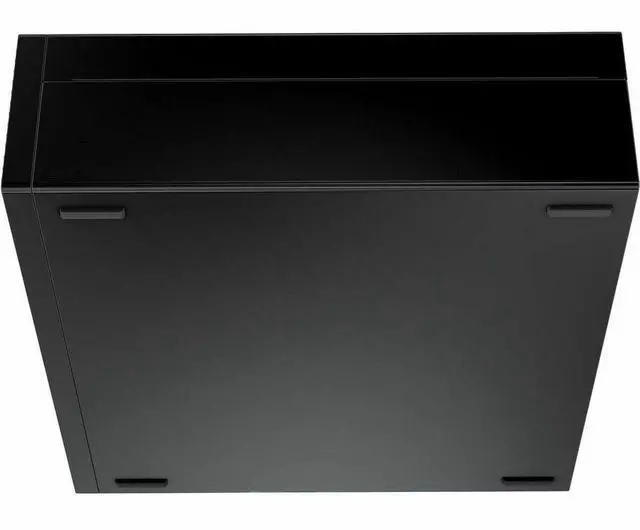
The Dell Pro Slim Plus QBS1250 is a slim business desktop with an Intel Core Ultra 7 265, 16GB DDR5 memory, a 512GB NVMe SSD, and Windows 11 Pro, suited to office work and everyday productivity in a compact setup.
| Attribute | Value |
|---|---|
| Best For | Business and mainstream work in a slim desktop form factor |
| Processor And Clock Speeds | Intel Core Ultra 7 265, with a 2.40 GHz base frequency and turbo frequency up to 5.30 GHz |
| Graphics And AI Features | Intel Graphics with AI Boost |
| Memory | 16GB DDR5 |
| Storage | 512GB M.2 NVMe SSD |
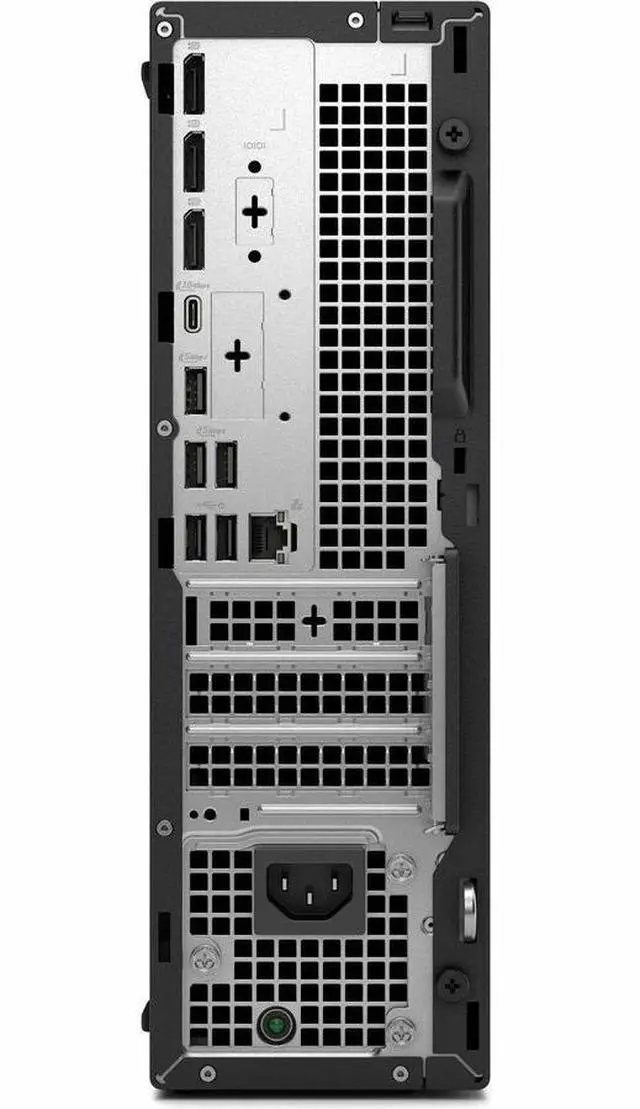
| Networking | Gigabit Ethernet; no WLAN |
| Operating System | Windows 11 Pro |
| Size And Weight | Slim/small form factor chassis measuring 11.9 × 3.7 × 11.5 inches (H × W × D); weighs 14.51 lb |
| Included Accessories | Keyboard, mouse, system power cord (US), quick start guide, and documentation |
| Model Identifiers | Dell Pro Slim Plus QBS1250, part number 2MGH4; release year 2025 |
Q: Dell Pro Slim Plus QBS1250 vs. Pro Slim QCS1250: what does the Plus add?
A: Choose the QBS1250 when you want more room to expand: Dell lists support for up to 128GB of memory and three M.2 SSDs for the Pro Slim Plus, compared with up to 64GB and one M.2 SSD for the Pro Slim. The QBS1250 configuration here pairs that Plus platform with a Core Ultra 7 265, 16GB of memory, and a 512GB SSD.
Q: Should I choose the QBS1250 with Core Ultra 7 265 or a Dell Pro Slim with Core Ultra 5 235?
A: Choose the QBS1250 with Core Ultra 7 265 when your work benefits from more CPU cores or frequent multitasking: Dell lists 20 cores and boost speeds up to 5.3GHz for the 265, versus 14 cores and up to 5.0GHz for the Ultra 5 235. Both processor options are available in Dell Pro Slim desktops with Windows 11 Pro and integrated Intel graphics.
Q: How does the QBS1250 compare with the older Dell OptiPlex 7000 SFF for performance?
A: For a CPU-focused comparison, Principled Technologies tested a Dell Pro Slim with the same Core Ultra 7 265 processor as this QBS1250 configuration against an OptiPlex 7000 SFF with a Core i7-12700. The Pro Slim scored 84% higher in Cinebench 2024 multi-core testing. This is a result from the tested configurations, rather than a guarantee for every workload.
Q: Is the QBS1250 available with more memory than 16GB?
A: Yes. Dell lists a QBS1250 configuration with the same Core Ultra 7 265 and 32GB of DDR5 memory. The 16GB version provides the listed baseline configuration; the 32GB option gives more memory capacity for workflows that keep more applications or data active at once.
Q: Is this desktop suitable for office work and everyday multitasking?
A: Yes. Its Intel Core Ultra 7 265 processor, 16GB of DDR5 memory, 512GB NVMe SSD, and Windows 11 Pro suit typical office tasks such as documents, email, web browsing, and multitasking. It is a desktop, so plan to use it at a fixed workstation rather than as a travel computer.
Q: Does it have built-in Wi-Fi?
A: No. The listed configuration has no wireless LAN, but it does include Gigabit Ethernet for a wired network connection. If you need wireless networking, plan for a separate solution.
Q: Can I upgrade the memory or storage later?
A: The retailer listing describes internal access for memory and storage upgrades. The computer comes with 16GB of DDR5 memory and a 512GB M.2 NVMe SSD; check the exact shipped configuration and supported parts before buying an upgrade, since component configurations may vary.
Q: If I add RAM, will mixed memory modules run at their full rated speed?
A: Not necessarily. In a QBS1250 discussion, mixing two DDR5-5600 modules from different manufacturers resulted in the system running them at 4800 MT/s. If adding memory, matching the existing module is the safer choice; confirm the installed module and supported configuration first.
Q: Can I add a discrete graphics card later?
A: This listed configuration has Intel Graphics and a 260W power supply. A QBS1250 Reddit discussion describes a separate 360W power-supply option and a required Dell power cable for a graphics-card upgrade. Do not assume this 260W configuration is ready for a discrete GPU; check the exact power supply, cable, card dimensions, and power requirements first.
Q: Can I install a 2280-length M.2 NVMe drive?
A: A QBS1250 Reddit discussion suggests the M.2 mounting position may be adjustable for a 2280 drive, but the poster was not certain. Verify the slot and mounting hardware in the exact system before buying a replacement or additional drive.


