




 here!
I’m your shopping assistant for PC builds, upgrades, and everything tech.
Got questions? Ask away!
Start a conversation
here!
I’m your shopping assistant for PC builds, upgrades, and everything tech.
Got questions? Ask away!
Start a conversation

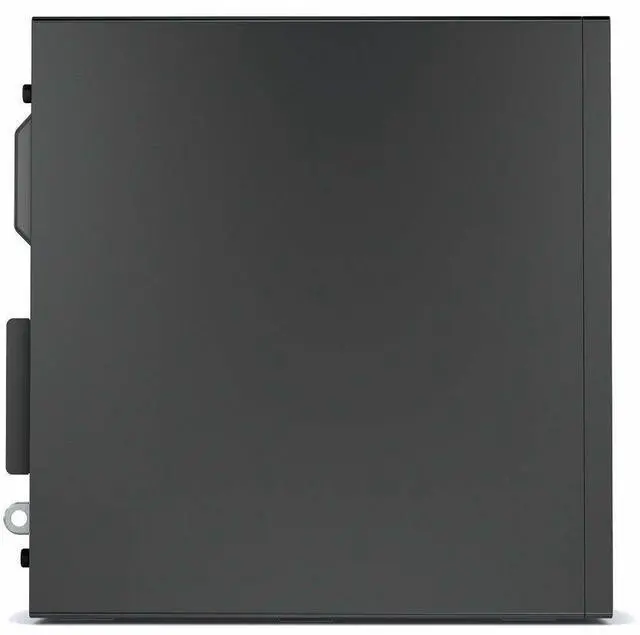
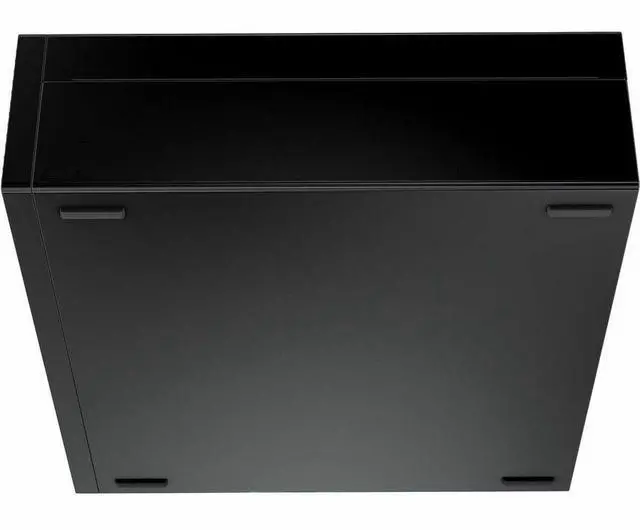



Any questions? Ask CelesteSM will help you find out quickly.
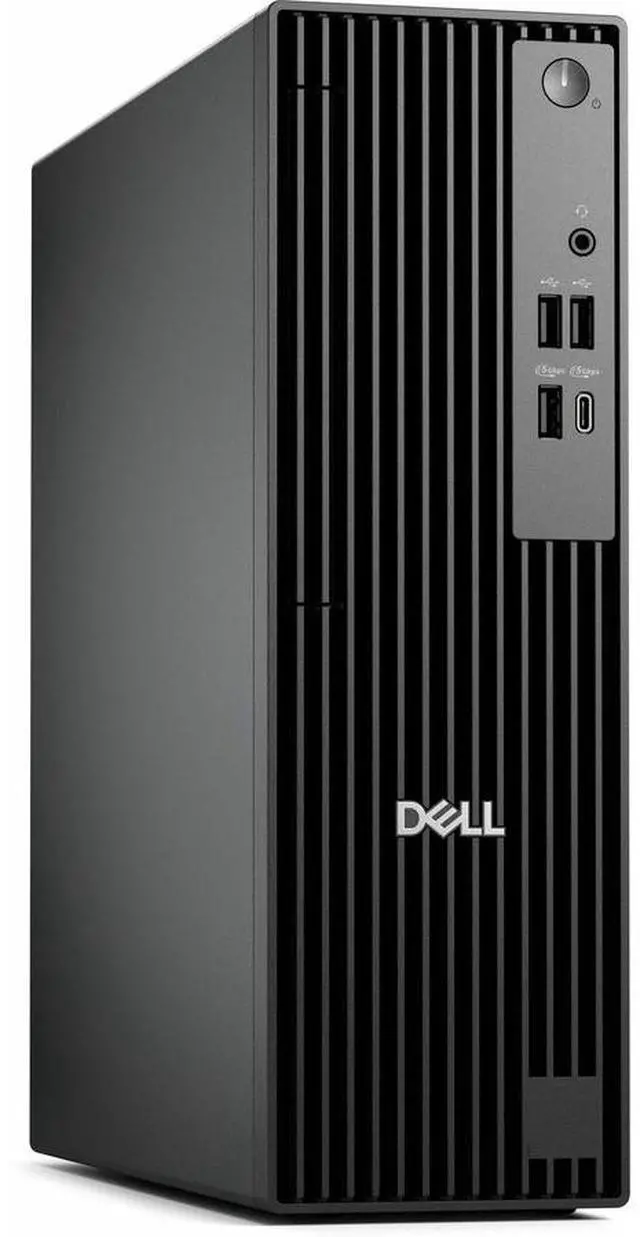
The Dell Pro Slim QCS1250 is a small-form-factor desktop with an Intel Core i7-14700, 16GB DDR5 memory, a 512GB SSD, and Windows 11 Pro, suited to business users who need a capable PC for everyday productivity and multitasking.
| Attribute | Value |
|---|---|
| Best For | Desktop computing with an Intel Core i7-14700, 16GB DDR5 memory, and 512GB SSD storage |
| Processor And Clock Speeds | Intel Core i7-14700, 14th Gen, with a 2.10GHz base frequency and up to 5.40GHz turbo frequency |
| Graphics | Integrated Intel Graphics |
| Memory Configuration | 16GB DDR5 memory |
| Storage | 512GB SSD |
| Operating System | Windows 11 Pro |
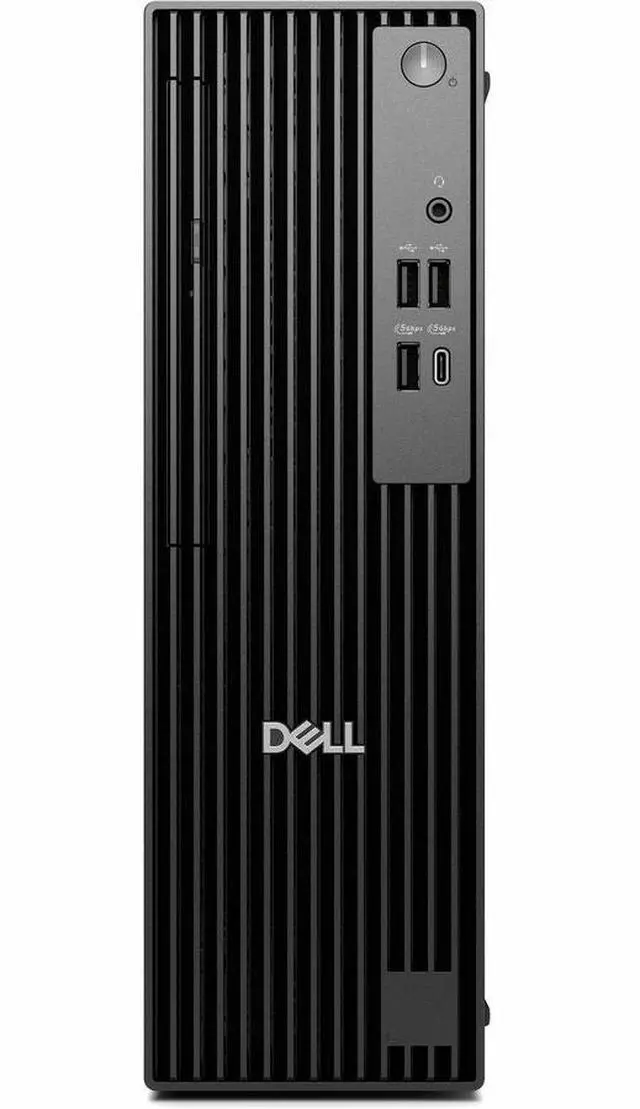
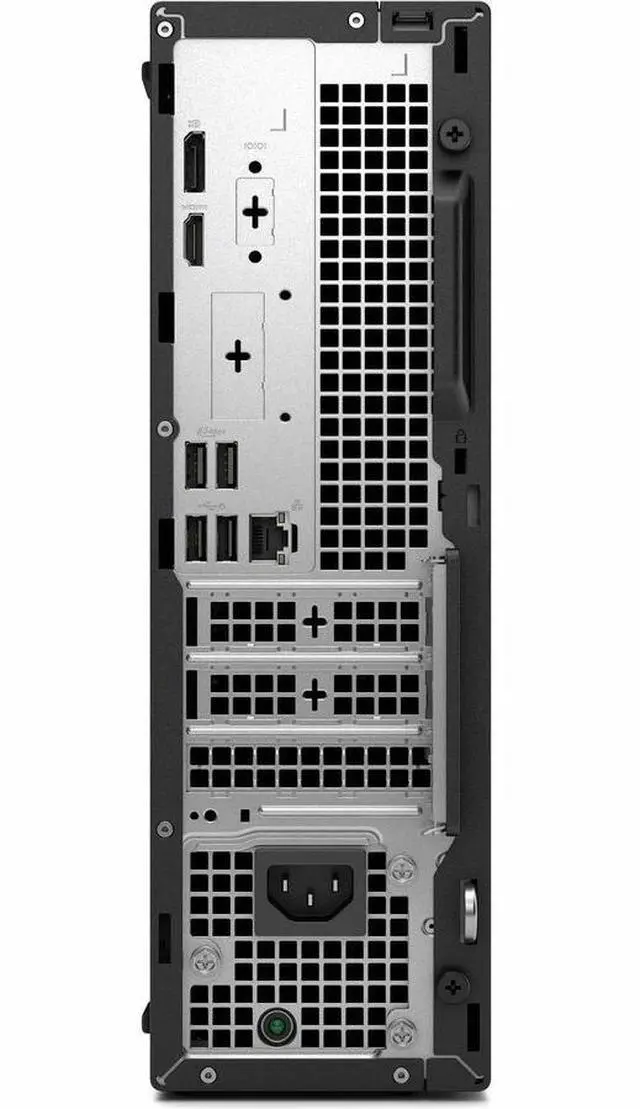
| Ports And Connectivity | Rear HDMI video output and 8 USB ports, including 2 front and 2 rear USB 2.0 ports and 3 USB 3.2 Gen 1 ports; Bluetooth supported |
| Wired And Wireless Networking | Gigabit Ethernet; no WLAN |
| Webcam | Webcam capability supported |
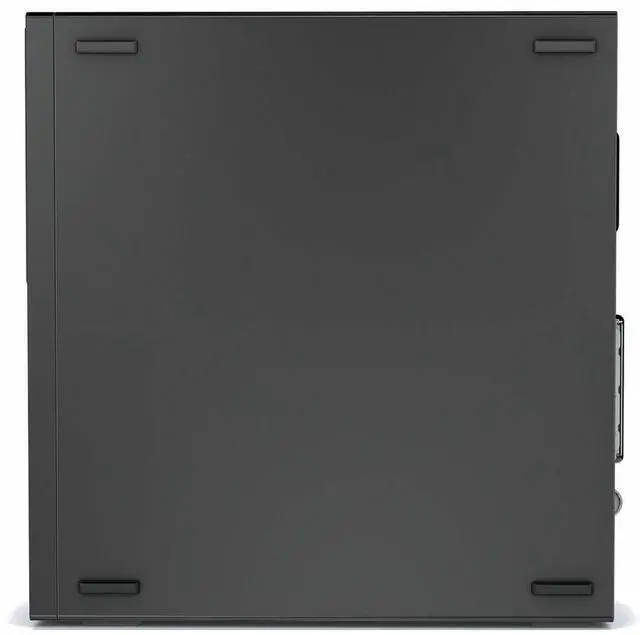
| Form Factor And Dimensions | Slim/Small Form Factor desktop; 12 in high × 3.7 in wide × 11.5 in deep; 12.99 lb |
| Package Contents | Pro Slim QCS1250, power cord, quick start guide, and documentation |
| Model Identifiers | Dell Pro Slim QCS1250; part number 6JK80 |
Q: Dell Pro Slim QCS1250 i7-14700 or i5-14500: which configuration should I choose?
A: Choose the i7-14700 configuration for heavier multitasking and CPU-intensive work; it has 20 cores and 28 threads, compared with 14 cores and 20 threads on the i5-14500. PassMark’s CPU Mark comparison also reports higher multi-threaded performance for the i7, though results vary by system and workload. The i5 configuration is a practical fit for routine office and productivity tasks.
Q: Should I get the QCS1250 with Core i7-14700 or Core Ultra 7 265?
A: Choose the i7-14700 configuration for its 20-core, 28-thread CPU and boost frequency up to 5.4 GHz. Choose a QCS1250 configuration with Core Ultra 7 265 if you want Dell’s AI-PC option, which combines a 20-core CPU with an NPU rated up to 13 TOPS. The choice depends on whether conventional CPU-focused work or NPU-enabled AI features matter more to you.
Q: When is the QCS1250 with i7-14700 worth choosing over the i3-14100 version?
A: Choose the i7-14700 for workloads that benefit from more CPU cores, such as heavier multitasking or parallel processing: it has 20 cores and 28 threads, while the i3-14100 has 4 cores and 8 threads. The i3 configuration is a fit for everyday office and productivity use.
Q: Is this desktop suitable for office work and multitasking?
A: Yes. Its Core i7-14700 processor, 16GB DDR5 memory, 512GB SSD, and Windows 11 Pro make it suitable for typical business applications, documents, web browsing, and multitasking. It is a desktop, so a monitor and other peripherals may be needed separately.
Q: Does this PC have Wi-Fi?
A: The listed configuration specifies Gigabit Ethernet and says WLAN is not included. Plan to connect through a wired Ethernet connection or separately arrange wireless networking; confirm the exact configuration because components may vary.
Q: Can I connect two monitors?
A: The supplied specifications confirm a rear HDMI port, but do not establish the number or types of additional display outputs. Because the listing says I/O ports may vary, confirm the ports on the exact unit before relying on a two-monitor setup.
Q: Can I upgrade the memory or storage later?
A: The listed configuration includes 16GB DDR5 memory and a 512GB SSD, but the provided specifications do not confirm upgrade options or limits. The listing also notes that component configurations may vary, so verify upgrade compatibility for the exact unit before buying or adding parts.
Q: Is the Dell Pro Slim QCS1250 suitable for office work?
A: It is configured for general business use, with a Core i7-14700, 16 GB of DDR5 memory, a 512 GB SSD, and Windows 11 Pro. A QCS1250 owner described using one for electronic medical records and Microsoft Office without heavy-duty workloads. For many simultaneous or memory-intensive applications, check whether 16 GB is enough for your needs.
Q: Can I add a discrete graphics card to the QCS1250?
A: The listed configuration uses Intel Graphics, not a discrete GPU. A Reddit discussion about fitting a graphics card in a QCS1250 raises slot-position and clearance concerns. Before buying a card, verify that its dimensions, slot layout, and power requirements suit the exact PC configuration; the supplied product data lists a 180 W power supply.
Q: Does the QCS1250 include extra drive bays and cables for storage upgrades?
A: The listed configuration specifies a 512 GB SSD; it does not confirm that extra drive mounts, cables, or drives are included. A QCS1250 Reddit discussion describes uncertainty about those parts, and the product data notes that configurations may vary. Confirm the exact included hardware before relying on an additional drive installation.


