

Your Browsing History
- In Stock
- Sold by Newegg
- AI Ready
- New
- Combo Deals Only

Any questions? Our AI mode will help you find out quickly.
Try me now
Quick View
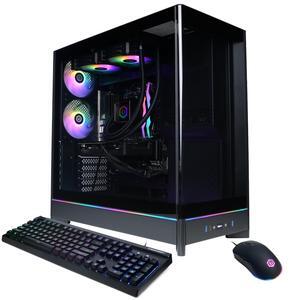
CyberPowerPC Gamer Supreme Liquid Cool GML70830 - AMD Ryzen 7 9700X 3.8GHz CPU, 32GB DDR5, AMD Radeon RX 9060 XT 16GB, 2TB PCIe 4.0 NVMe SSD & Win 11 Home

- GPU/VGA Type: AMD Radeon RX 9060 XT
- CPU Name: AMD Ryzen 7 9700X
- Memory Capacity: 32GB DDR5
- SSD: 2TB NVMe
- Model #: GML70830
- $2,169.99 –
- Free Shipping
Quick View

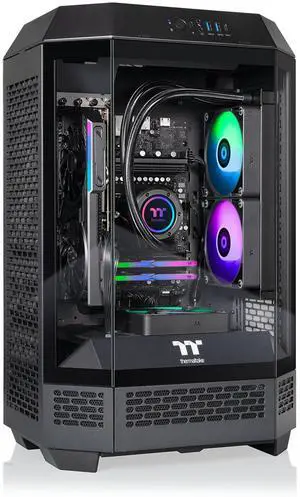
- GPU/VGA Type: AMD Radeon RX 9060 XT
- CPU Name: AMD Ryzen 7 8700F
- Memory Capacity: 32GB DDR5
- SSD: 1TB NVMe
- Model #: T3BK-B650-96X-LCS
- $1,740.99 –
- Free Shipping
Quick View
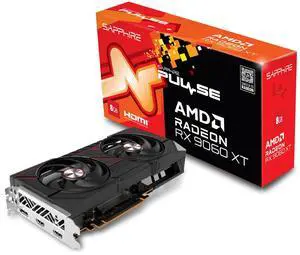
Sapphire 11350-04-20G Pulse AMD Radeon RX 9060 XT Gaming OC Graphics Card with 8GB GDDR6, AMD RDNA 4
- Model #: 904957032056
- $813.99 –
- $5.99 Shipping
Quick View

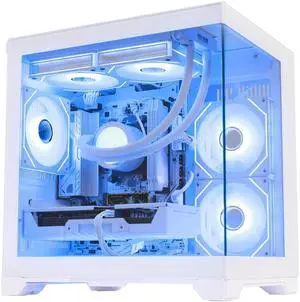
- CPU Type: AMD Ryzen 5 9000 Series
- GPU/VGA Type: AMD Radeon RX 9060 XT
- CPU Name: AMD Ryzen 5 9600X
- Memory Capacity: 32GB DDR5
- Model #: CBDTHEFKW9600XLQ32G1T906XT16GW11P

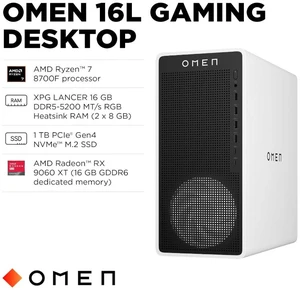
Quick View

- Model #: CJ9Z8AA#ABA
- $1,799.99 –
- Free Shipping
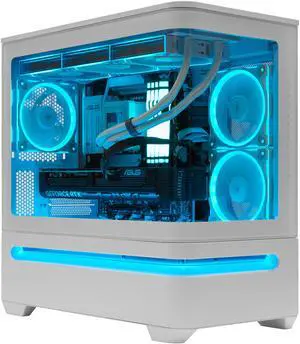
Quick View

- CPU Type: AMD Ryzen 9 9000 Series
- GPU/VGA Type: AMD Radeon RX 9060 XT
- CPU Name: AMD Ryzen 9 9950X3D
- Memory Capacity: 32GB DDR5
- Model #: AP202W9950X3D9060XT2TB32GBD5
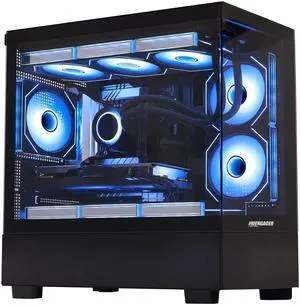
Quick View
- CPU Type: Intel Core i7 12th Gen
- GPU/VGA Type: AMD Radeon RX 9060 XT
- CPU Name: Intel Core i7-12700KF
- Memory Capacity: 32GB DDR5
- Model #: CBDTHESSD12700KFLQ32G3T906XT16GW11P
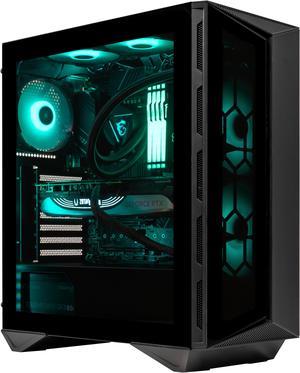
Quick View

- GPU/VGA Type: AMD Radeon RX 9060 XT
- CPU Name: AMD Ryzen 9 9950X3D
- Memory Capacity: 32GB DDR5
- SSD: 1TB NVMe
- Model #: 110R9950X3D9060XT1TB32GBD5
- $2,729.00 –
- Free Shipping
Quick View
- CPU Type: AMD Ryzen 9 9000 Series
- GPU/VGA Type: AMD Radeon RX 9060 XT
- CPU Name: AMD Ryzen 9 9950X
- Memory Capacity: 64GB DDR5
- Model #: 110R9950X9060XT4TB64GBD5-
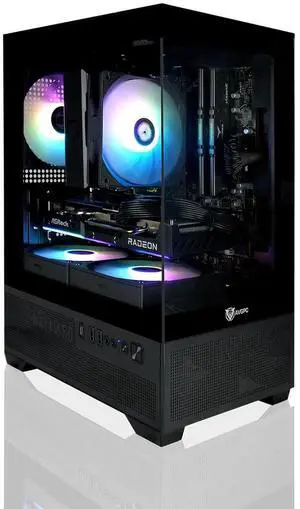
Quick View

- CPU Type: AMD Ryzen 5000
- GPU/VGA Type: AMD Radeon RX 9060
- CPU Name: AMD Ryzen 5 5600X
- Memory Capacity: 16GB DDR4
- Model #: AV-Mini-X-56X-9060-B
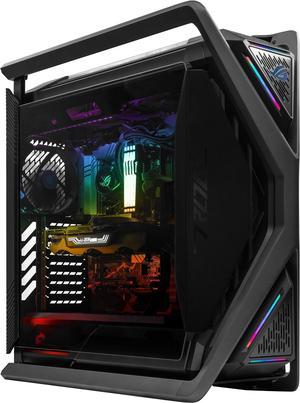
Quick View

- GPU/VGA Type: AMD Radeon RX 9060 XT
- CPU Name: Intel Core i7-14700KF
- Memory Capacity: 32GB DDR5
- SSD: 1 TB
- Model #: GR70114700KF9060XT1TB32GBD5
- $3,029.00 –
- Free Shipping
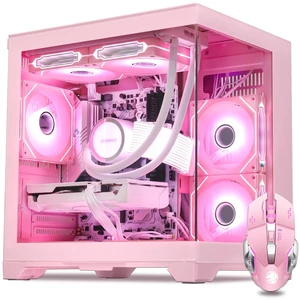
Quick View
- GPU/VGA Type: AMD Radeon RX 9060 XT
- CPU Name: AMD Ryzen 5 5600X
- Memory Capacity: 16GB DDR4
- SSD: 2TB
- Model #: CBDTHEFKP5600XLQ16G2T906XT16GW11P
Quick View
- GPU/VGA Type: AMD Radeon RX 9060 XT
- CPU Name: AMD Ryzen 5 5500
- Memory Capacity: 16GB DDR4
- SSD: 2TB
- Model #: CBDTHEFKP5500LQ16G2T906XT16GW11P
Quick View
- GPU/VGA Type: AMD Radeon RX 9060 XT
- CPU Name: AMD Ryzen 5 5600X
- Memory Capacity: 32GB DDR4
- SSD: 2TB
- Model #: CBDTHEFKP5600XLQ32G2T906XT16GW11P
Quick View
- GPU/VGA Type: AMD Radeon RX 9060 XT
- CPU Name: AMD Ryzen 5 5500
- Memory Capacity: 32GB DDR4
- SSD: 2TB
- Model #: CBDTHEFKP5500LQ32G2T906XT16GW11P
Quick View
- GPU/VGA Type: AMD Radeon RX 9060 XT
- CPU Name: AMD Ryzen 5 5600X
- Memory Capacity: 16GB DDR4
- SSD: 1TB
- Model #: CBDTHEFKP5600XLQ16G1T906XT16GW11P
Quick View
- GPU/VGA Type: AMD Radeon RX 9060 XT
- CPU Name: AMD Ryzen 5 5500
- Memory Capacity: 16GB DDR4
- SSD: 1TB
- Model #: CBDTHEFKP5500LQ16G1T906XT16GW11P
Quick View
- GPU/VGA Type: AMD Radeon RX 9060 XT
- CPU Name: AMD Ryzen 5 5500
- Memory Capacity: 32GB DDR4
- SSD: 3TB
- Model #: CBDTHEFKP5500LQ32G3T906XT16GW11P
Quick View
- GPU/VGA Type: AMD Radeon RX 9060 XT
- CPU Name: AMD Ryzen 5 5500
- Memory Capacity: 16GB DDR4
- SSD: 3TB
- Model #: CBDTHEFKP5500LQ16G3T906XT16GW11P
Quick View
- GPU/VGA Type: AMD Radeon RX 9060 XT
- CPU Name: AMD Ryzen 5 5600X
- Memory Capacity: 32GB DDR4
- SSD: 3TB
- Model #: CBDTHEFKP5600XLQ32G3T906XT16GW11P
Quick View
- GPU/VGA Type: AMD Radeon RX 9060 XT
- CPU Name: AMD Ryzen 5 5600X
- Memory Capacity: 32GB DDR4
- SSD: 1TB
- Model #: CBDTHEFKP5600XLQ32G1T906XT16GW11P
Quick View
- GPU/VGA Type: AMD Radeon RX 9060 XT
- CPU Name: AMD Ryzen 5 5600X
- Memory Capacity: 16GB DDR4
- SSD: 3TB
- Model #: CBDTHEFKP5600XLQ16G3T906XT16GW11P
Quick View
- GPU/VGA Type: AMD Radeon RX 9060 XT
- CPU Name: Intel Core Ultra 5 245KF
- Memory Capacity: 64GB DDR5
- SSD: 1TB NVMe
- Model #: GR701245KF9060XT1TB64GBD5
- $3,279.00 –
- Free Shipping
Quick View
- CPU Type: Intel Core i9 12th Gen
- GPU/VGA Type: AMD Radeon RX 9060 XT
- CPU Name: Intel Core i9-12900KF
- Memory Capacity: 64GB DDR5
- Model #: 110R12900KF9060XT2TB64GBD5-
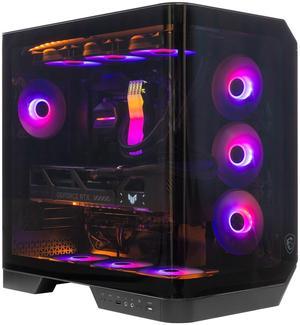
Quick View
- GPU/VGA Type: AMD Radeon RX 9060 XT
- CPU Name: Intel Core Ultra 5 245KF
- Memory Capacity: 16GB DDR5
- SSD: 1TB NVMe
- Model #: 120R245KF9060XT1TB16GBD5-
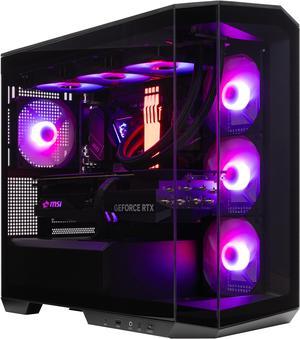
Quick View
- CPU Type: Intel Core i9 14th Gen
- GPU/VGA Type: AMD Radeon RX 9060 XT
- CPU Name: Intel Core i9-14900KF
- Memory Capacity: 32GB DDR5
- Model #: M100R14900KF9060XT4TB32GBD5-
Quick View
- GPU/VGA Type: AMD Radeon RX 9060 XT
- CPU Name: Intel Core Ultra 7 265KF
- Memory Capacity: 16GB DDR5
- SSD: 4TB NVMe
- Model #: 120R265KF9060XT4TB16GBD5-
Quick View
- CPU Type: Intel Core Ultra 7 Series 2
- GPU/VGA Type: AMD Radeon RX 9060 XT
- CPU Name: Intel Core Ultra 7 265KF
- Memory Capacity: 64GB DDR5
- Model #: M100R265KF9060XT4TB64GBD5-
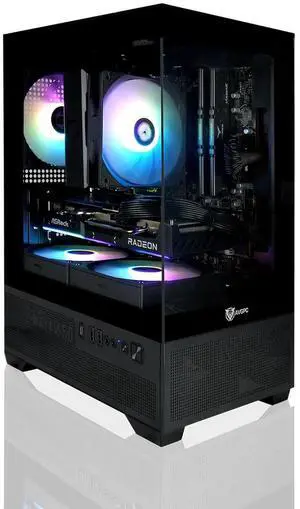
Quick View
- CPU Type: AMD Ryzen 5000
- GPU/VGA Type: AMD Radeon RX 9060
- CPU Name: AMD Ryzen 5 5600X
- Memory Capacity: 16GB DDR4
- Model #: AV-Mini-X-56X-96-1T-B
Quick View
- GPU/VGA Type: AMD Radeon RX 9060 XT
- CPU Name: Intel Core Ultra 5 245KF
- Memory Capacity: 64GB DDR5
- SSD: 4TB NVMe
- Model #: GR701245KF9060XT4TB64GBD5
- $3,519.00 –
- Free Shipping
Quick View
- GPU/VGA Type: AMD Radeon RX 9060 XT
- CPU Name: Intel Core Ultra 5 245KF
- Memory Capacity: 32GB DDR5
- SSD: 1TB NVMe
- Model #: GR701245KF9060XT1TB32GBD5
- $2,869.00 –
- Free Shipping
Quick View
- GPU/VGA Type: AMD Radeon RX 9060 XT
- CPU Name: Intel Core Ultra 5 245KF
- Memory Capacity: 32GB DDR5
- SSD: 4TB NVMe
- Model #: GR701245KF9060XT4TB32GBD5
- $3,259.00 –
- Free Shipping
Quick View
- GPU/VGA Type: AMD Radeon RX 9060 XT
- CPU Name: Intel Core Ultra 5 245KF
- Memory Capacity: 64GB DDR5
- SSD: 2TB NVMe
- Model #: GR701245KF9060XT2TB64GBD5
- $3,279.00 –
- Free Shipping
Quick View
- CPU Type: AMD Ryzen 9 9000 Series
- GPU/VGA Type: AMD Radeon RX 9060 XT
- CPU Name: AMD Ryzen 9 9900X
- Memory Capacity: 16GB DDR5
- Model #: M100R9900X9060XT1TB16GBD5-
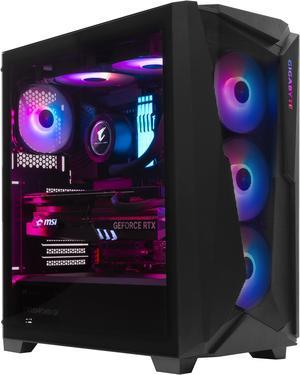
Quick View
- GPU/VGA Type: AMD Radeon RX 9060 XT
- CPU Name: Intel Core i9-14900KF
- Memory Capacity: 16GB DDR5
- SSD: 2TB NVMe
- Model #: C30114900KF9060XT2TB16GBD5-
Quick View
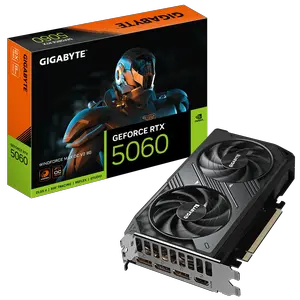
GIGABYTE GeForce RTX 5060 WINDFORCE MAX OC V2 8G PCI Express 5.0 ATX Graphic Card

- Core Clock: 2512 MHz
- Max Resolution: 7680 x 4320
- DisplayPort: 3 x DisplayPort 2.1b
- HDMI: 1 x HDMI 2.1b
- Model #: GV-N5060WF2MAX OCV2-8GD
- $487.99
- $459.99 –
- Save: $28.00 (5%)
- More options from $459.99 - $759.90
- Free Shipping
| Buying an RX 9060 XT | |
|---|---|
Understanding the Radeon RX 9060 XTThe AMD Radeon RX 9060 XT is designed for gamers and creators seeking high 1080p and solid 1440p performance. As part of AMD’s RDNA 3 family, it benefits from a modern 6 nm process, improved power efficiency, and enhanced ray-tracing capabilities. Whether you’re upgrading from an older GPU or building a new system, consider how features like hardware-accelerated ray tracing, FidelityFX Super Resolution (FSR 3), and Radeon Super Resolution (RSR) can enhance your experience. Key specifications target strong 1080p and 1440p gaming performance, with the 16GB version offering more memory headroom for modern and future games, higher settings, and multitasking. The 16GB models can also feature slightly higher clock speeds, depending on the board partner. The 8GB version is more budget-friendly but may face limitations in newer games that require more VRAM, especially at higher resolutions and settings. The 16GB model is recommended for those seeking better longevity and performance in demanding titles. Both cards support FSR 4 upscaling, ray tracing, and AI-accelerated tasks, and are positioned as strong value options in their price segments compared to NVIDIA 's offerings When choosing a variant, explore custom models from brands like Sapphire, ASRock, and PowerColor. These custom cards often feature factory overclocks, enhanced cooling solutions, and RGB lighting options. Ensure your case has at least 240 mm of clearance and that your power supply provides an 8-pin PCIe connector with sufficient headroom for future upgrades. Pair the RX 9060 XT with a modern CPU—such as an AMD Ryzen 5 7600X or Intel Core i5 13600K—to avoid bottlenecking at high frame rates. For smooth multi-tasking, aim for 16 GB of dual-channel DDR4 or DDR5 RAM. Before installing, download the latest Radeon Software Adrenalin Edition drivers from AMD’s site. Enable features like Radeon Anti-Lag, Radeon Boost, and FSR 3 for optimal performance in supported games. For real-time resale and availability, visit Newegg’s category page: RX 9060 XT Graphics Cards. Filter by brand, cooling type, and clock speeds to narrow your options. When your order arrives, follow the installation guide provided by the manufacturer or Newegg’s knowledge base to ensure proper seating, power connections, and BIOS settings. |
Getting the Most Out of Your RX 9060 XTAfter installation, check for any available BIOS/UEFI updates for your motherboard. Keep Windows Update or your Linux distribution current to benefit from stability improvements. Within Radeon Software, explore presets for different game profiles and use the performance monitoring overlay to track FPS, GPU temperatures, and utilization in real time. If you notice temperatures consistently above 80 °C, adjust fan curves or improve case airflow by adding intake/exhaust fans. To extend the life of your GPU , dust your case regularly and avoid overclocking beyond manufacturer specifications unless you have adequate cooling. Utilize Radeon Super Resolution (RSR) to upscale non-FSR titles, which can deliver higher frame rates with minimal quality loss. When playing new releases, check whether developers have implemented FSR 3 support to take advantage of frame-generation enhancements. FAQs about the RX 9060 XT
|