




 here!
I’m your shopping assistant for PC builds, upgrades, and everything tech.
Got questions? Ask away!
Start a conversation
here!
I’m your shopping assistant for PC builds, upgrades, and everything tech.
Got questions? Ask away!
Start a conversation


Any questions? Ask CelesteSM will help you find out quickly.
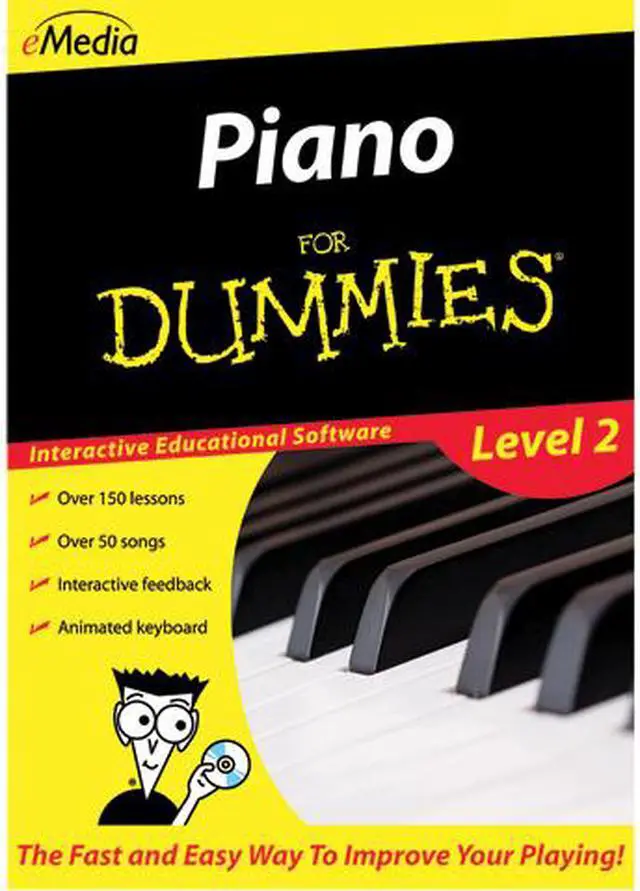
eMedia Piano For Dummies Level 2 expands on the piano lessons learned in the original Piano For Dummies piano tutorial, and helps you play the piano with confidence. It's perfect for anyone who already knows some basic note reading, the middle C position, and how to play some melodies. Irma Irene Justicia, M.A., who has taught at the renowned Juilliard School of Music, takes you through 150 lessons that extend keyboard hand positions beyond middle C, introduce new piano chords and piano scales, and teach new piano techniques. New Instant Feedback, for both acoustic pianos and electronic keyboards, highlights correctly played notes in melodies. Enjoy playing along with live recorded songs, or have fun playing with accompaniments that you can slow down or speed up.
 Instant Feedback on Your PlayingInstant Feedback shows you when you play the correct notes as you progress through a melody. Your computer will listen as you play and highlight correctly played notes in green. As you reach your goal of playing the melody correctly, you’ll discover that reading music notation is easier than you ever thought possible!
 Note and Finger TrackerThe Note Tracker and Finger Tracker tools show you the note you play as music notation and on an animated keyboard. You’ll be able to correct your playing and learn to read music faster!
 Over 150 Step-by-Step LessonsArranged in six chapters, the lessons cover triads, chords, the G Position, transposition, the F Position, extending the hand position, playing scales, G and F Major scales, arpeggios, and even steps you through a short trip into the history of Western music.
 Animated KeyboardDisplays color-coded fingerings as the music plays. It allows you to see exactly how to play the song on a keyboard as you hear the music. Music tracking highlights the notes being played on the screen, making it simple to follow along.
 Over 30 Large-Format VideosProfessional piano instructor Irma Irene Justicia, M.A., who has taught at the renowned Juilliard School of Music, guides you with demonstrations of techniques – now larger, with enhanced quality and viewable at full-screen size!
 Interactive Evaluation FeedbackWhen using an electronic MIDI-compatible keyboard, you can get specific feedback on note and rhythm mistakes made while playing to help you get it right the next time! Clicking on an individual feedback balloon brings up a keyboard showing you exactly what mistake was made and what should have been played. Also, an overall percentage score summarizes how well you did on the song.
eMedia Piano For Dummies Level 2 is downloadable Windows piano-learning software for players who know basic note reading, the middle C position, and a few melodies. It builds on those skills with more than 150 lessons, over 30 instructional videos, and feedback as you practice.
| Attribute | Value |
|---|---|
| Best For | Piano learners who know basic note reading, the middle C position, and how to play some melodies |
| Software Compatibility | Windows download; listed system requirements are Windows XP, Vista, 7, or 8 |
| Lessons And Learning Tools | Over 150 step-by-step lessons, more than 30 large-format videos, interactive reviews and ear training, plus note and finger tracking with an animated keyboard |
| MIDI Keyboard Feedback And Progress | With an electronic MIDI-compatible keyboard, receive feedback on note and rhythm mistakes and track progress with personalized reports and song scores |
| Practice And Playback Tools | Live recorded audio for songs and exercises, variable-speed MIDI playback, a digital metronome, and a recorder for recording and playing back your practice |
| Piano Guidance | Piano fingering guidance and suggestions for which MIDI keyboard voice to use for a song |
| Product Type | Audio editing software |
| Model Identifiers | eMedia Piano For Dummies Level 2; model FD09108DLW |


